TableView
SMART RESTAURANT POS SYSTEM PLATFORM

Restaurant POS System That Works The Way You Do

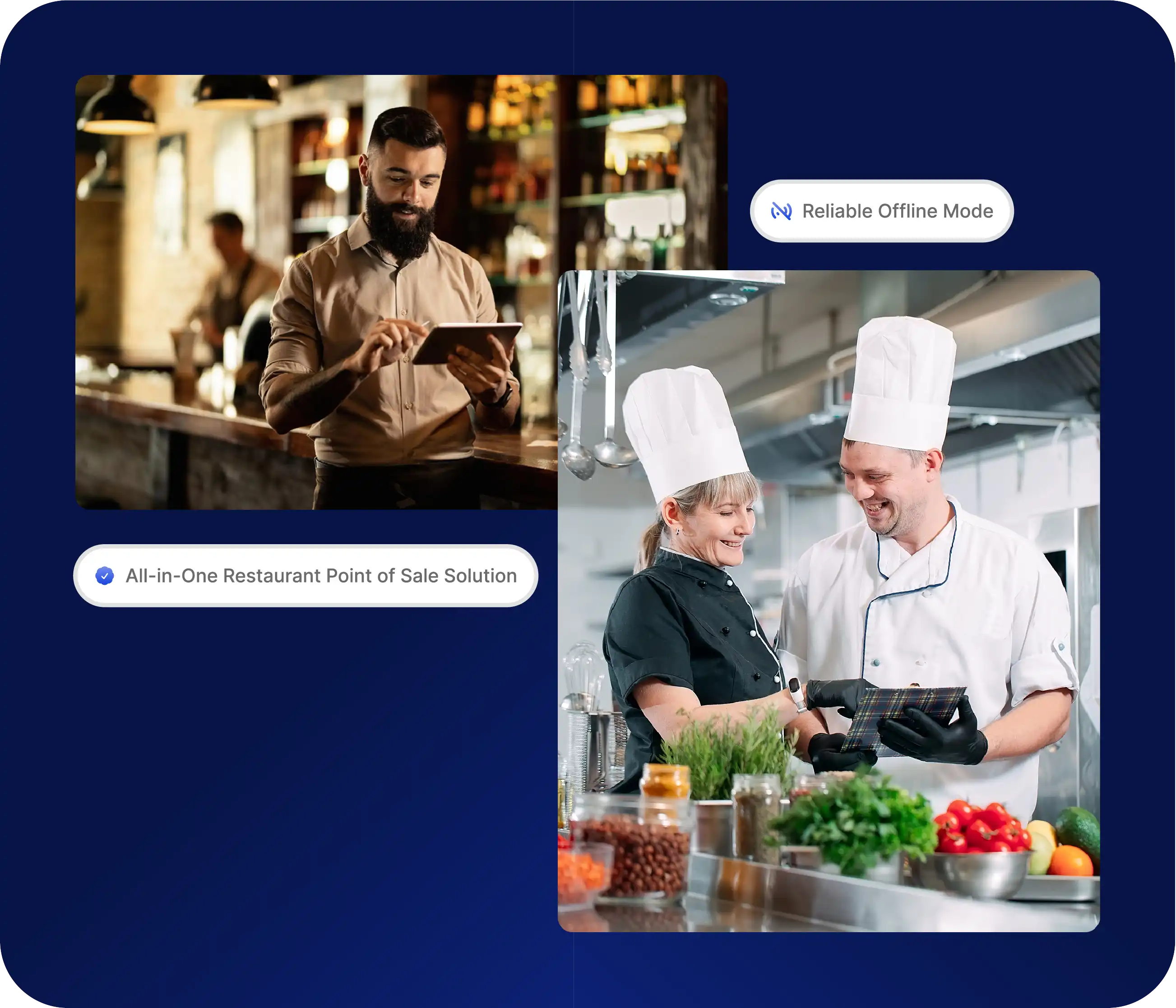
Tableview Restaurant POS is a fast, reliable, and scalable point-of-sale system designed for restaurants, cafés, bars, and hospitality groups. It connects front-of-house, back-of-house, and management in one unified platform, helping teams operate efficiently while giving owners full visibility into performance, costs, and growth.
Restaurant POS System That Works The Way You Do

One Restaurant POS System for Every Part of Your Restaurant

Tableview goes beyond traditional POS systems by combining order management, kitchen workflows, inventory tracking, payments, and reporting into a single solution.

Intuitive Order Management

Take dine-in, takeaway, or delivery orders with ease. Assign tables, split bills, move items between orders, and send to the kitchen.

Customizable Menu Layout

Build your POS to match your service style. Use categories, modifiers, combos, and images to speed up ordering and reduce mistakes.

Hardware Compatibility

Seamlessly connection all across. Tableview supports leading hardware including Epson and Star Micronics.

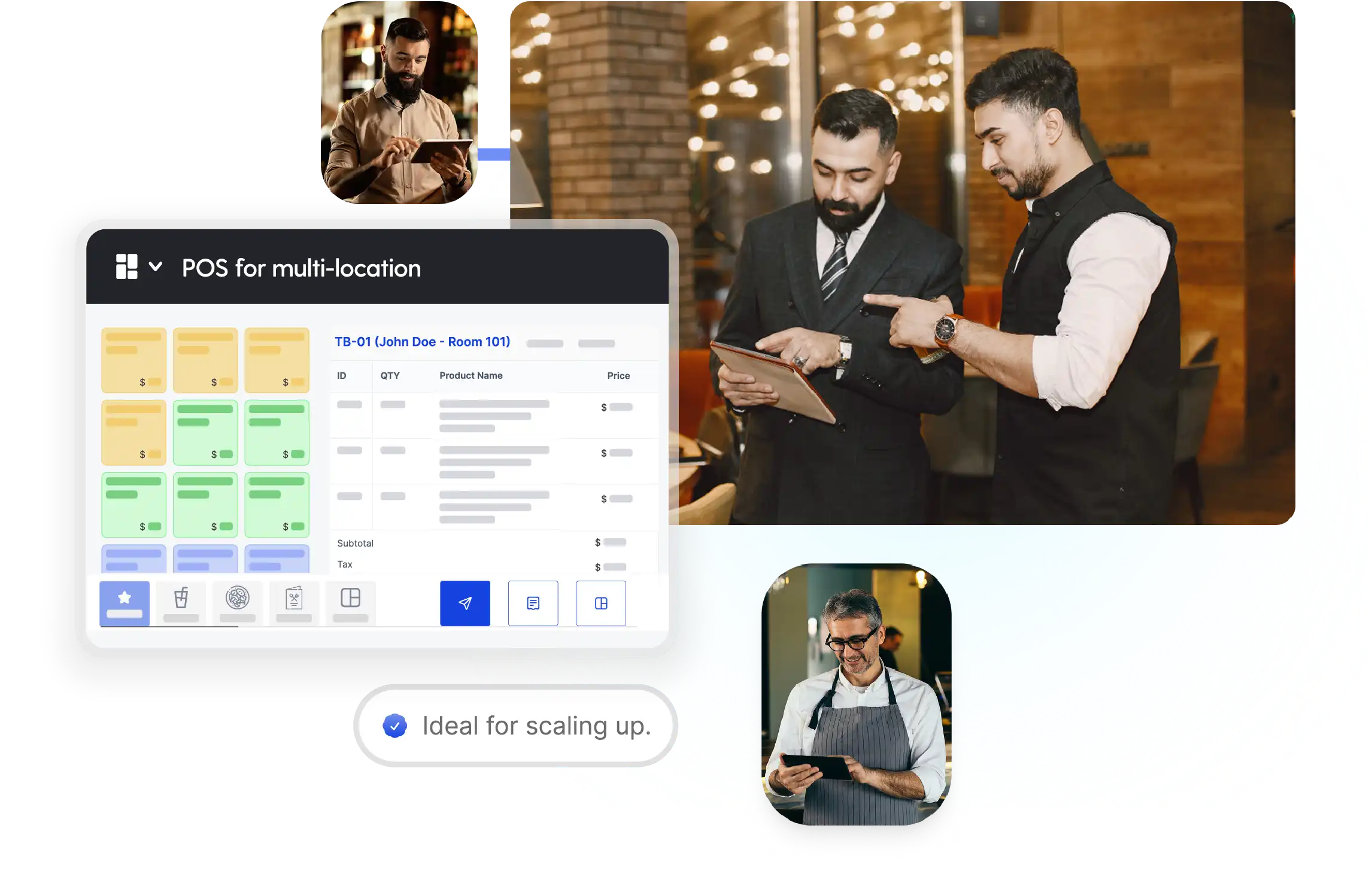
Scalable for Single or Multi-Location Operations

From independent restaurants to multi-location groups, Tableview provides a centralized POS platform that scales without added complexity.

Manage multiple outlets from one system, standardize operations, and gain real-time visibility across your entire network.

Get a Demo
Scalable for Single or Multi-Location Operations

See Tableview Restaurant POS in Action

Experience how Tableview simplifies restaurant operations from the first order to end-of-day reporting. A personalized demo shows how the system fits your menu structure, service flow, and business model, without pressure or commitment.

Get a Demo

Core Features of Tableview Restaurant POS System

Every feature in Tableview Restaurant POS is built to make daily operations faster, simpler, and more profitable. From the first order to end-of-day reporting, the system removes complexity so your team can focus on service and growth.

Offline Mode with Auto-Sync

Fast Order Entry & Table Management

Customizable Menu with Modifiers & Combos

Integrated Kitchen Printing & KDS

Real-Time Inventory Sync

Multi-User Access with Role-Based Permissions

Cross-Platform Compatibility (iPad, Android, Desktop)

Multi-Location & Multi-Outlet Support

Secure, Integrated Payments

Live Sales & Performance Reporting

Split Bills, Tips, and Partial Payments

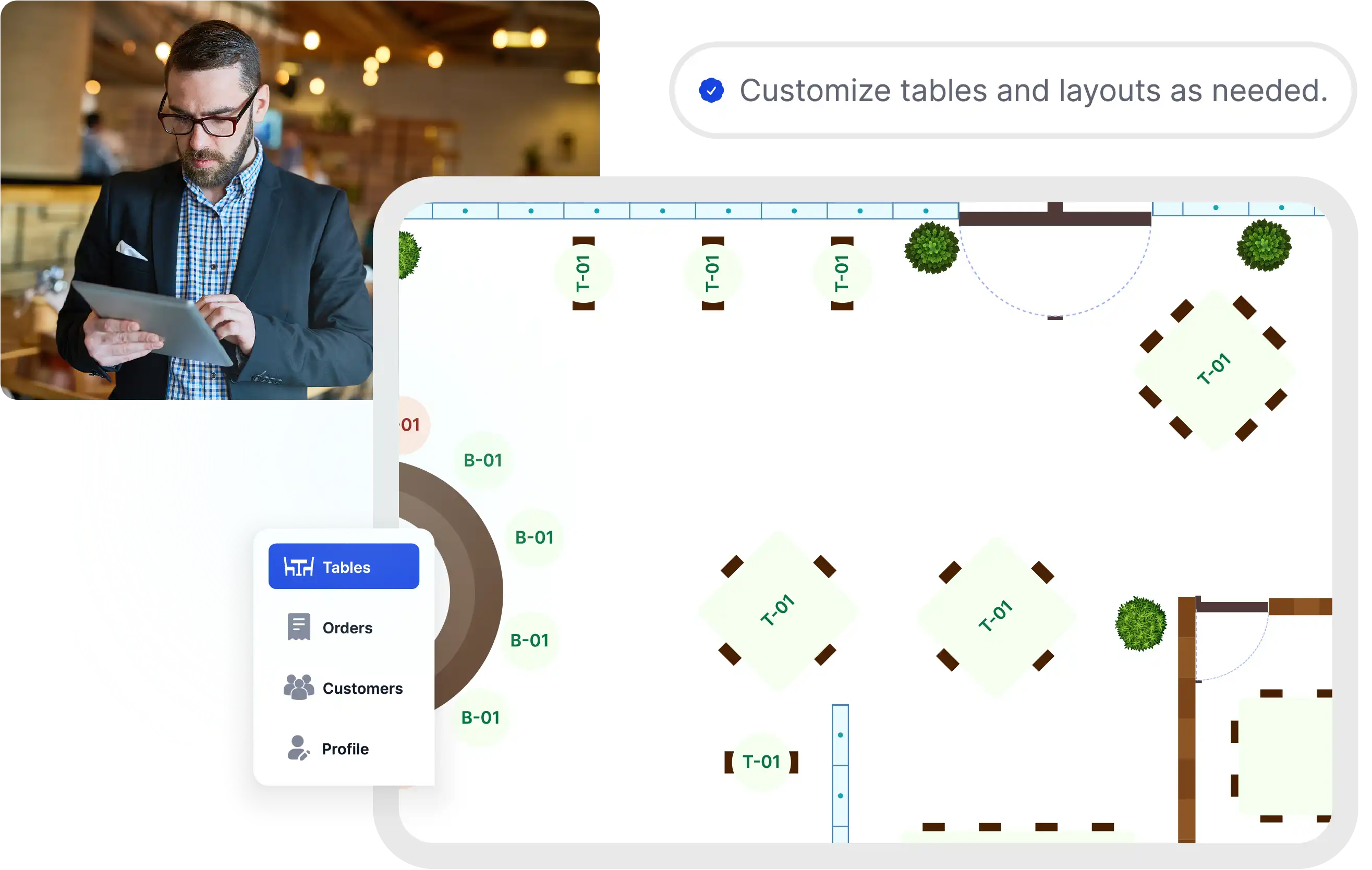
Customizable Floor Plans & Table Layouts

Mobile Order & Pay

Accounting & Finance

Advanced Stock Management

Procurement Software

Restaurant POS System FAQs

Restaurant POS System FAQs

Find answers to the most common questions about Tableview's restaurant point of sale software, including offline mode, hardware support, and multi-location features.

What types of restaurants is Tableview POS suitable for?
Tableview is designed for full-service restaurants, casual dining, cafés, bars, hotels, resorts, takeaway counters, and cloud kitchens.
Can Tableview handle complex menus and modifiers?
Yes. Tableview supports advanced combos, modifiers, choices, and pricing logic while keeping order entry fast and intuitive.
Does Tableview work offline?
Yes. You can continue taking orders and processing transactions even without an internet connection. Data syncs automatically once connectivity is restored.
How long does setup take?
Most restaurants can be set up within 1-2 days, depending on menu complexity and operational requirements. Our team assists with onboarding and configuration.
Does Tableview include reporting and analytics?
Yes. Tableview provides real-time sales, staff, item, and operational reports to support data-driven decision-making.
Get a Demo

Let’s Connect and Collaborate

Our sales, marketing and custom support stand ready 24/7 worldwide.

office@tableview.com