


Cafeteria Point of Sale System for School and Hospital Cafeterias
 Mika Takahashi
Last updated Mar 28, 2026
 Mika Takahashi
Institutional food service is one of the hardest segments in hospitality. You are feeding hundreds or thousands of people in a narrow window, often with strict budgets, complex dietary rules, and expectations that rival any restaurant. Whether you run a school cafeteria, a hospital cafeteria, or a corporate dining hall, your success depends on one thing above all else: keeping lines moving while serving accurate meals, managing inventory tightly, and giving every guest a payment process that feels fast and fair.
That is where a purpose-built cafeteria point of sale system becomes essential. A generic cash register or a retail POS shoehorned into a lunch line cannot deliver what modern cafeteria operations require. You need a cafeteria POS system designed for high-volume meal periods, menu changes, compliance, and the specific realities of school cafeteria POS and hospital cafeteria POS environments.
This guide explains what a cafeteria point of sale system should do, how it differs from restaurant POS software, and how the right POS solution helps you streamline operations, optimize inventory, reduce labor costs, and enhance customer satisfaction, all while capturing valuable customer data and producing the detailed reports your finance and operations teams need.
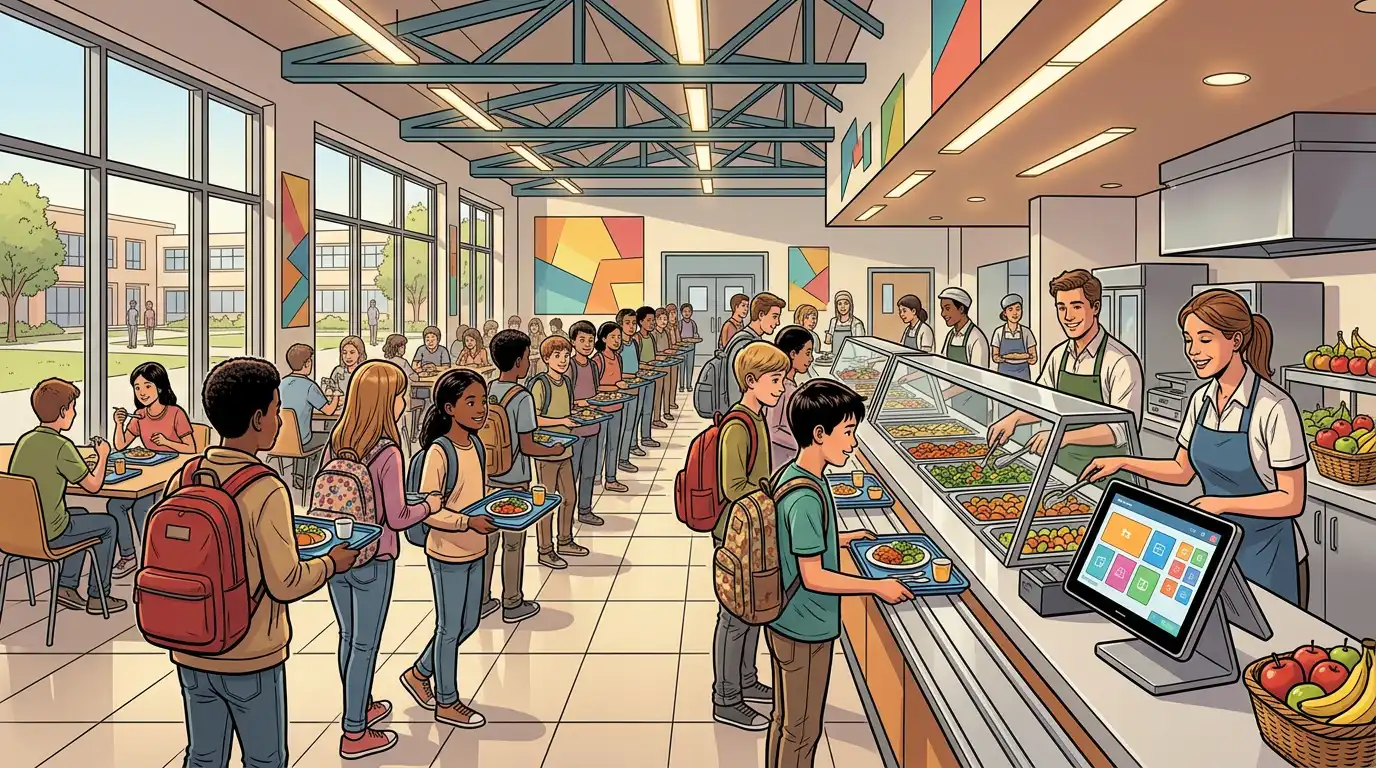
A cafeteria point of sale is the hardware and software combination used to ring up meals, apply discounts or subsidies, take mobile payments, and connect the front of the line to back-of-house systems like inventory and reporting. In a school cafeteria, that might mean processing student accounts, free and reduced-price meal programs, and parent-funded balances. In a hospital cafeteria, it might mean integrating with employee badges, visitor payments, and multiple tender types across shifts that never stop.
A cafeteria point of sale system is not just a faster cash register. It is the operational hub where sales reports, inventory management, employee management, and customer experience come together. When administrators ask how to manage inventory across multiple stations, how to update menus between breakfast and lunch, or how to shorten lunch lines without adding staff, the answer usually starts with upgrading from a basic sale system to an advanced POS system built for cafeterias.
School cafeteria operations and hospital cafeteria operations share DNA: peak rushes, repeat guests, strict rules, and zero tolerance for errors at the register. But they also have different priorities.
A school cafeteria POS system must support student identification, meal eligibility, account balances, and often integration with district systems. Lines moving quickly matters because students have only a few minutes to eat. The school cafeteria POS system should offer a user friendly interface so cashiers and cafeteria staff can train in minutes, not days.
Key needs include:
A hospital cafeteria POS system serves staff on rotating shifts, visitors under stress, and sometimes patients or family members who need simple, clear transactions. Payment types may include payroll deduction, cards, mobile payments, and cash handling at multiple points of sale.
Hospital cafeteria POS systems often require:
Both environments benefit when the cafeteria POS system shares one database across registers, so every terminal reflects the same menu, the same inventory counts, and the same reporting.
Not every POS system labeled “advanced” is right for cafeterias. The right POS system for cafeteria operations combines speed, clarity, and depth. Here is what to look for.
The single biggest complaint in any cafeteria is waiting. Lines that stall erode customer satisfaction and create downstream problems, students late to class, staff late to rounds, visitors frustrated on already difficult days.
An advanced POS system should support:
Tableview is built for high-touch hospitality environments where throughput and clarity matter. For cafeterias, that means a user friendly interface that keeps transactions short and errors rare, whether the guest uses a cashier line or a kiosk.
Cafeteria menus change constantly: rotating specials, seasonal items, allergen substitutions, and price adjustments from leadership. Your cafeteria POS system should let authorized managers update menus centrally and push changes to every station in real time.
When you can update menus without visiting each terminal, you reduce mistakes, shorten training, and keep cafeteria operations aligned across locations if you run more than one site.
Cafeterias straddle food service and retail. You may prepare hot lines, sell packaged snacks, and run coffee bars. That means you need inventory management that tracks ingredients and finished goods, highlights low stock, and supports counts that match how your kitchen actually works.
Real time inventory management means managers see what is selling during service, not only after closing. If the grill station is about to run out of a popular protein before the last wave, the right data helps you pivot fast, adjust the line, or direct staff to prep more next time.
Tableview supports inventory workflows that help operators manage inventory with less guesswork, so you can optimize inventory, reduce waste, and protect margins.
Labor is one of the largest costs in cafeteria operations. A cafeteria POS system with employee management tools helps you schedule against peak periods, track who is on which register, and review employee performance tied to transaction accuracy and speed where appropriate.
Managers need to see which stations fall behind, which cashiers need coaching, and whether self service kiosks reduce pressure on staffed lines. Detailed reports that connect labor to sales help leadership make decisions grounded in data, not anecdotes.
A sale system that only prints a daily total is not enough for institutional food service. You need sales reports that slice transactions by time of day, location, tender type, and menu category. You need financial reports that match what finance expects. You need detailed reports for audits, grant reporting, or district reimbursement.
The right POS solution turns raw transactions into insight: what sells, what does not, and where cash handling discrepancies appear so you can correct them early.
In corporate cafeterias, hospital retail, and some school environments, loyalty programs encourage repeat visits and larger checks. Even simple punch-style rewards or points for staff meals can deepen engagement.
More importantly, a modern cafeteria point of sale captures valuable customer data in ethical, policy-compliant ways: purchase frequency, popular items, and peak times. That data helps you design menus, staffing, and inventory orders that match real behavior.
Guests expect the payment process to match what they use everywhere else: contactless cards, wallets on phones, and fast PIN or tap flows. A cafeteria POS system that supports mobile payments reduces friction and speeds lines.
For environments that still rely on cash handling, your POS should make cash reconciliation straightforward, with clear cashier accountability and shift reports that reduce end-of-day surprises.
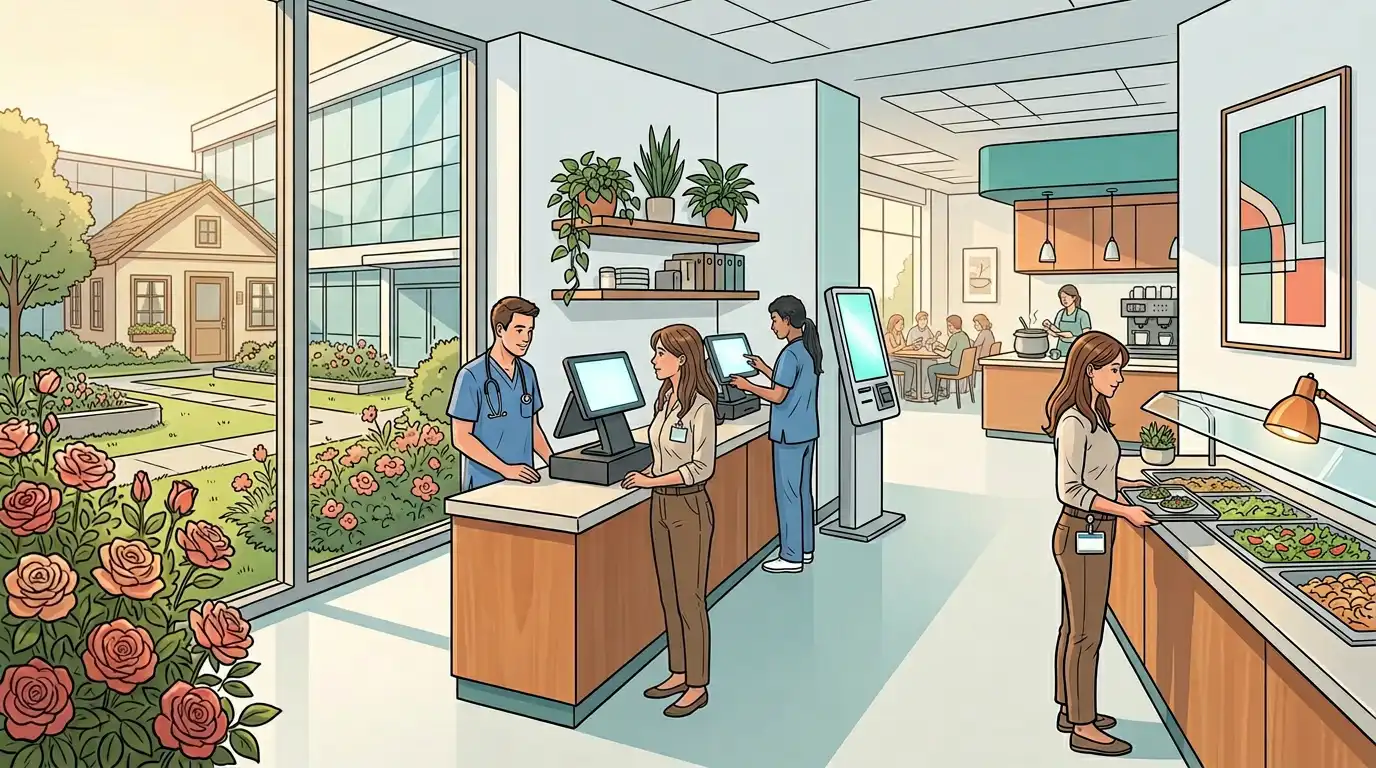
Cash handling in cafeterias involves volume, speed, and trust. Weak controls create shrinkage and disputes. A structured POS solution enforces consistent workflows: who can void a transaction, who can apply discounts, and how refunds are approved.
In school settings, compliance around meal programs is non-negotiable. In hospitals, finance teams expect clean reporting across cost centers. The cafeteria point of sale should make audits easier, not harder, with detailed reports and user permissions that match your governance model.
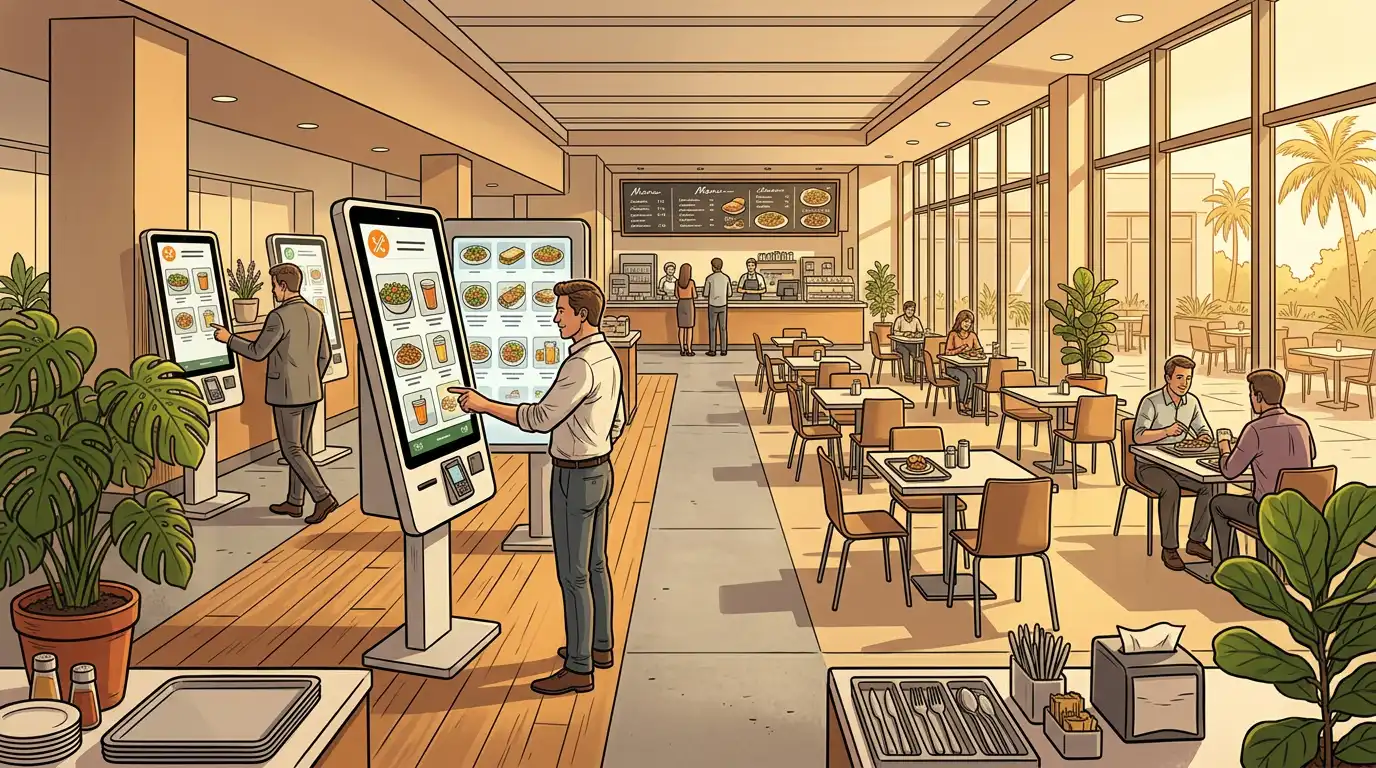
Self service kiosks are no longer optional in many high-volume cafeterias. They split demand, reduce perceived wait times, and let guests browse the menu at their own pace. For hospital cafeterias, kiosks can reduce stress for visitors who want privacy while ordering. For school cafeterias, kiosks can help older students move quickly while staff focus on younger grades or cash-only lines.
The best implementations pair kiosks with a strong POS backbone so pricing, menus, and inventory stay synchronized. Nothing frustrates guests more than a kiosk price that does not match the register.
Food waste is both a moral and financial problem in institutional dining. When you optimize inventory, you align purchasing with actual consumption, reduce overproduction, and keep fresher food on the line.
A cafeteria POS system contributes by showing what sells in real time, not only what you thought would sell. Patterns emerge quickly: Tuesday salads outperform Friday salads, breakfast sandwiches spike during exam weeks, visitor traffic surges on certain wards.
Those insights help culinary teams plan production schedules, adjust batch sizes, and refine menus. Over a year, the impact on cost and quality is substantial.
Tableview is designed for demanding hospitality environments where reliability, clarity, and integration matter. For cafeteria point of sale use cases, Tableview offers a modern POS platform with a user friendly interface that shortens training for cafeteria staff and speeds everyday transactions.
Key strengths relevant to cafeteria operations include:
If your organization already uses Prostay for rooms or enterprise hospitality, Tableview aligns as a sister platform built for food and beverage operations, with integration paths that keep property-wide systems coherent.
For school cafeteria POS system and hospital cafeteria POS system buyers, the evaluation should always include real-world throughput tests. Ask vendors to demo rush scenarios, menu changes, and reporting exports. Tableview is built to feel responsive under pressure, because in a cafeteria, pressure is every lunch period.
Even the best POS solution fails if cafeteria staff resist it. Successful rollouts invest in training that respects how busy teams are.
Best practices:
A user friendly interface reduces fear of mistakes. When cashiers trust the screen, lines move faster and customer satisfaction rises.
School cafeteria POS environments must follow privacy rules around student data. Hospital cafeteria POS environments must align with healthcare policies about employee information and payment records.
Your vendor should support role-based access, encrypted payment handling, and clear data retention practices. Valuable customer data should be used to improve service, not exposed through sloppy permissions.
After you deploy a cafeteria POS system, measure results with clear KPIs:
Detailed reports from your POS should make these metrics accessible weekly, not only at month-end close.
Retail POS systems optimize for SKUs and inventory aisles, not meal periods and subsidized programs. They may lack the workflows cafeterias need for fast menu changes and high-volume bursts.
If inventory only updates nightly, you run blind during service. Cafeteria operations need visibility while the line is live.
Kiosks are not only for airports. They are increasingly standard in hospital cafeterias and large school cafeterias where splitting traffic matters.
If finance cannot get financial reports in the format they need, you will rebuild spreadsheets forever. Choose a cafeteria POS system with exports and reporting that match your reality.
Labor schedules should connect to actual demand. A POS that helps you analyze rush patterns supports smarter scheduling and better employee performance over time.
Cafeteria leadership is under pressure from every direction: nutrition goals, cost control, guest expectations, and staff retention. The cafeteria point of sale sits at the intersection of all of it. It affects how fast lines move, how accurately you manage cafeteria inventory, how confidently you run cash handling, and how well you enhance customer satisfaction.
Choosing the right POS system is not an IT detail. It is a strategic decision that shapes daily life for thousands of guests and every member of your cafeteria staff.
A cafeteria point of sale system purpose-built for institutional food service helps you run school cafeteria POS and hospital cafeteria POS environments with less friction and more insight. From self service kiosks to real time inventory management, from mobile payments to detailed reports, the right platform turns cafeteria operations into a coordinated system instead of a daily scramble.
Tableview offers an advanced POS system approach with the user friendly interface teams need and the depth operators expect. If your goal is to streamline operations, optimize inventory, reduce labor costs, and deliver a payment process guests barely notice because it is so smooth, start by choosing a cafeteria POS system that matches the scale and complexity of your world.
Our sales, marketing and custom support stand ready 24/7 worldwide.