


Cloud Based POS System: How It Works
 Mika Takahashi
Last updated Feb 3, 2026
 Mika Takahashi
A cloud based POS system is web-based software that handles transactions, runs the business, and keeps all data on remote servers instead of local hardware. This means that it can be used on any device that is connected to the internet. If you own a retail store, restaurant, or hotel and want to keep up with the times when it comes to payment options, you need to know how this technology works.
This article explains what a cloud-based POS system is and how it works. It also lists the most important features to look for and the criteria to use when choosing the best POS system for your needs. This content talks about the practical issues you need to think about when you modernize your point of sale system, whether you own a small boutique, a restaurant chain with multiple locations, or a hotel firm.
A cloud based POS system sends transaction data over the internet to remote servers, where it is processed, stored, and synchronized in real time across all connected devices. This means that you don't need to buy expensive on-site servers, and you can use the system from anywhere.
By the end of this cloud pos system guide, you will:
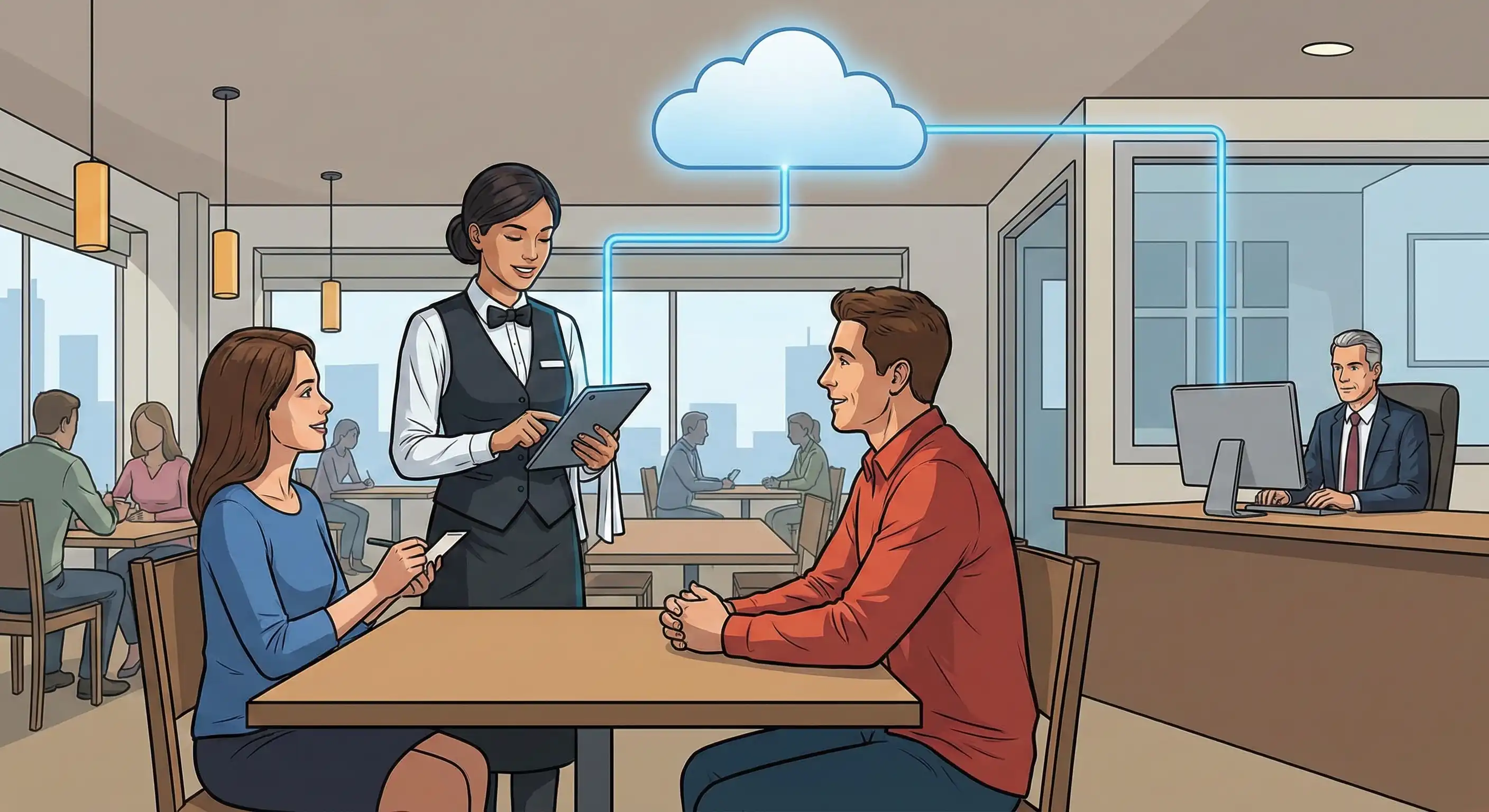
A cloud based POS system uses hardware like tablets and card readers and cloud-based software that runs on the internet to handle everything from processing payments to keeping track of stock. Cloud POS stores and processes data on remote servers that are managed by cloud service providers, unlike traditional systems that save data on local servers.
For businesses today that want to be flexible, the relevance is clear: you can access data, keep track of sales, and run several locations from anywhere without being tied to a single physical terminal.
When you scan things, apply discounts, or process payments at your terminal, the data is sent right away over your internet connection to faraway servers. These servers do the math: they add up totals, make reports, keep track of inventory counts, and make sure that all connected devices have the same information.
Changes made in one place show up right away in other places because of this real-time synchronization. If someone buys the last item in your downtown store, your warehouse inventory will show that change right away. The architecture works like cloud storage services such as Google Photos. You can upload from one device and access it from any device with the right login information.
Frontend hardware is the equipment that your employees and customers use directly. This includes POS terminals that can be tablets, smartphones, or dedicated stationary units; barcode scanners that quickly identify products; receipt printers; cash drawers for cash; and card readers that accept credit, debit, contactless, and mobile wallet payments.
Backend software includes the essential operations that run on cloud infrastructure that can be scaled up. This includes payment processing connectors, cloud based POS system for processing sales, inventory management features with stock tracking and reorder alerts, customer management tools for keeping track of purchase histories, and reporting modules for analyzing sales data. Cloud service providers take care of secure data storage, automatic backups, and software updates, which means you don't have to worry about your own IT needs as much.
Knowing this technical background will help you compare cloud-based POS solutions to the older POS systems that many organizations still use.
Moving from traditional point-of-sale (POS) systems to cloud based POS systems is a big change in how businesses handle payments, store data, and run their operations. Understanding these differences might help you choose the best solution for your business.
All company data is stored and processed on local servers via legacy POS systems. Your information is stored at your location and can only be accessed from terminals that are connected to that server. This type of architecture worked well for organizations before broadband, but it doesn't work as well for today's needs.
Cloud based POS systems get rid of these limits. Your sales data, customer data, and inventory information are all stored on remote servers that can be reached from any internet connection. Business owners can keep an eye on performance from home, regional managers can manage several locations from a single dashboard, and personnel at different locations can work with the same, up-to-date information.
Traditional point-of-sale systems usually need a lot of money up front to buy servers, set up the hardware, and pay for professional installation. Before you even conduct a transaction, the cost of installing a single old terminal can go above $1,000.
The way cloud pos systems charge for their services is different. Most cloud-based point-of-sale software charges a monthly fee for each terminal, which is usually between $50 and $200. This means you don't have to spend a lot of money up front. Cloud service providers take care of things like keeping servers up to date, making them more secure, and growing the infrastructure. You don't have to pay for server maintenance, manual backup systems, or IT assistance for your local infrastructure on a regular basis.
When your firm grows, legacy systems need you to buy more server space and set up new hardware at each site. Scaling becomes a project that needs a lot of money and IT knowledge.
Your subscription lets you add more cloud-based POS systems. Setting up tablets, connecting to your existing cloud system, and getting to your consolidated data right away are all things that happen when you add a new location. Businesses with several locations benefit the most. You can manage inventory across stores, evaluate performance between sites, and keep customer loyalty programs the same across all locations from one interface.
| Factor | Cloud Based POS | Legacy POS Systems |
|---|---|---|
| Data Storage | Remote servers via internet | On-premises local servers |
| Access | Any internet connected device | Physical location only |
| Upfront Cost | Low (subscription-based) | High (hardware investment) |
| Updates | Automatic, provider-managed | Manual, IT-dependent |
| Scalability | Add locations instantly | Requires new hardware per site |
| Maintenance | Included in subscription | Ongoing IT costs |
| Internet Dependency | Required (hybrid options exist) | Not required |
This comparison shows why more than 65% of small businesses now utilize cloud based POS. However, knowing what features you need will help you choose the best implementation for your needs.
When you look at a cloud POS system, you need to be sure that its features fit with how your organization works. The things that help a retail store develop are different from the things that help a hospitality business flourish.
| Category | Essential Features |
|---|---|
| Inventory Management | Real-time stock tracking, low-stock alerts, manage inventory across locations, stockout prevention, supplier management |
| Reporting & Analytics | Sales data trends, customer behavior insights, employee performance, custom report builders, export to accounting software |
| Customer Management | Purchase history storage, customer loyalty programs, personalized marketing triggers, customer relationships tracking |
| Employee Tools | Time tracking, permission levels, sales attribution, performance metrics |
Your cloud system is more useful when it can connect to other systems. Look for built-in links to e-commerce sites that let you do both online and in-store sales, accounting software that does your bookkeeping automatically, and business tools that are specialized to your field. These integrations cut down on mistakes and save you hours of manual data entry in your back-of-house operations.
Retail capabilities include barcode scanning to speed up checkout, inventory management with variant monitoring (size, color, style), customer loyalty programs based on purchase history, and reporting to help you make buying decisions by watching sales patterns.
Restaurants and hotels need table management, the ability to change the menu with modifiers, kitchen display integration, tip management, and for hotels, the ability to bill for rooms. Most of the time, a hospitality firm needs to be more closely connected to property management systems.
Service company features include arranging appointments, keeping customer profiles with service history, and offering recurring billing options. These features let you serve clients quickly and create long-term connections with them.
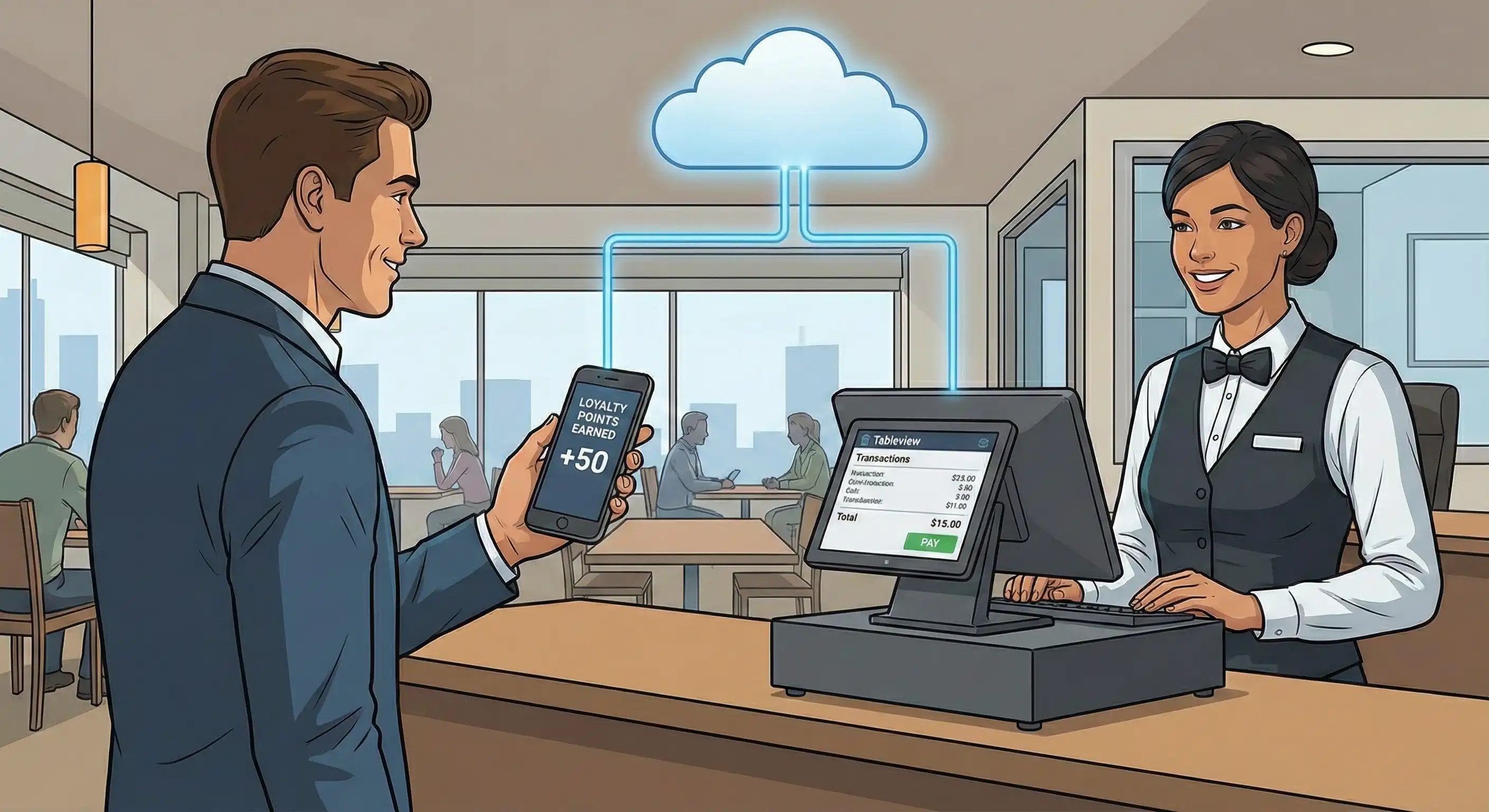
There are good reasons to be worried about using cloud based POS software. Taking care of these things ahead of time makes sure a successful deployment.
A cloud POS system needs the internet to sync with servers that are far away, which makes it less secure when the internet goes down. But there are already good ways to solve this problem.
Solution: Pick systems with a strong offline mode that keeps working even when the connection drops. When the connection comes back, the system automatically syncs all of the cached transactions. For example, Tableview has this hybrid feature that lets you keep serving customers even when the internet is down.
There are real security concerns with storing business and customer data on cloud service providers, especially when payment processing must follow PCI compliance rules.
Check to see if your supplier is still PCI DSS compliant, encrypts data as it is sent and stored, and employs multi-layer protocols to make security even better. Most small firms can't afford to add as many security features to their old systems as cloud-based platforms do.
If employees have trouble using new technology, it can mess up operations, especially when moving from older systems.
The answer is to make the interface easy to use and not too hard to understand. Modern cloud POS systems feature designs that are easy to understand and generally based on tablets, which are common in consumer electronics. Comprehensive support tools, such as on-demand training and quick customer assistance, speed up adoption.
If you don't prepare ahead, it can be hard to connect your new cloud POS system to your current business software, such accounting, inventory, and e-commerce.
Solution: Put solutions that can easily connect to your current tools at the top of your list. Native interfaces with well-known accounting software, e-commerce platforms, and apps built for certain industries make it easier to set up and keep up with.
These ideas suggest a simple way to choose.
Cloud based point of sale systems are more flexible, cost-effective, and scalable than traditional point-of-sale systems. Your firm is set up for long-term growth because you can access data from anywhere, manage many locations from a single dashboard, and grow without having to buy new gear.
Immediate actionable steps:
For hospitality businesses specifically: Think about the Tableview cloud POS system, which gives you all the benefits of cloud-based software and works well offline, syncing automatically when the connection is restored. Tableview works well with property management systems, which makes it a great choice for hotels and other venues that need to manage guest experiences in a single place.
Some related subjects that are worth looking into are strategies for integrating property management systems, mobile POS deployment for more flexible service, and ways to optimize hospitality technology that will help your business expand over the long term.
Frequently Asked Questions
How secure is a cloud based POS system? Reputable providers implement data encryption, PCI DSS compliance, and security features that typically exceed what small businesses can maintain on local servers. Always verify specific security certifications before selecting a provider.
What happens when internet connection drops? Quality cloud pos systems include offline mode that continues full operation locally, then automatically synchronizes when connectivity returns. This hybrid approach eliminates the primary concern about cloud dependency.
How do cloud POS costs compare over time? While monthly fees continue indefinitely, you avoid large upfront hardware costs, maintenance expenses, and IT support costs associated with legacy systems. Most businesses find cloud pos cost more predictable and often lower over a 3-5 year period.
How long does implementation take? Basic deployment can occur within days—hardware arrives, you connect to cloud service providers, configure your settings, and begin processing. Complex multi location businesses with extensive integrations may require several weeks for full deployment.
Cloud POS Evaluation Checklist
Our sales, marketing and custom support stand ready 24/7 worldwide.