


Hospitality Point of Sale Systems: Guide to Hotel Restaurant POS
 Mika Takahashi
Last updated Mar 20, 2026
 Mika Takahashi
The modern hospitality industry runs on speed, accuracy, and seamless coordination between dozens of moving parts. Guests expect to order from their phone, pay at the table, split a bill six ways, charge a cocktail to their room, and receive a perfectly timed meal, all without a single hiccup. Behind every one of those frictionless moments sits a critical piece of technology: the point of sale system.
Hospitality point of sale systems have evolved far beyond the clunky cash registers and basic card terminals of decades past. Today's platforms are intelligent, cloud-based ecosystems that connect front of house to back of house, dining room to kitchen, hotel lobby to rooftop bar, and property management to revenue reporting, all in real time. Choosing the right one is no longer a minor operational decision. It is a strategic choice that shapes guest experience, staff productivity, cost control, and ultimately, profitability.
This guide covers everything hospitality operators need to know: what a modern hospitality POS does, the features that matter most, how to evaluate different POS systems, and why full integration between your restaurant POS system and your property management software is the single most important factor in making the right choice.
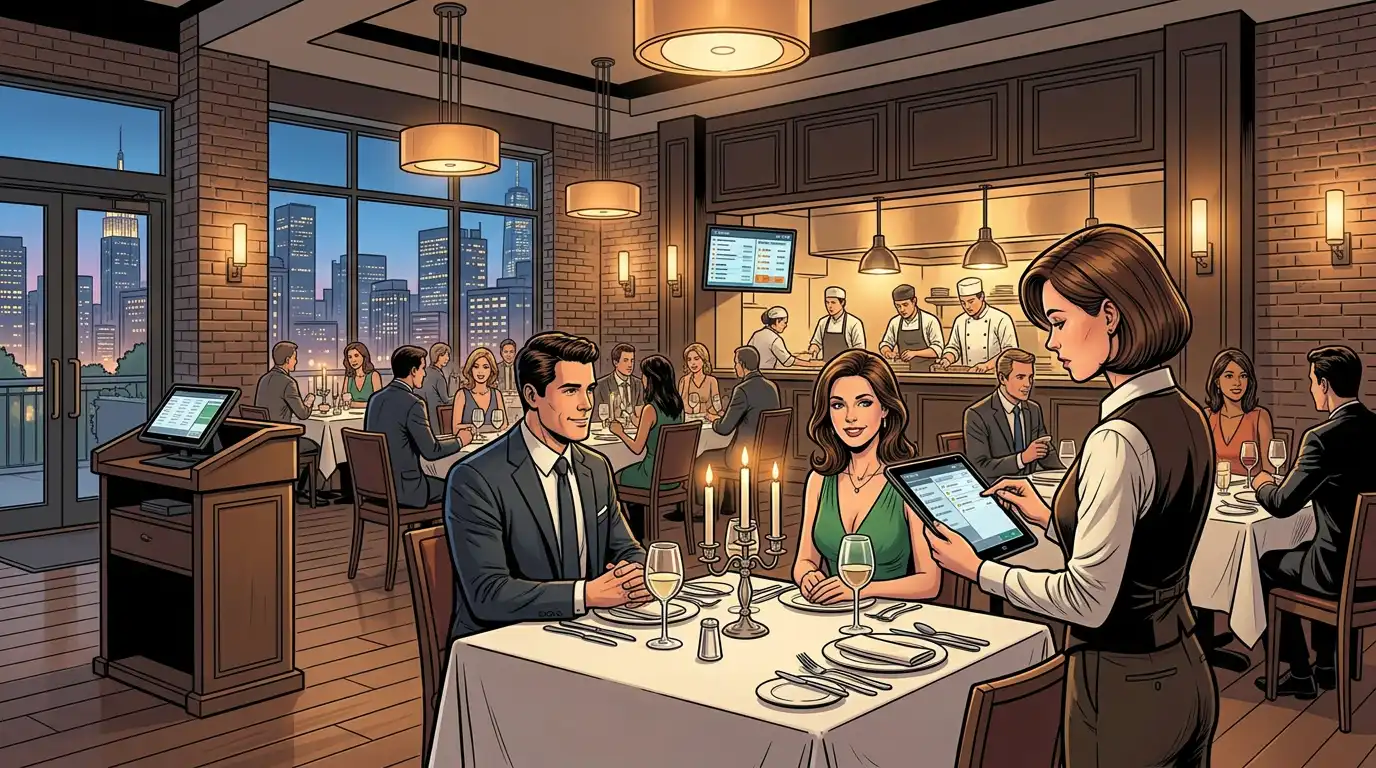
At its simplest, a point of sale is where a transaction happens, where a guest pays for a meal, a drink, a spa treatment, or a room service delivery. But in today's hospitality industry, the POS has become something far more powerful: it is the operational nerve centre of the entire food-and-beverage operation.
A modern hospitality POS handles:
For hospitality businesses operating restaurants, bars, cafés, room service, banqueting, and grab-and-go outlets, often under a single roof, the mobile POS system is the thread that ties every revenue-generating activity together.
The stakes for getting your POS choice right have never been higher. Here is why:
Today's guests have been trained by the best consumer technology in the world. They expect the same speed and convenience they get from food delivery apps and e-commerce checkouts. A slow, error prone, or inflexible POS system is not just an operational nuisance, it is a direct threat to guest satisfaction. Long waits to pay, incorrect orders, inability to split bills, or a server who has to "go check with the kitchen" all erode the experience.
Hospitality businesses everywhere are competing for staff. A well designed POS software platform reduces the cognitive burden on servers, speeds up training, and automates repetitive tasks. When your system is intuitive, new hires become productive faster, experienced staff make fewer errors, and everyone spends less time fighting technology and more time looking after guests.
In food and beverage, the difference between profit and loss often comes down to a few percentage points. Inventory management, portion control, waste tracking, and accurate costing all depend on data that flows from the POS. Without reliable, real-time information, operators are flying blind, and in an industry with margins this tight, blind flying leads to crashes.
Hotels, resorts, and mixed-use hospitality venues increasingly operate multiple food-and-beverage outlets: a fine dining restaurant, a casual all day café, a pool bar, a lobby lounge, room service, banqueting, and perhaps a grab-and-go market. Each has different menus, pricing, service styles, and operational rhythms. Managing all of them through disconnected systems creates data silos, reconciliation headaches, and an inability to see the full picture. A unified hospitality POS eliminates these problems.
Not all POS platforms are created equal. When evaluating different POS systems for a hospitality operation, these are the features that separate adequate from exceptional:
Modern POS systems run in the cloud, which means updates happen automatically, data is accessible from anywhere, and there is no need for expensive on-site servers. Cloud architecture also enables multi-property management, an operator with three boutique hotels or a restaurant group with five locations can view consolidated reports, push menu changes, and monitor performance from a single dashboard.
A cloud-based system also provides resilience. If an internet connection drops momentarily, a well-designed cloud POS continues to operate in offline mode, syncing transactions once connectivity returns. This is critical in hospitality, where downtime during a busy service is simply not acceptable.
The order entry interface is where your staff spend most of their time, so it needs to be fast, logical, and forgiving. The best POS software uses visual floor plan layouts that mirror the actual restaurant, allowing servers to tap a table, enter an order, add modifiers (no onion, extra sauce, allergy flags), fire courses in sequence, and move on, all in seconds.
Table-side ordering using handheld tablets takes this further. Instead of memorising orders and walking back to a fixed terminal, servers enter items at the table in real time. Orders reach the kitchen faster, errors drop, and the server can spend more time engaging with guests rather than shuttling between tables and terminals.
Paper ticket printers have served kitchens for decades, but a kitchen display system (KDS) is a transformational upgrade. Orders appear on screen in real time, colour-coded by course, age, and priority. Chefs bump completed items with a tap, expeditors track every ticket's progress, and the entire kitchen operates with greater clarity and less shouting.
A KDS also captures preparation-time data, allowing managers to identify bottlenecks, measure kitchen efficiency, and set benchmarks. When integrated with your POS system, the KDS becomes a closed loop: order placed, order displayed, order completed, order served, every step timed and tracked.
Effective inventory management is where a POS stops being a cash register and starts being a business management platform. Every sale recorded in the system should automatically adjust stock levels, giving operators a real-time view of what is available and what is running low.
The best systems go further: they track ingredient-level inventory (not just finished items), calculate theoretical versus actual usage to identify waste or theft, generate purchase orders when stock hits reorder thresholds, and produce cost of goods sold reports that tell you exactly how much every menu item costs to produce. For any hospitality operation that wants to manage inventory seriously, this functionality is non-negotiable.
Menus in hospitality are living documents. Prices change, specials rotate, seasonal ingredients come and go, and different outlets within the same property may share some items but not others. A strong menu management module lets operators create, modify, and deploy menus across multiple outlets from a central interface, adjusting pricing, availability, descriptions, modifiers, and allergen information without needing to touch every terminal individually.
For hotels operating several restaurants, a pool bar, and room service, centralised menu management ensures consistency while allowing outlet specific customisation. The lobby café can offer a breakfast menu that differs from the fine-dining restaurant's, while both draw from the same ingredient database for accurate costing and inventory management.
Guests want to pay how they want to pay. A modern hospitality POS must handle credit and debit cards, contactless payments, mobile wallets (Apple Pay, Google Pay), QR code payments, gift cards, loyalty points, and, critically for hotels, room charges. The system must also handle split bills (by item, by guest, by percentage), gratuities, service charges, and multi-currency transactions where applicable.
Payment terminals should be fast, reliable, and PCI-compliant. Integrated payment processing, where the terminal communicates directly with the POS rather than requiring manual amount entry, eliminates keying errors and speeds up the checkout process. For table side ordering setups, portable payment terminals allow guests to pay at the table, reducing the awkward "take the card away" moment and increasing table turnover.
In markets where tipping is customary, tip management is a surprisingly complex operational challenge. The best POS system handles tip entry at the terminal or on the receipt, pools or distributes tips according to configurable rules, tracks tips by server for payroll purposes, and provides transparent reporting that keeps staff confident they are receiving what they are owed. Automated tip management removes the end of shift headache of manual calculations and reduces disputes.
Self-service kiosks have moved beyond fast food restaurants and into hotels, casual dining, food halls, and grab-and-go outlets. A self-service kiosk lets guests browse the menu, customise their order, and pay without staff interaction, reducing queue times, increasing average order value (kiosks consistently upsell better than humans), and freeing staff to focus on preparation and hospitality rather than order taking.
For hotel lobbies, pool areas, and casual outlets where staffing is lean, kiosks connected to your POS system provide a seamless ordering channel that feeds directly into the same kitchen workflow and inventory system as every other order source.
Whether it is a hotel guest ordering room service from their phone, a local customer placing a takeaway order through the restaurant's website, or a delivery partner sending orders through a third-party platform, online ordering is now a standard revenue channel. Your POS must accept orders from all these sources, route them to the kitchen alongside dine in orders, and manage timing so that collection and delivery orders do not disrupt in-house service.
The best systems offer a branded online ordering portal that integrates natively with the POS, no middleware, no manual re-entry, no reconciliation headaches. Orders flow straight in, appear on the KDS, and update inventory in real time.
Labour is the largest controllable cost in hospitality. While dedicated staff scheduling software exists, having scheduling, time-clock, and labour-cost tracking built into or tightly integrated with your POS means you can overlay labour data with sales data. This allows you to answer critical questions: Are you overstaffed on Tuesday lunches? Understaffed on Friday nights? What is your labour cost as a percentage of revenue by daypart?
Some modern POS systems include built-in shift scheduling, clock-in/clock-out via the terminal, break tracking, and overtime alerts, giving managers the tools to optimise rosters based on actual demand patterns rather than guesswork.
Data without insight is just noise. The reporting suite of a hospitality POS should deliver actionable intelligence: top selling items, slowest movers, revenue by outlet, average spend per cover, peak trading hours, void and discount analysis, server performance comparisons, and trend lines over time.
The best platforms present this data in clean, visual dashboards accessible from any device, so a general manager can check yesterday's performance from their phone over morning coffee, and an owner can review monthly trends from a laptop at home. Exportable data for accountants and integration with accounting software (Prostay Accounting, QuickBooks, MYOB) streamlines month end and reduces manual data entry.
Every transaction is an opportunity to learn something about your guests. Modern POS systems can capture guest data, visit frequency, spending habits, favourite items, dietary preferences, celebration dates, and build guest profiles that enable personalised service. When a returning guest sits down and the server can see that they always order the pinot noir and are allergic to shellfish, the experience shifts from transactional to personal.
For hotels, this data becomes even more powerful when it flows between the POS and the property management system, creating a unified guest profile that spans accommodation, dining, spa, and activities.
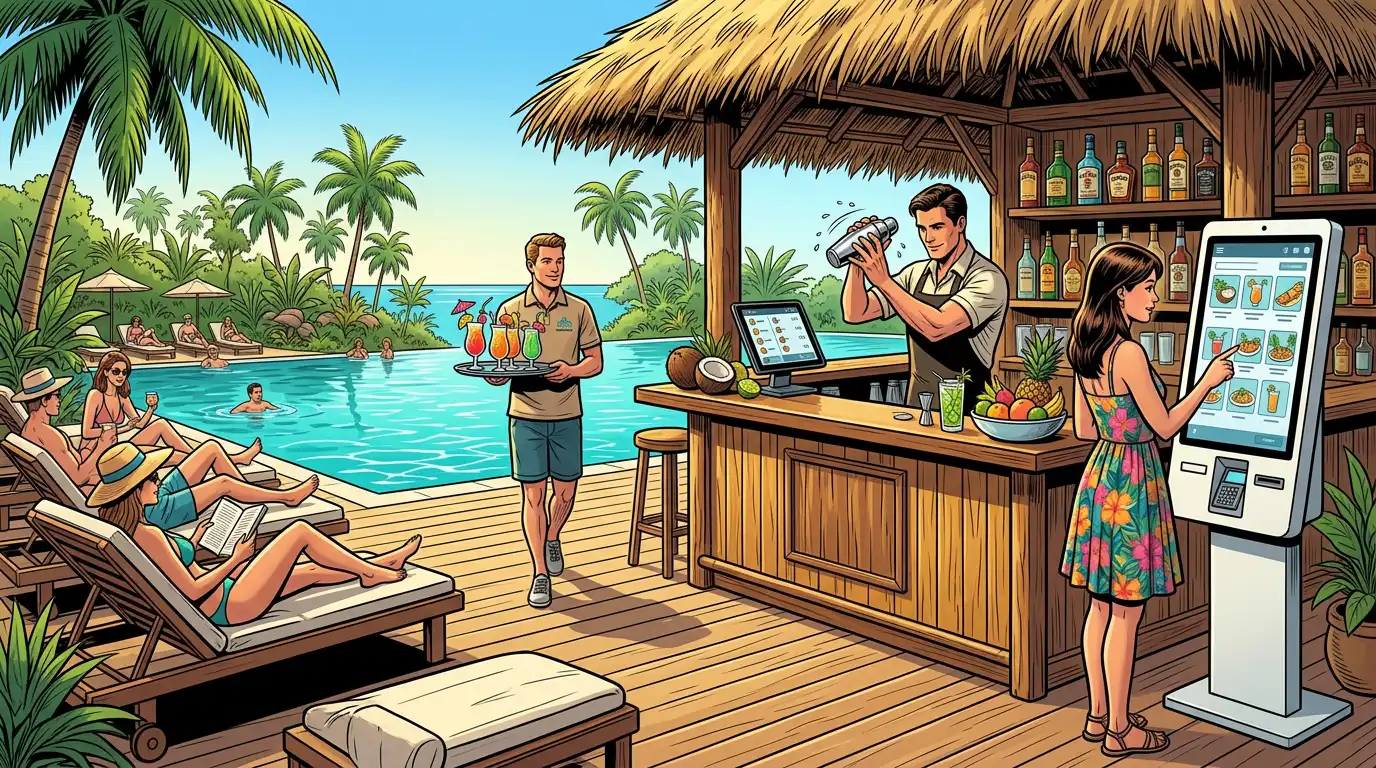
For any hotel, from a 15-room small hotel to a 300-room resort, the relationship between the hotel POS and the hotel PMS (property management system) is the single most important technology integration in the building.
When the POS and PMS do not talk to each other, the consequences ripple across every department:
When your hotel POS and hotel PMS are fully integrated, ideally from the same technology ecosystem, everything changes:
This is precisely why Tableview was built as the ideal hospitality point of sale for hotel environments. As the sister company of Prostay, a purpose-built hotel PMS, Tableview offers a level of integration that third-party POS to PMS connections simply cannot match.
Because Tableview and Prostay share the same technology DNA, the integration is not a bolt-on or an API afterthought. It is native. Room charges post in real time with zero manual intervention. Guest profiles are unified across both platforms. Revenue data flows seamlessly into consolidated reports. Menu items, outlet performance, and F&B analytics sit alongside accommodation revenue, occupancy data, and channel performance in a single operational view.
For hoteliers who have experienced the frustration of trying to make two separate vendors' systems talk to each other, the middleware, the sync delays, the finger-pointing when something breaks, the Tableview - Prostay integration is a revelation. It simply works, because it was designed to work from the beginning.
Hospitality businesses come in many shapes, and the POS requirements vary accordingly. Here is how to think about the right fit for different formats:
Full-service restaurants need robust table management, floor plan visualisation, coursing controls, modifier handling, table side ordering capability, split-bill flexibility, and strong kitchen display system integration. The POS must handle complexity gracefully, a 12-top with multiple courses, dietary restrictions, a birthday dessert timed to arrive after the main, and a bill split four ways is a routine Tuesday night.
Tableview excels here, with an intuitive visual floor plan, drag and drop table management, full coursing controls, and seamless KDS integration that keeps the kitchen in sync with the dining room. Modifier trees handle even the most complex customisation requests without slowing down service.
Hotel restaurants present a unique challenge: multiple outlets with different menus, pricing, and service styles, all needing to share inventory data, accept room charges, and report into a unified revenue structure. A restaurant POS system designed for standalone restaurants often struggles in this environment because it was never built to handle multi-outlet complexity or PMS integration.
Tableview was designed for exactly this scenario. Multiple outlets, fine dining, casual café, pool bar, room service, banqueting, all operate within a single platform, with centralised menu management, shared inventory, consolidated reporting, and native integration with Prostay for seamless room charging and guest profile unification. Each outlet maintains its own identity and menu while benefiting from shared infrastructure.
Operators of boutique hotels and small hotels often feel caught between enterprise systems that are too complex and too expensive, and basic POS solutions that lack the hotel-specific features they need. Room charging, in particular, is frequently the breaking point, small hotel operators need it, but lightweight POS systems rarely offer it.
Tableview bridges this gap. It provides the full feature set of an enterprise hotel POS, room charging, KDS, inventory management, multi-outlet support, guest profiles, in a platform that is intuitive enough for a small team to operate without a dedicated IT department. Paired with Prostay, even a 20-room boutique property gets the same integrated technology stack that large hotels rely on.
Fast food restaurants and fast-casual outlets prioritise speed above all else. The POS must process orders rapidly, support self-service kiosks, handle high-volume online ordering, and integrate with kitchen display screens that keep preparation lines moving. Payment terminals must be fast, tap and go in under two seconds, and the interface must be simple enough that a new team member can be trained in a single shift.
Tableview's quick service mode strips the interface to its essentials: big buttons, fast item entry, integrated payment, and instant KDS routing. Paired with self service kiosk support and native online ordering, it handles the speed demands of high-volume operations without sacrificing the reporting and inventory depth that operators need behind the scenes.
Bars require fast tab management, pre-authorisation on cards, tip management, speed screens for high-volume drink entry, and the ability to handle dozens of open tabs simultaneously without confusion. Pour-cost tracking and inventory management at the ingredient level (how many shots per bottle, how many bottles per keg) are essential for controlling the notoriously high shrinkage rates in beverage operations.
Tableview's bar mode provides rapid tab handling, one tap drink entry, integrated pre-auth, automatic tip management, and detailed pour cost reporting that helps bar managers keep beverage costs within target.
POS hardware requirements vary by operation, but the core components for most hospitality setups include:
The main order-entry devices. Fixed terminals suit host stands, bar stations, and service stations where a permanent, mounted screen makes sense. Tablets, typically iPads or purpose-built Android devices, provide mobility for table side ordering and flexibility for pop-up stations during events.
Tableview runs on industry standard hardware, giving operators the freedom to choose devices that suit their environment and budget rather than being locked into proprietary equipment from a single vendor.
Replacing paper ticket printers, KDS screens display orders in real time, track preparation times, and improve communication between restaurant front and back of house. Mount them at each kitchen station (grill, sauté, pastry, bar) and at the expediting pass for full visibility.
Integrated payment terminals that communicate directly with the POS eliminate manual entry errors and speed up transactions. Look for terminals that support contactless, chip-and-PIN, and mobile wallet payments. For table side ordering workflows, portable wireless terminals are essential.
While many operations are moving toward digital receipts (emailed or texted to the guest), a receipt printer remains necessary for certain scenarios: kitchen backup printing, bar tabs, and jurisdictions where a physical receipt is legally required. Compact thermal printers connected via network or Bluetooth are the standard.
For properties deploying self-service kiosks, the hardware typically consists of a large touchscreen display, an integrated card reader, and optionally a receipt printer, all housed in a freestanding or wall-mounted unit. Tableview's kiosk mode drives these units with the same menu data, pricing, and inventory connection as every other order channel.
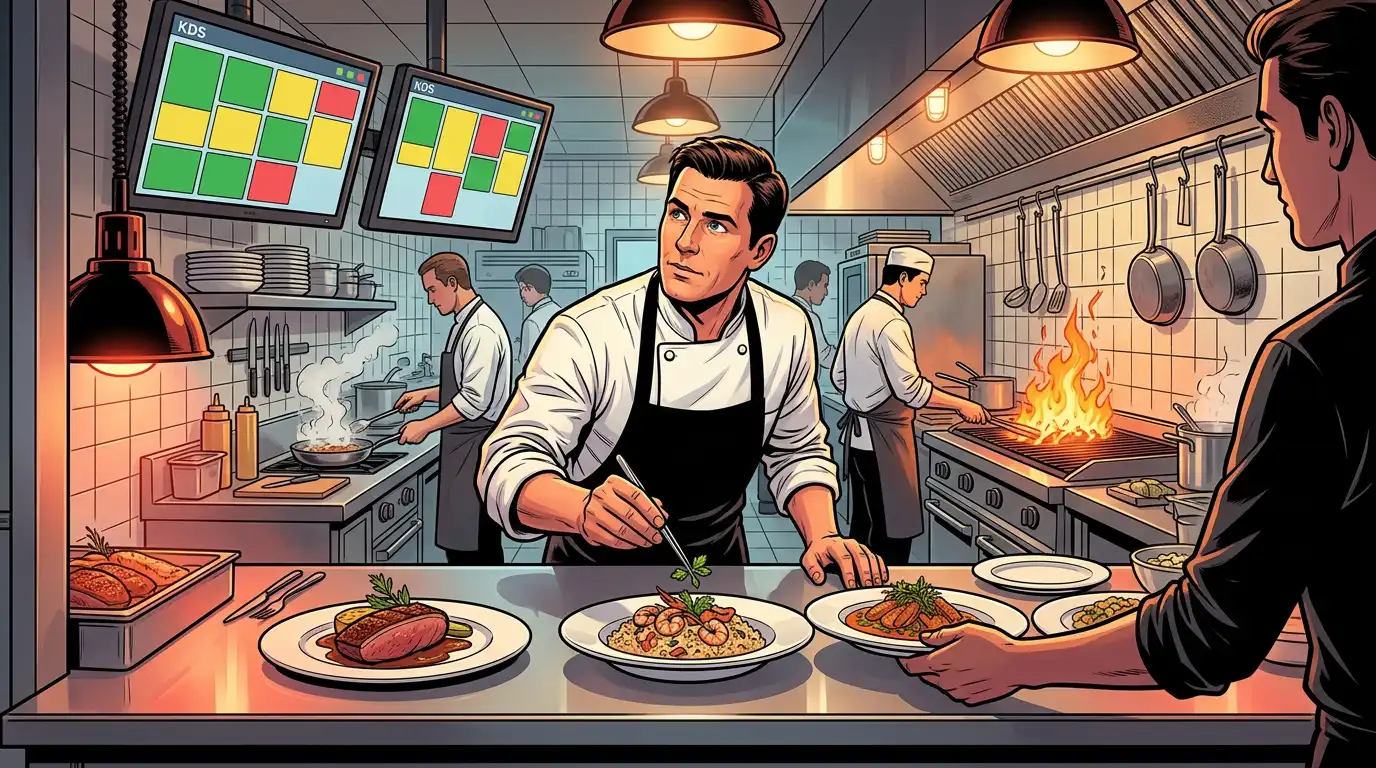
Choosing the right system is only half the battle. Implementation determines whether that system delivers on its promise or becomes an expensive source of frustration.
Before go-live, every menu item, modifier, recipe, price point, and tax rule must be configured in the system. This is detailed, time-consuming work, and it is worth doing meticulously. Errors in menu setup cascade into incorrect pricing, wrong kitchen routing, and inaccurate inventory counts.
Tableview's onboarding team works with operators to build complete menu structures, configure outlet-specific pricing, set up inventory management links between menu items and raw ingredients, and test every order pathway before a single live transaction is processed.
The best POS software in the world is only as good as the people using it. Training should cover not just "how to enter an order" but the full workflow: table management, modifier entry, coursing, payment processing, void and discount procedures, end-of-shift reconciliation, and basic troubleshooting.
Tableview's interface is designed for minimal training time. Its visual layout mirrors the physical restaurant, icons are intuitive, and common tasks require the fewest possible taps. Most front-of-house teams are comfortable within one to two training sessions, a critical advantage in an industry with high staff turnover.
For hotels, the POS to PMS integration must be configured and tested thoroughly before launch. Room charge routing, folio posting, guest lookup, and revenue mapping all need to be verified against real scenarios. With Tableview and Prostay, this integration is pre built and requires configuration rather than custom development, dramatically reducing implementation time and the risk of post-launch issues.
Many operators choose to run the new POS alongside the old system for a brief overlap period, allowing staff to build confidence and ensuring that no data or workflow has been missed. This is sensible, but the parallel period should be short, two to five days for most operations. Running two systems for too long creates confusion and delays the realisation of benefits.
The technology matters, but so does the company behind it. When evaluating a hotel POS system provider, consider:
A POS built for retail will never fully serve a restaurant. A POS built for standalone restaurants will struggle in a hotel. Choose a hotel POS system provider that specialises in the hospitality industry and understands the specific workflows, integrations, and reporting needs of your format. Tableview was purpose-built for hospitality, from single-outlet restaurants to multi-outlet hotel F&B operations, and every feature reflects that focus.
Your hotel POS system does not operate in isolation. It must integrate with your PMS, accounting software, payroll, online ordering platforms, delivery partners, and reservation systems. Evaluate the breadth and depth of a provider's integration ecosystem before committing. Tableview's native integration with Prostay and its open API for third-party connections ensure it plays well with the broader technology stack.
Hospitality operates outside business hours. A POS issue at 8 PM on a Saturday during a full restaurant is not something that can wait until Monday. Evaluate the provider's support model: Is it 24/7? Is it staffed by people who understand hospitality, or by generic tech support reading scripts? Tableview provides dedicated hospitality support from a team that understands the urgency and context of a live service environment.
Your needs today may not be your needs in two years. A single restaurant may grow to three. A small hotel may add a rooftop bar and a poolside café. Choose a platform that scales with you, adding outlets, users, and features without requiring a system replacement. Tableview scales from a single terminal in a café to a multi outlet, multi-property enterprise deployment without changing platforms.
Look beyond the headline subscription price. Factor in hardware costs, payment processing fees, integration charges, training costs, and ongoing support fees. Some providers offer low monthly subscriptions but charge heavily for integrations, additional terminals, or premium support. Understand the total cost before committing.
The trajectory of hospitality point of sale systems is clear: more intelligence, more integration, more automation, and more personalisation.
Artificial intelligence is beginning to move beyond buzzword status in POS platforms. Predictive ordering, using historical data to forecast demand and recommend prep quantities, reduces waste and improves kitchen efficiency. AI-driven upsell suggestions, presented to servers or kiosk users at the point of order, increase average check value without feeling pushy. Dynamic pricing, already common in accommodation, is beginning to appear in F&B contexts, adjusting prices based on demand, time of day, or inventory levels.
The distinction between dine-in, takeaway, delivery, room service, and kiosk orders is blurring as a restaurant pos system. Guests expect to start an order on their phone, modify it at a kiosk, and pay at the table, all seamlessly. Modern POS systems are evolving toward unified commerce platforms where every order channel feeds into a single operational and data infrastructure, regardless of where or how the guest initiated the transaction.
For hotels, the integration between POS and PMS will only deepen. Future systems will use guest data from both platforms to drive automated personalisation: a returning guest's minibar is pre stocked with their preferred items, their breakfast table is set with their usual coffee order ready to fire, and their room-service menu is filtered to exclude allergens listed in their profile. Tableview and Prostay are already building toward this vision, with a shared data model that makes cross-platform personalisation a reality rather than a roadmap promise.
As hospitality businesses face increasing pressure to measure and reduce their environmental impact, POS systems will play a role in tracking food waste, energy consumption in kitchens, and supply-chain carbon footprints. Menu-level carbon scoring, showing the environmental impact of each dish, is already appearing in progressive restaurants, and the data for these calculations originates in the POS.
One of the most operationally impactful features in a hospitality POS is built-in reservation tools that connect directly to the table management and restaurant floor plan system. When reservations live inside the POS rather than in a separate platform, the benefits are immediate:
Tableview includes built-in reservation tools that integrate seamlessly with its floor plan and guest profile features, eliminating the need for a separate reservation platform and ensuring that every piece of guest information is available where and when it is needed.
The ultimate promise of a fully integrated hospitality POS and hotel PMS is the ability to streamline operations across every guest facing and back of house department. When Tableview and Prostay work together, the result is a unified technology stack that delivers:
For any operator serious about delivering exceptional hospitality while controlling costs and driving revenue, the combination of the right mobile POS system and the right PMS is not a luxury, it is the foundation. Tableview and Prostay, built together and integrated natively, provide that foundation for hospitality businesses of every size and format.
The choice of a hospitality point of sale system touches every part of your operation: how guests order, how kitchens produce, how staff perform, how inventory is controlled, how payments are processed, and how data informs decisions. It is one of the most consequential technology investments a hospitality business will make.
The market offers many POS platforms, each with strengths and trade offs. But for operators who value deep hotel POS functionality, native integration with a purpose built hotel PMS, multi-outlet flexibility, and a platform that scales from a small hotel café to a full-service resort F&B operation, Tableview stands apart. Its native partnership with Prostay delivers the kind of seamless, unified technology experience that separate vendors and bolted together integrations simply cannot replicate.
Invest in the right system, implement it thoughtfully, train your team well, and let the technology do what it does best: streamline operations, elevate guest satisfaction, and give you the clarity and control to run a more profitable hospitality business.
Our sales, marketing and custom support stand ready 24/7 worldwide.