


Best POS System for Coffee Shop Success in 2026
 Mika Takahashi
Last updated Mar 14, 2026
 Mika Takahashi
Running a coffee shop is about much more than crafting the perfect espresso. Behind every smooth morning rush, every loyalty program redemption, and every accurate inventory count, there is a reliable point of sale system doing the heavy lifting. If you are a cafe owner searching for the right POS system for coffee shop operations, you already know that the wrong choice can slow down service, create accounting headaches, and cost you money. The right choice, on the other hand, can transform the way you do business.
In this comprehensive guide, we will walk you through everything you need to know about selecting, implementing, and getting the most out of POS software for coffee shop environments. Whether you are opening your first location or upgrading from an outdated register, this article will help you make an informed decision.
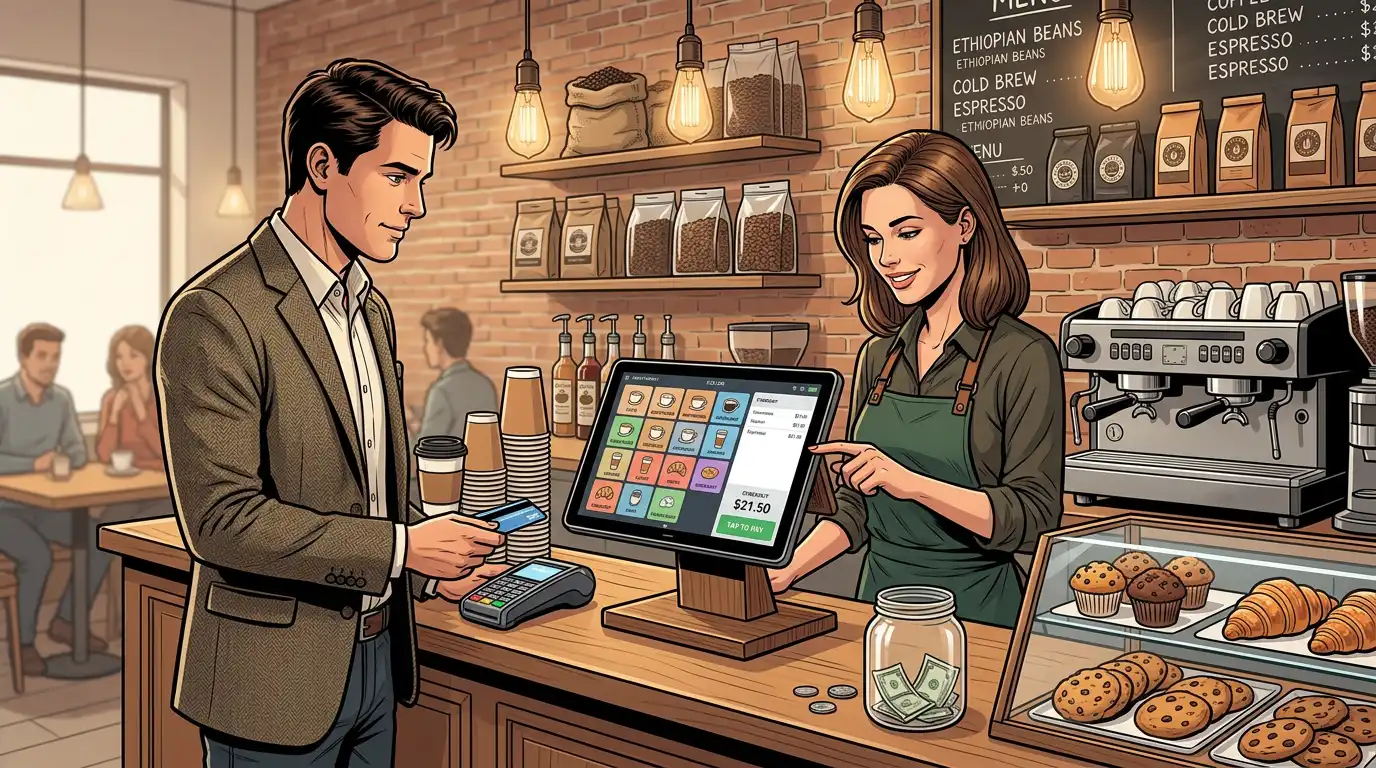
Gone are the days when a simple cash register and a handwritten ledger were enough to run a successful coffee shop. Today's customers expect speed, digital payment options, and personalized experiences. A modern point of sale system delivers on all of these expectations while giving cafe owners the tools they need to manage operations behind the scenes.
A dedicated POS system for coffee shop use is designed with the unique demands of a cafe environment in mind. Unlike generic retail POS platforms, coffee-shop-specific systems account for modifiers (extra shots, milk alternatives, flavor syrups), timed promotions (happy hours, morning specials), and the fast-paced workflow that defines a busy cafe. They also integrate with kitchen display systems, online ordering platforms, and loyalty programs that keep customers coming back.
For cafe owners who are still relying on outdated technology, or worse, pen and paper, the switch to a modern cafe POS system is not just an upgrade. It is a fundamental shift that touches every part of the business, from how you take orders to how you forecast next month's supply needs.
Not every POS platform is created equal, and what works for a full-service restaurant or a retail boutique may not be the best fit for a coffee shop. Here are the features that matter most when evaluating software for coffee shop operations.
During the morning rush, every second counts. Your baristas need a cafe POS interface that is intuitive enough to use with minimal training and fast enough to process orders without creating a bottleneck. Look for systems that allow you to customize the order screen layout, create quick-access buttons for your most popular drinks, and process transactions in just a few taps.
The best POS system for a coffee shop will also support multiple order types from a single screen, dine-in, takeaway, and delivery, without requiring your staff to navigate through complicated menus. Speed at the counter translates directly into shorter lines, happier customers, and higher revenue per hour.
Coffee orders are rarely simple. A single latte order might include a specific milk type, an extra shot of espresso, a flavor syrup, and a temperature preference. Your POS software for coffee shop operations needs to handle these modifiers effortlessly, automatically adjusting the price and sending the correct details to the barista station or kitchen display.
Systems that handle customization well also reduce errors. When every modifier is clearly displayed on the order ticket, your team spends less time asking clarifying questions and more time making drinks. This is a feature that separates generic POS platforms from those genuinely designed as software for coffee shop environments.
One of the most overlooked benefits of a modern cafe POS system is its ability to help with cafe management inventory tasks. Every time a drink is sold, the system can automatically deduct the raw ingredients — coffee beans, milk, cups, lids, syrups — from your inventory count. This real-time tracking means you always know what you have on hand and can set up automatic alerts when stock runs low.
Effective management inventory through your POS also helps you identify waste, track the cost of goods sold, and make smarter purchasing decisions. Over time, this data becomes invaluable for improving your profit margins. Instead of guessing how much oat milk to order next week, you can look at actual consumption trends and place precise orders that reduce both waste and emergency supply runs.
Today's customers pay in many different ways — contactless cards, mobile wallets, QR codes, and yes, sometimes still cash. Your POS software needs to accept all of these payment methods seamlessly. Beyond acceptance, look for systems that offer competitive transaction fees and fast settlement times so your cash flow stays healthy.
The best POS system options also support split payments, tips, and rounding, all of which are common in coffee shop transactions. Some platforms even allow customers to pay via a branded app, linking their payment to a loyalty account for a frictionless experience.
Data drives good decisions. A strong cafe POS software platform will give you access to detailed reports on sales by hour, day, and week; best-selling and worst-selling menu items; average transaction values; employee performance; and much more. These insights help cafe owners understand what is working and what needs to change.
For example, if your reports show that a particular seasonal drink is outselling everything else on the menu, you might decide to extend its availability or create similar offerings. Conversely, if a menu item consistently underperforms, you can retire it and free up both menu space and ingredient inventory. This kind of data-driven decision-making is only possible with the right POS system for coffee shop management.
Repeat customers are the lifeblood of any coffee shop. A built-in loyalty program within your cafe POS system can encourage return visits by rewarding customers for their purchases, whether through a points system, punch-card-style rewards, or tiered membership benefits.
The best loyalty integrations are automatic. Customers do not need to carry a physical card or remember to mention their membership. Instead, their account is linked to their payment method or phone number, and rewards accumulate naturally. This seamless experience builds genuine loyalty rather than creating friction.
Your team is your most valuable asset, and your POS software for coffee shop use should help you manage it effectively. Look for features like clock-in and clock-out functionality, role-based permissions (so a barista cannot access financial reports, for instance), and performance tracking.
Some systems also offer basic scheduling tools or integrate with dedicated scheduling software. When your POS handles timekeeping, you eliminate the need for a separate time-clock system and can easily cross-reference labor costs with sales data to ensure you are staffing efficiently.
With dozens of POS platforms on the market, narrowing down your options can feel overwhelming. Here is a framework for comparing systems based on what matters most to a coffee shop.
Modern cafe POS software is almost universally cloud-based, meaning your data is stored securely online and accessible from any device with an internet connection. This is a major advantage over legacy systems that store data locally on a single terminal. Cloud-based systems offer automatic updates, remote access to reports, and easier scalability when you open additional locations.
However, cloud-based does not mean cloud-dependent. The best POS system for a coffee shop should offer an offline mode that allows you to continue processing orders even if your internet connection drops temporarily. In a busy cafe, you cannot afford to stop serving customers because of a brief connectivity issue.
The hardware you need will depend on your setup. Most POS system for coffee shop solutions work with tablets (iPads or Android devices), which are affordable, space-efficient, and easy to mount on a counter or hand to a customer for signature and tip entry. Some systems also offer proprietary hardware bundles that include a tablet, stand, receipt printer, cash drawer, and card reader.
Consider the physical space at your counter. A bulky traditional terminal might not fit in a small cafe, whereas a sleek tablet setup takes up minimal room and projects a modern image to your customers. Also think about durability — coffee shop environments involve steam, spills, and heavy use, so your hardware needs to withstand daily wear and tear.
If you have plans to grow from one location to multiple, choose a cafe POS system that supports multi-location management from a single dashboard. This allows you to view consolidated reports, manage menus across locations, and maintain consistent operations as you scale.
Even if you are starting with a single location, choosing a scalable platform now saves you the pain and expense of migrating to a different system later. The best POS system grows with your business, not against it.
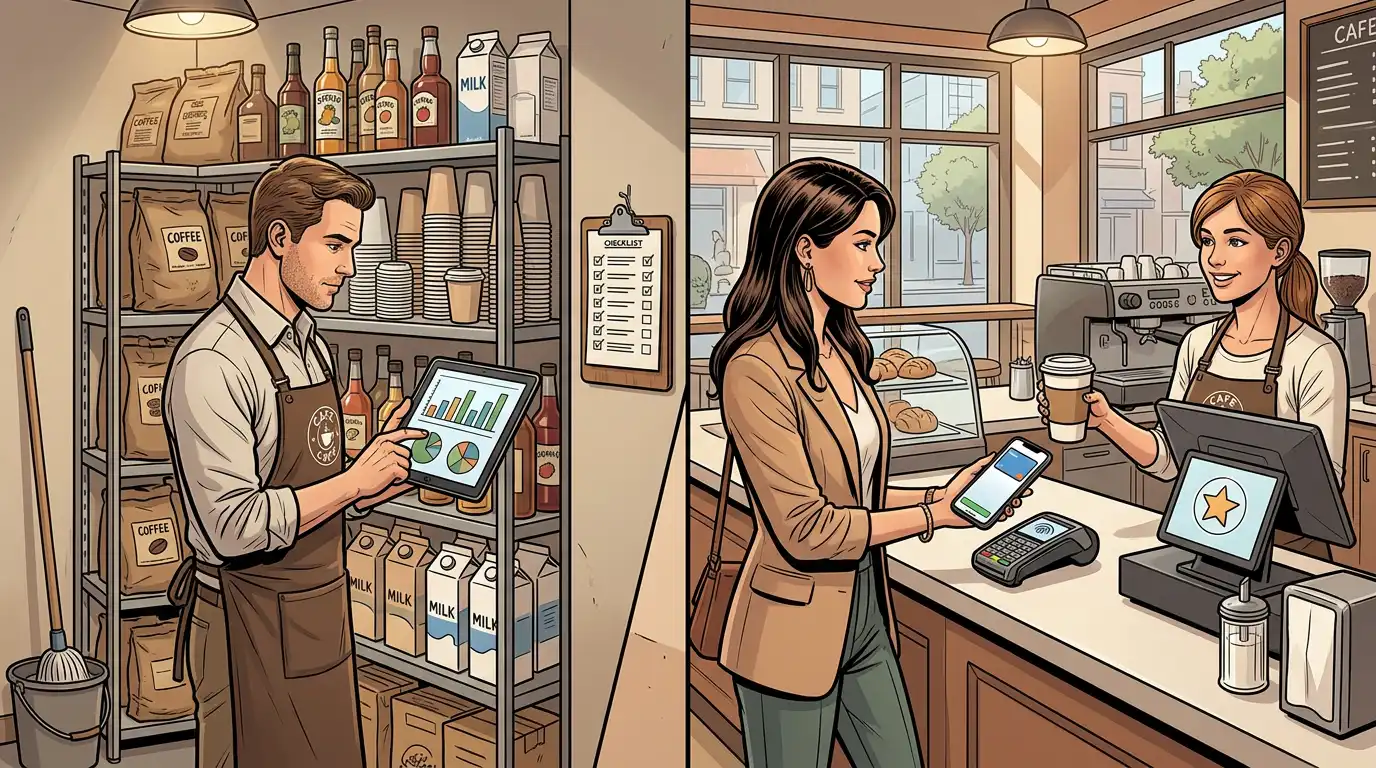
One of the most common questions from cafe owners considering a new point of sale platform is about POS system cost. The honest answer is that costs vary widely depending on the platform, features, and hardware you choose. However, understanding the typical cost structure will help you budget appropriately.
Most modern POS software operates on a monthly subscription model. Entry-level plans for a single terminal might start as low as 50 to 70 per month, while more feature-rich plans with advanced analytics, loyalty programs, and multi-location support can range from 100 to 300 or more per month. Some providers offer annual billing discounts that can reduce the effective monthly cost.
When evaluating POS system cost, make sure you understand what is included in each pricing tier. Some platforms advertise low base prices but charge extra for essential features like inventory management, employee management, or online ordering. A system that appears cheaper upfront may end up costing more once you add the features you actually need.
If you are starting from scratch, you will need to purchase hardware. A basic setup, tablet, stand, card reader, and receipt printer, typically costs between 500 and 1,500. More comprehensive setups with multiple terminals, kitchen display screens, and customer-facing displays can run 2,000 to 5,000 or more.
Some cafe POS software providers offer hardware financing or bundled deals that spread the cost over time. Others allow you to bring your own compatible hardware, which can reduce upfront expenses if you already have suitable devices.
Every card transaction incurs a processing fee, typically ranging from 1.5% to 2.9% plus a small per-transaction fee. These costs add up, especially in a high-volume coffee shop where the average transaction value is relatively low. When comparing POS platforms, pay close attention to their payment processing rates and whether they allow you to use a third-party processor or require you to use their in-house solution.
Beyond the obvious expenses, be aware of potential hidden costs. These can include setup and installation fees, charges for additional user accounts, costs for premium support, fees for integrations with third-party tools, and early termination penalties if you want to switch providers before your contract expires.
The total POS system cost should be weighed against the value the system provides. A more expensive platform that saves you hours of manual work each week, reduces inventory waste, and increases customer retention through loyalty programs may offer a far better return on investment than a bare-bones system that only handles basic transactions.
To truly appreciate the impact of the right software for coffee shop management, consider how it changes the day-to-day experience for both your team and your customers.
The morning rush is the most critical period for most coffee shops. A well-configured cafe POS system allows your team to take orders quickly, process payments in seconds, and send order details to the barista station instantly. With features like order queuing and priority management, your team can handle a high volume of orders without sacrificing accuracy or speed.
Some systems also support customer-facing order screens, where customers can see their order being built in real time. This reduces the "did you get my order right?" conversations and builds confidence in your operation.
When the rush subsides, your POS system for coffee shop management becomes an administrative powerhouse. Managers can review the morning's sales data, check inventory levels, adjust the menu for afternoon specials, and review employee performance, all from the same system.
This centralization of management tasks saves time and reduces the need for multiple software tools. Instead of switching between a spreadsheet for inventory, a separate app for scheduling, and yet another tool for sales reporting, everything lives in one place.
Closing out the day should be straightforward, not a multi-hour ordeal. A good cafe POS software platform automates end-of-day reporting, calculates expected cash drawer totals, and generates summaries that make bookkeeping simple. Many systems also integrate directly with accounting software, so your daily sales data flows seamlessly into your financial records.
This automation reduces human error and frees up your time for what matters most, planning tomorrow's specials, training your team, or simply getting home at a reasonable hour.
The coffee shop landscape has shifted dramatically in recent years, with online ordering and delivery becoming a significant revenue channel. Your POS software should integrate with major delivery platforms and, ideally, offer a branded online ordering portal that lets customers order directly from your website or app.
Direct online ordering is particularly valuable because it eliminates the hefty commission fees charged by third-party delivery platforms. When a customer orders through your own system, you keep more of the revenue and maintain a direct relationship with that customer. The best POS system platforms offer built-in online ordering with features like scheduled orders, order-ahead for pickup, and real-time menu syncing so your online menu always matches what is available in-store.
For cafe owners who rely heavily on delivery, look for systems that automatically route online orders to your kitchen display or printer without requiring manual intervention. The less your team needs to do to process an incoming online order, the more efficiently your operation runs.
Handling customer payment data comes with serious responsibilities. Your POS system for coffee shop operations must comply with Payment Card Industry Data Security Standards (PCI DSS) to protect cardholder data. Reputable POS providers handle much of this compliance on your behalf through encrypted payment processing and tokenization, but it is important to verify that your chosen platform meets these standards.
Beyond payment security, consider data privacy more broadly. Your POS system collects customer information, sales data, and employee records. Ensure that your provider has robust data protection policies, offers role-based access controls, and provides secure data backups.
Choosing the right cafe POS system is only half the battle. A smooth implementation is equally important. Here are practical tips for getting your new system up and running with minimal disruption.
Before you start entering products, take time to plan your menu structure thoughtfully. Group items logically (hot drinks, cold drinks, food, merchandise), set up modifier groups (milk options, sizes, extras), and establish consistent naming conventions. A well-organized menu in your POS software for coffee shop use makes order entry faster and reporting more meaningful.
Even the most intuitive system requires training. Schedule dedicated training sessions before your go-live date and make sure every team member — not just managers — is comfortable with the basics. Most cafe POS software providers offer training resources, including videos, documentation, and sometimes live onboarding support.
Consider designating one or two team members as "POS champions" who receive advanced training and can help their colleagues troubleshoot issues during the transition period.
If you are switching from an existing system, you may need to migrate historical data, customer information, and menu items. Work with your new provider's support team to ensure this migration is handled accurately. Losing historical sales data or customer loyalty balances during a transition can be frustrating and damaging to customer relationships.
If possible, run your new POS system for coffee shop operations alongside your old system for a short period. This allows you to verify that the new system is capturing data correctly and gives your team a safety net while they build confidence with the new tools.
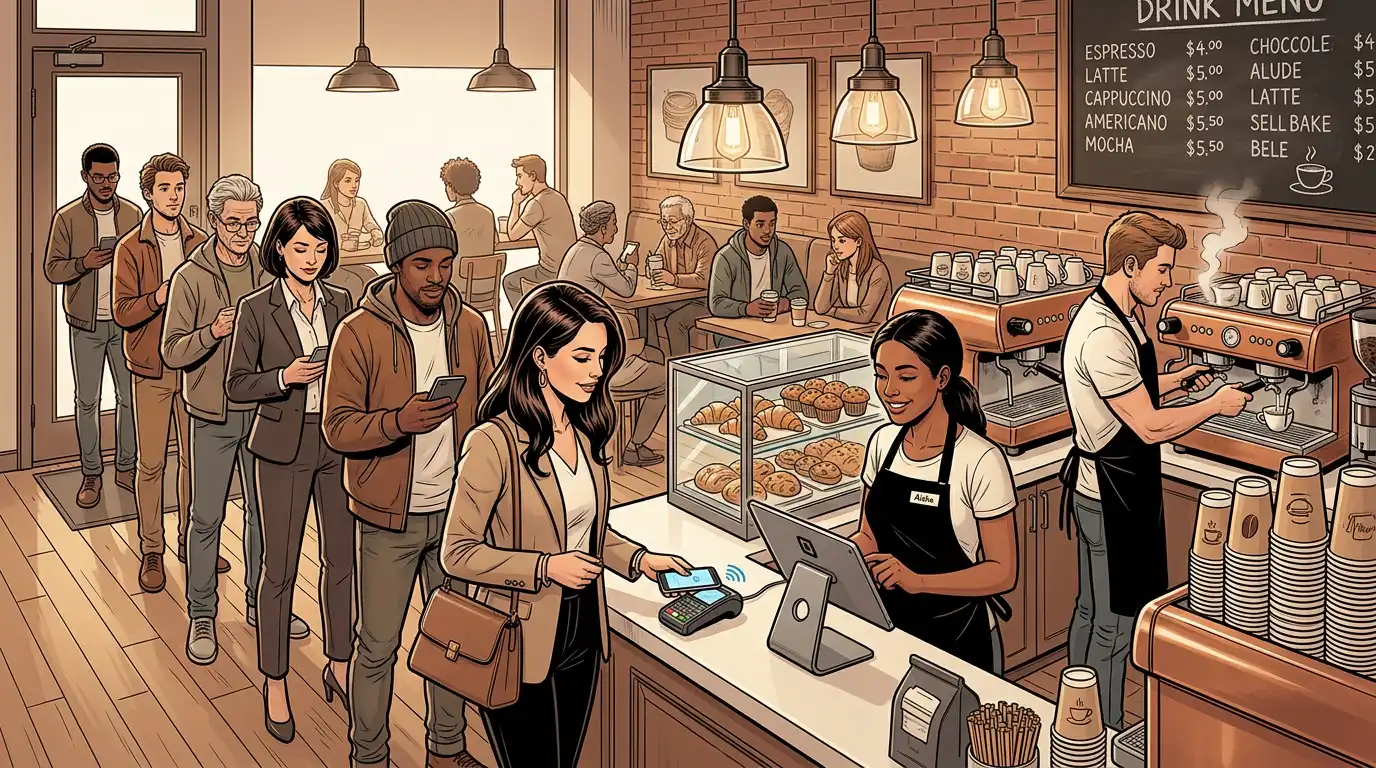
The point of sale landscape continues to evolve rapidly. Here are some trends that cafe owners should watch as they plan for the future.
Artificial intelligence is making its way into POS software, offering predictive analytics that go beyond simple historical reporting. AI can forecast demand based on weather patterns, local events, and historical trends, helping you staff appropriately and order inventory more precisely. Some systems already use AI to suggest menu optimizations based on profitability and popularity data.
As voice assistants become more prevalent, some POS providers are exploring voice-based order entry. Imagine a barista simply speaking an order into the system instead of tapping through screens. While this technology is still emerging, it has the potential to further speed up service during peak hours.
Consumers increasingly care about the environmental impact of the businesses they support. Future cafe POS system platforms may include carbon footprint tracking, waste reduction metrics, and sustainability reporting that helps coffee shops communicate their environmental efforts to customers.
With enough customer data, your POS software for coffee shop operations can power truly personalized experiences. Imagine greeting a regular customer by name on a digital display, automatically suggesting their usual order, and applying their preferred loyalty reward — all triggered the moment they scan their phone or tap their card.
Choosing the best POS system for your coffee shop is a significant decision that will impact your operations for years to come. Here is a summary of the key factors to weigh:
Take advantage of free trials and demos before committing. Most reputable cafe POS software providers offer a trial period that lets you test the system with real-world scenarios. Use this time to simulate a busy morning rush, run through your menu setup, and generate sample reports to ensure the platform meets your needs.
The right POS system for coffee shop operations is more than a transaction tool, it is the operational backbone of your business. From speeding up service during the morning rush to providing the data you need for smarter management inventory decisions, a well-chosen software for coffee shop management pays for itself many times over.
As a cafe owner, your passion is crafting exceptional coffee experiences. Let the right cafe POS system handle the complexity behind the scenes so you can focus on what you do best. Take the time to evaluate your options, invest in proper implementation, and embrace the data-driven insights your new system provides. Your customers, your team, and your bottom line will all benefit.
Our sales, marketing and custom support stand ready 24/7 worldwide.