


POS with Online Ordering: Restaurant Online Ordering Systems
 Mika Takahashi
Last updated Mar 22, 2026
 Mika Takahashi
The way restaurants make money has changed fundamentally. A decade ago, nearly all revenue came through the front door, guests walked in, sat down, ordered from a server, and paid at the table. Today, a significant and growing share of restaurant revenue arrives through a screen: a customer scrolling through a menu on their phone, tapping "add to cart" from their sofa, and expecting their food to arrive hot, correct, and on time.
Online ordering is no longer a pandemic-era experiment or a nice-to-have bolt-on. It is a core revenue channel, for some restaurants, the primary one. But as delivery apps, branded ordering pages, and mobile commerce have proliferated, they have created a new operational challenge: how do you manage orders flowing in from multiple sources without drowning in tablets, manual re-entry, inventory mismatches, and reconciliation headaches?
The answer is a POS with online ordering built in, a single platform where dine-in, takeaway, delivery, and digital orders converge into one unified workflow. When your point of sale and your online ordering system are the same system, orders flow seamlessly from the customer's screen to your kitchen, inventory updates in real time, payments are processed and reconciled automatically, and your data tells a complete story rather than a fragmented one.
This guide explains why integrated online ordering matters, what to look for in a system that does it right, how it transforms operations across every sales channel, and why restaurants that unify their ordering under one system consistently outperform those that do not.
To understand why a POS with online ordering is so valuable, it helps to understand the pain of the alternative.
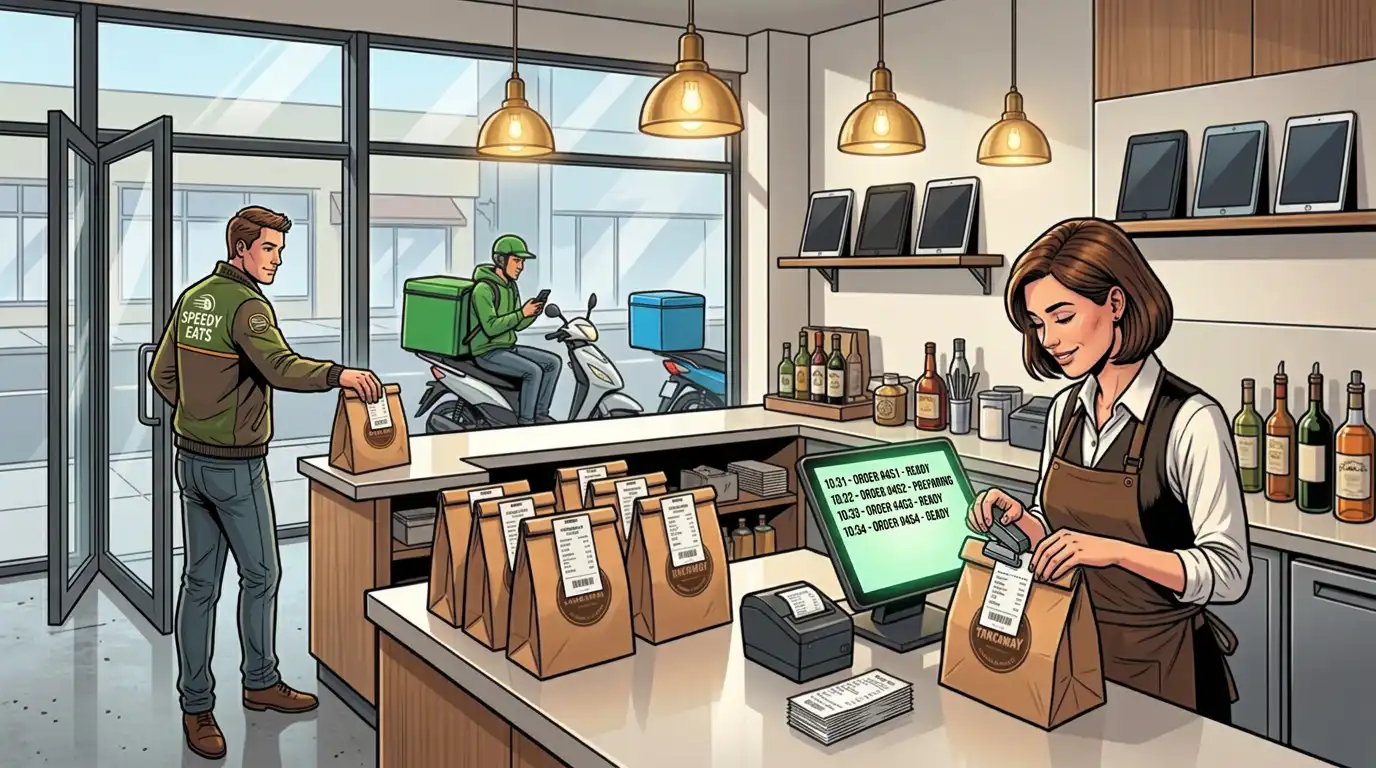
Walk into the kitchen of a restaurant that uses multiple third-party delivery platforms, Uber Eats, DoorDash, Deliveroo, Menulog, and you will often find a row of tablets lined up on a shelf, each pinging with incoming orders from a different platform. Staff must monitor each tablet separately, manually enter orders into the POS (or worse, call them through to the kitchen verbally), and keep track of which platform each order came from for reconciliation purposes.
This setup is chaotic, error-prone, and labour-intensive. Orders get missed when a tablet is muted or its battery dies. Manual re-entry introduces transcription errors, a "no onion" becomes "extra onion" and a customer complaint follows. Staff spend time managing technology instead of preparing food. And at the end of the night, reconciling revenue across four platforms and the POS is a bookkeeper's nightmare.
When your online menu lives on a third-party platform, keeping it synchronised with your in-house menu becomes a manual chore. You run out of an ingredient and 86 an item on the POS, but forget to update Uber Eats, and orders keep coming in for a dish you cannot make. You change a price in-store but the old price persists online for days until someone remembers to update it. You launch a new special and it is available to dine-in guests immediately but does not appear online for a week.
These inconsistencies frustrate customers, generate refunds and negative reviews, and erode trust in your brand. They are entirely avoidable when your online ordering menu is driven directly by your POS.
Third-party platforms own the customer relationship. They control the data, who ordered, what they ordered, how often they return, and what they spend. Your restaurant fills the order and pays the commission, but you do not build a direct relationship with the customer. You cannot email them a promotion, you cannot see their order history, and you cannot reward their loyalty. The platform can, and does, use that data to promote your competitors.
When online ordering runs through your own POS system, you own the data. Every transaction, every customer, every preference, it all feeds into your reporting, your guest database, and your marketing.
If your online orders are processed outside your POS, your inventory counts are wrong. The POS tracks what was sold in-house, but the 47 pad thai orders that came through delivery apps are invisible until someone manually reconciles at the end of the day. You think you have enough chicken for the dinner rush; you do not. You over-order supplies based on POS data that only reflects half your actual sales.
A POS with online ordering solves this by routing every order, regardless of source, through the same inventory engine. Every sale decrements stock in real time, giving you an accurate picture of what you have, what you need, and what is selling fastest.
A POS with online ordering is a point of sale platform that includes a native, integrated restaurant online ordering system as part of its core functionality, not as a third-party add-on, not as a middleware integration, but as a built-in feature that shares the same menu database, inventory engine, restaurant payment processor, and reporting suite as the in-house POS.
When a customer visits your online ordering page, they see the same menu, the same prices, the same modifiers, and the same item availability as a guest sitting in your dining room. When they place an order, it appears on your kitchen display screen alongside dine-in tickets, routed and timed appropriately. When they pay, the transaction is processed through the same restaurant payment processing system. When the shift ends, online revenue appears in the same reports as in-house revenue, no reconciliation, no manual data entry, no gaps.
This is what "one system" actually means: not two systems stitched together with an API, but a single platform where every order, every payment, and every data point lives in the same place regardless of how the customer chose to engage.
Not all POS platforms approach online ordering with the same depth. Here are the features that distinguish a genuinely integrated system from a surface-level add-on:
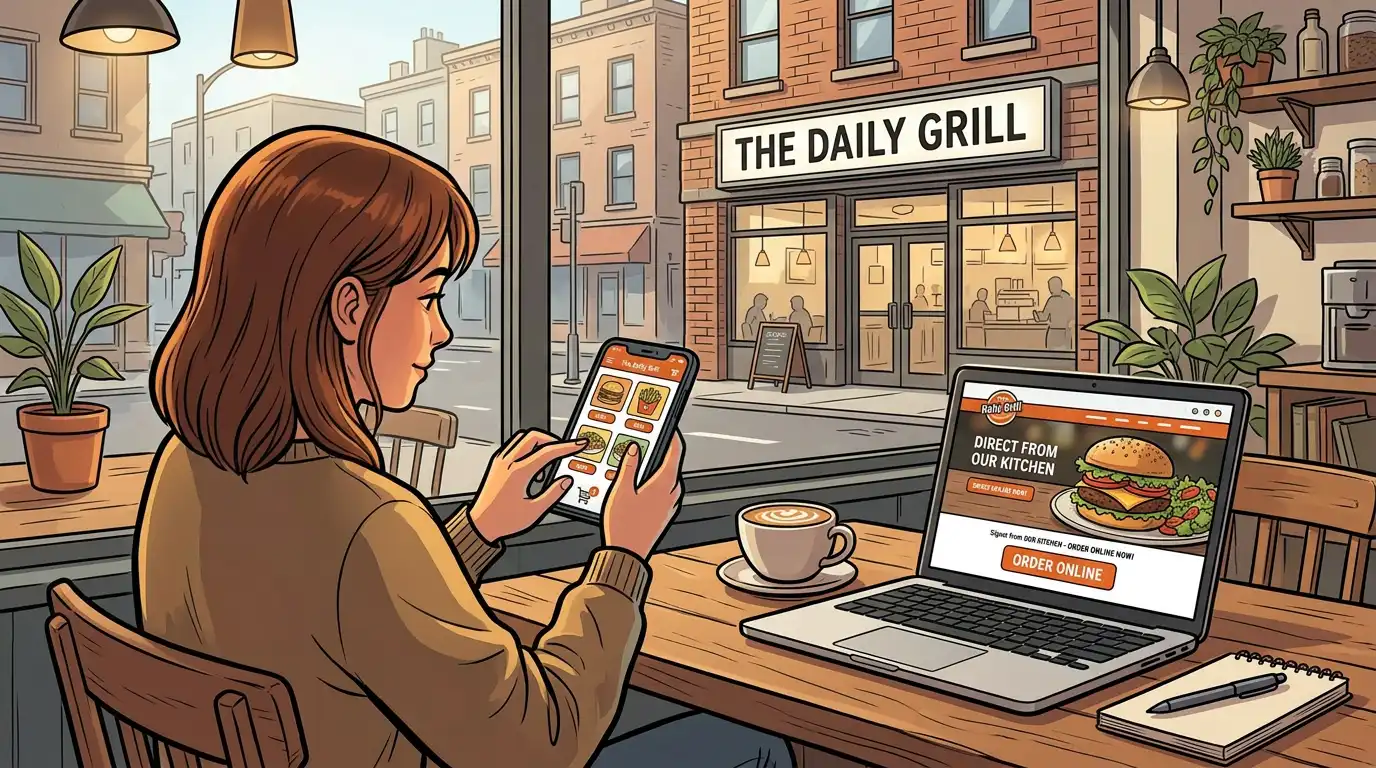
Your online ordering page should be yours, your branding, your domain, your colours, your photography, your story. When customers order online directly from your website or a branded link, they interact with your brand, not a third-party marketplace. This builds recognition, trust, and loyalty in a way that ordering through an aggregator never can.
Tableview provides a fully branded online ordering page that integrates directly with the restaurant's POS. The page reflects the restaurant's identity, displays the live menu with real-time availability, and processes orders without redirecting customers to an external platform. There are no marketplace competitors displayed alongside your listing, no commission on every order, and no intermediary between you and your guest.
The online ordering menu must be driven directly by the POS menu database. When you update a price, add a modifier, 86 an item, or launch a daily special on the POS, those changes should reflect on the online menu instantly, without anyone needing to log into a separate portal and make the same change again.
This real-time synchronisation eliminates the menu inconsistency problem entirely. If the kitchen runs out of salmon, it is marked unavailable on the POS and disappears from the online ordering menu simultaneously. If you increase the price of a cocktail by a dollar, the online price updates at the same moment. One change, one place, every channel.
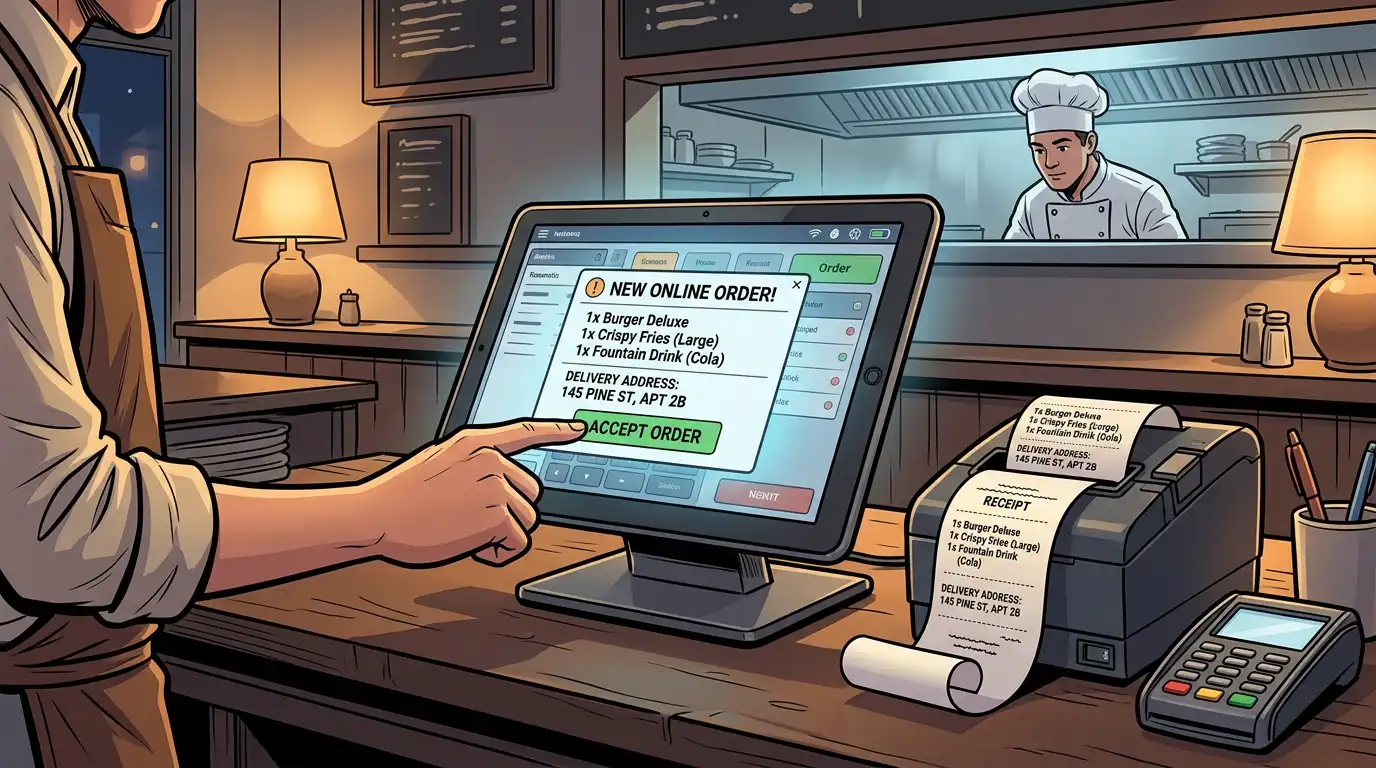
When an online order arrives, it should enter the same restaurant order management queue as dine-in orders. It appears on the kitchen display system with a clear label identifying it as a takeaway or delivery order, along with the promised pickup or delivery time. The kitchen prepares it within the normal workflow, no separate station, no separate process, no separate system to monitor.
This unified flow means the kitchen never loses sight of an online order. It is managed, timed, and tracked with the same tools and the same visibility as every other order. For restaurants running high volumes across multiple sales channels, this integration is the difference between a controlled kitchen and a chaotic one.
A good order management system does more than accept orders, it manages their timing intelligently. When your kitchen is slammed at 7 PM on a Friday, the system should be able to adjust estimated preparation times for online orders, throttle incoming order volume if necessary, and communicate realistic pickup or delivery times to customers.
Tableview's order management allows restaurants to set preparation time estimates by order size and complexity, define maximum order capacity per time slot, and temporarily pause online ordering during peak overload. This prevents the nightmare scenario of accepting more orders than the kitchen can handle, which leads to late deliveries, cold food, and angry customers.
For restaurants that handle their own deliveries, the POS must support the full delivery order workflow: capturing the delivery address, assigning the order to a driver, tracking delivery status, and recording completion. For restaurants using third-party delivery platforms, the system should integrate with those platforms so that orders flow into the POS automatically, eliminating the tablet farm.
Tableview integrates with major delivery platforms, pulling orders directly into the POS workflow. Whether a customer orders through your branded online ordering page or through a third-party app, the order lands in the same queue, hits the same kitchen screen, and updates the same inventory. The restaurant manages everything from one system.
Mobile ordering is not a separate category from online ordering, it is how the majority of online orders happen. Over 70 percent of digital food orders are placed on smartphones. Your online ordering page must be fully responsive and optimised for mobile: fast loading, easy navigation, large tap targets, minimal scrolling, and a checkout process that can be completed in under 60 seconds.
Tableview's online ordering page is built mobile-first, ensuring that the experience on a phone is not a shrunken version of the desktop page but a purpose designed mobile interface. Menu browsing, item customisation, and payment processing are all optimised for the thumb-driven, small screen reality of how people actually order food.
When a customer completes an online order, the payment must be processed securely, instantly, and through the same payment processing infrastructure as in house transactions. This means:
Splitting payment processing across multiple providers for different channels creates reconciliation complexity and increases the risk of discrepancies. A unified system keeps it clean.
Every online order must decrement inventory in real time, the same way every dine-in order does. When a customer orders the last portion of risotto online, the POS should immediately mark risotto as unavailable for both in-house and online ordering. No overselling. No disappointed customers. No wasted kitchen effort preparing a dish for a customer who then has to be told it is not available.
Tableview's inventory engine processes all orders, dine-in, takeaway, delivery, online, through a single stock management system. Real-time data flows from every sales channel into one inventory view, giving managers an accurate, up-to-the-minute picture of what is available and what is running low.
The operational benefits of running online ordering through your POS extend far beyond convenience. They reshape how the entire restaurant functions.
When all orders arrive through one system, staff learn one interface, follow one process, and monitor one screen. There is no training on multiple tablet platforms, no memorising which tablet belongs to which delivery app, and no manual re-entry. A new hire can be trained on the complete order workflow, in-house and online, in a single session, because there is only one workflow to learn.
This simplification reduces errors, speeds up service, and lowers the stress level in the kitchen during peak periods. Staff focus on preparing food and serving customers rather than managing technology.
When online revenue flows through the POS, your end-of-day reports tell the complete story. Total revenue, average order value, items sold, peak hours, and cost of goods, all calculated across every channel. You can compare dine-in performance to online performance, track how online ordering grows over time, identify which menu items sell best online versus in-house, and calculate the true profitability of each channel after accounting for preparation and delivery costs.
Without this unified reporting, managers are forced to compile data from multiple sources, downloading CSV files from delivery platforms, cross referencing with POS reports, and building spreadsheets that are outdated before they are finished. Real-time data from a single source replaces all of that.
When you can track inventory across all channels in real time, your purchasing decisions become dramatically more informed. You know exactly how much of each ingredient you use per day, per week, and per season. You can see which items are trending upward (stock more) and which are declining (reduce orders). You can identify waste patterns and adjust prep quantities accordingly.
Restaurants that track inventory through a unified system consistently report lower food costs, less waste, and fewer emergency supplier orders, all of which flow directly to the bottom line.
When customers order online through your branded ordering page rather than a third-party marketplace, you capture their data: name, email, phone number, order history, preferences, frequency, and average spend. This data is yours. You can use it to:
This direct customer relationship is one of the most valuable assets a restaurant can build, and it is impossible when a third-party platform sits between you and your customer.
Third-party delivery platforms typically charge restaurants between 15 and 35 percent commission on every order. On a $40 order, $14 going to the platform rather than to the restaurant. For high volume delivery restaurants, commission costs can exceed rent as the single largest expense.
A branded online ordering page through your POS eliminates commission entirely on direct orders. Even if you continue using third-party platforms for discovery and reach, shifting a portion of your delivery customers to direct ordering produces immediate and significant cost savings. Many restaurants use third-party platforms as a customer acquisition channel, getting discovered by new customers, and then incentivise those customers to switch to direct ordering for repeat purchases.
Having the technology is necessary but not sufficient. Restaurants that succeed with online ordering also think strategically about how they deploy it.
Your online ordering menu should not be an exact copy of your dine-in menu. Some dishes do not travel well, a delicate soufflé, a carefully plated fine-dining entrée, and including them in your online menu invites disappointment. Curate your online menu for items that maintain quality during transit: dishes that hold temperature, items with sauces packed separately, desserts that do not collapse, and beverages that transport without spilling.
Consider adding online-only bundles or family meal deals that make sense for the delivery occasion but would not appear on a dine-in menu. These can increase average order value and give online customers a reason to choose direct ordering over a competitor.
Nothing damages online ordering reputation faster than consistently late deliveries. Use your POS data to understand how long each order type actually takes to prepare, and set your quoted times accordingly, then add a buffer. A customer who receives their food five minutes early is pleasantly surprised; a customer who waits 15 minutes past the quoted time is frustrated.
Tableview's order management tools allow restaurants to set dynamic preparation times that adjust based on current kitchen load, ensuring that quoted times remain realistic even during busy periods.
Customers will not find your branded online ordering page by accident, you need to promote it actively. Strategies include:
Every customer you convert from a third-party platform to direct ordering saves you 15 to 35 percent in commission, permanently.
Online ordering success depends as much on packaging as on food quality. Invest in containers that maintain temperature, prevent leaking, and arrive looking presentable. Separate hot and cold items. Pack sauces, dressings, and garnishes on the side. Include napkins, cutlery (if appropriate), and a receipt.
The unboxing experience is your first, and sometimes only, physical touchpoint with an online customer. Make it count.
Your POS system collects real-time data on every online order: what is selling, when it is selling, how long it takes to prepare, how often customers reorder, and what the average spend is. Use this data to refine your menu, adjust pricing, identify peak online ordering windows for staffing purposes, and test promotions.
Restaurants that treat online ordering as a data-driven channel, testing, measuring, and iterating, consistently outperform those that set it up once and forget about it.
The modern restaurant does not have one ordering channel, it has many. Dine-in, takeaway, delivery (own drivers), delivery (third-party platforms), mobile ordering, catering, and potentially self-service kiosks. Each channel has its own customer expectations, timing requirements, and operational implications.
The power of a POS with online ordering is that all of these sales channels converge into a single operational and data infrastructure. Here is what that looks like in practice:
Servers enter orders on the POS terminal or tablet. Orders route to the kitchen display system.
Staff enter takeaway orders on the POS. Orders route to the kitchen with a "takeaway" flag and a quoted pickup time.
Customers order online through your branded ordering page. Orders flow automatically into the POS, appear on the kitchen display with a "pickup" or "delivery" flag, and include customer details and the promised time.
Delivery orders from platforms like Uber Eats or DoorDash are pulled into the POS via integration. They appear on the kitchen display alongside all other orders, with the platform name identified.
Guests scan a QR code at their table and order online from their phone. The order enters the POS tagged with the table number and routes to the kitchen as a dine-in order.
All five channels, one kitchen screen, one inventory system, one payment reconciliation, one report. That is what one system delivers.
True, for now. Platforms like Uber Eats and DoorDash have massive user bases and powerful discovery engines. But volume without profitability is a treadmill. The strategic approach is to use third-party platforms for discovery (new customers finding your restaurant) while building your direct ordering channel for retention (repeat customers ordering from you directly at full margin).
Tableview supports both: third-party orders integrate into the POS for operational simplicity, while your branded online ordering page captures direct orders at zero commission.
Research consistently shows that online ordering is predominantly incremental, it captures occasions that would not have resulted in a dine-in visit. The customer ordering delivery on a Tuesday night because they are too tired to go out was not coming to your restaurant that evening anyway. You are capturing revenue you would otherwise miss entirely.
If you handle your own deliveries, yes, there is logistics to manage. But the POS simplifies this significantly. Tableview's system captures delivery addresses, calculates delivery zones, manages driver assignment, and tracks order status. For restaurants that prefer not to manage their own deliveries, third-party platform integration handles the logistics while the POS handles the order.
This is the most legitimate concern, and the most manageable one. A good POS with online ordering includes throttling controls that let you cap the number of online orders per time slot, pause online ordering during peak overload, and adjust preparation times dynamically. You control the flow. The technology adapts to your kitchen's capacity, not the other way around.
The economics of direct versus third-party online ordering are stark. Consider a restaurant processing 50 delivery orders per day at an average order value of $35:
Through a third-party platform at 30 percent commission:
Through direct ordering at zero commission:
Even shifting half of those orders to direct ordering saves nearly $95,000 per year, money that goes directly to the restaurant's bottom line. The POS subscription cost for integrated online ordering is a fraction of those savings.
This is not a theoretical exercise. Restaurants that invest in promoting their direct ordering channel, through their website, social media, packaging inserts, and in-store signage, routinely shift 30 to 50 percent of their delivery volume away from third-party platforms within the first year.
The convergence of POS and online ordering is accelerating, driven by several trends:
Ordering systems will increasingly use order history and preference data to personalise the experience, suggesting favourite items, remembering dietary restrictions, and surfacing relevant promotions at the point of order. Customers who feel recognised order more frequently and spend more per order.
Voice assistants and AI chatbots are beginning to handle ordering interactions, allowing customers to place orders through natural language rather than navigating a menu interface. These tools will integrate with the POS, routing voice-initiated orders through the same kitchen and inventory workflow as any other channel.
Using historical order data and external signals (weather, events, time of day), POS systems will increasingly predict incoming order volume and suggest prep quantities before orders arrive. Kitchens will shift from reactive to predictive, reducing wait times and waste simultaneously.
The definition of "online ordering" will continue to broaden, from websites and apps to social media ordering (Instagram, TikTok), in-car ordering (dashboard integrations), and smart-device ordering (smart TVs, smart speakers). A POS with online ordering that is built for channel expansion will absorb each new source without requiring a system change.
Some restaurants are experimenting with subscription-based ordering, monthly plans that include a set number of meals or deliveries at a discounted rate. These models build predictable revenue and customer loyalty, and they require a POS capable of managing subscription tracking, automated billing, and fulfilment scheduling.
When evaluating platforms, the checklist is clear:
Tableview meets every item on this list, providing a restaurant online ordering system that is fully embedded within the POS rather than layered on top of it. Every order, every channel, every payment, and every data point lives in one system, giving restaurant operators the clarity, control, and efficiency they need to thrive in a multi-channel world.
The restaurant industry's shift toward digital ordering is not a trend, it is a structural change. Customers who have experienced the convenience of ordering from their phone will not go back to calling in orders or waiting in queues. Restaurants that embrace this reality and build their operations around it will capture revenue that competitors leave on the table.
But embracing online ordering does not mean scattering your operations across five platforms and hoping it all comes together at the end of the night. It means choosing a POS with online ordering that unifies every channel into a single, coherent system, where the kitchen sees one order stream, inventory reflects one reality, payments flow through one processor, and reports tell one complete story.
That is what one system looks like. That is what allows customers to order however they want, at the table, at the counter, on their phone, through an app, without your operations fragmenting behind the scenes. And that is what separates restaurants that scale their online ordering profitably from those that drown in complexity.
The technology exists. The customer demand is clear. The financial case is overwhelming. The only question is whether you are running your online ordering through your POS, or alongside it, and if you have read this far, you already know which approach wins.
Our sales, marketing and custom support stand ready 24/7 worldwide.