


Restaurant Inventory System: Implementing the Right Solution
 Mika Takahashi
Last updated Feb 3, 2026
 Mika Takahashi
A digital restaurant inventory system keeps track of your food, drinks, and supplies in real time and helps you manage and improve them. These technologies give you the insight and control you need to protect margins and cut down on food waste, whether you run one restaurant or several.
This book talks about everything from the many types of core systems and their most important characteristics to how to put them into use and how to think about return on investment (ROI). We're talking directly to restaurant owners, managers, and operators who want to lower food expenses, reduce food waste, and make operations run more smoothly without getting lost in spreadsheets or having to tally inventory by hand.
A restaurant inventory system keeps track of goods automatically from buying to eating, which usually cuts down on food waste by 15–25% and saves 75% of the time it takes to maintain inventory. The finest solutions bring together all of your buying, recipe costing, and sales data into one place.
By the end of this guide, you’ll understand more about restaurant inventory management software:
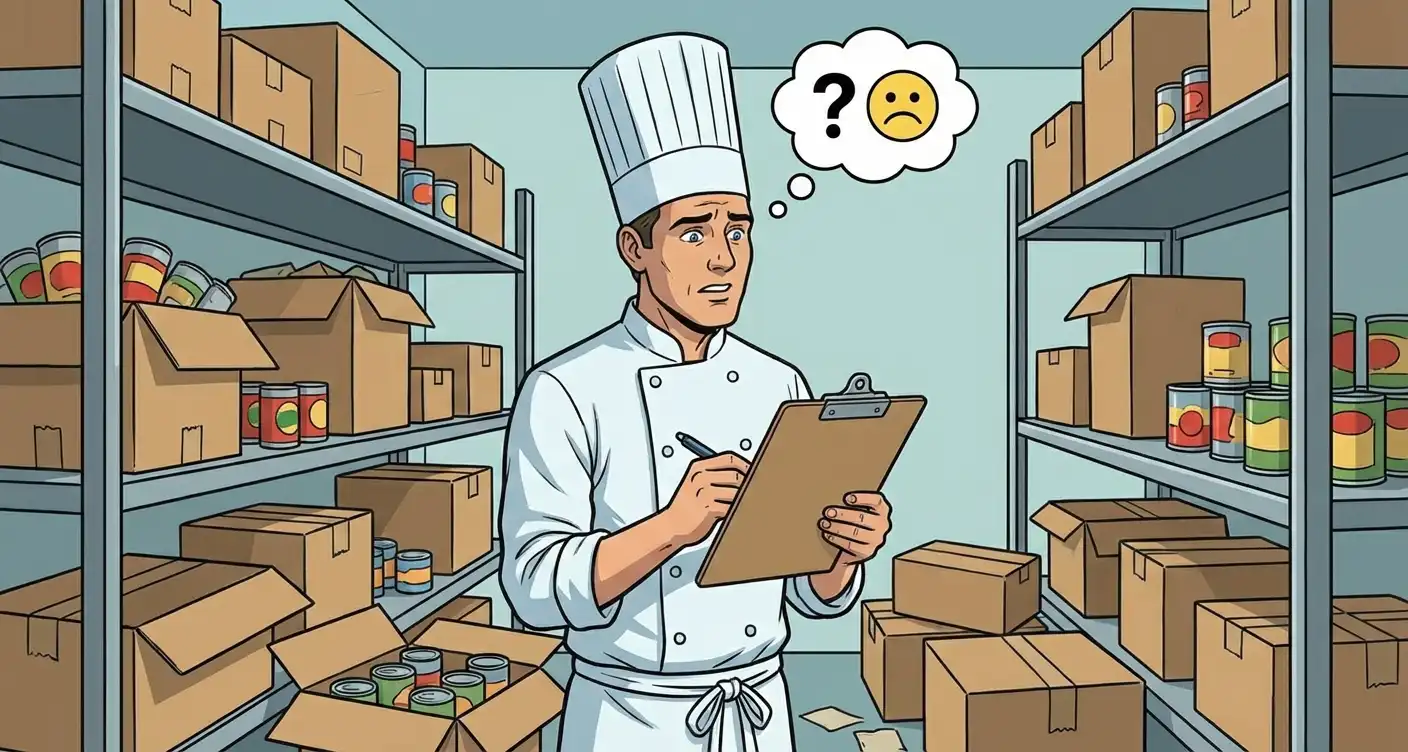
Restaurant inventory management software brings all of your purchasing, stock levels, recipe costs, and sales data together in one place. These systems automatically update your inventory levels when you get deliveries and sell menu items, so you don't have to keep track of them manually using counts and spreadsheets.
This is more important than ever. The restaurant business has very low profit margins, usually between 3% and 5%, and it also has to deal with food waste rates of about 30%. If you don't have reliable information on what you have, what you're using, and what you're losing, it's hard to keep track of your food costs.
Modern inventory systems have real-time inventory tracking that automatically updates stock levels based on sales and delivery. The inventory management software takes away the right ingredients when your point of sale systems process an order. Scanning the invoice when a delivery comes adds items to your counts.
These parts work with the rest of your restaurant's operations, such as restaurant accounting systems, vendor management tools, and buying platforms. The idea is to make sure that all the information about your inventory costs and usage patterns comes from one place.
It's not just about convenience that manual and digital inventory monitoring are different. It's also about accuracy and useful information.
Manual approaches include counting things by hand every so often, keeping paper records, and doing math on spreadsheets. Employees spend hours measuring stock, entering data, and trying to figure out why things don't match up. By the time you find an issue, a lot of money or time has already been wasted.
Digital restaurant inventory software lets you keep track of things in real time, spot differences automatically, and look at past data. You get warnings days in advance instead of finding out you're out of salmon during Saturday dinner service. Instead of guessing how much food costs, you may view the real cost calculations that are updated with each transaction.
Knowing these basics can help you judge specific aspects that set good systems apart from great ones.
It's one thing to know what restaurant inventory management looks like in theory. More detailed information is needed to find the elements that really improve operational efficiency.
An accurate, up-to-date view of what you have on hand is the most important part of any inventory management system. Find restaurant inventory systems that:
Tracking food costs in real time changes the way you handle your inventory. You can find problems right away, such over-portioning, theft, or a vendor charging the wrong pricing, instead of waiting until the end of the month.
Strong vendor management tools help you make better buying selections by turning your inventory data into smart choices. The finest systems automatically create purchase orders depending on your selected reorder points and how you have used the system in the past. You select par levels, and the algorithm makes orders when stock falls below those levels. It usually just takes a few clicks to approve and transmit.
Price comparison tools assist you find out whether a vendor's prices go up or down from what you agreed to. Some platforms even connect directly with suppliers, making it possible to place orders and match invoices electronically, which makes the whole procurement process more accurate.
Recipe management capabilities link the things you have in stock to the things on your menu. Your recipe pricing adjusts automatically when the prices of ingredients change. You don't have to do any math yourself. This level of visibility helps you make smart judgments about menu engineering, such as which items really make the most money, which need price changes, and which might need to be reformulated.
Dynamic cost tracking also lets you define goal cost percentages and keep an eye on how well you're doing compared to them. If your goal food cost is 28% but you're actually spending 32%, the system will show you exactly where the difference comes from.
More advanced platforms go even further with this integration. For example, Tableview has a built-in inventory system that works with its own accounting and procurement management systems. This gets rid of the data silos that come up when restaurants use a lot of different solutions that don't work together.
Features only provide value when they are used correctly. If you get the launch right, your investment will pay off in months. If you don't, it will become shelfware.
Before evaluating vendors, assess your current state and requirements:
Different operation sizes need different capabilities. Here’s how requirements typically scale:
| Factor | Small Operations (1-3 locations) | Growing Chains (4-15 locations) | Enterprise (15+ locations) |
|---|---|---|---|
| Scalability | Basic tracking | Multi-location consolidation | Custom solutions, API access |
| Integration | POS integration | Advanced reporting, business intelligence | Full ERP connectivity |
| Cost Structure | $199-299/month | $299-499/month | Custom pricing |
Small restaurants benefit the most from simplicity, which means keeping track of their stock and placing orders correctly without too much trouble. As hospitality groups grow, they need to be able to get all of their reports in one place and use data from numerous sites to predict future demand. Enterprise operations need a lot of customisation and strong support teams.
Think about how your restaurant's data will move from one system to another. An inventory solution that doesn't work with the tools you already have makes things worse instead of better.
Even the best systems fail when they are not put into action correctly. If you know what problems are likely to come up, you may plan ahead for how to solve them.
Without good change management, introducing new technologies to kitchen staff almost never works smoothly. The answer is to roll it out slowly instead than switching over all at once. Start with a trial phase in which employees carry out both the old and new processes at the same time. Choose "champions" for the inventory system, team members who understand it well and help their coworkers through the change.
Make sure that training sessions are hands-on and focus on how to utilize the software in real life instead of on abstract capabilities. Employees need to see how the technology helps them do their jobs better, not just hear about how it helps the company.
When you switch from manual tracking or old software to a new platform, you have to deal with problems in moving data. For help with importing data, work closely with your vendor's support staff. Good suppliers will help you set up your system as part of the onboarding process.
Run parallel systems for at least two weeks before going fully live. Check the outputs of the old and new methods against each other to find differences before they get worse. Make sure that connections between accounting systems and point-of-sale (POS) systems are sending and receiving correct data in both directions.
To show that your investment in inventory management is worth it, you need to keep track of certain KPIs from the start. Pay attention to:
To see clear trends, measure these KPIs across three to six months. Most restaurants have a good return on investment (ROI) in the first quarter if everything goes as planned.
Restaurant inventory systems give you measurable results by cutting down on waste, keeping costs down, and saving time. In a business where every percentage point of margin counts, being able to see your inventory items in real time changes reactive management into proactive control.
The path forward is straightforward:
When you enhance your inventory management, you may also make related changes, such as better integration of your POS system, more advanced menu planning based on real data, and tracking of inventory KPIs that leads to ongoing improvements in operational efficiency.
What is the average ROI timeline for restaurant inventory systems? Most restaurants see positive ROI within 3-6 months of full implementation. Primary savings come from reduced food waste, lower labor costs on manual inventory counts, and decreased over ordering. Operations with high-value inventory (specialty proteins, premium beverages) often see faster returns.
How do inventory systems integrate with existing POS and accounting software? Modern inventory management software connects through APIs or built-in integrations with major POS systems and accounting software. Sales data flows automatically to update inventory levels, while cost information syncs with accounting for accurate profit margin calculations.
What staff training is typically required for successful implementation? Expect 4-8 hours of initial training for primary users, plus 1-2 hours for staff who interact with the system occasionally. Hands-on training focused on daily workflows proves more effective than comprehensive feature overviews.
Can inventory systems work for multiple restaurant locations? Yes—multi-location support is a standard feature in mid-tier and enterprise inventory management solutions. Centralized systems provide consolidated reporting while allowing location-specific par levels and vendor relationships.
What are the most important features to prioritize when selecting a system? Prioritize reliable real time tracking, solid integration with your existing POS systems, and vendor management capabilities that match your purchasing complexity. Recipe costing matters significantly for operations with large menus or frequent ingredient price fluctuations.
How do cloud-based inventory systems ensure data security and reliability? Reputable cloud platforms use encryption for data transmission and storage, maintain redundant servers for uptime reliability, and provide regular backups. Verify that vendors comply with food and beverage industry data handling standards and offer service level agreements for availability.
Our sales, marketing and custom support stand ready 24/7 worldwide.