


Restaurant Kitchen Display System: Improve Kitchen Operations
 Mika Takahashi
Last updated Feb 3, 2026
 Mika Takahashi
A restaurant kitchen display system (KDS) is a type of digital technology that replaces paper tickets with screens that show kitchen staff real-time updates on orders. This system transforms how restaurants manage order flow between front of house and back of house operations.
This guide covers the essential features, implementation strategies, and practical benefits of kitchen display systems for restaurants, cafes, and food service establishments of all sizes. Restaurant owners, kitchen managers, and operators seeking to streamline operations and improve order accuracy will find actionable insights here. Whether you run a quick-service location or fine dining establishment, understanding kitchen display system technology matters because guest expectations for speed and food quality continue to rise while labor challenges persist.
A restaurant kitchen display system is a digital display system that receives guest orders from your POS system and shows them on kitchen screens, enabling staff to prepare, track, and complete orders with greater efficiency and fewer errors than printed tickets allow.
By the end of this guide, you will understand:
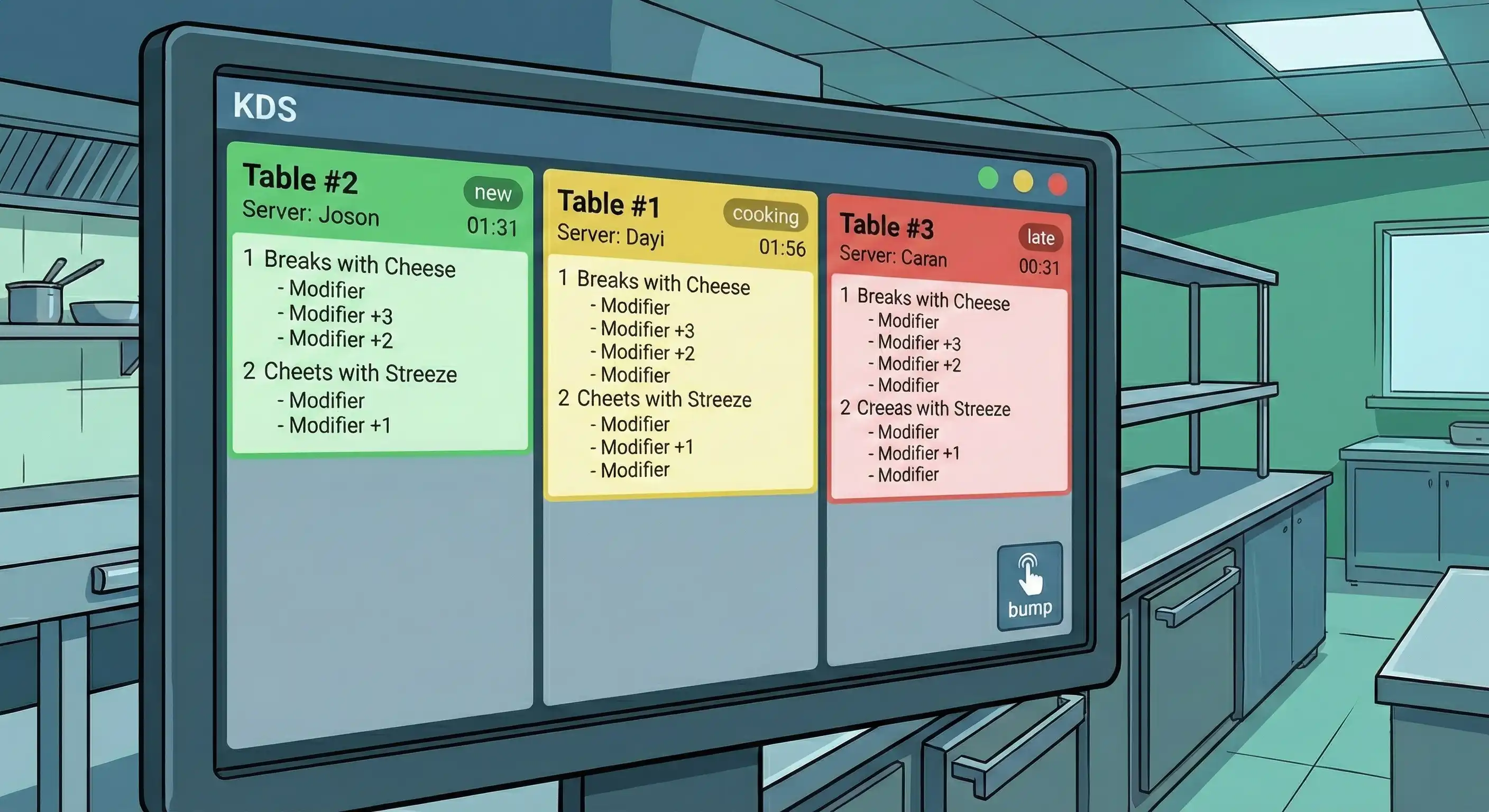
A kitchen display system KDS serves as the digital communication hub between your front of house service team and back of house kitchen staff. Instead of using kitchen printers that make paper tickets that can get smudged, lost, or read incorrectly, a KDS sends clear, organized order information directly to screens at each prep station.
This technology solves basic problems with how things work. When orders come in through a digital display instead of printed tickets, kitchen workers can observe changes, special requests, and scheduling needs in a consistent way. The result is measurable improvement in order accuracy and reduced ticket times across service periods.
The hardware foundation of any kitchen display system setup includes displays designed for kitchen environments, screens that resist heat, humidity, and grease better than standard consumer devices. Many restaurants use Android devices or terminals that are built for a specific purpose and placed in strategic locations. Bump bars provide physical controls for cooks to advance or recall orders without touching screens with food-covered hands.
Software features determine how effectively the system manages your kitchen workflows. Order routing logic sends specific dishes to the appropriate station, grill items to the grill display, salads to the prep station screen. Timing alerts notify staff when ticket times exceed targets. Customizable interfaces let you configure exactly what information appears and how it’s organized.
Connectivity options include Wi-Fi and Ethernet connections, with most modern systems operating through cloud-based platforms that enable remote monitoring and real time updates across multiple locations.
When servers submit orders, the kitchen display system linked to your point of sale system gets them right away. This pos integration eliminates the delay between order entry and kitchen awareness, staff can begin preparation while guests are still settling their menus.
Online ordering platforms add another layer of integration. The same display system that shows dine-in orders also shows orders from mobile apps, delivery services, and your website. The system can differentiate order type visually, helping kitchen staff prioritize and pace preparation appropriately.
This smooth link between ordering channels and kitchen production is what makes the unique features that make daily operations better possible.
Modern kitchen display systems offer capabilities far beyond simply showing orders on a screen. These features directly deal with the problems that cause service to slow down and mistakes to happen during busy times.
Priority controls let managers and expediters send orders in order of how urgent they are. A table waiting longer than expected can be bumped to the top of the queue. The system keeps track of ticket times on its own and highlights orders that are close to or over your speed goals.
You can easily see special requests and dietary restrictions, no more squinting at scrawled changes on paper tickets. Allergen alerts can trigger visual warnings, reducing risk to guests with food sensitivities. When front-of-house staff change orders after they have been sent, kitchen screens show the changes right away.
Kitchen staff can send orders to different stations as workflow demands shift. During a rush, the expediter might balance workload by reassigning dishes, ensuring no single station becomes a bottleneck.
Display layout configuration adapts the system to your specific kitchen workflows. A one screen setup works for smaller operations, while larger kitchens might deploy separate displays for each station. You control what information appears—some operations want extensive guest notes visible, others prefer minimal displays showing only essential preparation details.
Color coding systems provide instant visual communication. Common approaches include coloring by order type (dine-in versus delivery), by timing status (green for on-time, yellow for approaching threshold, red for late), or by station assignment. These visual cues help chefs respond to priorities without reading detailed text.
Station filtering ensures each location sees only relevant orders. The grill team views only items requiring their attention, while the salad prep station sees cold dishes. This focused approach reduces confusion and speeds production.
Audio alerts notify kitchen staff when new orders arrive, using distinct sounds for different order types or priority levels. Visual notifications—screen flashes, color changes, or icon displays—reinforce awareness during loud kitchen environments.
Order statuses update as items progress through preparation. The expediter sees a consolidated view of all active tickets, knowing exactly which dishes are complete and which need attention. This visibility eliminates the constant verbal checking that slows down service.
For operations with pickup and delivery components, customer notification integration can automatically alert guests when their order is ready or en route. This feature extends the communication chain beyond your kitchen to improve guest experience.
These capabilities combine to streamline communication throughout your operation, but realizing their full benefit requires thoughtful implementation.
Moving from traditional paper tickets to a fresh kitchen display system represents a significant operational change. Success depends on matching your system selection to your specific needs and following a structured deployment process.
Implementation works best as a phased approach rather than an overnight switch. Most restaurants benefit from running parallel systems briefly—keeping kitchen printers active while staff adapts to the digital display workflow.
Different restaurant types require different solution levels. Matching your selection to your operation prevents overspending on unnecessary features or underinvesting in critical capabilities.
| System Type | Best For | Key Features | Investment Level |
|---|---|---|---|
| Basic POS-Integrated KDS | Small restaurants, cafes | Simple order display, basic timing | Low to moderate |
| Advanced Multi-Station KDS | Full-service restaurants | Multiple displays, advanced routing, analytics | Moderate to high |
| Enterprise KDS Platform | Restaurant chains, large operations | Multi-location management, predictive features | High |
Smaller operations often find that a basic system bundled with their existing pos delivers sufficient functionality. The right kitchen display system for a single-location cafe differs significantly from what a business operating across multiple locations requires.
Full-service restaurants with complex kitchen layouts typically need advanced routing capabilities and multi-station coordination. Enterprise platforms add centralized management, comparative analytics across locations, and integration with broader restaurant technology ecosystems.
Consider not just current needs but planned growth. A system that handles today’s volume but cannot scale creates future headaches.
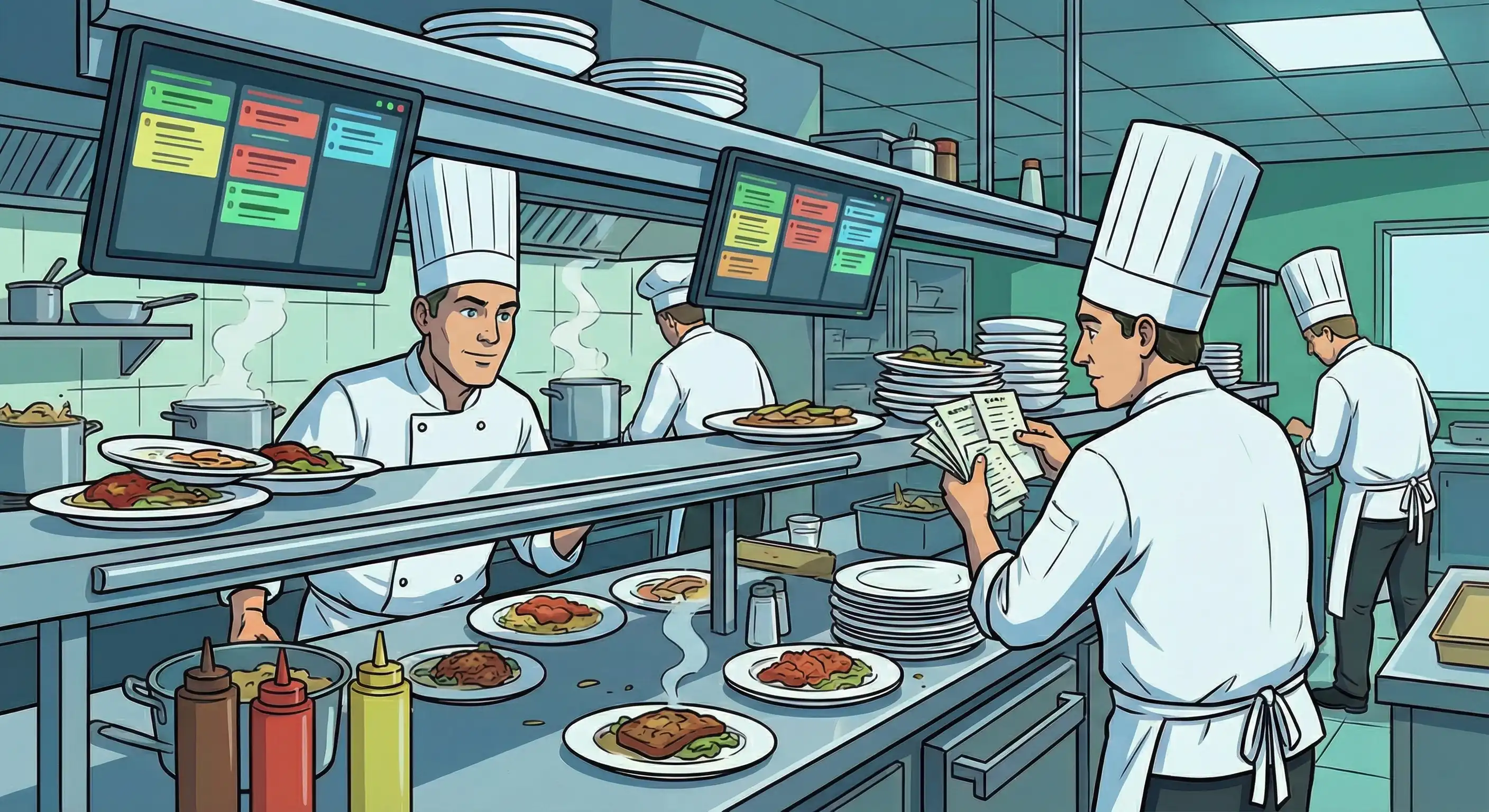
Even well-planned implementations encounter obstacles. Understanding typical challenges and proven solutions helps you respond effectively and maintain momentum during transition.
Kitchen teams accustomed to paper tickets may resist the change, particularly experienced team members with established workflows. Address this by involving staff in the selection and configuration process, giving them ownership of the transition. Keep kitchen printers as backup during the initial phase, removing only after confidence builds. Emphasize immediate benefits they’ll experience—clearer order information, fewer verbal clarifications needed, less time hunting for misplaced tickets.
Standard tablets and displays fail quickly in kitchen heat, humidity, and grease exposure. Select IP-rated hardware specifically designed for commercial kitchen conditions. Position screens away from direct heat sources and steam vents where possible. Establish regular cleaning schedules and create maintenance protocols before problems arise. The higher upfront cost of ruggedized equipment pays for itself in longevity and reliability.
System benefits prove themselves most during rushes, but only if configuration supports high-volume operation. Configure prominent visual alerts for special requests so modifications never get missed. Use color coding to indicate urgency levels at a glance. Train staff on efficient bump procedures that keep the line moving without accidentally clearing incomplete orders. Test your setup during controlled busy periods before relying on it exclusively.
Not all POS systems and kitchen display systems work seamlessly together. Verify compatibility with your specific pos version before purchase—don’t rely on general claims of integration. Request demonstrations with your actual system when possible. Work with vendors to address custom integration needs before committing. Plan adequate testing time to identify and resolve data flow issues before discontinuing paper backup.
Addressing these challenges proactively positions your operation for sustained success with digital kitchen technology.
A restaurant kitchen display system fundamentally transforms how orders move through your operation. By replacing printed tickets with digital displays, you gain real time updates, reduced order errors, measurable speed improvements, and data that helps you continuously refine kitchen performance. The technology has matured to the point where operations of any size—from single-location cafes to multi-unit chains—can find solutions matching their needs and budget.
Take these immediate steps:
Related topics worth exploring as you evaluate kitchen technology include POS system optimization to maximize the data feeding your KDS, online ordering integration strategies that unify all order channels, and restaurant analytics platforms that extend insights beyond kitchen performance into broader operational efficiency.
Our sales, marketing and custom support stand ready 24/7 worldwide.