


Restaurant Reservation System: Modern Dining Operations
 Mika Takahashi
Last updated Feb 22, 2026
 Mika Takahashi
Digital software that helps restaurants take, manage, and keep track of table bookings is called a restaurant reservation system. It also helps restaurants make the most of their seating capacity and keep guests moving smoothly during service hours. These platforms have changed the way restaurants take table bookings by replacing phone logs and paper calendars that were prone to mistakes with real-time, automated booking management that works directly with point-of-sale systems.
This article is for restaurants of all sizes and covers how to book tables, integrate point-of-sale systems, and make the client experience better. The content is aimed at restaurant owners, managers, and hospitality business experts who want restaurant booking systems that cut down on no-shows, speed up table turnover, and make restaurant operations run more smoothly together with better ways to manage reservations. It's important to know how these systems work because no-shows cost U.S. restaurants over $1 billion a year. But if reservation technology is used correctly, these losses can be cut by 25% to 50%.
Restaurant reservation systems are digital tools that let businesses take reservations online, keep track of table availability in real time, and sync reservations with point-of-sale (POS) operations. This stops double-bookings and makes the most money per seat.
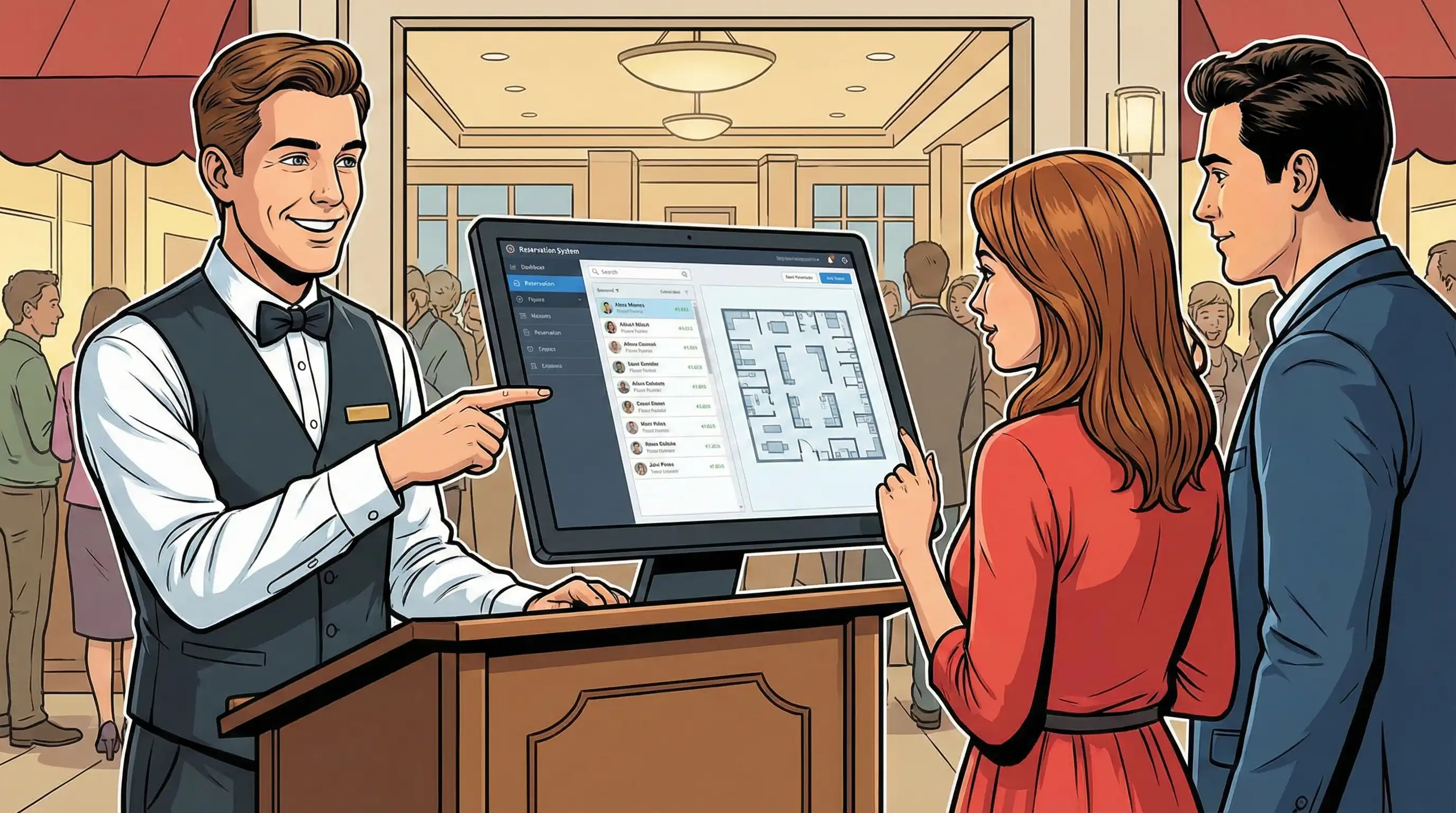
A restaurant reservation system takes care of the whole booking process, from the first customer request to confirmation, table assignment, and follow-up after the meal. These restaurant booking systems are the main hub for table reservations and table management. They link online reservations from your restaurant's website and other sites with your restaurant floor plan and service operations.
Old-fashioned ways of making restaurant reservations used handwritten logs, phone calls during busy times, and managing calendars by hand. Newer systems do away with all of this. In the past, handwritten notes and miscommunication led to mistakes. Now, digital solutions automatically record guest preferences, sync table availability across all booking channels, and give staff fast access to reservation data.
The most important parts of a good reservation platform are managing table reservations and showing the floor plan. Digital floor plans let hosts see which tables are available in real time, assign seats based on the size of the party and the server's section, and make the dining room flow better. Staff can move reservations around, put tables together for big groups, and keep track of each table's status from when guests sit down to when they pay.
Guests can book tables online and through customer-facing portals 24 hours a day, 7 days a week, without having to call during service hours. These portals show available time slots, collect information about guests, such as the size of the party and any specific requirements, and deliver confirmation right away. When you connect your restaurant website to your booking system, it makes it easy for people to book a table and turn surfers into diners.
Real-time availability tracking stops overbooking by making sure that all booking channels have the same inventory at the same time. When a customer books through Google, your website widget updates right away, and phone reservations show up online right away. This synchronization stops visitors and personnel from getting double-booked, which is annoying for everyone.
Connecting to point of sale POS systems makes your workflow more efficient by sending reservations straight to your operational center. When a booking is confirmed, the POS updates show which tables are assigned to which servers and any information on pre-orders. This integration lets personnel get ready for customers before they arrive by noting things like dietary preferences, past visits, or special occasions like anniversaries.
Integrated restaurant booking systems and restaurant staff management tools assign servers to certain areas based on reservations, make sure that the burden is evenly distributed across the team, and keep track of performance data. Managers can see which servers are handling which reservations, which lets them plan seating in a way that makes customers happy and tips go to the right people.
The difference between standalone restaurant reservation apps and integrated cloud based POS systems is a key decision point that has a direct effect on how well the business runs and how much it costs.
Effective restaurant reservation systems build on these basic parts to offer unique features that help restaurants deal with frequent problems and make things better for both visitors and staff. We're talking about restaurant table management, accepting online payments through restaurant online payments, and of course, restaurant table reservations.
Website integration puts booking widgets right on your restaurant's website, so customers can make reservations and manage them without having to go to other websites. Booking options on social media sites like Facebook, Instagram, and Google Business profiles help more people find your business. These touchpoints let people make reservations when personnel aren't available, 70% of diners now prefer to book online instead than over the phone.
Mobile-friendly interfaces make it easy to make reservations on any device. they expect to be able to book from their phones whether they are on the go or on their lunch breaks. If mobile booking is hard to use, they will go to rivals. Responsive design changes to fit different screen sizes while keeping fast load times and easy-to-use navigation.
Real-time confirmation and modification systems give fast booking confirmations and let guests change their bookings without having to call. Self-service changes cut down on phone calls during prep hours, which lets staff focus on getting ready for service instead of answering calls about changing party sizes or arrival timings.
Creating a customer profile keeps track of a guest's dining history and preferences over time. When customers book again, the staff can see their past table selections, dietary restrictions, preferred wines, and how much they usually spend. This guest data lets you give tailored service that turns one-time guests into regulars, which is the key to long-term restaurant income.
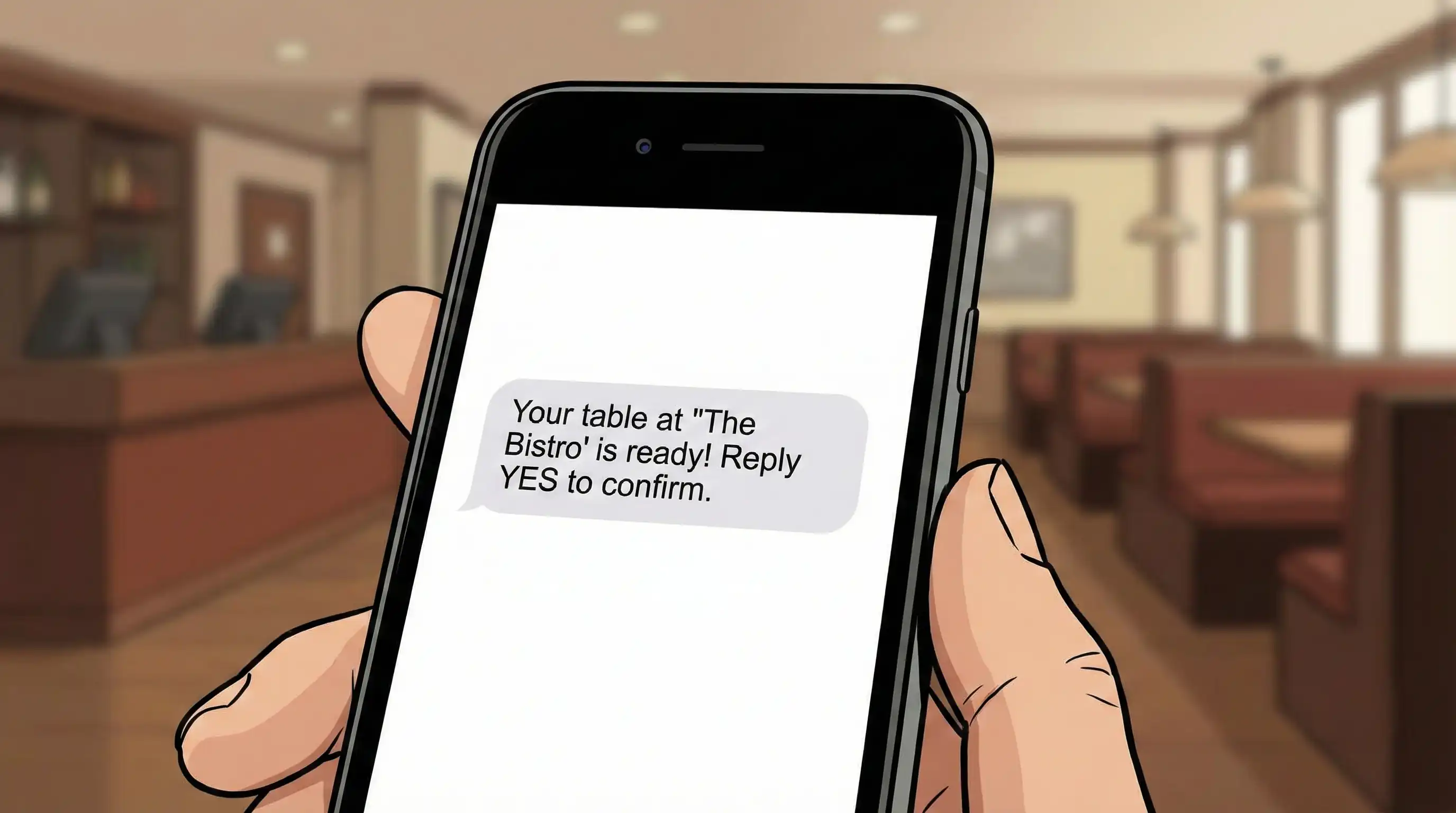
Automated email and SMS reminders help keep reservations on people's minds, which cuts down on no-shows. Most systems send confirmations right away, reminders 24 hours before the event, and messages on the day of the event asking for confirmation. Studies demonstrate that automatic reminders cut down on no-shows by 25–30%, which protects revenue that would otherwise be lost when tables are empty.
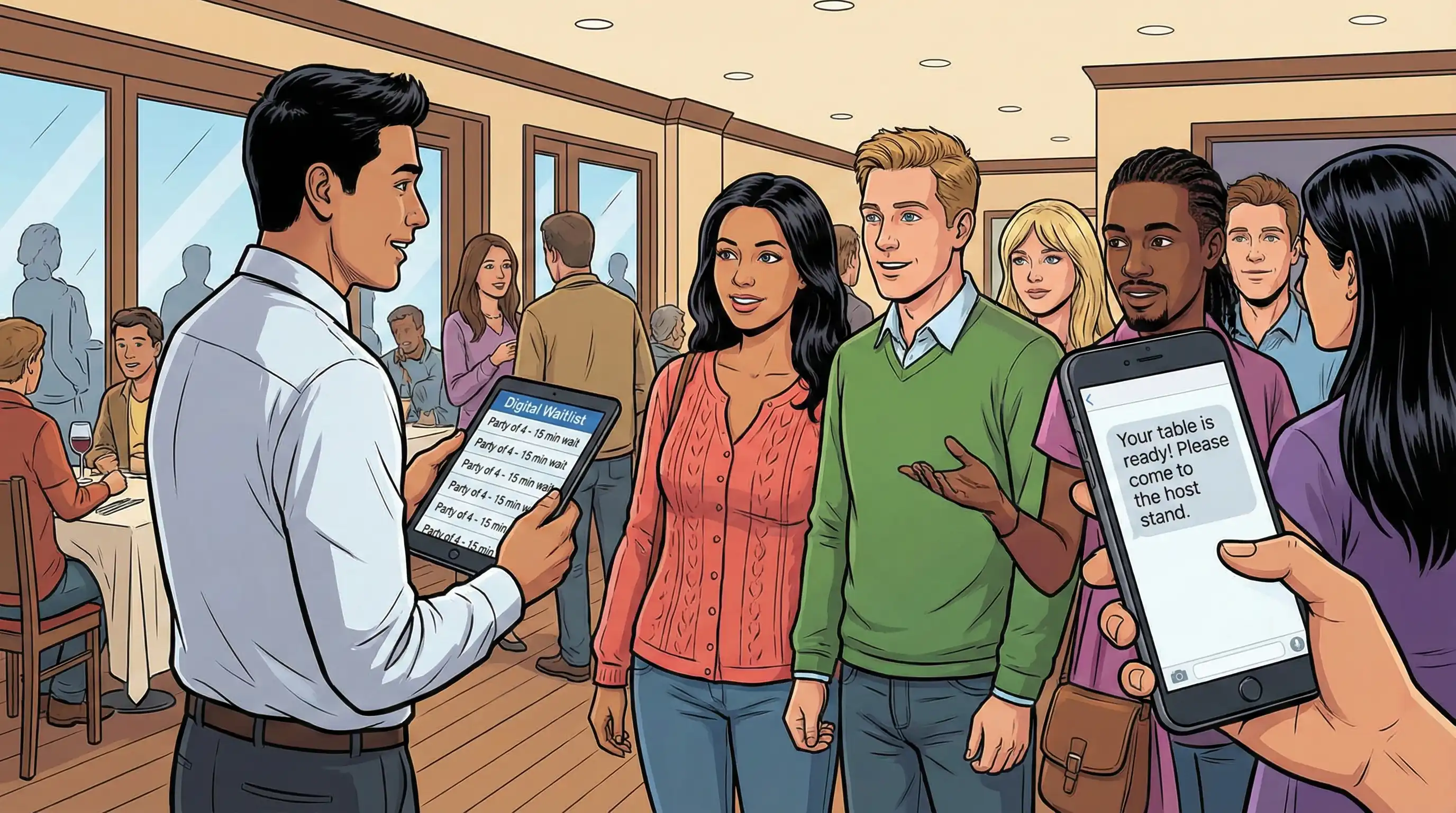
During busy times, waitlist management takes care of walk-in clients and lets them know by text when tables are free. Digital waitlists let guests explore the area as they wait for their turn, instead than making them wait in busy lobbies or walk about nearby. This feature makes it easier for spontaneous customers to make reservations and makes their eating experience better from the start.
Tracking revenue and analyzing table turnover show which times, table layouts, and party sizes make the most money. Advanced reports display the average check by reservation source. This helps you figure out if third-party platforms are worth it once you factor in the costs. These insights help businesses decide how much to charge, how many employees to hire, and how much to spend on advertising.
Patterns of no-shows and insights into consumer behavior can help you find high-risk bookings before they turn into empty tables. Systems mark guests who have a habit of not showing up, which lets you make confirmation calls or request deposits ahead of time. Pattern recognition across different types of customers shows whether certain booking channels, party sizes, or time slots are linked to more cancellations.
When you know what these analytics tools can do, you can see why choosing the right system is important: not all platforms give you the same information about your organization.
When choosing reservation technology, you need to compare your restaurant's specific demands with the options that are out there. Pay special attention to how well the systems work with what you already have and how well they can develop with your business.
When restaurants outgrow conventional methods, have trouble with overbooking, or want to take online payments for deposits and prepaid meals, they usually need new reservation systems. The review should start with a frank look at the current problems and the ambitions for the future.
The size of the restaurant and the style of dining needed help figure out how deep the features need to be. Fine dining restaurants focus on keeping track of guest preferences and managing special events, whereas casual restaurants with a lot of customers need tools to quickly turn over tables and make the waitlist more efficient. Capacity might be as small as a few rooms that need simple booking or as large as a multi-location business that needs centralized management in famous cities.
The ability to work with existing POS systems is the most important thing to look for. When systems are broken up, reservation information doesn't get to service staff, so they have to enter it by hand, which might lead to mistakes. Integrated solutions get rid of this friction by bringing together booking data, guest history, and payment processing on one platform.
Your IT investment will meet your long-term needs if it can expand with your business. Systems should be able to add more locations, more seats, and better functionality without having to move the whole platform. If you want to open more than one type of restaurant, think about whether the solutions you choose can handle all of them under one management system.
A cost study that looks at establishment charges, monthly fees, and transaction costs shows the real cost of running the business. Many platforms say they have affordable monthly costs, but they charge extra for premium services, payment processing, or per-cover expenses. Add up the entire cost of ownership, which includes training time, integration costs, and ongoing support needs.
| Criterion | Standalone Reservation Apps | Integrated POS with Reservations (Tableview) |
|---|---|---|
| Data Synchronization | Requires API integration, potential lag | Real-time unified database |
| Payment Processing | Separate merchant accounts | Unified payment processing for deposits and dining |
| Staff Training | Multiple systems to learn | Single platform for all operations |
| Guest Data Access | Limited to booking information | Complete dining history and preferences |
| Analytics Depth | Reservation metrics only | Full revenue, inventory, and booking insights |
| Monthly Cost Structure | Per-cover fees common | Predictable pricing without hidden fees |
| Table Management | Basic floor plans | Dynamic seating with server assignments |
Tableview is the best all-in-one POS with built-in restaurant reservations since it gets rid of the different systems that make restaurant operations difficult. When reservations go straight to your point of sale, hosts can see what guests want, servers can see what they ordered before, and management can see how much money they made from each booking and payment in unified advanced reports.
Standalone reservation systems need to be synced with POS systems all the time, which causes delays that might lead to overbooking and data errors. Staff members have to log into more than one system, look at several screens for guest history, and manually check end-of-day reports. These problems get worse when service is busy, which is when simplified processes are most important.
Tableview is an example of an integrated system that offers all the features you need in one place, such as making reservations online, managing tables, processing payments, and analyzing operations. Restaurants that use unified systems say they can allocate tables 50% faster, cut administrative work by 25%, and make guests much happier by offering individualized service thanks to easy access to visitor data.
Even well-designed reservation systems have problems that come up when they are in use. Your team will be ready for seamless adoption and continued optimization if they know about typical problems and proven solutions.
No-shows hurt business and slow down service flow. On average, 20–30% of unconfirmed bookings don't show up. To stop this, require deposits from large groups and during busy times. Systems like Tableview let you take online payments for upfront payments that make people commit while also protecting you from losing money.
Automated confirmation sequences ask for a response 24 to 48 hours before reservations, making it easy to rebook canceled slots. Set up systems to automatically put cancelled tables on a waitlist, letting diners know they're on the list and filling seats that might otherwise be empty. Using a combination of methods can cut down on no-shows by 40% or more.
Real-time syncing between all booking channels stops customers from getting double-booked, which makes service chaotic and annoys guests. Make sure that all reservation sources, including the internet, phone, third-party platforms, and walk-ins, all send information to a single table availability system that updates quickly across all channels.
When people stay too long, buffer time settings between bookings stop delays from getting worse. Set turn times based on the type of dining: quick-service places may just need 45 minutes, while fine dining places may need 2 hours. Another way to control capacity is to keep tables open for walk-ins during times when there are usually a lot of people.
Comprehensive training programs speed up adoption, but the success of a platform depends on how complicated it is. Intuitive interfaces that look like familiar workflows make it easier for staff to learn. For example, digital floor plans should work like physical seating charts because staff already know how to assign tables.
Change management solutions take into account that moving to new technologies can cause short-term problems. Choose power users who will get extra training and help their coworkers during the deployment. Publicly celebrate early triumphs to show how the technology fixes annoying problems like booking mistakes and phone volume. Integrated platforms like Tableview make training easier by combining technologies into single processes instead of requiring users to be skilled in many systems.
By dealing with these problems, your restaurant will be ready for the long-term benefits that reservation technology brings.
Restaurant reservation systems have changed from simple booking tools to whole operational platforms that affect revenue, client happiness, and daily efficiency. The main difference is between standalone apps that make data silos and integrated POS systems that combine reservations with payment processing, guest management, and operational analytics.
Restaurants that get the most out of reservation technology have a few things in common: they choose platforms that work well with their current systems, set up automated reminders to cut down on no-shows, use guest data to give personalized service, and look at booking patterns to make staffing and marketing more effective.
Immediate action steps:
Integrated solutions do rid of the problems, mistakes, and costs that come with having separate systems. This is important for restaurants that want to improve their operations and guest experience. Unified platforms are the future of restaurant reservations. They will have all the steps of the process, from making the reservation to paying, in one smart system.
Some other issues that are worth looking into are how to choose a POS system, how to make the guest experience better, and new restaurant technology trends that will affect the hospitality industry through 2026 and beyond.
Restaurant reservation system evaluation checklist:
Key industry statistics for planning:
ROI considerations: To figure out how much money you could save, multiply the average number of no-shows by the average check amount, and then by the number of covers each year. Compare with the costs of the system, such as monthly fees, per-cover prices, and the time it takes to set it up. Most restaurants see a positive return on investment (ROI) within 3 to 6 months just from fewer no-shows and faster table turnover.
Our sales, marketing and custom support stand ready 24/7 worldwide.