


Software for Bar: Guide to Bar Management Software
 Mika Takahashi
Last updated Mar 19, 2026
 Mika Takahashi
Running a bar is equal parts craft and chaos. One moment you are curating a cocktail menu that will have guests talking for weeks; the next you are counting bottles at 1:00 AM, reconciling a till that does not add up, and wondering where three cases of premium tequila disappeared to between Tuesday and Friday. The margins are thin, the pace is relentless, and the difference between a bar that thrives and one that quietly bleeds money almost always comes down to one thing: systems.
The right software for bar operations does not just digitise what you already do, it fundamentally changes what is possible. It turns guesswork into data, manual counts into automated tracking, and gut-feel pricing into margin-optimised strategy. Whether you run a single neighbourhood pub or manage multiple locations across a city, the technology you choose will shape your profitability, your efficiency, and ultimately your survival.
This guide breaks down everything you need to know about bar software in 2026: what it does, what to look for, how to evaluate it, and how to implement it without disrupting the operation you have spent years building.
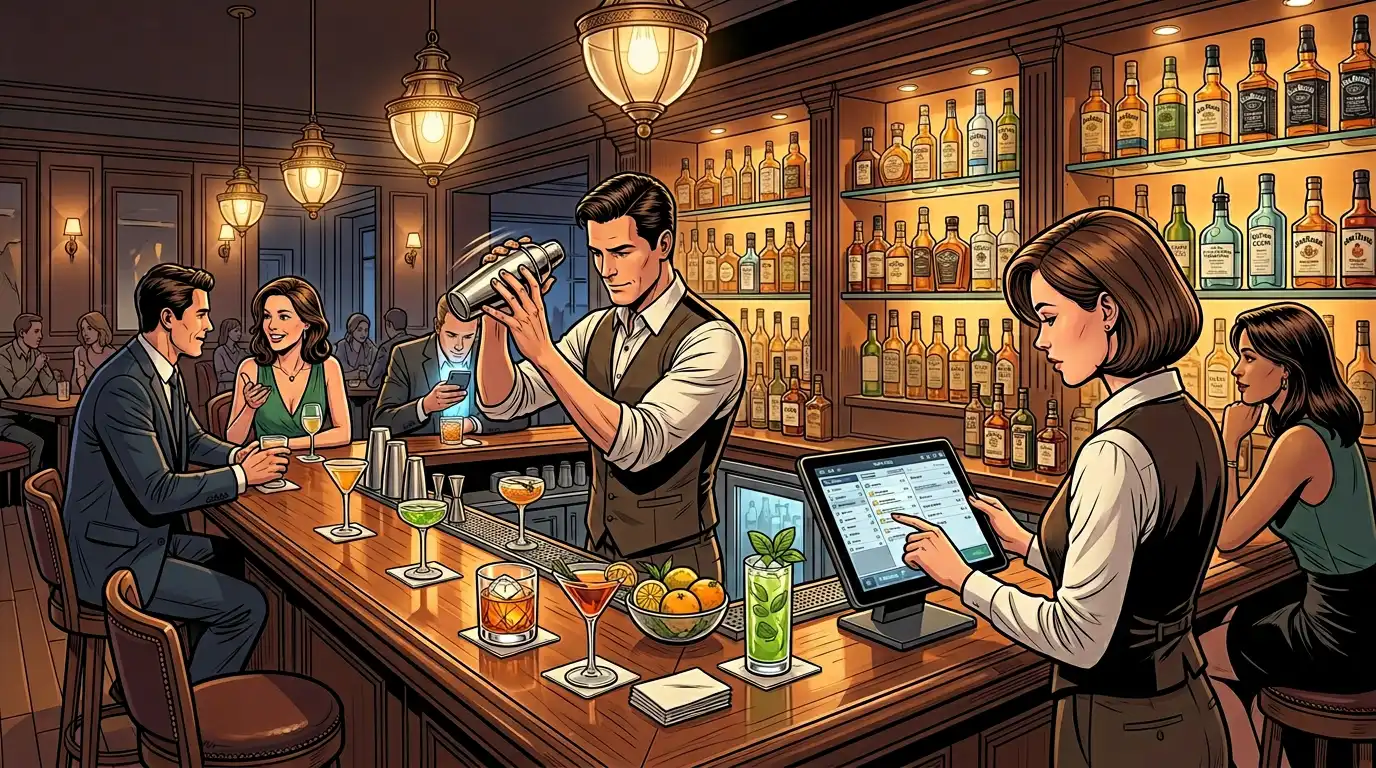
Restaurants have had purpose-built technology for decades. Bars, historically, have been slower to adopt, partly because many bar owners came up through the hospitality ranks rather than the tech world, and partly because the industry has a deep-rooted culture of "we've always done it this way."
But the economics have shifted. Ingredient costs have risen sharply. Labour markets are tighter than ever. Customers expect faster service, seamless payments, and personalised experiences. And the operators who are winning, the ones opening second and third locations, the ones maintaining healthy margins while competitors fold, are the ones who have embraced bar management software as a core part of their operation, not an afterthought.
Here is what dedicated software for bar and restaurant environments actually solves:
Inventory is where most bars lose money, and it is not because of theft (though that happens too). It is because of over-pouring, spoilage, incorrect ordering, and the simple inability to track what moves and what sits. A bottle of well vodka poured a quarter-ounce heavy on every drink adds up to thousands of dollars in lost revenue over a year. Multiply that across a full back bar and the numbers become staggering.
Bar inventory management software attacks this problem from multiple angles. It tracks every bottle from delivery to depletion, measures variance between what was sold and what was used, flags products with unusually high waste, and generates ordering suggestions based on actual consumption patterns rather than the bartender's best guess on a Wednesday morning.
A busy bar lives and dies by throughput. Every second a bartender spends navigating a clunky POS screen, manually entering modifiers, or waiting for a card reader to process is a second a customer is waiting, and potentially deciding to close their tab. A well-designed bar POS system is built for speed: large buttons, logical menu layouts, quick-tap ordering, and payment processing that keeps pace with a Friday night rush.
If you cannot see what is happening in your bar in real time, what is selling, what is not, which shifts are profitable, which staff members are underperforming, you are managing blind. Modern bar software gives you dashboards, alerts, and reports that turn raw transaction data into actionable intelligence, accessible from your phone whether you are on-site or not.
Not all hospitality software is created equal, and not all of it is built with bars in mind. A system designed primarily for full-service restaurants may handle food orders beautifully but fall short on the rapid-fire drink service, tab management, and pour tracking that bars demand. Here are the features that matter most.
Your bar POS system is the nerve centre of the entire operation. It is the tool your staff interact with hundreds of times per night, and its design directly impacts service speed, order management, and staff morale. Look for:
The best bar inventory management system in the world is worthless if your team does not use it. The reason most bars abandon inventory software within six months is not that the software is bad, it is that the process is too time-consuming to sustain. Look for systems that reduce the friction of counting, receiving, and reconciling:
A cloud-based POS system stores your data on remote servers rather than a local machine behind the bar. This matters for several practical reasons:
The shift to cloud-based POS system architecture has been one of the most significant developments in hospitality technology over the past decade. If you are still running a legacy on-premise system, migration should be a priority.
If you operate multiple locations, your software must give you a unified view across all of them without requiring you to be physically present. Key capabilities include:
Bars face unique staffing challenges. High turnover, cash handling, late-night shifts, and tip management all require careful systems:
Raw data is noise. What you need is insight. Your bar management software should deliver:

The primary financial benefit of implementing proper bar software is the ability to control costs with precision that manual methods simply cannot match. Here is how:
Industry benchmarks put ideal pour cost for a well-run bar between 18 and 24 percent. Many bars operate well above that, sometimes in the 28 to 32 percent range, without realising it. The gap between a 24 percent pour cost and a 30 percent pour cost on a bar doing one million dollars in annual revenue is sixty thousand dollars in lost profit. Every year.
Bar management software with integrated inventory tracking closes that gap by making variance visible. When you can see that your actual usage of Jameson is 15 percent higher than what your POS says you sold, you know there is a problem, and you can address it before it costs you another month of margin.
Without data-driven ordering, most bars over-order. The logic is understandable: running out of a popular product on a Saturday night is painful, so managers build in a generous buffer. But that buffer ties up cash in sitting inventory, increases the risk of spoilage (especially for perishable mixers, garnishes, and draught beer), and clutters storage.
Automated ordering based on actual consumption patterns and configurable par levels ensures you always have enough without overcommitting capital. The software analyses your sales velocity for every product and tells you exactly what to order and when.
Internal shrinkage is an uncomfortable topic, but it is a reality in the bar industry. Studies consistently show that bars lose between 20 and 25 percent of their alcohol inventory to a combination of over-pouring, spillage, complimentary drinks, and yes, theft. Most of this goes undetected in bars that rely on manual inventory counts done weekly or monthly.
With real-time bar inventory tracking and automated variance reporting, discrepancies surface within days rather than weeks. If a particular product or a particular shift consistently shows higher-than-expected usage, you have the data to investigate, and the evidence to act.
Labour is typically a bar's second-largest cost after cost of goods. Bar management software with integrated scheduling and labour reporting helps you match staffing levels to actual demand rather than gut feel. If your Tuesday evening consistently does 40 percent less revenue than your Wednesday, your staffing should reflect that. Software makes the pattern visible and helps you schedule accordingly.
Operating multiple locations multiplies every operational challenge. Inventory that was manageable at one site becomes a logistical puzzle at three or five. Without centralised bar inventory management, each location tends to develop its own ordering habits, its own counting rhythms, and its own blind spots.
Centralised bar software solves this by:
With dozens of options on the market, selecting the right bar POS system can feel overwhelming. Here is a framework for narrowing the field:
Before evaluating any software, list the three to five things that frustrate you most about your current setup. Slow tab management? Inaccurate inventory? No visibility when you are off-site? Difficulty managing multiple locations? Your pain points should drive your evaluation, not a feature checklist from a sales deck.
The most feature-rich system in the world is useless if your bartenders hate using it. Request a trial or demo and put it in front of your actual staff, not just management. Watch how they interact with it. Can a new hire learn the basics in under an hour? Can an experienced bartender close 50 tabs in 10 minutes without friction? Speed and simplicity are everything.
A standalone POS is a starting point, not a solution. Look at the broader ecosystem:
POS software pricing varies widely. Some charge a flat monthly fee per terminal. Others take a percentage of transactions. Some bundle hardware; others sell it separately. Hidden costs — payment processing fees, add-on module charges, support tiers, can make a system that looks affordable on paper expensive in practice. Get the full cost picture before committing.
Bars operate at night, on weekends, and on holidays, precisely when most software companies have skeleton support teams. Ask about support hours, response times, and escalation paths. A system that goes down at 10:00 PM on a Saturday needs a support team that answers at 10:00 PM on a Saturday.
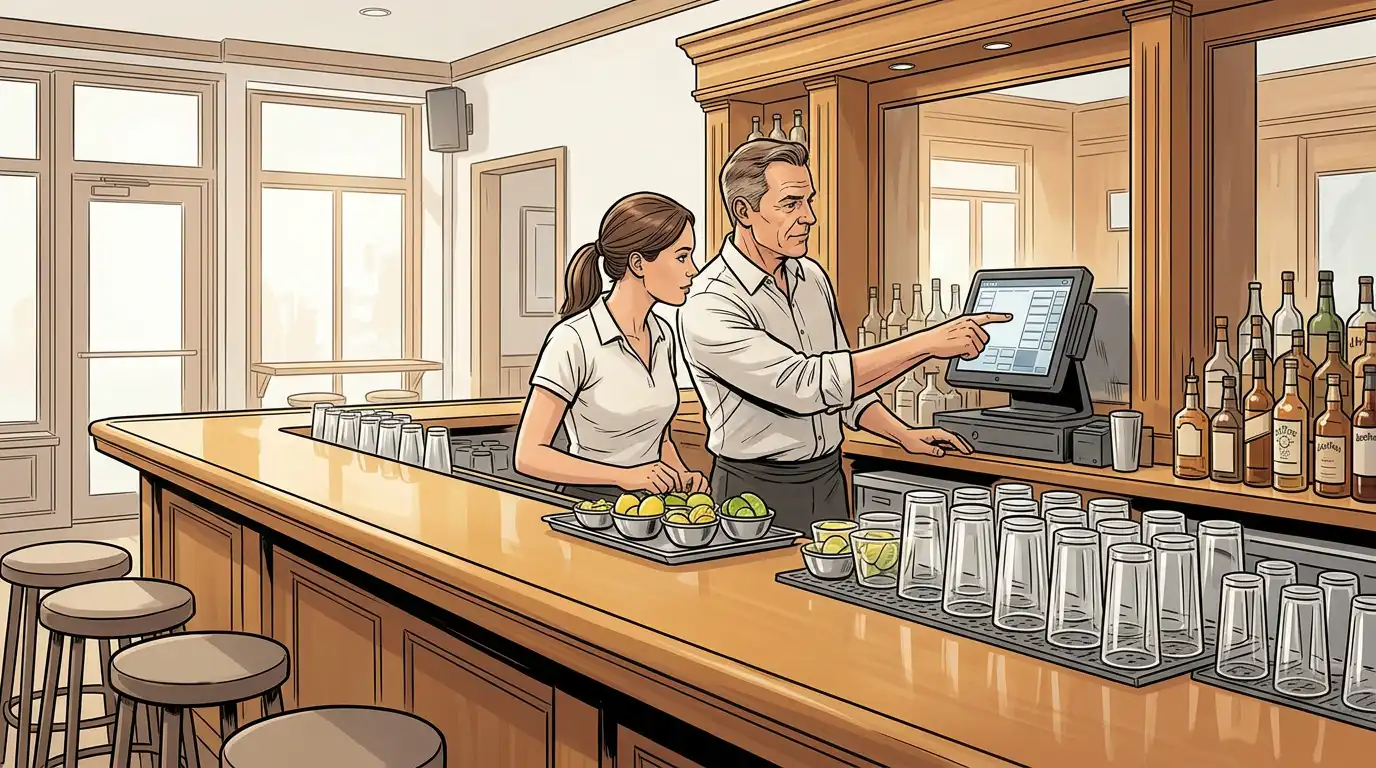
Adopting new software for bar and restaurant operations is a significant change, and change in a fast-paced hospitality environment is risky if handled poorly. Here is how to make the transition smooth:
Do not try to implement every feature at once. Start with the POS, the system your staff will interact with most, and get everyone comfortable with it before layering on inventory management, scheduling, and advanced reporting. A phased approach reduces overwhelm and allows you to troubleshoot in stages.
Schedule training sessions during your slowest service periods or before opening. Trying to learn a new system during a busy shift is a recipe for frustration and errors. Budget more time than you think you need, most operators underestimate the training requirement by at least 50 percent.
For the first one to two weeks, consider running your old and new systems in parallel. This provides a safety net and allows you to verify that the new system is recording data accurately before you cut over completely.
Designate one team member, ideally a manager or senior bartender, as the internal expert and go-to resource. This person should receive advanced training and serve as the first point of contact for staff questions, reducing the load on external support.
Be transparent about why you are making the change and what you expect it to achieve. Staff resistance to new technology is almost always rooted in fear, fear of looking incompetent, fear of being monitored, fear of change. Address these concerns directly. Frame the software as a tool that makes their jobs easier, not a surveillance system.
Bar software continues to evolve rapidly. Several trends are shaping where the industry is headed:
Machine learning is beginning to move beyond basic reporting into predictive analytics. Imagine software that not only tells you what sold last week but predicts what will sell next week based on weather, local events, historical patterns, and social media sentiment, and adjusts your prep lists and staffing recommendations accordingly.
The line between ordering and paying continues to blur. QR-code ordering, tap-to-pay, mobile wallets, and even biometric payment methods are reducing the friction between a customer deciding to order and the drink appearing in front of them. Bars that adopt these seamlessly will have a service speed advantage.
As consumers and regulators increasingly prioritise sustainability, expect bar management software to incorporate waste tracking, carbon footprint calculations, and sustainable sourcing metrics. Bars that can demonstrate low waste and responsible sourcing will have a marketing advantage.
The standalone software tool is giving way to integrated ecosystems where your POS, inventory system, accounting platform, marketing tools, and staff scheduling all share data in real time. The goal is a single source of truth for every aspect of your bar operations, eliminating the spreadsheets, manual data entry, and information silos that plague most operators today.
Even with the right bar software, implementation can go wrong. Watch out for these pitfalls:
Choosing and implementing the right software for bar operations is one of the highest-impact decisions a bar owner or operator can make. The technology exists today to give you real-time visibility into every aspect of your business, from the speed of service at the rail to the pour cost on your signature cocktail to the labour efficiency of your Tuesday night crew.
The bars that will dominate in the years ahead are not necessarily the ones with the most creative menus or the most Instagrammable interiors. They are the ones that pair hospitality craft with operational precision, the ones that know their numbers, manage their inventory to the bottle, and use data to make every decision sharper.
The right bar management software will not replace the intuition and experience you have built over years behind the stick. But it will amplify it, giving you the clarity and confidence to grow, to control costs, to scale to multiple locations, and to build a business that is as financially sound as it is fun to walk into.
The technology is ready. The question is whether you are ready to use it.
Our sales, marketing and custom support stand ready 24/7 worldwide.