


Credit Card Machines for Restaurants: 2026 Payment Guide
 Mika Takahashi
Last updated Feb 21, 2026
 Mika Takahashi
A credit card machine for restaurants is the hardware that lets your business collect payments quickly and meet the needs of modern diners. These sophisticated payment terminals handle credit card payments, debit transactions, and mobile wallets like Apple Pay. They then send the money to your merchant account within one to two business days.
This article goes over everything you need to know about processing credit cards in restaurants, from the many types of machines (from basic countertop terminals to integrated POS systems) to the features that are best for food service situations and how to find the right solution for your business. If you own a fast food stand, a full-service dining room, or a food truck, the information here will help you weigh your options without having to listen to sales pitches. We can't provide extensive comparisons of payment processors or specific talks about pricing because they change too much by area and volume.
Restaurants use specific credit card machines that can read chip, swipe, and contactless card data, talk to payment networks to get approval, print receipts, and work with POS software to make the whole process from order to payment easier.
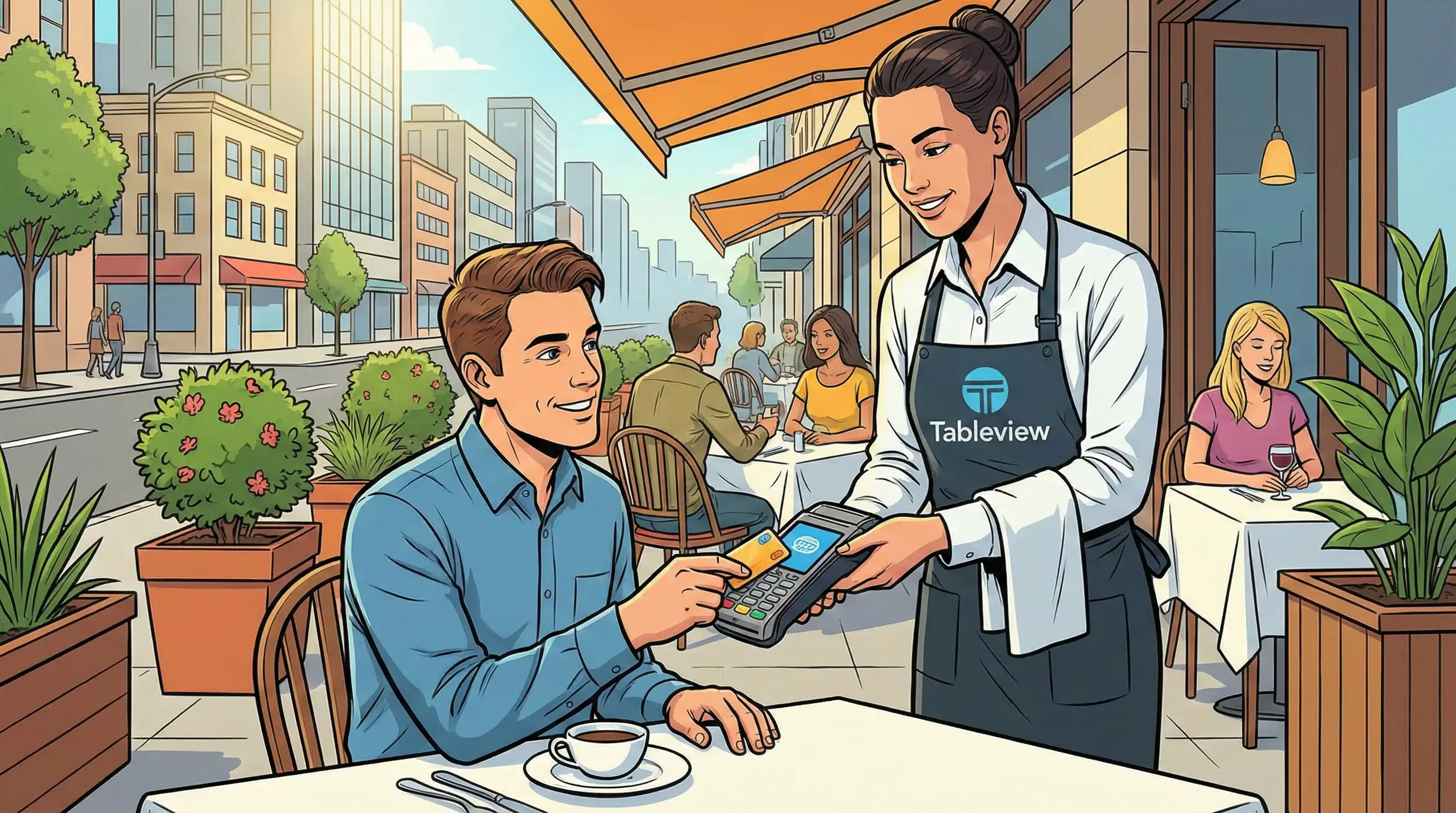
A restaurant credit card machine is a payment processing device that can handle the special needs of food service, such as high transaction volumes during busy times, changing tips after the first authorization, splitting checks for groups, and being able to withstand spills and heat in fast-paced settings where they are common.
There are a few important ways in which these machines are not like regular retail payment terminals. Standard retail readers think that each client will only make one purchase at a set checkout. Restaurant terminals need to be able to handle open tabs, pre-authorization holds, tip adds after a transaction, and frequent check splitting. They also need to work with your POS system so that you can easily manage orders and keep track of your inventory.
Three different card reader technologies are used in modern credit card terminals. Magnetic stripe readers can read old cards by swiping them, however this method has a larger risk of fraud and higher processing fees. Customers must enter their chip cards into chip card readers (EMV), which creates a unique transaction code that makes it harder for people to commit fraud. This is important because the 2015 liability shift rendered merchants accountable for transactions that don't use chips. Customers can tap their card or mobile wallet on contactless (NFC) readers, which speeds up the process when every second counts.
It's still important to print receipts. Every credit card machine makes copies for the merchant to keep and copies for the customer to sign or get a digital receipt. Most machines link to payment networks using Wi-Fi, ethernet, or cellular backup. They send transaction data to your payment processor, which then sends it to the card networks (Visa, Mastercard, Amex) and the banks that issue the cards for approval.
Restaurant credit card machines need to work with your current POS software so that payments can be processed without having to be entered by hand. When a server closes a tab, the system should automatically retrieve the precise ticket amount, accept the card, manage tip prompts, and update sales statistics. This integration takes away the stress of reconciling and lets you see cash drawer balances, inventory management, and sales success in real time.
The standards for durability are higher than in stores. Machines on counter service lines have to deal with oil, steam, and being handled all the time. Dining room tabletop units have to deal with cleaning products and things that fall on them from time to time. Choosing gear that can handle these circumstances can save you money on repairs and downtime.
Now that we've covered the basics, let's look at the many sorts of machines that restaurants can buy.
The type of machine you need depends on how many transactions you do, how you serve consumers, and how they move around your space. This is how the three primary groups are different.
Countertop terminals are credit card machines that stay in one place and are used for fixed checkout sites like host stands, cashier counters, and drive-through windows. Basic variants cost between $100 to $300. They connect to the internet by Ethernet or Wi-Fi and come with built-in receipt printers, chip readers, and the ability to collect payments without a card.
These terminals handle credit card payments rapidly and don't require much staff training. They work with major credit cards and tap payments, so they're great for quick-service restaurants, cafes, and places where consumers go to a specific payment location. One problem is that servers can't move about easily. They can't take orders at the table or take payments outside without a separate portable device.
Bluetooth-enabled mobile card readers are small, battery-powered devices that work with smartphones and tablets. Some companies will give you a free card reader when you sign up for an account, but better ones cost between $50 and $200.
These readers turn any place into a place to pay. Servers can take payments at the table without having to touch anything, catering personnel can close invoices on-site, and food truck drivers can take credit cards anywhere they park. Many of them let you pay offline and store transaction data until you can connect again. This is important for outdoor events or places with spotty Wi-Fi.
Most of the time, mobile solutions need mobile apps for iOS or Android smartphones. They are popular with small enterprises and startups that value flexibility over a lot of management capabilities since they are easy to set up.
Integrated POS terminals come with full restaurant management software and the ability to accept payments. Clover Flex and similar systems cost between $500 and $5,000 up front and $50 to $200 a month after that. They combine everything, including entering orders, managing inventory, scheduling workers, keeping track of customer data, and reporting revenue.
These touchscreen devices link payment processing directly to the way you do business at the point of sale. When a server puts an order, the kitchen gets it right away. When the check closes, the payment terminal captures the card, adds tips, updates inventory, and registers the sale against staff sales data, all in one smooth operation.
Integrated systems are good for chains with multiple locations that need uniform reporting, fine dining restaurants that want guests to feel like everything is going well, and any business that can prove that the cost is worth it with detailed analytics. The trade-off is that more features make setup and training take longer.
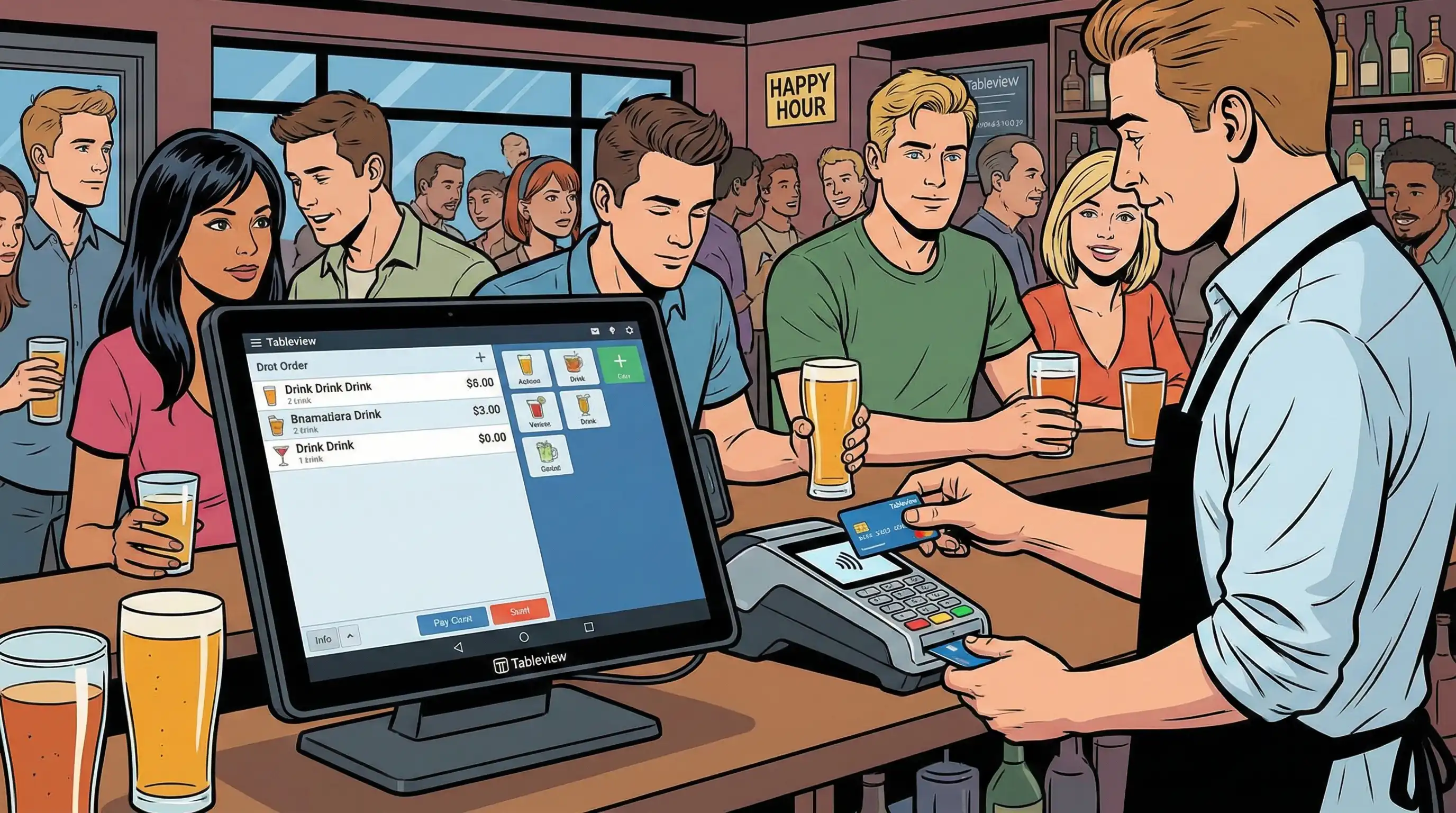
Modern credit card machines do more than just accept payments. They also have functions that help restaurants deal with specific problems. Knowing what these features can do for you will help you pick hardware that makes your work easier instead of harder.
Every restaurant-grade terminal should be able to process EMV chip cards. If it doesn't, you are responsible for any fraud and the rates for each transaction go up. Being able to take contactless payments is just as vital. In several markets, these payments make up more than half of all card purchases. Customers want to be able to tap their card or use Apple Pay and other mobile wallets without any problems.
With split payment, people can divide checks by cash amount, percentage, or item. This is quite useful for full-service dining where groups often share meals. The ability to change tips lets servers add tips after the first authorization, which is a unique process in the hospitality industry. Find customisable tip reminders (such 18%, 20%, or 22%) that gently encourage customers to be more generous without being too forceful.
End-to-end encryption and compliance with PCI DSS keep consumer information safe while it is being sent. These aren't optional features; they're basic needs that keep data safe and stop the huge losses that come with data breaches.
| Restaurant Type | Recommended Machine | Key Features Needed | Typical Volume |
|---|---|---|---|
| Quick Service | Countertop terminal | Fast processing, contactless, receipt printing | 200-500 transactions/day |
| Full-Service Dining | Mobile readers + integrated POS | Tableside payments, split checks, tip adjustment | 100-300 transactions/day |
| Food Trucks | Battery-powered mobile reader | Offline payments, cellular backup, compact design | 50-150 transactions/day |
| Fine Dining | Premium integrated system | Guest profiles, wine inventory, advanced reporting | 50-100 transactions/day |
| Multi-Location Chains | Unified POS platform | Centralized data, consistent processing, 24/7 support | Varies by location |
This approach helps you choose investments that are in line with your actual operating needs. A food truck doesn't need a $3,000 point-of-sale system, and a restaurant with 200 seats can't get by with just one mobile card reader.
Implementation almost never goes as planned. Here are the problems that restaurants run into the most and how to fix them.
Customers get angry and tables take longer to turn during lunch and dinner surges because of payment problems. The answer is to set up a lot of payment terminals in key places. Add tableside mobile readers to your counter service system so that servers may close checks without having to swarm around one station. Some restaurants put in self-service kiosks for takeout orders, which means that staff-operated terminals don't have to handle as many orders.
Wi-Fi goes out at the worst times. Pick machines that can accept payments even when they're not connected to the internet. They should save encrypted transaction data locally and then upload it all at once when they are connected again. Cellular backup modems make sure that important payment processing is always available. The monthly data cost is small compared to the sales that are lost when the system goes down.
New hardware only makes things better if the team knows how to use it. Choose interfaces that are easy to use, including touchscreens that are easy to understand and few buttons. Providers such as Clover offer onboarding materials and video lessons. Set up special training sessions before the launch, and then have refresher sessions as new features are added. It's important that your payment processor is always available to help. Being available 24/7 stops small problems from turning into transaction failures.
Planning can help you get through these problems. The next stage is to use these ideas in real life.
Choosing the best credit card machine for your restaurant relies on how many transactions you do, how complicated your operations are, and how well the hardware fits your service model. Quick service businesses do well with speedy countertop terminals. Full-service restaurants need mobile flexibility and integrated administration. Multi-location chains need unified platforms that sync sales data and customer information across all of their locations.
The proper decision lowers processing costs as a percentage of transaction value, makes consumers happier by giving them more ways to pay, and allows your business accept payments in any way customers want, such tapping a card, inserting a chip, or using a mobile wallet.
Immediate next steps:
For more information, look into guides on payment processing rates, interchange-plus versus flat-rate pricing, how to integrate your existing restaurant management software with a POS system, and PCI compliance standards that keep both your business and consumer data safe.
Our sales, marketing and custom support stand ready 24/7 worldwide.