An EPOS system is a till that remembers. The letters stand for electronic point of sale, and the definition every vendor gives you is roughly the same: hardware plus software that takes payment, records the sale and feeds the rest of the business. That is accurate and almost useless, because it describes every restaurant point of sale system sold in the last twenty years. The question worth answering is not what the phrase means. It is what actually separates one of these systems from the cash register it replaces, and whether the venue you run needs the difference.
So this is a comparison rather than a glossary entry. EPOS against POS, which turns out to be a question about geography rather than technology. EPOS against a cash register, where there is a real and testable line. EPOS against a hospitality management system, where the boundary decides who owns the guest bill. What the same box is called in Spain, Germany, France and Italy, and why that matters more than it sounds. Then the part most guides skip: when a till is still the right answer, what these systems will not fix, and what to check before you commit. Along the way the sale stops being a receipt and starts being a record that drives stock control, the rota and next week's order.
One thing to say plainly at the start. If a salesperson tells you EPOS is a more advanced category than POS, they are describing their marketing, not their product.
What the E in EPOS was actually for
The word made sense when it was coined. Point of sale originally meant a place, not a machine: the counter where money changed hands. Through the 1970s and 1980s the machine sitting on that counter was mechanical or electro mechanical, a drawer with a totalling mechanism and a printer. Calling a system electronic point of sale distinguished it from that, and the distinction was worth making, because the electronic version could hold prices, apply tax and produce a total nobody had to add up.
That distinction died decades ago. There is no meaningful population of non electronic point of sale systems left to contrast against. Every terminal, tablet and card reader on the market is electronic by any definition, so the E now carries no information about capability. What it does carry is information about where the vendor sells.
EPOS vs POS: mostly geography, partly history
EPOS is British and Irish vocabulary. It is also common in Australia, New Zealand and South Africa, and it turns up in Indian and Gulf markets that inherited British commercial language. In the United States and Canada nobody says it; the term is POS, and an American operator reading EPOS will usually assume it is a brand name rather than a category.
That means the word tells you something practical, just not what you would expect. A vendor whose site is built around EPOS is a vendor whose commercial centre of gravity is the UK or a market shaped by it. Follow that inference and useful questions appear. Which payment acquirers have they actually integrated with, and are those the ones operating where you are? Do their support hours cover a Saturday at eleven at night in your timezone, or a Tuesday afternoon in theirs? Is the hardware they resell available in your country with a warranty you can claim on? Those questions matter far more to your service than which of two synonyms appears in the product name.
The reverse inference is worth resisting. A vendor using POS is not automatically American or automatically better. The term is simply the global default now, including among British vendors who gave up on the distinction. Our own pages say point of sale, which is a decision about being understood in five languages rather than a claim about the software.
Where the two words genuinely diverge is in what they get attached to. Because EPOS carried a retail flavour for years, a lot of EPOS marketing is still written for shops: barcodes, SKUs, shelf edge labels, stock takes by scanner. Hospitality has different problems. A dining room needs to route one order to three stations, hold a table open for ninety minutes, split a bill six ways, and let a manager void a line at nine on a Friday without stopping service. If a vendor's case studies are all convenience stores, the vocabulary is the least of your concerns.
EPOS vs a cash register: the line that actually exists
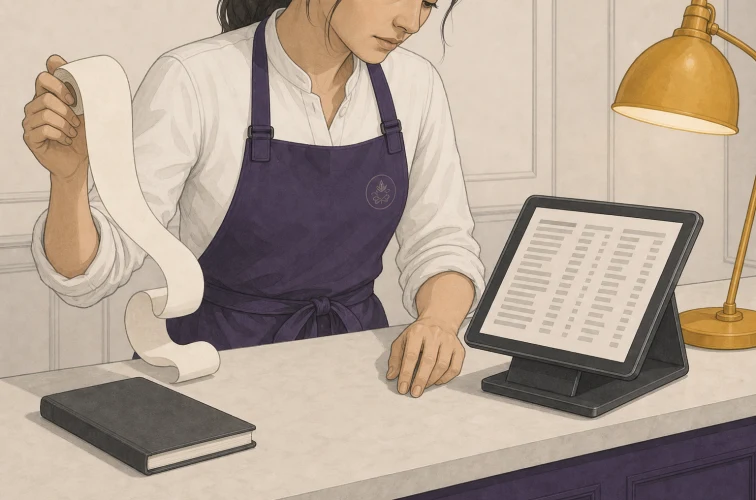
Here the difference is real, and you can test for it in about a minute. Ask your current setup a question about the past. How many portions of one specific dish did we sell between seven and nine last Saturday, who served them, and how many of those tables also ordered a dessert?
A cash register cannot answer that. It knows money came in and it can print a total for the day. Some can break the day into departments, so you learn that food took one figure and drinks another. It recorded that sales happened. It did not record what was sold in a form anyone can interrogate later.
An EPOS system can answer it, and the answer arrives in seconds rather than being reconstructed from receipts. That is the dividing line, and notice that it is about the record rather than the hardware. A modern card reader with a payment app on a phone is electronic, contactless, cloud connected and thoroughly twenty first century, and it is still functionally a till, because it holds transaction amounts rather than item level history.
Three follow up tests sharpen it further. Does the sale decrement something, whether that is a stock count, a guest folio or a loyalty balance? Does the order reach the kitchen without a person carrying it? Can you tell afterwards which member of staff did what? A system that fails all three is a till with a screen, whatever it is called on the invoice. A system that passes all three is doing the work the category name promises, which is why the honest test of an restaurant technology stack starts with the record it keeps rather than the badge on the terminal.
EPOS vs a hospitality management system
This comparison confuses people because the second term has no fixed meaning. Hospitality management system is an umbrella, and different vendors put different things under it. In hotels it usually means the property management system, the software that owns rooms, rates, reservations and the guest stay. Sometimes it means a bundle: property management plus point of sale plus a channel manager plus housekeeping.
The useful way to think about the boundary is by asking what each one owns. A point of sale owns the menu, the order, the check and the payment. A property management system owns the room, the rate and the guest folio. Neither can do the other's job well, and the interesting question is always what happens where they meet.
In a hotel that meeting point is concrete. A guest orders two drinks at the poolside bar and asks for it on the room. For that to work, the point of sale has to know room 214 exists, know the guest in it is entitled to charge, and post the round to the folio so it appears at checkout. If the two systems do not talk, somebody writes it on a docket and types it in later, which is where the disputed charges at checkout come from. That integration is the whole ballgame for hotel food and beverage, and it is why hotel and resort food and beverage operations get evaluated on the join rather than on either system alone. We covered the mechanics of that in more depth in our guide to cloud point of sale for hotels.
The trap is the all in one that is strong at one end and thin at the other. Property management vendors who bolted on a point of sale often produce something a dining room cannot work in fast enough. Point of sale vendors who added rooms often produce something a front desk fights. Buying two good systems with a proven integration usually beats buying one system that is excellent at half your business.
What the same system is called in other markets
If you operate across borders, or buy from a vendor who does, the vocabulary changes and so does what the authorities expect of the box. The words first. In Spain the term is TPV, from terminal punto de venta. In Germany and Austria it is Kassensystem or simply Kasse, with Registrierkasse for the older register. France says caisse, and the software specifically is logiciel de caisse. Italy uses cassa, and registratore di cassa for the traditional register.
The reason this is more than trivia is that several European markets regulate what a till is allowed to do. Rules exist in various countries covering what a receipt must show, whether sales records have to be tamper evident, how long data must be retained, and in what format a tax inspection can demand an export. Some markets require a specific piece of security hardware or a certified software build; others require electronic transmission of daily totals.
Two honest cautions. First, these requirements change, and what applies to you depends on your country, your legal form, sometimes your turnover and sometimes your sector, so nothing written in a guide like this can substitute for advice from an accountant who works in your jurisdiction. Second, compliance is a property of a specific configuration in a specific country, not a feature you can infer from a product page. Ask any vendor, including us, to state in writing what they support for your market and to name a live customer there. If you are opening in a country where these rules bite, settle that question before you settle anything else.
The parts, and the one that gets ignored
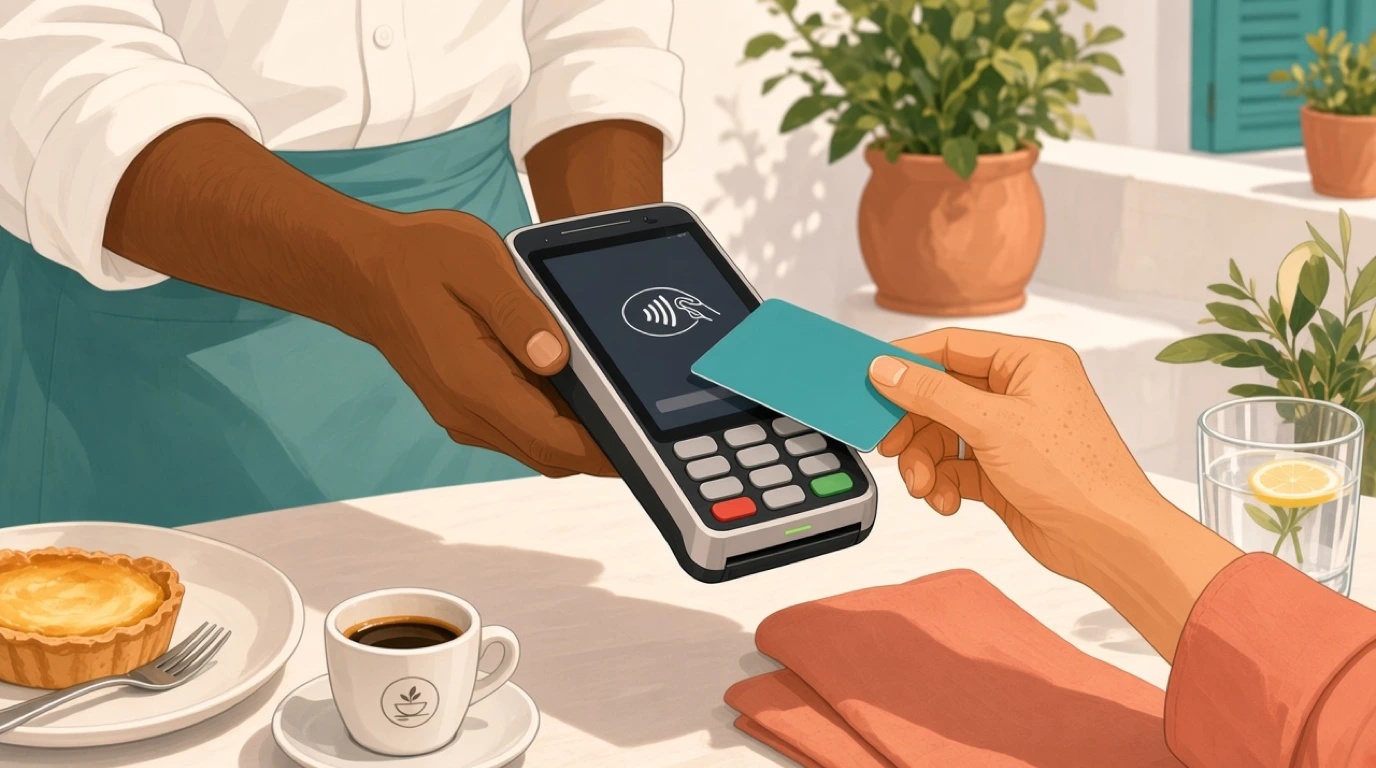
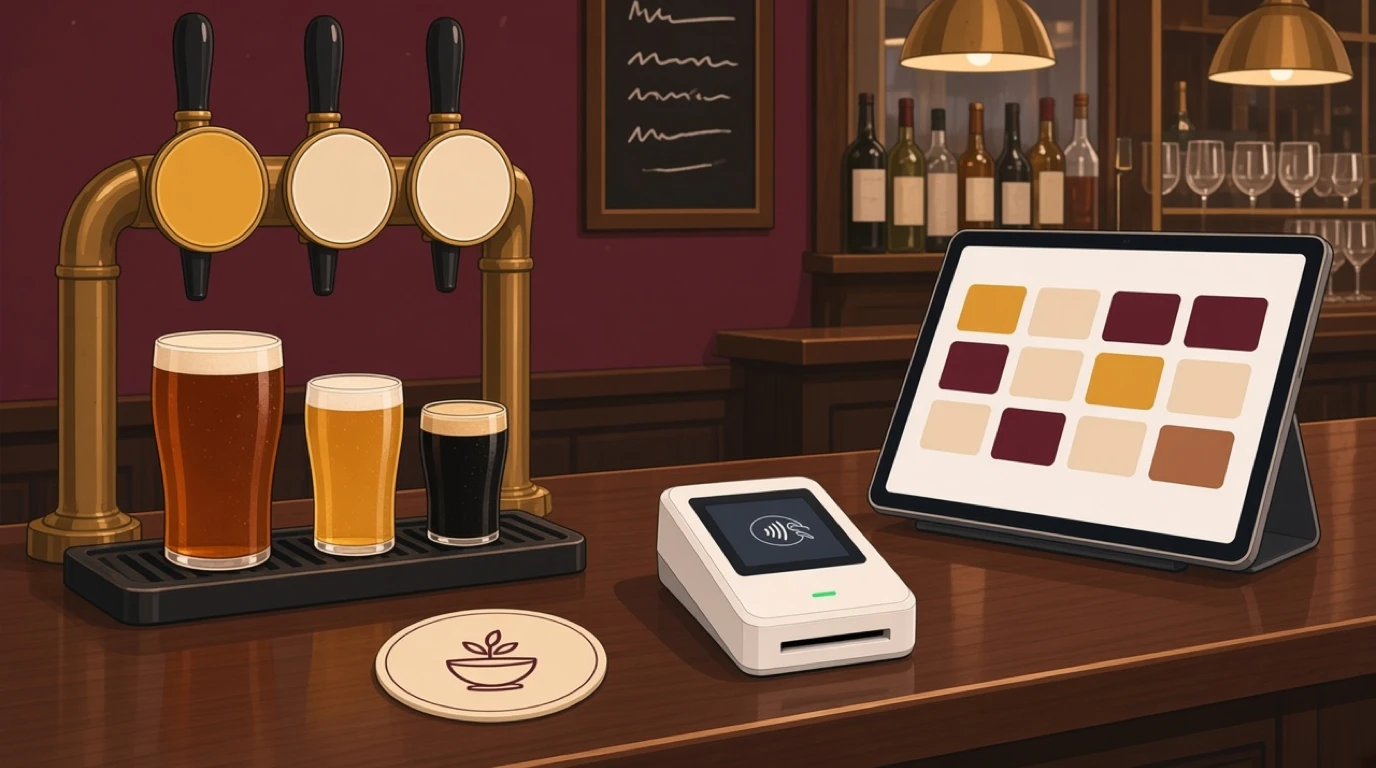
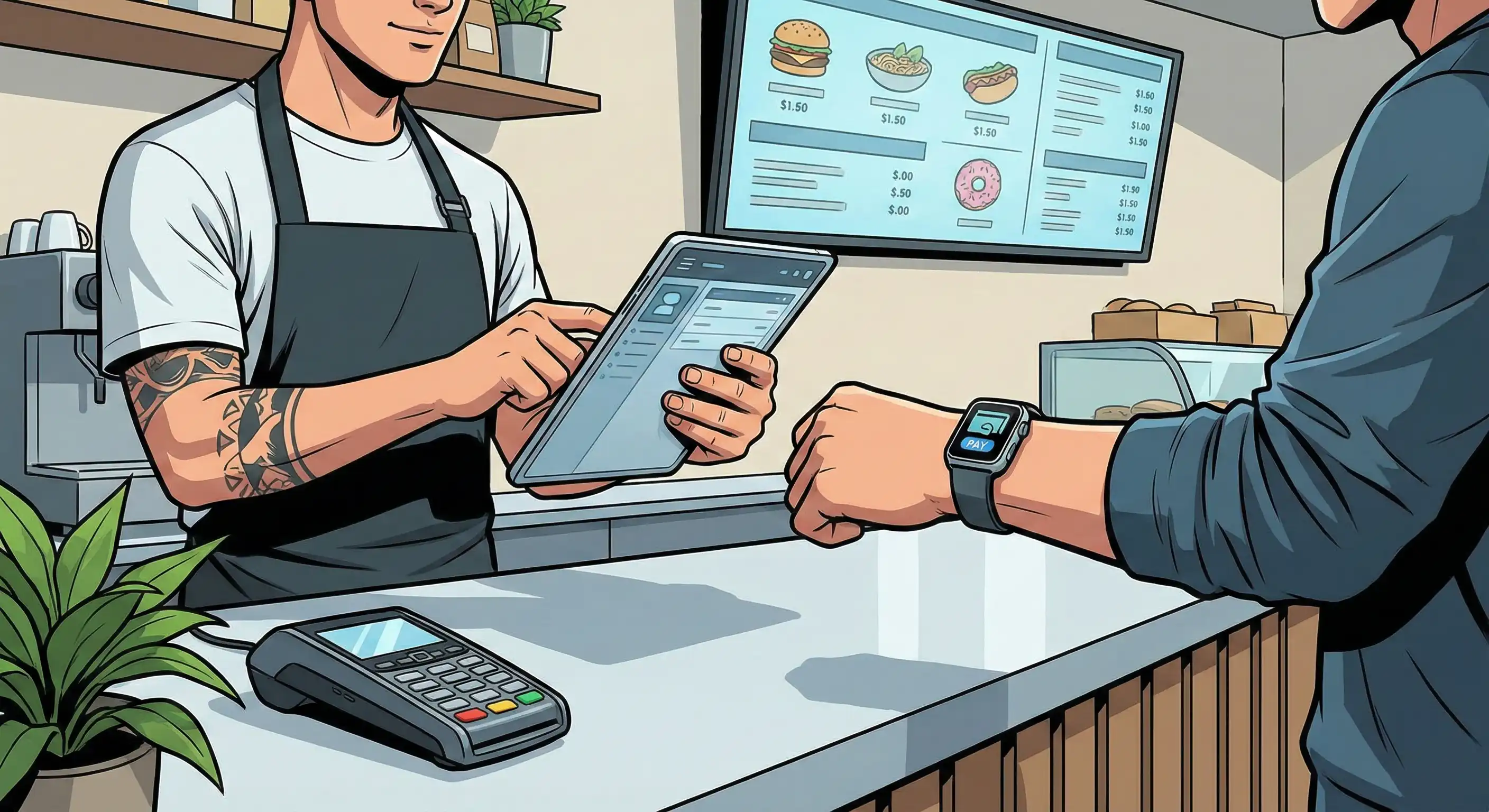
The physical inventory of an EPOS system is short and unsurprising. A terminal or tablet where orders get entered. A card machine, either separate or built in. A receipt printer. A cash drawer if you still take notes. Something in the kitchen that shows the order, which is either a printer or a kitchen display system. On the software side: the menu, the order flow, the payment handling and the reporting.
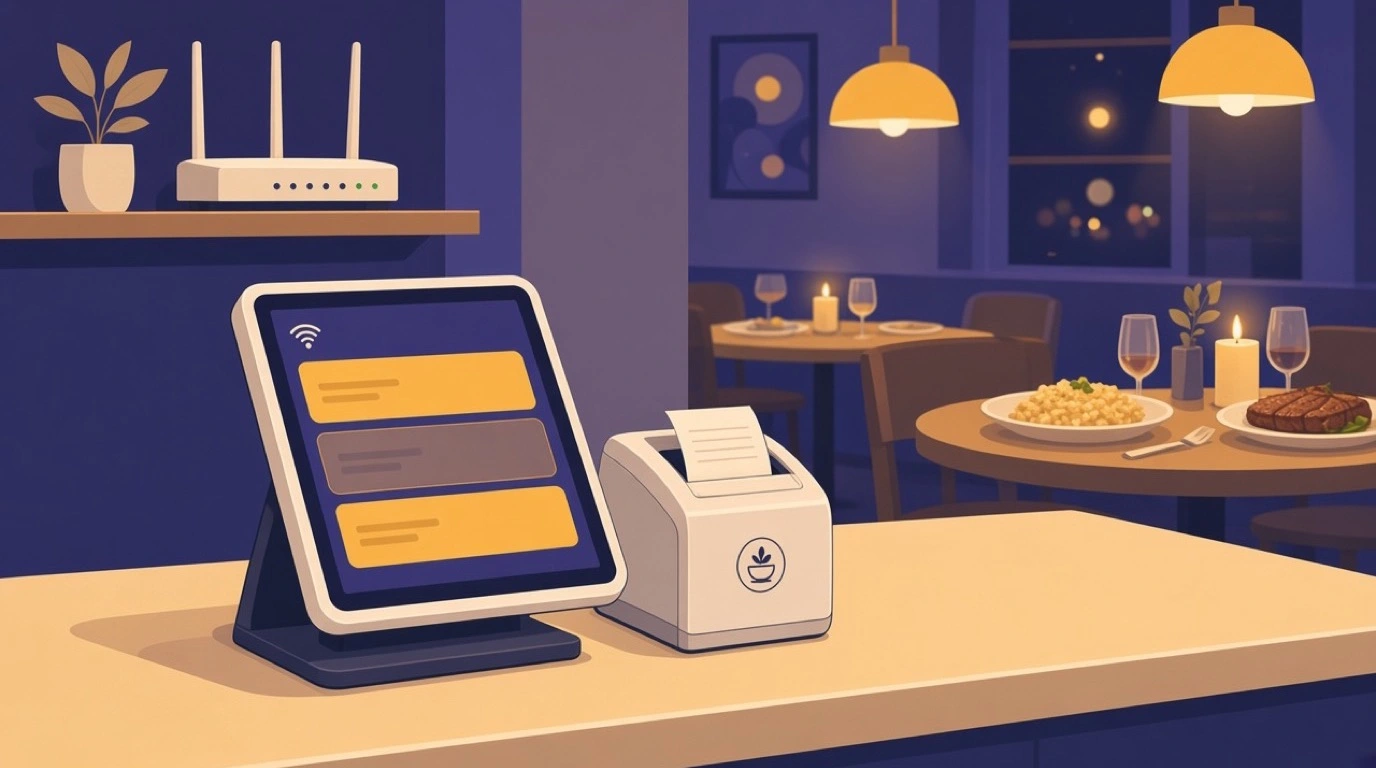
The part nobody asks about until it hurts is the network, and specifically what happens when it fails. A cloud system with no offline mode stops taking orders when the line drops, which on a full Saturday is not an inconvenience but a closed restaurant. A system with a good offline mode keeps taking orders and payments locally and reconciles when the connection returns. The answers vary enormously between vendors and almost nobody volunteers the detail.
So ask the specific version of the question rather than the general one. With the internet down, can staff still take an order? Still print to the kitchen? Still take a card payment, and if so, up to what value and for how long? Does the terminal itself have to stay powered, or does one dying tablet take the service with it? We wrote about the tradeoffs behind that architecture in how a cloud based point of sale system works, and about the hardware end of it in the comparisons of tablet point of sale, iPad systems and Android terminals.
What happens in the minute after a server hits send
The clearest way to see what an EPOS actually is comes from following one order. A server takes three courses at a table of two, and taps send. What follows is a single action with six consequences.
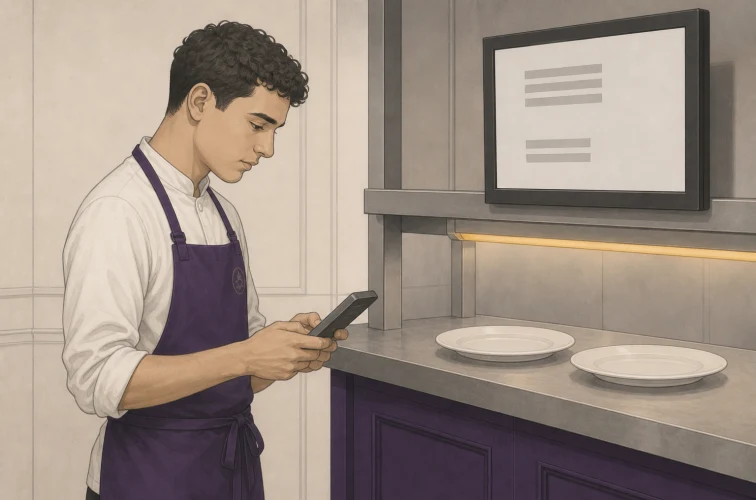
The order splits by station and by course, so the starters land with the cold section and the mains queue behind them rather than everything arriving at once. Each station's screen shows only its own work. A timer starts, which is what later lets anyone see that table nine has been waiting nineteen minutes. Stock decrements against the recipes attached to those dishes, so the count moves without anyone counting. The table changes status, which is what feeds table turnover and tells the host stand what is actually free. And the check builds itself, so the bill at the end is a consequence of the service rather than a reconstruction of it.
None of those six is impressive alone. Together they are the reason the category exists, because each one is a job somebody used to do by hand or by walking. Whether the kitchen end of that is a screen or a paper ticket is a real decision with real tradeoffs, which is why we compared kitchen displays against kitchen printers rather than assuming the screen always wins.
The four things a till cannot give you
Strip away the feature lists and there are four capabilities that follow from keeping item level records, and each one pays for itself in a different way.
Item level history is the first, and it is the foundation for everything analytical. Knowing what sold, when, at what price and alongside what is the raw material for menu decisions, for sales forecasting, and for any of the restaurant KPIs worth tracking. A daily total cannot produce any of it.
Attribution is the second and the most underrated. When every action carries a name and a timestamp, discounts, voids and comps become visible rather than inferred. That is not primarily about catching people, though it does that. It is about being able to tell an expensive mistake from a deliberate act, which is the entire subject of voids and comps.
Routing is the third: the order gets where it needs to go without a person walking it, which is also what makes tableside ordering and self ordering kiosks possible at all. Reconciliation is the fourth. Closing the day becomes a comparison between what the system says and what is in the drawer, rather than a count that has to stand on its own. That is the job the Z report does, and doing it against a record is what turns a nightly ritual into a control.
When a till is still the right answer
Vendors rarely say this, so it is worth saying. There are operations where a register or a card reader and an app is genuinely the correct choice, and paying monthly for reporting nobody opens is just a cost.
The conditions are fairly specific. One operator, or a couple who work every shift themselves. A menu short enough to hold in your head, single figures rather than dozens of lines. No table service, so nothing needs routing anywhere. No staff you do not personally watch. A market stall, a single coffee cart, a seasonal kiosk with eight items. If you never need to know what sold and only need to know how much came in, the simpler tool wins on every measure that matters.
What matters is where the threshold sits, and it is lower than most people assume. Two changes move you across it. The first is hiring anyone who handles money without you standing there, because at that point attribution stops being analytics and starts being control. The second is stock that can walk or spoil, because the gap between what you bought and what you sold only becomes visible when sales are recorded per item. Coffee is the classic case, which is why the coffee shop point of sale conversation usually starts the moment a second barista is hired.
What to check before you sign anything
Demos are designed to go well. These are the questions that decide whether the next three years go well, and most of them do not come up unless you raise them.
Get your data out. Ask for an export of item level sales history in a format you can open, and ask whether you keep that right if you leave. A system that will not give you your own transaction history is a system you cannot leave without going blind, and we said more about that in the guide to switching point of sale systems.
Settle who owns the payment relationship. Some vendors bundle acquiring, which is convenient and means your card rate is set by your software choice. Others let you bring your own acquirer, which is more work and keeps the negotiation separate. Neither is wrong, but find out which you are buying, because it determines whether you can shop for a better rate without changing your whole system. The arithmetic is in payment processing fees, and the hardware question in choosing a card machine.
Price the whole thing, not the headline. Subscription per terminal, hardware, installation, menu build, training, integration fees, and what the price does at renewal. Our breakdown of point of sale cost lists the lines that tend to appear late, and there is a calculator if you want to run your own numbers.
Then four smaller ones that separate vendors quickly. What are the support hours in your timezone, and is there a human on a phone during your service? How granular is kitchen routing, meaning can you send one modifier to one station? Can you take an order and a payment offline, and for how long? And can they name a live site of your type and roughly your size in your country, which is a question that gets vague answers surprisingly often.
What an EPOS system will not fix
Worth being blunt, because disappointment usually traces back to an expectation nobody stated. The system will not make a menu people want. It will not fix a rota that puts three people on when you need five, though it will show you that you did it. It will not increase what people spend by itself: prompts help, but the reason order management raises average check is that somebody used the data to change how the team sells.
Most of all, the data does not read itself. An EPOS produces reports whether or not anyone opens them, and a venue where nobody opens them has bought a till with a subscription attached. The value does not live in the recording. It lives in the fifteen minutes a week somebody spends looking, which is the same reason stock control and labour cost only improve in venues that actually review them.
Signs your current system is the constraint
If you are trying to work out whether this is a real problem or just an upgrade you have been sold, these are the symptoms that reliably mean the system is now the bottleneck.
You reconcile by hand at the end of the night, and it takes long enough that somebody dreads it. You cannot name last month's best selling dish without adding something up. Stock counts and sales disagree and you cannot see where the gap opened. Servers walk to the kitchen to check whether something has landed. A question about last Tuesday means opening a spreadsheet. You run separate systems for the restaurant and the bar and compare them manually. Or the honest one: you have stopped asking questions about the business because getting answers is too much effort. Two or three of those together is a system that has become the limiting factor, and the useful next step is our look at back of house software.
Where to start
Before you book a single demo, write down the three questions about your own venue that you cannot currently answer. Not features you would like. Questions. They become the script for every conversation that follows, and they are the only reliable defence against being shown somebody else's priorities.
Then insist on two things in the demo itself. Build it on your menu, with your real modifiers and your awkward items, because a demo menu is designed to have no awkward items. And walk your busiest hour through it, including the parts that go wrong: the split bill, the removed course, the table that grows from four to seven. A system that handles a calm Tuesday is not evidence. A system that handles your Saturday is.
The terminology, in the end, is the least of it. EPOS or POS, till or terminal, the decision is about whether your sales become a record you can question afterwards, and whether anyone will. If you want to see where a system like this sits alongside everything else in a venue, our overview of bar and restaurant software maps the pieces, and restaurant payments covers the side of it the guest actually touches.