


Restaurant Accounting Software: The Ultimate 2026 Guide
 Mika Takahashi
Last updated Feb 10, 2026
 Mika Takahashi
Restaurant accounting software is a type of financial management system that is made to deal with the unique challenges of running a food service business. These include keeping track of perishable inventory, handling high-volume daily transactions, paying employees based on tips, and reporting on many locations. These platforms are different from regular accounting tools because they connect directly to POS systems, inventory management, and labor scheduling to streamline data flows and give restaurant owners real-time information about the KPIs that are most important to them.
You can learn everything you need to know about choosing, using, and getting the most out of restaurant accounting software in this tutorial. We'll look at important characteristics, compare different types of solutions, talk about common problems that come up during implementation, and give you tips for long-term success. This guide will help you make smart choices regarding your financial technology stack, whether you own a single café, run a booming restaurant chain, or manage food and drink operations at a hotel or resort.
Restaurant accounting software automates tracking finances, managing inventory, processing payroll, and making sure taxes are paid on time. It is specifically made for food service businesses. It eliminates the need for manual data entry and gives you useful information that can help you save up to 5% on food costs and cut your accounting workload in half.
By the end of this article, you'll know why you need restaurant accounting software and which one is the best:
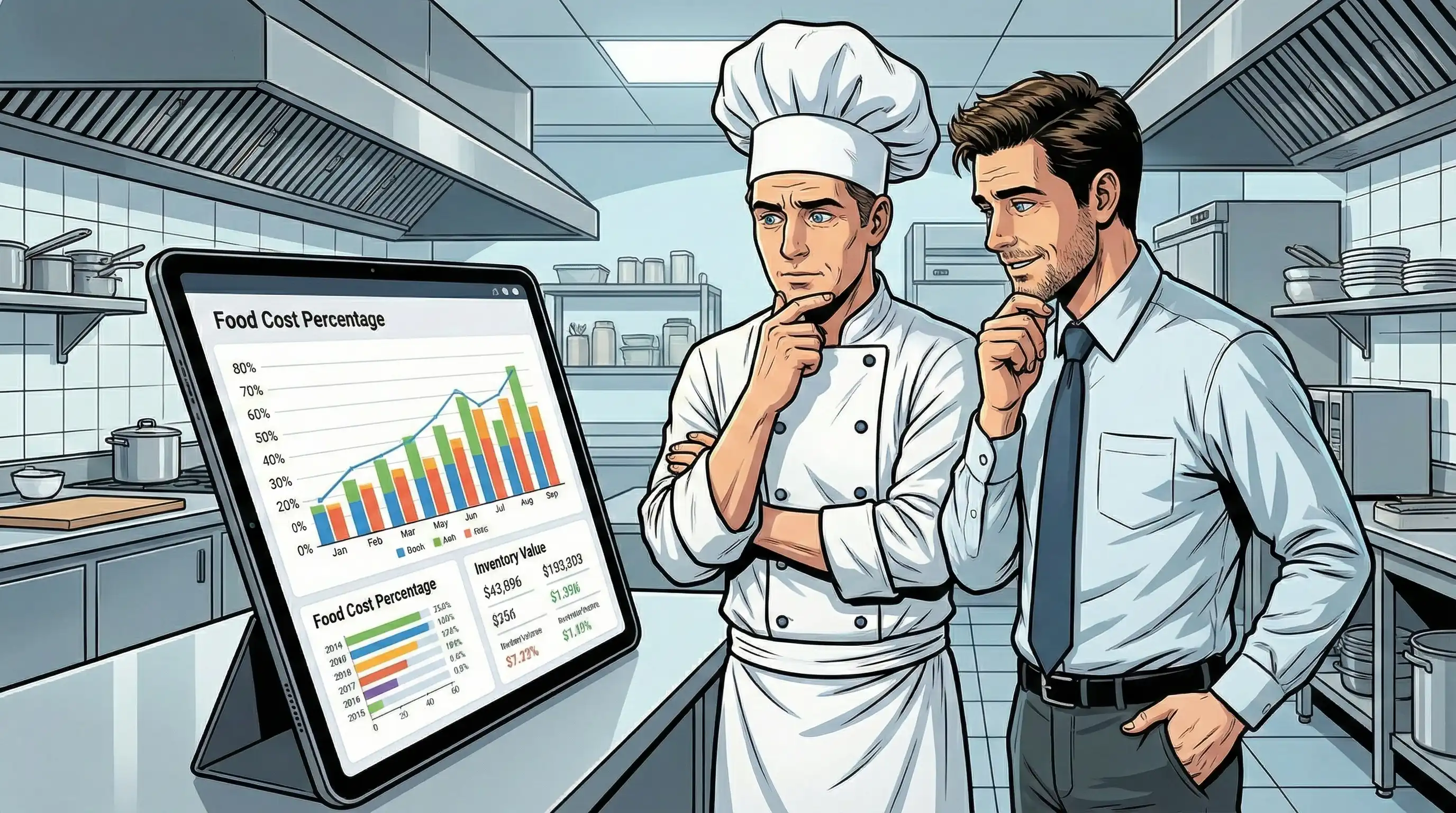
Restaurant accounting software is a type of financial management software that is made specifically for the needs of the hospitality industry. Traditional accounting systems only keep track of basic income and expenses. Restaurant-focused solutions, on the other hand, know that your firm makes only 3–5% net profit and that prime costs (food and drink costs + labor costs) eat up 60–70% of your revenue.
These platforms are different from regular accounting software since they are deeply connected to your daily work. They automatically get sales data from your point of sale system, keep track of inventory in real time, figure out the cost of a dish down to the ingredient level, and deal with the complicated parts of restaurant payroll, such paying tips and collecting payroll taxes.
Every restaurant accounting system is based on basic financial tools that are made for food service businesses:
Tracking revenue includes money from several sources, such as dine-in service, takeout orders, delivery services, catering events, and gift card redemptions. The technology automatically sorts transactions into categories, applies the right tax procedures, and gives accurate financial reports on all channels.
Managing expenses in the restaurant business means more than just paying bills. It means keeping track of the specific cost areas that make the most money. This covers food costs broken down by vendor and category, drink costs with waste tracking, labor costs by shift and position, and fixed expenditures like rent and utilities.
Accounts payable and accounts receivable handle vendor payments by scheduling them and making sure that cash flow is as good as it can be. They also deal with any unpaid invoices from catering clients or corporate accounts. This all-encompassing method of managing funds makes sure that you always have enough money on hand, even when the seasons change.
These basic tasks are the building blocks of restaurant-specific functionality, which together make an accounting system that understands how food service businesses work.
Restaurant accounting software goes beyond basic accounting and provides additional capabilities that help restaurants make more money:
Real-time cost tracking for inventory management keeps an eye on stock levels, warns of possible food waste before it happens, and compares actual consumption to theoretical usage to find problems with shrinkage or portioning. Price movers and alerts let you know when vendor prices change, which helps you manage your food costs before they happen.
Recipe costing and menu engineering figure out the exact cost of each item for each meal. This shows true margins and helps you decide how much to charge. When your accounting software understands that your signature dish costs $4.82 to manufacture and sells for $22, you can use that information to make decisions about how to design your menu, how big your portions should be, and how to promote your restaurant.
Labor cost analysis lets you see how much of your biggest controllable spend is going to operations. These platforms keep track of labor costs in real time by connecting to scheduling systems. This helps you keep your target labor percentages and make the most use of your workforce for each daypart.
Knowing these things will help you figure out what to look for when choosing software that will make your restaurant run more smoothly and make more money.
Now that we've talked about those basic ideas, let's look at the individual features that set apart good accounting software from software that really changes how restaurants run. The appropriate collection of features can help you make better decisions by saving you time, lowering the number of mistakes, and giving you the real-time information you need.
The ability to integrate with a point-of-sale system is the most important part of modern restaurant accounting. Without it, you have to enter data by hand, which takes a lot of time, makes mistakes, and delays financial reporting by days or weeks.
When you use a good POS system, it immediately syncs every transaction with your accounting system. This includes sales data, discounts, payment methods, and tips. This does away with the need to manually check cash drawer totals against sales tickets, and it lets you see how much money you're making on the same day.
POS integration is even more useful for restaurant owners who have more than one location. You can analyze performance across sites, spot trends, and make smart decisions without having to wait for the end of the month to see how things are going.
Automated inventory tracking changes the way you make judgments about buying things and keep costs down. Instead than counting stock every week and hoping the figures match up with sales, current systems keep track of inventory based on the recipes that are sold.
Calculating the proportion of food expenses happens automatically. It compares the theoretical costs (what you should have spent based on sales) to the actual costs (what you paid suppliers). Variance reporting shows differences that could mean waste, theft, or problems with portioning, all of which eat away at your profits.
Price monitoring keeps an eye on vendor costs over time and lets you know when prices go up unexpectedly. Some platforms let you compare years and moving averages, which can help you figure out the optimum timing to transfer providers or negotiate contracts. This builds on POS connectivity by leveraging sales data in real time to help with buying and inventory calculations.
General payroll systems don't work well for restaurant payroll because it has its own set of problems. Special care is needed for things like tip pools, tip credits, overtime calculations across split shifts, and different minimum salaries for tipped and non-tipped workers.
Comprehensive payroll processing takes care of these computations for you and makes sure you follow all federal, state, and local rules. The system keeps track of labor costs by shift, department, and time period, so you can see exactly where your money goes.
Your accounting system can predict labor costs before the schedule is released if you connect it to scheduling software. This proactive way of managing your money helps you keep your target labor percentages while making sure you have enough staff at busy times.

You may now look at specific solutions because you know what the most important aspects are. If you want to get the most out of your software, you need to choose one that fits the size, complexity, and growth path of your business.
Before requesting demos or comparing pricing plans, take time to assess your current situation:
| Criterion | Basic Solutions | Comprehensive Platforms |
|---|---|---|
| Monthly Cost | $25-100 | $200-500+ |
| POS Integration | Limited options | Extensive compatibility (60+ systems) |
| Reporting Depth | Standard financial reports | Advanced analytics, daily controllable P&L |
| Inventory Features | Basic tracking | Recipe costing, waste monitoring, price alerts |
| Multi-Location | Additional fees per site | Built-in consolidation |
| Support Level | Online resources | Dedicated account management |
Basic tools like QuickBooks Online are great for small restaurants and food trucks because they can track several things at once and include POS connection and mobile apps that make it easy to get to financial data. But they need other features for restaurants, such recipe costs.
Chains that are growing and have complicated operations can benefit from platforms that bring together accounting, inventory, workforce management, and financial reporting. Restaurant365 is the best in this area since it has a lot of features that are specialized to restaurants. Toast combined with xtraCHEF is a great way for independent operators who already use Toast POS to automate things.
Tableview offers a unique, completely integrated restaurant accounting system that works perfectly with Prostay PMS for hotels, resorts, and hospitality organizations that run both lodging and dining operations. This native connection gets rid of the problems that come with utilizing separate systems for rooms and food and beverage (F&B). It automates cross-system reconciliations and lets all operations monitor their revenue in one place.
If the installation goes wrong, even the best accounting software might not work. Knowing what common problems are helps you plan for a seamless adoption and a quicker time to value.
Moving years' worth of financial data, vendor information, and a chart of accounts to a new system makes restaurant owners and accountants nervous. If you go too quickly, you could make mistakes in categorization, overlook transactions, and have incorrect financial reports.
Plan a 2- to 3-month transition phase with both systems running at the same time. During this time, your back office team should check both systems against each other every week to find any differences. If you have a lot of complicated data, use a professional data conversion service. The expense is usually worth it because there will be less mistakes and the data will be adopted faster.
When you get new software, you have to change how you operate. If team members are used to how things are done now, they may not want to change. If staff members don't have the right training, they could come up with workarounds that make data less accurate.
Solution: Start with supervisors who need to know how to use reporting and analytics, and then add training programs for workers who do everyday tasks. Plan hands-on practice at slow times and choose "super users" who can help their coworkers throughout the change.
When your accounting system interfaces to your POS, payroll, and inventory systems, difficulties with the integration can affect everything you do every day. When a POS sync fails, you lose sales data. When a payroll integration fails, it affects how much employees get paid.
Solution: Before going live, test all integrations when there aren't many people online. Keep backup manual processes in place for the first several weeks of deployment, and check the stability of the internet connection before cutover. Most problems with integration come up in the first two weeks, so plan your workforce accordingly.

When fully used, restaurant accounting software gives measurable results: it cuts food costs by 5% by optimizing inventory, cuts manual entry time by 50%, shows real-time P&L to help you find problems before they become worse, and automates tax and audit compliance. Restaurants who use integrated solutions always say that their cash flow is better since their AR/AP automation and cost control are better.
To get these benefits, do the following right away:
When choosing accounting software, think about other improvements as well. For example, optimizing your cloud based POS system to improve the quality of the data that goes into your accounting system, using best practices for inventory management to get the most out of your software, and using multi-location financial consolidation strategies for restaurant owners who are expanding.
Financial benchmarking guidelines: Prime costs (food and beverage costs plus labor costs) should target 60-65% of revenue. Food costs typically run 28-35%, labor costs 25-35%, depending on concept and service style. Monitoring these financial metrics weekly—not monthly—provides the operational visibility needed to maintain financial health.
Integration compatibility considerations: Before choosing software, verify your POS system appears on the vendor’s certified integration list. Popular systems like Toast, Square, Clover, and Aloha have broad compatibility; niche or legacy systems may require custom development or middleware solutions.
Evaluation checklist priorities:
Accounting methods note: Most restaurants benefit from accrual accounting rather than cash accounting, as it provides more accurate reporting of financial performance across periods. Discuss with accounting professionals which method best serves your tax planning and financial reporting needs.
Our sales, marketing and custom support stand ready 24/7 worldwide.