Ask ten restaurant owners what "cloud POS" means and most will say "it runs on an iPad". That is not wrong, but it misses the part that matters. A cloud based POS system is one where the menu, the sales, the stock and the settings live on servers you do not own, and every till, handheld and kitchen screen in the building works from the same copy. The tablet is just the window. Whether that window keeps working on a Saturday night when the broadband fails is the question that separates a good restaurant POS system from a risky one.
For most restaurants the move to cloud is already decided. Legacy systems with a server in the back office are getting harder to buy, harder to support and harder to connect to delivery apps, QR menus and integrated payments. So the useful question is not whether to go cloud but what a cloud based POS system should do for a restaurant, what it should never do, and how to tell the difference in a demo. This guide covers exactly that.
What "cloud based" actually means
A traditional POS keeps its brain in the building. There is a server, often a beige box under the office desk, that holds the menu, the prices and the sales history. The tills talk to that box over the local network. If the box dies, the tills stop. If you want last night's sales from home, you either drive in or pay someone to set up remote access.
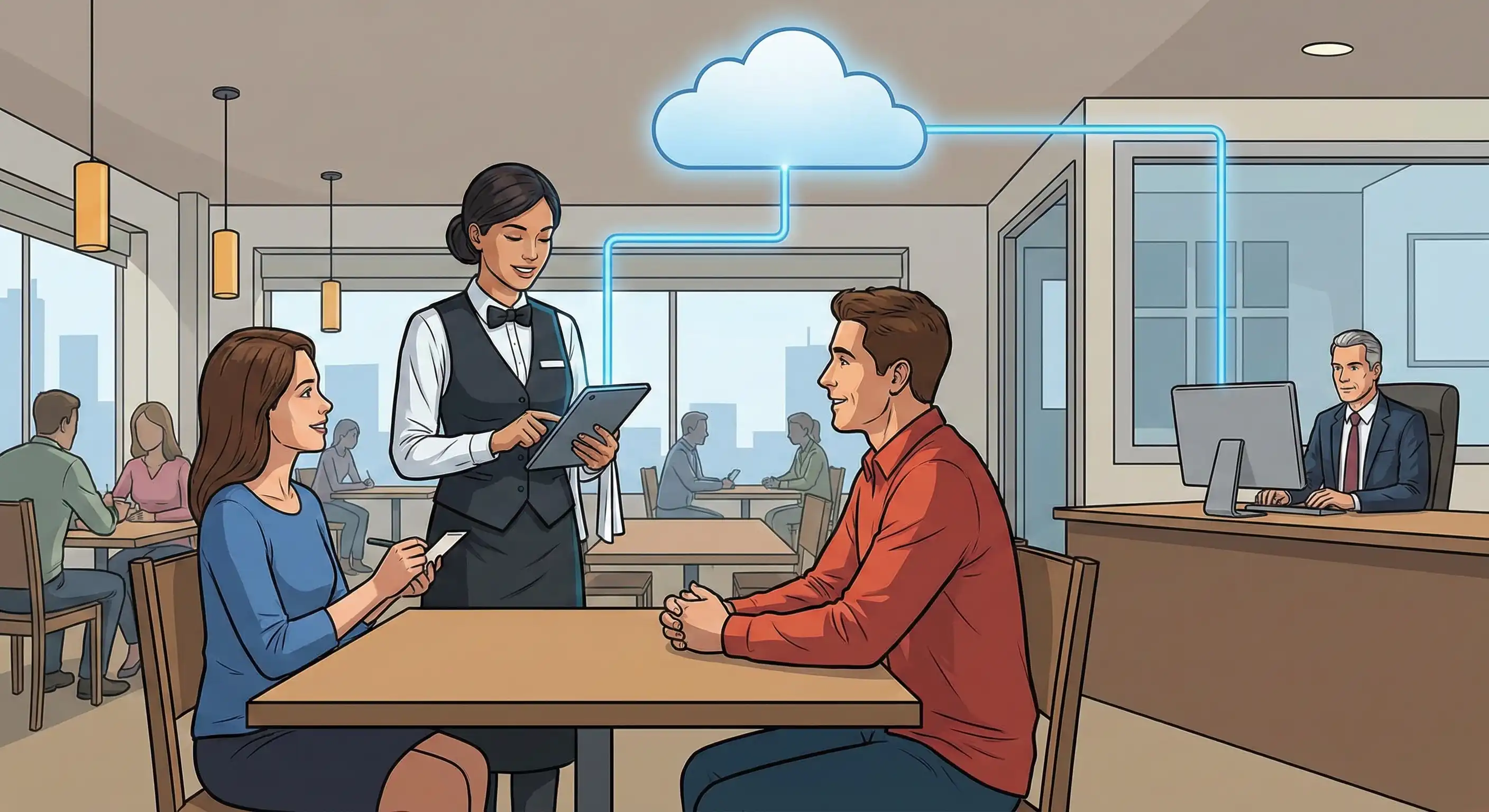
A cloud POS moves that brain to a data centre. The software runs on servers operated by the vendor, and every device in your restaurant connects to them over the internet. Change a price on your laptop at home and it reaches every till in every site within seconds. Sell the last portion of the special at the bar and the waiter's handheld knows it is gone.
Three things follow from that design. First, there is nothing to install: the software updates itself on the vendor's side. Second, you can reach your data from anywhere with a login. Third, the system now depends on your internet connection, which is fine only if the vendor has done the hard work of making it keep running when that connection fails. That third point is where cloud systems differ most, and we come back to it below.
You will also see the terms "web-based POS" and "EPOS" used for the same idea. They describe the same family of systems; our explainer on what EPOS systems are untangles the naming if it is confusing.
Cloud versus the server in the back office
The differences are practical rather than technical, and they show up in the running of the business.
Where the data lives. On a legacy system it lives on a machine in your building, backed up if someone remembered. On a cloud system it lives in the vendor's data centres, backed up automatically, and it survives a flood, a theft or a coffee spilled into the server.
How updates arrive. Legacy systems update when a technician visits, which in practice means rarely. Cloud systems update continuously, so new tax rules, new payment methods and new integrations arrive without an appointment.
How you pay. Legacy systems are mostly bought up front: licences, a server, installation and a support contract. Cloud systems are usually a monthly subscription per location or per terminal, with hardware you may already own.
What happens when things break. When a legacy server fails, the whole restaurant stops until it is repaired. When a cloud tablet fails, you pick up another device, log in and carry on, because nothing important was stored on the one that broke.
What depends on the internet. A legacy system barely notices an outage. A badly built cloud system stops dead. A well-built one carries on taking orders and payments and catches up later. This is the single most important thing to test, and it deserves its own section.
What happens when the internet drops
Every restaurant loses its connection eventually, and it always seems to happen during service. A cloud POS that cannot work offline turns a broadband fault into a closed restaurant: no orders to the kitchen, no card payments, no bills.
The better systems are built offline-first. They cache the menu, modifiers, prices and tax rules on each device and queue card payments to settle when the connection returns. Tableview works this way. It is cloud-based with full offline mode: staff take orders, process card payments and print receipts without internet for up to 72 hours, the payments settle when you are back online, and everything syncs when you reconnect.
There is an honest limit that applies to every system: while you are offline, nothing can arrive from outside. Delivery app orders and online orders have nowhere to land until the connection is back. Offline mode protects the dining room and the counter, which is where most restaurants make most of their money on a busy night. We go through what to test, and what to put in place, in the guide to choosing an offline POS system.
Where your data lives, and who can see it
Handing your sales history and your customers' details to a vendor's servers is a reasonable thing to worry about. The answer is not blind trust but specific questions, and a good vendor will answer all of them in writing.
Ask how data is encrypted, in transit and at rest. Ask where card data is stored. Ask about compliance certificates, backups and who inside your own team can see what. For reference, Tableview publishes its answers on its data security and privacy page: TLS 1.3 in transit and AES-256 at rest, payment card data tokenised at the point of entry and never stored on your devices or its application servers, PCI DSS Level 1 compliance with annual third-party audits, GDPR and CCPA compliance, encrypted backups in geographically separated data centres, SOC 2 Type II certified infrastructure, role-based access so staff only see what they need, multi-factor authentication for admin accounts, and a log of every access event.
Two more questions are worth asking that most buyers forget. Can you export all your data whenever you want? And what happens to it if you leave? Tableview retains business data while the account is active plus a wind-down period, and you can request a full export or deletion at any time. A vendor that is vague about leaving is telling you something about staying.
Card security is its own subject, and our guide to PCI compliance for restaurants covers what the restaurant is still responsible for even when the vendor handles the card data.
The hardware you can keep
One of the quiet advantages of a cloud system is that the hardware becomes interchangeable. Because the software runs in a browser, the till can be an iPad, an Android tablet or a Windows terminal, and swapping one for another is a login rather than a project.
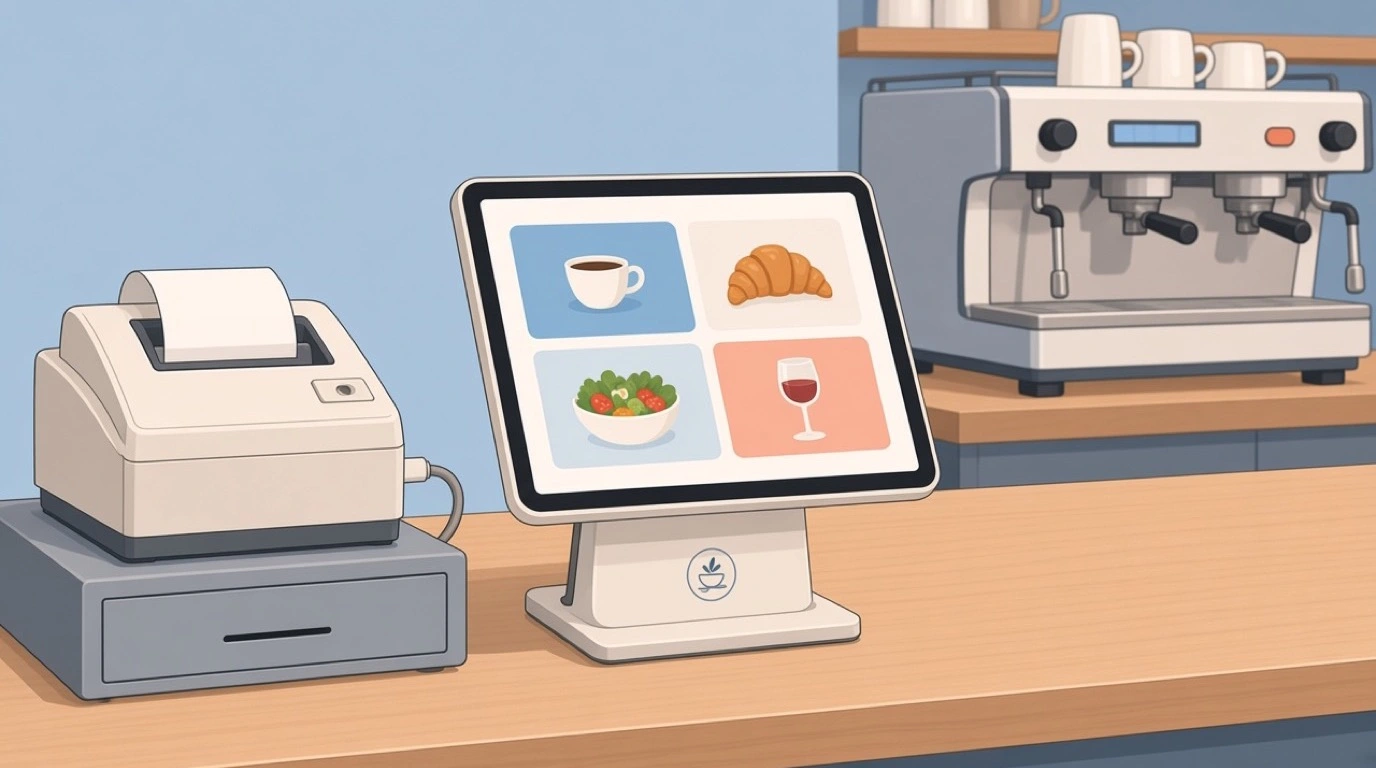
Tableview runs in the browser on any device, iPad, Android tablet or the terminal you already own, with nothing to install or update. It connects to Star, Epson and Sunmi printers and supports Stripe Terminal card readers. That means a restaurant replacing a legacy system can often keep its printers and some of its screens, and only buy what is actually missing. If you are choosing devices from scratch, our guides to the restaurant POS tablet, the iPad POS system and POS for Android compare the options.
The practical test: in the demo, log in on a device the vendor did not bring. If the system only works on their own terminal, it is cloud-hosted but not really device-independent.
Updates you never have to install
On a legacy system, an update is an event. Someone books a technician, the tills go down after close, and occasionally something that worked yesterday stops working today. So restaurants put updates off, sometimes for years, and end up running software that cannot talk to anything new.
Cloud systems update on the vendor's side, continuously. For a restaurant that means new payment methods, new delivery integrations and changes to tax handling arrive without a visit and without downtime. The flip side is that you do not choose when things change, so ask the vendor how they announce changes and whether they publish a changelog. Tableview publishes product updates and a changelog on its site.
One menu, everywhere at once
This is where cloud earns its keep in a modern restaurant. The same menu now has to appear on the tills, the waiters' handhelds, the kitchen screens, the QR menu on the table, your own ordering website and two or three delivery apps. On a legacy system each of those is a separate copy, and every price change becomes a morning of edits and a week of mismatches.
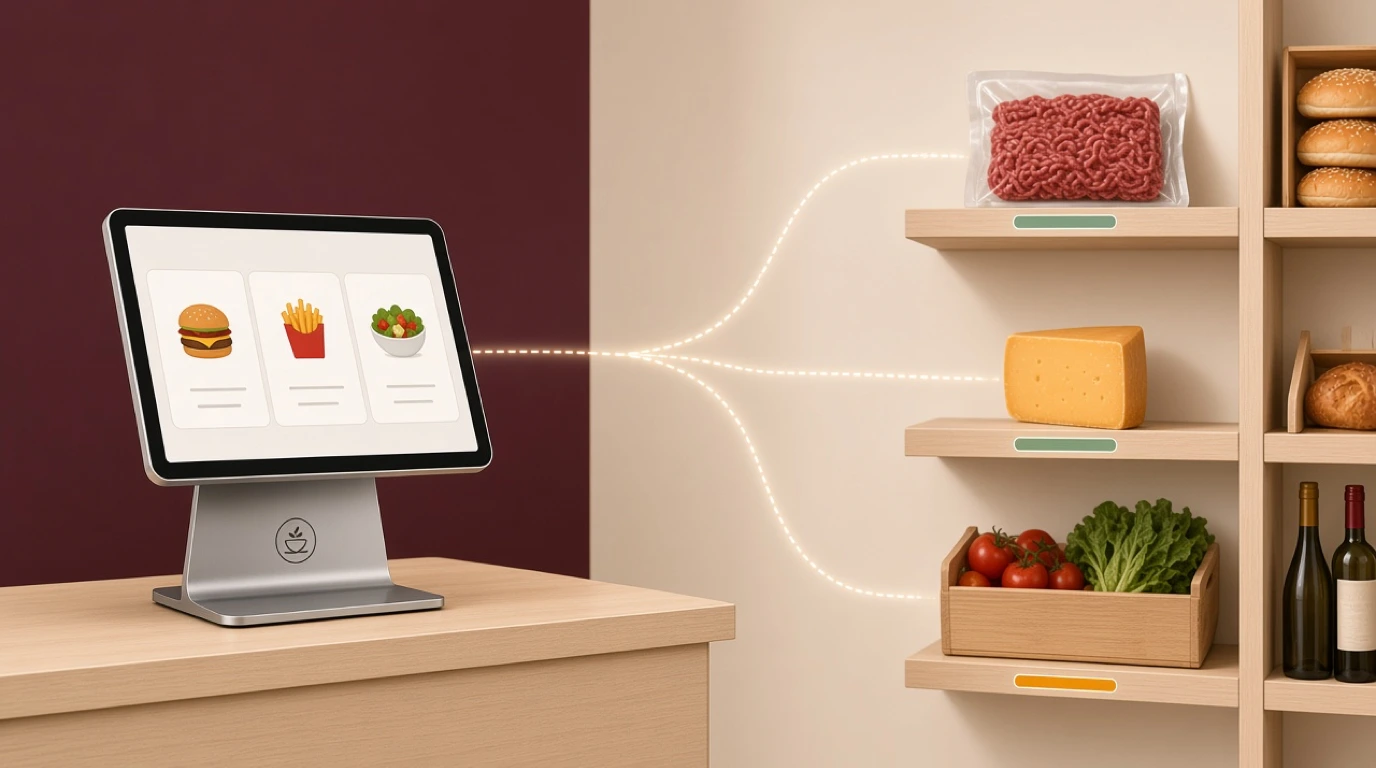
In a cloud system there is one menu. In Tableview, menu edits go live instantly across every terminal with real-time sync across all devices. The same menu powers QR ordering, where you can mark an item as sold out in one tap so guests cannot order it, and it syncs outward to delivery platforms, so a price change or an unavailable dish publishes everywhere at once. Scheduled pricing handles the lunch menu and the happy hour without anyone remembering to switch them.
If you run delivery apps, delivery app integration goes into how the connection to each platform works and what to check before you rely on it.
What cloud changes in the kitchen
The kitchen is where a single shared system pays off fastest. On a legacy setup, orders from the dining room print on one printer, bar orders on another, and delivery orders arrive on a tablet that someone has to read out. Nothing knows about anything else, and the pass finds out a dish is late when the guest asks.
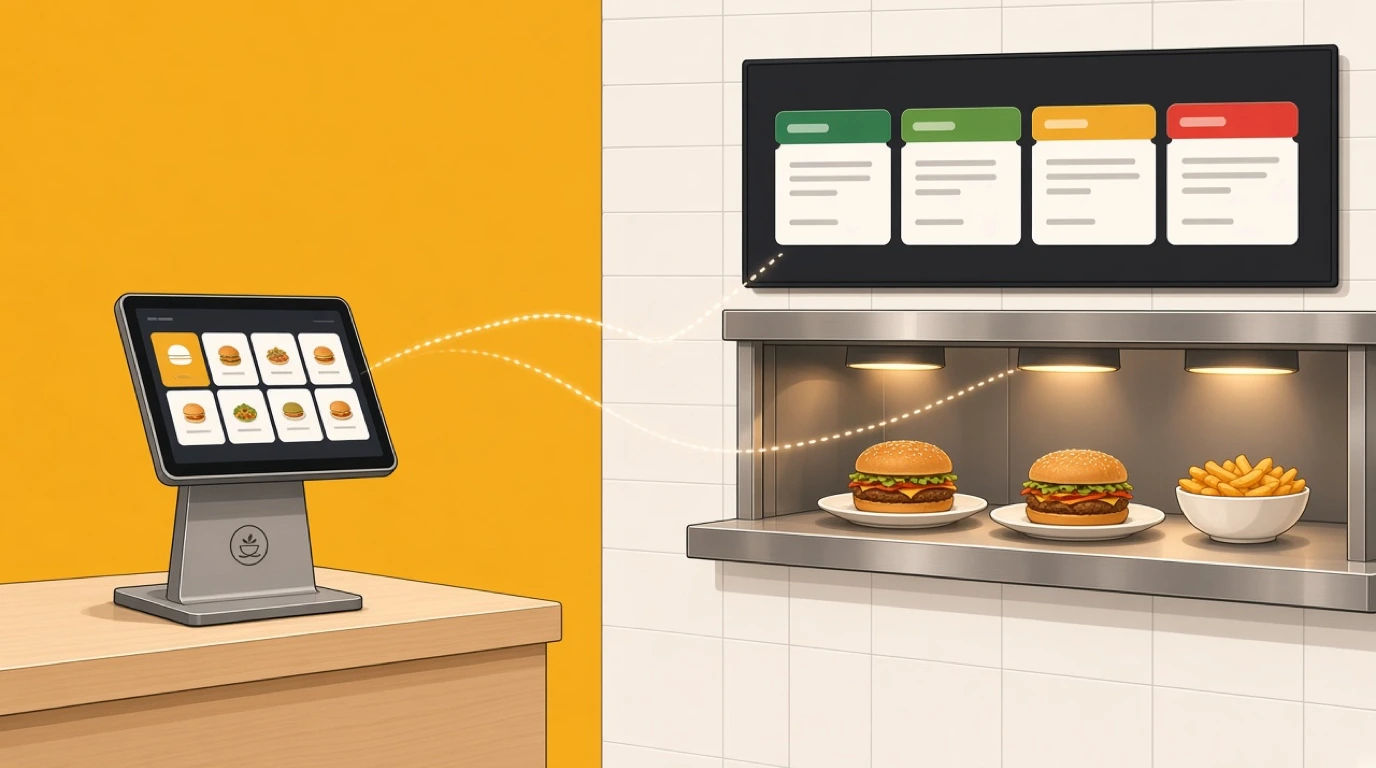
With a cloud POS feeding a kitchen display system, every order from every source lands on the same screens the instant it is placed. In Tableview the KDS routes items automatically by station, grill, fryer and cold prep, colour-codes tickets green, yellow and red by prep time, carries allergen and dietary flags on every ticket, and measures average ticket time by station and hour so you can see where service slows down. The KDS is on the Pro plan. One question to put to every vendor, Tableview included: during an internet outage, do orders still reach the kitchen screens, or does the kitchen fall back to printed tickets? Test it in the demo rather than taking the answer on trust.
Payments inside the same system
Many restaurants still run the POS and the card terminal as two separate systems. The server rings up the bill, then types the amount into a terminal from a different company, and at the end of the night someone reconciles two sets of numbers that never quite match.
A cloud POS with payments built in removes that step. In Tableview the amount goes from the order to the card reader, so nobody keys it twice. Guests can pay by chip, tap or mobile wallet, split the bill by item, seat or amount, or combine payment methods on one check, and bar tabs can be held open with a pre-authorisation. Tips can be adjusted after the fact without re-running the card. Sales by card type, cash and mobile reconcile automatically, and when the connection drops, offline mode queues transactions until it returns. Ask any vendor whether their payments are native or a partner bolted on, because the answer decides how much of the end-of-day work you still do by hand.
Staff logins and who sees what
A shared system raises a new question: who should be allowed to do what? A server needs to open tables and take payments. A shift manager needs voids and discounts. Only the owner needs the margin report and the ability to change prices.
Cloud systems handle this with roles rather than with a shared manager card behind the bar. Set the roles up before you go live, give every person their own login, and review the voids and discounts report weekly. It is the cheapest loss prevention a restaurant can buy.
Running more than one site
Cloud matters most once there is a second location. With a legacy system, each site has its own server, its own menu copy and its own reports, and group reporting means someone copying numbers into a spreadsheet on Monday morning.
With a cloud system, every site reports into the same place. You can compare sales, labour and margins between sites, roll out a menu change to all of them at once, and see how the new opening is trading from your phone. Tableview is priced per location, with multi-location groups on the Enterprise plan, which adds enterprise integrations and SLA and uptime guarantees. Our guide to multi-location restaurant management covers the operational side of running a group.
Reports from anywhere
The owner who checks the sales from the sofa at 10 p.m. is the cliché of cloud POS, and it is a cliché because it is true. More useful than the late-night check is what the live data lets you do during the day: move a server from a quiet section, push a dish that is overstocked, or see before the rush that the kitchen is running slow.
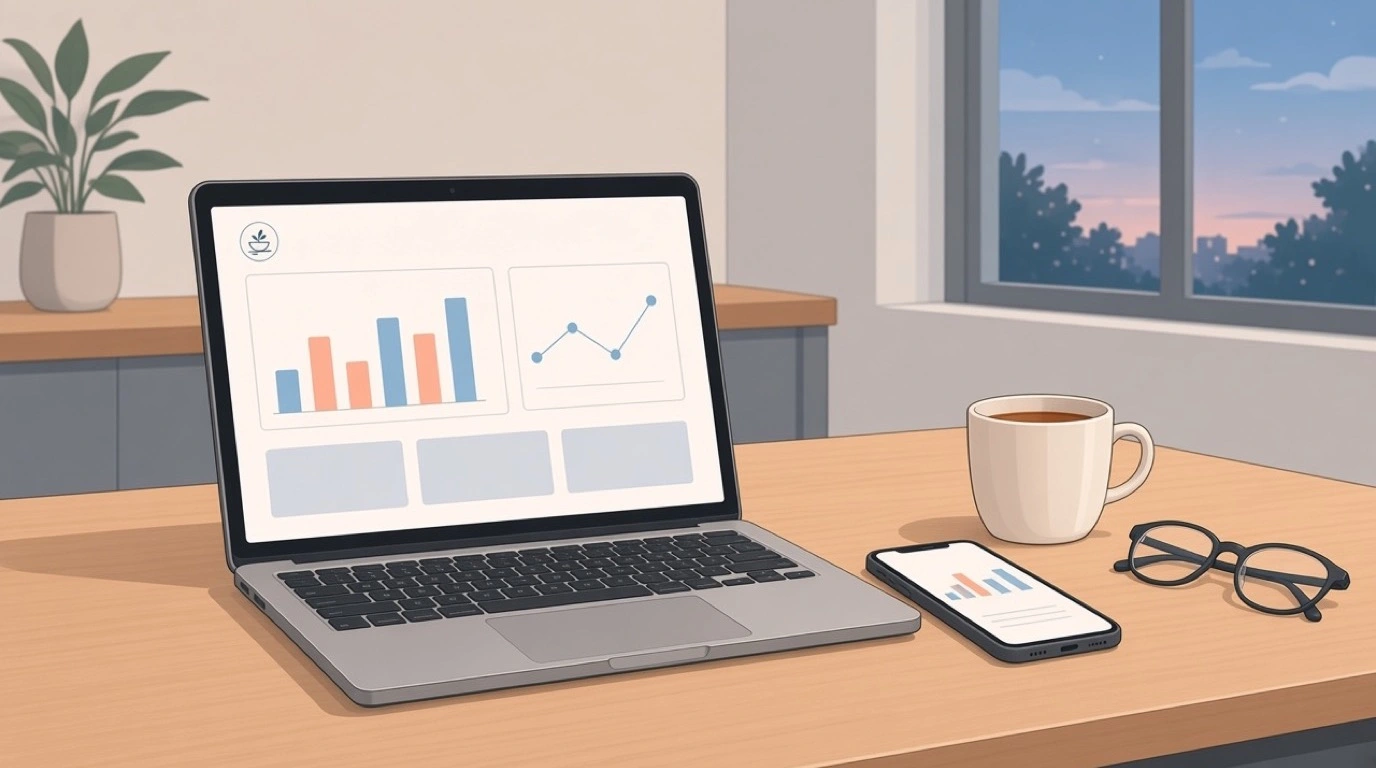
Tableview's live sales dashboard shows revenue with an hourly breakdown, product mix and margin analysis, and staff performance and shift summaries, and everything can be exported to CSV or connected to your accountant. The report that matters most for most restaurants is still the end-of-day one, and our explainer on the restaurant Z report covers what should be on it.
What it costs compared with a legacy system
The cost of a legacy system is front-loaded: licences, a server, terminals, installation, then a support contract and occasional paid visits. The cost of a cloud system is spread out: a monthly subscription and whatever hardware you still need to buy.
Compare them over three years, not over the first month. A cloud system that looks more expensive per month often comes out cheaper once you count the server replacement, the support visits and the integrations a legacy system charges extra for. And count the cost of downtime honestly: one Saturday night lost to a failed server can cost more than a year of subscription.
For reference, Tableview is priced per location, not per till. Starter is 69 dollars a month with two registers included and 49 dollars for each extra register. Pro is 189 dollars a month with unlimited registers and adds the kitchen display system, advanced inventory and advanced reporting. Enterprise covers multi-location groups. There are no setup fees, and optional onboarding such as staff training, menu configuration and data migration is available for a one-time flat rate. The full comparison is on the Tableview pricing plans page, and our breakdown of restaurant POS system cost covers what the rest of the market charges.
Moving from a legacy POS
Switching systems is the part owners dread, and most of the dread is about losing data and losing a service to training. Both are manageable with a plan.
Start with what you need to bring across: the menu with its modifiers and prices, the customer database, and enough order history to keep your reports meaningful. Tableview offers migration assistance for product catalogues, customer databases and order history from most major POS platforms. Then choose the switch-over day carefully, which means a quiet one, never a Friday, and run the new system alongside the old for at least one service if you can.
Train on real orders, not on a demo menu. Give every member of staff five genuine orders from last week to ring up, including the awkward ones, before their first shift on the new system. Our guide to switching restaurant POS systems has the full checklist.
Questions to ask any cloud POS vendor
Most demos show the happy path. These questions take you off it.
What exactly keeps working when the internet is down, and for how long? Pull the router cable in the demo and find out. Can card payments still be taken offline, and what happens to them afterwards? Where is my data stored, how is it encrypted, and can I export all of it today? Which devices does it run on, and can I use the ones I have? What does it cost for my number of sites and terminals over three years, including hardware and payments? How do I get my menu, customers and history out of my current system? And how are changes announced, so I am not surprised by a new screen on a Friday?
A vendor that answers all of these clearly, in writing, is worth a second meeting. One that answers the first question with "our uptime is excellent" has not understood the question.
Is a cloud based POS system right for every restaurant?
For almost every restaurant that is buying today, yes, with one condition: it must work properly offline. A cloud based POS system that stops when the connection drops is worse than the legacy system it replaces, because a legacy system at least keeps trading.
The benefits grow with complexity. A single café with one till gains convenience and remote reporting. A restaurant with a dining room, a bar, a kitchen screen and delivery apps gains a single menu and a single set of numbers. A group of sites gains the ability to run them as one business. Hotels have their own version of this question, with outlets and room charges, which we cover separately in our guide to the hotel cloud POS.
Here is the test worth running before you sign anything. Take three real orders from your busiest night, ring them up on the vendor's system on your own device, then unplug the internet and do it again, including a card payment. What happens in the second half of that test tells you more than any brochure.
Read next: the restaurant tech stack for how the POS fits with everything around it, choosing a restaurant POS for the wider buying checklist, and back of house software for the kitchen and stock side.