


Restaurant Back of House Software: Optimize Your Kitchen
 Mika Takahashi
Last updated Feb 28, 2026
 Mika Takahashi
Restaurant back of house software takes care of the behind-the-scenes tasks that decide if your restaurant makes money or loses money. This restaurant management software takes care of everything that goes on behind the swinging kitchen doors, such keeping track of inventory, managing recipes, scheduling workers, dealing with vendors, and making financial reports that keep accounting teams sane.
This article talks about the most important back-of-house tasks that restaurant owners need to undertake to keep expenses down and profits up: managing inventory, managing staff, running the kitchen, and managing vendors. We won't go into detail on front-of-house POS systems or reservation tools that customers can utilize. Those topics need their own separate coverage. You're in the perfect place if you're a restaurant owner, operator, or manager who wants to make things run more smoothly and make your back office more efficient.
Restaurant back of house software is a strong tool that combines kitchen operations, inventory monitoring, staff scheduling, and vendor administration into one system. This helps restaurants cut food and labor costs by 15–25% and get rid of the confusion that comes with having separate systems.
When you finish this guide, you'll know:
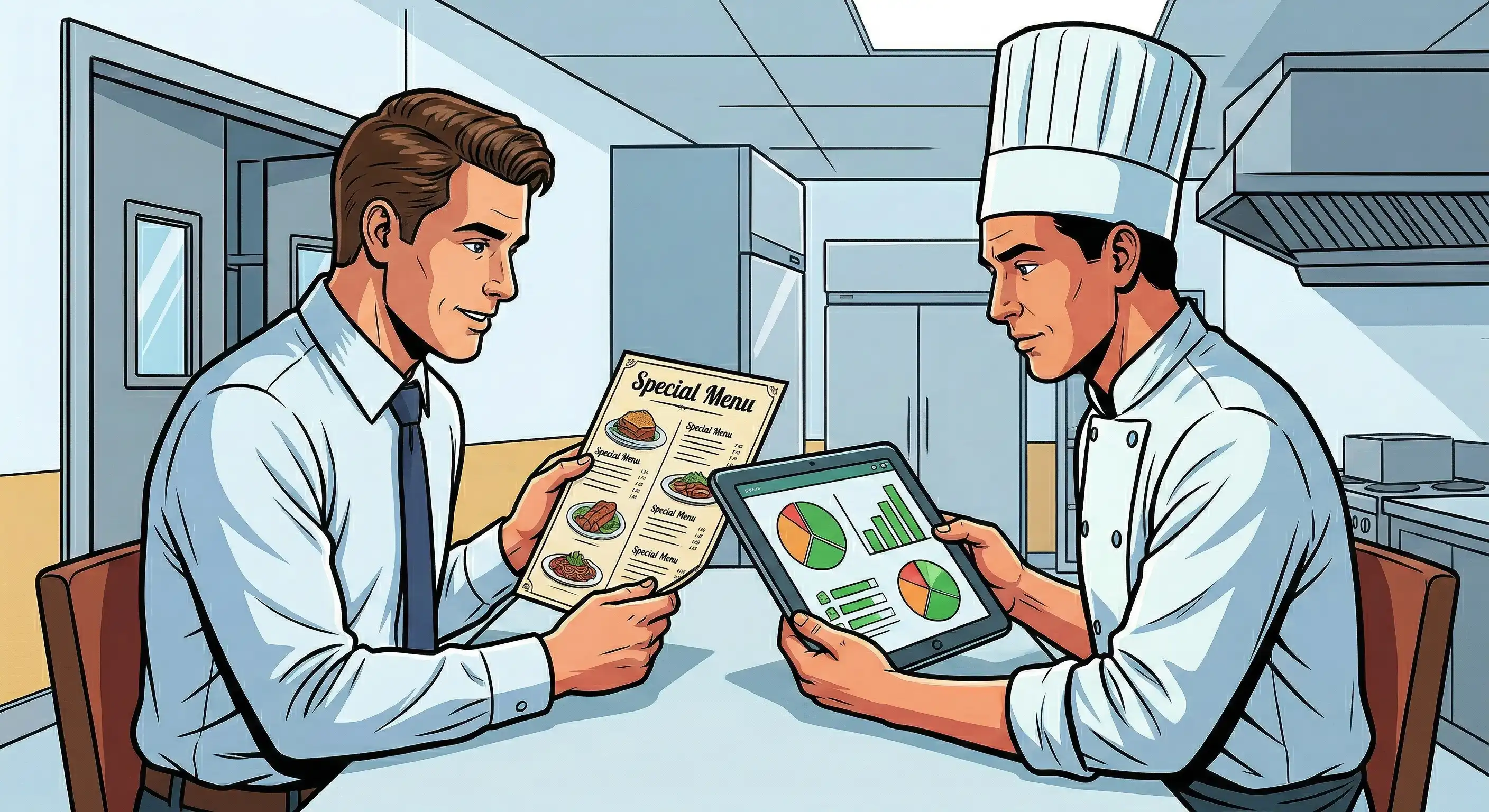
Restaurant back of house software connects all the functions that your guests never see but depend on completely. It turns the usual mess of paper tickets, manual inventory counts, and spreadsheet scheduling into an easy-to-use system that gives you real-time information about kitchen operations, storage, prep stations, and administrative tasks.
Back-of-house software is different from your POS system because it focuses on what happens after the order is placed. Your POS system covers processing payments and handling transactions with customers. POS software keeps track of what sold, while back-of-house tools tell you how much it cost, who created it, if you have enough stock to make it again, and if you have enough staff to handle busy times.
There are three main back-of-house tasks that have a direct effect on your bottom line: keeping track of your inventory, managing your recipes, and figuring out how much your food costs.
Inventory tracking shows you how much stock you have in real time, letting you know when materials dip below acceptable levels and stopping you from running out of stock or ordering too much. Recipe management makes sure that all of your dishes are the same by giving you exact costs for each ingredient and portion size. This way, the quality will always be the same, no matter who is cooking. Food cost analysis looks at the difference between what your meals should cost and what they really cost, showing loss from over-portioning, theft, or spoiling.
These functions are closely related to making money. You can make data-driven decisions regarding menu pricing, buying, and portion control when you can keep track of your inventory effectively, compare prices from different vendors, and keep your recipes the same.
Restaurant back-of-house software goes after the two biggest controllable costs in the restaurant business: food and labor. Good operators keep food expenses between 30% and 35% of sales and labor costs between 25% and 35%. But without real-time data, it's hard to know how to reach these targets.
Food expenses usually go down by 5 to 7 percentage points when restaurants employ full back-of-house systems because they waste less, buy better, and control portions more tightly. Labor management features also have great results. Operators say they save 10–15% on labor expenditures by using analytics to schedule people based on actual demand.
It doesn't take long to see how these savings relate to your tech stack investment. A restaurant that makes $1 million a year and cuts food waste by only 3% adds $30,000 immediately to its bottom line, which is often more than the software's whole yearly cost.
It's one thing to know what a restaurant's back of house software should accomplish. To figure out which essential elements really make things run more smoothly and give useful information, you need to look more closely at each functional area.
Modern inventory management is much more than just counting cases in the walk-in. Real-time inventory tracking works with your POS system to keep track of stock levels without having to count them all the time. It does this by automatically subtracting ingredients from the stock when meals sell.
When your inventory falls below the levels you establish, automated reorder points send out purchase orders. This stops you from having to make emergency runs and cuts down on ordering too much, which ties up cash in extra stock. With waste monitoring, you can see exactly where products go when they aren't sold, including spoilage, spillage, and comp'd dishes.
Recipe pricing figures out the exact cost of each ingredient for each menu item and updates automatically as vendor prices change. This lets you do menu engineering, which is looking at how much money each dish makes and how quickly it sells to make your menu better. Food cost % analysis compares your real expenses to the potential prices based on recipes. This quickly shows problems like giving too much food or losing inventory.
Integration with vendor ordering systems closes the loop, letting you make purchase orders right from par levels, keep track of delivery against invoices, and keep all of your restaurant's financial records on every ingredient that comes in.
With good staff scheduling, labor goes from being your largest burden to a cost center that you can control. Demand-based scheduling looks at past sales patterns, reservations, and even the weather to guess how many covers there will be and suggest the right number of workers.
Forecasting labor expenses gives you the expected costs before the schedule is released. This lets you make changes that keep you from being surprised by overtime or being short-staffed during busy times. Time monitoring records the real times you clock in and out, which goes straight into payroll integration, so you don't have to do any math by hand.
With mobile access, managers and house staff can see and change schedules from anywhere, which cuts down on the phone tag that happens when shifts change or people call in sick. Overtime management alerts let you know when employees are getting close to overtime limits. This gives you time to move hours around and cut labor costs before they go up.
These technologies help restaurants deal with staff shortages in a smart way, making sure they have enough personnel without losing money by hiring too many people during quiet times.
Kitchen display systems KDS use digital screens instead of paper tickets to indicate orders in real time, color-coded by course timing and station. This speeds up service and cuts down on mistakes because cooks can see exactly what they need without having to read handwritten tickets or yell across the line.
Order routing sends products to the right stations automatically, such apps to the cold line and entrees to the grill. This makes things run more smoothly at busy times. Based on predicted sales, prep schedule tells you what needs to be prepared. This cuts down on waste from over-prepping and the stress of under-preparing.
Standardized recipes on kitchen screens make guarantee that everyone cooks the same way, with clear directions and photographs of how to plate the food that help new recruits learn quickly. Quality management features keep track of temperature logs, hold times, and compliance with food safety requirements. This helps make sure that guests are happy and that health inspections go well.
Task management gives particular team members cleaning schedules, equipment maintenance, and side work, and it keeps track of when those tasks are done, making sure your staff is responsible and your kitchen is ready for inspection.
Vendor management tools turn buying from a frantic reaction to a planned purchase. When you create a purchase order, it uses inventory data and par levels to make sure that the right number of items are ordered, which eliminates both shortages and excess.
Vendor performance tracking keeps an eye on delivery accuracy, pricing history, and quality problems. This lets you get better terms or transfer suppliers as service gets worse. Cost comparison tools help you see how much different vendors charge for the same things, so you know you're getting the best deal.
Delivery scheduling makes sure that deliveries come at the right time for personnel, while AP automation makes it easier to link deliveries to orders and invoices. Integration with restaurant accounting software sends financial data straight to your books, which cuts down on double-entry and speeds up month-end closes.
For restaurant brands with several locations, supply chain visibility reveals the inventory levels at all of their establishments. This makes it easier to transfer items between stores and buy in bulk to get better prices.
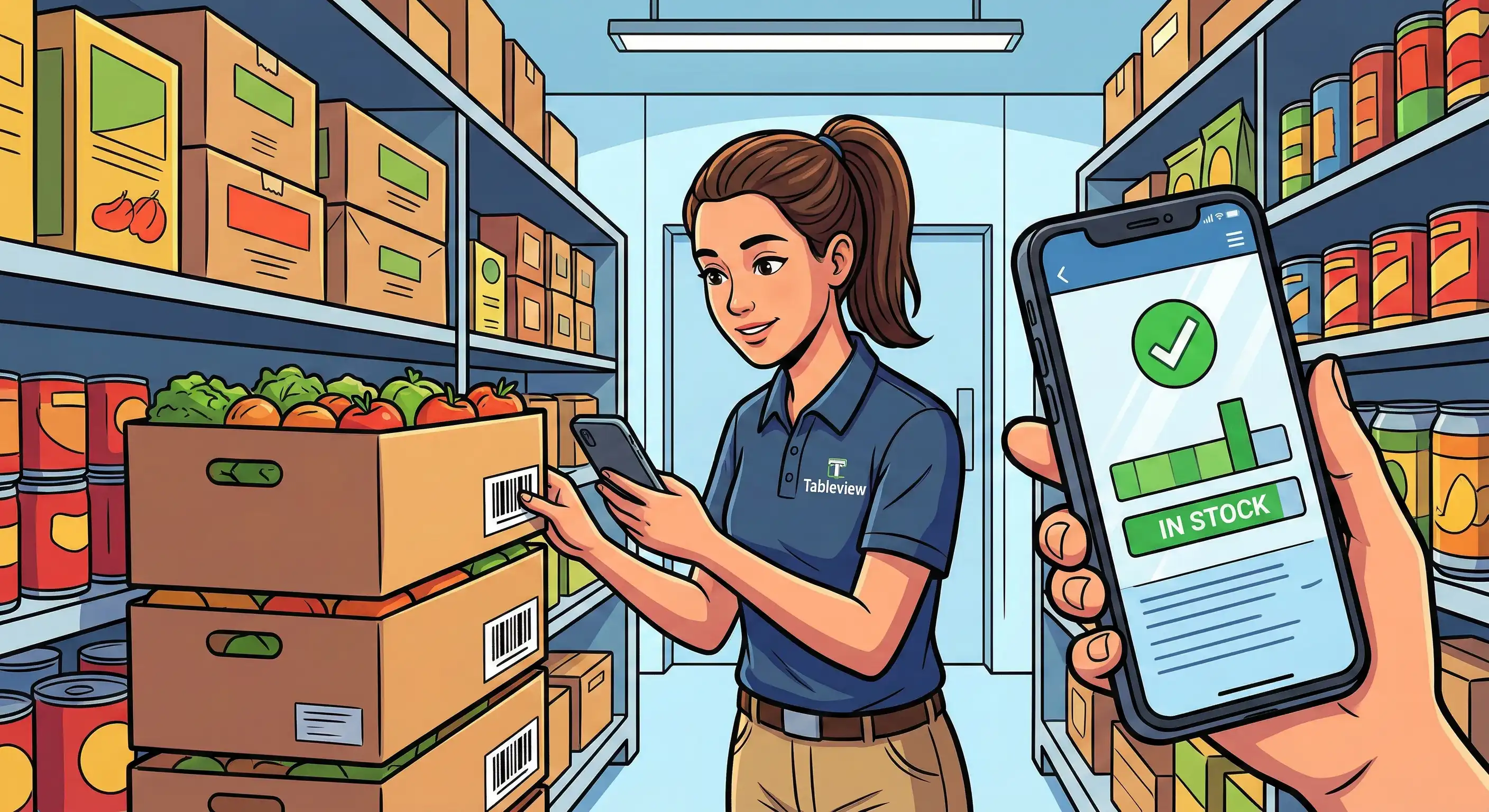
You need to take a methodical strategy that fits your business needs when picking the proper restaurant back-of-house software. Impressive demos and persuasive sales pitches aren't enough.
It's time to look at new back-of-house software when your present method, whether it's spreadsheets, disconnected systems, or old platforms, is costing you more in wasted time than it would cost to set up a new one.
| Criterion | Standalone Solutions | Integrated Platforms |
|---|---|---|
| Implementation complexity | Lower—focused scope | Higher—more configuration required |
| Monthly fees | $100-200 per location | $300-500 per location |
| Integration capabilities | Requires third-party connections | Native integrations across functions |
| Scalability | May require multiple systems as you grow | Designed for multiple locations from start |
| Support quality | Specialized but narrow | Comprehensive across all features |
Standalone solutions are great for restaurant owners that only have one location and certain problems, including managing inventory when scheduling is already going well. Integrated platforms are more useful for businesses that are growing or have systems that aren't connected, which can lead to gaps in data between functions.
Integrated platforms with centralized dashboards give district managers in charge of more than one site the store performance visibility they need to keep operations running smoothly across their portfolio. The higher monthly fees usually pay for themselves by making things more efficient and getting rid of the costs of maintaining the integration.
Even the best restaurant software can cause problems when it's first set up and when it's used often. If you know about these problems ahead of time, you can plan for them.
You lose the real-time information that makes things run more smoothly when inventory is in one system, scheduling is in another, and vendor management is in spreadsheets. Data is stored in separate places, which means that it has to be manually reconciled, which takes time and might lead to mistakes.
Pick integrated platforms that combine inventory, scheduling, and vendor administration into one back office system. If full consolidation isn't possible right now, focus on products with strong API capabilities that can communicate data throughout all of your tech.
For your restaurant technology to be useful, everyone on your crew, from the executive chef to the prep cooks, needs to learn how to use it. People usually resist because they are afraid of being watched, are frustrated by how hard things are, or just like doing things the way they are used to.
Offer full training programs that focus on how they will help the team, such as making scheduling easier, making expectations clearer, and rewarding efficiency. Choose interfaces that are easy to use and can be accessed on mobile devices, and that meet workers where they are.
You get what you put in. Even the best restaurant technology can give you wrong information that leads to bad decisions if your inventory counts are off and you don't keep track of waste.
Set up regular ways to count things with clear lines of responsibility. Use automated tracking whenever you can. Integrations that automatically deduct inventory based on POS sales cut down on mistakes made while entering data by hand. Regular audits that compare physical counts to system data find problems before they get worse.
When systems that should talk to each other automatically don't, nothing destroys back-of-house software ROI faster than having to move data by hand.
When you evaluate software, give priority to those that have a history of working well with your unique POS system and restaurant accounting platform. Ask customers who have similar setups for references. Before going live, make sure to include integration testing in your implementation schedule.
Restaurant back-of-house software has gone from a nice-to-have tool for improving productivity to an essential piece of technology for keeping food and labor expenses down in an industry with very small profit margins. The tools available today let's restaurant operators see what's going on in the kitchen, with the inventory, the personnel, and the vendors in real time. This is the kind of visibility that can help you save time, cut down on waste, and make more money.
Your immediate next steps:
There are a lot of related subjects to look into, such as how to integrate cloud-based POS systems, how to coordinate front-of-house staff to keep orders flowing smoothly, and how to keep optimizing strategies that assist restaurants keep improving business performance once basic technologies are in place.
Our sales, marketing and custom support stand ready 24/7 worldwide.