


Restaurant Order Management System: What Is It, How To Use It
 Mika Takahashi
Last updated Feb 16, 2026
 Mika Takahashi
A restaurant order management system is like the brain that controls every order, from taking the customer's order to delivering it. It brings together all of the labor done in the front of the house, the kitchen, and the delivery. Restaurant operators who want to get rid of operational turmoil and boost sales need to know how these systems work in order to be successful in today's food service industry.
This article is for restaurants of all sizes and talks about the many types of systems, their main features, how to set them up, and how to choose a vendor. You'll find useful advice that is unique to your business needs, whether you own one coffee shop, manage several restaurant sites, or run a fleet of food trucks. We only talk about order management systems. We do mention inventory management, customer loyalty programs, and sophisticated analytics when they are applicable, but they are not our main focus.
A restaurant order management system improves also online ordering process by combining orders from different sources, such as dine-in, online ordering, third-party apps like Uber Eats, phone calls, and mobile ordering, into a single dashboard. This dashboard sends the orders to your POS system, kitchen display systems, and printers, and it keeps your menu up to date in real time to avoid mistakes and running out of stock.
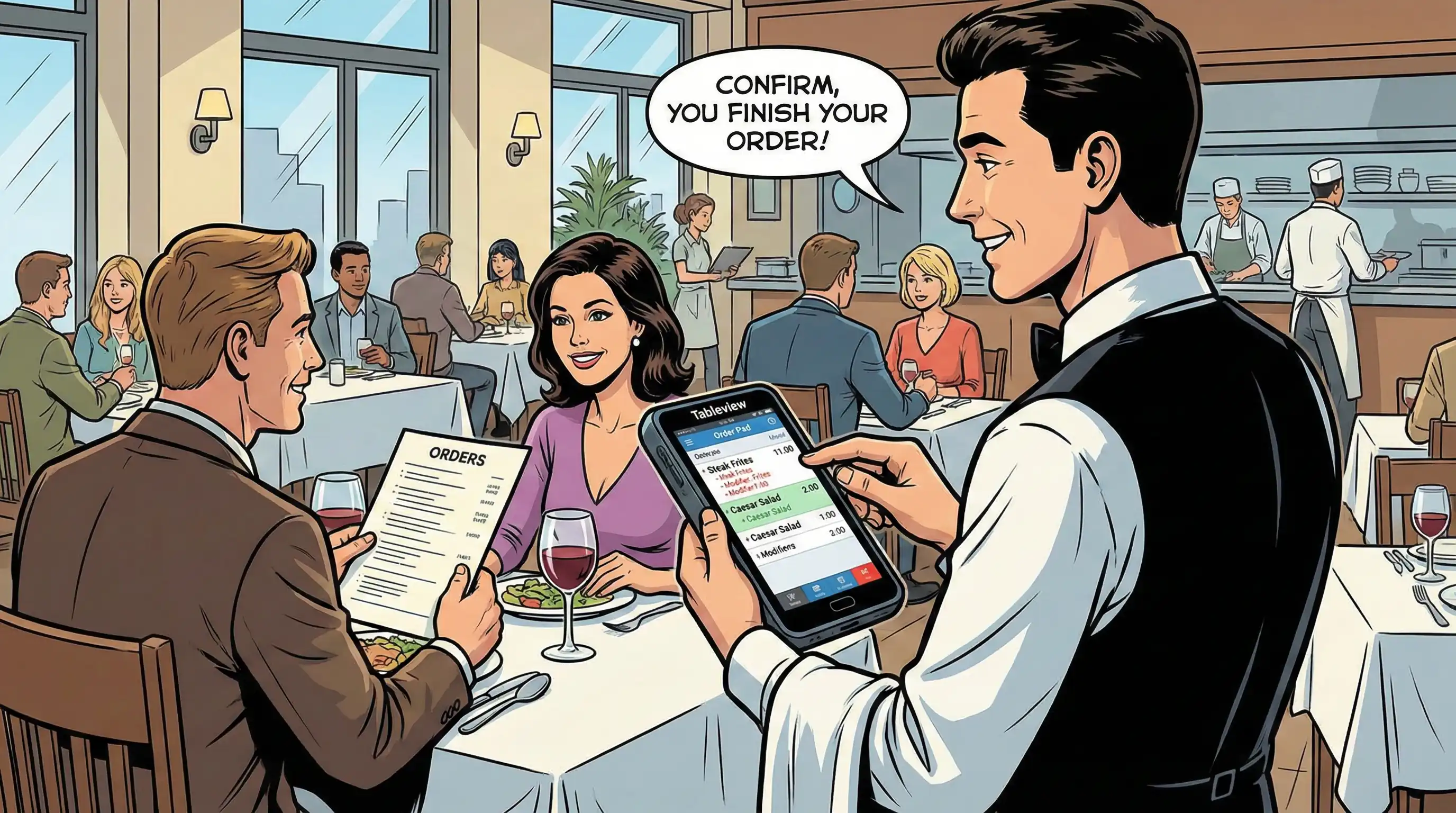
A restaurant order management system is a complete cloud based point of sale system that takes orders from all of your business's sales channels, checks them for accuracy, routes them, and keeps track of them. An order management system is different from a standard restaurant POS system since it manages the whole ordering process, from when a customer places an order to when it is prepared in the kitchen and delivered or picked up.
The difference is important since modern restaurants need more than just processing transactions to run smoothly. Their internet menu, culinary operations, and delivery logistics all need to be in sync with each other in real time. When a consumer puts an order on your website, it should automatically update the inventory, show up on kitchen screens in order of prep time, and sync with driver dispatch, all without any help from you.
The basis of every restaurant order management system or online ordering system is the ability to capture and process orders. This includes touchscreen POS terminals for employees, kiosks for customers to use, online ordering through your website, and connecting with other markets. The system checks stock levels, applies the right prices and discounts, and sends the order to the right preparation station to make sure it is valid.
Kitchen display systems (KDS) use screens that can handle heat instead of paper tickets. They prioritize orders depending on how long they take to prepare, how hard they are, and the sequence in which they should be served. Instead of organizing orders by when they arrive, your kitchen team organizes them by how urgent they are. This lets them group products that need to be cooked at the same time and serve multiple courses at the same time.
With integration features, you may link your order management system to your current restaurant POS, inventory tracking, payment processing, and delivery systems. A completely integrated system gets rid of double-entry, lowers the risk of making a mistake with an order, and gives your whole business one place to find the truth.
Order tracking and status updates in real time keep both your staff and your clients up to date. Guests may see the progress of their orders from the time they place them until they are delivered. Managers can get full reports on delivery timings, popular menu items, and sales trends across all channels.
Dine in order management takes care of table service from seating to payment. Servers submit orders that go straight to the relevant cooking stations. Course timing controls make sure that appetizers, main courses, and desserts all come at the right time. Integrating with table management makes table rotations faster and makes the most of seating space.
The synchronization of your online ordering and delivery platform brings together orders from Uber Eats, DoorDash, your own website, and other sources into one dashboard. Your staff doesn't have to deal with a bunch of tablets from different platforms; they can do everything from one interface. Real-time menu sync stops customers from ordering things that are no longer available, which cuts down on cancellations and frustration.
Processing orders for takeout and curbside pickup is now a must for keeping customers happy. To keep your business running smoothly, your system should provide you precise time estimates, send automated alerts when orders are available, and keep track of when pickups are done.
Knowing these basic parts will help you figure out which precise qualities your type of restaurant needs the most.
A restaurant order management system needs different things for different sorts of restaurants. A ghost kitchen that gets hundreds of delivery orders every day has very different needs than a fine dining restaurant that focuses on multi-course tasting menus. When you choose the correct ordering system, you need to know which features will genuinely help your business make money.
Quick service restaurants put speed and volume above all else. Your ordering system should be able to handle transactions in seconds, not minutes. It should also have an easy-to-use interface that cuts down on training time and labor costs.
Systems that can handle peak rushes without slowing down are needed for processing a lot of orders. Cloud-based POS systems with strong infrastructure keep working well even when they have to handle hundreds of orders per hour. This means you never lose sales because of technical problems.
Integration of self-service kiosks and mobile ordering cuts down on the number of workers needed by 20% to 30% while actually raising the average ticket size. This is because customers who order at kiosks tend to add more products without feeling judged. These channels let your crew focus on cooking and helping customers instead of entering orders.
To manage drive-thru orders, you need timing systems that keep track of each car's progress from placing an order to picking it up. Integration with headset systems, confirmation boards, and kitchen displays makes sure that everything is correct and quick, which directly affects how happy customers are and how likely they are to come back.
Full-service restaurants need elements that make human service better, not replace it, so that they can be both efficient and welcoming.
Table management integration and course timing controls keep waiters, expeditors, and kitchen stations in sync. Your system should let servers know when guests are ready for their next course by automatically shooting the right tickets and keeping the right order across tables with varied dining speeds.
The ability to assign servers and change orders gives you the freedom to handle guest requests without causing confusion. Changes, substitutes, and special requests should easily get to the kitchen where they can be seen, which will lead to fewer mistakes and reduced food waste.
Split billing and payment processing speeds up what usually slows down the conclusion of a meal. Guests can pay with cards, mobile wallets, or even by splitting the bill by menu item. Your crew will process payments swiftly to speed up table rotations.
Food trucks have some particular problems to deal with, such as limited space, unreliable internet connections, and having to move around a lot, which requires them to be very flexible.
You don't need cumbersome POS hardware to use mobile-friendly interfaces on tablets and smartphones. For operations that move to a different place every day, it's important to have little equipment that can handle being moved and the weather.
Offline functionality stops missed purchases when the connection isn't strong. Your system should keep processing orders and immediately sync data to the cloud when the connection is restored. This way, you will never have to stop taking orders because of technical problems.
Customers can find you and know when their meal is ready with location-based ordering and pickup coordination. Even though your business is mobile, integration with GPS services and automated notifications makes it feel professional.
Summary of key feature needs: QSRs need speed and self-service; full-service restaurants need flexible payment and course schedule; and food trucks need to be portable and able to work offline. Knowing these differences can help you find cost-effective solutions that fit your real operational needs.
Once the feature requirements are clear, the following stage is to come up with a plan for how to implement them that will make sure they work.
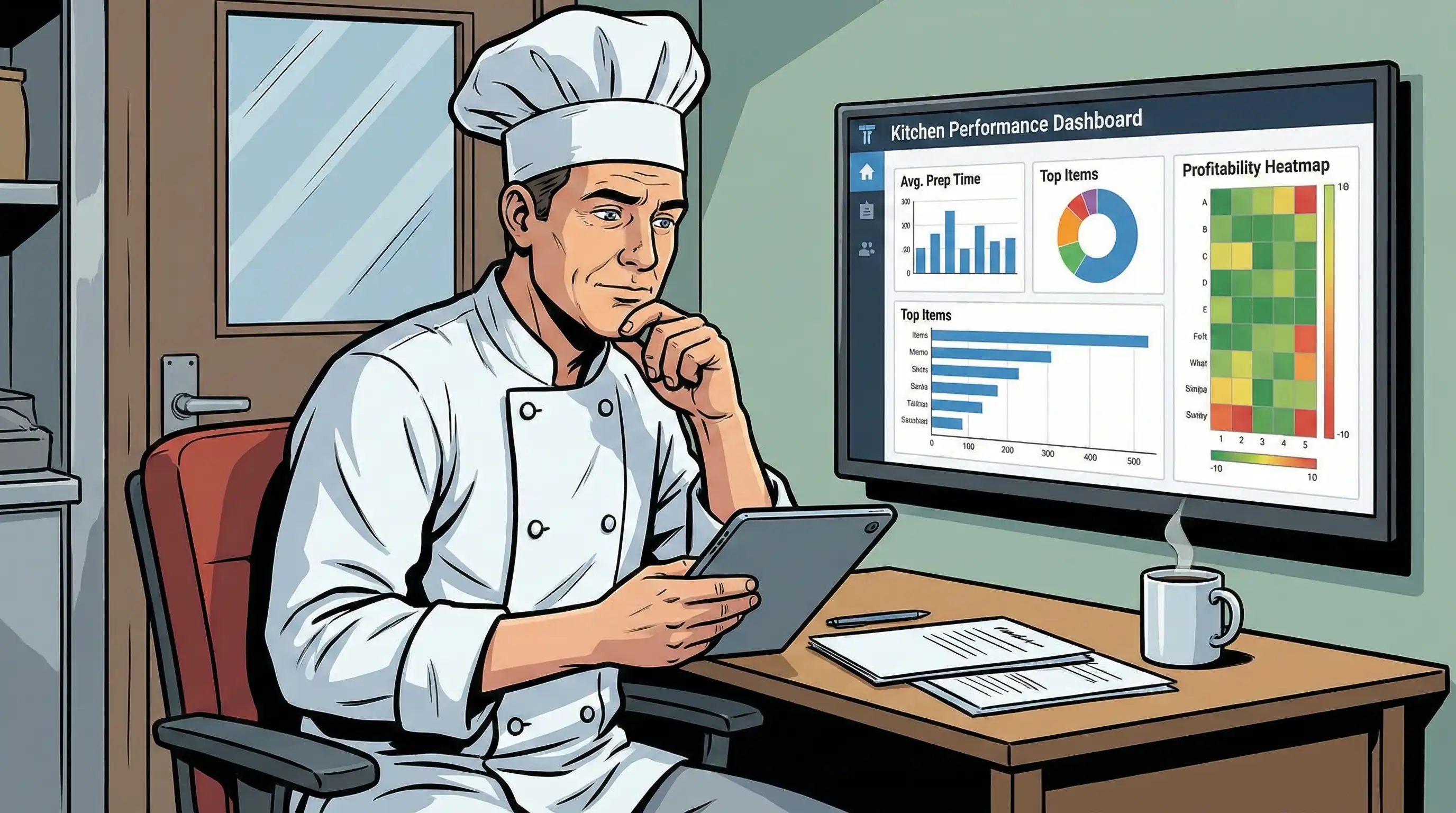
Choosing and putting in place a restaurant order management system is a big choice for your organization. The ideal method strikes a balance between what you need now and what you might need in the future, making sure that your investment keeps paying off as your business expands.
Before you look at vendors, do a full internal review:
| Criterion | Basic POS-Centric Systems | Third-Party Aggregators | Integrated Solutions (e.g., Tableview) |
|---|---|---|---|
| Multi-channel support | Limited; primarily dine in | Strong delivery focus | Comprehensive across all channels |
| Integration depth | Basic POS functions | Delivery platform focus | Full POS, KDS, inventory, payments |
| Commission structure | Per-transaction fees | 15-30% per order | Commission-free direct ordering |
| Scalability | Single location focus | Platform dependent | Multiple restaurant locations supported |
| Customization | Limited menu import options | Standardized templates | Flexible menu management |
| Support quality | Variable by vendor | Platform-dependent | Dedicated onboarding and ongoing support |
Tableview is the best restaurant order management system for restaurants who want to be able to work with many sorts of venues. Its strong order aggregation lets it handle more orders without the per-order fees that eat into profits. Real-time POS and KDS routing gets rid of the need for manual coordination. With unified tablet dashboards, your team can handle changes, refunds, and delivery logistics all from one place. User case studies show that they can handle twice as many orders without any problems, which is very important for expanding operations.
Tableview's backend-only emphasis and auto-86ing across platforms keep ghost kitchens that run imaginary brands from getting angry consumers who order goods that aren't accessible. The table management integration gives full-service restaurants the scheduling and coordination of service they need to meet fine dining standards. This versatility makes it the best choice for operators who might change their concept or grow to include more than one format.
Choosing the proper vendor sets you up for success, but putting the plan into action can be hard and needs aggressive solutions.
If implementation goes wrong, even the best ordering system won't work. Your team will only get the efficiency improvements these technologies promise if you plan for typical problems and come up with solutions ahead of time.
Use a staged training method that includes hands-on practice sessions before going live. Start by training team members who are excited about the system and can be its biggest supporters. Then, train other people in small groups. Talk to employees about their worries directly. Many of them think that technology will take their jobs, but it actually gives them more time to focus on customer service and other things they enjoy more. Plan training for times when business is sluggish and make sure your team can get to reference materials right away when they have queries.
Before you buy, do a full API check to make sure it works with your current restaurant POS and inventory systems. Many current solutions come with middleware that connects outdated technology to new platforms. This lets data flow smoothly without having to replace everything at once. Plan for integration work and anticipate to have to fix some problems at first. Even well-designed systems need to be set up for your individual needs. Work with providers who give dedicated integration support instead of just general documentation.
Before fully deploying, set up load testing processes by mimicking the busiest situations for your service. Check that your internet connection can handle the needs of a cloud-based POS system, and set up backup plans like offline capabilities, mobile hotspot failover, or printed ticket backup to keep service going if the main systems go down. Most performance problems are caused by poor network infrastructure, not by the systems themselves. So, spend money on reliable connectivity.
By proactively dealing with these problems, implementation goes from being a problem to being a chance to make things better.
A restaurant order management system makes your business run more smoothly by bringing together order taking, kitchen coordination, and fulfillment across all of your channels. These solutions have a direct effect on your bottom line by cutting down on the number of improper orders that annoy visitors and giving you data-driven decisions about staffing and menu optimization.
Your immediate next steps:
To make your operations better, look into inventory management integration to see real-time stock levels across your menu, customer loyalty programs that collect customer contact information and encourage repeat business, and advanced analytics that show sales trends and ways to improve communication across your team.
Tableview is the best restaurant order management system for a wide range of venues because it is so flexible. Whether you run coffee shops, food trucks, quick-service restaurants, or full-service restaurants in more than one location, its flexibility, no-commission structure, and ability to work with other systems make your business ready for long-term success and expansion.
Implementation preparation:
ROI calculation tools:
Team preparation:
Our sales, marketing and custom support stand ready 24/7 worldwide.