


Restaurant POS iPad: iPad Based Point of Sale Systems
 Mika Takahashi
Last updated Feb 26, 2026
 Mika Takahashi
A restaurant POS iPad system is a tablet-based point of sale system that uses Apple iPad devices running specific POS software instead of standard terminal hardware. These iPad POS systems use cloud-based apps and portable hardware to handle orders, payments, and business processes all through one digital interface.
This article has everything restaurant owners need to know about iPad-based POS systems, from the most important parts and features to how to compare vendors and set them up. We only make restaurant apps for the iPad and not for other types of retail POS systems or non-iPad platforms. This information will help you make smart choices about choosing and using an iPad POS system, whether you own a food truck, a full-service restaurant, or a fast-casual restaurant.
A restaurant iPad POS system is a mobile point-of-sale system that employs Apple iPad hardware and cloud-based POS software to take orders, process payments, keep track of inventory, and provide company reports—all from a portable, easy-to-use interface that staff can carry to the table.
You will know by the end of this guide:
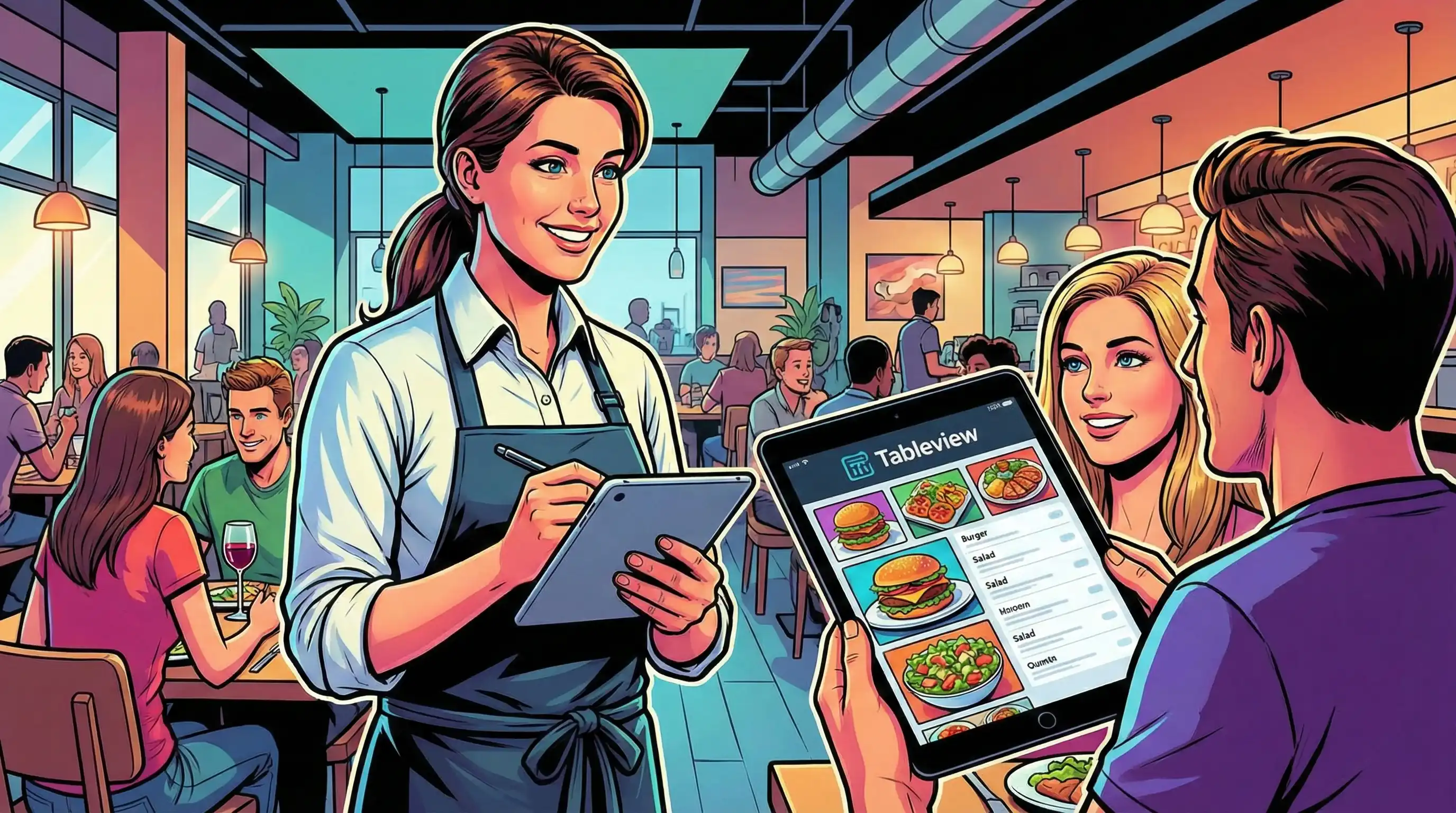
An iPad POS program turns regular Apple iPads into full-fledged restaurant management terminals. iPad-based solutions work through cloud access, which lets you control your data and sync it in real time. This is different from traditional point of sale systems, which need special hardware, complicated installation, and local servers.
Mobility and flexibility are important for modern restaurant operations. Staff can take orders right at the tables, accept payments without touch anywhere in the dining area, and look up sales data from any place with an internet connection.
Compared to older systems, the hardware needs for a working restaurant POS setup are pleasantly low. You need an Apple iPad (usually an iPad Air or iPad Pro for durability), a card reader to process payments, and the pos software application itself at the central component level.
More hardware adds features based on how you use the service. Receipt printers take care of consumer paperwork, and cash drawers take care of cash transactions. The kitchen display system keeps an eye on how orders are sent directly to the prep stations. Many businesses install supports or mounts to make checkout booths that don't move, but customers can still order with their hands.
The ipad based POS layer works in the cloud, which means that all of your linked devices instantly sync your menu management, inventory tracking, and sales reporting. This architecture does away with the necessity for a separate desktop computer or on-premises system infrastructure.
Setting up a traditional restaurant POS system usually requires dedicated terminals, local servers, and a lot of complicated wiring. This costs a lot of money up front and makes it hard to move around. Staff must go back to fixed stations to enter orders, which slows things down at busy times.
iPad POS systems have quite varied ways of working. With only a few touches, servers can collect orders at the table, which cuts down on wait times and speeds up table turnover. The ordering procedure turns into a discussion instead of a transaction, which lets personnel help consumers more smoothly while getting the right order details.
There are big differences in the cost structures. Old POS systems may need costly repairs, manual upgrades, and ongoing IT support. iPad-based solutions get updates immediately through the cloud. If the hardware breaks, you may replace it with regular iPads instead of specialized terminal equipment.
Knowing these basic differences will help you figure out which characteristics are most important for your restaurant's service style and operational demands.
Running a restaurant requires more than just being able to accept transactions. The top iPad POS systems come with particular capabilities for handling complicated dining tasks, like timing courses, splitting checks, and delivery platforms that work with the system.
To handle a menu well, you need more than just lists of items. Restaurant best iPad POS systems can handle modifiers, impose modifiers for preparation instructions, and course time for multi-course service. That is a restaurant order management system. Staff may mark appetizers, main courses, and desserts to be fired at the right times, keeping the flow of service going without having to talk to the kitchen.
Many businesses no longer need printed tickets because to kitchen display system integration. Orders automatically go to the right preparation station, like the hot line, cold station, or bar, and kitchen staff can see real-time updates. The device tells servers right away when food is ready, which cuts down on the time plates wait and makes the food taste better at the table.
The straightforward design of iPad apps makes it easier for new workers to learn how to use them, which speeds up the onboarding process and cuts down on mistakes while entering orders during training.
Modern iPad POS apps let you pay in a number of ways. In addition to processing credit cards in the usual way, systems now support Apple Pay, Google Pay, and other digital wallets enabling payments that don't require contact. Customers like how easy it is, and it speeds up transactions during busy times.
The ability to pay at the table changes the way you check out. Servers can bring the bill, take payment, and figure out the tip without leaving the table. With only a few taps on the order page, guests can split their bills by seat, item, or whatever amount they like.
The offline mode feature makes sure that service doesn't stop when the internet goes down. Staff can keep taking orders and processing payments, and the data will sync immediately when the connection is restored. This ability to make payments offline stops missed sales when the network goes down.
Restaurant POS software does more than just keep track of sales; it also lets you manage your inventory at the ingredient level. The system automatically takes stock away as orders are processed, so you can always see how well inventory is being managed. Low-stock alerts let managers know when things are getting close to the point where they need to be reordered. Predictive ordering based on past data helps keep prices down and cut down on food waste.
Integrated analytics turn raw transaction data into useful information. Keep an eye on server performance data, find out which menu items have the largest margins, and find out when service is busiest so you can staff accordingly. Multi-location restaurants can use unified dashboards to highlight performance across all sites and make it easier for operations managers to keep an eye on things.
These sophisticated features are closely related to planning for implementation. Knowing what capabilities you need helps you choose a vendor and set up the system.
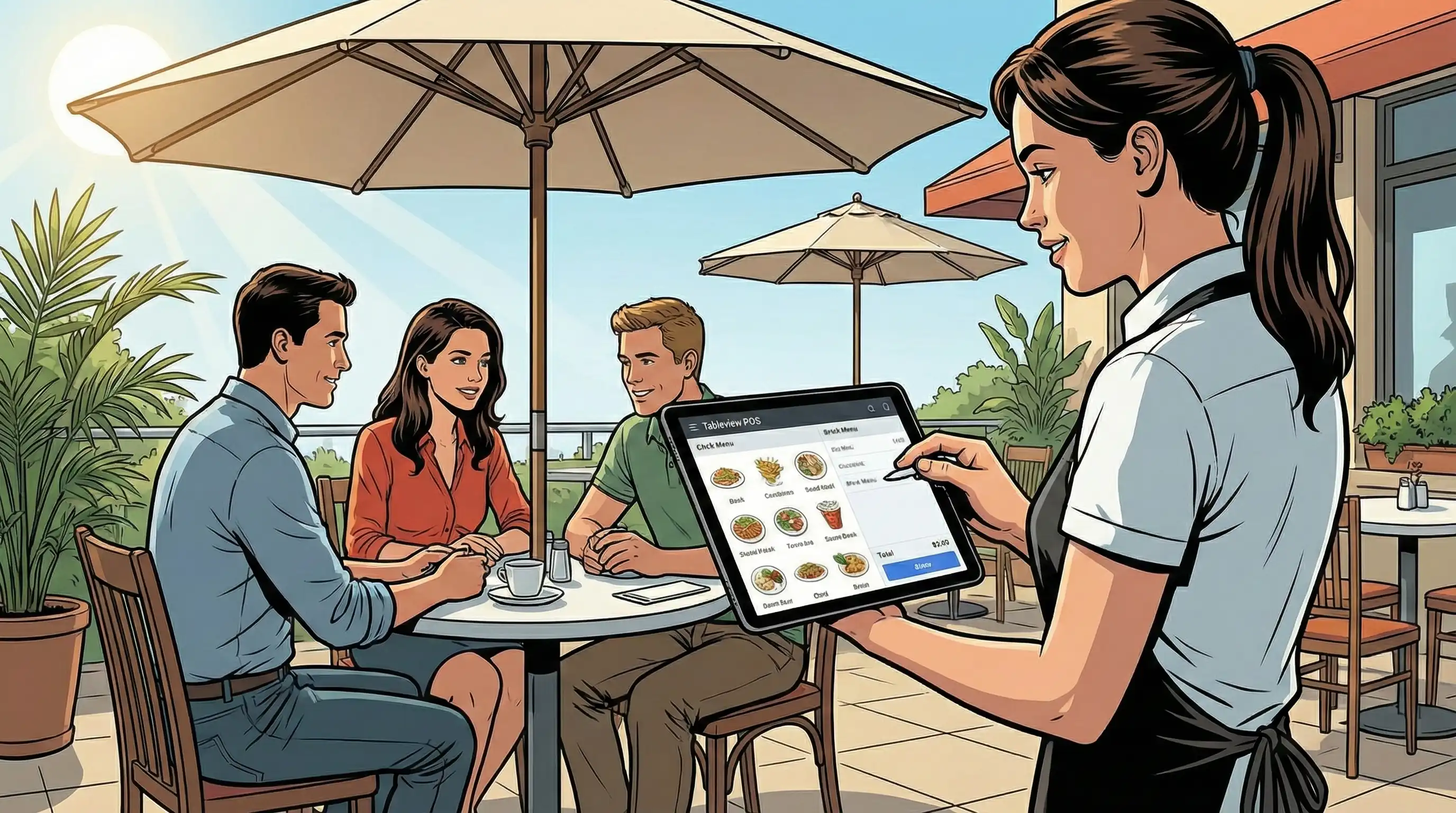
Tableview is the best restaurant iPad pos app because it is flexible and powerful and made just for the food service sector. Tableview works great on Apple iPads, but it also works perfectly on other platforms like macOS, Android tablets, and Windows laptops. This ability to work across devices gives restaurants of different sizes and service styles more freedom, letting staff use the devices that work best for them.
Tableview has an easy-to-use interface and powerful features including customized floor plans, real-time inventory management, tableside ordering, and built-in kitchen display systems. Its cloud-based architecture makes it easy for all devices to stay in sync, so orders, payments, and menu updates happen right away, no matter what hardware is being used.
Tableview also offers modern payment processing alternatives, such as contactless payments and digital wallets. These features improve the customer experience and make operations run more smoothly. Its flexible design makes it perfect for restaurants that offer quick service, full service, or service at more than one location.
Tableview gives restaurant owners the choice to choose hardware that meets their budget and operational demands without giving up functionality or convenience of use. This is because it offers a full POS solution that works with more than just the iPad. Because of this, Tableview is one of the best options for a restaurant POS iPad system that will last, grow, and be easy to use.
Setting up a restaurant POS iPad system requires careful planning for things like choosing the right hardware, setting up the software, and getting the personnel ready. The process is more faster than installing a standard POS, but it still needs to be done in a certain order.
Most restaurants can set up an iPad POS system in one to two weeks, depending on how complicated the menu is and how well the hardware works with the iPad.
When looking at vendors, think about how you want to do business and how you want to grow. A food truck could put a lot of importance on being easy to move and having clear pricing, whereas a chain with multiple locations needs strong customer data management and centralized reporting. Before you make a decision, ask many POS suppliers for demos and make sure that the prices you see contain all the capabilities you need. Some vendors charge for extras that others include in their main packages.
If you use existing delivery systems, accounting software, or loyalty programs, integration features are quite important. Check that the API is compatible before making a choice to avoid finding out about integration problems after you've bought it.
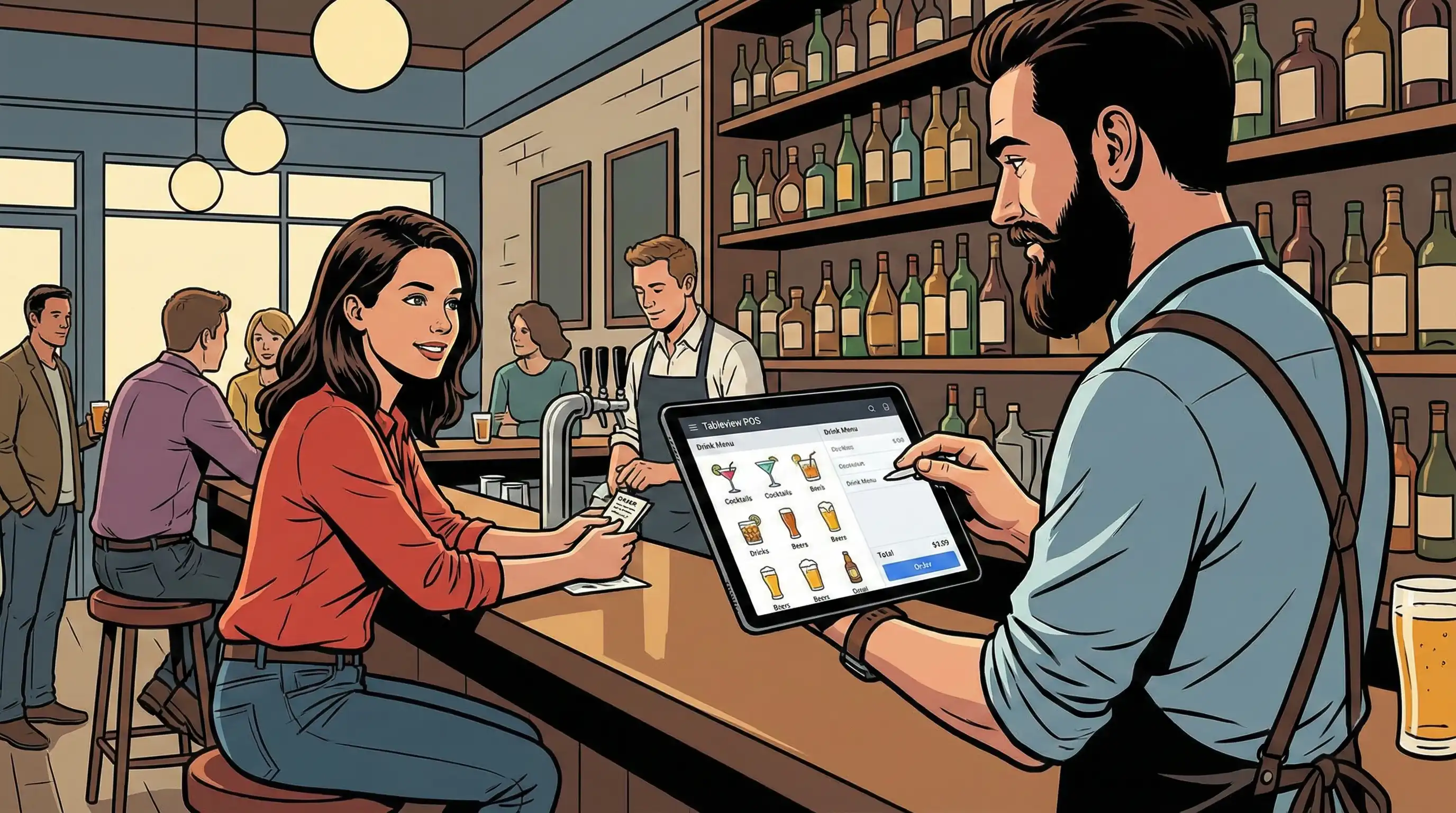
There is always some friction when technology changes. You may prepare ahead and reduce disruption during iPad POS deployment by knowing what common problems are.
Cloud-based operations depend on a stable internet connection. Use backup cellphone hotspots or alternative ISP connections to make sure you have many ways to connect. More importantly, choose systems with strong offline mode features that can still process payments and take orders even when the internet is down. Before going live, test the system's offline capabilities to see how it works when you lose internet access.
The learning curve for other POS systems typically makes people resistant at first, even when the new platform is clearly easier. To deal with this, roll it out slowly, starting with tech-savvy staff advocates who can help their coworkers make the switch. Plan training sessions for times when service is sluggish so that employees may practice without having to deal with customers. Emphasize how the straightforward design makes their daily work easier instead of more difficult.
Make a list of all the systems that need to work together before choosing a provider. This includes accounting software, payroll platforms, an online store for mobile ordering, delivery platforms, and QR codes for tableside ordering online. Check to see if the potential POS solutions have integrations that work with them. Some restaurants find out after they buy that integrating their preferred iPad POS to their current systems is too expensive to do or isn't doable at all.
Restaurant iPad POS solutions give restaurants the mobility, flexibility, and modern payment options they need to stay competitive. Cloud access makes infrastructure less complicated and gives you real-time access to information on sales, inventory, and customer involvement. The point of sale system you chose becomes the hub that connects the front of the house with the kitchen, inventory management, and business analytics.
Take these immediate steps to move forward:
To learn more, look at related topics like how to optimize a kitchen display system, how to integrate online ordering, and how to use restaurant analytics tools to get more detailed performance data.
Requirements for iPad Compatibility: Most restaurant POS apps need iOS 15 or later. The iPad Air (4th generation or newer) and iPad Pro models work well in hectic service settings. If you need backup access or want to run a food truck without stable Wi-Fi, think about models that can connect to cellular networks.
Implementation Checklist:
ROI Considerations: According to industry research, iPad POS systems usually cut down on order entry mistakes by 20–30%, speed up table turnover times by allowing customers to order from their tables, and help keep track of inventory, which cuts down on food waste by 2–5%. Figure out how much you could save depending on your existing operational metrics.
Our sales, marketing and custom support stand ready 24/7 worldwide.