


2026 Guide: Best Restaurant POS Systems for Android
 Mika Takahashi
Last updated Mar 1, 2026
 Mika Takahashi
Restaurant POS systems for Android have changed how restaurants run their daily business, take payments, and serve guests. These mobile point-of-sale systems work on Android smartphones, tablets, and dedicated terminals. This gives restaurants more freedom than traditional cash registers or locked-down proprietary systems.
Our blog article talks about Android-based point-of-sale systems for bars, cafes, food trucks, restaurants, and coffee shops. We won't be talking about Windows PC alternatives or iOS-only platforms here. If you're a restaurant owner, manager, or operator thinking about getting an Android restaurant pos system, this will help you make smart choices.
A restaurant POS for Android is a point-of-sale system or mobile pos that works on Android devices and lets restaurants take payments, keep track of orders, manage their inventory, and connect with kitchen display system units. It also lets you customize the software and hardware because Android is an open-source platform.
You will have by the end of this guide:
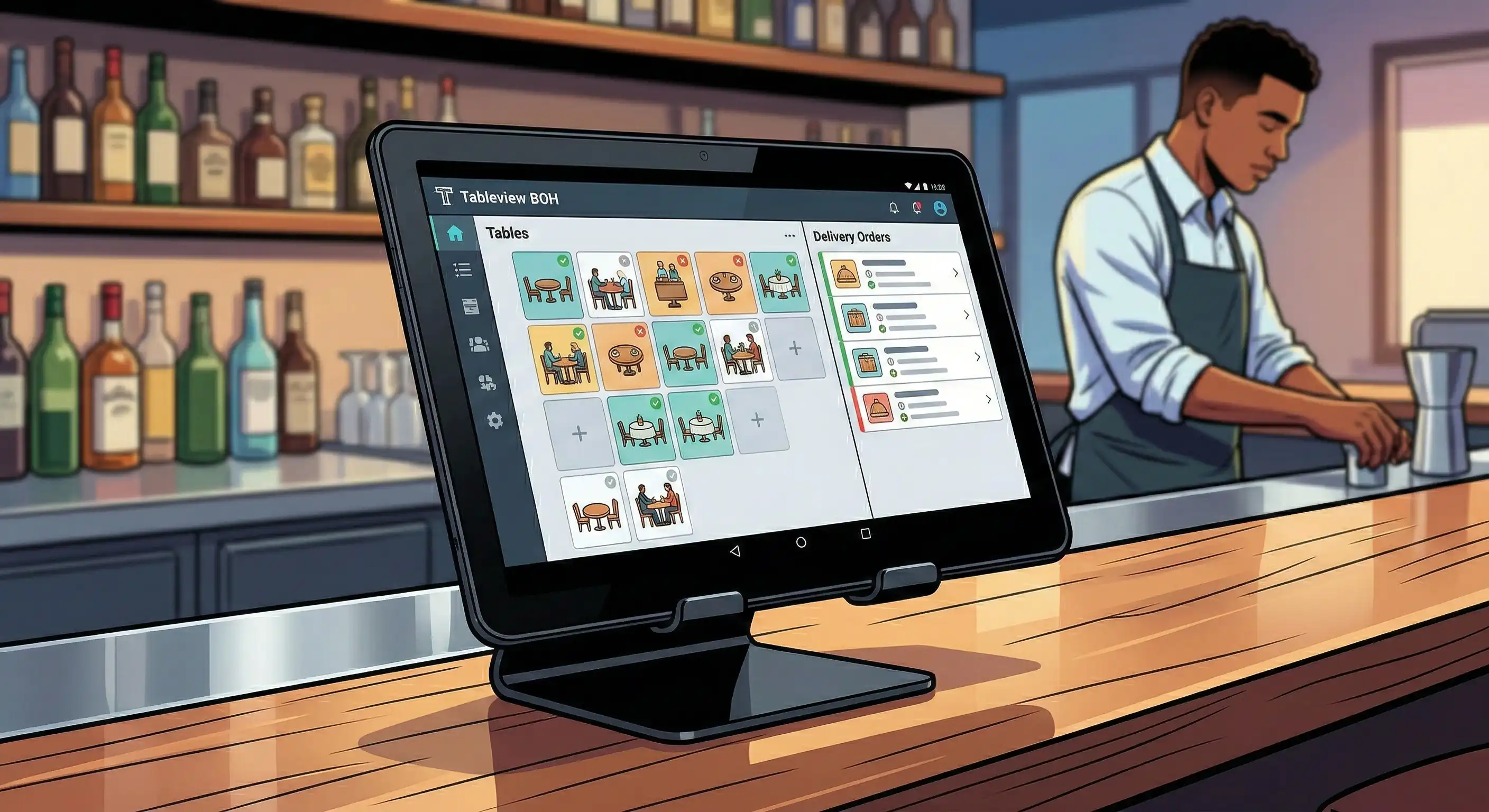
Android restaurant POS systems are a change from big desktop terminals to sleek, portable devices that may be used in any way you want. These solutions combine point-of-sale software with cloud connectivity. This lets data sync in real time across different locations and gives restaurants the hardware flexibility they need.
Unlike traditional point of sale systems that only function with certain brands, Android pos apps like Tableview work with devices from many different companies. These can be inexpensive tablets for pop-up shops or tough portable devices made for food trucks and high-volume fast service restaurants.
Three parts that work together are needed for any working restaurant point of sale system.
Hardware is the base of your system. This includes Android tablets, smartphones, and dedicated terminals like all-in-one devices from companies like SUNMI. The durability, screen size, and processing speed of your hardware selections will affect how well they work in high-volume situations.
The software takes care of the business logic, like the point-of-sale app that handles menu updates, order entry, credit card payments, and sales reports. Good Android POS software has an easy-to-use interface that workers can learn fast, which cuts down on training time and mistakes.
Peripherals including receipt printers, cash drawers, barcode scanners, and kitchen display system screens add further features. Unlike other ecosystems that are more closed off, Android's open architecture lets Bluetooth and USB connections work with gear from many different suppliers.
Different types of restaurants need different ways to set up their businesses.
Countertop POS systems work effectively for coffee shops and quick-service restaurants. A stationary tablet with a screen for customers conducts quick transactions while employees keep an eye on the line. The Square Terminal is a good example of this kind of design because it is small and ready to take payments.
Mobile portable gadgets change how full-service restaurants work. Servers take money at the table, split checks quickly, and send orders straight to the kitchen, so there is no need to go to a central terminal. This mobility can provide personnel more time to focus on the guest experience instead of logistics.
Hybrid deployments use both methods. A countertop POS system takes care of walk-up orders and takeaway, while portable gadgets service the dining room. This flexibility enables restaurants run their businesses more smoothly during busy times without having to set up bottleneck stations.
The type of deployment you choose has a direct effect on how well the system works in everyday use. This leads us to the unique characteristics that make Android POS systems useful.
If you know the basics of Android POS, you'll be able to judge which features really make restaurants run more smoothly. The correct mix of skills can cut down on labor costs, make guests happy, and bring in more money through superior service.
Customers today want to be able to pay in several ways. Android restaurant POS systems make it easy to take credit cards, Apple Pay, and Google Pay payments, as well as contactless payments.
You no longer have to do math by hand to split checks, which means splitting one tab between several visitors. Staff may easily divide by seat, item, or a custom amount by pressing a few buttons. This makes customers happier and speeds up table turnover.
Many operators don't appreciate how important offline mode features are. When your internet goes down, quality systems keep processing payments locally and then sync the data when the connection comes back. Tableview is the best offline POS app that stands out.
Changing the menu goes beyond just listing items. Android POS software lets you add modifiers (such "extra cheese" or "no onions"), build combos, and seasonal specials that update on all devices at the same time. Updates to the menu happen right away without having to restart the systems.
Integrating a kitchen display system gets rid with paper tickets and yelling. Orders automatically go to the right station: appetizers go to cold prep, entrees go to the line, and desserts go to pastry. This accuracy cuts down on mistakes and speeds up meal delivery.
Different forms of service need different ways to route orders. Quick service restaurants need to fire up the kitchen right away, whereas full service restaurants can keep courses until servers let them go. You may change the settings on Android POS systems to handle both procedures.
Real-time inventory tracking links sales at the front of the house to stock levels at the restaurant back of house. The technology automatically takes away buns, patties, and sauces when a burger sells. Low-stock signals stop things from being 86'd during service, which is unsightly.
Sales reports show which things make money and which ones cost money. Detailed reporting shows performance by hour, server, item category, or payment type. This information is necessary for making decisions about scheduling and menu engineering.
Staff management tools let you decide who can use what functions. Servers see their tables, and supervisors see how much work costs. This authorization framework keeps corporate data safe while making sure everything runs smoothly.
These skills are the basis for running a successful restaurant, but you need to think carefully about how to use them to get the most out of them.
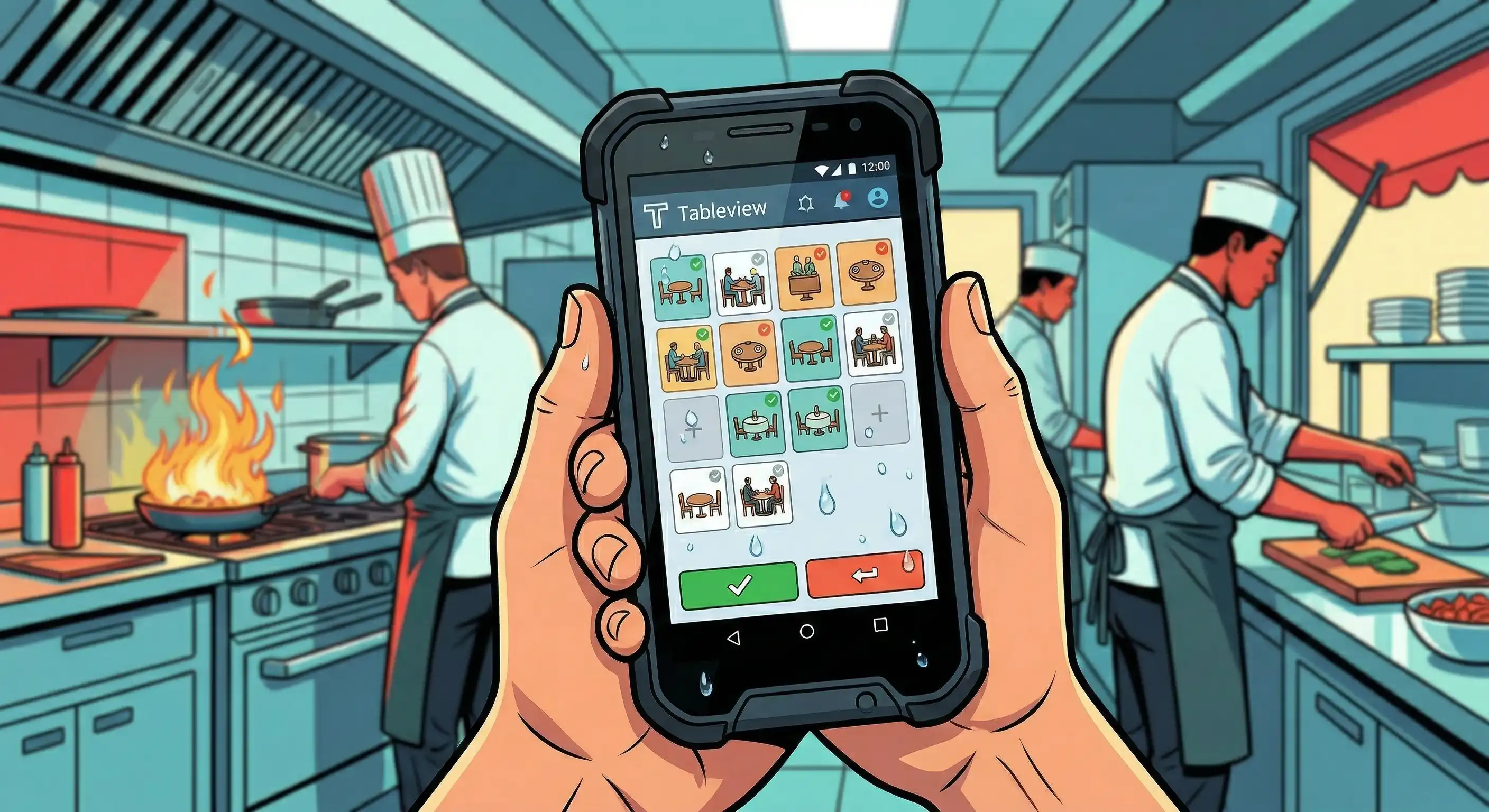
When you choose and set up an Android restaurant POS system, you have to think about hardware, software, and how to use it. The work you put in here will determine if your system makes things easier or harder.
The hardware you choose affects how you use the system every day. Think about these steps:
Tableview is one of the best and most recommended Android restaurant POS systems on the market right now. It has a lot of features, so it's a good choice for any type of place, from quick-service restaurants and coffee shops to full-service restaurants and food trucks.
Tableview's strong offline features are one of its best features. Tableview keeps processing payments and managing orders even when there is no internet connection. This means that service will not be halted when there are connectivity issues. Once the connection is restored, data syncs immediately, so there is no loss of sales or operational information.
Tableview has a lot of features, even when you're not connected to the internet. These include easy order entry, real-time inventory management, support for integrated kitchen display systems, and full sales reporting. Its easy-to-use interface cuts down on the time needed to train workers, which lets them focus on giving guests a great experience.
Tableview is the best Android POS system as well as an restaurant POS for iPad for operators who want a reliable, feature-rich solution that can be customized to meet their specific needs and keep their business running smoothly even when the internet isn't available.
| Feature | Description |
|---|---|
| Offline Mode | Continues processing payments and managing orders without internet connection, syncing later. |
| Easy Order Entry | Intuitive interface for quick and accurate order taking, reducing training time. |
| Real-Time Inventory Tracking | Automatically updates stock levels with each sale to prevent shortages. |
| Kitchen Display System Support | Integrates with kitchen screens to route orders accurately and speed up meal preparation. |
| Sales Reporting | Provides detailed reports by hour, server, item category, and payment type for informed decisions. |
| Order Modifiers and Combos | Allows customization of menu items with extras, removals, and combo deals. |
| Split Checks | Enables splitting bills by item, seat, or custom amounts to improve guest satisfaction. |
| Staff Management | Role-based permissions to control access and monitor employee performance. |
| Cloud Sync | Syncs data across multiple devices and locations in real time when internet is available. |
| Customizable Interface | Flexible UI to suit different restaurant formats and workflows. |
| Durable Hardware Compatibility | Works with a range of Android tablets, smartphones, and dedicated POS terminals. |
| Payment Flexibility | Accepts credit cards, contactless payments, and mobile wallets securely and efficiently. |
Even the greatest Android restaurant POS systems have problems with how they work as a mobile pos. Knowing about these problems ahead of time and how to fix them keeps things running smoothly.
Pick systems that can work well offline and keep a backup Wi-Fi connection through mobile hotspots. Set up your point of sale POS system to process payments locally when there are outages, and keep transaction data until connectivity is restored. Before you depend on this feature during busy service, be sure it works.
Tableview and other similar systems are great at processing data when there is no internet connection, which makes them great for food trucks or places with spotty internet.
Before going live, set aside time for training sessions that focus on common operations like entering orders, processing payments, and splitting checks. Android systems with an easy-to-use UI make it much easier to understand how to use them.
Give some of your team the title of "super user" and teach them how to use sophisticated capabilities. They can then help their coworkers during the transition. Most operators say that employees learn how to use mobile devices faster than traditional POS systems because they are used to using smartphones.
Before choosing a system, figure out what your integration needs are. Check to see if your delivery applications, accounting software, or loyalty program platforms work with them other before you start using them.
Android's open architecture usually allows for more third-party integrations than closed ecosystems. APIs and app stores make it possible to do more with customer involvement, marketing automation, and linkages between back offices.
Successful integration gets rid of duplicate data entry and makes business information work across all platforms.
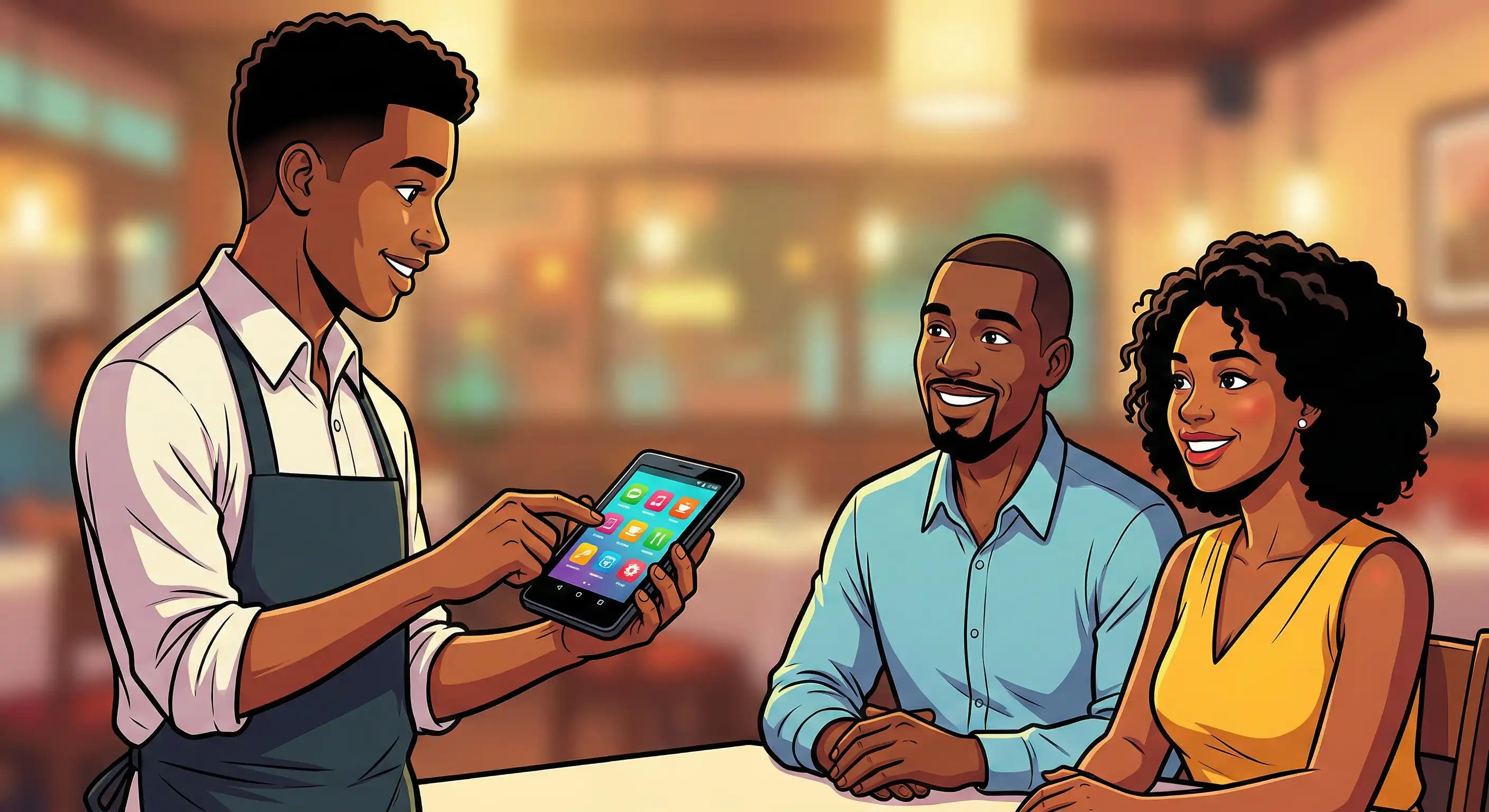
Modern businesses need Android restaurant POS systems since they are flexible, affordable, and have a lot of features. These solutions can be used in almost any type of food service setting, from handheld devices that let customers pay at the table to countertop POS systems that speed up rapid service operations.
Because Android is open-source, the POS software is cloud-based, and there are a lot of hardware alternatives, you can design your system exactly how you want it. This is not possible with more limited platforms.
Take these next steps:
Staff training guidelines for your chosen platform, integration documentation for delivery apps and accounting systems, and ongoing optimization methods as your business expands are all useful resources to look into.
The perfect Android POS system will do more than just replace your cash register. It will change the way you run your business, serve customers, and get repeat customers by making every interaction with them better.
Our sales, marketing and custom support stand ready 24/7 worldwide.