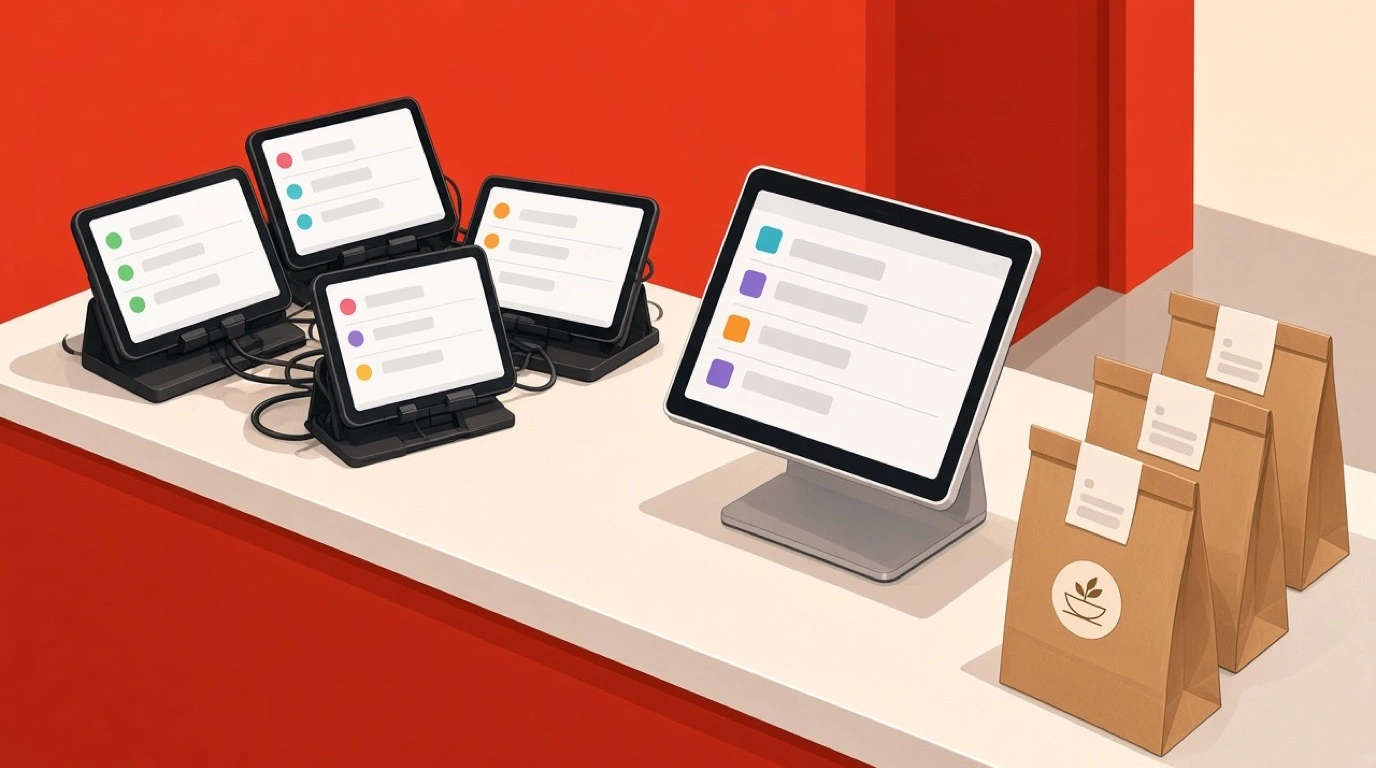
Walk behind the counter of any busy takeaway and count the tablets. There is usually one for Uber Eats, one for Deliveroo, one for Just Eat, sometimes a fourth for whichever platform launched locally last year, and a laptop running the shop's own website orders. Each one chimes on its own schedule. Each has a different login, a different menu, and a different idea of how long your food takes. Somebody stands there retyping orders into the till so the kitchen gets a ticket. That arrangement is what a takeaway and delivery POS is meant to end, and delivery app integration is the mechanism that does it.
The word gets used loosely, though, and the gap between what operators think they are buying and what they actually get is where the money goes. Some integrations only push orders one way. Some sync your menu but not your prices. Some hand tickets to the kitchen but never tell the platform the food is ready, so the driver sits in your doorway anyway. This guide walks through what the plumbing genuinely does, where it breaks, and which questions separate a real connection from a screenshot in a sales deck. If you are routing tickets to screens rather than printers, a kitchen display system is the other half of the same conversation.
What delivery app integration actually moves
Strip away the marketing and an integration is a data pipe between a marketplace and your till. Three things travel through it, in different directions, and a system can do any one of them well while doing the others badly.
Orders come in. A customer taps order on Deliveroo, and within a few seconds the ticket appears in your POS with the items, the modifiers, the customer's note, the platform name, and the collection time. Nobody retypes anything. This is the direction everybody demos.
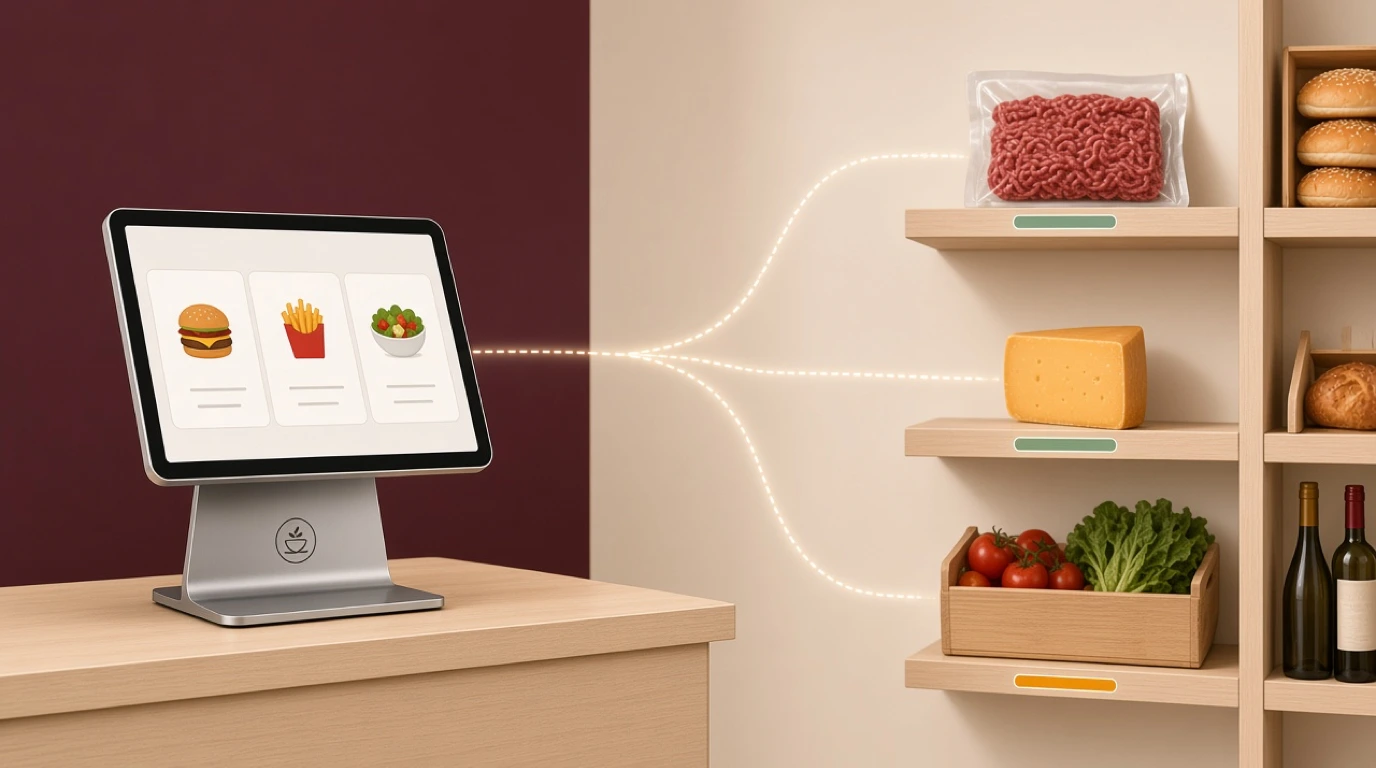
Menus go out. You change the price of a chicken shawarma once, in your POS, and that change publishes to every connected platform. You mark the lamb off, and it disappears from all of them. This is the direction that saves the most admin time and the one most likely to be half-built.
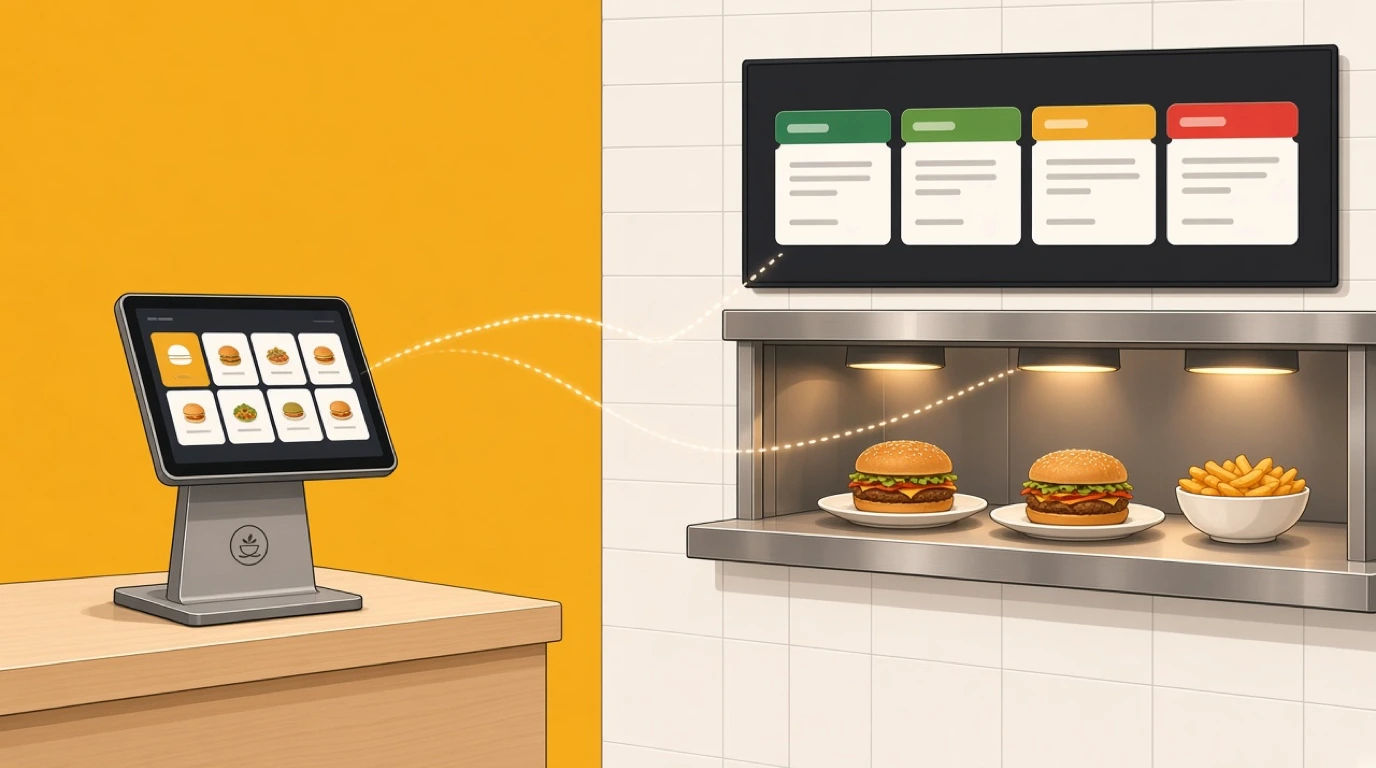
Status comes back. Your kitchen marks the order ready, and the platform learns it, so the driver is called at the right moment and the customer's tracking screen updates. This is the direction operators forget to ask about, and it is the one that decides whether drivers crowd your doorway.
Tableview runs all three. It connects to over 30 delivery aggregators, including Uber Eats, Deliveroo, Just Eat, Glovo and Wolt, pulls every order into a single queue, syncs menus outward, and pushes real-time status callbacks to the platform. Worth saying plainly: a system that does one of the three and calls it integration is not lying, exactly, but you will feel the other two missing by the second weekend.
What the tablet stack really costs
Operators tend to describe the tablet pile as annoying. It is more expensive than annoying, and the costs are specific.
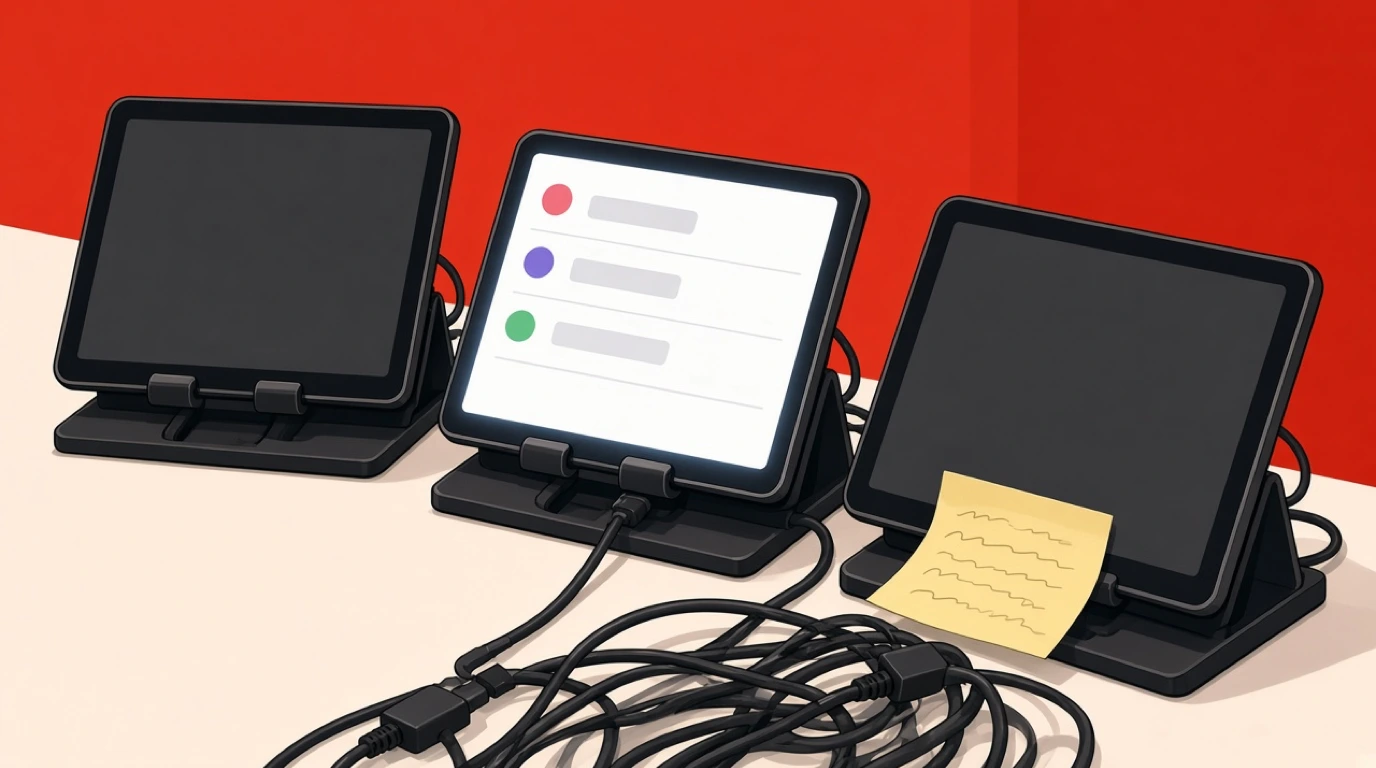
Re-keying is the obvious one. Every order typed by hand is a chance to drop a modifier, and on delivery a dropped modifier is not a quick fix at the table. The customer opens the bag at home, finds the wrong thing, and you lose the order value, the ingredients, and often the customer. Second, acceptance time. Platforms measure how fast you accept and most rank you on it. A tablet buried under receipt paper does not get tapped in fifteen seconds. Third, and least visible, the menu drift. Four platforms edited by hand at different times means four different prices for the same dish, and you will not find out until someone complains that the app charged more than the shop.
Then there is the one nobody costs at all: the person. On a Friday night, somebody is standing at that counter acting as a human integration layer instead of expediting food. That is a shift, every week, spent on data entry.
Native POS integration versus middleware
There are two ways to get marketplace orders into your kitchen, and the difference matters more than vendors admit.
Middleware sits between the platforms and your POS. Deliverect is the best known, Otter and Deliverect-style connectors serve the same role. You connect the marketplaces to the middleware, the middleware to your till, and it translates between them. This is genuinely useful if your POS has no native connections, and it is how a lot of older systems got delivery at all. The trade-offs are a second subscription, a second support queue when something breaks, and one more hop where an order can stall. When the middleware has an outage, you are back to tablets with no warning.
Native integration means the POS talks to the platforms itself. Fewer moving parts, one vendor to call, and menu sync that does not have to round-trip through a translation layer. The catch is coverage: a POS with native connections to three platforms is useless to you if your fourth platform is the one doing half your volume.
So the question is not which architecture is better in the abstract. It is whether the specific platforms you trade on are supported natively, and what happens to the ones that are not. Ask for the list. Not the logos on the website, the list.
Order injection and the auto-accept trap
Once orders land automatically, the next decision is whether your system accepts them automatically too, and this is worth thinking about rather than switching on by reflex.
Auto-accept protects your platform metrics and stops orders ageing on a screen while the kitchen is buried. Tableview supports automatic order acceptance with configurable rules, which is the important word. Blanket auto-accept on a kitchen already at capacity just means you have promised food you cannot cook on time, and a late order damages you more than a rejected one.
The sensible setup is conditional: accept automatically inside your normal load, and stop accepting when the kitchen is genuinely full. That requires the system to know how full the kitchen is, which brings us to the feature almost nobody asks to see.
Throttling, the feature nobody demos
A Friday rush can bury a kitchen in about eleven minutes. Orders keep arriving because the platforms have no idea what your pass looks like, quoted times stay optimistic, and by 8:30 you are forty minutes behind with drivers stacking up and every one of those orders collecting a one-star review on delivery.
Throttling is the answer, and it is the single most useful delivery feature that never appears in a sales demo. Tableview's throttle engine watches active order count, average prep time and station load, then automatically extends quoted times or pauses new orders when you hit capacity. You can pause and resume individual aggregators without logging into each platform separately, cap orders per 15-minute window, and managers get a kitchen load heatmap while service is still running.
That per-aggregator pause is worth dwelling on. Without it, pausing Deliveroo during a rush means finding the Deliveroo tablet, logging in, navigating to store settings, and pausing there, then remembering to unpause it. In practice nobody does this mid-rush, so the kitchen just drowns. With it, it is one tap on the screen already in front of you.
Menu sync, and why one-way hurts
Menu sync sounds like an admin convenience. It is actually an accuracy feature, and the difference shows up on your worst night.
You sell out of something at 7pm. On a one-way or manual setup, that item stays orderable on three platforms until someone remembers to go and hide it on each one. Every order that arrives for it in the meantime is a refund, a phone call, or a substitution the customer did not agree to. Two-way sync means you mark it off once in the POS and it vanishes everywhere, which is exactly what Tableview's two-way menu sync does: update a price once, publish everywhere, and availability travels with it.
The same machinery handles the less obvious case. You can maintain platform-specific menus with different pricing, item availability and modifier sets, then update once and push to each connected aggregator individually. That matters because you probably should not be charging the same price everywhere.
Pricing differently per platform
Here is the arithmetic most operators do too late. A marketplace taking 30 percent of a 20 pound order leaves you 14 pounds. If that dish costs 5.60 in ingredients, your food cost just went from 28 percent to 40 percent, and that is before packaging, before the bag, before the labour of a separate delivery workflow.
Plenty of operators respond by pricing delivery menus above their counter prices, and the platforms allow it. Whether you should is a judgement call: customers do notice, and some markets react badly. But the decision should be yours and it should be deliberate, not something you cannot implement because your system only supports one price list. If you have never worked through the full economics, our breakdown of third-party delivery goes through the commission maths properly, and payment processing fees covers the other slice coming off every order.
Status callbacks and the driver in your doorway
Ask a delivery-heavy operator what their most annoying daily friction is and a surprising number will say drivers. Arriving too early, standing in the way, asking where order 4471 is, blocking the counter at exactly the wrong moment.
Most of that is a status problem. If your POS never tells the platform the food is ready, the platform guesses, and its guess is based on an average that has nothing to do with tonight. Real-time status callbacks close that loop: the platform knows when the order is genuinely ready, dispatches the driver accordingly, and the customer's tracking screen reflects reality instead of an estimate.
It also quietly reduces your refund rate. A customer watching an accurate tracker is a customer who is not opening a support ticket at minute 35 asking where their food is.
Your own drivers: zones, fees and dispatch
Integration is usually discussed as a marketplace problem, but plenty of takeaways run their own fleet alongside the platforms, and that half needs its own plumbing.
Tableview handles in-house delivery with custom zones drawn as a radius or a polygon on a map, distance-based fees calculated automatically at checkout, one-tap assignment of orders to drivers, and a status board tracking each one as en route, delivered or returned. Polygon zones matter more than they sound: a radius does not know about a river, a motorway, or the estate where nobody tips and every drop takes 25 minutes. Drawing the actual shape you are willing to serve is how you stop losing money on the edges of your map.
Running both models at once is common and perfectly sensible. Marketplace orders bring reach, your own fleet protects margin on the customers you already have.
Packing accuracy is an integration problem too
A delivery customer cannot flag a missing side. They find out at home, and the gap between disappointment and a public one-star review is about ninety seconds.
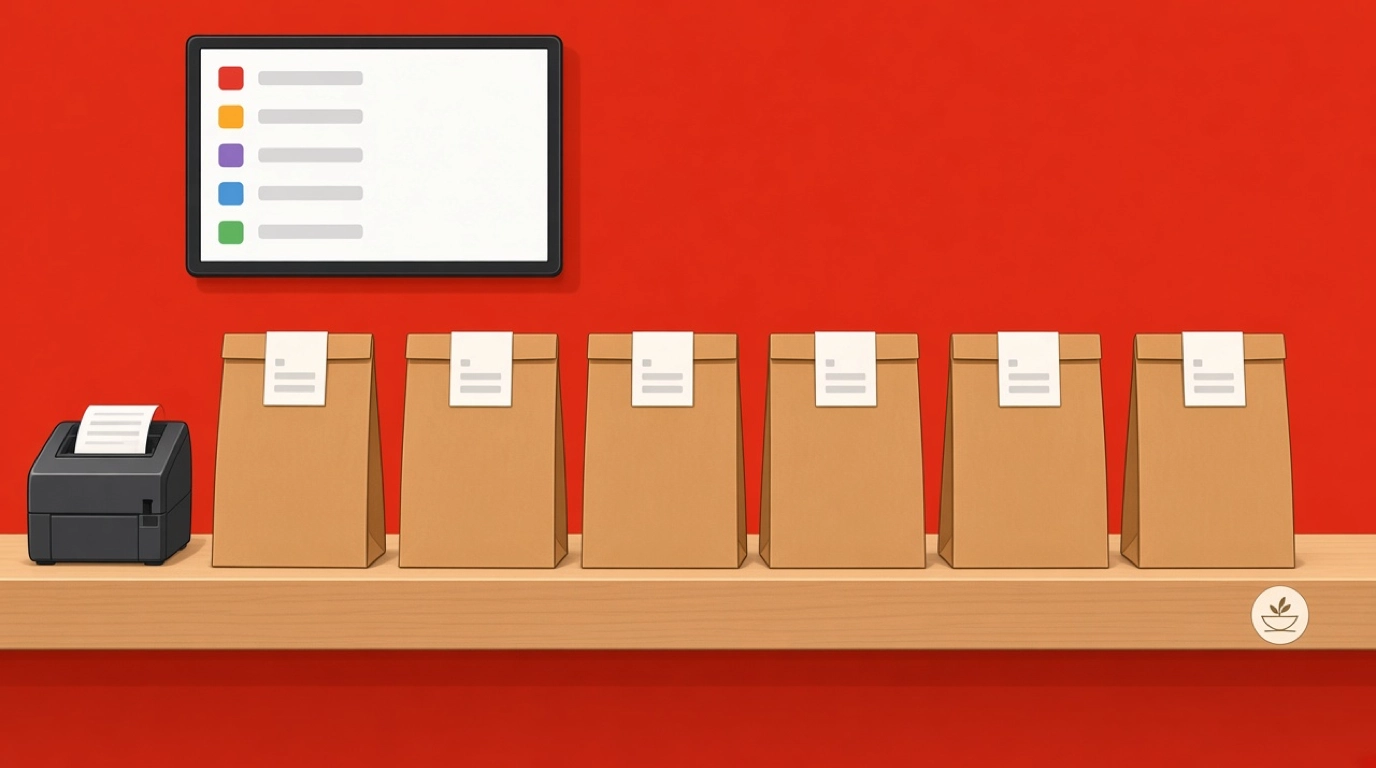
This is downstream of integration in a way that gets overlooked: once orders arrive automatically and volume climbs, packing becomes the bottleneck and the error source. Tableview prints item-level packing labels carrying the item name, its modifiers and allergens, groups items into bags, and puts a final check-off screen in front of whoever dispatches the order, plus a customer-facing summary for the bag itself. None of that is glamorous. All of it is cheaper than a refund.
What integration will not fix
Worth being blunt, because the pitch tends to imply otherwise.
It will not reduce commission. A 25 to 30 percent cut is a commercial term, not a technical one, and no amount of clean plumbing changes it. It will not make a slow kitchen fast. Integration exposes your prep times with uncomfortable clarity, which is useful, but the fix is in the kitchen. It will not stop platforms changing their APIs, their fee structures, or their ranking rules, and you will be adapting to that forever. And it will not stop a customer blaming you for a driver who took the food to the wrong address.
What it does is remove the manual work, the transcription errors and the tablet-watching, and give you the data to see which channel is actually worth serving. That is a lot. It is just not everything.
Direct ordering is where the margin actually is
Every honest conversation about delivery integration ends up here. The marketplaces are a customer acquisition channel you rent at 25 to 30 percent. Your own ordering page is one you own.
The numbers are not close. A hundred orders a week at 20 pounds through a marketplace costs you somewhere around 500 to 600 pounds a week in commission. The same volume through your own branded ordering costs you the payment processing and nothing else. Tableview includes branded web ordering on your own domain with your logo and colours, pickup time-slot scheduling that respects real kitchen capacity, pre-payment by card, Apple Pay or Google Pay, and automatic loyalty accrual on direct orders. QR code ordering runs on the same menu, so a guest scanning at a table and a customer ordering from a sofa hit the same system.
The realistic strategy is not abandoning the platforms. It is using them for discovery while steadily moving your regulars to direct, then measuring the split honestly. For the mechanics of running your own channel, POS with online ordering covers it, and order management system takes the wider view of how tickets move through a venue.
What to ask before you connect anything
Take these into the demo. Written down, because written questions get more precise answers than spoken ones.
Which platforms do you integrate with natively, and which need middleware? What does the middleware cost, and who do I call when it breaks? Does menu sync go both ways, and does availability sync or only price? Can I set different prices per platform? Show me pausing a single aggregator from the POS, mid-service. What happens to marketplace orders when my internet drops? How do status updates reach the platform, and can I see a failed callback? Can I see revenue by channel net of commission in one report? And when a platform changes its API, who does that work, you or me?
Nine questions. The one about pausing a single aggregator is the one that tends to produce an interesting pause.
Outages, and what happens to orders
Your integration depends on connectivity twice over: your own line, and the platform's. Both fail.
Ask what the system does when the internet goes. Tableview is offline-first, caching menu, pricing and tax rules locally so the till keeps taking orders and card payments for up to 72 hours, queueing transactions and settling them automatically when the connection returns. The honest caveat, and you should apply it to every vendor: no POS can receive a marketplace order while your line is down, because the order has nowhere to arrive. What offline capability protects is your counter trade and your card payments, so a broadband fault does not close the shop. Anyone claiming their system keeps pulling Deliveroo orders with no internet is describing something that cannot happen.
Going live without wrecking a Friday
Connecting platforms is quick. Getting the menu right is not, and that is where the time goes.
Budget the bulk of your effort on the menu, because every mapping error becomes a wrong order later. Modifier sets are where it gets fiddly: the way a platform models "no onions, extra cheese, large" rarely matches the way your POS does, and the mapping needs checking item by item rather than trusting an import. Connect one platform first, run it for a few days, and confirm orders, menu changes and status callbacks all behave before you add the second. Go live on a Tuesday. Keep the old tablets plugged in and charged for a week, because the point of a fallback is that you did not expect to need it.
One thing to do on day one rather than later: put a real test order through each platform, including one with awkward modifiers, and follow it all the way to the kitchen ticket and the packing label. That ten-minute exercise finds more problems than any amount of reading a configuration screen. Tableview runs on the same tablet or terminal you already use, so a dedicated delivery station is optional rather than a purchase you have to make before you can start.
Where this sits in the cost of the system
Concrete numbers, since "contact us for pricing" is how this question usually gets avoided.
Tableview is priced per location, not per till: Starter is 69 dollars a month with two registers included and 49 dollars for each register after that, and Pro is 189 dollars a month with unlimited registers. There are no setup fees and Starter and Pro are month to month. One thing to get right before you buy: the kitchen display system sits on Pro, not Starter. For a delivery-heavy kitchen routing tickets across stations, that is usually the plan you need rather than the cheaper one, and it is better to know that now than after you have configured everything. The full breakdown is on the Tableview pricing plans page, and if you are weighing this against your current setup, a restaurant POS system that treats delivery as a first-class channel rather than a bolt-on is the thing to compare against.
If you run delivery-only brands out of a shared space, the same integration layer carries per-brand menus, pricing and analytics from a single terminal, which is what a cloud kitchen POS setup needs to keep four virtual brands from becoming four separate systems.
Start by listing the platforms you actually trade on and the weekly volume each one does. That list, not a feature comparison, is what tells you whether a given system is a fit, and it takes ten minutes to write down.
Read next: ghost kitchens for the delivery-only model, QR code menus for the on-premise side of the same ordering stack, and food truck POS if your kitchen moves.