Ask three vendors what a kitchen screen system costs and you will get three numbers that are not comparable: one quotes hardware only, one quotes a monthly fee and waves at hardware, and one quotes a bundle that turns out to need a POS plan you are not on. None of them are lying. They are just answering different questions.
So here is the straight version. A kitchen screen system, or kitchen display system as most vendors label it, has four cost layers, and the one that surprises people is not the screens. It is the per-screen software fee, which is small enough to ignore in a demo and large enough to notice every month for five years. Check your restaurant POS system first, because it probably offers a KDS module, and that changes the maths considerably.
The short answer
A single commercial screen with software runs about $400 to $1,100 in year one. A two-screen bistro setup lands between $1,300 and $3,000. A four-screen casual dining kitchen is $2,400 to $6,400, and a high-volume QSR running six to eight screens should budget $5,400 to $14,400 for the first year.
After year one, hardware drops out and you are left with the software fee, typically $20 to $60 per screen per month. That is the number to focus on, because it is the one that compounds.
| Kitchen | Screens | Hardware | Software per month | First-year total |
|---|---|---|---|---|
| Coffee counter or food truck | 1 | $150 to $600 | $20 to $40 | $400 to $1,100 |
| Small bistro | 2 | $800 to $2,000 | $40 to $80 | $1,300 to $3,000 |
| Casual dining | 3 to 4 | $1,500 to $4,000 | $75 to $200 | $2,400 to $6,400 |
| High-volume QSR | 6 to 8 | $3,600 to $9,600 | $150 to $400 | $5,400 to $14,400 |
Those ranges assume you are adding a KDS to a POS you already have. If you are buying both together, the KDS is usually the cheaper half of the conversation, and our POS system pricing guide covers the rest.
The four things you actually pay for
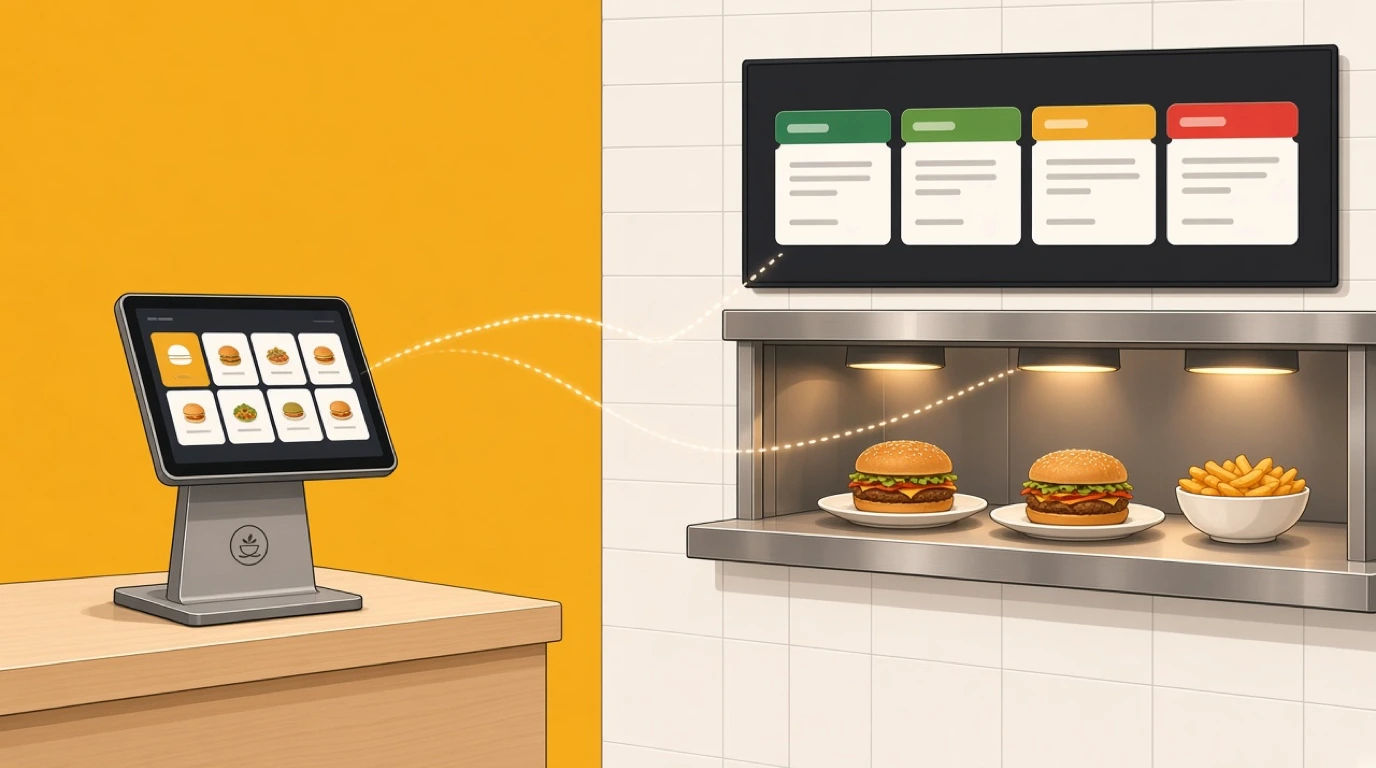
Screens. Software. Installation. Integration. Every quote you receive is some combination of these, and the reason quotes look so different is that vendors bundle them differently.
Screens are a one-off, and the range is enormous: a $180 tablet and a $1,600 sealed panel both technically do the job. Software is monthly and usually per screen. Installation is a one-off that almost nobody quotes properly. Integration is either zero, because the KDS is a module of your till, or a real number, because it is not.
The trap is comparing a hardware-inclusive quote against a software-only quote and concluding the second vendor is cheaper. Build the five-year number for both before you decide anything. It takes ten minutes and it routinely reverses the answer.
Screens: what each tier really costs
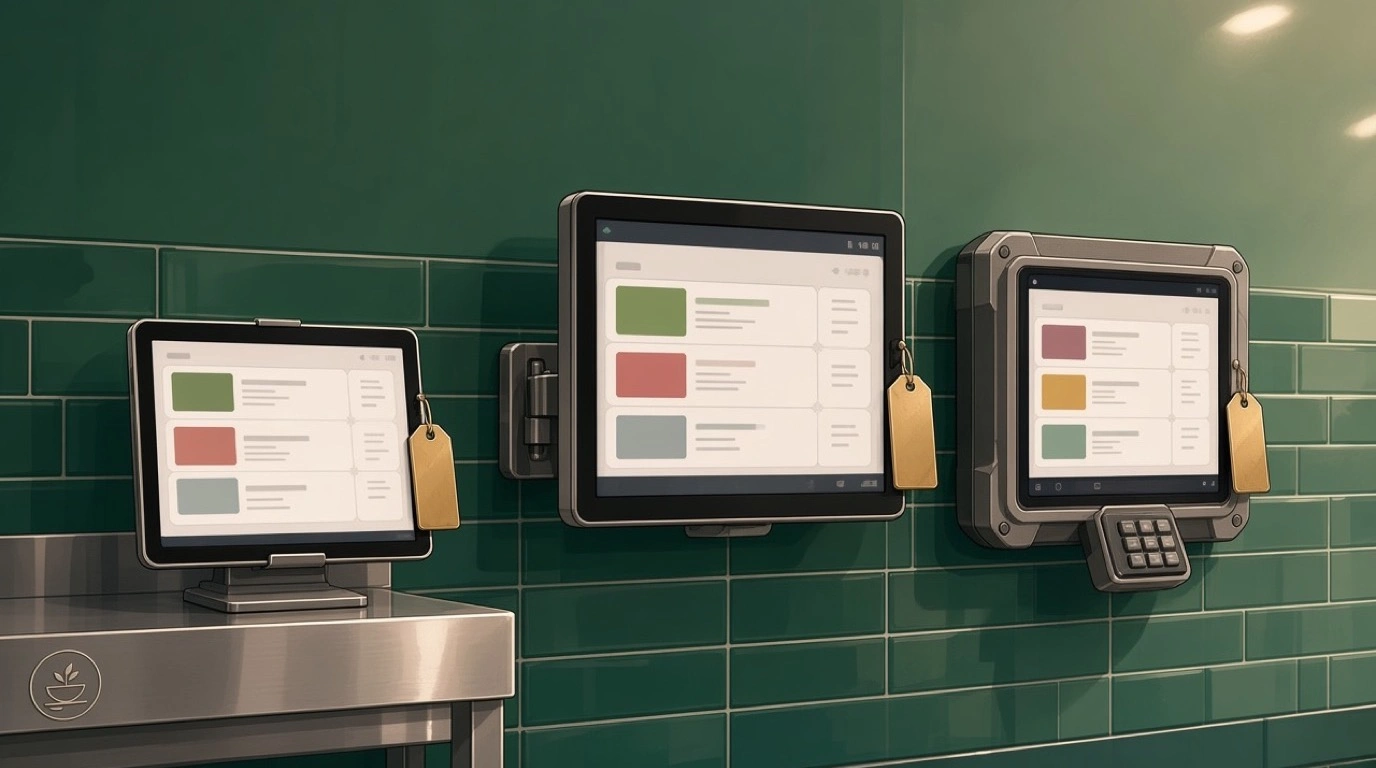
Consumer tablets: $150 to $600 per station. An iPad or an Android tablet on a stand. Genuinely fine on a cold station, a coffee counter, or in a food truck where space matters more than durability. They do not tolerate heat or steam, and a dropped one is gone. Budget to replace them every 18 to 24 months in an active kitchen and they stop looking quite so cheap.
Commercial panels: $400 to $1,500 per station. A proper display in a housing built to run 16 hours a day. This is where most kitchens should land. A 15 inch station screen sits near the bottom of that range, a 21 or 24 inch expo screen near the top. For reference, Clover sells a 14 inch KDS at $799 and a 24 inch at $899, which is roughly the middle of the market.
Rugged sealed units: $900 to $2,000 and up. Rated IP65 or better, fanless, impact-resistant glass. You need these above a fryer, on a wash-down line, or anywhere a hose gets used at close. They are two to three times the price of a commercial panel and in the wrong position that is money burned. In the right position they are the cheapest screen you will ever buy, because you buy one instead of three.
Do not buy one tier for the whole kitchen. The rational build for most restaurants is commercial panels on most stations and one rugged unit wherever the heat actually is.
The software fee, and the per-screen trap
Most vendors charge monthly, per screen. The range is $20 to $100, and the spread inside that range is mostly about whether features are included or sold separately.
Published examples make the shape clear. Square charges $20 per device per month on its Premium plan and $30 on Plus. Clover charges $25 per device per month on top of the hardware. Lightspeed sits around $30 per screen. None of those are outliers; $25 to $30 per screen is simply where the market is.
Here is the trap. At one screen, $25 a month is nothing. At six screens it is $150 a month, $1,800 a year, $9,000 over five years, which is more than all the hardware combined. And screen count only ever goes up: you add a second expo screen, you put one on the pass, you add a pickup screen when delivery volume grows. The fee scales with exactly the thing that grows.
So ask two questions in the demo. Is pricing per screen or per location? And what does adding a seventh screen cost? A per-location price that looks expensive at two screens is often dramatically cheaper at six, and a vendor who will not commit to the marginal price of the next screen is telling you something.
Installation: the line nobody quotes
This is where the first invoice exceeds the estimate.
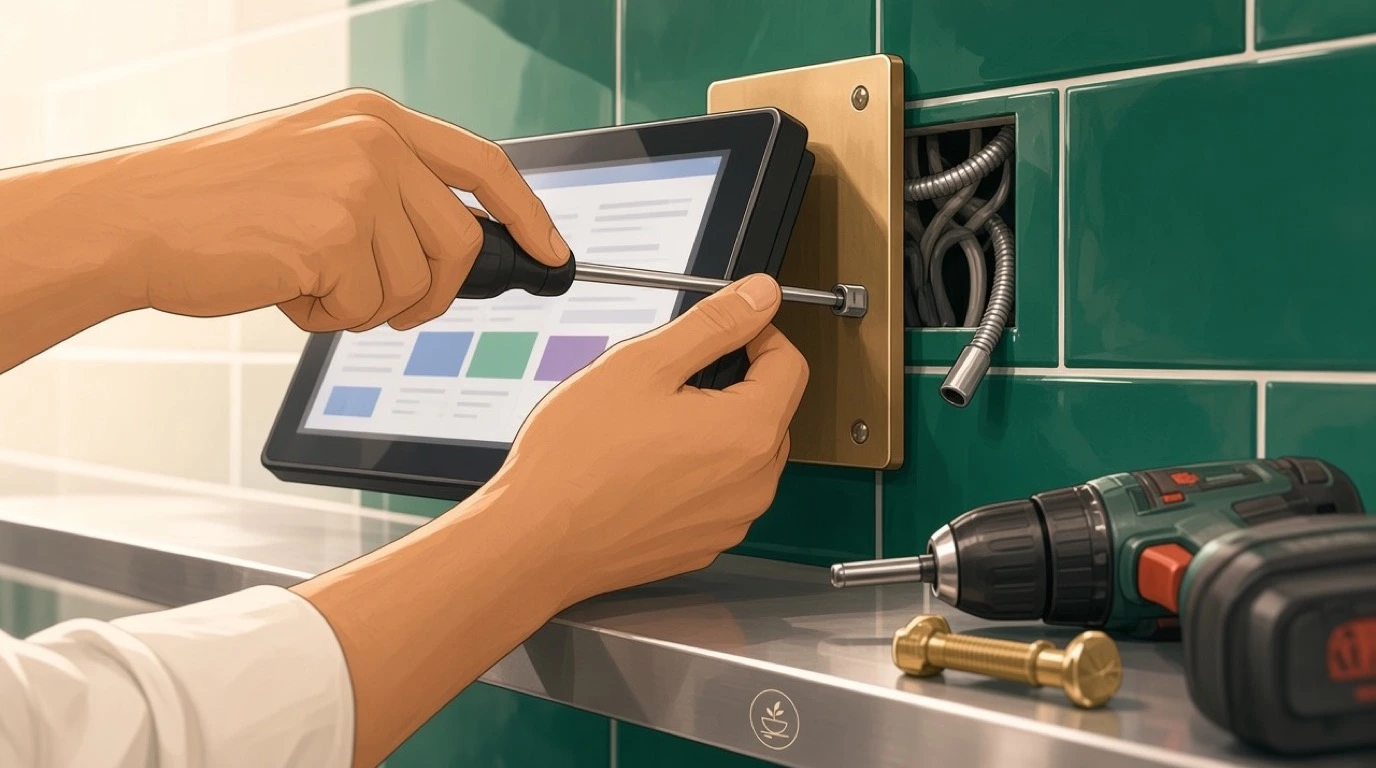
Mounts run $40 to $200 per screen depending on whether you want a fixed bracket or an articulating arm. Cabling is the real cost: running power and network to a point above the pass in a kitchen with tiled walls and no accessible ceiling void is electrician work, and $300 to $1,200 for a small kitchen is normal. If you are on wifi, you may still need an access point in the kitchen, because the one in the dining room will not survive a stainless steel wall.
Bump bars are $80 to $250 each and are not always included. Buy them anyway. A touchscreen in a kitchen with wet, gloved, floury hands registers roughly two thirds of what you tell it, and the cost of a cook bumping the wrong ticket twice a service is higher than the bar.
Most operators land somewhere between $500 and $2,000 on installation for a two to four screen kitchen, and almost none of them saw it on the original quote.
Integration with your POS
Two situations, and the cost difference is large.
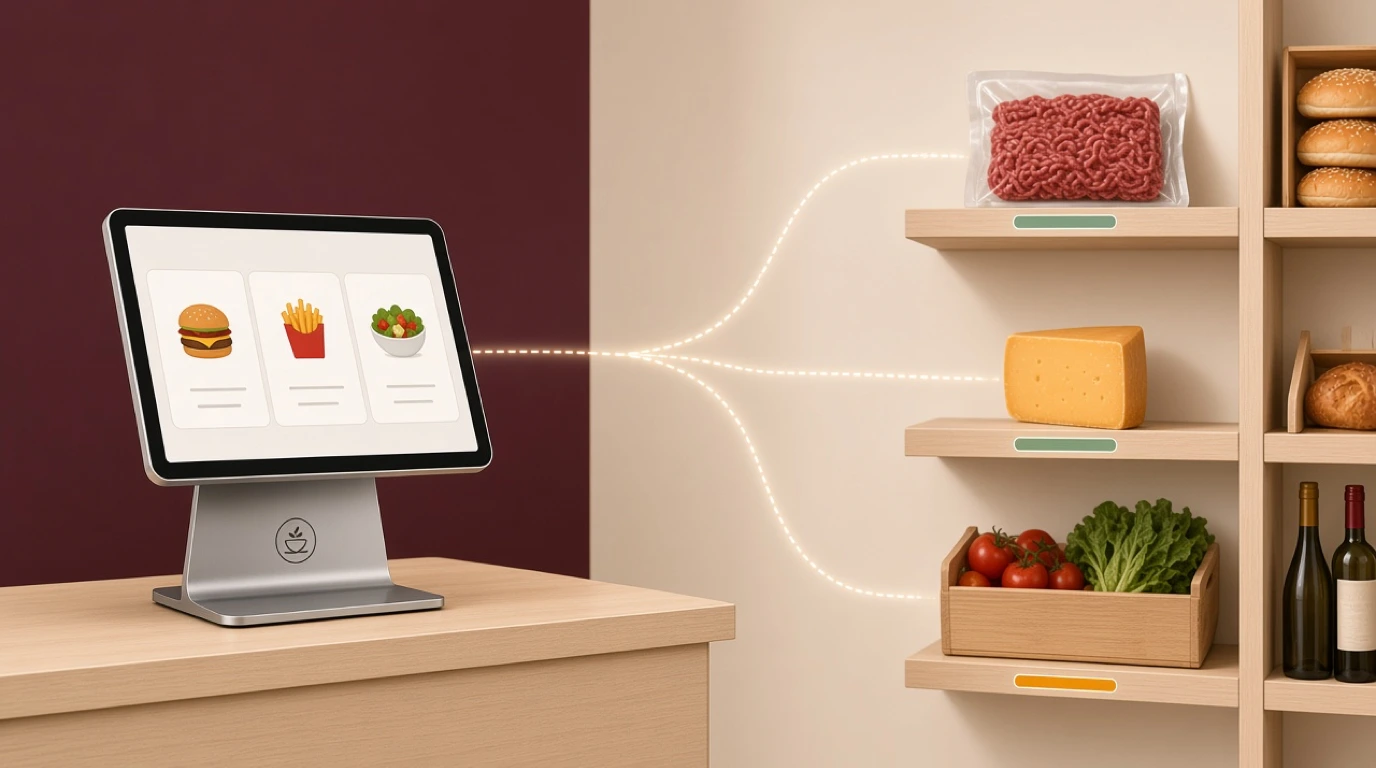
If the KDS is a module of your existing POS, integration is free and instant. Orders arrive natively, the menu is already there, and there is nothing to maintain. This is the strongest argument for buying the KDS your till vendor sells even when a competitor's screen looks better in isolation.
If it is a third-party system, you are relying on an integration, and integrations cost in three ways. There may be a setup fee, typically $200 to $800. There may be a monthly connector fee. And there is a maintenance cost that never appears on any quote: when your POS updates and the integration breaks, you are the one on the phone to two vendors who each think it is the other's problem.
That last cost is real and it is worth paying to avoid. Ask who owns the integration and what the support path is when it fails mid-service. If the answer is vague, price in some pain.
Training and the cost of the first week
Nobody invoices you for this one, which is exactly why it gets left out of the comparison.
Cooks pick up a KDS fast, but the first two or three services are slower than paper while everyone learns to bump at the right moment. If you are honest about it, that is a handful of services running a little behind, plus somebody senior standing in the kitchen doing nothing but watching and fixing routing errors. Call it 8 to 12 hours of manager time and a slightly rough Tuesday.
The way to keep that number small is to go live on your quietest service and to have the station map finished before the screens arrive. Kitchens that configure live, during a Friday, pay for it in remakes and in a team that decides the system is the problem.
Some vendors charge $150 to $500 for onboarding and training. If the alternative is working it out yourself on a busy week, that is usually money well spent.
Three worked examples
A 30-seat coffee shop, one screen. One 15 inch commercial panel at $450, a fixed mount at $60, and the electrician is unnecessary because the screen sits on the back counter next to an existing socket. Software at $25 a month. Year one: $840. Year two onward: $300. This is the case where a tablet at $250 would also have been a defensible choice.
A 90-cover bistro, three screens. Hot, cold and expo. Two 15 inch panels at $500 each, one 21 inch expo at $850, three mounts at $120, two bump bars at $150 each, and $700 of cabling because the expo screen hangs over the pass. Hardware and install: $3,020. Software at $25 per screen is $75 a month. Year one: $3,920. Year five cumulative: $7,520.
A high-volume QSR, seven screens. Grill, fry, assembly, drinks, two expo and one pickup screen. One rugged unit over the fryer at $1,400, six commercial panels averaging $700, mounts and bars at $1,100, cabling at $1,800. Hardware and install: $8,500. Software at $25 per screen is $175 a month. Year one: $10,600. Year five cumulative: $19,000, and this is the operation where a per-location software price is worth negotiating hard for.
Cost by kitchen type
The same screen count costs different amounts depending on what you cook, mostly because of where the heat is and how many order channels you run.
Coffee shops and bakeries. Cheapest case by some distance. One screen, no fryer, usually no cabling because there is a socket behind the counter. A tablet is defensible. Call it $400 to $900 in year one.
Pizzerias. Deceptively expensive for the screen count. The oven end is hot and floury, so the make-line screen should be sealed even though there is only one of it, and most pizzerias run heavy delivery volume, which means a pickup screen as well. Two screens, one of them rugged: $1,800 to $3,400.
Ghost and delivery kitchens. Screen count is low but channel count is high, so the thing you are buying is integration rather than hardware. Two screens is often enough. Budget less on panels and much more on making sure every platform lands in one queue, because the whole operating model collapses if it does not.
Full-service restaurants. The standard case the ranges in the table above describe. Three to four screens, one expo, moderate cabling.
Hotels. The expensive outlier. Room service, banqueting and a restaurant are three kitchens wearing a trenchcoat, often on different floors, and the cabling between them is the budget. Screen counts of eight to fifteen are normal and the install can exceed the hardware.
Leasing, bundling and paying monthly for hardware
Most vendors will now roll the screens into the monthly fee so there is no upfront cost. Whether that is a good deal depends on a number they rarely volunteer: the implied interest rate.
Work it out. If a $900 screen becomes $32 a month on a 36-month term, you are paying $1,152, so about 28 percent more over three years. That is not outrageous for preserving cash, and for a new opening it is often the right call. It is a bad call if you have the cash and the term runs longer than the hardware, which happens more than it should on 48 and 60 month agreements.
Two things to check on any bundled deal. Do you own the hardware at the end, or does it revert? And can you cancel the software without buying out the hardware? A bundle that locks you into the software because the screens are financed is a contract, not a price.
The five-year number, not the sticker
Hardware is a one-off that you will repeat roughly once, because commercial panels last four to six years in a kitchen and tablets do not last two. Software runs forever. So the five-year total is hardware, plus install, plus sixty months of software, plus about one round of screen replacement on the tablets.
Run that for the bistro above and the software has quietly become 60 percent of the total. Run it for the QSR and the same thing happens, just larger. This is why the per-screen fee deserves more attention than the screen price, and why a vendor charging $15 more per screen per month is not a rounding difference: across seven screens and five years that single number is $6,300.
Hidden fees to ask about
Ask these explicitly, in writing, before signing. Every one of them has surprised somebody.
Is pricing per screen, per device or per location, and what does the next screen cost? Is multi-station routing included or an add-on? Is reporting included, or is the useful reporting on a higher tier? Is there a setup or onboarding fee? What is the contract length, and what happens to the price at renewal? What does a replacement screen cost, and how fast does it ship? Is support included, and is there a faster tier you will end up wanting? And if you add a second location, does your existing price carry over?
That last one catches people who grow. A price agreed for one site sometimes does not survive the second, which is a bad thing to discover while you are already committed.
Where the money actually comes back
A KDS is not usually justified on cost savings, and you should be sceptical of anyone selling it that way. It is justified on throughput and error rate, both of which are worth more than the fee.
The honest numbers: kitchens that switch from paper typically pull one to three minutes out of average ticket time, mostly by removing the walk to the printer and the re-reading of curled tickets. On a 120-cover Friday, two minutes per table is meaningful table turn. The error side matters more. A remake costs you the food cost, the labour, the delay to that table, and often a discount, so call it $18 to $30 all in. Cutting two remakes a service at $24 is roughly $1,400 a year, which covers the software on three screens.
Neither of those shows up on an invoice, which is why the business case has to be made deliberately rather than assumed. If you want the throughput side of this argued properly, KDS vs printers has the detail.
Ways to spend less without regretting it
Buy fewer screens. Three well-placed screens beat six badly placed ones, and you can add later. Most kitchens over-specify on day one.
Use tablets where the environment allows. A cold station or a coffee counter genuinely does not need a $900 panel.
Take the KDS module from your existing POS if it is competent. Free integration and one support number is worth a lot more than a slightly nicer interface.
Negotiate per-location pricing if you are running more than four screens. Vendors have it even when it is not on the website.
Buy refurbished commercial panels for back stations. They are typically 40 to 60 percent off and the failure mode is a screen you replace, not a service you lose.
And do not buy rugged units everywhere to be safe. That single decision can add $4,000 to a small kitchen for no benefit on the five stations that are nowhere near the heat.
When the cheapest setup is the right one
There is a version of this article that concludes you should always buy the better hardware. That is wrong often enough to be worth saying plainly.
If you run a single cold station and a counter, a $250 tablet running your POS vendor's included KDS module is a complete, correct answer. You will spend $250 and $0 a month and get most of the benefit: no lost tickets, a timer on every order, delivery in the same queue. Spending $900 on a sealed panel for a station that never sees steam buys you nothing.
Similarly, if you are opening in six weeks and cash is tight, one screen now and a second in month four is better than a perfect four-screen build you cannot afford. A KDS scales up cleanly. Adding a screen later is a mount, a cable and a line on the invoice, not a re-implementation.
The place not to economise is the expo screen and the position above the heat. Those two decisions are the ones that get expensive when you get them wrong, because one costs you a broken service and the other costs you a screen a year.
How to compare two quotes properly
Put both on the same page with the same rows: screens and their tier, mounts, bump bars, cabling, setup fee, monthly software, contract length, replacement screen price. Fill every row for both, and where a vendor will not give you a number, write "unknown" rather than zero, because zero is what they are hoping you assume.
Then total it at twelve months and at sixty. If the two quotes cross over somewhere between those, you have learned the actual decision: the cheaper-today option is a bet that you will not still be running this in five years.
Once the money is settled, the thing that determines whether the system works is not in the quote at all. It is the station map. Our guide to how a KDS works covers routing, ticket layout and how to run the rollout without stalling a service.
Read next: choosing a POS for the decision the KDS usually hangs off, kitchen equipment list for what else the opening budget has to cover, and restaurant tech stack for where the screens sit in the wider system.