Everything that makes a restaurant till reliable is missing on a truck. Mains electricity, a wired router, a counter to bolt things to, a second person to run the card machine while somebody else cooks. Take those four away and a system that has worked flawlessly in a dining room for three years starts failing in ways its vendor has never had to answer for. That is the honest case for looking at a food truck POS system as its own category rather than a restaurant setup with fewer buttons.
The failures are also badly timed. A truck earns most of its money inside a 90 minute window, so anything that costs you 30 seconds costs you customers who simply walk to the next van. When the generator stutters and the screen reboots at 12:40, or the card reader spins because 8,000 people at a festival are all on the same cell tower, you are not troubleshooting. You are watching the queue leave. Which is why the restaurant payments side deserves more scrutiny than the menu screens, and specifically what your reader does when it cannot reach the internet.
What follows is organised around the three things a truck takes away, power, signal and space, plus the money questions that only apply when you trade somewhere different every day. If you are earlier than this and still costing the build, starting a food truck covers the truck, the permits and the commissary rule first.
What a food truck POS system has to survive
Six constraints separate a truck till from a counter till. None of them appear on a feature comparison page, because none of them are features. They are conditions:
- Unstable power: a generator or leisure battery through an inverter, sagging every time a heating element cycles.
- Unreliable data: no fixed line, congested cells at events, dead spots at the best pitches.
- One pair of hands: the person taking the money is often the person cooking it.
- A moving vehicle: vibration, heat near the griddle, cold overnight, everything mounted rather than placed.
- A different address daily: pitch fees, event organisers wanting figures, and takings that need splitting by location.
- No storeroom: what you loaded this morning is all you have, so running out is a service decision made at 6am.
Get power and signal right and the rest is ordinary software selection. Get them wrong and no amount of reporting will save a lunch service. So they come first.
Power is the constraint nobody demos
Ask a vendor about power and you will usually get a sentence about battery life. That is the tablet's battery, which is not the problem. The problem is the supply feeding it.
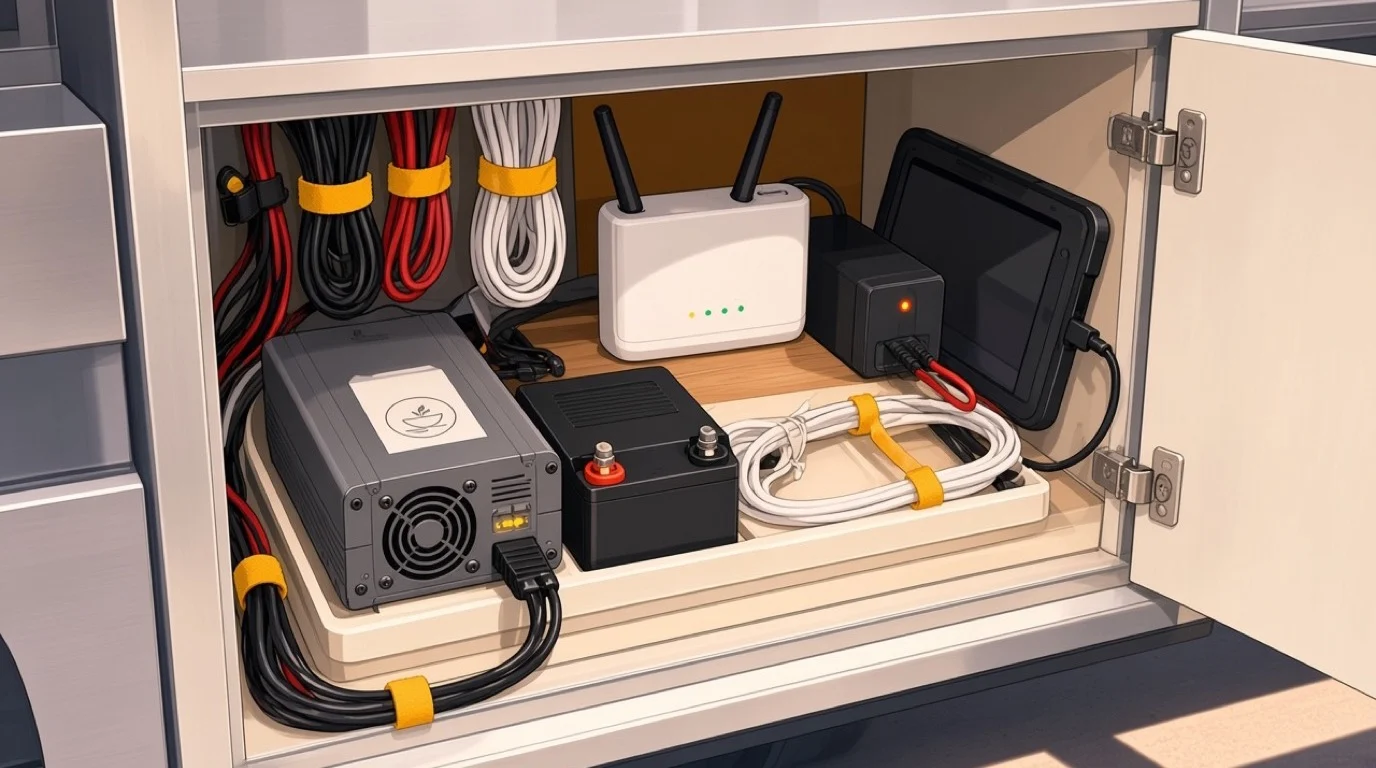
Most trucks run a petrol or diesel generator somewhere between 2 and 7kW, or a leisure battery bank through an inverter, or both with a changeover. Your till, card reader, receipt printer and router together draw perhaps 60 to 120W, which sounds trivial next to a griddle. It is not trivial when the fryer's thermostat closes and pulls several kilowatts for a moment. The voltage dips, and cheap electronics in that moment do one of three things: nothing at all, a screen flicker, or a reboot halfway through a transaction.
Sine waves, dips and the cost of a cheap inverter
If you are running from batteries, the inverter matters more than its price tag suggests. A modified sine wave inverter is fine for a kettle and mildly hostile to switch mode power supplies, which is what every tablet charger and printer brick is. Pure sine wave costs more and stops you diagnosing a software problem that was never a software problem. Plenty of operators have replaced a till that "kept crashing" and then discovered the replacement crashed too.
Two cheap habits fix most of this. Put the till, the router and the card reader on a small UPS or a power bank that charges through, so a half second dip becomes invisible. And keep them on a separate circuit from the cooking equipment rather than daisy chained off the same socket behind the serving hatch.
What to check before you buy
Ask whether the software survives an abrupt power loss mid transaction, and then ask them to prove it by pulling the plug during a demo sale. What you want to see on restart is the open order still there, exactly as it was, with no duplicate and no orphaned payment. What you sometimes see is a recovery screen asking a question the person at the window cannot answer.
Also worth knowing whether the system can run on a device you can charge from 12V directly, because an inverter you do not need is an inverter that cannot fail. A tablet or phone based setup has a real advantage here, and the trade-offs of running the whole till on something pocket sized are covered in our piece on the pocket POS approach.
"Offline mode" is two completely different features
This is the single most important thing to get straight, and vendors blur it constantly. When a salesperson says the system works offline, they might mean either of these, and the gap between them is the gap between trading and not trading.
The first is offline ordering: the app keeps taking orders into local storage and syncs when the signal returns. Almost everything does this now. It is table stakes and it does not help you take money.
The second is offline card acceptance, sometimes called store and forward. The reader captures the card and the amount, holds the transaction, and submits it for authorisation later when it has a connection. That is the feature that keeps a truck selling in a dead spot, and it is much rarer, because somebody has to carry the risk.
Who eats the declines
Here is the part worth reading twice. A stored transaction was never authorised at the moment of sale, so some of them will be declined when they are finally submitted: insufficient funds, a blocked card, a card that was reported lost that afternoon. The customer has already eaten and gone. You cannot chase them.
So ask three specific questions. Does offline card acceptance exist at all, or only offline ordering? Is there a per transaction ceiling and a total ceiling on how much you can hold unauthorised? And who bears a decline, you or the processor? Most providers that offer it cap it fairly low and put the loss on the merchant, which is reasonable, but you should find that out now rather than after a weekend at a field with no coverage.
Cash matters more on a truck than anywhere else for exactly this reason. It is not nostalgia, it is the fallback that needs no radio.
Full signal bars and no data anyway
The other connectivity trap is subtler. Signal strength is not throughput. At a festival with 8,000 people, every one of them posting video, the cell site is saturated: your phone shows four bars and your card reader times out. Operators who have never traded an event assume good bars means they are fine, then spend Saturday afternoon apologising.
Three things help. A dedicated 4G or 5G router with an external roof antenna beats a phone hotspot, because height and a real antenna are worth more than they sound. Two SIMs on different networks matter, since congestion is per network and the one everybody else is on is the one that dies. And a router that can hold both and fail over without you noticing is worth the extra outlay the first time it saves a service.
At events specifically, ask the organiser what the coverage is actually like and whether they are providing a network. Many of the bigger ones now do, precisely because every trader has this problem. Take it, and keep your own connection as the backup rather than the reverse.
Speed when you are the only one there
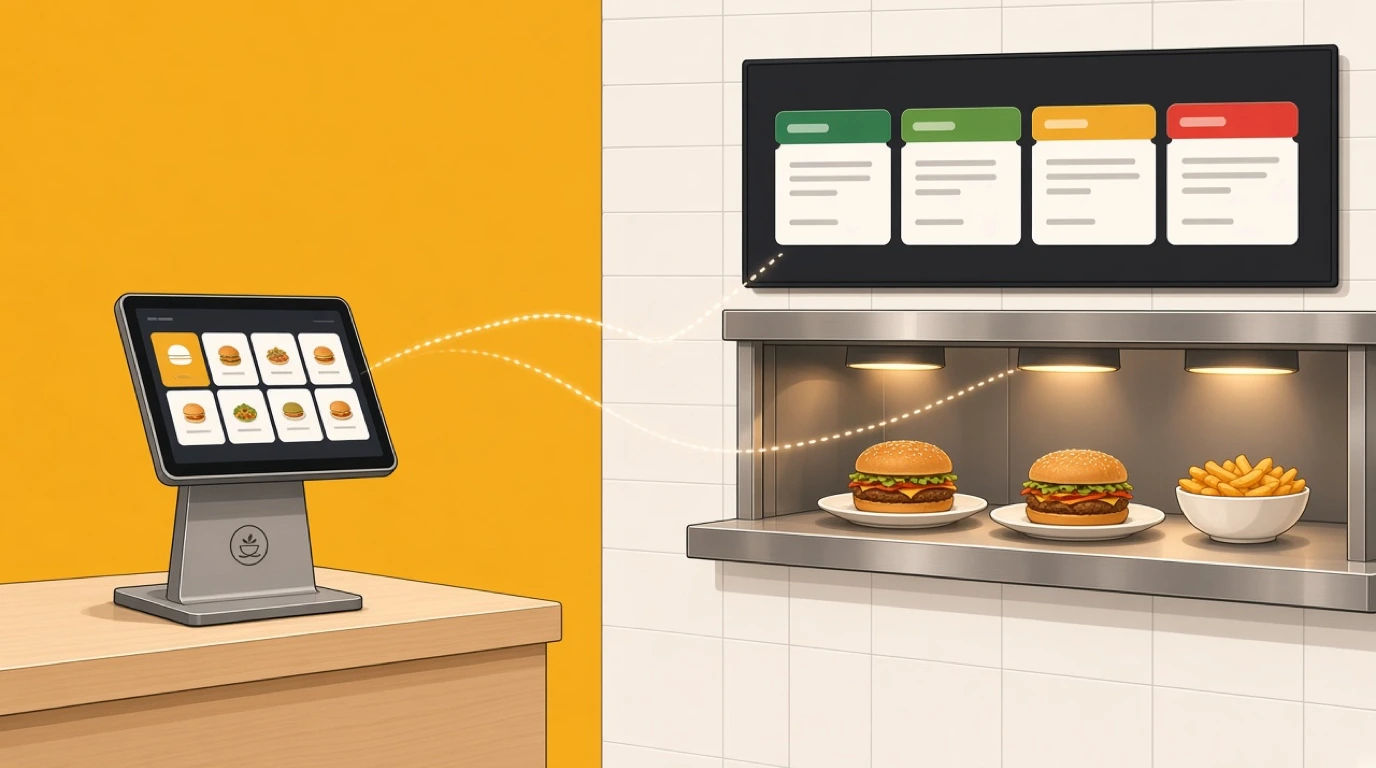
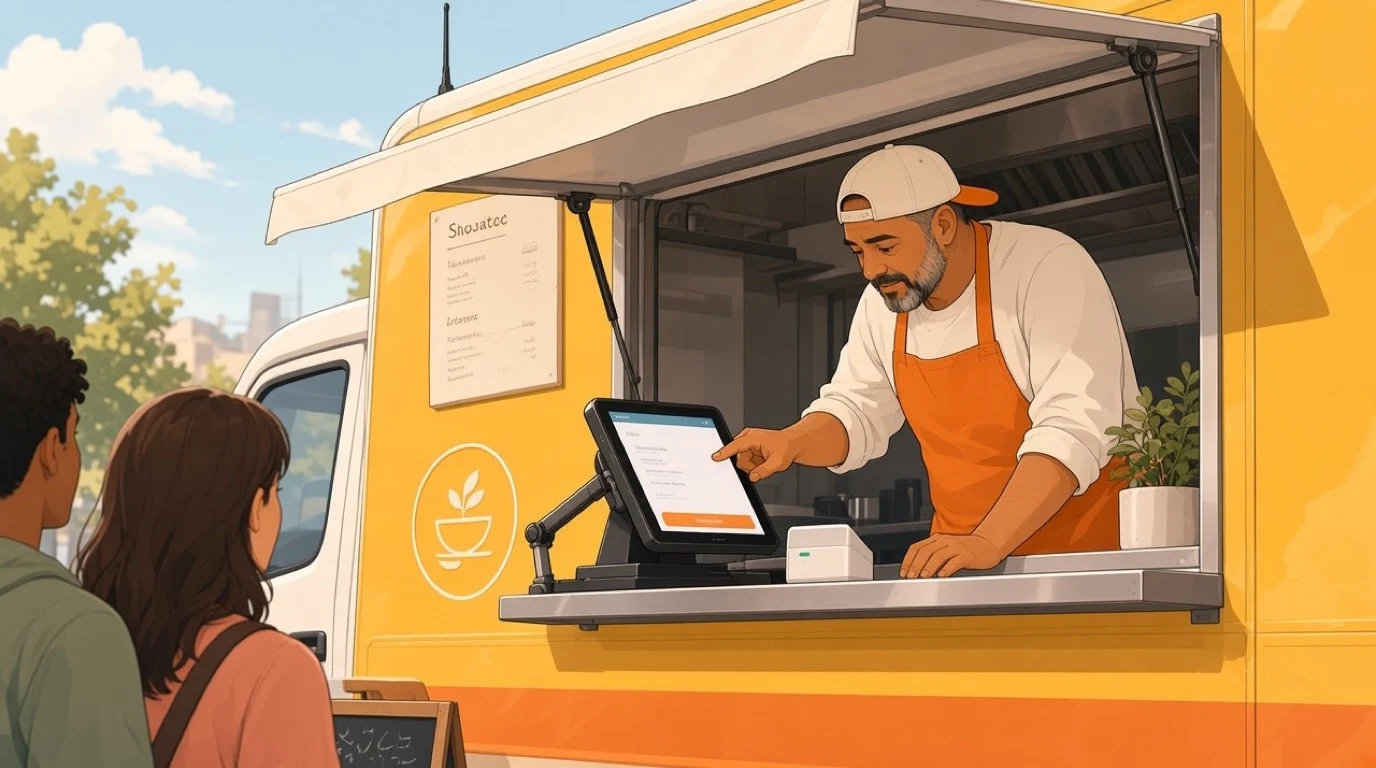
A restaurant spreads a transaction across people and time. A server takes the order, the kitchen cooks, someone else brings the bill. On a truck, one or two people do all of it, and the order taking competes directly with the cooking for the same hands.
So the metric to judge a system on is taps, not features. A 14 item menu should fit on one screen with nothing hidden behind a category tap, and your best sellers should sit where a thumb lands. Modifiers should be two taps at most, and the ones your menu actually uses should be the defaults rather than buried under an "options" sheet designed for a 300 item restaurant menu.
Then there is the physical reality of the window. Fingers are greasy or gloved, and capacitive touchscreens dislike both. The screen is in direct sunlight for part of the day, and a standard tablet at around 500 nits is genuinely hard to read at noon in July. Rain happens. None of that is in a demo done indoors, which is why you should insist on trying the thing in the hatch before committing, and why the practical hardware questions in our guide to a POS tablet are worth reading before you pick a device.
Taking the slowest part out of the queue
The biggest speed gain available to a truck is not a faster till. It is moving order taking off the window entirely. If regulars can order and pay from their phone on the walk over, the window becomes a collection point, and collection takes about eight seconds rather than fifty.
That changes the shape of a rush more than any hardware upgrade. It also recovers the customers you never see: the ones who round the corner, look at a queue 20 deep, and keep walking. Mobile ordering for collection is worth setting up even if only a fifth of your customers use it, because that fifth comes out of the queue the other four fifths are standing in.
One caution. Pre-orders need a promise time you can keep, and a truck's capacity is a single griddle. A system that lets customers book slots you cannot cook is worse than no pre-ordering, so look for capacity caps per time slot rather than an open order form.
Hardware that survives being driven around
Every piece of kit on a truck lives through a vibration test twice a day and a temperature range no office device is specified for. Apple rates an iPad for ambient temperatures up to 35C. Inside a closed truck in summer, two feet from a griddle, you will pass that comfortably, and a thermally throttled tablet gets slow before it gets dramatic.
Practical things that turn out to matter: everything mounted rather than resting on a surface, because a tablet on a ledge becomes a tablet on the floor at the first roundabout. Cable runs secured, since a charging cable is the first thing to fail and it fails by wiggling loose rather than snapping. A receipt printer only if you genuinely need one, as thermal paper in a hot damp truck is a maintenance job and many trucks are perfectly happy with digital or no receipt. And a card reader with its own battery and its own connection, so that a dead till does not mean a dead business.
Spares are cheap insurance in a way they are not in a restaurant. A spare charging cable, a spare reader if you can afford one, and a printed fallback price list for the day the whole thing sulks. Trucks that trade through a failure tend to be the ones that decided in advance what "trade through a failure" looks like.
Pitches, events and the percentage of gross
A restaurant has one address and one rent. A truck might work a business park on Tuesday, a brewery on Friday and a two day festival at the weekend, on three completely different commercial terms.
Street pitches are usually a fixed fee or a permit. Private bookings are a minimum guarantee. Festivals and markets are where it gets interesting: many charge a percentage of gross takings, commonly somewhere in the 20 to 30 percent range, sometimes on top of a pitch fee. Which means the organiser has a direct financial interest in your sales figures, and they will ask for them.
That has two consequences for your till. You need to be able to produce a clean per event total on demand, ideally a Z report covering exactly that trading period and nothing else, because an organiser taking a cut of gross will not accept a number that includes Tuesday's business park. And if you are paying a percentage, your own margin maths has to run per event rather than as a monthly average, or a loss making weekend hides inside a profitable month.
Watch for token and cashless wristband systems too. Some festivals mandate their own payment layer and settle with you afterwards, which means your till is recording sales it never took money for, and reconciliation becomes a task rather than a glance. Ask before you commit to the pitch, not after.
Loading the truck: par levels and the commissary
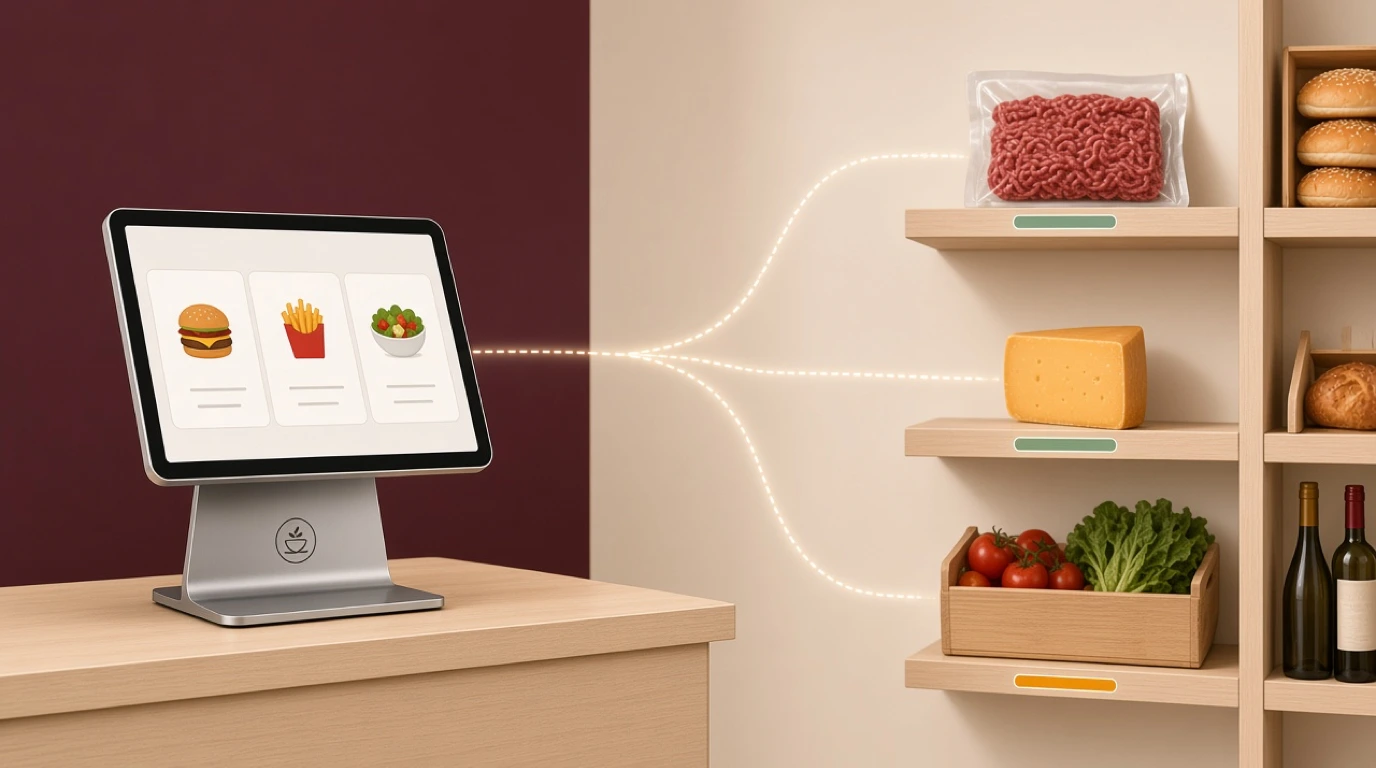
Stock on a truck is a hard number. You loaded 90 brioche buns this morning, and at 90 you are done, no matter how good trade is. There is no walk-in to raid and no supplier who delivers to a layby.
Which makes two things valuable that a restaurant can shrug off. First, live depletion: the till knowing that 62 of those buns are gone, so the person cooking can see it without counting. Second, an 86 function that is one tap and instantly reflected in mobile ordering, because selling something online that ran out 20 minutes ago generates a refund and a bad review from the same customer.
The loading decision itself is a forecasting problem, and it is a more forgiving one than a restaurant's because the variables are fewer. Same pitch, same weekday, similar weather, and last four weeks of sell-through will get you close. Pair the till's history with proper stock management and you can build par levels per pitch rather than a single load list, which is where most of the waste on a truck quietly lives. If prep happens somewhere other than the truck, our guide to commissary kitchens covers how that split usually gets organised.
Revenue per pitch per hour
Total sales tell a truck owner almost nothing, because the same 1,400 in takings might be a brilliant three hour lunch or a miserable eleven hour festival day that cost 400 in pitch fees and two staff.
The number that actually decides your diary is revenue per trading hour, per pitch, after the cost of being there. Work it out for every location you use and the calendar rearranges itself: the business park you assumed was mediocre often beats the event you were excited about, once you subtract the fee, the fuel, the extra hands and the hours spent setting up and breaking down.
For that to be possible, your till has to treat a pitch as a dimension you can report on. Some systems give you a location field, some make you run a separate "store" per pitch, and some give you nothing, at which point you are tagging days in a spreadsheet. Ask to see the report before you believe it exists. The broader set of numbers worth watching is in our rundown of restaurant KPIs, though on a truck the per pitch cut of them is what earns its keep.
One more that is easy to capture and widely ignored: your sell-out time. Selling out at 13:15 feels like a triumph and usually means you left money in the van. Selling out at 14:30, right as the trade dies, means you loaded about right.
Tax that changes with the postcode
This one bites differently depending on where you trade, so treat it as a question to ask rather than an answer to copy.
In the United States, sales tax is set by state and often by county or city, so a truck that works three towns in a week can owe three different rates, and the rate that applies is generally the one where the sale happens. A till that holds a single tax rate will quietly get this wrong all year. What you want is tax that follows the location you are trading from, applied automatically when you switch pitch rather than remembered by a person at 6am.
In the UK and across the EU, the rate does not move between towns, but the hot food rule does the same damage in a different way: hot takeaway food is generally standard rated while some cold items are not, which means the same menu can carry two treatments and staff should never be choosing tax codes by hand. Cross a national border to trade and you are into a different regime altogether.
The practical test is simple. Ask the vendor to show you the same item sold at two pitches with two different rates, without maintaining it as two products with two stock counts.
What a food truck POS system costs
Prices move and vary by market, so these are bands to argue with rather than quotes. The useful part is the shape of the spend, which catches people out more often than the headline figure.
Software for a single till commonly runs 0 to 100 a month, and a truck is one of the few operations where the entry tier of a serious product is genuinely enough: one till, no floor plan, no table management, a short menu. Hardware is where a truck saves real money against a restaurant. A rugged mount, a tablet and a card reader can be 300 to 900, and you may not need a cash drawer or a printer at all. Budget 150 to 400 for a 4G router with a decent antenna, and treat that as the best value line on the list.
Then the recurring cost that dwarfs the subscription, and hurts a truck more than almost anyone: card processing. At roughly 1.3 to 2.9 percent plus a fixed fee per transaction, the fixed part is brutal on a small basket. On a 7 sale, 20p of fixed fee is close to 3 percent on its own, before the percentage rate. Anyone comparing providers on the headline percentage alone is reading the wrong half of the pricing, and our breakdown of payment processing fees works through how to blend the two into a rate you can actually compare.
Two costs nobody quotes. The hours to build your product file properly with tax codes and modifiers, which is a quiet evening rather than a week on a 14 item menu but still has to happen. And the first fortnight of being slightly slower at the window while it becomes muscle memory. For how this sits inside the wider build, startup costs has the full picture.
The demo you should insist on
Salespeople say yes. The trick is asking for things that cannot be answered with a yes, and watching them done in a live system rather than described on a slide.
Ask them to take a card payment with the device in airplane mode, then reconnect and show you the transaction settling. If they cannot, you have learned the most important thing in one question. Ask them to pull the power mid sale and show you the order intact on restart. Ask them to sell the same burger at two pitches with two tax rates, one product, one stock count. Ask them to mark an item as sold out and show it disappearing from the online ordering page within seconds. Ask them to produce takings for one event only, in a form an organiser taking 25 percent of gross would accept. Ask them to show revenue per hour for three different pitches side by side.
Then two questions about the exit, because they tell you how a vendor thinks. Who owns your sales data and how do you export all of it if you leave? And what happens to your history if you stop paying? Hesitation on either is informative. If you are moving off an existing setup, the mechanics are in our guide to switching POS systems.
Before you book a single demo
Spend a week measuring instead, because you cannot judge a system against requirements you have not written down.
Count transactions per hour on a normal service, so you know how wide your peak really is rather than how wide it feels. Note every time the signal let you down and what you did about it. Write down your average basket, since that single number decides whether your processing fees are reasonable or quietly awful. Log what you loaded and what came back for a week. And for each pitch, record the hours you were there including setup and the cost of being there, then divide the takings by the hours.
Five numbers, one week. They will tell you which of the six constraints at the top of this article actually apply to you, and they vary enormously between trucks. A weekday lunch van on the same pitch with a card only policy and a 12 item menu needs a phone, a reader and a dedicated SIM, and nothing else on this list. A truck doing festivals all summer with pitch fees on gross, a second staff member and no coverage needs offline card acceptance, per event reporting and a roof antenna, and should walk away from anything that cannot demonstrate all three. Same trade, same word on the side of the van, two completely different purchases.
Read next: cloud based POS for how syncing and offline behaviour work in general, ghost kitchens for the delivery only model some trucks graduate into, and average check for the basket arithmetic that decides your card fees.