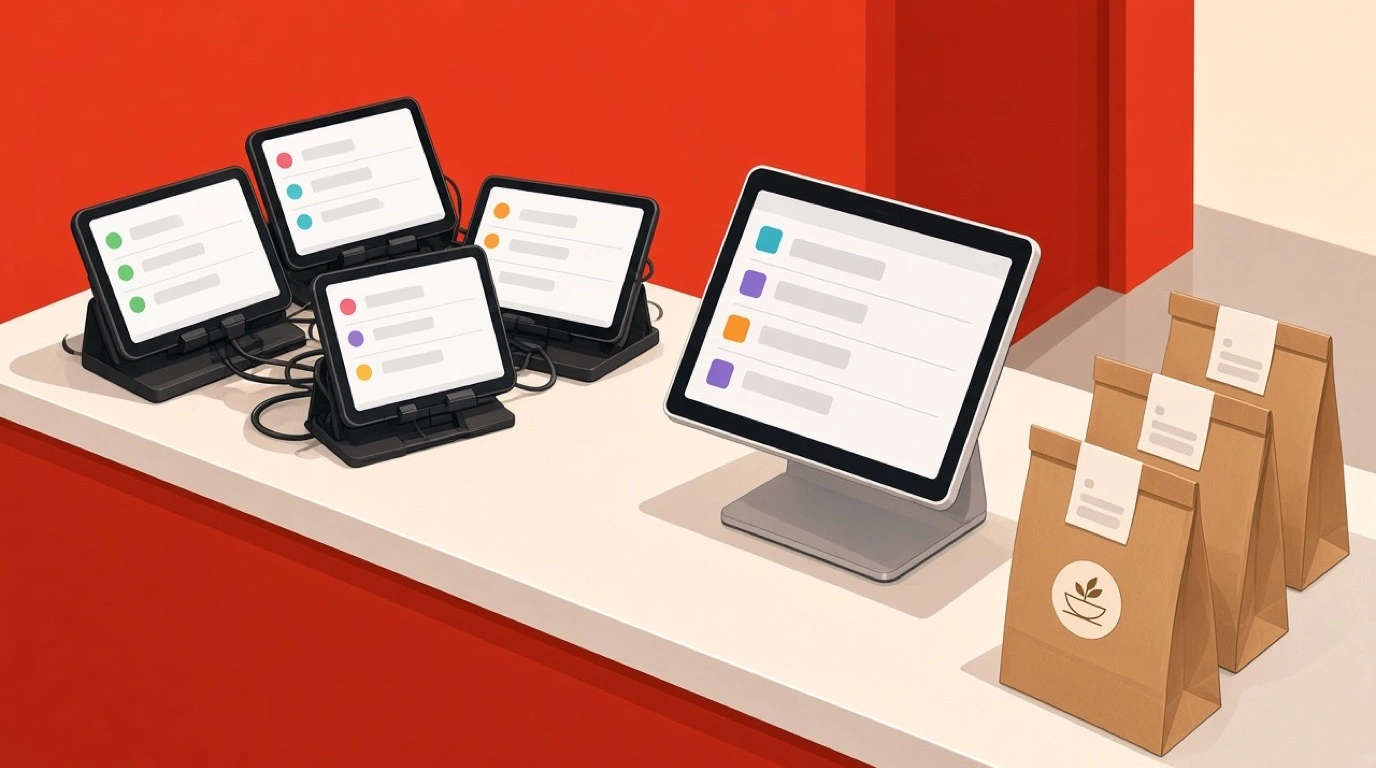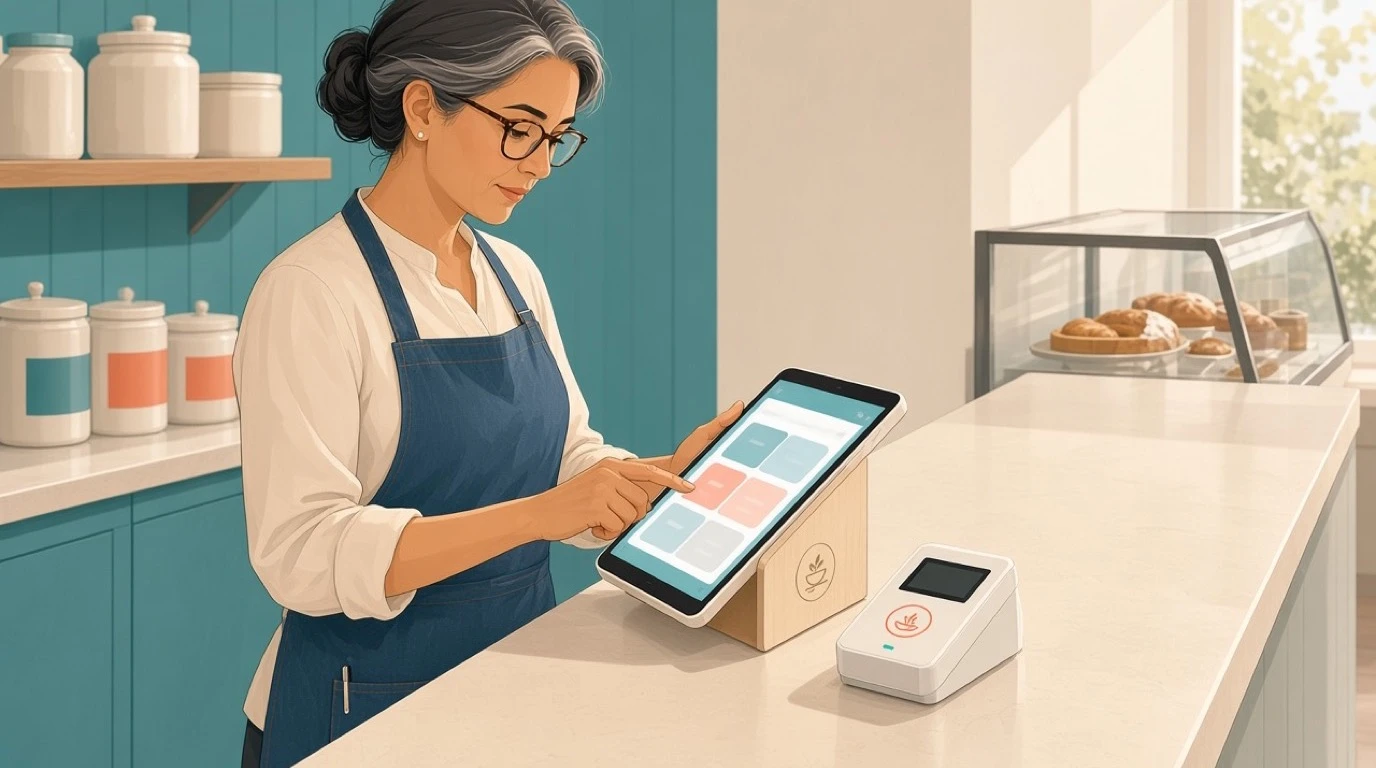
Watch a busy full-service section for ten minutes and you will see the hidden tax most restaurants pay without noticing. A server takes an order, then walks it across the room to a shared terminal, waits behind a colleague who is mid-transaction, keys it in, and only then does the kitchen learn a table is hungry. Repeat that a few hundred times a night. Tableside ordering kills that round trip by moving the order entry, and usually the payment, to a handheld device at the table, and it has quietly become one of the highest-leverage upgrades a restaurant POS can offer.
The idea is not new, but the technology finally caught up to the pitch. Reliable handhelds, fast wireless card readers, and tight integration with the kitchen and the books mean the order and the money now move together, at the table, in one motion. Pair tableside ordering with modern restaurant payment processing and the guest taps a card or a phone without the check ever leaving their sight. This guide covers what tableside ordering and pay-at-table actually are, how the plumbing works, what they genuinely do for turns and tips and errors, where they fall flat, the real ROI math, and how to choose hardware and a system you will not outgrow.
What tableside ordering actually is
Strip the marketing away and tableside ordering is one sentence: the server takes the order, and often the payment, on a device at the table instead of at a fixed station. That is it. The power is in what that small change removes.
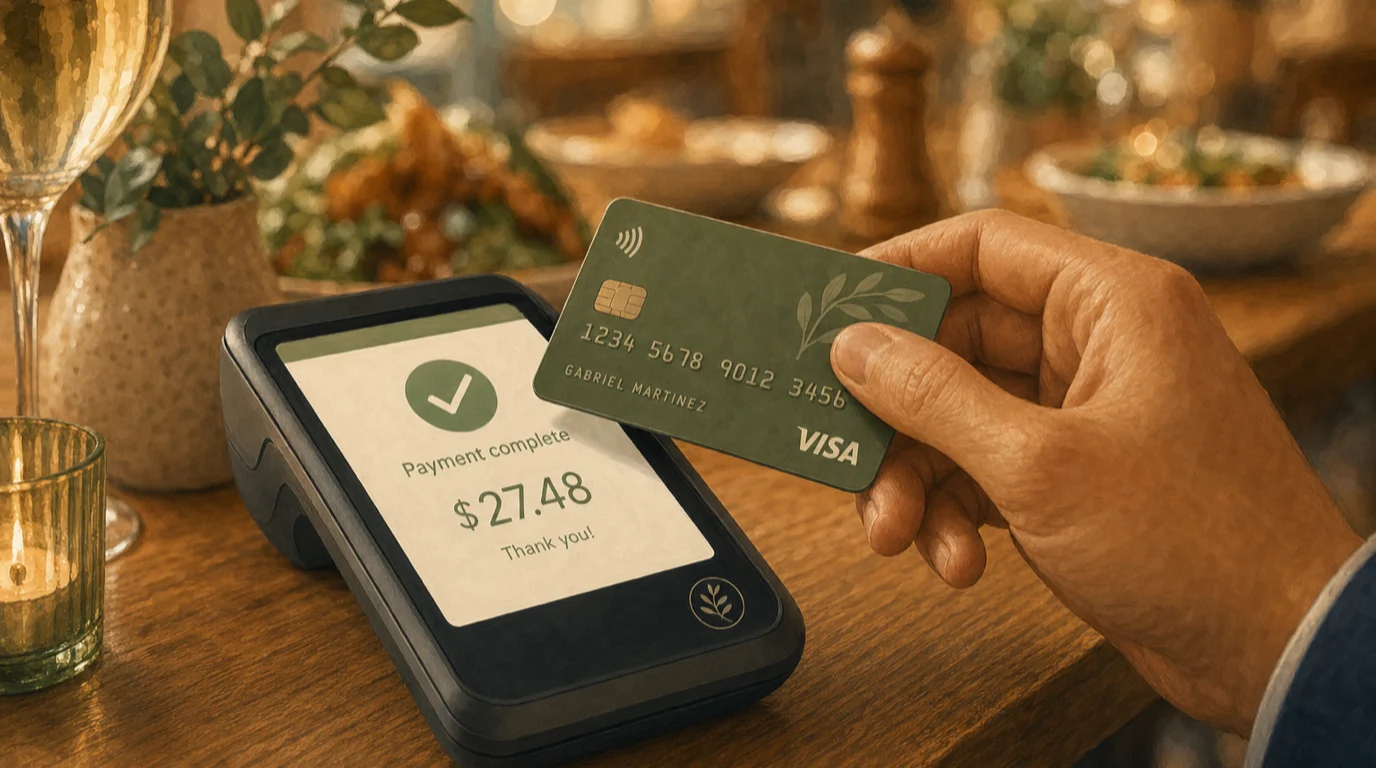
Two terms get used together and it helps to separate them. Tableside ordering is the order-entry half: the server stands at the table, taps in apps, mains, modifiers, and allergy notes, and fires it straight to the kitchen. Pay-at-table is the payment half: when the guest is ready, they settle on the handheld or on a small terminal the server brings over, tapping a card, inserting a chip, or using a mobile wallet. Some restaurants adopt only the ordering side and keep payment at a station. Most that go tableside eventually do both, because the second walk, the one to bring and collect the check, is just as wasteful as the first.
It is worth drawing a line between this and self-service ordering. A handheld in a server's hand keeps the human in the loop: the upsell, the wine recommendation, the read on whether table six is in a hurry. That is different from a guest ordering off their own phone or a kiosk, which trades the human moment for raw labor savings. Both have their place, and we will get to the comparison, but tableside ordering is fundamentally a tool that makes your existing service faster, not a tool that removes service.
How it works behind the scenes
From the guest's seat it looks like magic: the server taps a screen, and dinner appears. Underneath, a short chain of systems is doing the work, and understanding it helps you spot where a cheap setup will let you down.
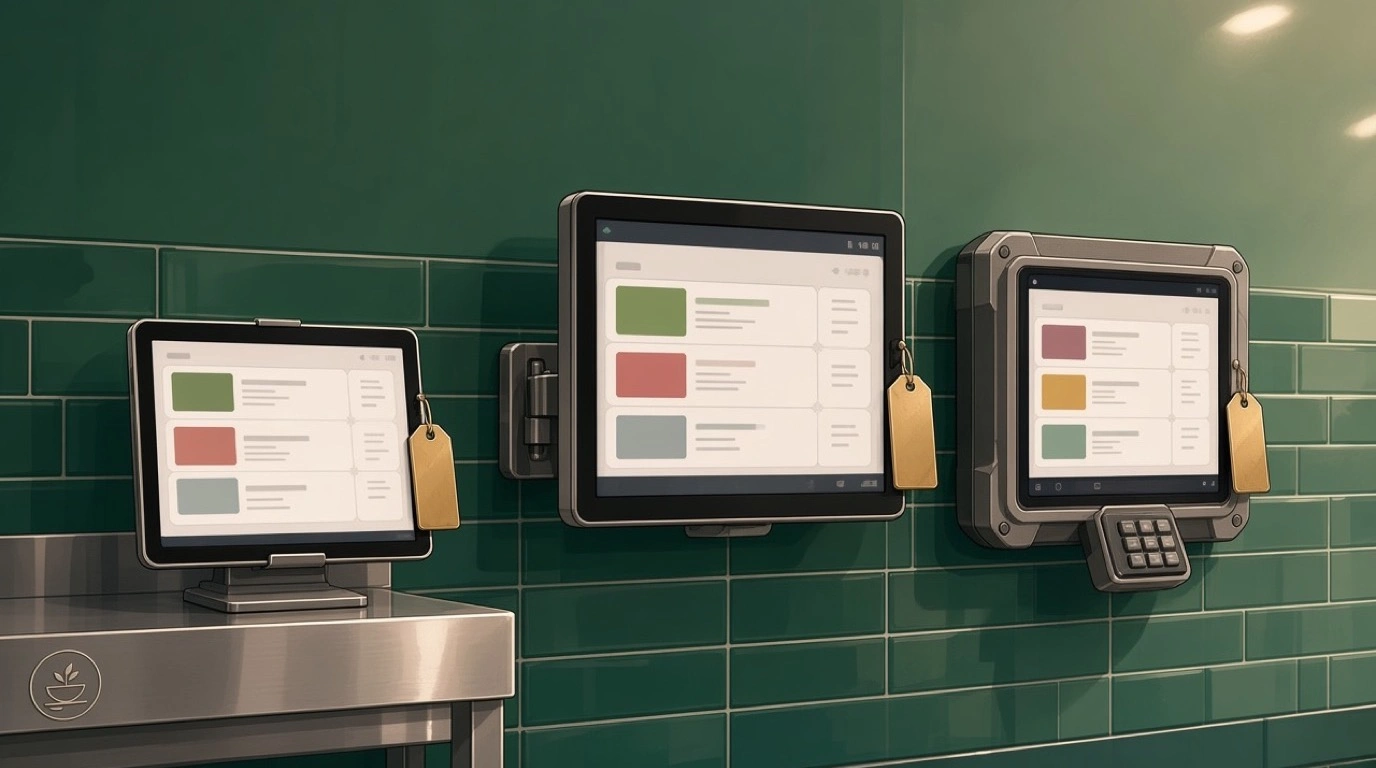
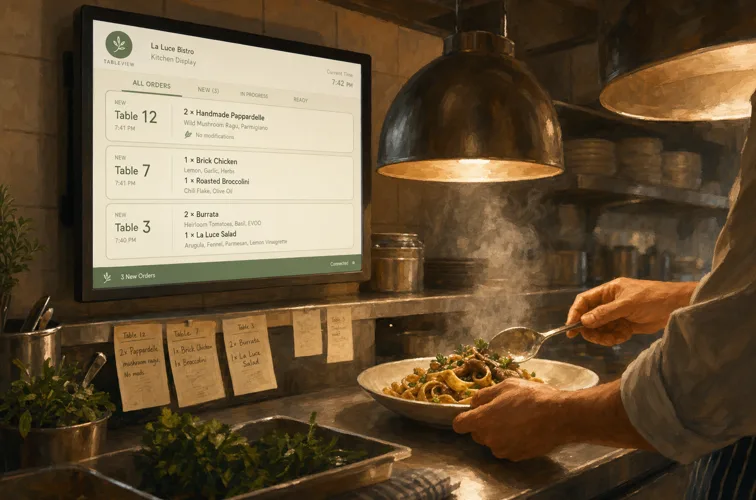
The handheld talks to your point of sale over Wi-Fi. When the server commits an order, it lands in the POS instantly and routes to wherever it needs to go: the hot line, the cold station, the bar, each on its own ticket or its own screen if you run a kitchen display system. No paper chit gets lost, no handwriting gets misread, and the timestamp is exact, so you can actually measure how long a table waited. Modifiers and allergy flags travel with the item, which matters more than anything when a guest says no nuts and means it.
When it is time to pay, the handheld becomes a payment terminal. It reads an EMV chip, accepts a contactless tap, or takes a mobile wallet, encrypts the card data on the spot, and sends a tokenized transaction to the processor. The card never leaves the table. The tip prompt appears on the same screen, the guest chooses, and the receipt goes out by email, text, or a small printed slip. Because the whole thing runs through one system, that sale is already reconciled against the order, the item-level sales data is captured, and your reports do not need a late-night spreadsheet to make sense of the night.
The unglamorous foundation under all of this is your network. A handheld is only as good as the Wi-Fi it rides on. Dead spots near the patio, a router that chokes at peak, or a guest network fighting the POS for bandwidth will turn a slick tool into a frustrating one. Treat coverage as part of the project, not an afterthought.
Tableside ordering vs traditional POS vs QR ordering
Three models compete for the same job of getting an order from a guest to the kitchen, and they are not mutually exclusive. Knowing the trade-offs keeps you from buying the wrong one.
The traditional stationary POS is the default most restaurants still run: a few fixed terminals, servers walking orders to them. It is cheap, familiar, and fine at low volume. Its cost is invisible until you measure it, and it shows up as steps walked, terminal queues at peak, and the lag between a guest ordering and the kitchen knowing.
Tableside ordering on a handheld keeps the server central but removes the round trips. You pay more for devices and you have to train people, but you get speed, accuracy, and a server who spends more time in their section and less time at a screen across the room. For full-service and high-volume rooms, this is usually the sweet spot.
QR code ordering hands the job to the guest: they scan, browse, order, and often pay from their own phone. It removes a whole layer of labor, which is why it shows up on patios, at bars, and in fast-casual rooms, and our guide to QR code menus for restaurants digs into where it shines. The catch is that it also removes the server from the moment, so the upsell and the hospitality have to come from the menu design rather than a person. The smartest operators do not pick one. They run handhelds for full-service tables and QR ordering for the bar or the rush, matching the tool to the situation.
What tableside ordering genuinely does for you
Plenty of vendors will promise the moon. Here is what actually moves, and roughly by how much, when a rollout is done properly.
Faster tables
The headline benefit is throughput. Orders hit the kitchen seconds after they are taken, and guests pay the moment they are ready, so the two slowest pauses in a meal both shrink. Done well, restaurants commonly see table turns improve by 10 to 20 percent on busy shifts. On a packed night that can be a whole extra turn in a section, which is pure incremental revenue on the same rent and the same staff. If you want the full playbook on this, our piece on restaurant table turnover covers the levers beyond hardware.
Fewer errors, fewer comps
Handwriting gets misread. Memory fails on the walk back. A handheld with structured modifiers does not. Order accuracy climbs because the item, the temperature, the swap, and the allergy note all travel together exactly as entered. Every order that comes out right the first time is a plate you do not remake and a comp you do not give, and those add up faster than people expect over a month.
Bigger checks and better tips
Two things happen to the check. First, prompted, well-timed upsells, a side, a second round, a dessert the server can fire without leaving the table, lift the average ticket a few percent. Second, the on-screen tip prompt at pay-at-table tends to nudge tipping upward compared with a handwritten line on a paper slip, which servers feel directly. Happier servers who earn more are also easier to keep, and turnover is one of the most expensive problems in the business.
Cleaner data and safer payments
Because every order and payment runs through one system, you get exact, item-level sales data and timestamps without manual entry, which makes everything from menu engineering to labor planning sharper. And pay-at-table is simply safer: the card stays with the guest, the data is encrypted and tokenized, and the old skimming risk of a card disappearing to a back terminal goes away.
Where it does not fit
Tableside ordering is not a universal upgrade, and pretending otherwise is how operators waste money. A few honest counterpoints.
Slow, high-touch fine dining sometimes does not want it. If the pace of the meal is part of what guests pay for, a server tapping a screen at the table can feel like an intrusion, and the time savings are not the point in a room that turns twice a night by design. Counter-service cafes have nothing to gain, because there is no table service to speed up. And any room with weak Wi-Fi will get a worse experience, not a better one, until the network is fixed. Hardware also costs money up front and ongoing, so a restaurant that rarely fills its dining room may never see the volume needed to pay it back. None of these are reasons to dismiss the tool. They are reasons to be honest about whether your format and volume actually benefit.
The ROI math, with a real example
Skip the hand-waving and run numbers. Picture a 90-seat full-service neighborhood restaurant doing about 200 covers on a busy Friday and Saturday, with an average check of 45 dollars. The owner is weighing handhelds for six server sections.
Start with turns. Say the handhelds let each weekend night squeeze in one extra partial turn, an additional 15 covers a night across the room, conservatively. At 45 dollars a cover that is 675 dollars of incremental sales per weekend night, call it 1,350 dollars across the two nights. Over a month of weekends, roughly 5,400 dollars in new revenue that did not require more rent or more staff, just less waiting.
Now layer in the smaller wins. Order accuracy trims comps; even cutting remakes by 30 dollars a night is another 240 dollars a month across eight weekend nights. Prompted upsells lift the average check 3 percent, and 3 percent of, say, 50,000 dollars in monthly food and drink is another 1,500 dollars. Add it up and the upside is comfortably in the few-thousand-dollars-a-month range.
Against that, the cost. Six handhelds, whether bought or financed, plus any per-device software, typically land in the low hundreds of dollars a month all in for a setup this size, often less when the handhelds run on the same platform as your stationary terminals. The math is not close. When the volume is there, tableside ordering pays for itself many times over, and the payback period is usually measured in weeks, not years. The honest caveat from earlier still applies: run this with your own covers, your own check average, and your own turn data, because a half-empty dining room changes the answer.
Hardware: what to actually buy
The device conversation is where operators either set themselves up well or create a year of headaches. Keep it practical.
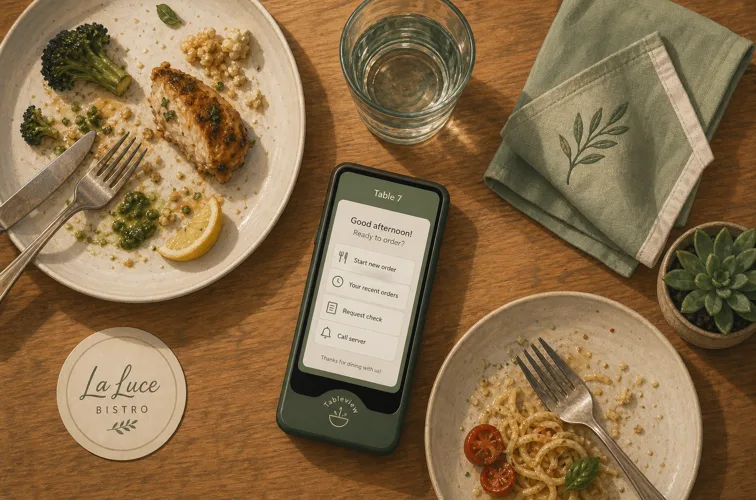
You need one handheld per active server section, plus a couple of spares, because a device will always die at the worst moment. Two broad options exist. Purpose-built handhelds are single units with a screen, a card reader, and often a small receipt printer built in, designed to be dropped and to survive a shift. Alternatively, a ruggedized consumer tablet paired with a compact wireless card reader can work and may be cheaper, at the cost of juggling two devices and battery lives. For most full-service rooms, the integrated handheld wins on simplicity.
Battery life and charging matter more than the spec sheet suggests. A device that cannot survive a double without a swap will frustrate everyone, so plan a charging dock station and a battery routine into the rollout. The card reader should support EMV chip, contactless, and mobile wallets out of the box, because guests expect to tap. And every device must share the same brain as your stationary POS system, your kitchen display, and your payments, so a handheld is just another window into one system rather than a bolt-on that needs reconciling. If the handheld and the back terminal disagree about what was ordered, you bought the wrong thing.
Rolling it out without chaos
The technology rarely fails. The rollout does. A handheld program lives or dies on how you introduce it to a team mid-service.
Fix the network first. Before a single device ships, make sure Wi-Fi blankets the entire dining room, the patio, and the bar, with the POS on its own band and headroom for peak. This is the step everyone underestimates and the one that sinks the most launches. Then build the menu in the system carefully, with clean modifiers and logical screens, because a server fumbling through a badly organized menu at the table is slower than the old way, not faster.
Train before you go live, not during a Friday rush. Run a slow shift or a staff meal as a dry run so servers build muscle memory on the device when the stakes are low. Start with a few of your strongest servers, let them work out the quirks and become the in-house experts, then expand to the full team. Expect a short dip in speed during week one, that is normal, and resist the urge to rip the devices out before people cross the learning curve. Most teams that struggle did not have a bad tool, they had a launch with no practice and no champion.
Getting the team on board
Servers can be the biggest fans or the loudest blockers, and which one you get is mostly about how you frame it. Lead with what is in it for them, because there genuinely is plenty. Fewer steps per shift means less exhaustion. Faster turns and bigger checks on tipped sales mean more money in their pocket. The on-screen tip prompt tends to lift tips on its own. Show a skeptical server their own potential earnings on a busy night and the resistance usually melts.
Address the fear that screens kill hospitality head-on, because it is a fair concern. The goal is the opposite: a handheld means the server spends less time at a terminal across the room and more time present in their section, reading tables and building rapport. The device is a tool that buys back the time service actually needs. Make that the story, train people until the device feels invisible, and the culture follows.
The mistakes that quietly sink a rollout
Most failed handheld programs do not fail because the technology was bad. They fail in predictable, avoidable ways, and naming them up front is the cheapest insurance you can buy.
The first and most common is treating Wi-Fi as good enough. A network that handles a few stationary terminals will not necessarily carry a dozen handhelds roaming a full room at peak, and the failure mode is ugly: a server loses connection mid-order, the table waits, and confidence in the whole system evaporates by week two. Survey your coverage honestly, including the patio and the far corner booth, and give the POS dedicated bandwidth.
The second is a sloppy menu build. The handheld only feels fast when the menu screens are logical and the modifiers are clean. If a server has to dig through three nested menus to ring in a burger with no onions, the device is slower than a notepad. Invest the hours to organize the menu the way servers actually think about it, then test it with real staff before launch.
The third is launching cold during a rush with no champion and no practice. Speed dips in week one no matter what, and a team thrown into a Friday with new devices and no dry run will associate the tool with chaos. Train on a slow shift, pick a few strong servers to lead, and give people a week to cross the learning curve before you judge the result.
The fourth is forgetting the boring logistics: batteries that die mid-double, no charging routine, no spare devices when one inevitably breaks. None of these is dramatic on its own, but together they decide whether the program feels reliable or flaky. The operators who succeed plan the unglamorous details, the charging dock, the spares drawer, the nightly device check, with the same care they give the menu and the network.
Choosing a system that scales
The last decision is the one that bites later: not which handheld is shiniest today, but which platform you will still be happy with at three locations and a bigger menu. A few things to weigh.
Favor one platform over a patchwork. When tableside ordering, your stationary terminals, your kitchen display, your payments, and your reporting all live in the same system, there is one source of truth and nothing to reconcile. Bolting a third-party handheld onto a POS that was not built for it tends to create exactly the sync problems tableside ordering was supposed to solve. Check that payments are handled cleanly and that processing costs are transparent, because the device is only half the equation and the rates you pay on every tap matter to the bottom line, as our breakdown of restaurant payment processing fees spells out. And make sure the system supports the way you will grow: multiple locations, role-based access, and reporting that rolls up across the group.
Tableside ordering is not a gadget you add to look modern. Done right, it is a quiet rebalancing of where your staff spend their minutes, away from terminals and walking, toward guests and the next table. Get the network solid, pick a single platform that handles order and payment together, train your team properly, and the speed, the accuracy, and the bigger checks follow. Run the numbers on your own dining room first. If the covers are there, this is one of the few upgrades that pays for itself before the year is out.
Read next: QR code menus for restaurants, How to improve restaurant table turnover, and Choosing a restaurant iPad POS system.