A bill is the last thing a guest reads, and one of the first things a tax inspector does. Restaurant billing software has to satisfy both: a guest who wants to split a table of eight four ways at 10:40 pm, and an auditor who wants to know why a bottle of wine at 38.00 became a 0.00 line on a Tuesday in March. In most restaurants it isn't a separate program. It's the part of the restaurant POS system that turns orders into bills, and how well it does that job shows up in your margins long before it shows up in a review.
Billing is also where the money changes hands. The bill has to know every way a guest can pay, card, phone, cash or a mix of the three, and it has to close cleanly with restaurant payments so the takings at night match what reaches the bank. When the two are separate systems, somebody spends the morning reconciling them by hand.
The term means slightly different things in different places. In India and much of South Asia, "billing software" is the everyday name for the till. In Europe the same job is done by what people call till or POS software, and the law in several countries says exactly how it must record a sale. The job is the same everywhere: get the bill right, get paid, and keep a record that holds up.
What is restaurant billing software?
Restaurant billing software is software that turns a table's or customer's orders into a bill, applies taxes, discounts and service charges, takes payment and records the sale.
- Bills by table, seat or tab
- Splits, discounts and comps
- Tax and service charge lines
- Card, cash and phone payments
- Receipts and end-of-day totals
It sits between the order and the accounts, so every sale is billed once, paid once and reaches the books without being typed again.
Restaurant billing software may be:
- Built into a full-service restaurant POS
- Part of a hotel F&B system with room charging
- A standalone billing program on a desktop computer
In short: restaurant billing software makes the bill, takes the money and keeps the record of every sale.
Billing software vs POS vs accounting software
The three overlap, and vendors use the names loosely. What each one is for:
Billing software
Creates the bill and takes payment. Its records are the sales themselves: what was sold, when, at what price, with what tax, paid how. A basic billing program does only this, often on one computer at the counter.
POS software
Does the billing and everything around it: taking orders at the table, sending them to the kitchen, managing the floor plan, tracking stock against what sells. In a restaurant with table service, billing on its own is rarely enough, because the bill is only as good as the orders that built it.
Accounting software
Records the money after the sale: revenue, costs, supplier invoices, payroll, tax returns. It needs the sales from billing, ideally as a daily total per tax rate and payment method rather than one long list of receipts. That's the job of restaurant accounting software, and the cleaner the handover, the less your accountant charges.
Key distinction:
- Billing software ends at the receipt; POS software starts at the order and includes the bill.
- Accounting software starts where billing ends, and only works as well as the sales data it receives.
How a bill moves through the software
Take a 64-seat Lebanese restaurant on a Saturday night. Menu prices include 10% VAT, and the house adds a 12.5% service charge to tables of eight or more.
1. The orders are rung in by seat
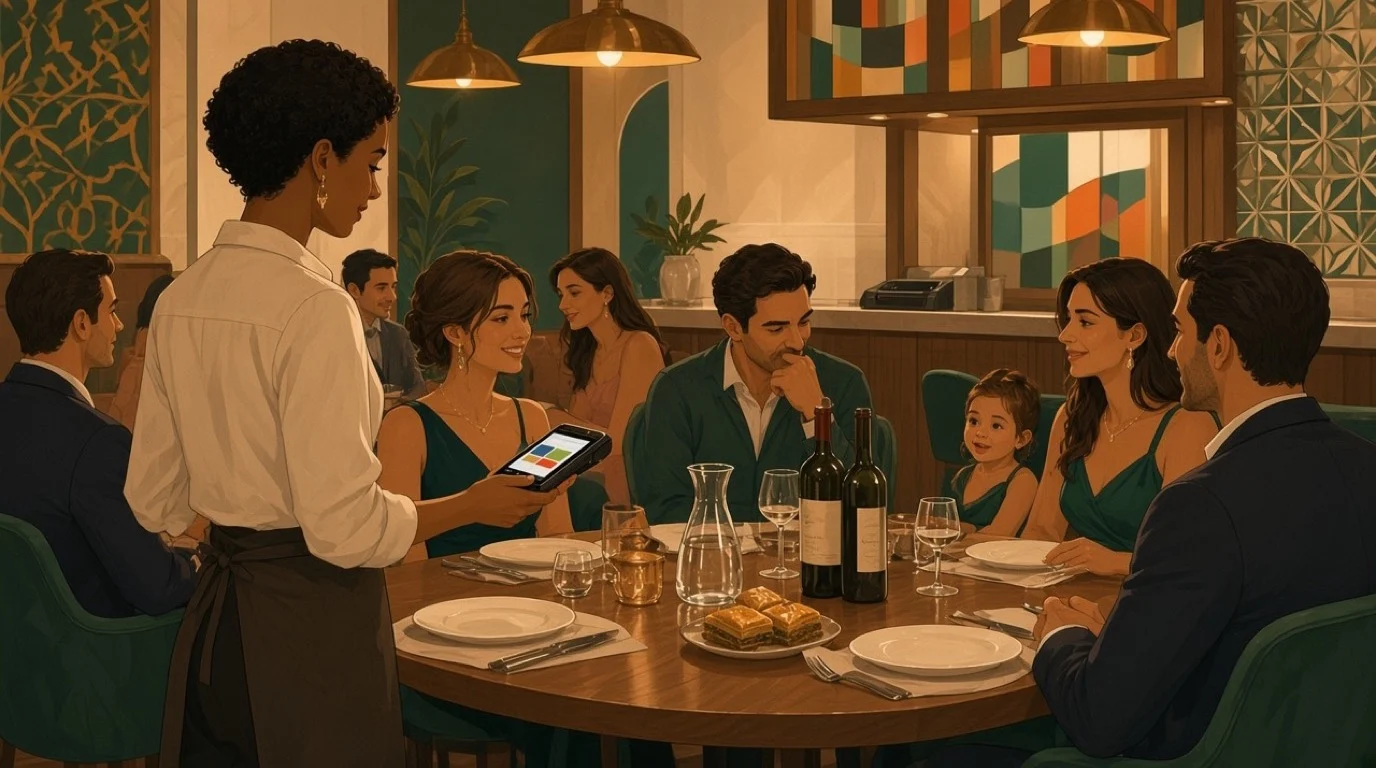
Table 14 is a family of four and two couples. The server rings in mezze to share, mains by seat, two bottles of wine and a round of arak. Because every main is attached to a seat, the bill already knows who ordered what before anyone asks to split it. By dessert the table has ordered 412.00.
2. A comp, with a reason
One knafeh comes out cold and goes back. The manager comps it from the bill, 9.00, picking "kitchen error" from a list and approving it with her own login. The line stays on the bill at zero, so the kitchen sees what went wrong and the comp report shows who gave what away. Our article on voids and comps covers the controls.
3. The bill is calculated
- Food and drink after the comp: 403.00, of which 36.64 is VAT
- Service charge at 12.5%: 50.38
- Total: 453.38
The service charge is its own line, never folded into the food, and the VAT is shown so a business guest can claim it.
4. The table splits
The family pays for its own seats: 211.00 of food and drink plus service, 237.38. The two couples share everything else equally: 192.00 plus service is 216.00, so 108.00 each. The server does it in three taps, by seat and then by equal parts, instead of on a calculator at the bar.
5. Three ways to pay
The family taps a card. One couple pays by phone and adds a 5.00 tip on the reader. The other pays in cash. The tip is recorded against the server, separate from the service charge, so payroll can treat the two differently.
6. Receipts and the close
One couple wants a receipt by email for expenses; the others don't want paper at all. At close, the day's report shows every sale by tax rate and payment method, the comp with its reason, and the tips by server. Cash in the drawer is counted against the cash the software expects, and the total goes to accounting without anyone retyping it. Our article on the Z report covers what that close should check.
Tax on the bill: VAT, GST and sales tax
The software has to apply the tax your country uses, and apply it correctly to every line. Three patterns cover most of the world:
- VAT included in the price. Most of Europe. The menu price is what the guest pays, and the bill shows how much of it is VAT. Some countries charge different rates for food and alcohol, or for eating in and taking away, so one bill can carry two or three rates.
- Sales tax added on top. The United States. The menu shows prices before tax, and the bill adds the state and local rate at the end.
- GST. India, Australia, Singapore and others, each with its own rules. In India, for example, most standalone restaurants charge 5% GST, and the bill has to show it in the format the tax rules require.
Whatever the system, the rate belongs on the menu item, not typed in at the till. A burger sold to eat in and the same burger sold to take away may carry different tax, and the software should know which is which from the order type. Our article on restaurant VAT rates works through a bill with three rates on it.
Service charges have tax rules of their own. In some countries a service charge is taxed like the food; in others a voluntary tip isn't taxed at all. That's one more reason to keep the two on separate lines. Our article on service charge vs tips covers who keeps what.
When billing software has to be certified
In a growing number of countries, how a till records a sale is set by law, to stop sales being deleted after the fact. The details change, so check the current rules with your accountant, but the pattern is clear:
- Germany requires electronic tills to use a certified technical security device that signs every transaction.
- France requires till software to be tamper-proof, backed by a certificate, with secured records of every sale.
- Italy requires sales to be recorded on a telematic till that sends the daily totals to the tax authority.
- Spain is bringing in rules for invoicing systems that make every record traceable and, in some cases, sent to the tax authority.
- Portugal, Austria and others have their own certification or registration schemes.
For a restaurant, the practical rule is simple: ask any billing software vendor for proof that its system meets the rules in your country, in writing, before you sign. A cheap billing program that isn't compliant can cost more in one tax inspection than a compliant one costs in ten years.
The other half is behaviour. Certified software makes it hard to delete a sale, but it can't stop staff from not ringing one in. Keeping every order on the system, from the first drink to the last coffee, is what protects you. Our article on restaurant employee theft covers the patterns that show up in the reports.
What to look for in restaurant billing software
Most billing software can print a total. These are the things that separate the ones that work on a busy night from the ones that make it longer.
1. Splits by seat, item, amount and percentage
Tables split in every way imaginable, often in the same bill. Ask the vendor to split a table of eight three ways in front of you, with one guest paying by item and the rest in equal parts. Count the taps.
2. Discounts and comps with reasons and permissions
Every price change should carry a reason and the name of whoever approved it, and only some staff should be able to make one. A bill that can be edited by anyone with no trace is a leak, not a feature.
3. Tax rules per item and order type
Rates on the menu item, different rates for eating in and taking away where your country has them, and service charges with their own tax treatment. Check that a mixed bill shows each rate separately.
4. Service charge kept apart from tips
A service charge set by the house and a tip left by a guest are different money with different rules. The software should record them on separate lines and report tips by server.
5. Every way to pay, on one bill
Card, contactless, phone wallets and cash, and more than one of them on the same bill. Refunds, partial refunds and tip adjustments after the fact should take seconds, without re-running the card.
6. Receipts guests actually want
Printed, by email or by QR code, and a proper invoice with the company's details for business guests who need to reclaim the tax. In hotels, the charge should be able to go to the room instead.
7. Billing that works offline
When the internet drops at 9 pm, bills still have to print and cards still have to be taken. Ask what happens to bills and card payments during an outage, and how they sync afterwards.
8. A clean close and a clean handover
The end-of-day report should show sales by tax rate and payment method, comps, voids, refunds and tips, and send them to your accounting without an export and an import. If your accountant still asks for a spreadsheet every month, the handover isn't working.
9. Speed at the end of the meal
The wait for the bill is the part of dinner guests remember and complain about. On a Friday with every table full, two minutes saved per bill across 40 tables is more than an hour of server time, and tables that turn sooner. Time it in the demo: from "can we have the bill" to the receipt, with a split and a tip in the middle. Paying at the table, on a handheld or a phone, usually takes the longest wait out altogether.
10. Several currencies, if your guests bring them
In tourist areas and hotels, guests may want to pay in their own currency. Receipts showing both amounts, and books kept in your own, save arguments at both ends.
What restaurant billing software costs
Prices range from free to a few hundred a month, and the cheap end often costs more than it looks.
- Free and one-off desktop programs. Fine for a counter that only needs a bill and a receipt. They usually can't take orders at the table, rarely handle splits well, and may not meet fiscal rules in your country.
- POS subscriptions with billing built in. Commonly 50 to 300 a month per location, with the hardware bought separately. This is what most restaurants with table service end up on.
- Card fees. A percentage of every card payment, charged by the processor, and usually the biggest of the three over a year.
- Hardware. A tablet or terminal, a receipt printer, a cash drawer and a card reader, and in some countries a certified fiscal device or printer.
Compare the cost over a year, software, hardware and card fees together, rather than the monthly price on its own. Our article on restaurant POS system cost has a worksheet for comparing quotes.
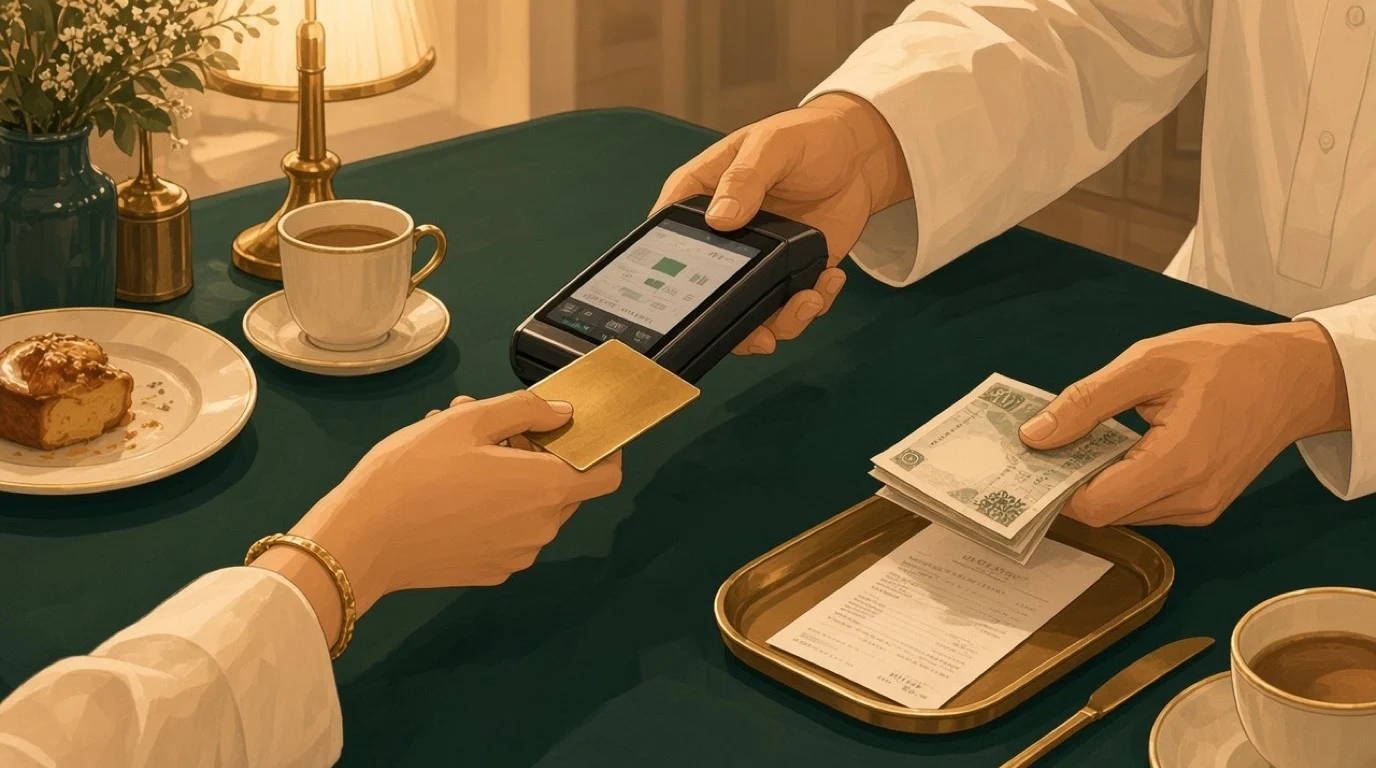
How to choose restaurant billing software for your restaurant
What matters most depends on how your guests pay.
Full-service restaurants
Splits, seat-based ordering, service charges for large tables and a fast way to pay at the table. Billing has to be part of the POS, because the bill is built from orders taken across the evening.
Takeaway, delivery and quick service
Speed and tax by order type. A takeaway POS system should bill eat-in and takeaway at the right rates without the cashier choosing, and handle online orders that arrive already paid.
Cafes and bakeries
Lots of small bills, mostly by card. Quick keys, a fast card reader and a receipt only when the guest asks for one.
Bars
Tabs that stay open for hours, rounds added all night and a card held against the tab. A bar POS system should move a drink between tabs and close a tab by name, seat or card.
Food trucks and pop-ups
Offline billing and a card reader that works on mobile data. The food truck POS has to keep billing when the signal goes.
Hotels
Room charges, several outlets with their own tax rules and service charges, and banquet bills per head. The bill has to reach the guest's folio without the front desk typing it in.
Groups with several sites
The same discount rules, service charges and comp reasons on every site, set once from head office, and one report that compares them. When the Tuesday comps at one branch run at three times the others, you want to see it that week, not at the year-end accounts. If the sites are in different countries, each one needs its own tax and fiscal setup on the same system.
Billing mistakes that cost restaurants money
- Handwritten bills and spreadsheets. They can't be checked against orders, and every correction is invisible.
- Discounts with no reason. If nobody has to explain a discount, nobody is accountable for it.
- Service charge mixed with tips. It muddles payroll, tax and what staff believe they're owed.
- The wrong tax on takeaway. A rate typed at the till instead of set on the item is a rate that will eventually be wrong.
- Billing and payments in two systems. Every card payment then has to be matched to a bill by hand.
- Ignoring fiscal rules until an inspection. The fine comes on top of the cost of replacing the till.
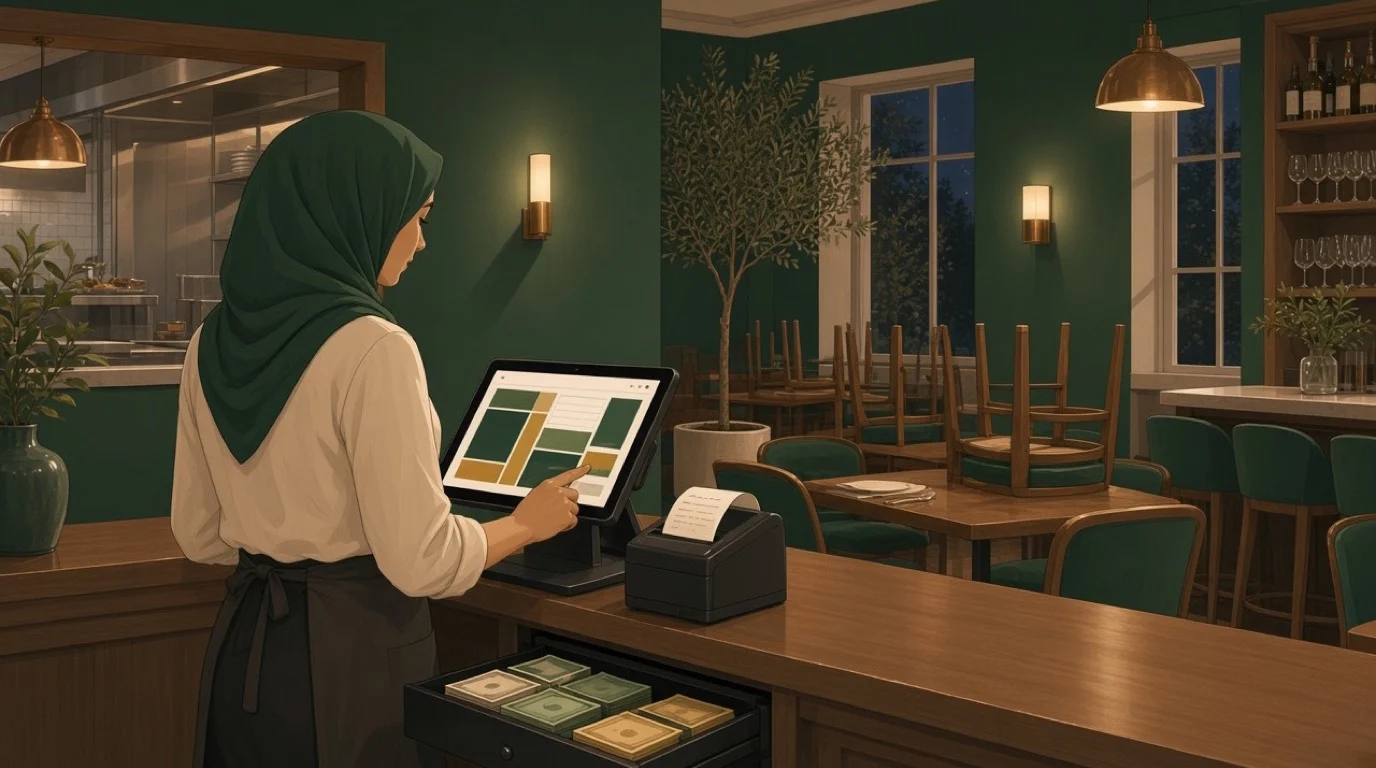
Where Tableview fits, and where it does not
In Tableview, billing is part of the POS rather than a separate program. Bills split by seat, item, custom amount or percentage, several payment methods can go on one bill, and tabs stay open across shifts. Cards, contactless, Apple Pay, Google Pay and cash are taken on the same device, tips can be adjusted after the fact without re-running the card, and full or partial refunds take seconds. Guests can sign on the screen and get the receipt sent to them instead of printed.
Every sale is recorded by payment method, tips are reported by server and shift, and the revenue flows into the accounting with a tax-ready export for your accountant. Bills keep working when the Wi-Fi drops, with card payments queued until it's back. In hotels, each outlet has its own tax rules and service charges, meals can be charged to the room, and receipts can show two currencies. Starter is 69 dollars a month with two registers, Pro is 189 dollars, and new customers get the first three months free.
An Na, Owner of A&D Holiday Inn in Li Jiang, China, moved off spreadsheets: "We've had major losses in the previous years because we kept sales records in excel files. After we switched to Tableview, we saw a 32% increase in our revenue likely from closing those financial leaks."
Where it's not the right choice:
- Fiscal certification you need today. Rules differ by country, so confirm with us in writing that Tableview meets yours before you sign, as you should with any vendor.
- Country-specific invoice formats. If you need a local GST invoice layout or a national e-invoicing connection that isn't supported, a local billing program built for that market may be the better fit.
- A counter that only needs a printed total. If you take no orders at tables and never split a bill, a simple billing program may be all you need.
Key takeaways
- Restaurant billing software creates the bill, applies tax and service charge, takes payment and records every sale.
- In most restaurants billing is part of the POS, because the bill is built from orders taken through the evening.
- Set tax rates on menu items and order types, and keep service charges and tips on separate lines.
- Several countries require certified or connected tills, so ask every vendor for written proof of compliance.
- Comps and discounts need a reason and an approver, or the bill becomes a leak.
- The end-of-day close should reach your accounting without anyone retyping it.
Read next: splitting the bill for every way a table can divide it, choosing a restaurant POS for the rest of the till, and the restaurant chart of accounts for where the sales land in the books.