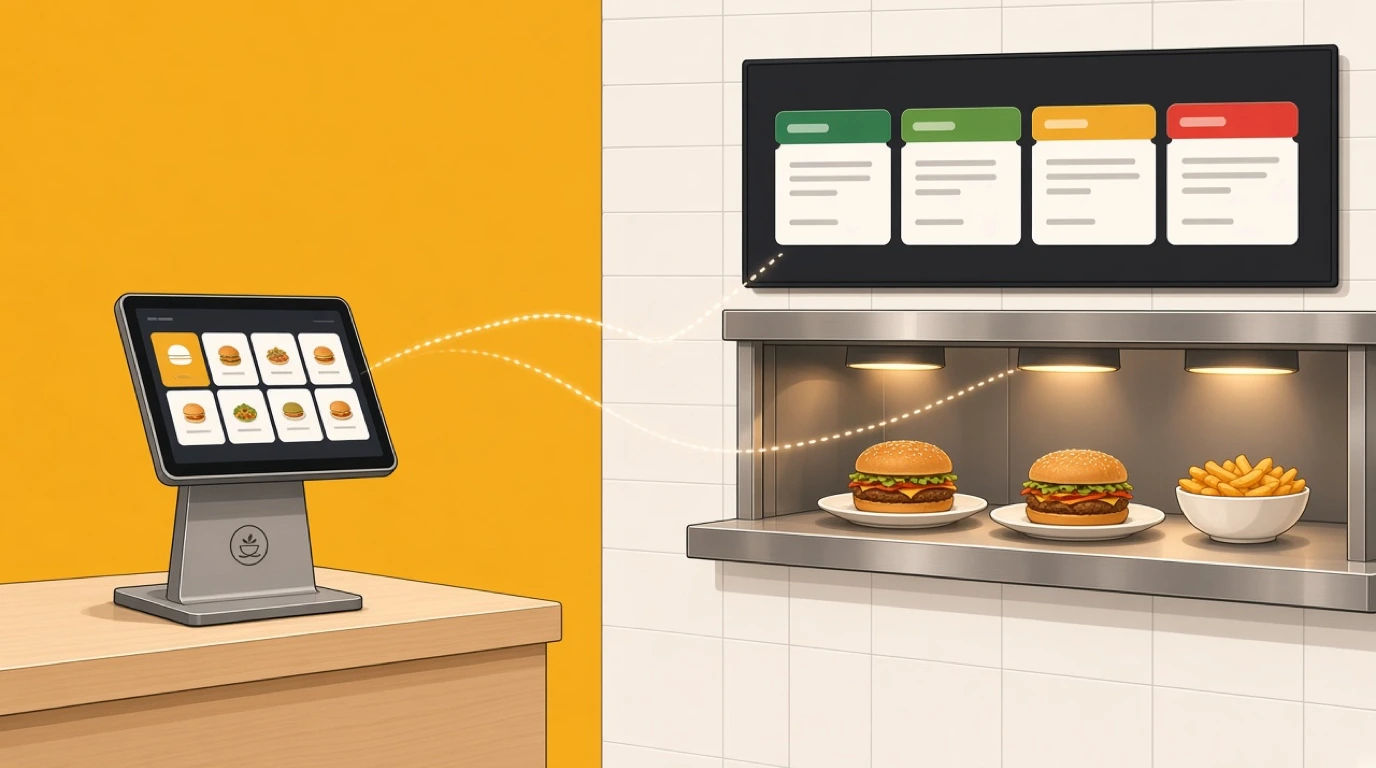
Most restaurants already have their stock numbers. They're just in two places. The till knows that 156 burgers sold last week, the clipboard in the walk-in knows how much beef is left, and nobody puts the two together until the food cost comes back high at the end of the month. A POS with inventory management closes that gap by taking stock out at the moment of sale, so the level on the screen is the level on the shelf. It's restaurant stock management built into the till, not kept beside it.
That link matters more now that ingredient prices move every few weeks and orders arrive from five channels at once. Every sale in the dining room, at the counter, on a QR menu or through a delivery platform uses something in the kitchen. When those sales take stock out automatically, reordering stops being a guess, and procurement management can work from real levels instead of last Monday's count.
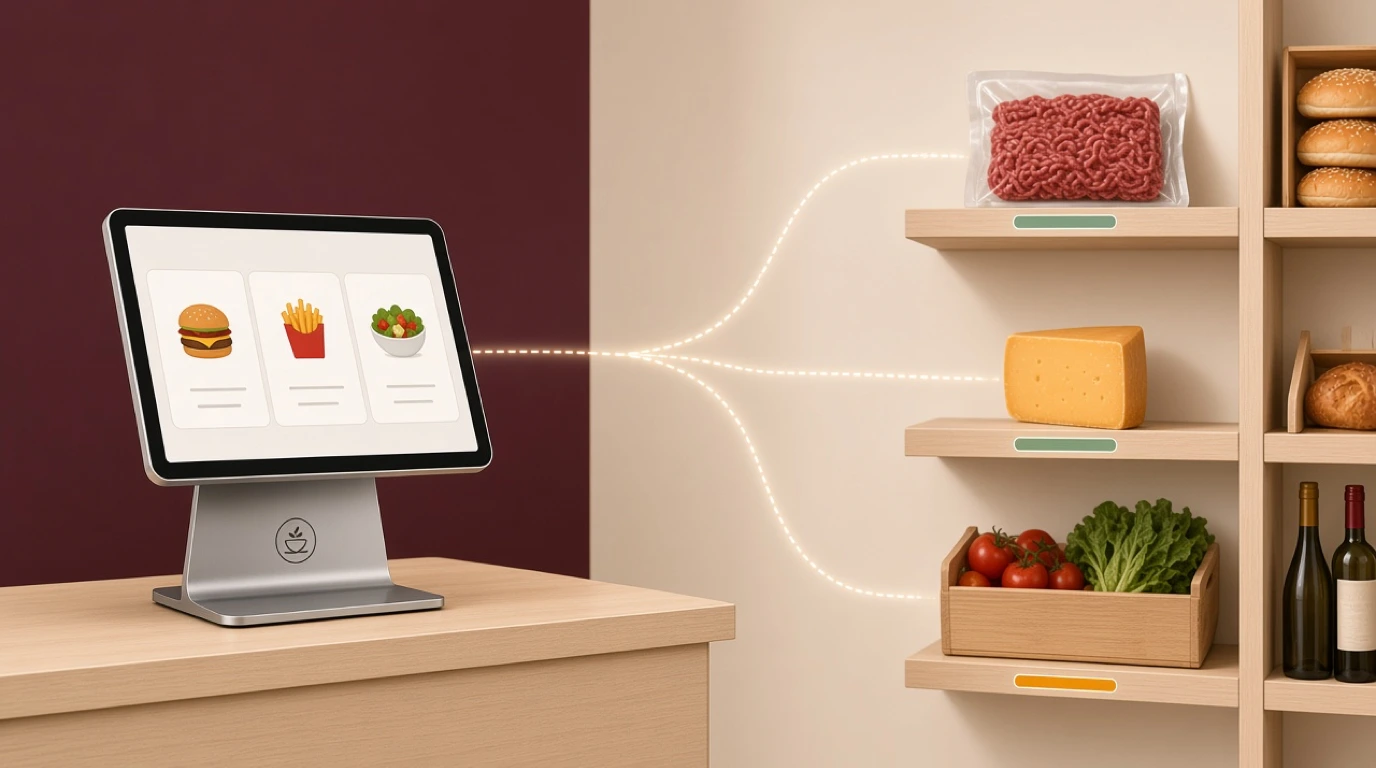
Our view, stated up front: for most independent restaurants, stock tracking inside the POS beats a more powerful inventory app connected from outside, as long as it tracks ingredients and not just items. Selling 40 burgers should take out 7.2 kilos of beef, 40 buns and 800 grams of cheddar, not just lower a number next to the word burger. A system that can't do that is counting products, not running a kitchen.
What is a POS with inventory management?
A POS with inventory management is a point of sale that takes each ingredient out of stock as dishes are sold, using the recipe behind every menu item.
- Stock deducted on every sale
- Recipes and sub-recipes per dish
- Par levels and low-stock alerts
- Counts compared with expected use
- Food cost per dish, kept current
It joins what the till sold to what the store room holds, so a manager can see before service which dishes are about to run out.
A POS with inventory management usually comes in one of three forms:
- Stock tracking built into the restaurant POS itself
- A paid inventory module from the same POS vendor
- A separate inventory platform connected through an integration
In short: every sale takes its ingredients out of stock, so the numbers in the system match what is on the shelf.
Built-in vs add-on vs connected inventory
Almost every POS says it does inventory. The word covers anything from a counter next to each product to a full recipe engine, so the useful questions are what the system counts and where the data lives.
Item-level stock counts
Many POS systems track products, not ingredients. Sell a bottle of beer and the beer count drops by one. That works for bottled drinks, retail items and packaged snacks. It tells you nothing about a burger, a risotto or a cocktail, which is most of what a restaurant sells, and it can't tell you what any dish costs to make.
Built-in ingredient inventory
Recipes live in the same system as the menu. Each dish lists its ingredients and quantities, and each sale deducts them. A new dish, a changed modifier or a voided order affects stock straight away, because there's only one record of what was sold. Menu changes are made once.
Vendor add-on inventory
The POS company sells inventory as a separate module or app, sometimes from a company it bought. Our comparisons with Toast and Square show how differently vendors package it, from ingredient tracking sold as an add-on to item-level counts only. The data usually stays in one place, so it behaves much like a built-in system, but check what's in the base plan and what costs extra.
Connected inventory platform
A specialist back-office or inventory company pulls sales from your POS through an integration and handles recipes, counts and ordering itself. These tools can be strong on costing and supplier invoices, and they let you keep a POS you're happy with. The trade-off is mapping: every menu item and every modifier in the POS has to be matched to a recipe in the other system, and anything left unmatched sells without taking any stock out.
Key distinction:
- Built-in and add-on systems deduct stock from the sale itself. A connected platform deducts from a copy of the sale it receives later.
- Item-level tracking counts what you sell. Ingredient-level tracking counts what you use, and that's where food cost is decided.
If you're still deciding whether to move off spreadsheets at all, our overview of the restaurant inventory system covers that choice first.
Ways restaurants track stock against sales
Most restaurants sit somewhere on this list, and plenty run two at once: recipe tracking for the kitchen and a bottle count for the bar.
| Setup | How it works | Best for | Strengths | Limits |
|---|---|---|---|---|
| Clipboard and spreadsheet | Counts typed in by hand, checked against a sales report | Very small menus | Free, flexible | Hours each week, no live levels |
| Item-level POS stock | Each product counted down by one per sale | Cafés selling packaged goods | Simple, already in the till | No recipes, no food cost |
| Vendor add-on | The POS vendor's own inventory app | Venues happy with their POS | Shared data, one support line | Extra monthly fee |
| Connected platform | Specialist back office linked to the POS | Groups wanting deep costing | Invoice and costing depth | Mapping work, two vendors |
| Built-in ingredient inventory | Recipes and stock inside the POS platform | Venues choosing a new system | One menu, one record, live levels | Tied to that POS |
The spreadsheet row deserves respect. A coffee shop with fifteen ingredients and an owner who counts every Monday may get more from that habit than from any software. The break point is usually the menu: once dishes share ingredients and modifiers change what goes into them, a spreadsheet can't keep up with what was actually used.
How a POS with inventory management works
The steps are the same in every setup. The difference is how many happen inside one system and how many depend on an integration passing sales across.
1. Ingredients are set up with their units
Each ingredient gets three units: how you buy it, how you count it and how recipes use it. Beef arrives in 5 kilo cases, is counted in kilos and goes into burgers by the gram. Wine is bought by the case of six, counted by the bottle and sold by the 175 ml glass, so one bottle is a little over four glasses. Getting the conversions right on day one matters more than any other step, because every later number depends on them.
2. Every menu item gets a recipe
The burger is 180 grams of beef, one brioche bun, 20 grams of cheddar, 30 grams of lettuce and tomato and 15 grams of house sauce. Sauces, dressings and stocks made in the kitchen become sub-recipes, so those 15 grams of sauce take out their own share of mayonnaise, gherkins and mustard. Drinks work the same way: a gin and tonic is 50 ml of gin, one tonic and a slice of lime.
3. Modifiers change the recipe
"Extra patty" should take out another 180 grams of beef. "No cheese" should leave the cheddar alone. "Swap fries for salad" should move the deduction from potatoes to leaves. If modifiers aren't linked to ingredients, the numbers drift every time a guest changes an order, and guests change orders all night.
4. Each sale deducts stock as it happens
When an order is placed, wherever it comes from, the system subtracts the ingredients for every dish and modifier. Dine-in, counter, QR and delivery orders all come out of the same stock. A void before cooking leaves stock untouched, and a dish sent back after cooking is logged as waste with a reason.
5. Levels trigger alerts and orders
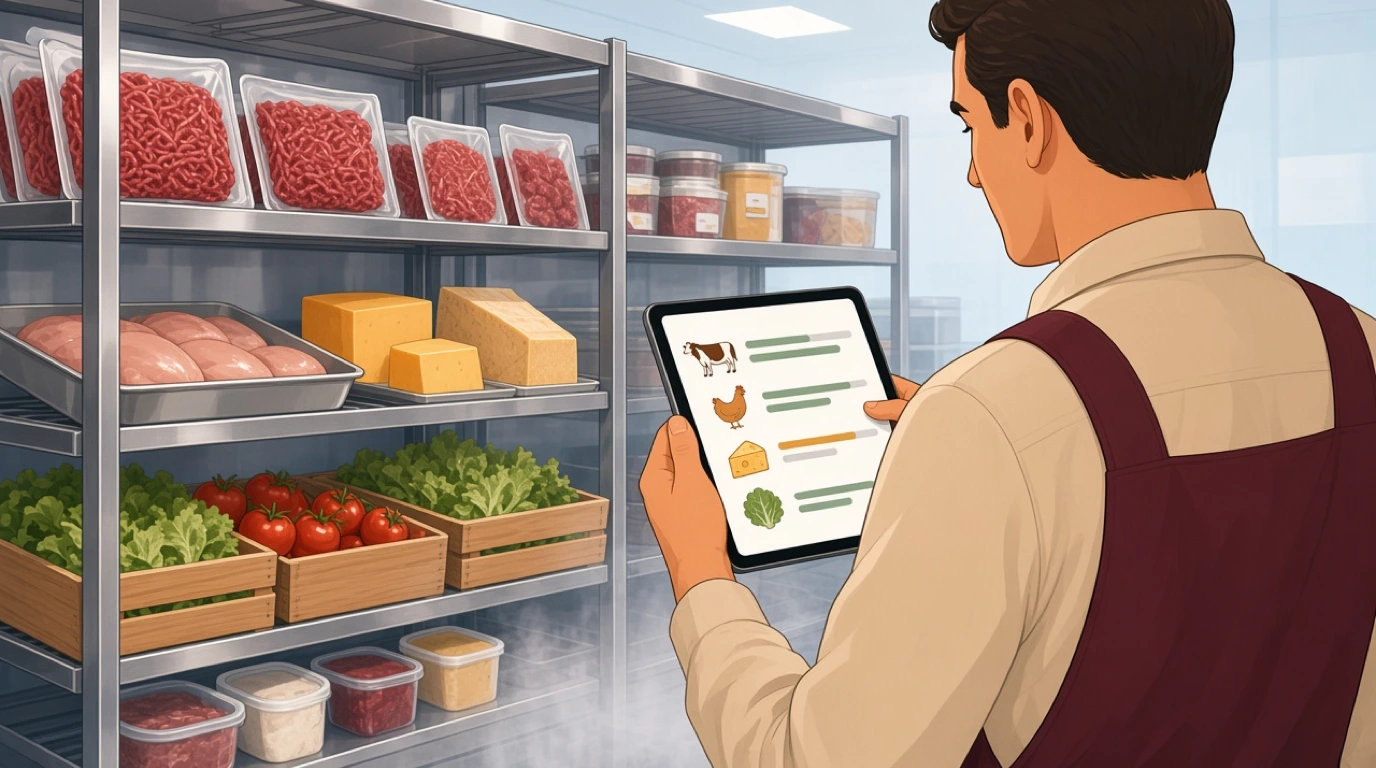
Each ingredient has a par level. When stock drops below it, the manager gets an alert, and the system can draft a purchase order for the usual supplier. Low levels also show up before service, so a dish can come off the menu before the fourth guest orders it, not after.
6. Counts are compared with expected use
At the weekly count, the system already knows how much of each ingredient should have been used. Staff count what's left, and the gap between expected and actual use is the variance: waste nobody logged, heavy portions, a recipe entered wrong, or stock leaving by the back door.
Here's that cycle over one week at a 60-seat bistro. On Monday morning the walk-in holds 40 kilos of beef mince, and a 20-kilo delivery arrives on Thursday. During the week the POS records 156 burgers, 22 of them with an extra patty, so 178 patties at 180 grams: 32.0 kilos of expected use, which should leave 28.0 kilos on Sunday night. The Sunday count finds 24.6 kilos. That's 3.4 kilos missing, about 11 percent of expected use. At 9.50 a kilo it's 32.30 for the week on one ingredient, or roughly 1,680 over a year.
The manager checks the easy causes first. The waste log shows 1.1 kilos thrown out on Wednesday after a fridge door was left open. That leaves 2.3 kilos. Weighing ten patties from Friday's prep gives an average of 192 grams against a recipe of 180, and 12 extra grams across 178 burgers is 2.1 kilos. The last 200 grams is ordinary trim. The fix is a portion scale at the prep bench and a new patty press, not a new supplier. Meanwhile the par level for beef is 25 kilos, so at 24.6 the system flags it on Sunday night and drafts Monday's order, sized from four weeks of burger sales instead of from memory.
What goes wrong when sales and stock are separate
Connected inventory platforms can work very well. When they don't, the trouble shows up at the same few points. If you're keeping your POS and adding a separate inventory tool, test each of these before you sign.
Unmapped items. The chef adds a Thursday special to the POS at 4 pm. Nobody builds its recipe in the inventory system, so every special sold takes nothing out of stock, and the variance report blames the kitchen a week later. Ask what the system does with a sale it can't match to a recipe.
Modifiers that don't deduct. Integrations often carry the menu item but not its modifiers, or carry modifiers as text with no ingredients behind them. Extra patties, added bacon and double shots then disappear from the numbers. Ring in your most customised dish and check what came out of stock.
Voids, comps and staff meals. A comped dessert was still made; a voided main may not have been. Staff meals that are never rung in at all show up as missing stock. Each needs a rule, and both systems have to agree on it. Unexplained gaps that keep coming back are also the first sign covered in our article on restaurant employee theft.
Unit conversions. A case entered as one unit instead of twelve makes stock look twelve times higher or lower than it is. With two systems, the purchasing unit lives in one and the recipe unit in the other, and a mistake in either goes unnoticed until the count.
Prep and batch cooking. Twenty litres of stock, a tray of lasagne, a tub of burger sauce. If batches aren't set up as sub-recipes, the raw ingredients vanish on prep day and the finished batch appears from nowhere, and neither number means anything.
Overnight sync. Some connected platforms import sales once a day or once an hour. During service, the levels on screen are yesterday's, which is exactly when you need to know whether there are enough sea bass portions for the second sitting.
Menus kept twice. A new dish, a changed portion, a removed item: if the inventory tool keeps its own copy of the menu, someone has to update both, and the week they forget, the food cost report is wrong.
Transfers between sites. Groups move stock all the time: a case of lemons to the sister site, desserts from the central kitchen. If transfers aren't recorded, one site shows a surplus and the other a loss. The wider work of running several venues is covered in our article on multi-location restaurant management.
What to look for in a POS with inventory management
Every demo shows a tidy stock list with ten items. These are the questions that tell you how it'll behave with three hundred.
1. Ingredient-level recipes with sub-recipes
Each dish should break down into ingredients by weight or volume, and house-made sauces, stocks and doughs should be recipes of their own. Ask to build one of your dishes in the demo, including a sauce, and see how long it takes.
2. Modifiers linked to ingredients
Every modifier that changes what goes on the plate should change what comes out of stock. Ask how "extra", "no" and "swap" modifiers are set up, and ring one of each in.
3. Unit conversions you can see and change
Buying, counting and recipe units for each ingredient, with the conversion shown in plain numbers. Ask what happens when a supplier switches from 5 kilo to 10 kilo cases.
4. Deductions from every channel
Dining room, counter, QR menu, your website and delivery platforms should all take stock out the same way. Ask to see a delivery order arrive and check the ingredient levels before and after.
5. Par levels, alerts and draft orders
Par levels per ingredient, alerts that reach a manager's phone, and purchase orders built from them. Ask whether a low level can turn into an order without anyone typing quantities.
6. Counts on a phone or tablet
Counting should follow the walk-in, the dry store and the bar shelf in the order they're laid out, not the alphabet. Afterwards you want a variance report by ingredient, in quantity and in money. Ask how long a full count takes at an existing customer of your size.
7. Waste logging with reasons
Spoilage, a dropped plate, a dish sent back, prep trim. Each should be quick to log from the kitchen and costed per item. Waste you can see by reason is waste you can act on, and the practical side is covered in our article on how to reduce food waste.
8. Food cost per dish that follows prices
When the price of beef goes up, the cost of every dish using it should update, with its margin against the menu price. That's what makes menu engineering possible without a weekend of spreadsheets, and the cost of goods should be easy to pass on to your restaurant accounting.
9. Several locations from one view
One ingredient list for the group, stock levels per site, and transfers between them. Ask how a manager sees which site is short of what before ordering.
How much does a POS with inventory management cost?
The price depends on which setup you choose, and the biggest cost is often time rather than the subscription.
Built-in inventory. Usually part of a plan tier rather than a separate charge. Basic stock tracking may come with the entry plan, with recipes, purchasing and multi-site features on higher tiers. Check which tier has ingredient-level tracking, not just item counts.
Vendor add-on. Typically a monthly fee per location on top of the POS subscription. For a single site it's often modest; for a group it multiplies with every venue.
Connected platform. Its own subscription per location, sometimes with an onboarding fee for building recipes, and occasionally an integration fee from one side or the other. You also pay in time keeping two menus in step.
Setup time. Whatever you choose, someone has to enter ingredients, units and recipes. For a menu of 60 dishes with a dozen sub-recipes, expect a few days of a chef's and a manager's time, spread over two or three weeks.
Against that, food is usually the largest single cost a restaurant controls, and together with labour it makes up the restaurant prime cost. A couple of percentage points of food cost on a busy site is worth far more than most software subscriptions. In Tableview, basic inventory is in every plan, and advanced inventory and procurement come with Pro and Enterprise; the details are on our plans and pricing page.
How to choose a POS with inventory management for your restaurant
The right setup depends on how much of your menu is made from shared ingredients, how much your guests customise, and how many places you sell from.
Full-service restaurants
Long menus, house-made sauces and seasonal specials. Sub-recipes and fast recipe building matter most, because the menu changes often and a special without a recipe breaks the numbers. Look for recipes that live in the same system as the full-service restaurant POS, so a new dish is costed the day it goes on.
Casual dining and bistros
Short menus, high volume and a lot of customising. Modifiers linked to ingredients and alerts before the lunch rush are what count, because running out of chicken at 12:40 costs more than any variance. That's daily life in casual dining and bistros.
Bars and nightclubs
Fewer ingredients, much higher value per millilitre. Cocktail recipes that deduct each spirit, bottle counts by shift and keg levels matter more than food recipes. Bar margins leak through pour variance, and the numbers behind it are in our article on bar pour cost. The venue side is on our bar POS system page.
Takeaway and delivery
Most orders arrive through platforms and your own website, often at the same moment. Deductions from every channel and a single place to mark an item as sold out are essential, or you keep taking orders for a dish you can't make. That's the core of a takeaway POS system.
Food trucks and cloud kitchens
A truck has a tiny store and no room for surplus, so tight par levels and a count after every event matter most. A cloud kitchen running several brands from one set of shelves needs every brand's recipes drawing on the same ingredients. Both are covered on our page for cloud kitchens.
Hotels and resorts
Several outlets, a main kitchen, room service and banqueting, often sharing one store. Shared ingredients and transfers between outlets matter most, so the pool bar's lime shortage doesn't turn into a surplus in the restaurant. That's routine in hotel F&B.
Setting it up without losing a month
Most failed inventory projects die in the first three weeks, buried under recipes nobody finished. A narrower start works better.
Start with the dishes that sell most. In most restaurants, twenty dishes make up the large majority of sales. Build those recipes first and leave the rest for later. You'll have useful numbers in a week instead of perfect ones in a quarter.
Set up ingredients and units before recipes. Go through your last month of supplier invoices and list every ingredient with how it's bought, counted and used. Recipes go fast once this list is right, and slowly when it isn't.
Weigh, don't estimate. Weigh real portions on a busy night, not the chef's memory of the recipe. The gap between the two is often the variance you're trying to find.
Do an opening count on a quiet day. A full count before a Monday lunch gives the system a starting point. Count by storage area, in the order the shelves are laid out.
Run two weekly counts before trusting variance. The first week finds wrong recipes and wrong units. The second shows the real gaps. Act on the third.
Then add the rest. Remaining dishes, modifiers, par levels and draft orders, in that order. Par levels set from four weeks of real use beat any number written on the cold room door.
If the change is part of moving to a new POS altogether, our guide to switching POS systems covers the data, the hardware and the timing.
Where Tableview fits, and where it does not
In Tableview, stock management is part of the same platform as the POS, so every sale deducts its ingredients automatically, whether it was ordered at a table, at the counter, on a QR menu or through a delivery platform. Ingredients map to recipes, with sub-recipes and unit conversions, and food cost per dish is calculated automatically, with each dish's cost against its selling price. Stock is tracked across every location from one view, with barcode and batch tracking, count workflows and variance reports.
Each item has its own par level, push and email alerts warn before you run out, and purchase orders are generated in one click, with suppliers and their lead times kept in the same place. Waste is logged with reason codes. Bars get cocktail recipes that deduct each ingredient, bottle counts with variance alerts per shift and keg-level stock. Hotels and resorts share an ingredient pool across outlets, with transfers between them. When a dish runs out, you mark it once and it disappears from the QR code menu, your website and connected delivery platforms. Basic inventory is included in every plan; advanced inventory and procurement come with Pro and Enterprise.
Eve Tsk, General Manager of A.Z Sunrise Resort & Fitness Club in Phuket, Thailand, described the problem on our customer reviews page: "Having a restaurant and a beach bar, we didn't know how to synchronize inventory and sales. Tableview solved this with an easy and fast implementation. We were up and running in less than a week."
Where something else is the better choice:
- If you mostly sell bottled drinks and packaged food, item-level counts in almost any POS will do, and recipe tracking adds work without much return.
- If your team already runs a specialist back-office platform and you're happy with your POS, keeping both may be less disruptive than replacing the till.
- On the Starter plan, inventory is basic; check which stock features you need against the plan before you choose it.
- A chain with a central production kitchen planning batches for dozens of sites is better served by an enterprise system built around that operation.
Key takeaways
- A POS with inventory management uses the recipe behind each dish to take its ingredients out of stock at the moment of sale.
- Item-level tracking counts products. Ingredient-level tracking counts what the kitchen uses, which is where food cost is decided.
- Most errors come from unmapped items, modifiers without ingredients, wrong units and batches that aren't set up as sub-recipes.
- Test your most customised dish, a delivery order and a unit change during the demo.
- Built-in inventory is usually priced by plan; add-ons and connected platforms usually charge per location.
- Start with your best-selling twenty dishes and run two weekly counts before trusting variance.
Read next: inventory management basics for counts, par levels and costing methods, restaurant purchasing software for turning low stock into supplier orders, and food cost percentage for the formula and targets.