Your guests don't want your app. They want your food, ordered from a phone, without typing a card number into a stranger's checkout. For most restaurants a mobile ordering app should be a web page, not something people download: a link or a QR code opens your menu in the phone's browser, the guest pays with Apple Pay or Google Pay, and the order lands in the kitchen. That's what mobile order and pay means for a single restaurant or a small group, and it costs a fraction of building an app.
There are three versions of the idea, and they get confused all the time. A native app is the one in the App Store with your logo on it. A web ordering page does the same job in the browser, for pickup and delivery through a takeaway POS system or for dine-in through a QR code on the table. A marketplace app, Uber Eats, Deliveroo or Just Eat, belongs to someone else and charges you a commission on every order.
Each one has a job. A coffee chain with regulars who buy five times a week can make a native app pay. A 55-seat Thai restaurant paying 30% to a marketplace on its takeaway can't, and it doesn't need to. Below are the costs of all three, worked through for that Thai restaurant, and the point where building your own app starts to make sense.
What is a mobile ordering app?
A mobile ordering app is software that lets guests browse a restaurant's menu, order and pay from their own phone, for pickup, delivery or at the table.
- Menu with photos and modifiers
- Payment by card or phone wallet
- Pickup times or a table number
- Order status for the guest
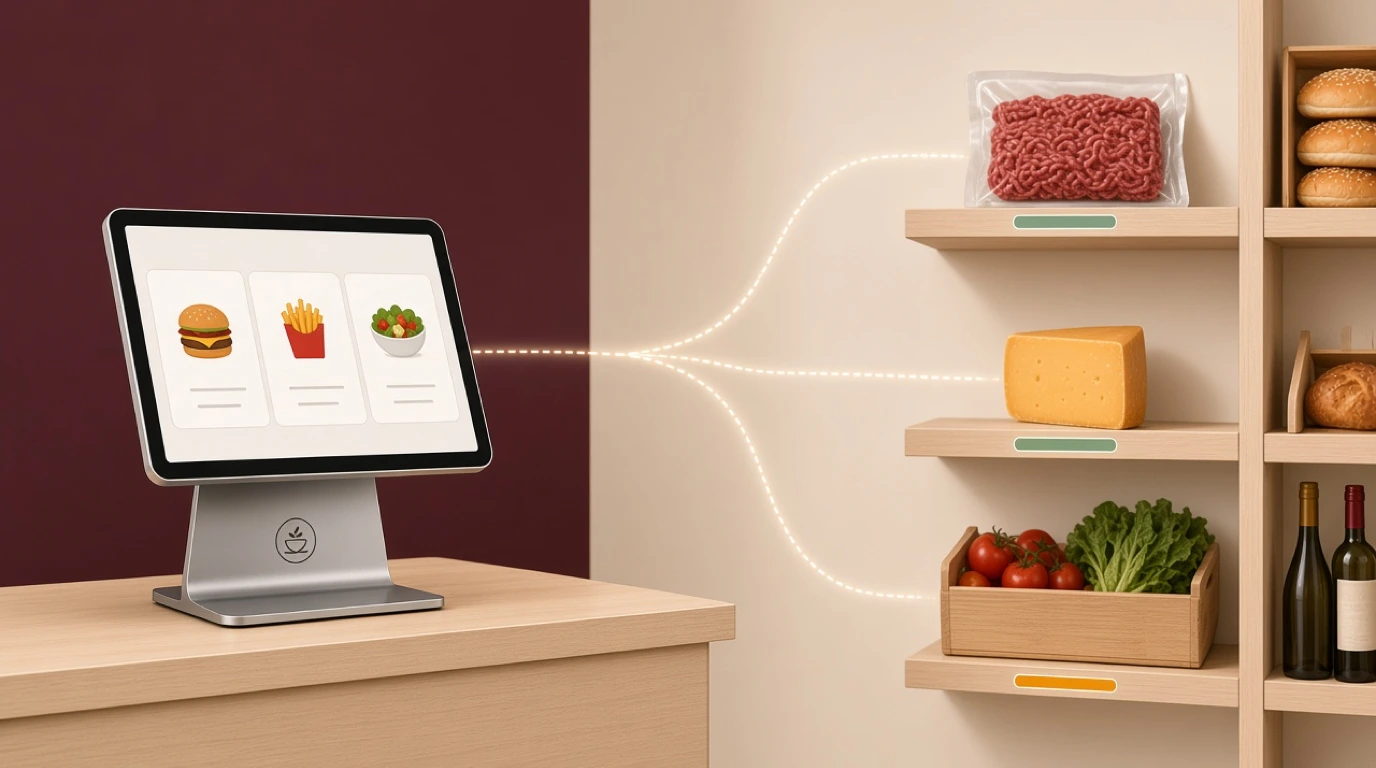
It sits between the guest's phone and the kitchen, so an order placed on the bus home reaches the right station without anyone retyping it.
A mobile ordering app may be:
- Built into a restaurant POS as a web ordering page
- Part of a restaurant website builder
- A native app built for you and published in the app stores
In short: a mobile ordering app puts your menu and your checkout on the guest's phone, whether or not they install anything.
Native app vs web ordering vs marketplace app
All three put an order on a phone. Where they differ is who owns the guest, who pays for the software, and how much of each order you keep.
Native app
An app built for your restaurant and published in the Apple App Store and Google Play. It can send push notifications, remember the guest's card and usual order, and sit on the home screen. It also has to be downloaded, updated and maintained on two platforms.
Web ordering page
Your menu and checkout as a page on your own domain, opened from a link, a Google listing or a QR code. Nothing to install, and it works on any phone with a browser. It can't send push notifications unless the guest saves it to the home screen, and it won't appear in an app store search.
Marketplace app
Uber Eats, Deliveroo, Just Eat, Glovo, Wolt. The guest already has the app and the platform brings you people who've never heard of you, often with a driver. In exchange it keeps a commission, commonly 15 to 35% depending on the plan, and the guest's details stay with the platform.
| Option | What you pay | Who owns the guest | Best for |
|---|---|---|---|
| Native app | Build, upkeep, store fees | You | Chains with very frequent regulars |
| Web ordering page | Usually part of the POS plan | You | Most independents and small groups |
| QR order and pay | Usually part of the POS plan | You | Dine-in, terraces, hotels |
| Marketplace app | Commission on every order | The platform | Finding new customers, delivery |
Key distinction:
- A native app and a web ordering page both keep the guest and the margin; only the native app has to be installed first.
- A marketplace brings guests you don't have yet, and charges for every one of them, including the regulars who'd have ordered from you anyway.
How mobile ordering works on a Friday night
Take a 55-seat Thai restaurant that does as much takeaway as dine-in. It has a web ordering page on its own domain, linked from its Google listing, and pickup slots every 15 minutes with room for 6 orders in each.
1. The guest opens the menu
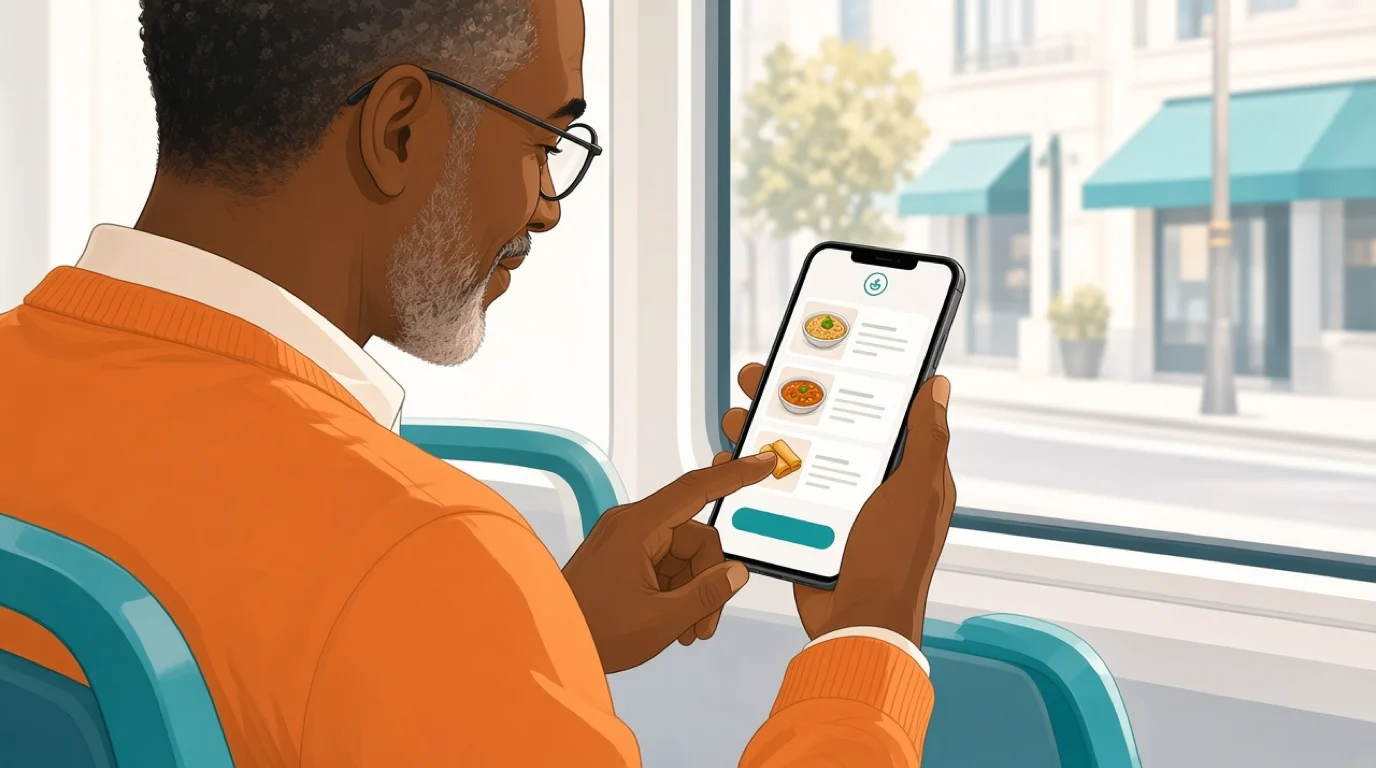
Friday, 6:40 pm. A regular taps the order link on the restaurant's Google listing from the bus. The menu opens in the phone's browser with the photos, the spice levels and the allergen icons, in the language the phone is set to. No login, no download.
2. The order is built
Two pad thai, one with no peanuts, a green curry and two spring rolls. The no-peanuts request is picked from the dish's modifiers rather than typed in a notes box, so it reaches the kitchen as a flag, not as a sentence somebody has to read.
3. A pickup time is chosen
The 7:00 slot already holds 6 orders, so the page offers 7:15. That's the part guests never see and kitchens care about most: the page knows how much the kitchen can make, and stops selling a time it can't meet.
4. The guest pays
Apple Pay, one tap with a face scan, and the order is confirmed. The money goes through the restaurant's own card processor at its normal rate. No commission, and no card number typed on a small screen.
5. The kitchen gets the ticket
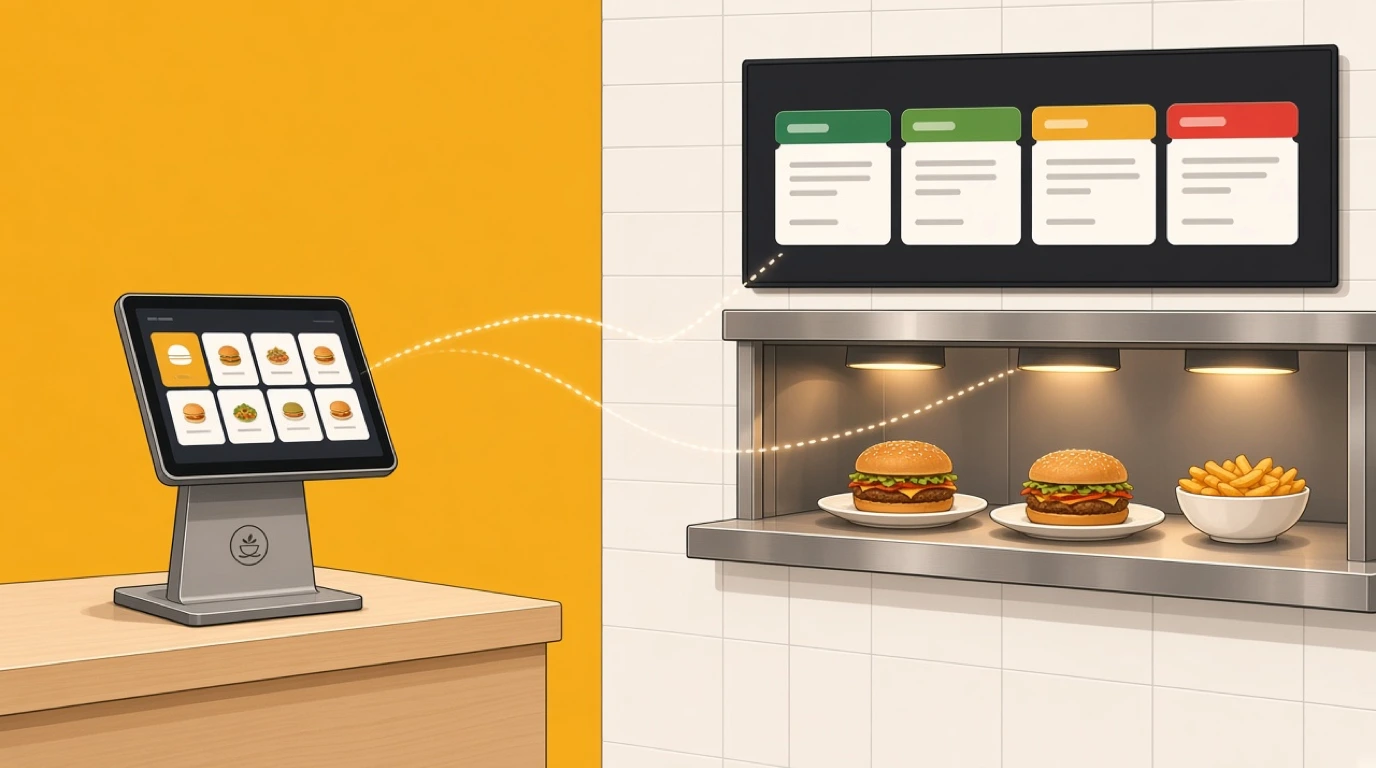
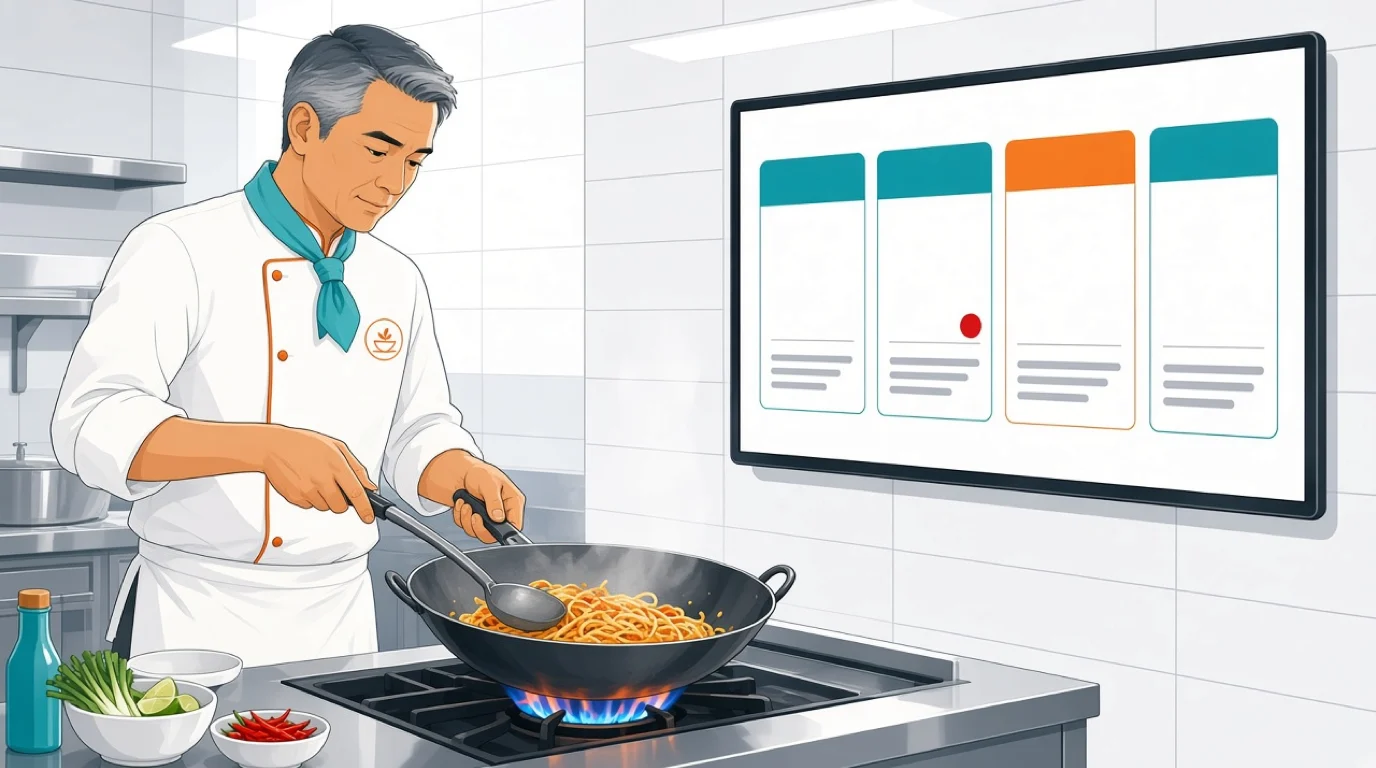
The order appears on the wok station's kitchen display at the time it needs to start, with the peanut flag in red, in the same queue as the dine-in tables and the two marketplace orders that came in a minute earlier. Nobody rekeys anything from a tablet on the counter.
6. The guest collects
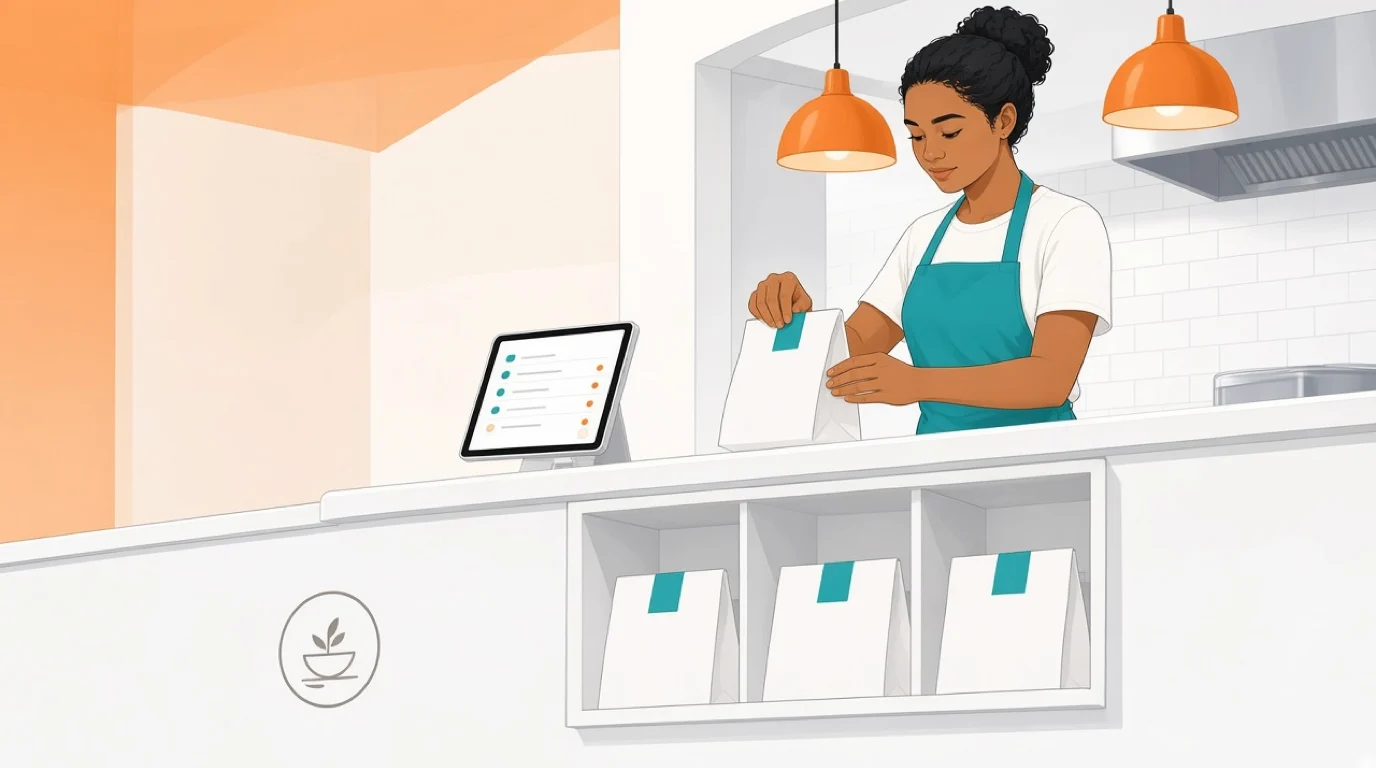
The page tells the guest when the order is ready, the bag is waiting on the pickup shelf with the name on it, and the regular is in and out in under a minute. The order also adds loyalty points to the guest's account, which a marketplace order can't.
Run the same order through a marketplace and steps one to six look almost the same to the guest. The difference is on the statement at the end of the month.
The download problem
Every app has to be installed before it can take an order, and that's where most restaurant apps stall. Guests download apps for things they use every week: their bank, their messages, the one coffee chain they visit before work. A neighbourhood restaurant they visit twice a month rarely makes the cut, however good the app is.
Run a rough funnel for a restaurant with 2,400 different guests a month. Say a quarter of them are regulars, and one regular in ten installs the app after a few weeks of table cards and receipt reminders. That's about 60 people with the app on their phone. Everybody else, the other 2,340, still needs a way to order that doesn't start with a download, which means you need the web ordering page anyway.
The figures are illustrative, and yours will differ. The shape won't. An app reaches the guests who already love you, a web page reaches everyone with a phone, and the second group is always the bigger one.
There's also the guest standing at your counter or sitting at your table. Nobody wants to download an app to order two coffees. At the table the job belongs to a QR code that opens the menu in the browser; our article on QR code menus covers where to put them and how to make them scan.
What a mobile ordering app costs
The three options are paid for in completely different ways, which is why they're so hard to compare. Rough market figures, before tax:
A native app
- Custom build by an agency: commonly 25,000 to 100,000 or more, depending on features and whether it's built once for both platforms or twice.
- Upkeep: often around a fifth of the build cost a year, for operating system updates, fixes and new phones.
- Store fees: 99 dollars a year for the Apple Developer Program and 25 dollars once for Google Play.
- White-label app services: a template app with your logo, usually a monthly subscription in the low hundreds plus a setup fee.
A custom app built for 40,000 costs about 48,124 in year one with upkeep and store fees, and then about 8,099 every year after that. One thing it doesn't cost is an app store commission: Apple and Google don't take a cut of food and other physical goods sold through an app, so orders pay your normal card fees.
A web ordering page
Usually part of the POS plan or a modest add-on to it, with the card fees on each order and nothing else. There's no build, no store listing, and the menu is the one the till already uses, so there's nothing extra to keep up to date.
A marketplace app
No setup cost worth mentioning, and a commission on every order for as long as you're listed. That's the expensive one, by a long way, once the orders are regulars rather than new customers.
The Thai restaurant's numbers
Say the Thai restaurant takes 900 marketplace orders a month at an average of 32, with an assumed 30% commission. That's 8,640 a month to the platform. Many of those orders come from people who live ten minutes away and would happily collect.
If a web ordering page moves 40% of them to direct pickup, 360 orders a month, the restaurant stops paying 3,456 in commission and pays about 196 in card fees on the same sales at 1.7%. That's about 3,260 a month kept, or 39,122 a year, from a page that runs on the POS it already uses.
The same restaurant could build a native app, and the arithmetic still says no. The app would cost about 48,124 in year one, and it wouldn't move more orders than the web page does, because the regulars who'd install it are the ones the web page reaches first. Our article on third-party delivery covers what to keep on the marketplaces and what to move.
When a native app is worth building
A native app isn't a bad idea. It's an expensive one that pays back only when the same guests order very often. Four signs it might be right for you:
- Frequency. Regulars who order several times a week, as they do at a coffee chain, a lunch spot near offices or a bakery on a commuter route.
- Several locations. Ten or more sites share the build cost, and one app that finds the nearest branch is useful to the guest.
- Push notifications you'll actually use. A reminder at 11:30 that lunch can be ready at noon is worth something. A weekly discount nobody asked for gets the app deleted.
- Loyalty at the centre. If points, stamps and a saved usual order are the reason guests come back, an app can carry them better than a card in a wallet.
Even then, the web ordering page comes first. It's what new guests, occasional guests and everyone at the table will use, and the app is an extra for the regulars who want one. Build the app on top of the same menu, the same kitchen queue and the same loyalty accounts, never as a second system with its own menu to keep in sync.
What to look for in a mobile ordering app
Whichever version you choose, the guest only sees the front. These are the parts behind it that decide whether it helps on a busy night or makes one worse.
1. Orders land in the POS and the kitchen
An order that arrives on a separate tablet has to be rekeyed, and rekeyed orders are where mistakes start. Ask to see a phone order reach the kitchen screen during the demo, with modifiers intact.
2. One menu everywhere
When the duck runs out at 8 pm, marking it sold out once should take it off the till, the ordering page, the QR menu and the marketplaces. Ask how many places you'd have to change a price.
3. Pickup times that know the kitchen
Time slots with a limit per slot stop the page promising twelve orders for 7:00 when the kitchen can make six. Without them, a successful Friday on the ordering page turns into a line of angry guests at the counter.
4. Phone wallets at checkout
Apple Pay and Google Pay are what make ordering on a phone quick. Guests give up when they have to type sixteen digits on a bus. Ask which wallets are supported and whether the money goes through your own restaurant payments account or the vendor's.
5. Allergens and modifiers that travel
Allergen icons, dietary filters and required choices (spice level, side, cooking point) should be part of the dish, not a free-text box. A request typed in a notes field can be missed. A flag on the ticket can't.
6. Your domain and your guest data
The ordering page should live on your website, with your logo and your colours, and the guest's name, number and order history should belong to you. That's what lets you run a restaurant loyalty program or send an email to last month's guests.
7. Languages
In a tourist area, a menu that opens in the guest's own language sells more than one they have to translate on another app. Ask whether translations follow the phone's settings and who keeps them up to date.
8. Pausing and throttling
Sometimes the kitchen is full and the right answer is to stop taking orders for twenty minutes. Ask how fast you can pause online ordering, and whether that pauses the marketplaces too.
How to choose a mobile ordering app for your restaurant
The right mix depends on how your guests already order.
Takeaway and delivery restaurants
Start with a web ordering page for pickup, linked from your Google listing and your website, and keep the marketplaces for the delivery radius you can't cover yourself. Our article on delivery app integration covers getting both into one queue.
Cafes and lunch spots
High frequency and short visits are where order-ahead earns its keep. A web page first; a native app only once the regulars are asking for one, and usually only once you have several sites.
Casual dining and bistros
Dine-in comes first, so QR order and pay at the table matters more than an app. Guests at casual dining restaurants order a second round or a dessert from their phone without waiting to catch a server, and the server spends the time on the tables that need one.
Food trucks and pop-ups
A queue is the problem. A QR code on the side of the truck lets people order and pay while they wait, and the screen calls them up when it's ready. Nobody downloads an app for a truck they might see once.
Hotels and resorts
In-room dining, the pool bar and the beach all work from the same QR menu, and the charge can go to the room. A hotel F&B team gets more from that than from asking guests to download an app for a three-night stay.
Groups with ten or more sites
This is where a native app can pay for itself. Build it on the same menu and kitchen queue as the web page, and make sure every site's sold-out items reach it.
Getting guests to order direct
A web ordering page that nobody finds takes no orders. The work is mostly putting the link where guests already look.
- Your Google listing. Add the order link to your Google Business Profile, where most people look up your hours. Our article on the Google Business Profile shows where it goes.
- Your website's first screen. An "Order online" button above the fold, not three clicks into a menu page.
- The bag and the receipt. A card in every pickup bag with a QR code to the ordering page, and the same code on the receipt.
- The table. A QR code for the next visit's takeaway, next to the one for ordering at the table.
- A reason to switch. Loyalty points on direct orders, or a slightly better price than on the marketplaces, is often enough for a regular.
Check your marketplace contracts before you price lower on your own page. Some include price parity terms, and it's better to know before a regular points out the difference.
Where Tableview fits, and where it does not
Tableview doesn't sell a native app, and for most restaurants that's the point. Guests order through a branded web ordering page on your own domain, with your logo and colours, for pickup or delivery, choosing a time slot that follows the kitchen's real capacity and paying by card, Apple Pay or Google Pay. Nothing to download. At the table, the same menu opens from a QR code per table, room or counter, and guests order and pay from their phone.
Every order lands in the same queue as the till and the marketplaces, with Uber Eats, Deliveroo, Just Eat, Glovo and Wolt orders arriving in one place, and goes to the kitchen display system or printer with its modifiers. Mark a dish sold out once and it disappears everywhere. The menu shows the 14 EU allergen icons with dietary filters for guests, opens in more than 20 languages based on the phone's settings, and direct orders earn loyalty points automatically. In hotels, in-room orders post to the guest's folio.
E-Menu QR ordering and the Instant Site website builder are in the Starter plan at 69 dollars a month. Pro, at 189 dollars, adds the kitchen display system, advanced inventory and multi-location management. New customers get their first three months free on either plan.
Where it's not the right choice:
- You want an app in the App Store. If push notifications and a home-screen icon are the whole plan, you'll need an app builder or an agency alongside your POS.
- A chain of hundreds. A national brand with a custom app, its own loyalty platform and in-house developers needs enterprise integrations and a vendor built for that scale.
- A marketplace exclusivity deal. If your contract rules out direct ordering for now, that has to run out first.
Key takeaways
- A mobile ordering app lets guests order and pay from their own phone, for pickup, delivery or at the table.
- For most restaurants a web ordering page does the job of an app, with nothing for guests to install.
- Only regulars download restaurant apps, so the web page reaches far more guests than an app ever will.
- A custom native app commonly costs tens of thousands to build and a fifth of that each year to maintain.
- Moving regulars from marketplaces to direct pickup usually saves more than any app could earn.
- Whatever the guest uses, orders should land in the POS and kitchen queue, from one menu.
Read next: POS with online ordering for how direct orders reach the till, pay at the table for the dine-in side, and digital menus for restaurants for the menu itself.