Self-ordering kiosks stopped being a McDonald's experiment somewhere around 2022. By 2026 they show up in fast-casual chains, ghost kitchens, airport food halls, museum cafes, ballpark concourses, neighbourhood pizza shops, and a surprising share of full-service restaurants that use them only at the front-of-house host stand. The category has gone from "interesting if you have the volume" to "default deployment for anything counter-service" in under five years, and most independent operators we talk to are evaluating either their first kiosk pilot or their second-generation refresh.
The numbers are the reason. Across credible operator data, self-ordering kiosks lift average check by 8-30% (most reliably in the 12-18% range for fast-casual and 18-25% for QSR), absorb 30-50% of peak-hour transactions away from a human cashier, improve order accuracy, and pay back the hardware capex in 6-18 months when sized correctly. The honest counter-side is that kiosks also fail noisily when operators treat them as a drop-in cashier replacement instead of a new ordering surface that needs its own menu engineering, accessibility discipline, and rollout plan.
This guide is the operator's playbook. We explain what a self-ordering kiosk actually is, the five real benefits with the honest math behind each, the five drawbacks nobody puts in the sales deck, the decision matrix between kiosks and QR code menus versus counter ordering, the seven decisions you need to make before you sign a hardware contract, format-specific playbooks for QSR, fast-casual, ghost kitchens, and full-service, a four-week rollout plan, and how kiosks fit alongside the rest of your restaurant tech stack. A free interactive Kiosk ROI calculator is embedded a few sections down so you can model your own payback on the spot. The standalone version lives in the calculators hub alongside the rest of the free operator toolkit. By the time you finish, you should know whether kiosks belong in your operation, where to put them, what to buy, and what to ignore.
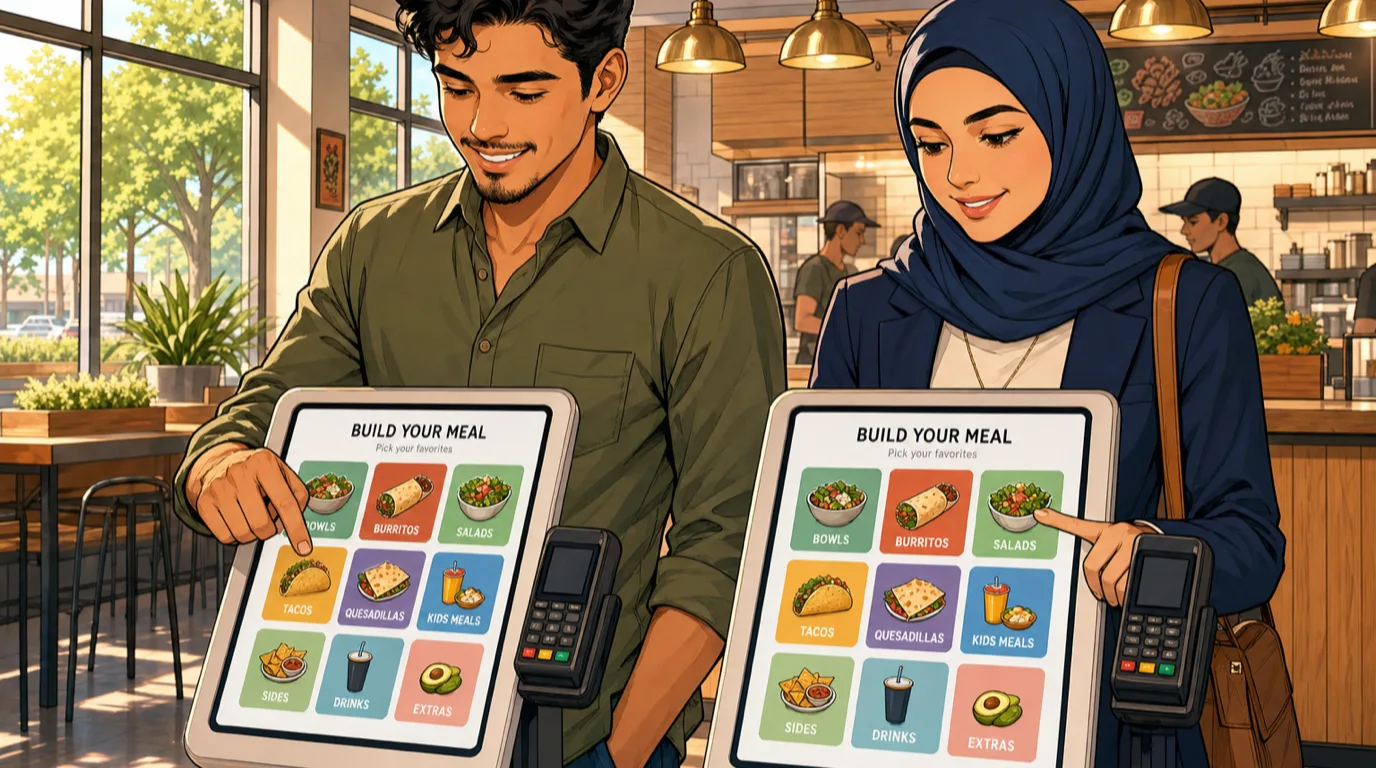
What a self-ordering kiosk actually is
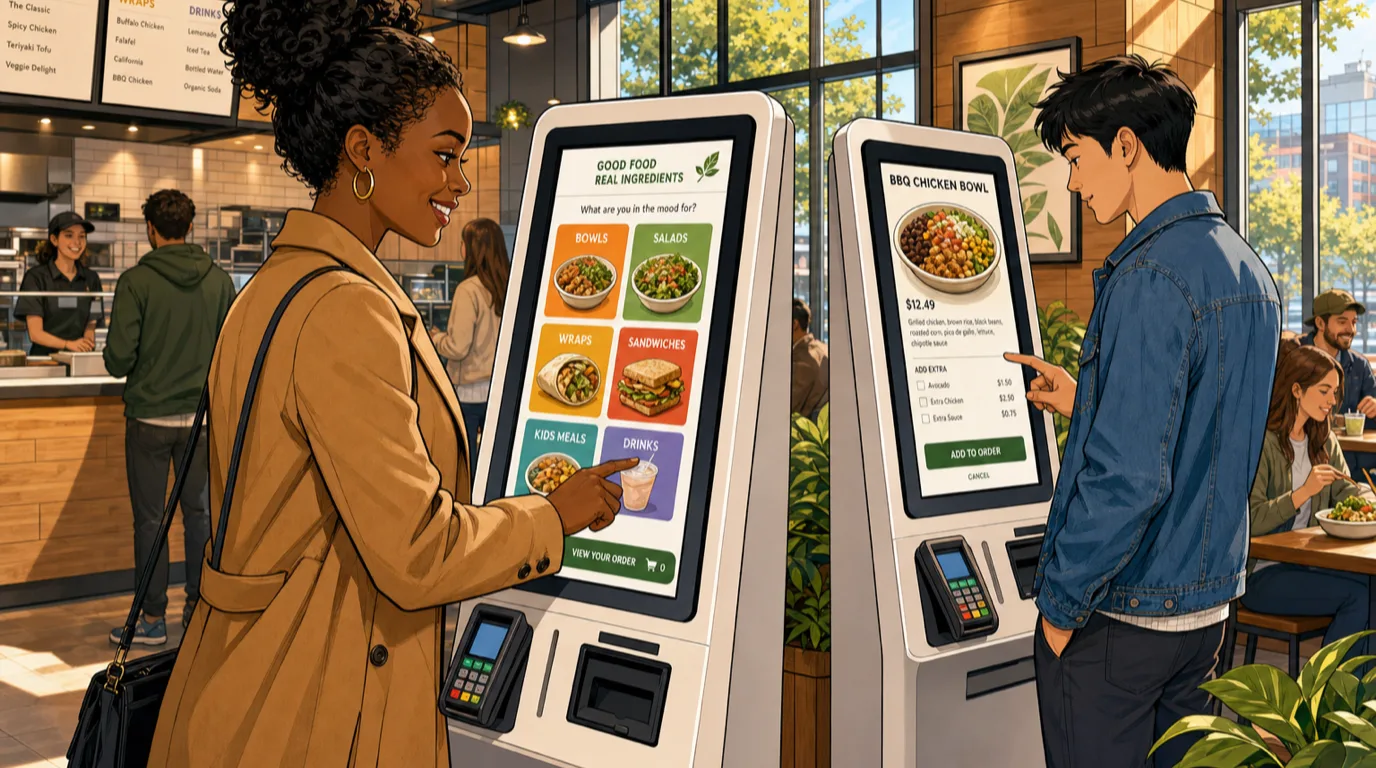
A self-ordering kiosk is a guest-facing screen that lets a diner build their order, customise it, pay for it, and dispatch it to the kitchen without a staff intermediary. The kiosk is one surface inside a broader order management system that typically also includes online ordering, in-app ordering, QR code menus, third-party delivery marketplace integration, and the traditional cashier POS. The kiosk's job is to handle the on-premise self-service slice of that total demand cleanly.
Hardware varies more than the sales decks let on. The four common form factors:
- Floor-standing pedestal kiosks (the McDonald's model). Typically 22-32 inch touchscreens at standing or seated height, with integrated payment, receipt printer, and (sometimes) a scanner for loyalty cards. Capex: $3,500-7,000 per unit installed. Best for high-throughput formats where multiple kiosks share a queue.
- Wall-mounted kiosks. Same screen, mounted to a wall or recessed into a counter. Lower install footprint, slightly lower capex ($2,800-5,500), and easier to integrate into existing floor layouts. Best for fast-casual sites where floor space is constrained.
- Counter-top kiosks. Smaller (15-21 inch) screens that sit on a counter beside or in place of a cashier station. Capex $1,800-3,500. Best for cafes, bakeries, juice bars, and any format where the order area is a single station rather than a banked queue.
- Tablet kiosks. iPad or Android tablet in a secure floor or table mount, often using the same mobile ordering app the operation already runs for delivery and pickup. Capex $400-1,200 per unit. Best for low-volume pilots, satellite locations, and ghost kitchen pickup lobbies where the "kiosk" is really just an order-ahead confirmation surface.
Software is the part that actually matters. The right kiosk software shares its menu, modifier logic, pricing, tax, and reporting with the rest of your POS - the kiosk shows the same items at the same prices as the counter and the online ordering channel, and the order flows into the same KDS ticket queue as everything else. A kiosk that runs on its own menu engine, with its own pricing, and its own reporting, is a separate operation grafted onto yours - it will diverge within weeks and produce a steady stream of guest complaints about "the kiosk said one price and the receipt said another."
The five real benefits, with the honest math
Vendor sales decks promise everything. Operator-tested data is narrower and more useful. The five benefits that consistently show up when kiosks are deployed correctly:
- Basket-size lift of 8-30%. The single most quoted kiosk number, and the one with the most variation by format. The mechanism is simple: a touchscreen with high-resolution photos, structured upsell prompts ("would you like to add a side of fries to this combo?"), and zero social cost to saying yes to extras outperforms a busy cashier reading from a script. Fast-casual sites with straightforward customisation typically see 12-18% lift. QSR sites with combo logic and dessert upsells see 18-25%. Pizza and build-your-own formats with high customisation depth see 22-30% because every modifier is a revenue opportunity rather than a stress point for the cashier. The lift compounds with disciplined menu engineering - putting the highest- margin items in the recommended slots and the visually appetising photos on the upsell prompts is where the kiosk pays for itself.
- Peak-hour throughput compression. A bank of four kiosks absorbs the morning rush or lunch peak without the line spilling out the door. Most operators report peak-hour transactions processed per minute roughly doubling once 50% of orders shift to self-service. That throughput lift translates to either more covers per hour at the same labor (a turnover multiplier) or the same covers per hour at lower labor (the labor reallocation story below). For sites that lose revenue to lines (the guest who walks past at 12:35 because the queue is out the door), throughput is the most underrated kiosk benefit.
- Labor redeployment, not labor elimination. The honest framing matters here. Kiosks rarely let operators cut a head outright; what they do is let the same headcount run a higher-revenue operation. A cashier becomes a kiosk concierge plus expediter, the expediter becomes a quality-control runner, the runner becomes a table-clearing host. Each role moves up the value stack. The labor cost percentage improves because revenue rises faster than payroll, not because payroll falls. Operators who deploy kiosks expecting to cut staff usually end up reversing the decision within 90 days because guest experience degrades faster than the savings accumulate.
- Order accuracy improves measurably. A guest tapping their own modifiers gets exactly what they asked for. The cashier-misheard "no pickles" that triggers a remake and a five-minute delay disappears. Across our reference operators, kitchen remake rates drop 35-55% in the first 60 days post-kiosk-deployment for self-ordered tickets versus cashier-keyed tickets. The waste reduction shows up directly on food cost percentage and indirectly on the staff bandwidth no longer absorbed by remakes.
- Structured guest data capture. Every kiosk order is a digital transaction with full SKU detail, modifier history, time of day, and (if the kiosk offers loyalty sign-in or order-ahead account linking) identity. This data flows into the restaurant CRM and powers everything from lapsed-regular re-engagement to channel-level lifetime value reads. Cashier-keyed orders are technically the same data, but kiosks collect identity attached to baskets at a meaningfully higher rate because the sign-in is part of the natural flow rather than a post-order awkward ask.
Try the math on your own operation
Drop your numbers into the calculator below. It returns the monthly revenue lift from basket-size growth, the annual labor redeployment value, the kiosk payback period in months, and a three-year NPV against your discount rate, with a tier badge against the operator- tested healthy band. Nothing leaves your browser.
Run the calculator twice - once with your current daily transaction count and a conservative 10% basket lift, once with a 4-kiosk deployment and a 15% lift. The gap between the two NPVs is usually larger than operators expect, because the throughput effect compounds with the basket-size effect on the same fixed-cost base. Most independent fast-casual sites that run the calculator with realistic numbers come out with a payback period of 9-14 months on a 2-4 kiosk deployment.
The five honest drawbacks nobody puts in the sales deck
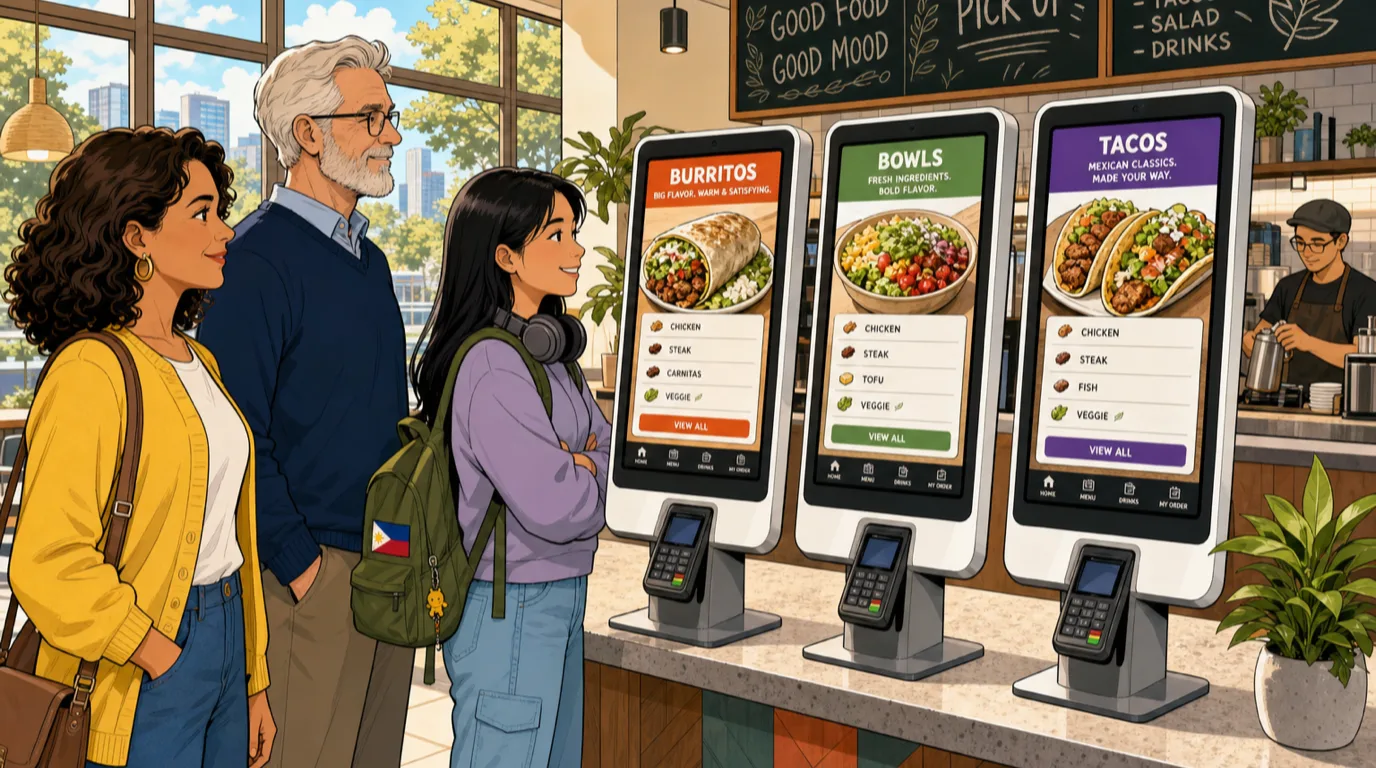
Kiosks are not free money. The five issues that consistently surface in the first 90 days and that you should plan for explicitly:
- Upfront capex and three-year refresh cycle. The $3,500-7,000 per unit floor-standing kiosk has a 3-4 year useful life before the touchscreen starts to fail and the OS stops getting payment- certification updates. Plan for refresh in the original break-even analysis. A four-kiosk deployment with a 3-year refresh is roughly $5,000-9,000 a year in straight-line depreciation - real money on the P&L.
- Accessibility compliance is non-negotiable. ADA in the US and the European Accessibility Act (EAA) effective 2025 require self-service kiosks to be accessible to guests with mobility, vision, and cognitive disabilities. Screens have to be reachable from a wheelchair, contain headphone jacks for audio menu navigation, offer high-contrast modes, and (in many jurisdictions) provide a non-kiosk ordering path on demand. Compliance failures show up as lawsuits in the US (the McDonald's, Chipotle, and Five Guys ADA suits from 2022-2024 set the precedent) and as fines plus mandatory remediation in the EU. Budget for it; the cheap kiosk hardware usually skips the adjustable-height mounting and the headphone jack.
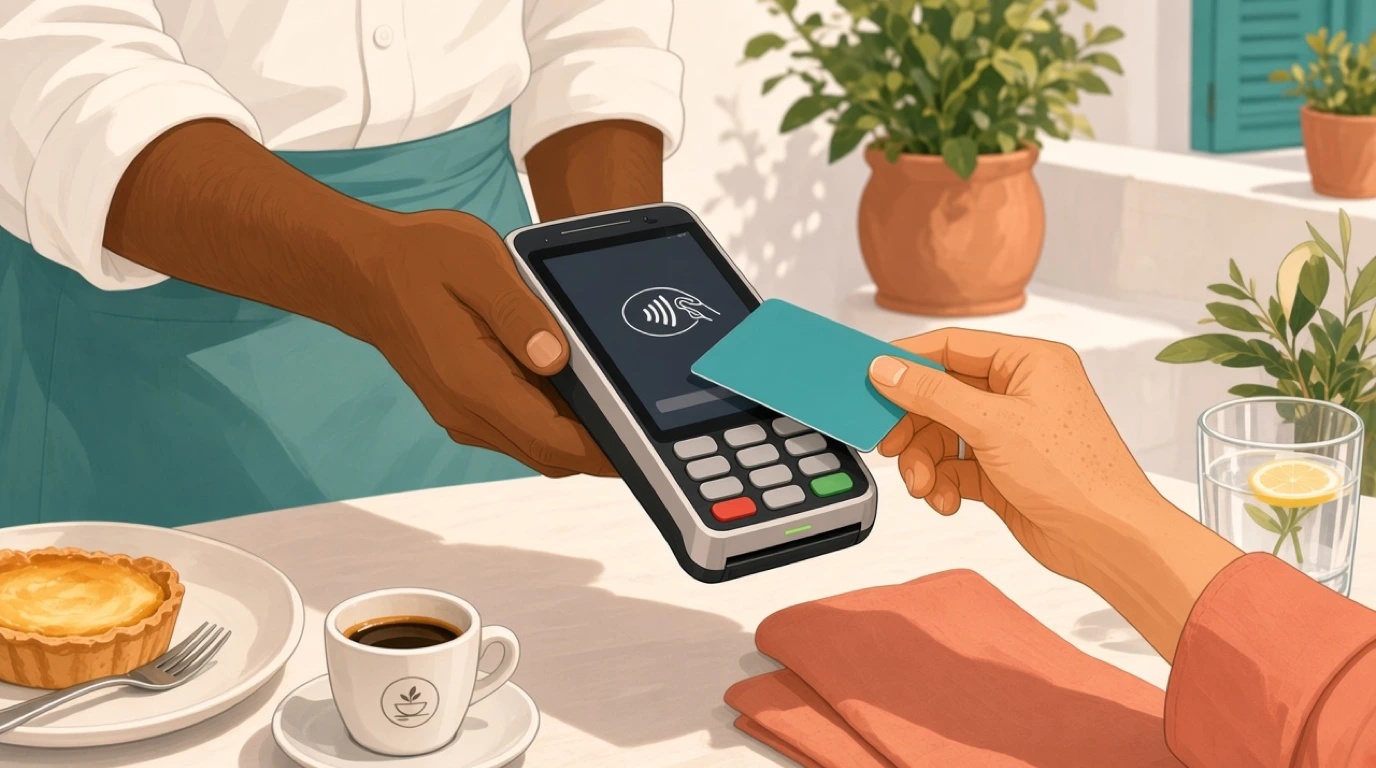
- Payment integration is harder than it looks. A kiosk has to take card-present transactions through a certified EMV-capable terminal, settle to the same merchant account as the counter POS, and reconcile cleanly into the daily close. The bolt-on kiosk vendors who let you pair "any payment processor" usually mean "you will spend 30 hours integrating, then 5 hours a month reconciling." Native integrated payments are the only path that actually works at scale. Same processor, same merchant ID, same end-of-day batch as the rest of the POS.
- Hardware breakage and queue interruption. Kiosks get spilled on, dropped on, jammed with receipts, and occasionally vandalised. A four-kiosk deployment with one unit out for repair loses 25% of self-service capacity, and the line moves to the cashier exactly when the cashier headcount has already been reallocated. Plan for a 1.0 spare unit in the original order, a 24-hour swap-out warranty SLA from the hardware vendor, and a documented manual-cashier fallback procedure for the moments when multiple kiosks fail simultaneously.
- Social atmosphere shifts. Kiosks change the texture of the room. The chatty exchange with the cashier disappears; the hospitality moment becomes the moment the runner brings the food. Some formats are improved by this (high-volume QSR where the cashier conversation was a friction point anyway), and some formats are genuinely harmed by it (neighbourhood cafes where the regular's relationship with the barista was half the reason for the visit). The operator's job is to decide which side their format sits on before they sign the contract. The mitigation is to keep at least one human-staffed ordering option even in heavy-kiosk sites, and to reallocate the saved labor to genuinely hospitable touchpoints (table delivery, food runners, refill rounds) rather than to back-of-house prep.
Kiosk vs QR menu vs counter ordering: the decision matrix
The three on-premise ordering surfaces all overlap, and the right mix depends on format, average check, dwell time, and guest expectations. The framework that holds up across most independents:
- Counter ordering wins when the guest interaction is the brand (third-wave coffee, neighbourhood bakery, owner-operated spots where the regular knows the staff), when the throughput is low enough that one cashier never bottlenecks, or when the menu is small and stable enough that a verbal exchange is faster than a touchscreen.
- Self-ordering kiosks win when peak-hour throughput genuinely bottlenecks the operation, when the menu has meaningful customisation depth (build-your-own bowls, pizza modifiers, combo logic), when basket-size lift from structured upsells is a real opportunity, and when the format already has a queueing culture that guests accept (QSR, fast-casual, food halls, sports venues).
- QR code menus win when the ordering happens at a seated table with the food delivered by a runner, when the operation runs both dine-in and pickup and wants a single ordering surface, when capex constraints rule out hardware kiosks, or when the guest base is technology-comfortable and willing to scan and pay from their phone.
Most operations end up with a mix. A fast-casual lunch spot might run three kiosks for peak, one staffed counter for accessibility and complex orders, and a QR code option for the patio tables where runner service is impractical. A pizzeria might run a single counter-top kiosk for take-out customers while keeping the phone-and-counter workflow for the kitchen's familiar dine-in service. A neighbourhood brunch spot might skip kiosks entirely and run QR codes at the table plus traditional counter ordering at the front. The wrong move is treating any one surface as the universal answer.
The seven operator decisions before you sign a hardware contract
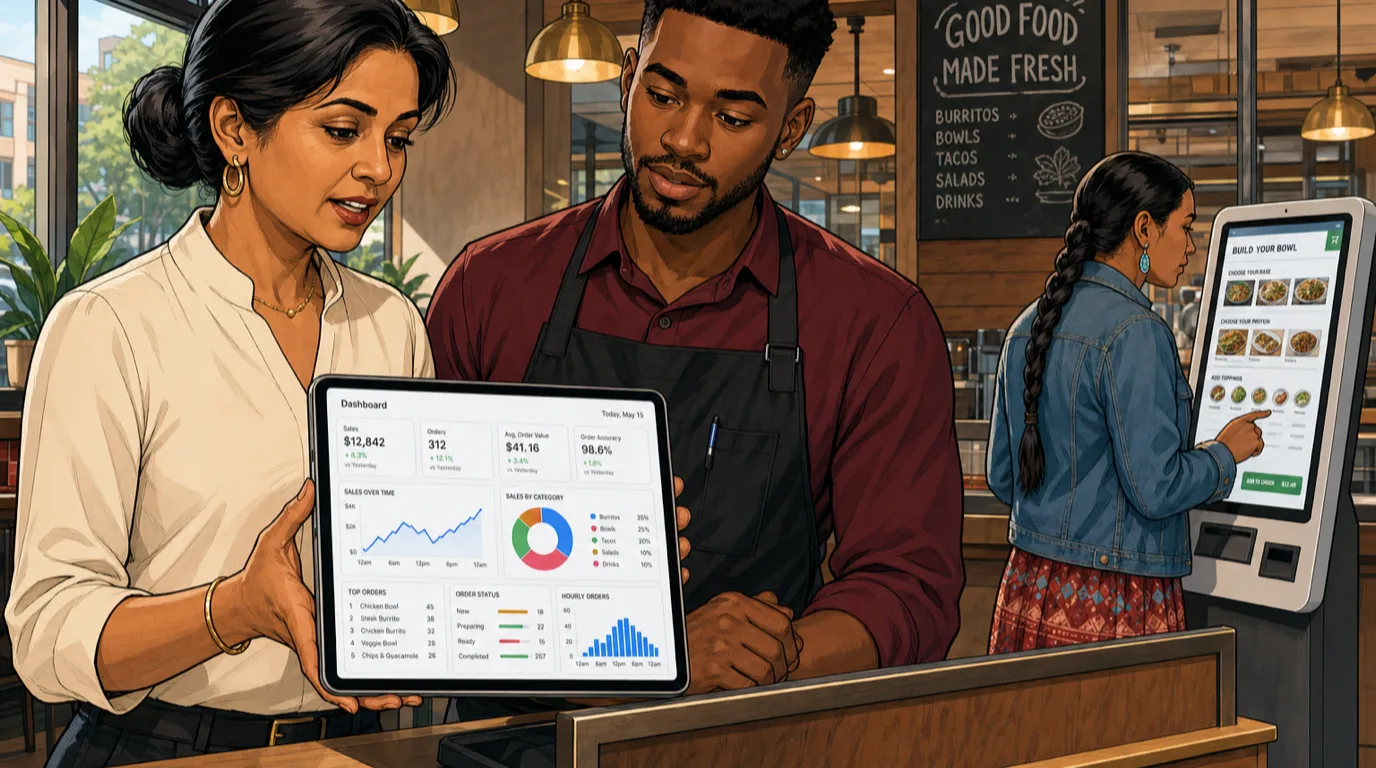
Once the decision to deploy is made, seven choices determine whether the deployment delivers on the math. Run through them deliberately before the purchase order goes in.
- Hardware form factor and count. Most operators under-buy on the first deployment. The rule of thumb: one floor-standing kiosk per 35-50 peak transactions per hour. A site doing 200 transactions across a one-hour peak needs 4-6 kiosks plus a manual fallback, not 2 kiosks plus a long line. Wall-mounted units count the same; counter-top units throttle slightly faster and assume a single-station flow.
- Mounting, height, and accessibility. ADA/EAA- compliant kiosks require at least one unit at wheelchair-reachable height (typically 34-36 inches to the screen centre), with knee clearance underneath. Headphone jacks for audio menu navigation are standard on compliant hardware and absent on cheap hardware. Pick hardware that ships compliant; retrofitting is more expensive than buying right the first time.
- Payment integration model. Native integration with your existing payments stack is the only configuration that does not produce monthly reconciliation pain. The test question: does this kiosk vendor support my existing merchant account and processor, or does it require a separate one? If separate, plan for at least 5 hours a month of reconciliation work and pass on the deal unless the rest of the kiosk story is exceptional.
- Menu structure and upsell logic. The kiosk menu
is the same menu, but the on-screen layout has to be designed for
self-service. The discipline:
- Hero items (the highest-margin signature dishes) get the top of the screen and the largest photo.
- Combo logic surfaces the highest-margin combination as the default, with the build-your-own option visible but a tap further.
- Upsell prompts trigger on the basket compositions where the data shows the actual lift, not on every basket (overuse trains guests to dismiss the prompts).
- Customisation depth is exposed in sensible tiers - the four most common modifiers visible, the long tail accessible behind a "more options" tap.
- KDS routing and ticket presentation. Kiosk orders should flow into the same kitchen display system as counter and online orders, with clear visual tagging so the line cook knows it is a self-ordered ticket and the runner knows where to deliver (table number, pickup shelf, drive- thru lane). Tickets tagged by source give the operator the data needed to read per-channel performance later. Without that tagging, the analytics question "how much did the kiosk actually lift basket size this quarter" cannot be answered.
- Multilingual support. For sites in mixed-language markets (most urban US sites, every European deployment, every airport deployment), the kiosk should default to the primary local language and offer at least one tap to switch. Multilingual sales lift in mixed-language neighbourhoods is typically 4-8% on transactions that were previously walking out because the cashier could not communicate the menu cleanly. Mandatory for accessibility in EU markets under EAA.
- Tipping and service charge flow. The kiosk's tip-prompt design is a quiet but important decision. Aggressive tip suggestions (25%, 30%, 35%) on counter-service kiosks where there is no traditional tipped service can degrade guest sentiment and produce a small but consistent drop in repeat visit rate. The defensible pattern for counter-service kiosks is a modest tip prompt (10%, 15%, 20%, or custom, with a clearly visible "no tip" option) framed as "support our kitchen team" rather than as the gratuity norm for table service. Get this wrong and you train your guest base to resent the kiosk - which is a hard reversal to make.
Format-specific playbooks
The right kiosk deployment looks different in each format. The playbook by category:
QSR (quick-service restaurant)
The original kiosk format. Deploy 4-8 floor-standing units in a bank at the front, keep one or two manual cashier lanes for cash payment and accessibility, route all orders to the same KDS, and run combo-heavy upsell prompts. Expect 18-25% basket lift and 30-45% of transactions shifting to self-service within 60 days. Payback is the fastest of any format - typically 6-12 months on the hardware. Reference the takeaway POS system side of the stack for the order management plumbing that ties kiosks, drive-thru, and counter into a single ticket flow.
Fast-casual
The fastest-growing kiosk category. Deploy 2-4 units in a bank at the front, keep one staffed counter for menu questions and complex modifications, design the menu around the build-your-own logic the format already uses. Expect 12-18% basket lift, more modest peak-hour throughput gain (most fast-casual lines are dwell-limited by the build station, not by the order station), and the strongest labor redeployment story - cashiers become expediters, expediters become quality runners. The strongest fast-casual deployments treat the kiosk and the online ordering menu as a single design system because the guest who orders from the kiosk today orders from the app tomorrow.
Ghost kitchens and virtual brands
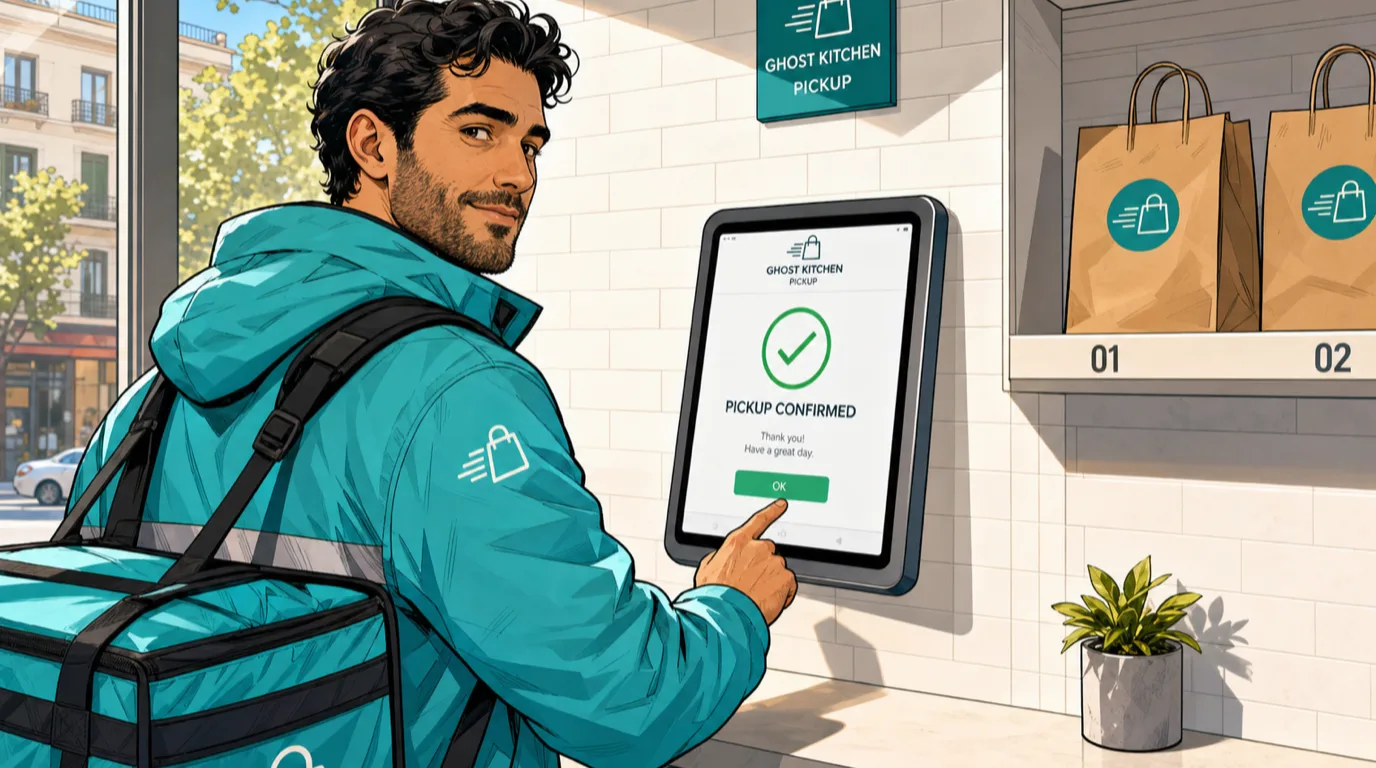
The "kiosk" in a ghost kitchen is usually a pickup-shelf confirmation surface rather than a primary ordering kiosk - the ordering happens through the marketplace or the operator's own app. The kiosk's job is to let the delivery driver confirm pickup, print the receipt, and rate the wait time. A tablet-mount kiosk at $400-1,200 per unit handles this cleanly. Tie it into the cloud kitchen POS so each brand's orders surface separately and the delivery hand-off is auditable.
Full-service restaurants
The underrated kiosk deployment. Most full-service operators dismiss kiosks as a fast-casual tool, but a single host-stand kiosk that handles wait-list sign-up, reservation check-in, and group-name collection (the data that flows into the reservation system) is a meaningful host-stand labor saver during peak. Some upscale-casual operators also deploy counter-top kiosks for the bar pickup window when the bar serves takeaway separately. The pattern: small footprint, narrow use case, clear ROI on the host-stand productivity rather than the basket lift story.
Cafes, bakeries, juice bars
Counter-top kiosks at $1,800-3,500 per unit handle the morning rush when one barista cannot keep up with the line. Best deployed as a second ordering surface alongside the staffed counter rather than as a replacement, because the cafe relationship is often a meaningful piece of the brand. Expect 8-14% basket lift (lower than fast-casual because the menu has less combo logic) and meaningful peak-hour throughput gain.
Sports venues, museums, airports, food halls
The highest per-unit ROI deployment of all. These venues have extreme peak demand (the half-time rush, the lunch surge between exhibits, the pre-flight 45-minute window) and guests with low patience for queues. A bank of 6-12 kiosks per concession is standard, basket lift of 22-30% is common, and payback is typically under 6 months. The constraint is hardware ruggedness; venue kiosks take more abuse than restaurant kiosks and need the commercial-grade build with reinforced enclosures and impact-rated screens.
The four-week rollout plan
Most kiosk deployments fail because they ship too fast. The sequenced rollout that consistently lands cleanly:
Week 1 - Menu and integration design. Lock the on-screen menu structure, the upsell logic, the modifier tiers, the payment integration, and the KDS ticket tagging. Print the menu layout on paper and walk a colleague through it to catch the "what does this button do" gaps before the touchscreen is involved.
Week 2 - Hardware install and staff training. Physical install of mounting, network drops, payment certification, accessibility hardware. Staff training on the manual-fallback procedure, the kiosk concierge role, and the troubleshooting playbook for paper jams, screen freezes, and payment declines. Run the kiosks in test mode all week with no live transactions; the goal is to surface every edge case before guests see them.
Week 3 - Soft launch with single kiosk live. One kiosk goes live for the daypart with the most patient guest base (typically off-peak lunch or mid-afternoon). Staff hovers nearby for the first 100 transactions to coach guests and catch issues. Measure basket size on the kiosk versus the counter, abandonment rate, average completion time, and qualitative guest feedback.
Week 4 - Full deployment and measurement baseline. All kiosks live across all dayparts. Lock the baseline metrics (peak transactions per hour, basket size by source, kitchen remake rate, payment reconciliation accuracy, labor cost per cover). The numbers from this week become the comparison set for every future optimization.
Operators who try to compress this into a one-week launch typically spend the next 90 days unwinding the issues - menu errors, payment reconciliation gaps, untrained staff, and a frustrated guest base that decides the kiosk experience is bad and avoids it. The four-week sequence costs nothing extra and pays for itself in the smoothness of the first 90 days post-launch.
The common mistakes operators make in the first 90 days
The five patterns that consistently undo a well-engineered deployment:
- Treating the kiosk as set-and-forget. The kiosk menu needs the same weekly hygiene as the counter menu - new items, price changes, modifier additions, photo updates. Operations that revisit the kiosk menu monthly outperform operations that touch it quarterly by a wide margin on basket-size sustained lift.
- Cutting the labor before the throughput gain materialises. Eliminating a cashier role in week 1 leaves the operation under-staffed for the inevitable kiosk failures and guest help moments. Wait 60 days, read the actual self-service rate, then make the staffing change.
- Skipping the accessibility audit. Wheelchair reachability, headphone jacks, contrast modes, alt-text on photos - auditing on day 30 is cheaper than the eventual ADA complaint.
- Ignoring the data the kiosks generate. Every kiosk order is a structured transaction with full SKU detail and (often) identity. Feeding that data into the CRM and reading channel-level menu engineering on kiosk versus counter is where the second-year ROI lives. Most operators never look at it.
- Letting the tip prompt go aggressive. Counter- service kiosks asking for 25-30% tips trains guests to resent the device. Calibrate the tip prompt to your actual service model and revisit it quarterly based on guest sentiment, not based on what the kiosk vendor's default configuration ships with.
How kiosks fit the rest of the Tableview stack
This is where the integration depth matters. Tableview ships a multi-surface ordering platform that runs your POS, integrated payments, e-menu and mobile ordering, online ordering, KDS, and CRM on the same backend. Self-ordering kiosks run on the same menu, the same modifiers, the same pricing, and the same ticket flow as every other ordering surface. A price change pushes once and propagates everywhere within seconds. A new menu item appears on the kiosk, the QR menu, the app, the counter POS, and the delivery marketplace in the same hour. Every kiosk transaction settles to the same merchant account, prints to the same KDS ticket queue tagged by source, and writes back to the same guest profile in the CRM so the read view shows channel-level lifetime value and basket composition without any data plumbing on the operator's side.
The integration depth is the entire point. A bolt-on kiosk vendor that requires a separate menu engine, a separate payment processor, and a daily CSV export to your POS will always lag your operation by 24 hours and produce a steady stream of reconciliation work. A native kiosk surface inside the same platform reads every change the moment it happens. See the broader restaurant tech stack guide for where kiosks sit inside the seven-layer architecture, and the restaurant industry trends 2026 piece for how the self-service surface fits the broader industry direction.
The bottom line
Self-ordering kiosks earn their capex when they are sized for the actual peak demand, integrated natively with the POS and payments stack, accessible to every guest, equipped with a thoughtful upsell logic, and rolled out across a deliberate four-week sequence rather than shipped in a single launch. The five real benefits - basket lift, throughput compression, labor redeployment, accuracy, and structured guest data - compound when the deployment is run as a project rather than as a configuration change. The five honest drawbacks - capex, accessibility, payment integration complexity, hardware breakage, and atmosphere shift - are all manageable when planned for explicitly upfront.
For most independent fast-casual, QSR, and high-volume cafe operators, the kiosk math pencils out at a 9-14 month payback on a 2-4 unit deployment, with the second-year compounding from menu engineering against kiosk-specific data taking the NPV well above the hardware cost. For full-service and neighbourhood spots the case is narrower but still real - a single host-stand kiosk or a counter-top unit during peak can produce meaningful labor productivity gains without changing the brand atmosphere. The wrong move is treating kiosks as a one-size-fits-all answer; the right move is sizing them deliberately to your format and your peak.
Run the Kiosk ROI calculator above on your own numbers. If the payback period lands under 18 months and the three-year NPV is positive against your discount rate - which it usually does for any format with a meaningful peak - the kiosk deployment is a top-three capex project for the year. Pair the modelling with the labor cost calculator and the P&L calculator to see the full operating-line impact, and bookmark the calculators hub for the rest of the toolkit.