Most restaurant operators can tell you their food cost percentage to within a point and their labor percentage to within half a point. Ask the same operator what their best 20% of guests are worth over the next twelve months, what their email open rate looks like for the Tuesday brunch segment, or how many of last quarter's first-time diners came back a second time, and you usually get a thoughtful silence. That silence is the gap that a real restaurant CRM closes. It is also the single largest piece of margin most independent operators are leaving on the table, and the part of the operation that has the cheapest, fastest payback when it is actually run.
This guide explains what a restaurant CRM does, why a returning guest is the cheapest revenue you can buy, the seven CRM moves that move the needle, how to build useful guest segments without a data scientist, and the four lifecycle moments where the relationship is won or lost. There is an interactive Customer Lifetime Value calculator embedded a few sections down so you can model your own guest economics as you read. The standalone version lives at the calculators hub alongside the rest of the free operator toolkit. Tableview ships a fully operating CRM built specifically for restaurants and bars (more on that toward the end), but the principles below apply whether you run the discipline inside Tableview or any other platform.
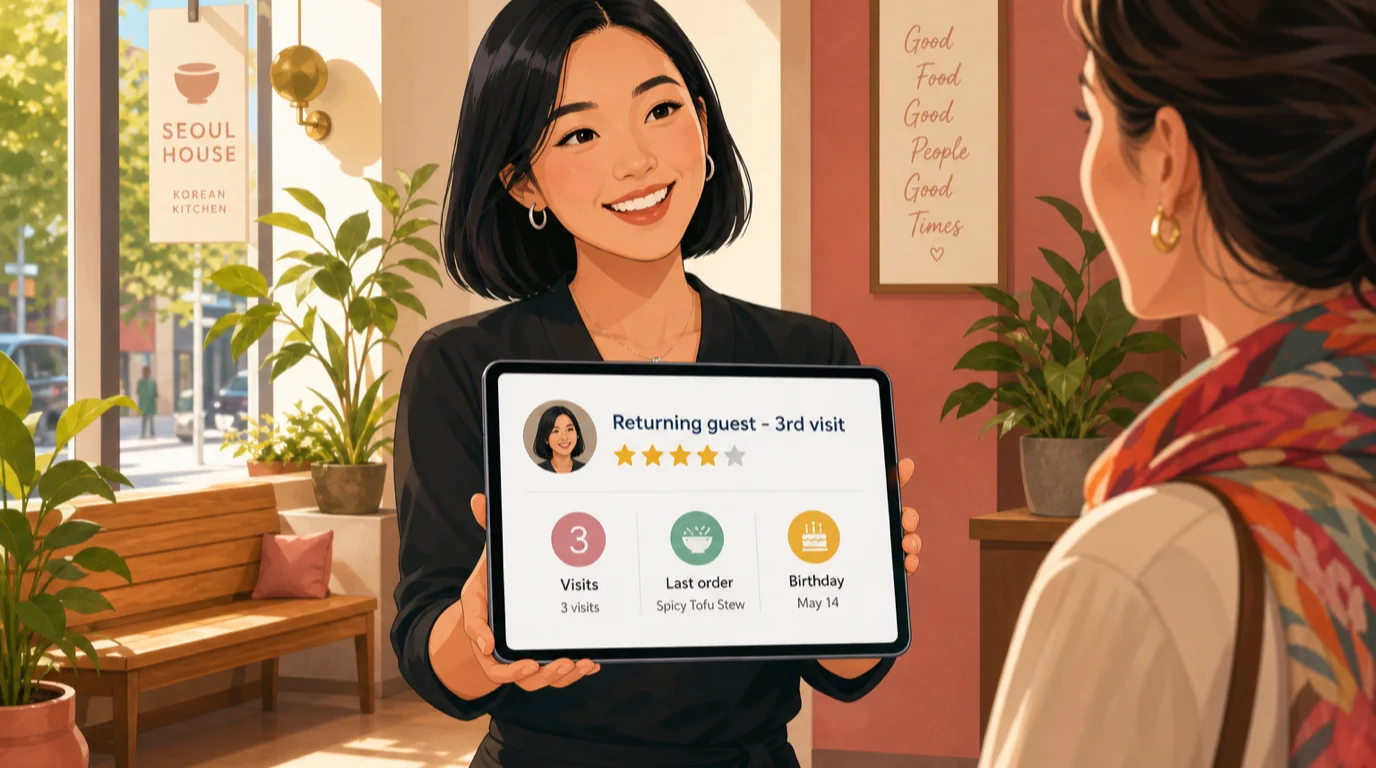
What a restaurant CRM actually is - and what it is not
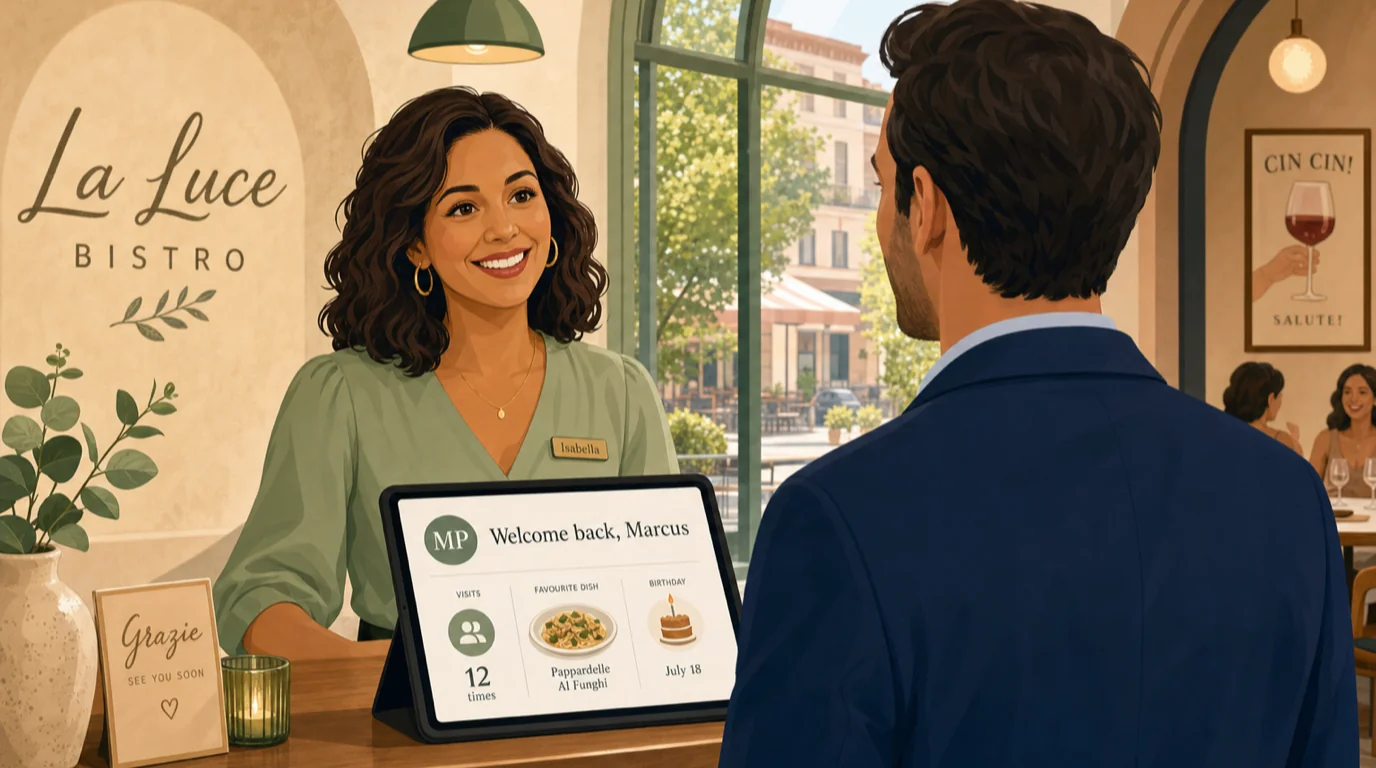
A restaurant CRM is the system of record for everything you know about a guest: who they are, how often they visit, what they order, what they spend, what they care about, and how reachable they are. It is the layer that turns thousands of anonymous transactions into a small number of named, segmented, addressable relationships. A useful CRM does four jobs:
- Captures guest identity at every reasonable touchpoint - reservation, walk-in, takeaway, delivery, online order, loyalty signup, gift card purchase, review response, post-visit survey - and resolves the same person across all of them into a single guest profile.
- Joins identity to behaviour by linking the guest profile to the actual check from the POS: what they ordered, at what price, on which day, with which server, spending how much, tipping how much. This is the part most CRM implementations skip and the part that does the actual work.
- Segments the guest base by behaviour and intent: frequent regulars, lapsed regulars, special-occasion diners, brunch-only families, the Friday-night cocktail crowd, the deal-hunters who only show up for happy hour. Segments make every downstream marketing decision saner.
- Acts on the segment through marketing automation: a triggered first-visit thank-you, a quarterly check-in to lapsed regulars, a birthday offer that costs you a dessert and saves you a guest, a Sunday-night promo to the brunch-family segment when reservations look thin.
A restaurant CRM is not a loyalty program (loyalty is one mechanism inside a CRM), not an email tool (email is one channel the CRM uses), not a reservation system (reservations are one data source the CRM consumes), and not a marketing dashboard (the dashboard is the read view, not the system). Operators who confuse the parts for the whole end up with three half-implementations that do not talk to each other, which is worse than having none of them. The right framing is to treat the CRM as the operating system for the guest relationship and to wire every guest-facing tool into it as either a source or a sink.
The 90-second math: why returning guests are the cheapest revenue you can buy
Acquisition is expensive. The marketing economics of getting a new diner through the door for the first time - paid search, delivery-app promotion, social media, billboards, the discount you ran on the opening menu - typically lands between $25 and $80 per new cover, depending on the format and the market. The marginal cost of getting the same diner to come back a second, third, or fourth time is closer to $0.30 (one email send) to $3 (one SMS plus a discount). The arithmetic that follows is unforgiving: every retained guest is worth ten to thirty acquired guests in contribution dollars over a twelve-month window.
The number that captures this is Customer Lifetime Value (CLV). For restaurants the workable definition is the contribution margin - not the gross spend - that a single guest generates over the period they stay an active customer. The formula:
CLV = Average check × Visits per year × Years retained × Gross margin %
Take a neighbourhood bistro with a $42 average check, where a typical regular visits once a month, stays a regular for three years, and the restaurant runs a 60% gross margin (after COGS, before labor and rent). CLV = $42 × 12 × 3 × 0.60 = $907. If acquiring that guest cost $40 (a paid social campaign plus a 15% first-visit discount), the lifetime return is 22:1. If the same restaurant retains nothing - 60% of first-time diners never come back, which is the industry baseline - the same $40 acquisition cost returns about $25 in contribution on a single visit, and the campaign loses money on every guest. The difference between the two outcomes is not the acquisition spend; it is whether the CRM exists.
Try it on your own guest economics
Drop your numbers into the calculator below. It returns CLV, maximum sustainable acquisition cost, contribution per guest year, and a payback period across the typical retention curve. Nothing leaves your browser.
Run the calculator twice - once with your current retention assumption, once with a retention target that is five points higher. The gap is the dollar value of the CRM program. For most independents the gap lands somewhere between $80k and $400k a year on a single location, depending on volume and check average.
The seven CRM moves that move the needle
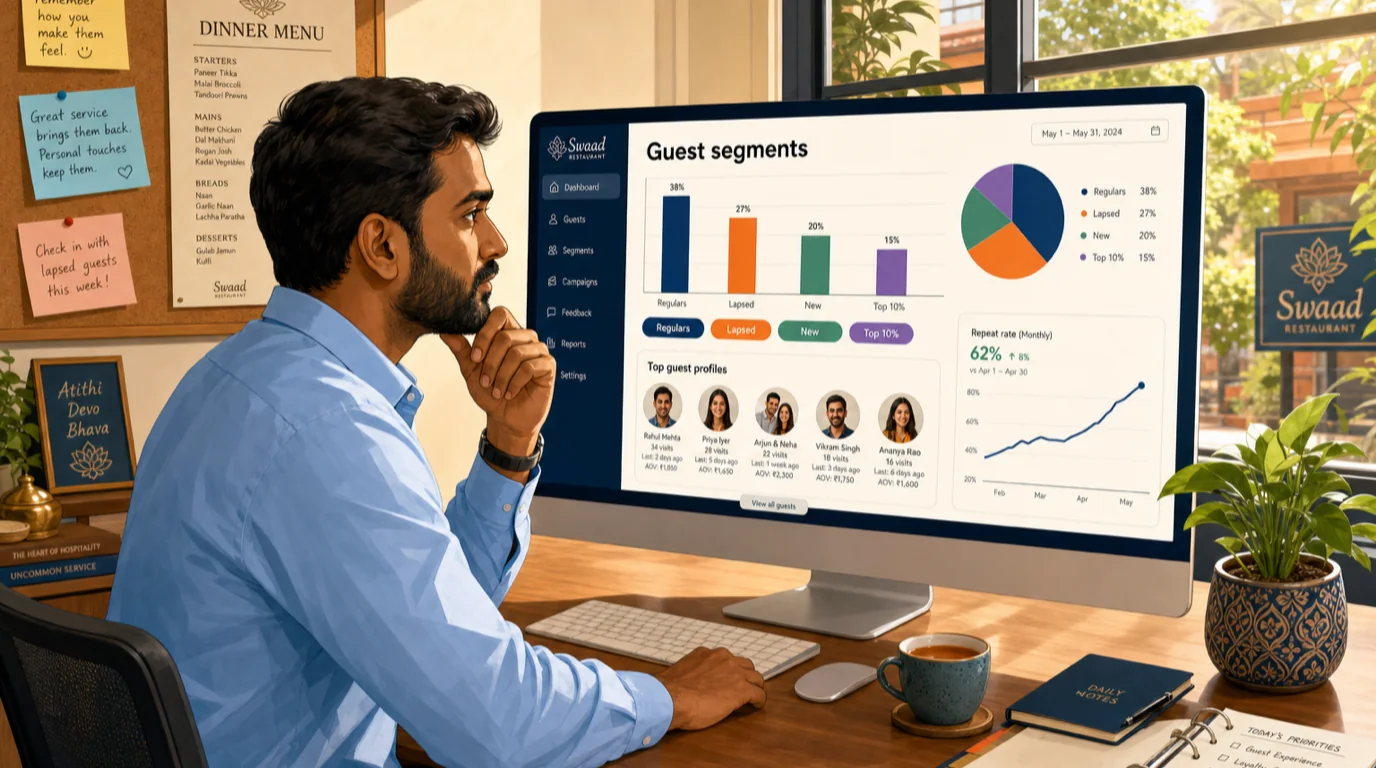
Once the CRM is in place, the operational work is choosing which moves to make and in what order. After running this with operators across a few hundred sites, seven moves account for roughly 80% of the lift. Run them in this order; the first three are the foundation, the next four are the compounding gains.
- Capture identity at the POS, not at a separate kiosk. Every payment is an identity event. Modern card-present transactions surface a token that can be linked to a guest profile the moment the bill is settled. The reservation system already holds an email; the online ordering flow already holds a phone number; the loyalty signup already holds both. The CRM should resolve these into a single guest record automatically. Operations that require staff to ask for "your phone number for our loyalty program" at the end of every meal will collect identity on roughly 5-12% of covers; operations that capture identity passively via the payment+reservation+online order rails resolve 35-60% within a month.
- Send the first-visit thank-you within 24 hours. The single highest-ROI message in the restaurant CRM stack. A templated thank-you with a name, the server's first name, and a gentle invitation to come back gets opened by 55-70% of first-time guests and closes about 18-25% of them into a return visit within 30 days. This is roughly 4x the return-visit rate of guests who get no follow-up at all. Cost: one email send. Set this up once and it runs forever.
- Build the lapsed-regular segment and re-engage monthly. Define a "regular" by your actual data (typical thresholds: 3+ visits in the trailing 6 months) and a "lapsed regular" as a regular who has not visited in 60+ days. This segment is small (usually 4-9% of your guest base) and convertible (15-25% will respond to a "we miss you" message with a thoughtful incentive within 30 days). The lapsed-regular re-engagement program is the highest-margin marketing dollar most operators have ever spent.
- Personalise birthdays - really personalise them. A generic "happy birthday, enjoy 10% off" gets a 4% redemption rate. A "happy birthday, here is a complimentary dessert your party can share when you book a table this month" gets 14-22% redemption and arrives with a guest who is in a celebratory mood and likely to spend 35% above their typical check. The discipline that makes this work is collecting the birthday at signup and sending the offer two weeks before, not on the day itself.
- Segment by occasion, not just frequency. Frequency segments (high, medium, low) are useful but blunt. Occasion segments (brunch families, date-night couples, business lunch, after-work cocktails, Sunday night winddown) map directly to specific menu sections, specific time bands, and specific revenue gaps. A "Sunday-night brunch family" segment receiving a "Tuesday family supper menu" message will outperform a generic "come back soon" by 6-8x on a cost-per-incremental-cover basis.
- Tie review responses back to the guest profile. When a guest leaves a 5-star review, the CRM should tag the profile so they get added to a "brand advocate" segment that gets asked - politely, one time - to refer friends. When a guest leaves a 2-star or below review, the CRM should tag the profile so they get a personal response from the operator (not the manager on duty) and an offer to make it right. Both flows compound over time: the 5-star pipeline grows the top of the funnel for free, and the recovery flow keeps lifetime value above zero for guests who would otherwise churn permanently.
- Read CLV by acquisition channel and reallocate. The hardest move to execute and the one that pays off the longest. Tag every guest with the channel that brought them in (paid search, organic local SEO, the delivery marketplace, a referral, a walk-in from a passing pedestrian). After 12 months of data, the CLV by channel is rarely what you would have guessed. Delivery- marketplace guests typically have CLV 40-60% below organic guests because they convert at the margin and rarely become regulars. Local SEO guests typically have the highest CLV because they self-selected for a real intent to dine. The reallocation that follows usually doubles the marketing payback period.
Guest data sources: where the data actually comes from
A common implementation failure is treating the CRM as a separate data project that requires guests to "sign up" before anything works. The right framing is that the CRM is the downstream join of data your operation is already collecting. The sources, in rough order of resolved-identity yield:
- Reservation system - typically 30-45% of dine- in covers come through reservations. Each booking captures name, email, phone, party size, and the date. See the restaurant reservation system guide for how the booking flow integrates with the broader CRM stack.
- Online ordering for delivery and pickup - 100% identity capture by design. Each order captures name, address, phone, items, and the implied frequency. The POS with online ordering guide covers how the order surfaces into the CRM as a guest profile.
- Payment card tokenisation - on modern restaurant payment processors, the same card across visits resolves to the same anonymous "card profile" that the CRM can stitch to an email or phone once one is provided. This is the backbone of the passive identity capture pattern.
- Loyalty program signups - explicit identity capture in exchange for a perk. Best done with low friction (no app required, magic link via SMS) and quick reward (first reward within 1-2 visits) rather than the legacy 10-stamp punchcard model that nobody finishes.
- Wi-Fi captive portal - works for cafes, high-dwell venues, and hotel restaurants; less useful for quick-service or full-service formats where guests rarely log on.
- QR code menu interactions - scan events are anonymous by default but become identity events when the QR flow includes a "save your favourites" or "order ahead" sign-in. Most operators do not yet wire this in and leave the data on the table.
- Review platforms - reviewer profiles can be matched to internal guest profiles using fuzzy name+date matching; this is mostly useful for tagging the "brand advocate" and "recovery needed" segments described above.
- Gift card purchases - the purchaser is an explicit identity event and the recipient is a likely future identity event when the card is redeemed.
Stitching these together is the actual engineering of a restaurant CRM and is the part that distinguishes a useful CRM from a marketing database with delusions of grandeur. The practical test is whether the system can answer "show me every guest who has spent more than $200 on cocktails in the last 90 days and lives within 5 miles of the venue" without you having to build the query manually. If the answer is no, the implementation is incomplete.
Building useful guest segments without a data scientist
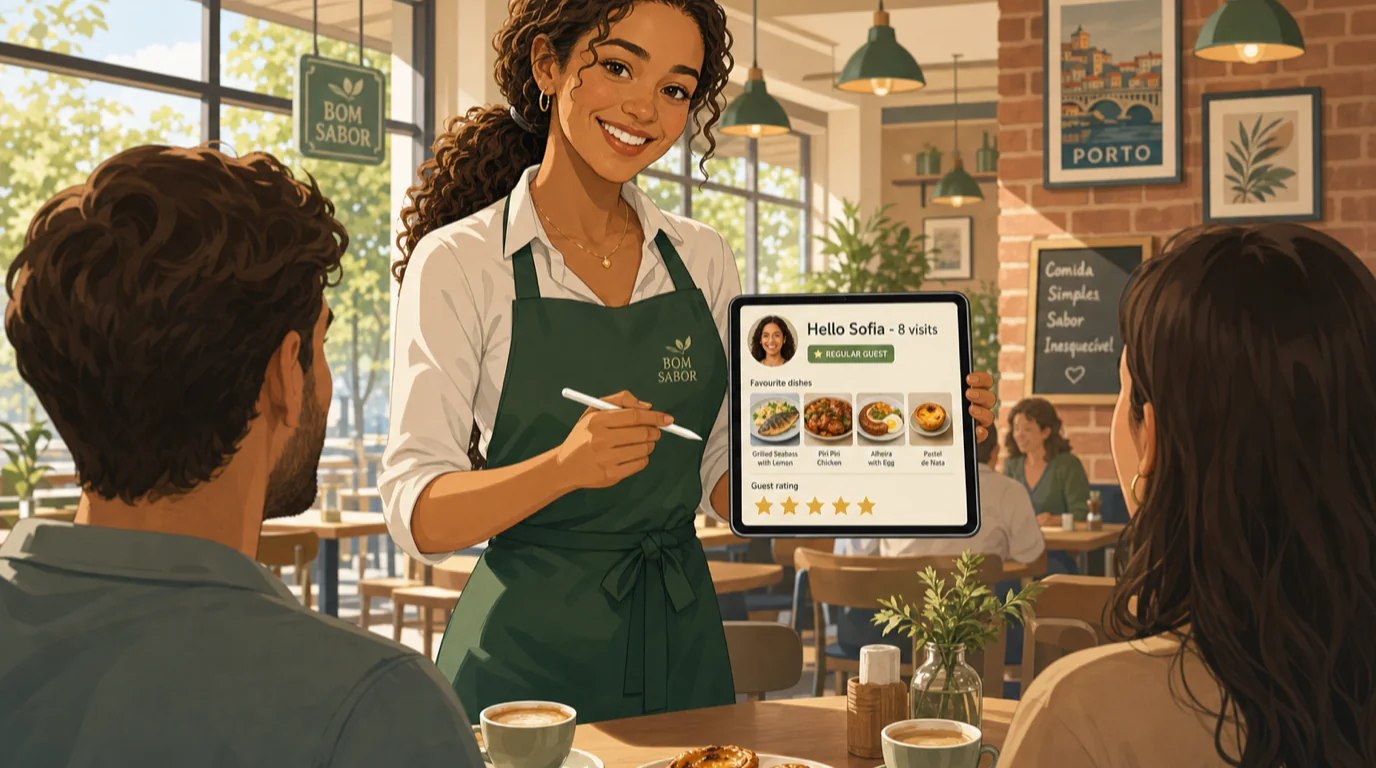
The instinct of every analytical operator is to build dozens of segments. The reality is that 80% of the CRM lift comes from 6-8 segments that you actually use every week. The starter set:
- New guests (first visit within 14 days) - receives the first-visit thank-you and a soft second-visit invitation.
- Active regulars (3+ visits in trailing 6 months) - the segment to protect. Receives occasional VIP perks (early access to a new menu, a tasting invite) and no discount-driven messages.
- Lapsed regulars (was active, 60+ days since last visit) - the highest-margin re-engagement segment.
- Special-occasion guests (birthday or anniversary in next 21 days) - receives the personalised celebration offer.
- Brunch-only / dinner-only / cocktail-only segments - daypart-specific messages outperform generic "come visit" by a wide margin. Use these to fill weak shifts (typically Tuesday- Wednesday dinner for most independents).
- Delivery-only guests - the hardest segment to convert into dine-in regulars and the one most operators ignore. A single targeted message inviting them to visit the venue for the dish they already order weekly converts at 8-12%.
- Top-decile spenders (top 10% by 12-month spend) - the segment that funds the operation. Worth a personal touch from the operator at every visit, hand-written notes on anniversaries, and a real heads-up when a new menu drops.
- At-risk regulars (regular whose visit frequency is trending down) - early-warning segment, gets re-engaged before they fully lapse.
Eight segments cover roughly 95% of the marketing work most restaurants need to do. Resist the urge to build more until you are reliably sending to all eight on schedule.
The four lifecycle moments that win or lose the relationship
Most CRM programs over-index on the messaging schedule and under-index on the lifecycle moments where a guest actually decides whether to come back. The four moments that matter:
- The first visit. 60% of first-time diners never return. The decision is usually made between dessert and the walk to the car: "would we come back?" The CRM cannot affect the food or the service in that moment, but it can affect the next 24 hours - a templated, personal thank-you note from the server's first name (not "the team" or "the management") within 24 hours raises the second-visit conversion from 18% to about 30%. The mechanics: server name pulled from the check, guest name pulled from the reservation or payment token, subject line that names the specific menu item they actually ordered. Three data points the CRM should already have.
- The 60-day silence. A regular who has not visited in 60 days is twice as likely to lapse permanently as a regular at day 30. The CRM should fire a "we miss you" workflow at the 60-day mark - not a discount-driven blast, a "we have something new on the menu we think you would like" message that treats them as a regular rather than a churning customer. Open rates on these messages routinely exceed 50% because the recipient remembers the venue fondly.
- The complaint or low-rating. The single highest-leverage moment in the CRM. A guest who complained and got a thoughtful personal recovery is statistically more loyal than a guest who never had a problem in the first place. The mechanics: low-rating reviews fire an alert to the operator (not the manager), who responds personally within 4 hours with a real apology, an explanation of what happened, and a specific (not generic) offer to make it right. Recovery rates of 60-75% are achievable; the same complaint with no recovery loses the guest permanently 80% of the time.
- The milestone visit. A guest's 5th visit, 10th visit, anniversary of their first visit. These are moments where a small acknowledgement ("welcome back - we noticed this is your 10th visit, thank you") creates outsized emotional resonance. The CRM should automate the trigger; the staff should handle the acknowledgement in person at the table.
Marketing automation that actually gets sent
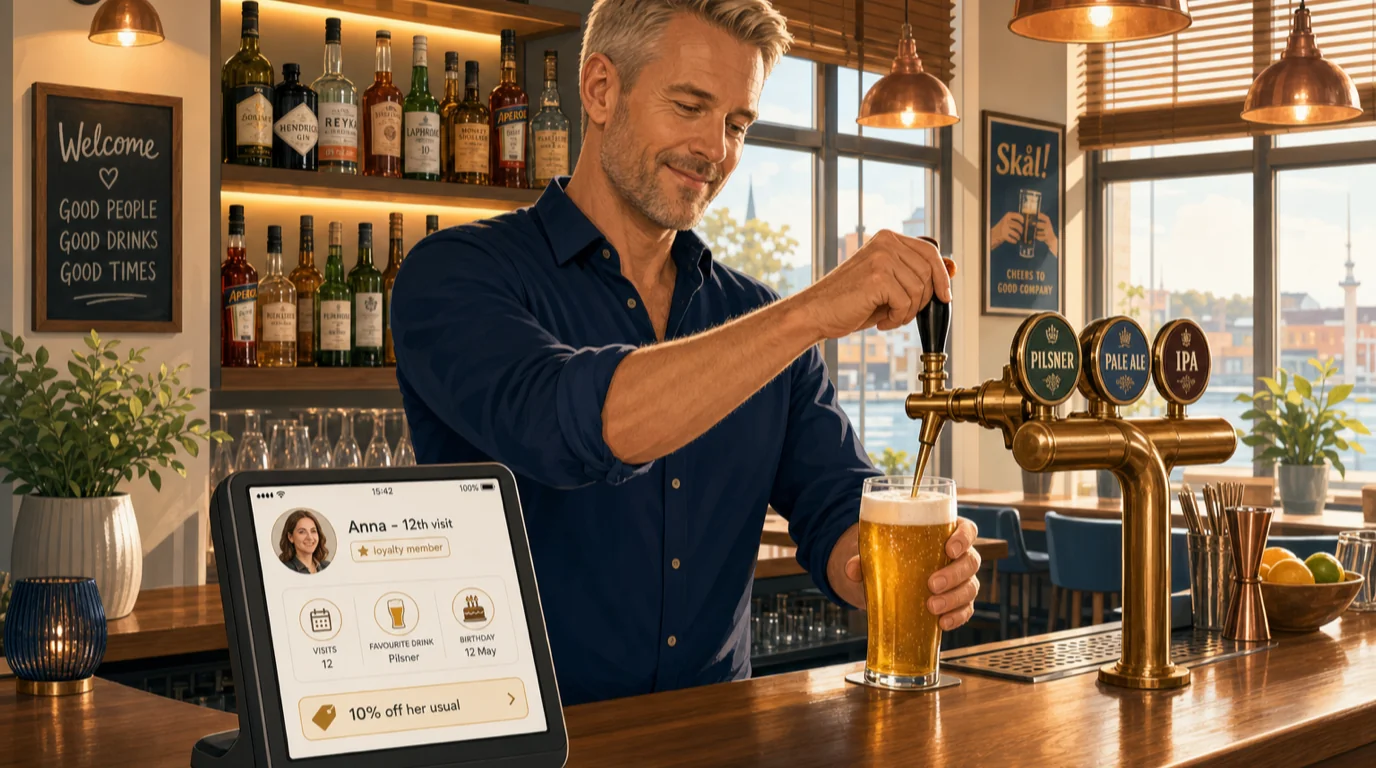
The most common failure mode of restaurant CRM is the "we will send the campaign next week" syndrome. The fix is automation - triggered, templated workflows that run without human attention. The starter automation stack:
- First-visit thank-you - trigger: first recorded visit on the guest profile. Delay: 24 hours. Channel: email. Template: name, server first name, mention of an actual ordered dish, gentle invitation back.
- Lapsed regular re-engagement - trigger: regular guest with no visit in 60 days. Channel: email. Cadence: once at day 60, once at day 90, then stop (don't pester churned guests).
- Birthday offer - trigger: 14 days before guest's recorded birthday. Channel: email + SMS opt-in. Template: personalised offer redeemable that month.
- Post-visit feedback request - trigger: 48 hours after recorded visit. Channel: email. Template: one question with an emoji-based rating, optional comment box. Low-rating responses fork into the recovery workflow.
- Special menu launch - trigger: manual, when a new menu drops. Audience: active regulars + lapsed regulars. Channel: email. Template: photos of three new dishes, soft invitation to come try.
- Weak-shift fill - trigger: 48 hours before a forecasted slow shift (Tuesday dinner is the classic). Audience: relevant daypart segment within 5 miles. Channel: email or push. Template: a specific, scarcity-flavored offer ("only Tuesday this week", not "10% off all month").
Six automations cover roughly 80% of the message volume. Anything additional should clear a "would the guest miss this if we stopped sending it" test. Restaurants who pass that test get unsubscribe rates under 0.5% per send and inboxes that actually get read. Restaurants who fail it train their guest base to delete their messages on sight.
Measuring CRM the way operators measure prime cost
CRM does not stay funded unless you can show it on the P&L. The metrics that matter, in priority order:
- Repeat visit rate (RVR) - of guests who visited last quarter, what % returned this quarter. Industry baseline for independents is 25-35%; a working CRM moves this to 45-55% within 12 months.
- Customer Lifetime Value (CLV) - the number the calculator above computes. Track the trailing 12-month weighted average and watch it rise as retention improves.
- Acquisition payback period - months until cumulative contribution from a new guest exceeds their acquisition cost. Healthy is under 3 months; broken is over 12.
- Top-decile share of revenue - what % of revenue comes from the top 10% of guests by spend. Most restaurants land at 28-38%; a CRM-led operation can push this above 45% without alienating the base by protecting and expanding the top of the pyramid.
- Database health - resolved guest profiles as a % of all covers in the trailing 90 days. Under 25% means the identity capture flow is broken; over 50% is excellent.
- Channel-level CLV - average CLV by acquisition channel. The number that drives marketing reallocation.
Track these six on a single page that the operator looks at once a week, the same way they look at prime cost and food cost. Without the regular cadence, CRM drifts into the background and stops earning.
What to look for in a restaurant CRM platform
Restaurant CRM tools sit on a wide spectrum. The free or $50/month tools offer email blasts to a flat contact list; the $2,000/month enterprise platforms offer prediction, attribution modeling, and dedicated success managers. Most independents need something in between, focused on integration depth rather than feature breadth. The capabilities that matter:
- Native POS integration. The CRM has to read every check by SKU, server, and timestamp. Bolt-on CRMs that import a daily CSV cannot do segmentation that is responsive enough to be useful. The integration should be installed in a day, not a quarter.
- Identity resolution across channels. Same guest across reservation, payment, online order, loyalty, and review platforms should resolve to one profile automatically. Operators who have to manually merge duplicates give up within two months.
- Segment builder without SQL. The marketing operator should be able to build a segment like "guests who spent more than $100 on cocktails in the last 60 days and live within 5 miles" in a visual builder. If the segment requires a data analyst, the program will not run weekly.
- Triggered automation, not just one-off blasts. The six automations above should be templates the platform ships with, not custom builds. Look for "first visit", "lapsed regular", "birthday", and "review recovery" as ship-with workflows.
- Native to your stack. The CRM that lives inside the POS, mobile ordering, and payments stack reads every check the moment it closes. A CRM that lives in a separate vendor's cloud and consumes a daily export will always lag behind reality by 24 hours and miss the high-value moments (the 24-hour thank-you, the 4-hour recovery, the same-night follow-up).
This is where Tableview comes in. Tableview ships a fully operating CRM built specifically for restaurants and bars, native to the same platform that runs your POS, payments, e-menu and mobile ordering, and accounting. Every check resolves to a guest profile the moment the payment closes; the reservation and online ordering flows write back into the same profile; segmentation is visual; the six core automations ship as templates; and the CRM read view sits next to prime cost and food cost on the same operator dashboard. Because the CRM lives in the same platform as the rest of your operation, the data is current to the second, the marketing actions trigger on the actual sale (not yesterday's export), and the staff at the table see the guest profile when they take the order. The integration depth is the entire point - a separate vendor cannot match it. See the broader restaurant tech stack guide for where CRM sits inside the seven-layer architecture, and the restaurant marketing guide for how the CRM plugs into the broader acquisition program.
The honest objection: "my operation is too small for CRM"
The single most common pushback we hear from owner-operators with under $1M in annual revenue is that CRM is for chains and multi-unit groups. The math says otherwise. A 60-cover bistro doing $1.2M a year and turning tables twice on a busy night sees roughly 24,000 covers a year. At a 30% repeat-visit baseline, about 7,000 of those are repeats and 17,000 are first-time guests who mostly never come back. Moving repeat-visit rate to 45% over 12 months adds 3,600 incremental visits at the operation's average check, which is roughly $150,000 a year in additional revenue. Against a CRM tool that costs $150-400 a month and a staff cadence that consumes maybe 2 hours per week, the ROI is extreme. The smaller the operation, the more leverage CRM has on the bottom line because every retained guest is a larger share of the whole.
The right time to install the CRM is not after you "grow into it"; it is when you have 1,000 distinct guests in the database, which most operations reach in their first 60 days of trading. The cost of installing it three years late is the three years of retention compounding you never collected.
How CRM compounds with the rest of the operation
The financial arc looks like this. CRM lifts retention, which lifts repeat visit rate, which raises the trailing twelve-month revenue per guest, which lifts revenue. With food and labor held constant, the incremental revenue flows mostly to contribution margin, which lifts prime cost performance, which raises the break-even margin on the P&L, which makes every other operational decision easier. Menu engineering becomes sharper because you know which guests order which dishes; table turnover optimisation becomes more nuanced because you can identify which guests want the leisurely two-hour seating versus the 45-minute pre-theatre seating; beverage program decisions get sharper because you can read CLV by drink category and protect the high-margin segments. CRM is the leverage layer that compounds the rest of the discipline.
The calculator suite covers the financial side of this arc: the customer lifetime value calculator above gives you the per-guest economics, the P&L calculator gives you the monthly read, and the break-even calculator tells you the revenue threshold every program has to defend. All nine calculators live together at the calculators hub if you want to bookmark them for the team.
Bottom line
The cheapest revenue an independent restaurant or bar can buy is a second visit from a guest who has already had a first. A working CRM is the discipline that turns first visits into second ones at a rate the operation can afford to scale against. Set up the six core automations, build the eight starter segments, send the thank-you within 24 hours, recover the complaints within 4 hours, and read the segmented CLV by acquisition channel once a quarter. The compounding result across twelve months is a repeat visit rate that moves from 25-35% to 45-55%, a top-decile share of revenue that pushes above 45%, and a marketing payback period that drops under three months. The arithmetic is straightforward and the discipline is durable. Tableview's built-in CRM exists to make this the default behaviour of your operation rather than the heroic effort of a single marketing-minded manager who eventually leaves.
Run the calculator above on your current guest economics. If the gap between your current retention and a five-point improvement is more than a few thousand dollars a month - which it almost always is - the CRM is the highest-ROI project on the board this quarter.