Twenty years ago, running a restaurant meant a cash register, a ticket rail, a clipboard in the walk-in, and a shoebox of invoices for the accountant. Today every one of those objects is a module in what the industry calls restaurant management software: a connected system where the order taken at the table depletes the stock, prices the recipe, feeds the P&L, and updates tonight's product mix report before the guest has paid. The center of that system is still the restaurant POS, but the point of sale is now the front door to a much larger house, payments, kitchen displays, inventory, procurement, accounting, scheduling, and the guest-facing channels that did not exist when the cash register reigned.
This guide maps the whole house for operators evaluating systems in 2026: what each module actually does and which ones matter first, the honest trade-off between all-in-one platforms and best-of-breed stacks, what the software really costs once processing and hardware are counted, and a practical evaluation and rollout playbook. It connects to our deeper guides throughout, from the tech stack overview to the POS cost breakdown, for readers who want to go further on any layer.
What restaurant management software actually is
The term covers a spectrum. At one end sits the plain point of sale: it takes orders, prints tickets, and processes payments, full stop. At the other sits the management platform: the POS remains the transactional heart, but around it operate inventory, purchasing, kitchen operations, staff management, guest engagement, and finance, all reading and writing the same data. The difference is not feature count but integration: in a platform, one event, a sold dish, propagates everywhere it matters automatically. The dish depletes its recipe's ingredients from stock, its cost and price flow into margin reporting, the sale lands in the daily journal, and the purchasing module notices the depleted ingredients approaching their reorder points.
That propagation is the entire economic argument. Disconnected systems make staff re-enter the same facts, sales into the accounting file, invoices into the spreadsheet, counts into another spreadsheet, and every re-entry costs hours and introduces errors that surface as unexplained variances. Integration eliminates the re-entry, which is why the evaluation question for any system is less what can this module do and more what happens automatically when something sells. A restaurant that adopts the connected version of this software gets a second benefit nobody advertises: a single version of the truth, where the manager, the chef, and the accountant stop arguing about whose numbers are right because there is only one set of numbers.
The core: point of sale
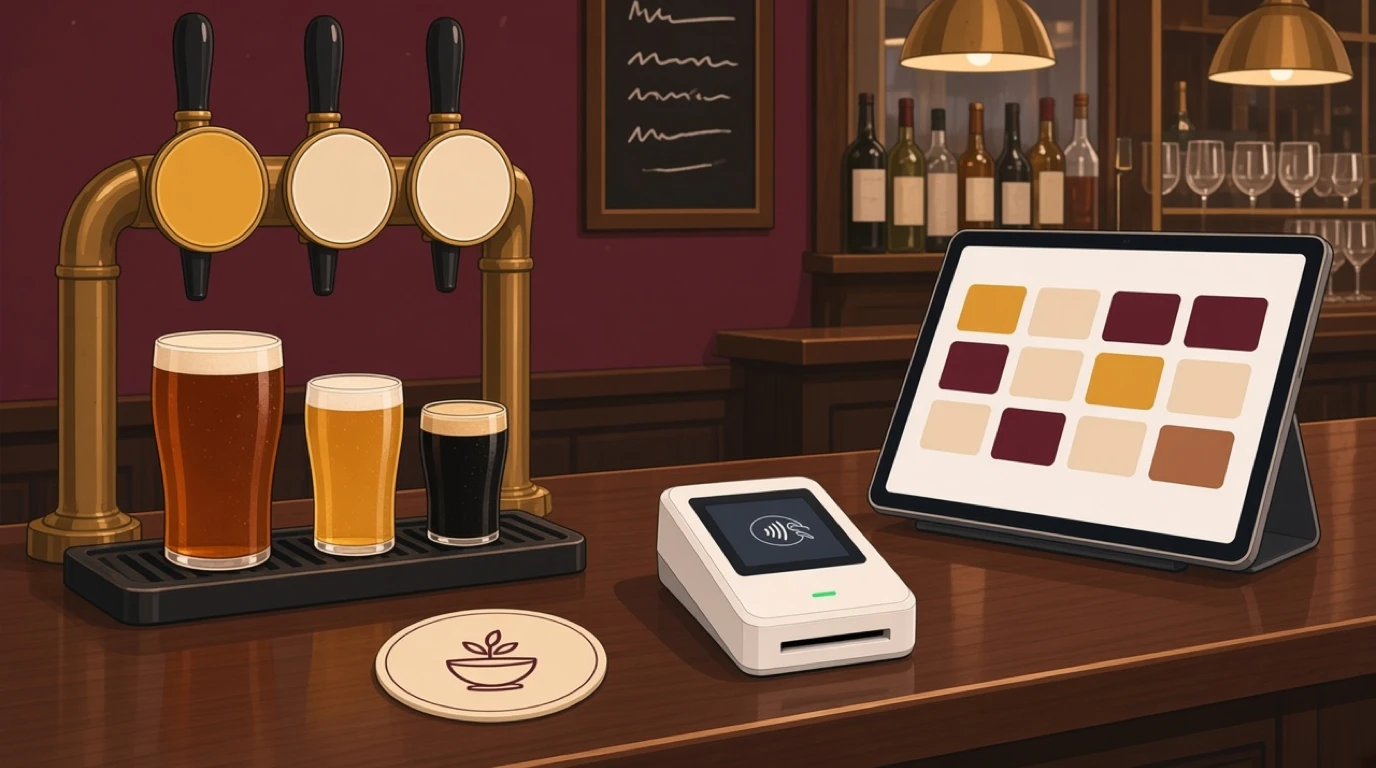
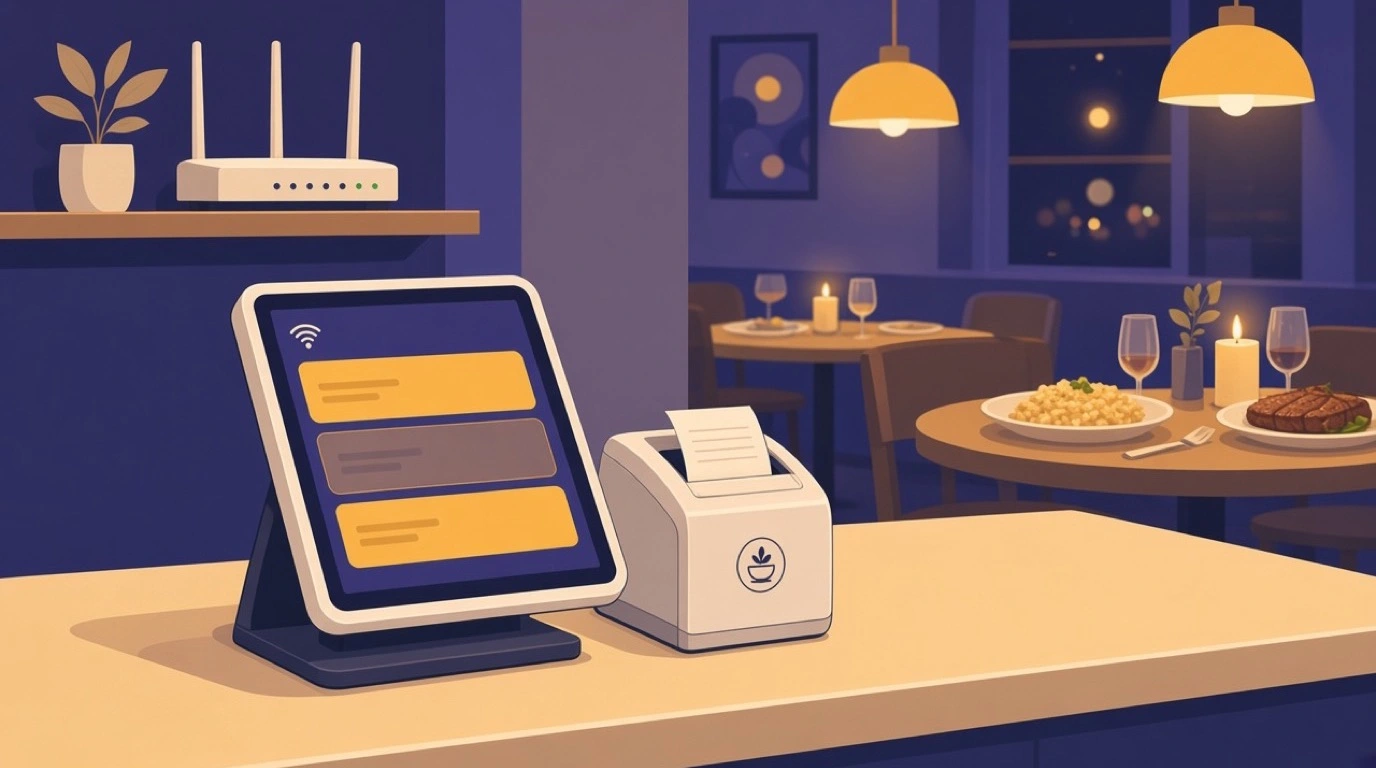
Every layer of the platform depends on the POS capturing clean transactions, so its quality caps the quality of everything downstream. The modern standard is cloud-based: menus and reports live centrally, terminals are interchangeable, and updates ship continuously, with an offline mode that keeps service running through internet failures, a non-negotiable feature that separates serious systems from fragile ones. Table service needs floor plans, coursing, split bills, and transfer between servers; counter service needs speed screens and order-type routing; bars need tabs with card preauthorization. The hardware question has largely resolved in favor of flexibility: systems that run on iPads, Android tablets, and web browsers let operators reuse hardware and avoid proprietary lock-in, a topic our tablet POS guide covers in depth.
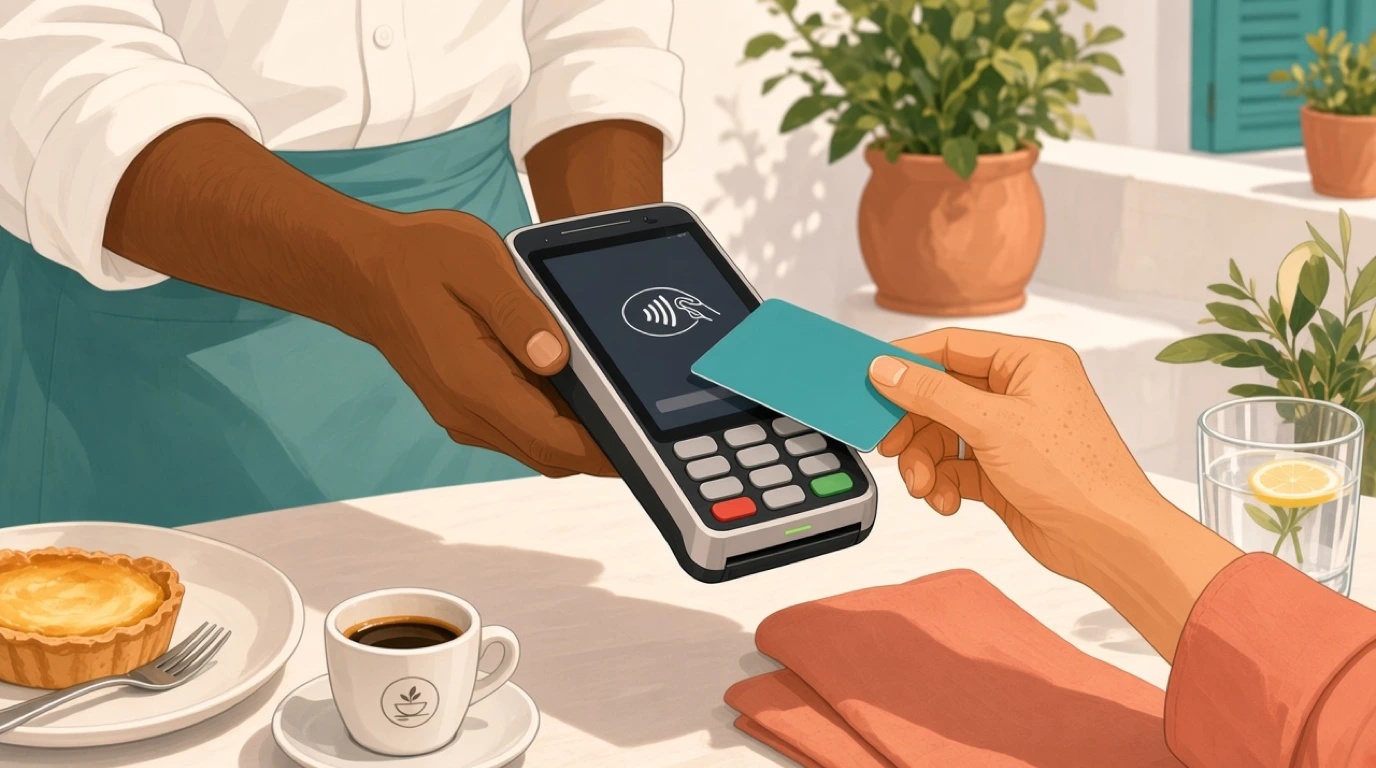
Payments sit so close to the POS that they are effectively one decision. Integrated processing, where the terminal, the POS, and the processor speak natively, eliminates end-of-day reconciliation mismatches and enables pay-at-table, tips flows, and instant refunds; the rate structure, flat, interchange-plus, or locked to the vendor, is the single biggest line in the total cost of ownership, as our processing fees guide details. Evaluate the POS on the shifts you actually run: build your real menu in the demo, ring a rush's worth of orders, split a difficult bill, and watch what happens when the Wi-Fi drops. The system that stays calm through that test is the one that will stay calm on a Saturday.
Kitchen operations: the KDS layer
Between the order and the food sits the kitchen's half of the software. The kitchen display system replaces the printer rail with screens that route items to stations, appetizers to cold, mains to grill, sequence courses, time every ticket, and flag the ones running long. The operational gains are concrete: no lost paper, no shouting across the pass, prep times measured instead of guessed, and coursing coordinated between kitchen and floor with fire buttons instead of folklore. For multi-station kitchens, routing rules keep each screen showing only what that station cooks, and expo screens assemble the whole picture where plates come together; our KDS guide walks through configurations by kitchen size.
The kitchen layer is also where service data is born. Ticket times by daypart, station bottlenecks, and item-level prep durations feed the reporting layer and answer questions that used to be arguments: whether the kitchen or the floor is slowing table turns, which dish jams the saute station on Fridays, and whether the new menu item's complexity is worth its margin. Printers still have their place, receipt printing, label printing for takeaway and delivery packaging, and as a fallback, but the direction of travel is unambiguous: kitchens that see their order flow on screens run measurably calmer services, and the measurement itself is the point.
Inventory, recipes, and food cost
Inventory is where management software pays for itself, because food cost is the largest controllable expense in the business and invisible without a system. The module's core loop: every menu item carries a recipe, every sale depletes the recipe's ingredients from stock, purchases replenish it, and physical counts reconcile theory against reality. The gap between theoretical and actual usage, variance, is the number that exposes over-portioning, waste, and shrinkage, and it simply cannot be computed by hand at restaurant scale. Around the loop sit the supporting features: par levels and reorder points per location, low-stock alerts, waste logging with reasons, expiration and batch tracking, and transfers between locations or between bar and kitchen.
Recipe costing deserves its own emphasis: with ingredient prices flowing from purchases, the system prices every dish continuously, so when the salmon price rises 15 percent, the margin report shows it that week, not at quarter-end, and the menu decision, reprice, re-portion, or replace, happens while it still matters. This is the analytical backbone behind menu engineering and the food cost management our guides cover. The honest requirement in exchange: recipes must be entered accurately, counts must actually happen, and waste must be logged, because the software computes, it does not observe. Operations that commit to the discipline routinely find two to four points of food cost, which on most P&Ls is the difference between a mediocre year and a good one.
Procurement and supplier management
Upstream of inventory sits purchasing, the module that turns what the kitchen needs into orders, deliveries, and verified invoices. A complete procurement workflow runs: requisitions or market lists from the kitchen, purchase orders per supplier with unit prices locked before sending, delivery tracking with alerts when shipments run late, receiving against the PO with quantities, actual delivery-note prices, and photo evidence, and invoice capture matched three ways, order, receipt, invoice, so discrepancies surface before payment rather than after. Supplier catalogs, price lists, and performance history, delivery reliability, price trends, order accuracy, accumulate into negotiating leverage that a shoebox of invoices never provided.
The controls matter as much as the convenience. Approval tiers by value keep large commitments visible, budget enforcement warns or blocks overspending while it is still preventable, and receiving-time price capture flags the quiet supplier increases that otherwise leak margin for months. For multi-location groups, central procurement with per-location delivery turns scattered purchasing into consolidated volume and better pricing. The module's quiet superpower is the paper trail: every order, receipt, return, and adjustment timestamped and attributed, which shortens month-end, satisfies auditors, and, as our procurement guide argues, converts vendor management from relationship folklore into a managed process.
Accounting and the financial layer

The finance layer is where operations become statements. An integrated accounting module posts daily sales journals automatically, category by category, tender by tender, taxes separated, reconciles processor deposits against POS totals, and carries purchases from the procurement module into payables with the invoice already matched. The output is the reporting spine every operator needs: a daily flash of sales, labor, and prime cost, a weekly P&L that arrives while the week is still fixable, and a month-end that closes in days rather than weeks because the data entered itself. For operators keeping an external accountant or a general-ledger package, exports and integrations replace the monthly envelope of paper.
What the integration buys is timeliness, and timeliness is control. A restaurant reading its P&L six weeks late is steering by the rearview mirror; one with a daily flash report corrects the labor schedule, the prep list, and the pricing while the month is still open. The metrics layer sits on top: prime cost tracking, break-even monitoring, and the KPI dashboards our KPI guide and P&L guide explain, computed continuously from live data. The evaluation question for this layer is simple: how many days after month-end do you currently know your true numbers, and what would you do differently if the answer were one.
The guest-facing layer
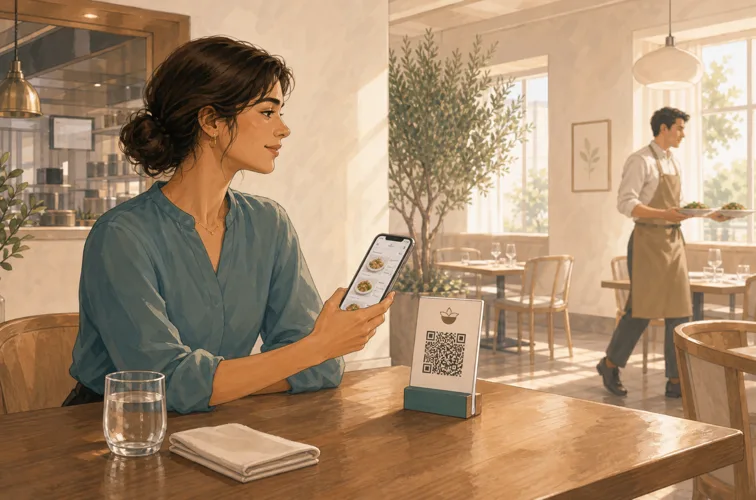
The same platform increasingly runs the guest's side of the experience. QR menus and mobile ordering let dine-in guests browse, order, and pay from the table, with items flowing straight into the kitchen queue, no app download, no waiting for a busy server, and measurable lifts in beverage reorders where guests can tap instead of flag someone down. Online ordering for takeaway and delivery brings the direct channel in-house, protecting margin from third-party commissions, with order throttling so the kitchen is not buried and status updates so guests are not calling; the direct-versus-marketplace economics are covered in our delivery guide.
Around ordering sit the relationship tools: reservations and waitlists tied to the floor plan so the host stand and the POS agree about table states, guest profiles that remember allergies, preferences, and visit history, loyalty programs that earn and redeem at checkout without a separate card, and gift cards sold and honored across locations. None of these is decoration; they are the retention machinery that costs a fraction of acquiring new guests, as our CRM and loyalty guides detail. The platform advantage is the shared guest record: the reservation, the order history, the loyalty balance, and tonight's table all describe one person, which is what makes recognition, the hospitality kind, operationally possible at scale.
Staff, permissions, and multi-location
The people layer covers who can do what and who works when. Role-based permissions, admin, manager, cashier, kitchen, custom roles, control voids, discounts, refunds, and report access, with every sensitive action logged to a person; clock-in and clock-out at the terminal feeds labor cost reporting against sales in real time, the ratio our labor cost guide tracks. Scheduling, whether native or integrated, publishes shifts against forecasted demand, and the audit trail, every void, comp, and cash drawer event timestamped, is the quiet feature that pays for itself the first time a discrepancy needs explaining.
For groups, the platform earns its keep at the center: menus, prices, and permissions managed once and published to every venue, with local overrides where concepts differ; consolidated reporting that compares revenue, covers, product mix, and labor across locations in one view; inventory transfers and central purchasing across sites; and consolidated guest and gift card data so the brand behaves as one business rather than five. This central-versus-local balance is the defining challenge of growing groups, and it is the subject of our multi-location guide; the software's job is making the right degree of standardization a setting rather than a fight.
All-in-one platform vs best-of-breed stack
Two philosophies compete for the same budget. The best-of-breed stack picks the strongest specialist in each category, a dedicated reservation platform, a labor specialist, an inventory specialist, and wires them together with integrations. Its strengths are real: category leaders go deeper in their specialty than any platform module. Its costs are also real, and chronically underestimated: each tool bills separately and the stack total routinely exceeds a platform subscription several times over; integrations break silently, and when the sales figures disagree between systems, each vendor points at the other; staff juggle logins and duplicate data entry creeps back in at the seams; and reporting that spans systems, did the loyalty program lift Tuesday covers, requires exports and a spreadsheet, which means it does not happen.
The all-in-one platform trades peak specialist depth for coherence: one data model, one login, one support number, one invoice, and reporting that crosses domains natively because the domains were never separated. For independents and small groups, the platform is usually the right default, extended through APIs and integrations only where a genuine specialist need exists, an enterprise reservation book, a specific delivery aggregator. For large groups, hybrid architectures are common: platform core, specialist edges. The practical test cuts through the philosophy: list the five cross-domain questions you most need answered, does QR ordering lift beverage margin, which supplier's price increases cost the most last quarter, and ask each candidate architecture to answer them without an export. The one that can, wins; our tech stack guide runs this analysis in full.
What it costs
Budget in three layers. Software: entry tiers from free to 60 dollars per month cover basic ordering and reporting; full-featured restaurant plans run 60 to 200+ per location; modules like online ordering, loyalty, and reservations add 25 to 100 each where not bundled, and multi-location and enterprise tiers price custom. Payments: 2.4 to 3.5 percent of card sales plus per-transaction fees, the dominant real cost at any volume, and the layer where structures, flat rate, interchange-plus, vendor-locked, deserve the most scrutiny. Hardware: from near zero on bring-your-own-tablet systems to 600 to 1,500 dollars per proprietary terminal, plus kitchen screens, printers, and networking; a typical two-terminal full-service build runs 1,500 to 4,000 purchased outright.
Composite year-one figures for planning: a single-terminal cafe on an entry plan, 2,500 to 8,000 dollars all-in including processing; a full-service independent, 8,000 to 19,000; multi-location groups scale per venue with volume discounts on the processing side as consolidated card volume becomes negotiating leverage. Two disciplines keep the number honest: compute total cost of ownership on your real card volume and average ticket rather than the vendor's example, and price the exit, contract length, termination fees, hardware portability, data export, before signing rather than after. The full arithmetic, with worked examples by concept, lives in our POS cost guide.
How to evaluate and roll out
Evaluation works best as a structured week, not a season of demos. Define the operation first: service model, order channels, kitchen stations, locations, and the five reports you must see daily. Shortlist two or three candidates and demo them on your reality: load your actual menu with its ugliest modifiers, ring a rush, split the difficult bill, kill the internet mid-order, and check the reports the next morning. Interrogate the seams: what does the accounting export contain, how do refunds reconcile, what happens to loyalty points across locations. Then check the vendor as a company, support hours against your service hours, update cadence, data export policy, and reference customers at your scale and concept, and negotiate processing with the same energy as the subscription, because that is where the money is.
Rollout succeeds on data and training. Build the menu and recipes carefully, garbage entered at setup becomes garbage in every report for years; count opening stock; configure roles and permissions before day one rather than running everyone as admin. Train by role in short sessions, servers, kitchen, managers, each on their own screens, and schedule go-live for a quiet service with the vendor's support on call and the old system still available as a safety net. Multi-location groups pilot one venue, template the configuration, then roll. And treat the first month as calibration: watch the variance reports, tighten the recipes, adjust the routing rules. The system's value compounds with the accuracy of what it is fed, and the operators who treat implementation as a discipline rather than an errand are the ones whose software ends up running the restaurant instead of decorating it. If you are replacing an incumbent system, our switching guide covers migration without service disruption.
Signs you have outgrown your current system
Most operators do not evaluate management software on a schedule; they evaluate it when the pain crosses a threshold. The recognizable symptoms: month-end takes weeks because sales, invoices, and counts live in different places and someone re-types them; nobody trusts the food cost number, or there is no food cost number; the answer to how did last Tuesday compare to the Tuesday before requires three exports and an argument; managers spend evenings on spreadsheets that a report should produce; the online ordering tablet farm on the counter takes orders the POS never sees; and adding a second location doubles the administrative work instead of adding a venue to a dashboard.
Each symptom is the same disease, data that does not flow, and the treatment is consolidation rather than another point tool bolted to the pile. The economics of switching usually surprise operators who dread it: the hours recovered from re-keying and reconciliation are worth more than the subscription, the visibility gains show up in food and labor points within a quarter, and modern migrations, menu import, guided data setup, parallel running, are measured in weeks, not the mythical months that keep restaurants on systems they outgrew years ago. The rule of thumb: if two or more symptoms on the list are weekly realities, the evaluation is overdue, and the cost of staying is quietly larger than the cost of moving.
Bringing it together
Restaurant management software in 2026 is not a gadget decision; it is the operating system the business runs on. The center is still the POS, fast, offline-capable, honest under pressure, but the value concentrates in the connections: sales that deplete stock, purchases that verify themselves, journals that write themselves, and reports that answer cross-domain questions while there is still time to act. Choose the integrated platform unless a genuine specialist need argues otherwise, count the processing before the subscription, feed the system accurate recipes and counts, and demand of every candidate the same thing you demand of a great employee: that it does the boring work reliably, tells the truth under pressure, and gets better every month it is on the team.