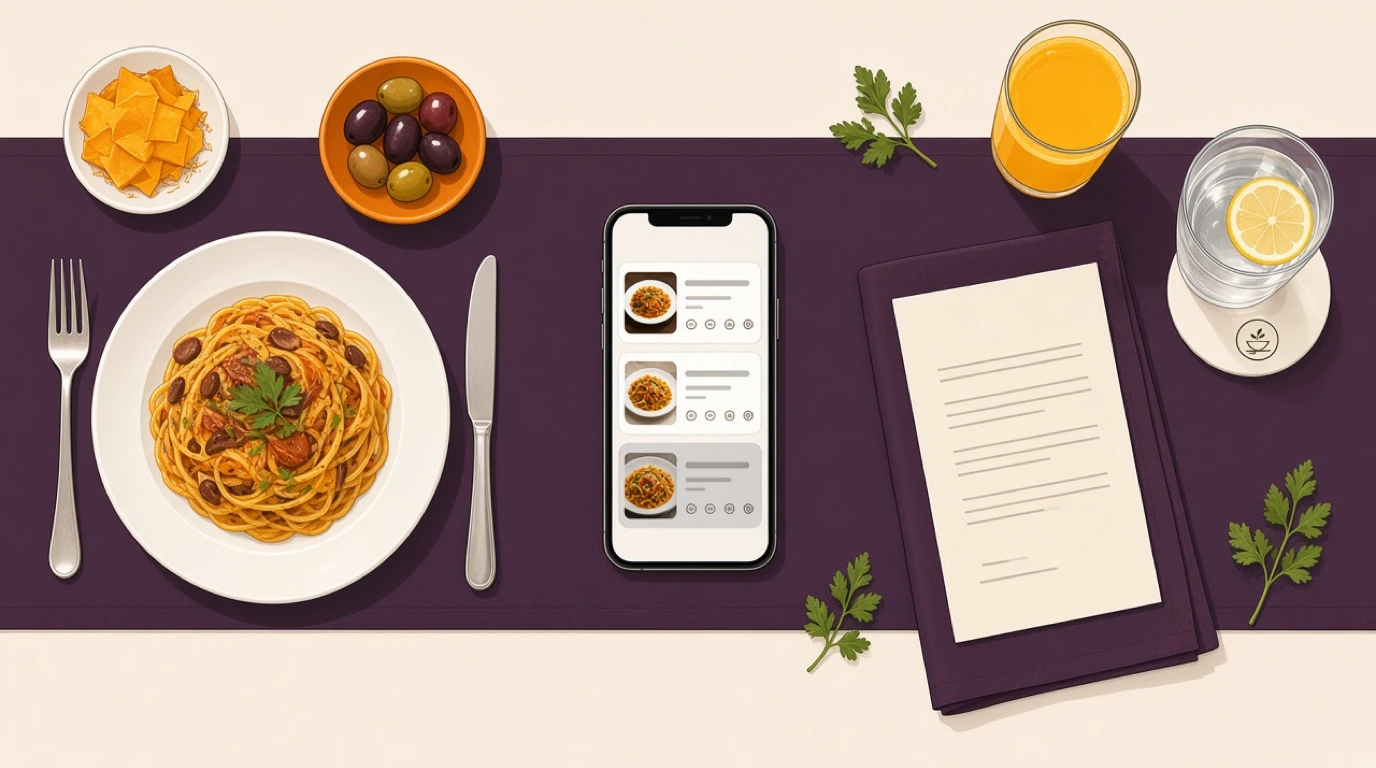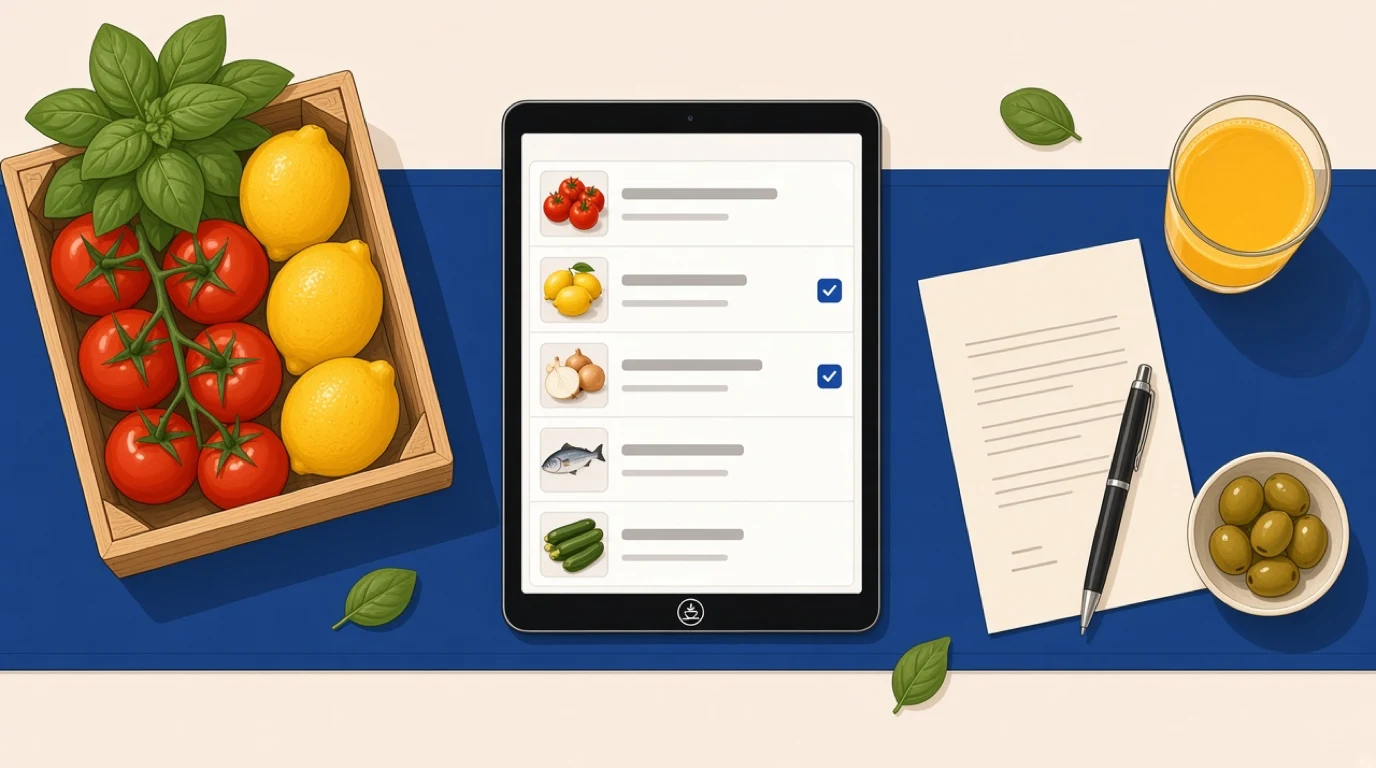
Ask a restaurant owner what they spent on produce last month and they'll find the number. Ask what they ordered, from whom, at what price, and whether that's what turned up, and the answer is spread across WhatsApp threads, a supplier's emails, a clipboard by the back door and the head chef's memory. Restaurant purchasing software pulls that into one place: what you need, what you ordered, what arrived and what you were charged. On a restaurant procurement platform, it's the part the kitchen touches every day.
The money leaks in small amounts. A case of tomatoes that never arrived but was invoiced. Burrata that crept up by 25 cents a piece over three months without anyone agreeing to it. A Saturday cash-and-carry run because nobody noticed the cream was low on Thursday. None of these is a crisis, and that's the problem: they're too small to chase by hand and too frequent to ignore. Purchasing works best when it's tied to restaurant stock management, because the order should start from what's actually on the shelf.
A view worth stating early: the clever ordering suggestions get the attention in demos, but the dull part, checking deliveries and invoices against the order, is where most of the money is. Judge any system on that first.
What is restaurant purchasing software?
Restaurant purchasing software is a tool that creates supplier orders from your stock needs, tracks them through delivery and checks each invoice against what was ordered and received.
- Supplier catalogues and agreed prices
- Purchase orders from par levels
- Approvals before orders go out
- Receiving and short deliveries
- Invoice matching and price alerts
It sits between your stock counts and your accounts, turning a shortage on the shelf into an order and a delivery into a checked invoice.
Restaurant purchasing software usually lives in one of three places:
- Inside your restaurant POS, alongside stock and recipes
- Linked to restaurant accounting in an all-in-one platform
- As a standalone ordering app connected to both
In short: every order starts from real stock, and every invoice is checked before you pay it.
Purchasing software vs procurement vs inventory software
The three terms get used as if they were the same thing, and vendors don't help by putting all of them on one feature list. They overlap, but each answers a different question.
Purchasing software
The day-to-day buying: which items to order, from which supplier, at what price, and whether the delivery and invoice match the order. Chefs and managers use it several times a week.
Procurement
The strategy above purchasing: choosing suppliers, negotiating contracts, running tenders and deciding how many vendors to use. It happens quarterly or yearly, and it's mostly a people job. We cover that side in our article on restaurant procurement and vendors.
Inventory software
What's on the shelves: counts, stock levels, waste and the variance between what you should have and what you've got. It's where purchasing gets its starting numbers. How an inventory system tracks those levels is a topic of its own.
Key distinction:
- Procurement decides who you buy from and on what terms. Purchasing places and checks the orders under those terms.
- Inventory software tells you what you have. Purchasing software turns that into what you need to buy.
Ways restaurants handle purchasing today
Most restaurants already have a purchasing system. It just may not be software. The table compares the common setups, from a phone and a notebook to a fully connected platform.
| Setup | How it works | Best for | Strengths | Limits |
|---|---|---|---|---|
| Phone, messages and paper | Chef texts or calls each supplier | One small kitchen, few suppliers | Free, fast, personal | No record, no price checks |
| Spreadsheet order guide | Shared sheet with pars and prices | Owners who like control | Cheap, flexible | Manual counts, prices go stale |
| Supplier ordering apps | Each supplier's own portal or app | Venues with one main broadliner | Live prices for that supplier | One app per supplier, no comparison |
| Standalone purchasing software | Ordering, receiving and invoices in one tool | Groups with many suppliers | Strong workflows, approvals | Separate from stock and sales |
| Purchasing in an all-in-one platform | Orders built from POS sales and stock | Venues wanting one system | Pars follow real sales, no re-keying | Depth varies by vendor |
The spreadsheet deserves some credit. Plenty of good restaurants run on one for years. It stops working when the person who maintains it leaves, when you add a second site, or when nobody has time to update prices, and that last one happens quietly.
How restaurant purchasing software works
The steps below describe purchasing that's connected to stock and sales. A standalone tool follows the same steps, but the counts and costs have to be brought in from somewhere else, which is the first thing to check in a demo.
1. Suppliers and prices go in once
Each supplier gets a record with contacts, delivery days, cut-off times, minimum order and lead time. Each item you buy is linked to one or more suppliers with its pack size and agreed price. Mozzarella from the dairy comes in 1 kg bags at one price; the same mozzarella from the broadliner comes in 2.5 kg at another. The software needs both, so it can compare them per kilo.
2. Par levels set the target
For every item, you set a par: the amount you want on hand before the next delivery. Good pars change with the week, higher before a weekend and lower on a Monday, and the best systems suggest them from what you actually sold.
3. The order builds itself from the gap
After a stock count, or from stock levels the system keeps up to date as dishes sell, the software compares what's on hand with the par and suggests an order for each supplier. The chef checks it, adjusts what the numbers can't know (a big booking on Saturday, a special that needs extra fish) and submits.
4. Approvals and sending
Orders above a set amount wait for a manager's approval. Once approved, each supplier gets its order, usually by email or through a supplier link, before their cut-off.
5. Delivery is checked at the door
Whoever receives the delivery opens the order on a tablet, ticks off what arrived, and records anything short, damaged or substituted. That record is what makes a credit note possible later. Without it, a missing case is your word against the driver's.
6. The invoice is matched and costs update
When the invoice arrives, the software checks it against the order and the delivery. Wrong prices, missing items and quantities that don't match are flagged before anyone pays. The new prices then flow into recipe costs, so a price rise on olive oil shows up in the margin of every dish that uses it.
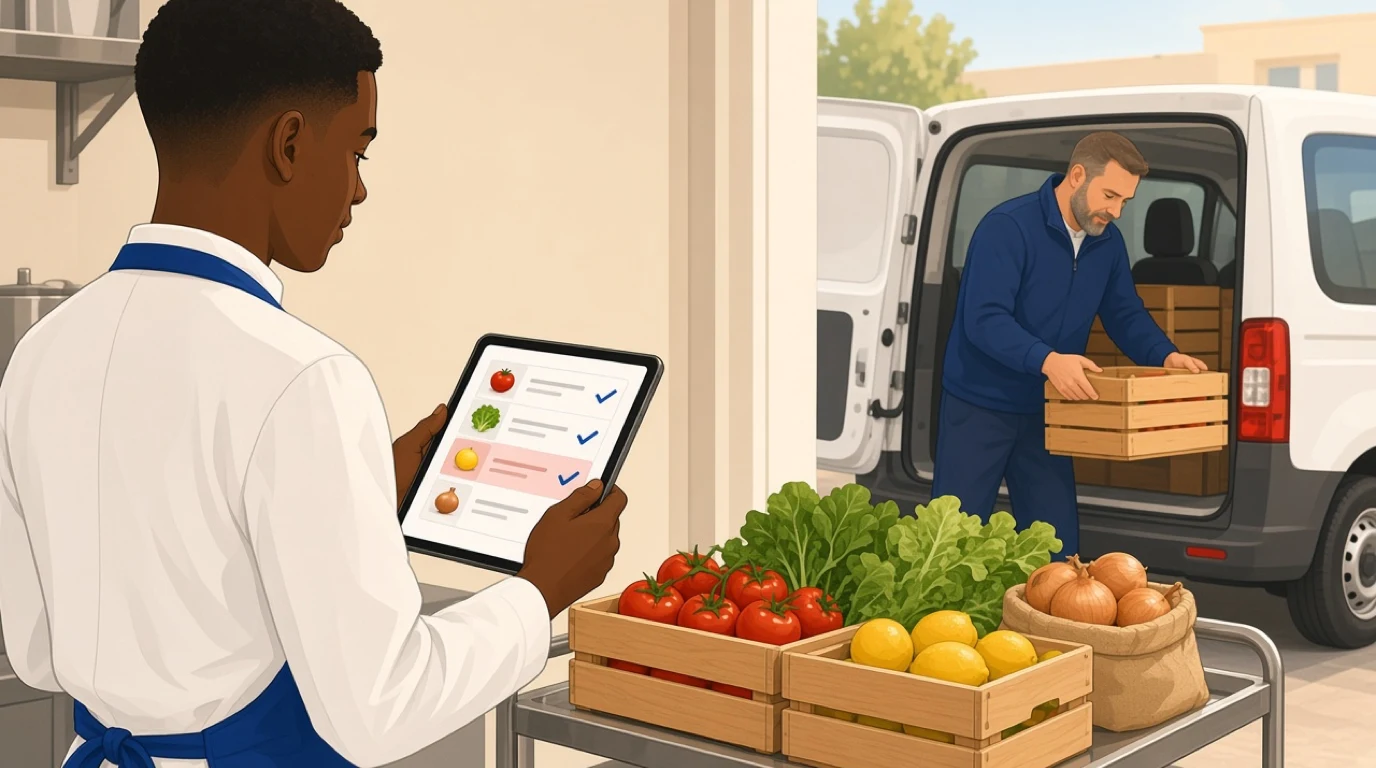
Here's a week of that in an 85-cover trattoria buying from seven suppliers, with food and drink purchases of around 31,000 a month. On Thursday morning the head chef runs the stock count on a tablet. The software suggests orders for five suppliers based on the weekend pars: 42 burrata to bring the dairy back to its par of 60, 14 cases of tomatoes, 18 kg of octopus. She adds 4 kg of octopus for a party of 20 on Saturday and removes the courgettes, which are going on special. The produce order comes to 1,640, above the 1,500 limit, so it waits for the general manager, who approves it from his phone.
Friday at 7:40 am the produce arrives two cases of tomatoes short. The kitchen porter marks it on the tablet before the driver leaves. When the dairy invoice comes in, the software flags burrata charged at 2.10 instead of the agreed 1.85 on 40 pieces, ten over. The same afternoon a price alert shows olive oil up 12% from the broadliner, and the cost of the house focaccia moves with it. None of these would have been caught on paper. Together they're a few hundred a month, and the time it took to catch them was a few taps.
What purchasing software saves, and what it doesn't
There's very little independent research on how much purchasing software saves restaurants, and most published figures come from vendors. So rather than quote one, here's where the savings come from, and you can put your own numbers on each.
Price creep. Suppliers rarely announce small increases. A few cents here and there on dozens of items adds up. If a trattoria buying 31,000 a month lets prices drift 1.5% above what was agreed, that's 465 a month, or 5,580 a year, and nobody signed off on any of it. Price alerts and invoice matching catch it the week it happens.
Shorts and errors. Missing cases, wrong items and quantities invoiced but not delivered. Most suppliers will credit them, but only if you can show what arrived. Receiving on a tablet gives you that record.
Emergency buying. The Saturday run to the cash-and-carry costs more per kilo, takes a chef or manager out of the building and often happens because nobody noticed a low item on Thursday. Pars and suggested orders make those runs rarer.
Over-ordering and waste. Ordering by gut feel tends to round up, and what's rounded up often ends in the bin. Orders built from real sales and stock keep the walk-in leaner. The rest of that problem, from storage to prep, is covered in our article on reducing food waste.
Admin time. Building orders, chasing credits and keying invoices into the accounts takes hours each week. Some of that time comes back.
Now the limits. Purchasing software doesn't negotiate better prices; it only shows you whether you're getting the ones you agreed. It won't fix food cost caused by portions, recipes or theft, and if your food cost percentage is high because plates go out heavy, the answer is in the kitchen, starting with portion control. And it's only as good as the counts behind it. Pars built on stock counts nobody does properly produce confident, wrong orders.
What to look for in restaurant purchasing software
Every demo shows a tidy order screen. These are the questions that separate a system your chef will use on a Thursday morning from one that ends up abandoned after a month.
1. Orders that start from real stock
Suggested orders should come from current stock against par, with pars that can differ by day of the week. If the system only gives you a blank order form with your item list, it's a spreadsheet with a login. Ask: "Show me how the Friday order is calculated."
2. Supplier catalogues with agreed prices and pack sizes
Every item needs its supplier, pack size, unit of measure and agreed price, ideally with more than one supplier per item so you can compare. Ask how prices are updated and who's told when one changes.
3. Approval rules you can set
Approval by order value, by supplier or by role, so a sous chef can order produce but a large wine order goes to the general manager. Ask whether managers can approve from a phone, because they won't always be at the pass.
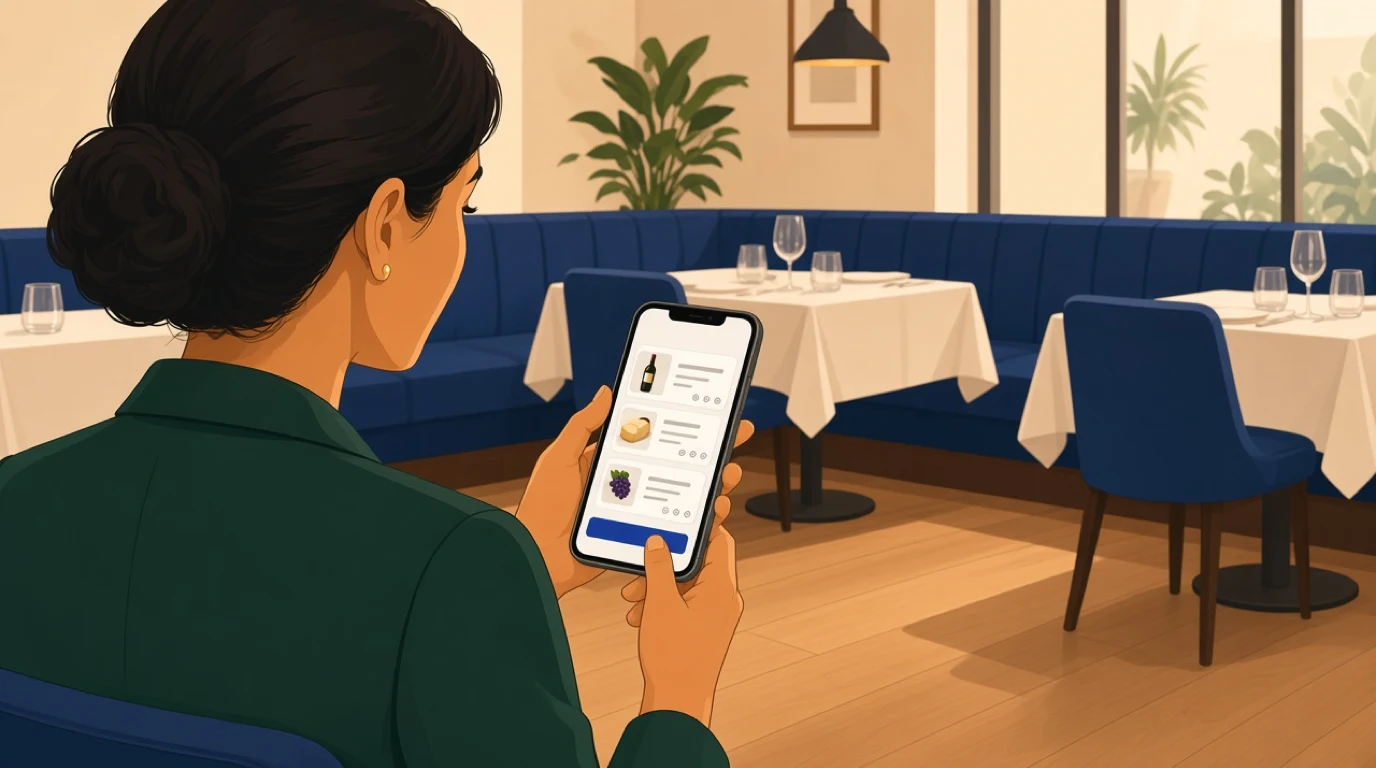
4. Receiving on a tablet at the door
The person taking the delivery should be able to tick items off, record shorts and substitutions, and add a photo of damaged goods in a minute or two while the driver waits. Ask to see a short delivery recorded, start to finish.
5. Invoice matching that flags differences
The software should compare invoice, order and delivery, and flag mismatched prices and quantities before the invoice is approved for payment. Ask what happens to a flagged invoice and how the credit note is tracked.
6. Price alerts with thresholds
An alert for every cent of change is noise. You want to set a threshold, say 5% on proteins, and see price history by supplier. Ask whether a price change updates recipe costs automatically.
7. A link to recipes and margins
Purchasing data is most useful when it reaches the menu. When the price of a key ingredient moves, you should see which dishes it affects and what their margin is now. Ask to see that path from invoice to dish.
8. Several sites, one view
Groups need to compare what each site pays for the same item, set shared supplier catalogues and sometimes order centrally. Ask how a price agreed by head office reaches every site.
9. Reports you'll actually read
Spend by supplier and category, price trends, shorts and credits by supplier, and waste by reason. Ask which reports managers use weekly at existing customers, not which ones exist.
How much does restaurant purchasing software cost?
Costs range from nothing to a significant monthly fee, and the cheapest options often cost the most in time.
Spreadsheets and messages. Free, apart from the hours spent keeping them up to date and the errors nobody catches.
Supplier ordering apps. Usually free to the restaurant because the supplier pays for them. They're handy for one supplier, but each one only shows its own prices, and none of them will tell you that a competitor is cheaper.
Standalone purchasing software. Normally a monthly fee per location, sometimes with extra charges for invoice processing or additional users. Strong on workflows, but stock and sales data have to come in from your other systems.
Purchasing in an all-in-one platform. Included in a plan with stock, recipes and the POS. You pay for the platform, and there's no second system to keep in sync.
Whichever you look at, set the price against one number: how much of your monthly food and drink spend goes unchecked today. Even a small share of a 30,000 monthly spend is likely to be worth more than the software. In Tableview, procurement is part of the Pro plan; the details are on our plans and pricing page.
How to choose purchasing software for your restaurant
The right setup depends less on size than on how many suppliers you buy from and how many people place orders.
Full-service restaurants
Many suppliers, fresh deliveries most days and a head chef who places most orders. Receiving and invoice matching matter most, because fresh produce and fish are where shorts and price changes hit hardest. Purchasing works best when it shares data with the rest of a full-service restaurant POS.
Bars and clubs
Fewer suppliers, higher-value items and a lot of stock behind the bar. Pars on spirits and kegs, and approvals on large wine and spirit orders, protect cash. The pour side of the cost is covered in our article on bar pour cost, and the venue tools in our bar POS system page.
Takeaway and delivery
Packaging becomes a big purchasing line, and running out of containers stops service as surely as running out of chicken. Set pars on packaging like any ingredient. A takeaway POS system that tracks sales by channel helps set those pars.
Cloud kitchens and multi-brand sites
Several brands share one stock room, so purchasing has to work from combined demand. Recipe links matter more than usual, because one ingredient may feed five menus. That's daily life for cloud kitchens.
Hotels and resorts
Multiple outlets, central stores and formal approval chains. Purchasing has to handle orders from the kitchen, the bars and banqueting, often with finance involved. That's standard in hotel F&B.
Restaurant groups
Several sites buying the same items. Shared catalogues, central price agreements and site-by-site comparison are the features that pay. Some groups also run a central kitchen that orders for everyone, the model described in our article on commissary kitchens.
Getting started: a 30-day rollout
Purchasing software fails most often in the first month, when the setup feels like extra work and the old habits are still easier. A simple plan keeps it moving.
Week 1: suppliers and the top items. Enter every supplier, then the items that make up most of your spend. In most kitchens around 50 items account for about 80% of purchasing, so start there rather than with all 400.
Week 2: pars and a proper count. Do a full stock count, set pars for those items and agree who orders from which supplier. Tell suppliers that orders will now come from the new system.
Week 3: order and receive in the system. Place every order through the software, even when the phone would be faster, and receive every delivery on the tablet. Expect to adjust pars more than once.
Week 4: match invoices and review. Match every invoice, chase every flag and look at the first reports. Then add the next batch of items.
Pick one person to own it during that month, usually the head chef or the general manager. Shared ownership in the first month usually means nobody's.
Where Tableview fits, and where it does not
In Tableview, purchasing sits in procurement management, connected to stock, recipes and sales from the same POS. You keep a supplier directory with contacts, lead times, pricing agreements and performance ratings, compare prices across vendors and set a preferred supplier for each ingredient. Each item has its par level, and when stock drops below it, Tableview builds the purchase order with one click or automatically, choosing the supplier by lead time and cost.
Orders can go through approval chains with several levels, and you can follow each one from submission to delivery. On receipt, the purchase order is matched to the invoice automatically and discrepancies are flagged. Ingredient costs update as prices change, with alerts when an increase passes the percentage you set and cost trends by supplier, and because ingredients are mapped to recipes, you see the effect on each dish's margin. Waste is logged with reason codes and costed per item. Procurement is included in the Pro and Enterprise plans.
Where something else is the better choice:
- If your main supplier's own ordering app does everything you need and you buy from almost no one else, a separate purchasing tool may not earn its keep yet.
- If you need electronic data interchange with specific national distributors, check that integration with the vendor first; Tableview doesn't advertise supplier-specific integrations.
- A chain with hundreds of sites and a central procurement department is better served by an enterprise procurement suite built around that team.
Key takeaways
- Restaurant purchasing software turns stock shortages into supplier orders and checks every delivery and invoice against what you ordered.
- Most of the savings come from the dull part: catching shorts, wrong prices and unagreed price rises before you pay.
- Purchasing is daily buying. Procurement is choosing suppliers and terms. Inventory is what's on the shelf.
- Orders should start from real stock and par levels, and price changes should flow into recipe costs.
- Judge the price against how much of your monthly spend goes unchecked today.
- Roll it out on your top 50 items first, with one person owning it for the first month.
Read next: restaurant inventory management for the counts behind every order, prime cost for where purchasing shows up in your numbers, and restaurant cash flow for paying suppliers on time.