Four trips. That's how many times a server crosses the room to settle one bill the old way: bring the check, collect the card, run it at the station, then come back with a slip to sign. Pay at the table cuts it to one, because the payment travels to the guest instead of the card travelling to the till. It looks like a small change to your restaurant payments, and it ends up touching table turns, tips, disputes and how many servers you need on a Saturday.
Across most of Europe a waiter who walked off with your card would get a strange look, and the portable terminal has been normal for years. In the US the card still disappears to a back station in plenty of dining rooms, although that's shifting quickly. The open question now isn't whether to take payment at the seat. It's which device does it: a card reader the server carries, the handheld they already take orders on, which is how most full-service restaurants run it, or the guest's own phone.
One opinion before the detail. If the device in the server's hand doesn't know what's on the check, you don't have pay at the table. You have a portable card machine and a server typing totals from memory, which is slower than it looks and wrong more often than anyone admits.
What is pay at the table?
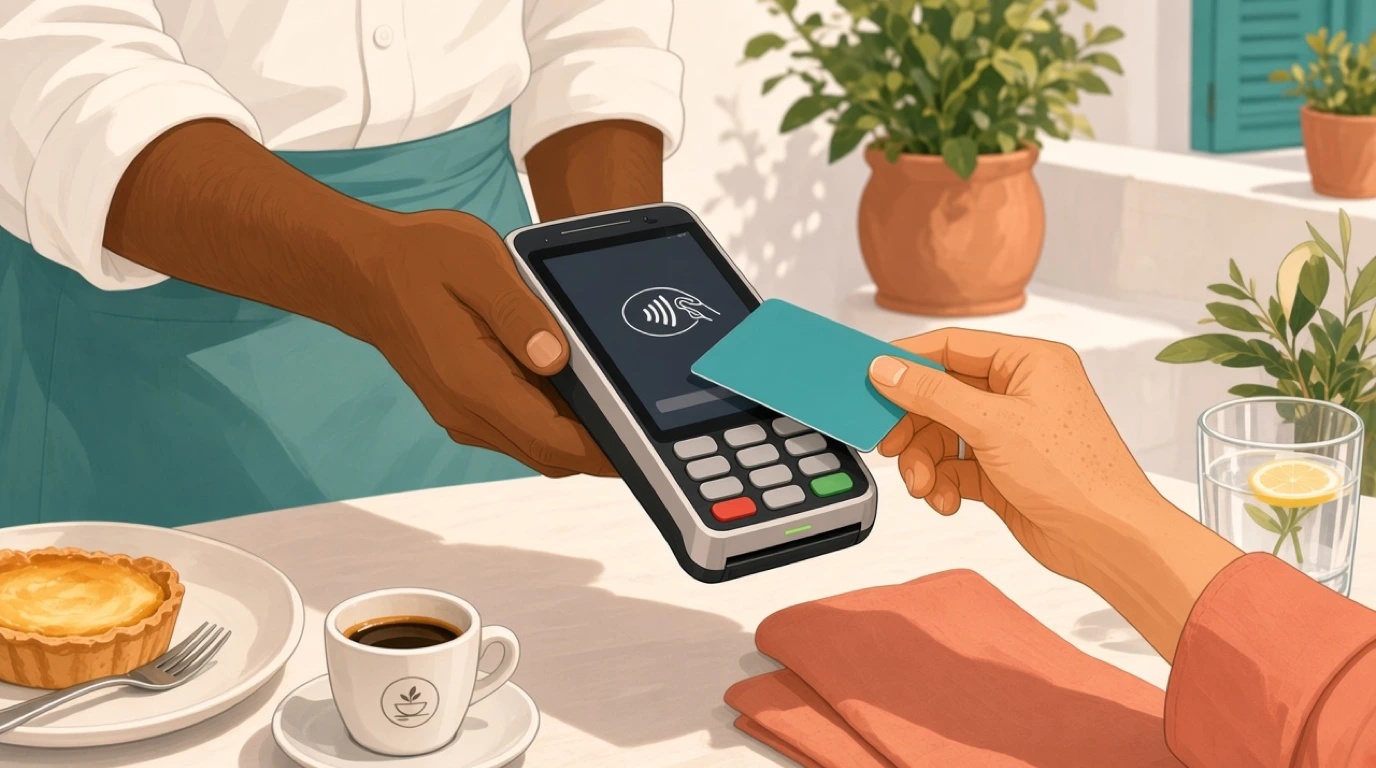
Pay at the table is a way of settling a restaurant bill at the guest's seat, on a terminal, handheld or phone, so the card never leaves the table.
- The check total from the POS
- Splits by seat or item
- The tip, on the device
- Card, mobile wallet or QR
- A receipt, printed or emailed
It sits between the open check on the till and the card processor, so the amount charged is exactly what the floor and bar rang in.
Pay at the table usually runs on one of three things:
- A handheld running your restaurant POS
- A portable card reader linked to the open check
- The guest's phone, through mobile order and pay
In short: the bill comes to the guest, and the card stays in the guest's hand.
Pay at the table vs QR order and pay
The two get lumped together because both happen at the seat and both can involve a phone. They're different service models, and mixing them up leads to buying the wrong thing.
Pay at the table
Staff take the order the usual way, and only the payment moves to the seat. The server still runs the table, presents the bill and closes the check.
QR order and pay
Guests scan a code, order from their own phone and pay either as they go or at the end. The server becomes a runner and a host rather than an order taker for that table.
Key distinction:
- Pay at the table changes one step of service, the last one.
- QR order and pay changes who takes the order, which changes staffing, upselling and the feel of the room.
Plenty of venues run both. A brunch spot might let tables reorder coffee from a QR code and still have the server bring a handheld for the final bill, because a party of eight splitting four ways goes faster with a person in charge of it.
The four pay at the table setups
Every setup puts the payment at the seat. What differs is how much the device knows about the check.
| Setup | How it works | Best for | Strengths | Limits |
|---|---|---|---|---|
| Standalone card terminal | Server keys the total in by hand | Very small rooms, stopgaps | Cheap, no integration needed | Typed totals, no item splits, manual tip records |
| Integrated portable reader | Reader pulls the open check from the POS | Most full-service dining rooms | Exact totals, splits and tips per server | POS and processor must work together |
| Handheld POS with card reader | One device takes the order and the payment | Big floors, patios, terraces | Fewest trips, one device per server | Battery and Wi-Fi coverage decide it |
| Guest phone via QR | Guest opens the check on their own phone | Casual dining, brunch, bars | No hardware at the table | Some guests won't, less staff contact |
The standalone terminal is the one to grow out of. It looks like pay at the table, and the guest can't tell the difference, but every bill is a number someone typed. On a busy night that's where the 4 that should have been a 9 comes from, and the tip that ended up on the wrong server's report.
How pay at the table works
The flow below assumes an integrated setup: a handheld or reader that pulls the check from the POS. With a standalone terminal, steps two and three happen in the server's head.
1. The table asks for the bill
Someone catches a server's eye, or the server reads the table and offers it. Either way the server picks up the device and opens that table's check, which should take two taps from the floor plan, not a search through open tabs.
2. The check comes to the seat
The server shows the itemised bill on the screen, or presents a printed copy first in rooms where that's expected. Anything that needs fixing, a dessert the table didn't order or a comp the manager promised, gets fixed here, at the table, before anyone has tapped a card.
3. The split, if there is one
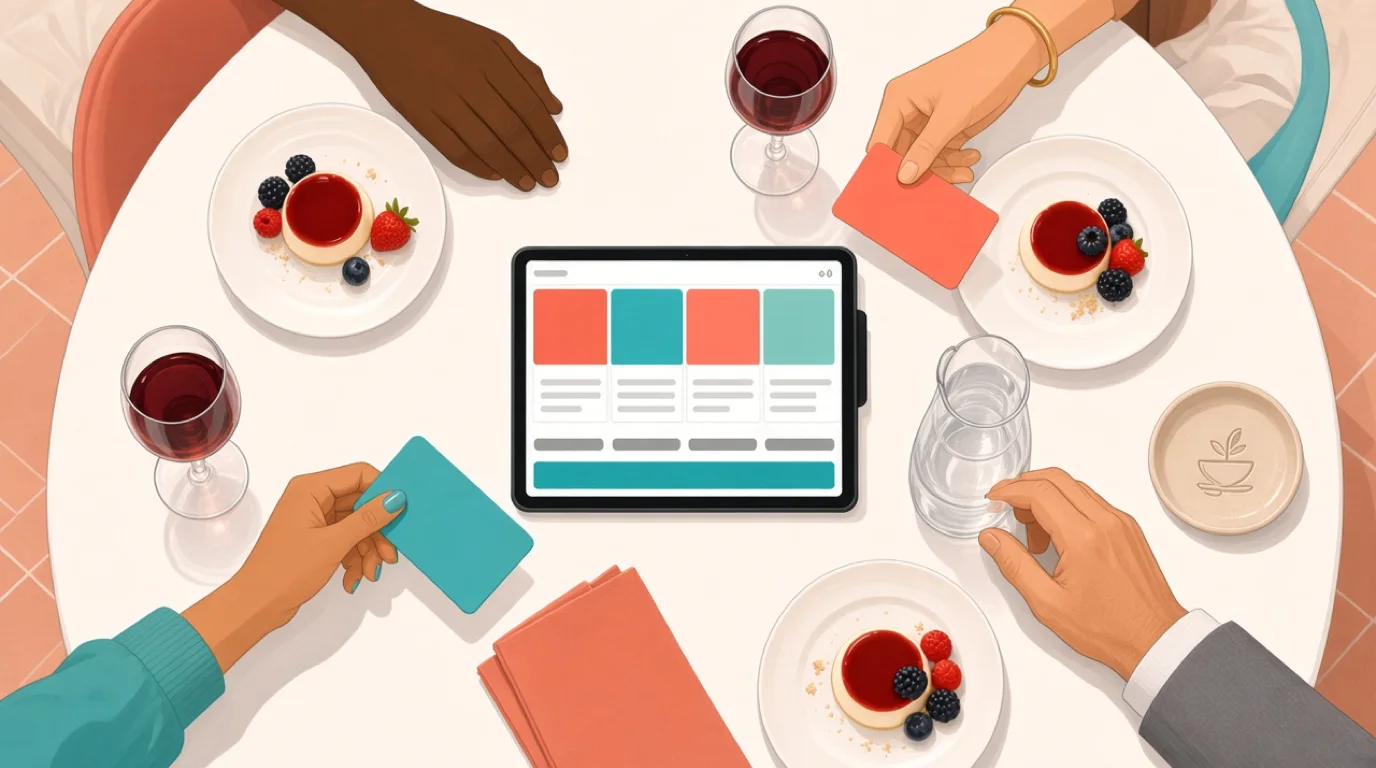
Most tables of more than two will split something. The device handles it by seat, by item or by amount: two people take the wine, one person pays for the kids, the rest goes four ways. Each part becomes its own payment against the same check, so the total still reconciles when the last guest pays.
4. The tip, then the payment
The guest picks a tip on the screen, or skips it, then taps, inserts or uses a phone wallet. Because the tip is set before the payment is authorised, there's no signed slip to adjust later and no tip to key in at the end of the night.
5. The receipt, and the table goes back to open
Receipt by email, on paper or not at all. The check closes, the table drops back to open on the floor plan, and the host can seat it as soon as it's cleared.
Here's what that looks like with real numbers. A 64-seat bistro, Saturday, first sitting. At 8:45 pm fourteen tables are into dessert or coffee and nine parties are on the waitlist for the 9:15 slot. The old way, each bill takes four trips and, call it, five or six minutes of a server's time once you add the queue at the station. With a handheld per server it's one trip and roughly two minutes. Fourteen tables at four minutes saved each is close to an hour of server time handed back in the tightest half hour of the night. That hour is the difference between the 9:15 tables sitting down at 9:15 and sitting down at 9:35 with a round of apologies.
On the floor plan the host watches the tables turn from dessert back to open. On the handheld, the server sees the open checks for their section, the split screen and the tip prompt, and at no point does anyone walk to a station with a card in their hand.
Why the card should stay in the guest's hand
The speed argument gets the attention. The security argument is the better one.
A card that leaves the table can be copied. Skimming at a back station isn't common, but it happens, and when it does the restaurant is the last place the card was seen. Keeping the card with its owner removes that question entirely, and it narrows how much of your operation sits inside the scope of PCI compliance for restaurants, because staff never handle card details at all.
Then there's PIN and contactless. In the UK a single tap is allowed up to 100 pounds, and in the EU contactless payments are capped at 50 euros each, with the bank asking for a PIN once a card has done five taps in a row or passed 150 euros since the last one. A family dinner for six goes over those numbers easily. When the terminal is at the table, the guest types the PIN on the spot. When the card has gone to a back station, someone has to walk the machine back anyway.
Disputes are the third reason. A tip written on a paper slip and keyed in later is the classic source of "I never agreed to that" claims, and those turn into restaurant chargebacks that cost far more than the tip. A tip the guest chose on the screen, before authorising the payment, is a much harder thing to dispute.
What pay at the table changes on the floor
The first thing managers notice is the station. There's no queue at it, because nobody needs it to take payment, and the server who used to stand there for ninety seconds per bill is back in their section.
Turn times move next. Not by much per table, a few minutes, but those minutes come at the end of the meal, which is exactly the stretch that decides whether the next booking sits down on time. If you track table turnover, the gain shows up as fewer late second sittings rather than a dramatic jump in the average.
Sections can grow a little. A server who doesn't spend a third of the close walking to and from a station can run one more table. Don't bank on it in week one, though. Staff need a fortnight to stop reaching for the old routine.
What about tips? Vendors like to quote big tip increases from pay at the table, and most of those figures come from the vendors themselves. What's reliably true is narrower: tips land on the right server, they're recorded the moment the guest pays, and nobody has to adjust a slip at midnight. The default percentages on the prompt matter more than the device. Set them at numbers your guests think are fair, base them on the pre-tax total, and always show a clear option to skip, or the screen will feel like a shakedown.
And some guests won't love it. In a quiet fine-dining room, a terminal arriving before the guest has looked at the bill can feel rushed. The fix is service, not technology: present the bill first, give the table a minute, then bring the device.
What to look for in a pay at the table system
Every card machine claims to support pay at the table. These are the things that separate a setup that helps on a Saturday from one that only demos well.
1. The device reads the check, not a typed amount
The device should open the table's check from the POS and charge exactly that, splits included. Typed totals are where under-charges and mystery over-charges come from. Ask in the demo: "Show me a table of four paying from a handheld without anyone typing a number."
2. Splits happen on the device
By seat, by item and by amount, mixed on one check, with cash for one guest and cards for the rest. If the server has to go back to a station to split, you've lost the point. Ask them to split a six-top three ways with one guest paying for a bottle of wine on their own.
3. A tip prompt you control
You set the percentages, whether they're calculated before or after tax, and whether the prompt appears at all. A bar running tabs and a bistro running courses need different defaults. Ask where those settings live and who can change them.
4. What happens when the Wi-Fi drops
Patio corners and basement dining rooms lose signal. A good setup keeps taking payments and queues them until the connection comes back, and tells you clearly which ones are waiting. Ask to see it with the router unplugged, and ask what happens to a queued card that's later declined, because somebody carries that risk.
5. Battery, range and a charging routine
A handheld that dies at 9:30 pm is worse than a fixed till. Find out how long the devices last on a double shift, where the dock lives, and whether a spare can be swapped in without logging the server out of their open checks.
6. Signatures and receipts without paper
Some cards and some countries still want a signature. The device should capture it on screen and store it against the transaction, and receipts should go by email or text on request. Ask how a guest gets a copy of last Tuesday's receipt when they ring up for their expenses claim.
7. Reconciliation by server and by payment method
At close, the manager should see card, cash and wallet totals per server, tips per server, and settlement status, without a spreadsheet. If those numbers flow straight into your restaurant accounting, the cash-up takes minutes rather than an hour. Ask to see the end-of-day report for one server's section.
8. Fees you can read
Processing fees, device costs, monthly software fees and any minimum monthly charge. Ask for all four in writing, for your card mix and your country, before you sign anything that runs longer than a year.
How much does pay at the table cost?
There's no single price, because pay at the table is three costs stacked on top of each other: the devices, the card processing and the software that links them.
Devices. You need one per server on a busy shift plus a spare, whether that's a card reader, a handheld or a phone running a tap-to-pay app. Buying outright is almost always cheaper over three years than leasing, and a lease that outlives the hardware is one of the oldest traps in the trade.
Processing. The percentage and fixed fee on each transaction, set by the processor and shaped by your card mix. Pay at the table doesn't usually change the rate itself, since the card is present either way, but it changes what you can negotiate if it comes bundled with a new processor. The arithmetic is laid out in restaurant payment processing fees, and it's worth running before any sales call.
Software. Some POS providers charge per device, some per location, and some take a slice of every payment instead. Per-location pricing tends to suit pay at the table best, because the device count goes up while the location count doesn't.
A worked example: a bistro taking 60,000 euros a month on cards. A difference of 0.4 percentage points in the blended processing rate is 240 euros a month, or 2,880 a year, which pays for several handhelds. That's why the processing quote matters more than the sticker price of any one device.
Tableview's plans and pricing are per location with no setup fees. Card payments go through third-party processors, so the transaction rate depends on your country and provider. The only straight answer to "what will I pay per card" is a quote for your venue, not a number in an article.
How to choose pay at the table for your restaurant
The right setup depends less on the size of the room than on how the room works.
Full-service and fine dining
Integrated readers or handhelds, with the bill presented before the device arrives. Splits by seat matter most here, because tables are bigger and courses run long.
Casual dining and bistros
Handhelds that take the order and the payment, so one server can run a bigger section on a busy night. The same setup suits casual dining and bistros that add QR reordering for drinks.
Bars and clubs
Tabs change the picture. Guests often settle at the bar, so pay at the table only matters for seated areas and table service. Pre-authorised tabs and fast card payment matter more, which is the territory of a POS for bars and clubs.
Hotel restaurants and resorts
Half the guests don't want to pay at all, they want to charge it to the room. The device has to post to the guest folio as easily as it takes a card, which is a hotel F&B requirement more than a payments one.
Counter service and takeaway
There's no table to pay at. A fixed till, or a handheld for line-busting in the queue, does more good. The pocket POS approach covers that case.
Where Tableview fits, and where it does not
Tableview runs pay at the table on handhelds and tablets in the browser, with the check pulled straight from the POS. Servers split by seat, item or custom amount, take several payment methods on one check, and guests pick a tip from a prompt you configure. Guests can also sign on screen, receipts go out on request, and Stripe Terminal card readers are supported. If the connection drops, payments queue and go through when it returns.
On the floor plan the table moves from seated to ordered to dessert and back to open. Guests who would rather do it themselves can order and pay from their phone through a QR code, using the same menu. In a hotel, the same handheld posts a room charge after checking the room number and name against the PMS. At close, the payments report breaks sales down by payment method and tips by server and shift, with automatic settlement and next-day payout.
Where something else is the better choice:
- If you're tied into a bank terminal contract that doesn't integrate with any POS, you'll be typing totals until it ends, whichever POS you run. Wait out the contract or budget for the exit fee.
- If you need one fixed processing rate guaranteed worldwide, Tableview won't give you that, because the rate comes from the processor in each country.
- A chain with hundreds of locations and its own payment stack is better served by an enterprise POS built around that stack.
Key takeaways
- Pay at the table means the guest settles at their seat on a handheld, card reader or phone, and their card never leaves their hand.
- It's not the same as QR order and pay, which also moves the ordering to the guest.
- The device must read the check from the POS. Typed totals undo most of the benefit.
- The best reasons are security and disputes, with turn times and server time close behind.
- Judge a system on splits, tip settings, offline behaviour, battery life and end-of-day reports, then compare processing quotes.
- Pick the setup by service style: handhelds for busy floors, room charge for hotels, tabs for bars.
Read next: splitting restaurant bills for the split itself, choosing a card machine for the hardware, and tableside ordering for taking the order at the seat.