It is 12:25 on a weekday and there are eleven people in the queue. The first one wants a double burger meal with no pickles, the fries upgraded to large, a milkshake instead of the soft drink and a second burger for a friend who is still parking. The cashier has about twenty seconds before the queue starts looking at the door. Whatever restaurant POS system sits on that counter either gives her those twenty seconds or eats them, and in fast food that is most of the difference between a good lunch and a lost one.
Fast food is the format where the till is closest to being the whole business. The menu is short, the prices are low, and the margin comes from volume, so every second at the counter and every mistake in the kitchen is multiplied by hundreds of orders a day. A fast food POS system has to take orders at speed, turn meal deals into the right price without thinking, send each part of the order to the right station on a kitchen display system, and keep delivery apps from swamping the lunch rush. This guide covers what to look for, written for independent burger, chicken, kebab and fish and chip shops rather than for chains with a head office.
Where the seconds go at a fast food counter
Time a real order from "next, please" to the receipt and split it into pieces. Most of it is not the customer thinking. It is the cashier finding buttons, answering the till's questions, fixing a wrong tap, and waiting for the card reader.
A typical breakdown on a poorly set up till looks something like this. A few seconds to find the item category. A few more to find the item. Then the questions: which size, which side, which drink, any changes. Then the meal upgrade the customer asks for halfway through, which on a bad system means voiding the burger and starting again. Then payment. Each step is small. Add them up and a simple meal takes a minute at the till, and at lunch you have forty of them in half an hour.
The goal is not to rush the customer. It is to remove every second that is the system's fault, so the only waiting left is the customer deciding. That starts with the screen.
Buttons, screens and the two-tap rule
A good rule for fast food: your ten best sellers should each be reachable in two taps from the home screen, and the most common meal in one. If a cashier has to scroll, search or open a submenu to ring up the item that sells two hundred times a day, the layout is costing you money every single shift.
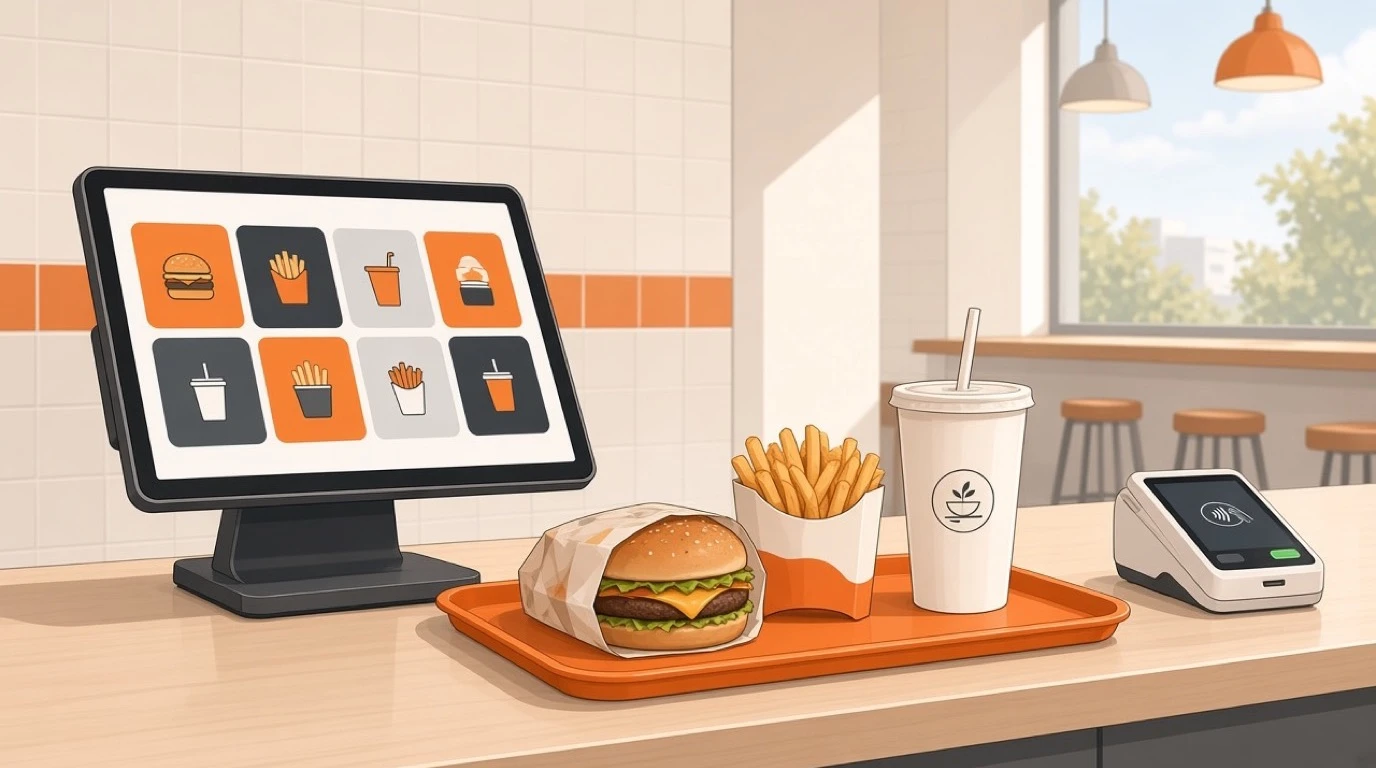
Tableview lets you organise the menu the way your team actually thinks, by station, course or popularity, with colour-coded categories for faster scanning and drag-and-drop editing that goes live instantly on every terminal. Use that. Put burgers, chicken, sides and drinks in fixed places and never move them, because cashiers learn positions, not labels. Colour the meals differently from the single items so nobody rings up a burger on its own when the customer wanted the meal.
Then look at the questions the till asks. Every forced question is a tap. Some are worth it: a drink size really must be chosen, and a forced choice stops a large being charged as a regular. Others are not. If nine out of ten meals come with regular fries, the till should assume regular fries and let the cashier change it, not ask every time. Tableview's modifier groups support smart defaults, so the common answer is pre-selected and the step can be skipped when nobody changes it. Across four hundred orders a day, one saved tap each is a real amount of time back.
Combos and meal deals without manager overrides
Fast food runs on meals. A burger, a side and a drink for a fixed price is the product most customers actually buy, and the meal deal is where tills most often go wrong: the wrong price when someone swaps the side, a manager called over to override an upgrade, a meal rung up as three separate items because the cashier could not find the meal button.
A good combo engine lets the cashier pick the meal, choose what goes in it and get the right price whatever the customer picks. It handles the awkward cases without help: a side swapped for one that costs more, a meal upgraded to large, a drink swapped for a milkshake with a surcharge, a meal with the burger doubled. Tableview's combo builder handles meal deals with fixed or flexible pricing and rings them up in a single tap, with combo and modifier pricing calculated automatically.
Two habits matter as much as the software. Decide your upgrade prices once, on paper, before you build them, so the till reflects a pricing plan rather than whatever was typed in on a busy afternoon. And put an end date on every promotional deal when you create it. The lunch offer that was meant to run for a fortnight and is still on the till in March is a fast food classic, and it usually turns up on the margin report long after it has cost you.
Tableview also supports scheduled pricing, which is useful for the breakfast menu that should vanish at 11 and the late-night deal that should appear at 10, without anyone remembering to switch it.
Upsells that do not slow the line
In a low-ticket business the easiest money is the second item: the large instead of the regular, the extra patty, the dessert, the dip. A few cents of extra margin on half your orders adds up faster than almost any price rise you could get away with.
The trap is the upsell prompt that fires on every order and becomes a tap the cashier learns to dismiss without reading. A prompt that appears when it makes sense, such as offering a large when someone orders a regular meal, is useful. One that asks "Would you like to add a dessert?" on every drink order teaches staff to ignore all prompts, including the good ones.
Keep it to one suggestion per order and make it the right one. Then measure it. If the average ticket does not move after a month, the prompt is noise. Our guide to raising the average check goes deeper on which upsells work and why most fail.
Modifiers: "no pickles" at speed
Fast food customers change things constantly: no pickles, no onion, extra sauce, sauce on the side, no bun, add cheese, well done. None of this is unusual, and all of it has to reach the kitchen clearly, because a burger made wrong is a burger made twice.
Three things make modifiers work at a counter. The common removals should be one tap each, laid out so the cashier does not have to read. Paid additions, like extra cheese or bacon, should price themselves. And the changes should appear on the kitchen ticket in a way the grill cook can read at a glance while flipping six patties, with removals clearly different from additions. Tableview supports modifier and special-request handling at item level, with modifier pricing calculated automatically.
Allergens deserve their own mention. A customer who says "no cheese, I am allergic" is not asking for the same thing as a customer who just does not like cheese, and your kitchen has to know the difference. Tableview's kitchen screen carries allergen and dietary flags on every ticket. How you handle cross-contact on a shared grill is a separate question, and allergen management covers it properly.
Kitchen routing: grill, fryer, cold prep
This is where fast food differs most from a sit-down restaurant. A single meal is made by three people at once: the burger on the grill, the fries at the fryer, the drink and the dessert at the front. If one printed ticket goes to one place, somebody has to read it out, and every order goes through a human relay that breaks at exactly the moment you are busiest.
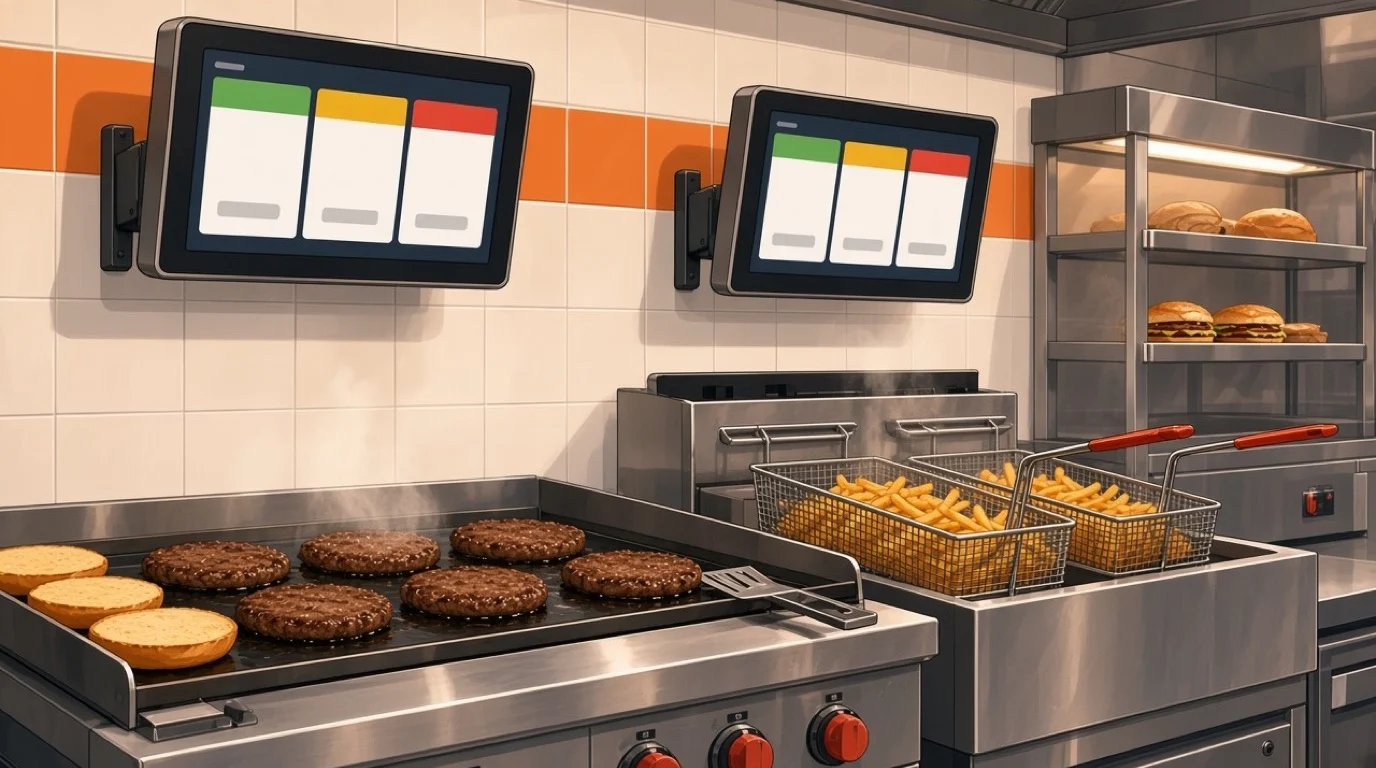
A kitchen screen fixes this by splitting the order. Tableview's KDS routes items automatically by station, grill, fryer and cold prep, so every cook sees only what is theirs and bumps completed items in one tap. An expo view shows the whole order for whoever is assembling the tray or the bag, so the person at the pass can see that the burger is done and the fries are not. Colour-coded urgency, green, yellow and red, and configurable timers per station show which orders are running late before the customer at the counter starts asking.
In Tableview the kitchen display system is on the Pro plan, not Starter, which is worth knowing before you choose. A small shop with one cook doing everything can manage on a printer. Once you have separate grill and fry stations and orders arriving from the counter, a QR menu and two delivery apps at once, the screen usually pays for itself in remakes and refunds avoided. We compare the two honestly in KDS versus kitchen printer.
Order numbers and the collection point
The moment an order is paid, the customer turns from a person in the queue into a person waiting at the counter, and your collection point becomes the new bottleneck. Crowding at the pass is what makes a fast food shop feel slow even when the kitchen is keeping up.
Order numbers solve most of it: a clear number on the receipt, called out or shown when the order is ready, with eat-in and takeaway orders visibly separated so nobody picks up the wrong bag. The expo view on the kitchen screen helps the person at the pass work in the right order.
Worth saying plainly: Tableview does not advertise a customer-facing "order ready" display showing numbers on a screen in the dining area. If that screen is central to how you want to run your pass, ask about it directly rather than assuming, and ask every other vendor the same question. Many independents run perfectly well with the number called out and printed large on the receipt.
Shortening the queue: QR ordering and kiosks
The fastest order at the counter is the one that never reaches it. Letting customers order from their own phone, or from a screen in the shop, moves the slowest part of the transaction, the customer deciding, away from the till entirely.
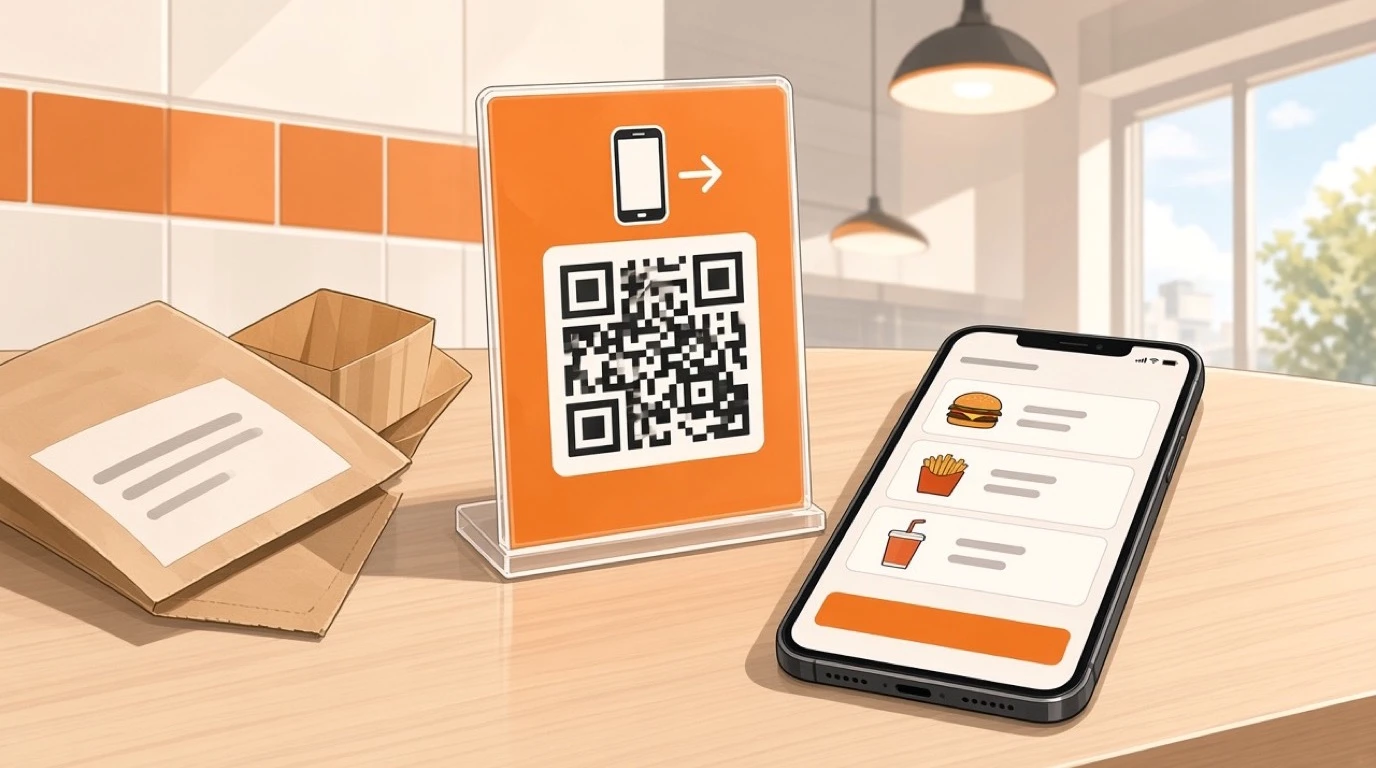
Tableview's QR menu and mobile ordering generates QR codes per table or location, including the counter, so customers scan with their phone camera, order and pay without downloading anything, and the order goes straight to the kitchen screen. The menu shows allergen icons for the 14 major allergens, supports more than 20 languages, and you can mark an item as sold out in one tap so nobody orders the last chicken burger twice. A QR code on the wall by the queue, with a line on the sign saying "order here and skip the queue", often takes a surprising share of orders off the till at lunch.
Self-service kiosks do the same job with a big screen on the wall, and they suit shops with high footfall and space to spare. They also cost real money and floor space, and their value depends on the queue being long often enough. Our guide to self-ordering kiosks works through the maths. Whichever you choose, the rule is the same: the phone, the kiosk and the counter must share one menu, one set of prices and one kitchen queue, or you will spend your afternoons reconciling three systems.
Card payments at tap speed
Most fast food orders are small and paid by card or phone, which makes the payment step one of the biggest single pieces of counter time. A reader that takes three seconds to wake up, or a card terminal that needs the amount typed in separately, is adding time to every order and inviting mistakes.
Tableview's integrated restaurant payments take chip, swipe, tap and mobile wallets, including Apple Pay and Google Pay, on Stripe Terminal card readers, with the amount sent from the order so nobody keys it twice. Split payments and multiple payment methods on one order are supported, which matters for the group of students each paying for their own meal. If you prompt for tips, the percentages are configurable, and in most counter-service shops a single, quick prompt works better than a screen of choices.
Payments also connect to the part nobody enjoys: the end of the day. Sales by card type, cash and mobile, reconciled automatically, mean the close-out is a check rather than an investigation.
Delivery apps and the lunch peak
Most independent fast food shops now run one or more delivery apps, and the apps have a habit of sending their busiest wave at exactly the time the counter is already full. The kitchen cannot tell the difference between a counter order and an app order. It just sees more tickets.
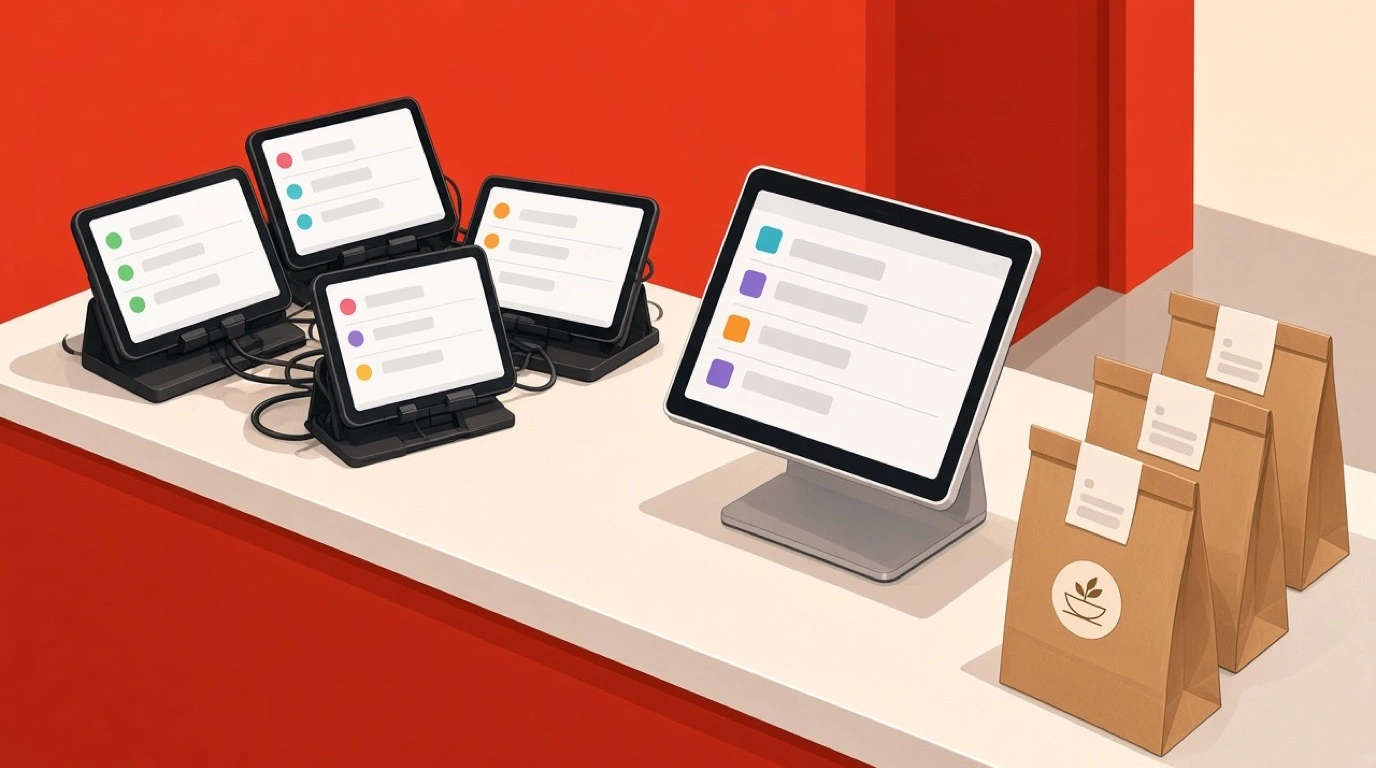
Two things keep that manageable. The first is one queue. Tableview connects to over 30 aggregators, including Uber Eats, Deliveroo, Just Eat, Glovo and Wolt, pulling every order onto the same screens as the counter, with the platform named on the ticket and menus syncing outward so a sold-out item disappears everywhere at once. That ends the row of tablets on the counter, each beeping in its own tone. Our guide to delivery app integration explains how the connections work.
The second is throttling. When the grill is at capacity, the apps should stop promising 15 minutes. Tableview's throttle engine watches active orders, prep time and station load, extends quoted times or pauses new orders when you are full, caps orders per 15-minute window, and can pause one aggregator at a time without you logging into each platform. At lunch, pausing the app that sends the biggest orders for ten minutes is often the difference between serving everybody late and serving everybody well. For shops where delivery is most of the business, the takeaway and delivery POS page covers dispatch, zones and drivers.
A word on the drive-thru
If you have a drive-thru lane, the priorities change again. The measure that matters becomes cars per hour, the order confirmation screen becomes a remake-prevention tool, and pulled-forward cars quietly break your timers. That is a subject of its own, and we cover it in the drive-thru POS system guide. Everything in this article still applies to the counter and the kitchen behind it.
Food cost in a low-ticket business
When a meal sells for a few dollars, a few cents of food cost per order is the whole profit. Fast food margins are made or lost in portions: the extra handful of fries, the second slice of cheese, the sauce applied with enthusiasm. None of it shows up unless you are measuring it.
This is where recipe costing and stock earns its place. Tableview maps ingredients to recipes, supports sub-recipes, calculates food cost per dish automatically and deducts stock on every sale. A house burger sauce is a natural sub-recipe, costed once and used by every burger that carries it. Waste logging with reason codes shows whether the chicken binned at close was over-prep or a delivery problem, and stock counts with variance reports show whether the patties you bought match the burgers you sold.
Pair the numbers with the basics. A fry scoop sized for the portion you charge for, a sauce gun instead of a squeeze bottle, and a photo of each build at every station do more for food cost than any report. Portion control covers the practical side, and food cost percentage explains how to set the target in the first place.
Labour: the cost that moves most
After food, labour is the other number that decides whether a fast food shop makes money, and it is the one that swings most from day to day. Too many people on a quiet Tuesday afternoon is money gone. Too few on Friday lunch is money never earned.
The POS is where the evidence for your rota lives. Tableview's live sales dashboard shows revenue with an hourly breakdown, and staff performance and shift summaries show who was working when. Put the two side by side for four weeks and the shape of your trade is obvious: the half hour that needs a third person on the grill, the late afternoon that needs one person fewer. Tableview does not advertise a built-in rota tool, so the rota itself will live in whatever you use today, but the numbers that should drive it come from the till. Restaurant labour cost goes into how to set the target, and staff scheduling into how to build the rota around it.
The reports worth reading every week
Fast food produces a lot of data, and most of it is never read. Four reports, checked once a week, cover most of what matters.
Sales by hour, because your trade has a shape and your staffing and prep should follow it. Product mix with margin, because the item everyone buys may be the one earning least, and Tableview's product mix and margin analysis shows both at once. Average ticket by channel, which usually shows that app orders are larger but less profitable after commission, and QR orders larger than counter ones. And average ticket time by kitchen station and hour, which the kitchen screen measures, because a grill that runs four minutes slow every lunchtime is telling you something about the layout, the staffing or the menu.
The test for any system is simple: can you answer "what was our busiest half hour last week, and what did we sell in it?" in under a minute? If not, the data exists and nobody is using it. Everything can be exported to CSV or connected to your accountant, so the numbers do not stay trapped in the till.
Training new staff in one shift
Fast food hires young and turns staff over fast. A new cashier may be on the till on their first day and gone within six months, so the fast food POS system has to be learnable in a single shift, and the menu layout has to do most of the teaching.
The principles are the ones above, applied deliberately. Fixed positions for every category. Meals coloured differently from single items. Forced choices for the questions that really must be answered and smart defaults for everything else. Upgrade and swap prices that calculate themselves, so a new starter never needs to call a manager to ring up a large meal with a milkshake.
Then practise with real orders. Write down ten actual orders from last Friday, including the awkward ones, and have every new starter ring them up before their first rush. It takes fifteen minutes and saves the first lunchtime. Staff training covers the rest of the first week.
When the internet drops at lunch
Your internet will fail at lunchtime eventually. The question is whether the counter keeps trading when it does.
Tableview is built offline-first. It runs in the browser on an iPad, an Android tablet or the terminal you already own, caches the menu, modifiers, pricing and tax rules on the device, and keeps taking orders and card payments while the connection is down, for up to 72 hours, with transactions settling when the line comes back. The honest limit applies to every system: no POS can receive a delivery app or QR order while your connection is down, because those orders have nowhere to arrive. What offline mode protects is your counter and your card payments, so a broadband fault costs you some app orders rather than the whole lunch.
What it costs
Tableview is priced per location, not per till. Starter is 69 dollars a month with two registers included and 49 dollars for each extra register, and includes the combo and modifier engine and basic inventory. Pro is 189 dollars a month with unlimited registers and adds the kitchen display system, advanced inventory and advanced reporting. There are no setup fees, and printers from Star, Epson and Sunmi connect to it.
For a small shop with one counter and one cook, Starter covers the ordering side. For a shop with separate grill and fry stations, a QR menu and delivery apps feeding the same kitchen, Pro is usually the plan, mostly because of the kitchen screen. The full comparison is on the Tableview pricing plans page.
Here is the test worth running before you sign anything. Take the five most awkward orders from your last lunch rush, exactly as the customers gave them, and make every POS you are considering ring them up in front of you, with a stopwatch running. Count the taps. Watch what reaches the kitchen. It takes twenty minutes, and it will tell you more than any feature list.
Read next: the food truck POS system guide if you trade from a van as well as a shop, QR code menus for setting up phone ordering, and opening and closing checklists for the routines around the rush.