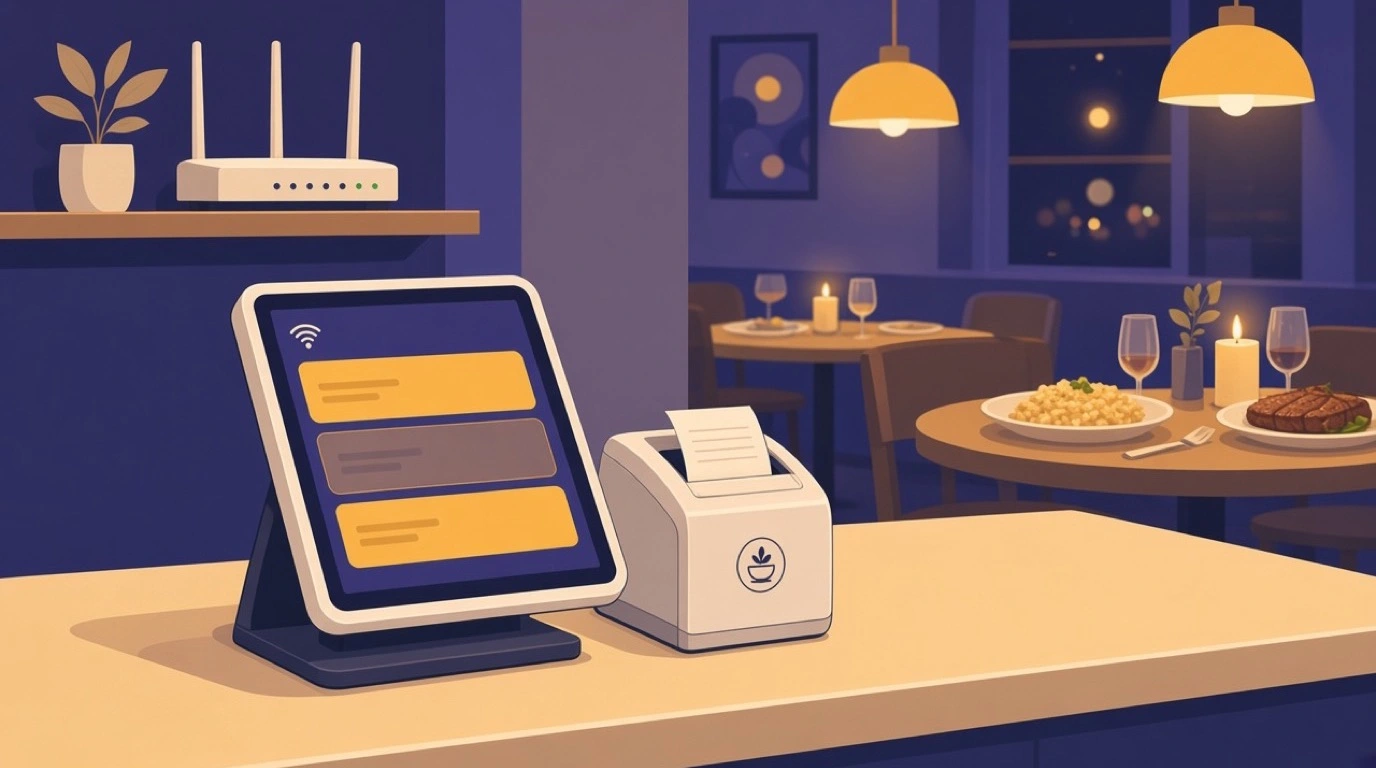
It is 8:15 on a Saturday, every table is full, and the router in the office has just gone dark. Somewhere on a street nearby an engineer has cut the wrong cable. What happens in your dining room for the next two hours depends entirely on one design decision your restaurant POS system made years ago: whether it was built to keep working without the internet, or merely to survive a short wobble.
Most restaurants only find out which kind they have on the night it matters. An offline POS system keeps taking orders, printing bills and accepting cards while the connection is down, then catches up when it returns. The payment side is the part that needs most care, because restaurant payment processing works differently offline and carries a risk most owners have never been told about. This guide covers what should keep working, what cannot, how to test it before you need it, and how to make an outage a nuisance rather than a lost night.
What "works offline" actually means
Vendors use the phrase loosely, and it covers at least three very different things.
Level one: nothing works. The system is a website. When the connection drops, the screen shows an error, and you are back to pen, paper and a calculator. Some cheaper cloud systems still behave like this, and some older ones do for card payments even if orders keep working.
Level two: it limps. You can ring up orders, but only cash can be taken, or the menu is frozen at whatever it was when the connection dropped, or the system gives up after an hour. This is the level many systems quietly sit at, and the one most likely to be described as "offline mode" in a brochure.
Level three: it keeps trading. The menu, modifiers, prices and tax rules are stored on each device. Staff take orders, print receipts and accept card payments. The payments are queued and settled when the connection returns, and everything syncs without anyone re-entering anything. This is what a real offline POS system does, and it is what you should demand.
Ask any vendor which level they are, then ask them to prove it by unplugging the router in the demo. The answer to the second request is the one that counts.
What an outage actually costs
Work it out for your own restaurant, because the number is usually bigger than people expect. Take your takings on a busy Saturday and divide by the hours you are open. That is what one hour of a dead till can cost, before you count the tables that walk out, the tips that disappear with them and the reviews that follow.
Now add the damage an outage does even when you keep trading on paper. Orders written by hand reach the kitchen late and illegibly. Bills are added up wrong. Card payments are taken on a separate terminal, if you have one, and never match the sales record. Someone spends Monday morning reconstructing Saturday night. And the stock figures for the whole weekend are wrong until they do.
Outages are also not rare. Broadband faults, a router that needs a restart, a power cut that takes the modem with it, a provider doing maintenance at the worst possible time: most restaurants lose their connection several times a year, and the busy nights are when the network is under the most strain.
What should keep working
When the connection drops, a proper offline POS system should let staff carry on almost as normal. Specifically:
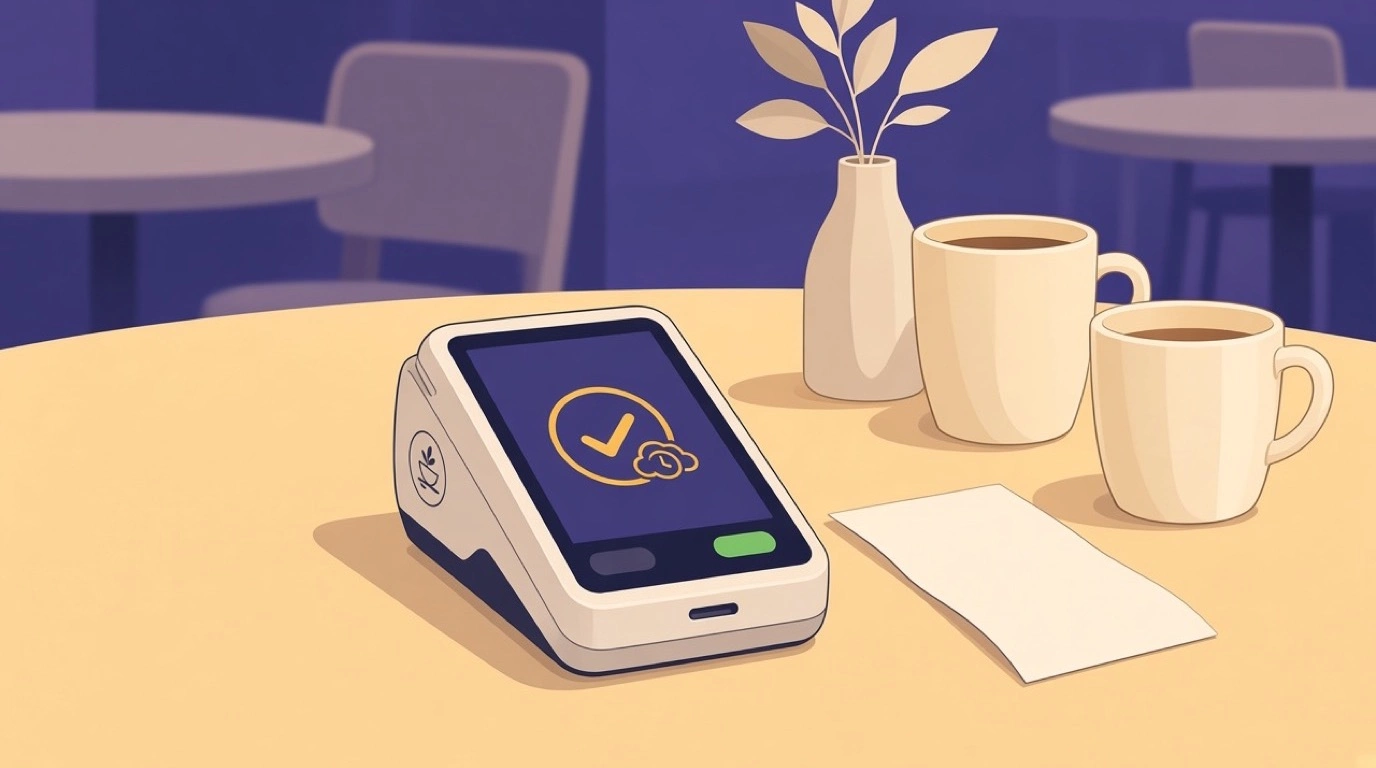
Taking orders on every till and handheld, with the full menu, including modifiers, combos and the prices set for that time of day. Printing receipts and bills. Accepting card payments, which are queued and settled once the connection is back. Splitting bills and taking cash. And keeping a complete record of everything, so that when the connection returns, every order and every payment syncs without anyone typing it in again.
Tableview is built offline-first. It caches your full menu, modifier sets, pricing and tax rules on each device, updated on every sync, so staff can take orders, process card payments and print receipts for up to 72 hours without any internet connection. Card payments are queued and settled when you are back online, and all data syncs when you reconnect.
What cannot work offline, whatever anyone says
Some things need the internet by definition, and it is better to know them in advance than to discover them mid-service.
Orders from outside cannot arrive. Delivery app orders, orders from your own website and QR orders placed from guests' phones all travel over the internet to reach you. While you are offline they have nowhere to land. The delivery apps will usually keep accepting orders for a while, so the first thing to do in an outage is pause them from the platform side if you can, before customers start waiting for food you do not know about. Our guide to delivery app integration explains how those connections behave.
Live reporting stops. You will not see the night's sales from your phone until the connection returns, and anything that depends on combining data across sites waits too. Remote changes stop: a price changed from head office will not reach the restaurant until it reconnects.
Anything that checks a central database may be limited. Depending on the system, that can include looking up customer accounts, loyalty balances or gift cards. Ask your vendor exactly which of these work offline, because it varies.
Card payments offline: the risk nobody mentions
This is the part that matters most, and the part vendors explain least.
When a card is taken online, the bank approves or declines it on the spot. When a card is taken offline, nobody asks the bank. The payment is stored, and it is sent for approval when the connection returns. Most of the time it goes through. Occasionally it does not: the card was over its limit, blocked or cancelled, and you find out after the guest has left. That money is usually lost.
For a restaurant the risk is normally small, because most bills are modest and most cards are fine. But it is not zero, and it grows with the size of the bill and the length of the outage. Three habits keep it under control. Keep offline card payments for normal bills, and ask for a second card, or cash, on the unusually large ones. Keep outages short by having a backup connection, which we come to below. And check the queued payments the moment you are back online, so any declines are found that night rather than at the end of the month.
Speak to your payment provider about how they handle offline transactions and whether they set limits. Disputes that follow are a separate problem, and our guide to restaurant chargebacks covers how to handle them.
The kitchen during an outage
The dining room is only half of service. The other half is whether the orders reach the kitchen.
If you run a kitchen display system, ask your vendor directly whether orders still reach the kitchen screens while the internet is down, and test it. Systems differ, and the answer decides whether your kitchen carries on as normal or falls back to shouting. If there is any doubt, keep a kitchen printer connected as a fallback, set up in advance so that nobody is configuring it during service. Our comparison of KDS versus kitchen printer covers the case for running both.
Whatever you use, agree the fallback with the kitchen before the night it happens. A laminated card by the pass saying what to do if the screens stop is worth more than any feature.
Handhelds on the floor
If your servers take orders on handhelds at the table, the outage question applies to every one of them, not just the till by the door. A system that keeps the fixed terminal working while the handhelds freeze sends every server back to the counter to queue behind each other, and table service slows to a crawl.
Test the handhelds in the drill below as well as the fixed terminals. Walk to the far end of the dining room, and the terrace if you have one, and check that orders taken there during an outage are still recorded properly and still turn up in the sales report once you are back online. Weak Wi-Fi at the edges of the room is a separate problem from a broadband outage, and it is worth fixing on its own terms, because the handhelds depend on it even on a normal night.
Cash: the fallback you still need
Many restaurants have gone mostly or entirely card-only, and for good reasons: faster service, no counting, no trips to the bank. But cash is the one payment method that needs no connection, no terminal and no bank, and in a long outage it can be the difference between closing a table and chasing a guest.
Even a card-only restaurant should keep a small float in the safe and a way to give change. Decide in advance whether you will accept cash during an outage, and make sure every shift manager knows the answer. If you do accept it, record it in the POS like any other payment, so the night's figures still add up. Our guide to running a cashless restaurant covers the trade-offs, including this one.
Brief the staff before it happens
The technology is only half of a good outage. The other half is the team knowing what to do without waiting for a manager to work it out.
Write a one-page outage plan and keep it by the till. Who checks the router, and who calls the provider? Who pauses the delivery apps? Does the kitchen switch to printed tickets? Which bills should be paid by card as normal, and which should get a second card or cash? And what do the servers say to guests? A calm "the card machine is working fine, it will process once our internet is back" does more to keep a dining room relaxed than any system.
Go through the plan with every new starter, and run the drill below with the managers. When the outage finally happens on a Saturday, the team should recognise it as something they have already practised.
Tax and fiscal records
In several countries the till is part of the tax system. Germany requires certified security devices for cash registers, Italy requires sales to be transmitted to the tax authority, and France and Spain have their own rules on how till data is recorded and kept. An outage does not suspend any of that.
If you trade in a country with fiscal rules like these, ask your vendor specifically how sales taken offline are recorded, signed or transmitted, and what happens if the connection is down for a long time. The answer depends on the country and the system, and it is not something to find out during an inspection. Your accountant should know the local requirements, and it is worth asking them the same question.
How long offline has to last
Most outages are short: a router restart, a few minutes of a provider hiccup. But the ones that hurt are long. A cut cable can take a day to fix. A fault on a Friday evening can last until Monday if the provider's engineers do not work weekends.
So "works offline" is not enough. Ask how long. A system that manages ten minutes offline is protecting you from the outages you would barely notice. You need one that can run a whole weekend. Tableview's offline capacity is up to 72 hours, which covers a Friday-to-Monday fault.
Ask too what happens as the time runs on. Does the menu stay current? Do queued payments expire? Does anything fill up? A vendor that has thought about long outages will have ready answers.
When the connection comes back
The end of an outage is its own small risk. Hours of orders and payments are about to sync at once, and you want to be sure nothing is lost or counted twice.
Once you are back online, run through a short checklist. Confirm the queued card payments have settled, and look for declines. Check that the orders taken offline appear in the sales report and that the totals match the till. Reopen the delivery apps you paused. And look at the stock figures for anything that sold heavily while you were offline, because a cloud system can only deduct stock once the sales have synced.
Do this the same night if you can. It takes ten minutes, and it turns a vague worry about Saturday's numbers into a known, closed problem. It also fits naturally into your end-of-day Z report.
A backup connection is cheap insurance
The best outage is the one your staff never notice. A backup internet connection makes most outages exactly that.
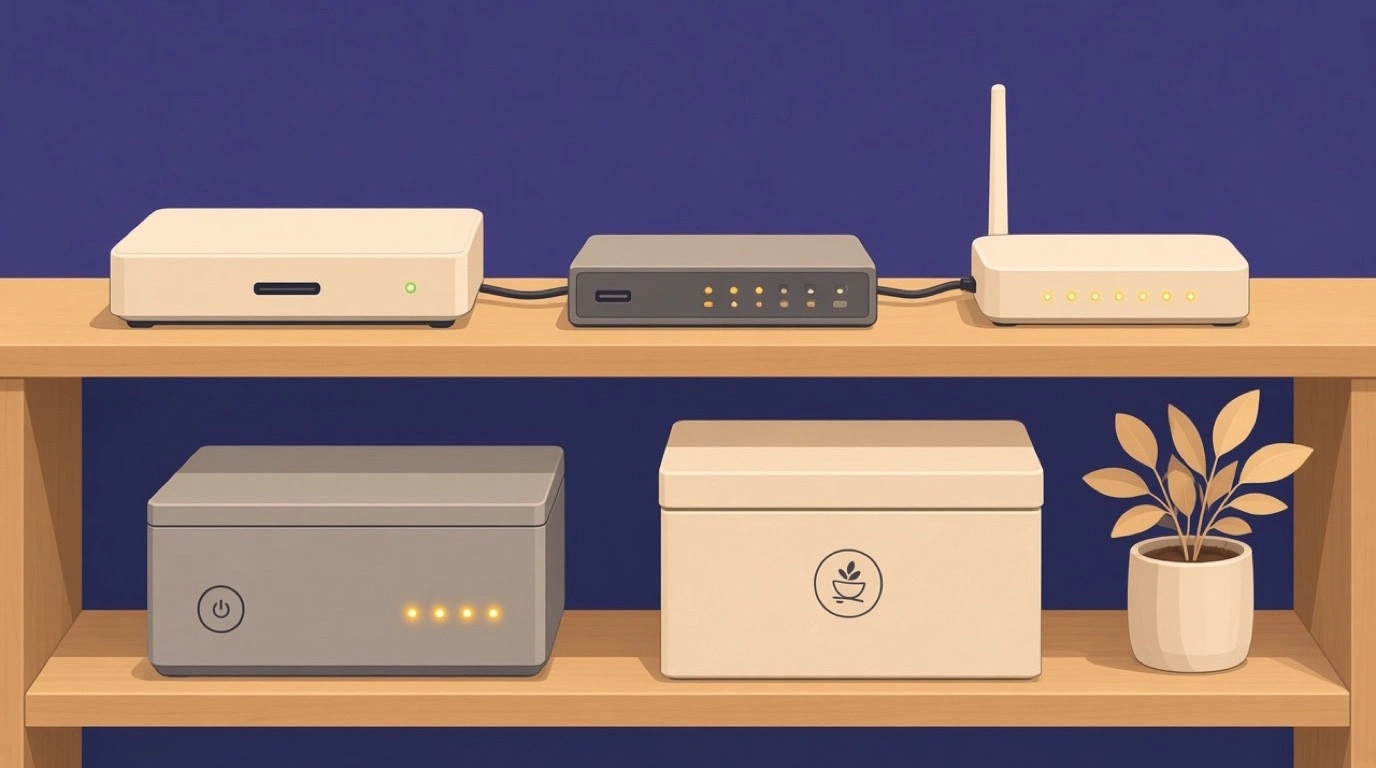
The usual setup is a router with a mobile data backup: when the broadband fails, it switches to a 4G or 5G connection automatically, and the POS carries on online. It costs little compared with a lost Saturday. Keep the POS on its own network, separate from the guest Wi-Fi, so that forty guests streaming video do not slow your card payments. And label the router and the backup in the office, so whoever is on shift knows which box to restart.
An offline POS system and a backup connection work together. The backup covers most outages. Offline mode covers the rest, including the ones where the mobile network is down too.
Power is the other outage
An internet outage leaves the lights on. A power cut does not, and it takes the router, the printers and any mains-powered terminals with it.
Tablets and handhelds run on battery, which is one reason they cope better than fixed terminals. A small uninterruptible power supply on the router and the receipt printer keeps the essentials alive long enough to close the open bills. Beyond that, the kitchen will usually decide how long you can keep serving, not the till. Include a power cut in your planning alongside the internet outage, and include both in your opening and closing checklists, so the batteries are charged before service rather than discovered flat during it.
The ten-minute outage drill
Here is a test worth running on a quiet afternoon, before the night you need it.
Unplug the router. On one till, ring up a real order with modifiers, send it to the kitchen, split the bill between two cards, take one card payment and one cash payment, and print the receipt. Check what reached the kitchen. Then plug the router back in and watch what happens: how long the sync takes, whether the card payment settles, and whether the order appears in the sales report exactly once.
If any step fails, you have found out on a Tuesday afternoon rather than a Saturday night. Write down what happened, fix what you can, and brief the staff on the rest. Then repeat the drill every few months, and every time a new manager starts.
Food trucks, pop-ups and events
For mobile operators, offline is not an emergency mode. It is the normal state of business. A food truck at a festival, a pop-up bar in a field or a stall at a market may have no reliable connection all day.
The same principles apply with the dial turned up. The system has to run for the whole event without a connection, card payments have to queue safely, and everything has to sync when you are back on Wi-Fi. Tableview's food truck POS is built around exactly that, and our food truck POS system guide covers the power and hardware side of trading on the move.
Questions to ask any vendor
Put these to every system you are considering, and ask for the answers in writing.
Which of the three levels above does your system reach? Can I take card payments offline, and what happens to them afterwards? How long can the system run without a connection? Do orders reach the kitchen screens during an outage? What cannot work offline: delivery orders, QR orders, customer lookups, gift cards? How does the sync work when the connection returns, and how do I know nothing was lost or duplicated? And can we test all of this in the demo, with the router unplugged?
If a vendor hesitates at the last question, you have your answer. And if they answer every question with "our system is very reliable", ask again. Reliability is about how often the system fails. Offline mode is about what happens when your internet fails, which is a different thing entirely and entirely outside the vendor's control.
Where offline fits in a cloud system
Offline mode is not a rival to the cloud. It is what makes cloud safe. A cloud system gives you one menu everywhere, live reports from anywhere and updates you never have to install. Offline mode makes sure none of that becomes a single point of failure on a busy night. Our guide to the cloud based POS system covers the rest of that picture.
For reference, Tableview is cloud-based with full offline mode, and is priced per location. Starter is 69 dollars a month with two registers included and 49 dollars for each extra register. Pro is 189 dollars a month with unlimited registers and adds the kitchen display system, advanced inventory and advanced reporting. There are no setup fees, and the full comparison is on the Tableview pricing plans page.
Run the ten-minute drill this week, whatever system you use. It is the cheapest way to find out what your restaurant does when the internet stops.
Read next: the restaurant tech stack for where the POS sits among everything else, PCI compliance for restaurants for keeping card data safe, and shift handover for passing on what happened during an outage.