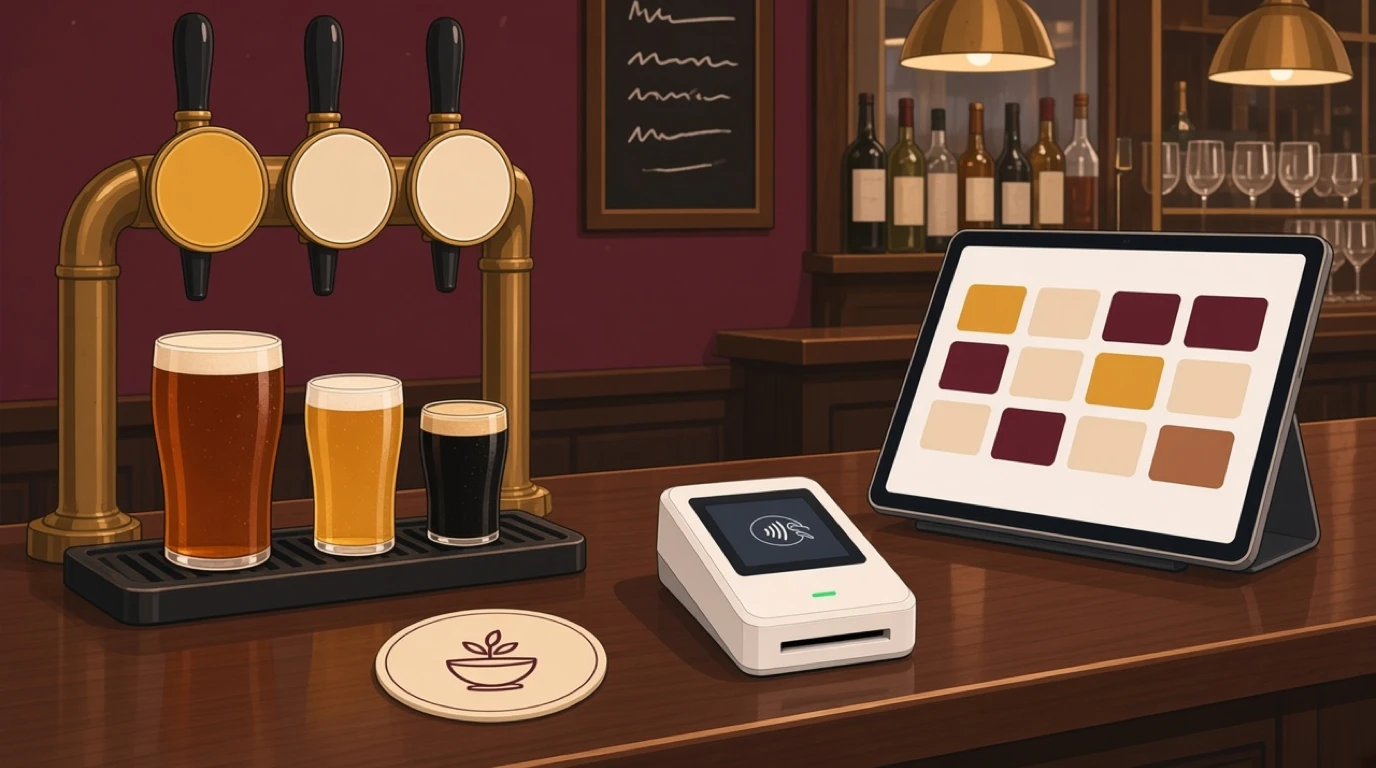
Most tills sold to pubs were designed for somebody else. Restaurant systems assume everyone sits down and pays at the end, and bar systems assume nobody eats. A pub EPOS system has to cover the food and the drinks on one bill, and more besides, because the same customer will buy a pint at the bar, order a burger with a table number, start a tab for the second round and settle the lot at eleven.
Then there's everything a pub deals with that a restaurant never does. Measures fixed by law. Licence conditions that reach all the way to the till screen. A cellar where every keg quietly loses a few pints. A team of part-timers that changes every term. In a wet-led pub most of the margin is won or lost behind the bar and down in the cellar, so bar stock management matters at least as much as how quickly the screen responds.
What to look for in an EPOS for pubs
If you only have ten minutes with a vendor, check these. Everything below goes into the detail, UK rules included.
- Food and drink ordered at the bar, at the table and by QR code, all landing on one bill.
- A button for every legal measure, set up as sizes of one product rather than separate products.
- Scheduled prices, with open tabs keeping the price they started on.
- An age-check prompt on alcohol, with a log you could show a licensing officer.
- Tabs you can open, find, merge and repeat without hunting through menus.
- Kitchen tickets that carry the table number and any allergy.
- Keg and bottle stock, with line cleaning and comps recorded as what they are.
- A login for each member of staff, manager approval for voids, and reports that split wet from dry.
- Something sensible when the broadband goes.
None of that is exotic. It's just rarely all in one system, and the gaps only show on a busy night.
One bill, three ways to order
A cocktail bar sells drinks to people standing up. A restaurant sells food to people sitting down. A pub does both in the same room, often to the same person in the same visit, and the till has to keep up as they switch between the two.
Here's the sequence that breaks weaker systems. A couple buy two pints at the bar and pay by card. They find a table, come back and order food at the bar against table 12. Later a server takes a second round at the table and adds it to table 12. One of them wants to pay for the drinks, the other for the food. On a good till that takes under a minute. On a poor one the drinks get charged twice, or the food shows up on the wrong table, or the bartender ends up doing sums on the back of a receipt.
So in a demo, ring up exactly that. Food at the bar against a table, drinks added from a second till, part of the bill paid separately and the rest closed. Watch how many taps it takes. If you want the detail on dividing the bill itself, splitting restaurant bills covers it.
QR ordering is the third route, and in a pub it earns its keep on the second and third round, when the table already knows what it wants and the bar is three deep. Tableview's QR menu ordering comes with the Starter plan and sends orders to the till and the kitchen like any other. The setting that matters for a pub is which items appear on it. Plenty of landlords are happy to sell food and soft drinks from the table but want spirits bought at the bar, where someone can see who's drinking what.
The mix changes through the day too. At noon a food-led pub looks like a café. At nine on a Saturday it's a drinks venue with the kitchen closed. On match days it's a sports bar. The same till has to handle all three without someone reconfiguring it at four o'clock.
Setting up pub tills for legal measures
In the UK the measures you can sell are set in law, and it pays to build the till around them from day one rather than around whatever a vendor's demo happens to use.
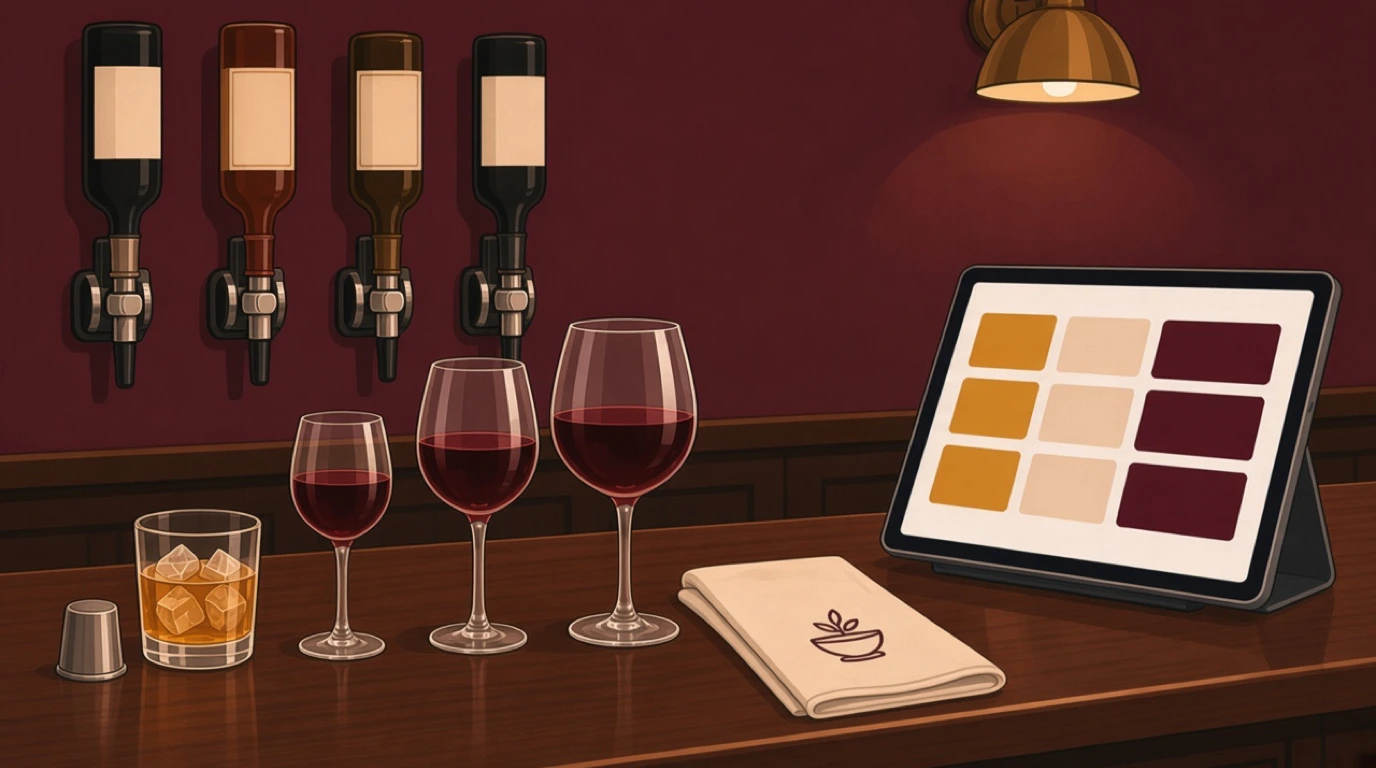
Draught beer and cider can be sold in a third of a pint, half a pint, two thirds of a pint, or multiples of half a pint. Gin, rum, vodka and whisky go in 25 ml or 35 ml measures, or multiples of them, and a pub has to choose one of the two and use it across the premises. Wine by the glass comes in 125 ml, 175 ml or multiples of those, with 250 ml as the usual large glass. On top of that, the mandatory licensing conditions say a half pint, a 125 ml glass of wine and a single measure of spirits have to be available, and customers have to be told about them, on the menu and the price list for instance.
On the screen, that means each draught line gets a button per size you pour, every spirit has a single and a double, and every wine by the glass has a 125 ml option even if nobody orders it from one month to the next. Set these up as sizes of one product. Then the stock comes off one keg, bottle or box, and the sales report shows what's actually being poured instead of forty near-identical lines.
Doubles and mixers are where the money leaks without anyone noticing. A double gin rung in as a single, or a tonic that never gets charged, looks like nothing on the night and a lot at the stock count. It's worth working out what each measure should cost you, and bar pour cost walks through the arithmetic.
What the licence asks of the till
A premises licence comes with conditions, and several of them land on the till. Two in particular are worth setting up properly.
Promotions, happy hours and minimum pricing
Nearly every pub runs something: a cheaper pint on weekday afternoons, a steak night with a glass of wine, two cocktails for a set price. Tableview supports scheduled pricing and happy hour rules, so prices change at a set time without anyone editing the menu by hand. When the menu changes over, tabs opened earlier keep the prices they started with. That saves an awkward conversation with the table that ordered three rounds at the happy hour price and is about to be charged full price for all of them.
What you're allowed to run depends on where the pub is. In England and Wales the mandatory conditions ban irresponsible promotions, such as drinking games or unlimited drinks for a fixed price, and alcohol can't be sold below the cost of duty plus VAT. Scotland is much stricter. The price of alcohol can only change at the start of a period of at least 72 hours, which rules out the classic happy hour, and multi-buy deals are banned. Scotland also has a minimum unit price of 65p, and Wales has its own minimum unit price. Ireland has had minimum unit pricing since January 2022. If you trade somewhere happy hours are allowed, what happy hour is covers how to run one that makes money.
Before switching a promotion on, check two things: that it's allowed where you trade, which your licensing officer or trade body can confirm, and that the till applies it only to the items and hours you meant. A scheduled discount that also catches spirits on a Saturday night is an expensive typo.
Challenge 25 at the point of sale
Every licensed premises in England and Wales must have an age verification policy, and most pubs use Challenge 25: anyone who looks under 25 is asked for photo ID. A till can turn that policy from a sticker on the door into a habit.
Tableview prompts for an ID check when an age-restricted item is rung in, logs each check with a timestamp, and asks for a manager override when an ID is out of date or looks wrong. The log earns its place the first time a sale is questioned. Being able to show that the bartender was prompted, checked and recorded the result can be the difference between a warning and a licence review. The wider licensing picture is in restaurant licences and permits.
Put the prompt on every alcoholic product, not just spirits, and show it to new starters on their first shift. It's only useful if nobody learns to tap straight past it.
Tabs, rounds and regulars
Pub tabs aren't nightclub tabs. They often belong to a table or a group rather than one card, they can stay open for hours, and the person who opened one is often not the person who pays it.
Tableview can pre-authorise a card when a tab opens, find a tab by name, seat or the last four digits of the card, move items between tabs or merge them in two taps, and repeat the last round with one button. That last one sounds minor. It isn't. "Same again" is probably the most common order in any pub on a Friday, and a till that makes staff rebuild the round from scratch is slower every single time.
Then there are the regulars. Plenty of pubs keep an informal slate for people they know. However you handle it, put it on the till instead of in a notebook behind the bar, so it shows up in the takings and nobody has to remember it at close. Hold amounts, walkouts and closing tabs at last orders are all covered in bar tab management.
Food orders taken at the bar
Many pub tills were built for drinks and had a kitchen bolted on later, and it shows. In a food-led pub every order needs to reach the right place with everything the kitchen needs on it.
Routing comes first. Drinks go nowhere, food goes to the kitchen, desserts may go to a different section. Each ticket needs the table number, the modifiers and any allergy note, clearly. On Tableview Pro the kitchen display system shows orders by station on a screen, with allergen and dietary flags on each ticket. A printer is perfectly fine in a small kitchen, and KDS or kitchen printer helps you decide when a screen starts paying for itself.
Allergens need extra care in a pub because so many food orders are taken at the bar, by someone who isn't a server and may not know the dishes well. Tableview tags menu items with the 14 major allergens and the flags travel with the order. The conversation with the customer still has to happen, but it's much easier when the screen tells the bartender which dishes contain what. The process side is in restaurant allergen management.
And then there's Sunday lunch. It's often the busiest food service of the week, the roast runs out, and when it does every till and the QR menu need to stop selling it straight away. Mark it sold out the moment the kitchen says so, and check during setup that the change reaches every screen without anyone restarting anything.
Kegs, casks and the pints you never sold
A 50 litre keg holds 88 pints. If the till says 80 came out of it, the other eight went somewhere: line cleaning, fobbing, spills, a generous hand, a drink for a mate. Some loss is normal. What you need to know is how much, and whether it's creeping up.
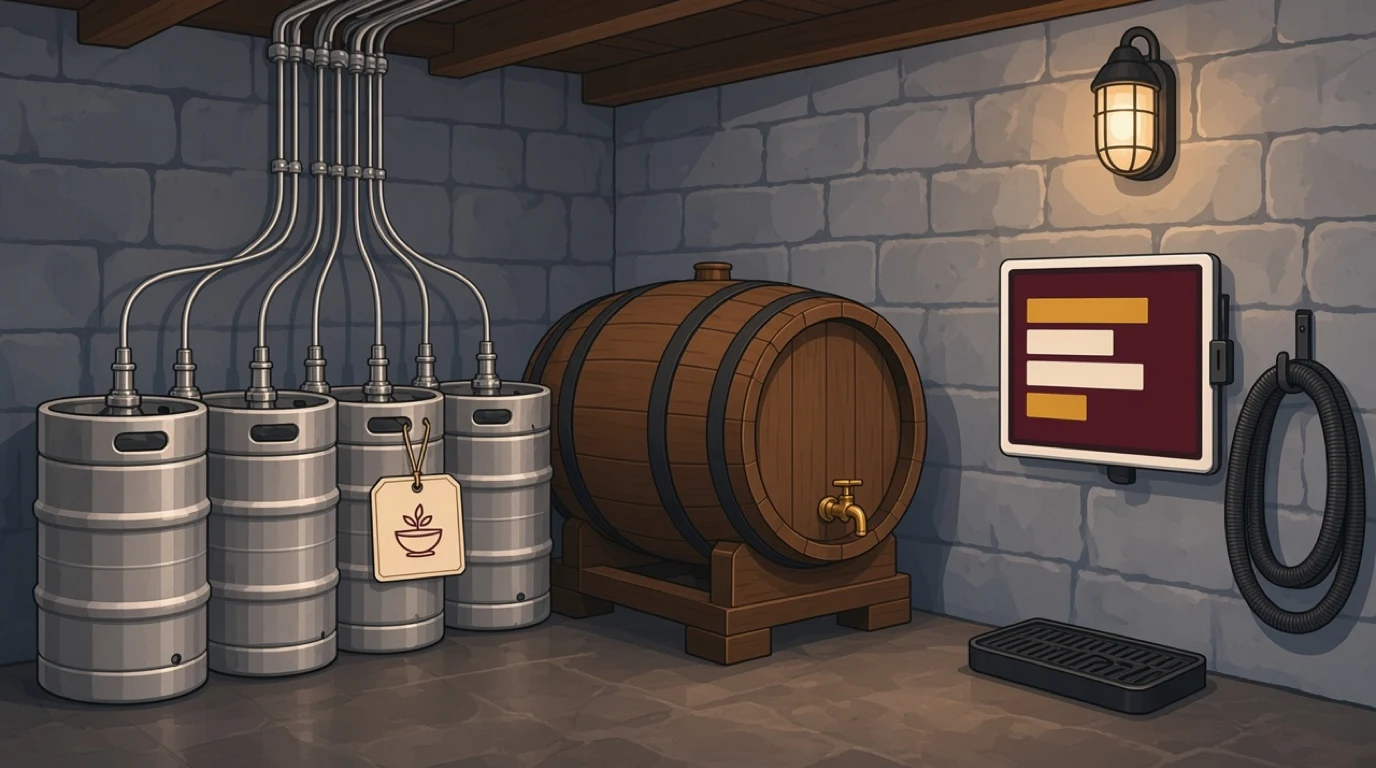
Tableview tracks stock at keg level with an estimate of pours remaining, counts bottles against sales with a variance alert each shift, and logs waste and comps against the person who recorded them. Two habits make the numbers useful. Put the beer lost to line cleaning through the till as waste, every week, so it stops showing up as unexplained loss. And ring in drinks for staff and regulars as comps instead of leaving them out, because a recorded comp is a decision and an unrecorded one is a leak.
Cask ale is a different problem. Once a cask is tapped it wants selling within a few days, so the risk isn't theft so much as ordering the wrong number. Sales per cask from the till tell you whether this month's guest ale deserves a return visit. Counting, par levels and reordering are in restaurant inventory management.
Staff logins, voids and the cash drawer
Busy, cash-heavy and staffed by a rotating crew of part-timers: that's a pub on a weekend, and it's the ideal setting for shrinkage. The till is your main control, if you set it up as one.
Everyone gets their own login, and a shared login never stays open on the bar. Voids after a drink has been poured, refunds and opening the drawer without a sale all need a manager. Then actually read the reports. A bartender whose voids run at twice everyone else's, or whose no-sales jump on nights they close alone, hasn't proved anything, but you know where to look first. The usual patterns are set out in employee theft in restaurants.
Tableview's reports break sales and performance down by member of staff, so these things surface during the week rather than at the quarterly stock take. The aim isn't to catch people out. It's to make doing the job honestly the easiest way to do it.
Tips, cash-up and VAT
Tips under the 2023 Act
Since 1 October 2024 the Employment (Allocation of Tips) Act 2023 has required employers in Great Britain to pass all tips, gratuities and service charges to workers without deductions, share them fairly, have a written tipping policy and keep records of how tips were shared for three years. Tips paid in a month have to reach staff by the end of the following month.
Most of those tips start on the till, so set it up to help. Record card tips against the bill and the person who served it, keep discretionary service charges separate from menu prices, and hold on to the weekly reports. Tableview has custom tip prompts and tip pooling, and your accountant or payroll provider turns the figures into the records the Act asks for. If the difference between the two ever causes arguments, service charge versus tips sets it out.
The Z report
At close, the till should make cashing up quick. Tableview produces an end-of-night Z report that reconciles cash, card and tabs, so whoever is closing can count the drawer, compare it with what the till expects and see any gap immediately. What each line means is explained in reading a Z report.
VAT and Making Tax Digital
Food and drink served in a UK pub is standard-rated at 20 percent, and VAT-registered businesses keep digital records and file returns through software under Making Tax Digital. Your sales records begin at the till, so make sure it reports by category and VAT rate and exports to your accounting software without anyone retyping figures. The rates and the edge cases are in restaurant VAT rates.
Split wet and dry sales in the reports even when the VAT rate is the same. Drinks and food carry very different margins, and a pub that knows its wet and dry split each week knows which side is paying the rent.
Tied pubs: do you get to choose?
Not every pub picks its own EPOS. In a managed house the pub company chooses the till and runs it across the estate. In a tenanted or leased pub the tenant usually runs the business but may be tied to the pub company for beer, and sometimes for other things. A free house chooses everything itself.
If you're a tenant, read the agreement before you buy. Some set out which systems you must use or what sales data you must share. In England and Wales the Pubs Code gives tenants of the largest pub companies certain rights, including the option to request a market rent only arrangement, which frees them from the tie. Scotland has its own legislation for tied pubs. None of that stops you choosing a good till. It just means checking first.
Beer gardens, quiz nights and the match
The nights that test a pub till are rarely ordinary ones. A sunny afternoon fills the garden. The quiz brings in fifteen teams, each wanting a tab. The big match packs the bar for ninety minutes and empties it in five.
The garden needs orders taken outside, which means a handheld or a phone and a Wi-Fi signal that reaches the far tables. Walk it with a device during setup and find the dead spots before a customer does. Taking orders on a phone, battery life included, is covered in running a pocket POS. Quiz night needs tabs opened quickly and named by team. The match needs raw speed: a quick-key screen with the ten drinks that sell most, a second till on the bar, and that repeat-round button.
Rural pubs in particular tend to have patchy broadband, and every pub loses its connection at some point. Tableview runs in full offline mode, taking orders, printing receipts and taking card payments without internet, and syncs when the connection comes back. What to test before relying on it is in offline POS system.
How much does a pub EPOS system cost?
Three things make up the bill: the software subscription, the hardware, and card processing. Card fees are usually the biggest ongoing cost, and they vary by processor and country, so ask for your rate in writing rather than a headline figure. Hardware can be cheap if the system runs on tablets you already own. And look hard at contract length. A three-year lease on terminals is a very different commitment from a monthly subscription you can cancel.
Tableview charges per location rather than per till, in US dollars. Starter is 69 dollars a month with two registers included, plus 49 dollars for each extra register. Pro is 189 dollars a month with unlimited registers, and adds the kitchen display, advanced inventory, advanced reporting and integrated payments, which is what card pre-authorisation on tabs runs through. A pub that serves food and runs tabs will want Pro. There are no setup fees and you can cancel at any time. Every plan is laid out on the Tableview pricing plans page.
Test it on a Friday, not a Tuesday
Demos happen on quiet afternoons with one person at the screen. Pubs don't. So once a system has passed the checklist at the top, run a trial through a proper Friday night with your own staff, your own menu and the bar two deep. Pull the router out for five minutes while you're at it.
Then set it up around your pub rather than around the demo: your measures, your promotions, your tables, your people. That's the difference between a pub till system that fights you every weekend and one nobody on the team thinks about.
Read next: running a gastropub if food is taking over, how to open a bar for licences and setup costs, and restaurant staff training for getting a new team confident on the till.