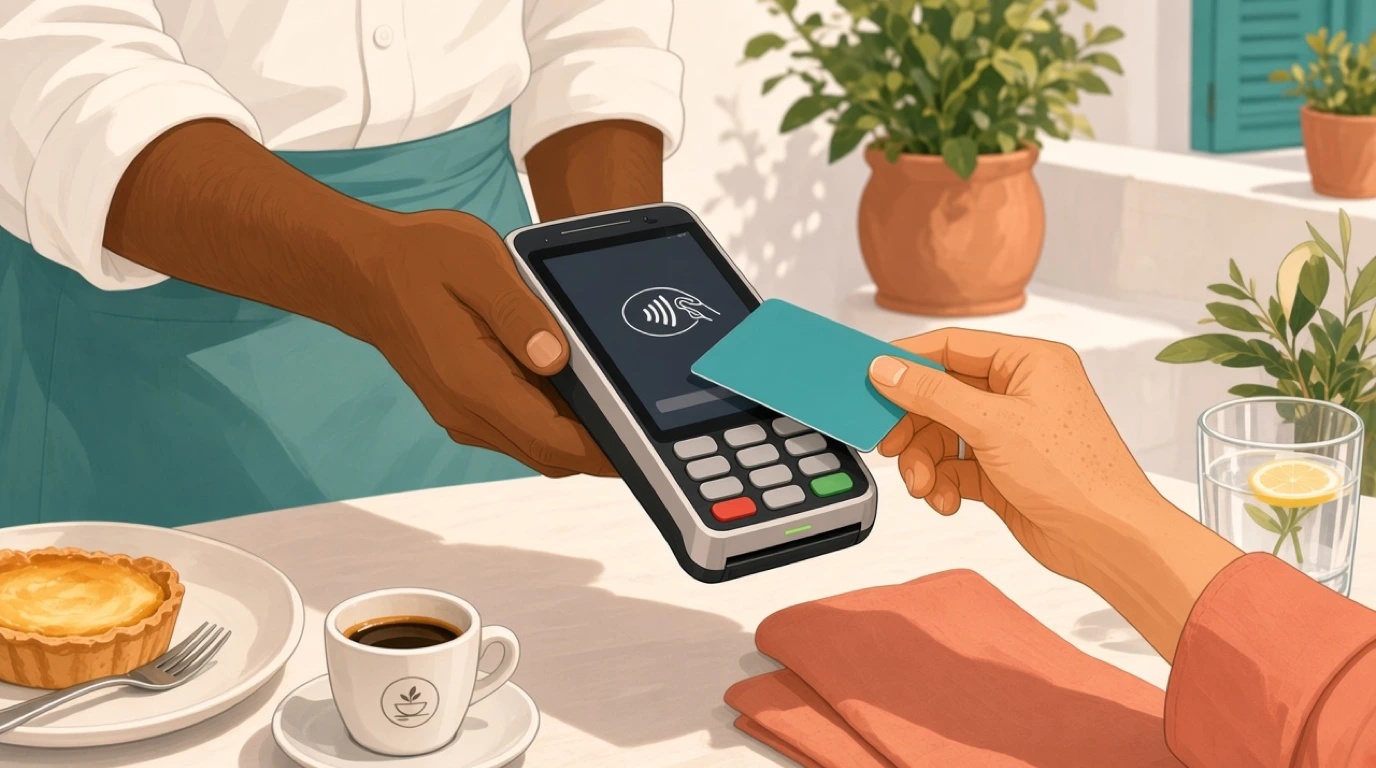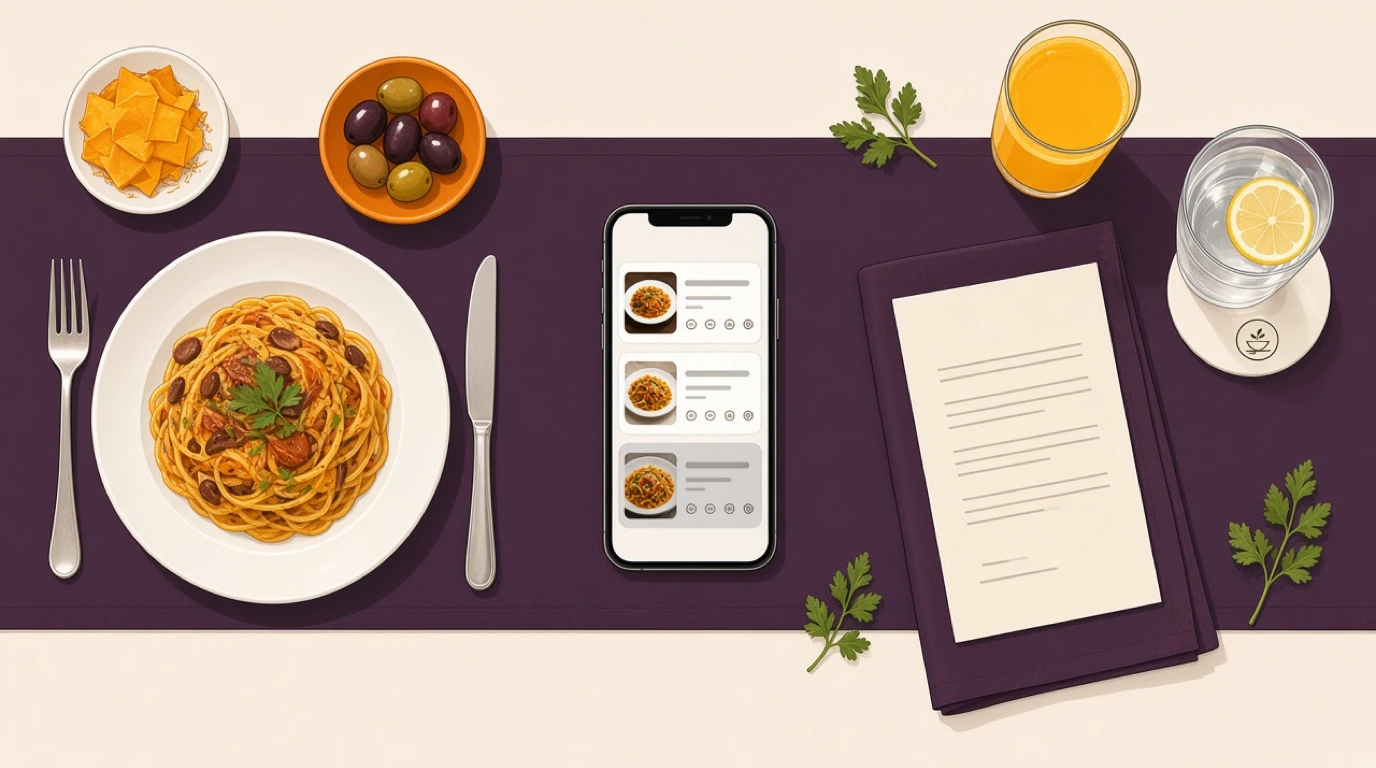
A PDF of your printed menu behind a QR code isn't a digital menu. It's a photocopy that guests pinch and zoom on a phone, and it goes out of date the first time the kitchen runs out of something. A real digital menu for restaurants is the menu itself, held as data: the same items, prices, allergens and availability feeding the till, the kitchen and the QR menu and mobile ordering your guests use at the table.
You see the difference the day a price changes. With print, somebody retypes it in the POS, sends the menu to the printer, edits the website and logs into each delivery tablet, and one of those steps always gets missed. That's how a burger ends up at 14.50 in the dining room, 13.90 on the website and something else again on the delivery app, and nobody on the floor knows which one is right. If you sell through aggregators, a takeaway POS system that pushes one menu out to every platform is half the case for going digital.
One opinion before the detail. The screen the guest reads matters far less than where the menu lives. Choose the system that keeps one master menu and publishes it everywhere, and the QR code, the tablet and the website turn into details you can change later.
What is a digital menu?
A digital menu is a restaurant menu kept as live data rather than print, so guests read it on a screen and every change shows up everywhere at once.
- Items, prices and photos
- Allergens and dietary tags
- Modifiers and add-ons
- Availability and sold-out items
- Translations for foreign guests
It is the master record that the till, the kitchen screens, the QR code, the website and the delivery apps all read from.
A digital menu usually lives in one of three places:
- Inside your restaurant POS, as the menu staff ring up from
- On your website, through a restaurant website builder
- In a standalone menu app linked to your till
In short: one menu, edited once, shown correctly on every screen a guest or a cook looks at.
Digital menu vs paper menu vs PDF menu
Three things get called a menu on a phone, and only one of them earns the name. The confusion costs money, because owners buy the cheap option thinking they've gone digital and then wonder why nothing got easier.
Paper menu
Printed, laminated or chalked on a board. It's still the nicest thing to hold in a quiet dining room, and it never runs out of battery, but every change means a reprint or a line crossed out in pen.
PDF menu
The print file uploaded behind a QR code or a website link. It saves the printer's bill and nothing else: it can't hide a sold-out dish, can't filter for allergens, and on a small phone the guest is zooming into a page designed for A4.
Digital menu
Each item is a record with its price, photo, allergens, modifiers and availability. The guest's phone, the server's handheld and the kitchen screen all read the same record, so a change made once is a change made everywhere.
Key distinction:
- A PDF menu moves the paper onto a screen. A digital menu replaces the paper with data.
- Only the data version can take orders, track stock, show allergens and stay in sync across channels.
The QR code is just the door to the menu, and it works the same whichever of the three sits behind it. The code itself, where to put it and how to make sure it scans in low light, is covered in our piece on QR code menus.
Types of digital menus
Every type below puts the menu on a screen. The questions that separate them are who holds the screen and whether the guest can order from it.
| Type | How it works | Best for | Strengths | Limits |
|---|---|---|---|---|
| PDF behind a QR code | Print file opened on the guest's phone | A stopgap while you choose | Free, ready in minutes | No updates, no ordering, hard to read |
| View-only web menu | Live menu page, guest still orders from staff | Full-service rooms keeping table service | Always current, allergen filters, languages | Guests still wait to order |
| Order-and-pay web menu | Guest orders and pays from their own phone | Casual dining, bars, hotel pools | No queue, orders go straight to kitchen | Less staff contact, some guests refuse |
| Tablet at the table | Venue-owned tablet fixed or handed over | Sushi bars, family chains | Big screen, rich photos | Hardware cost, cleaning, theft |
| Self-order kiosk | Touchscreen stand near the entrance | Counter service, fast food | Shorter queues, consistent upsell | Floor space, upfront cost |
| Digital menu board | Wall screens above a counter | Coffee shops, quick service | Easy daypart switching | Display only, separate signage software |
Most restaurants end up running two or three of these at once: a view-only or order-and-pay menu at the table, the same menu on the website, and the same menu again on Deliveroo or Uber Eats. That's exactly why the source matters more than the format. Kiosks are a different purchase with their own maths, which we break down in the guide to self-ordering kiosks.
How a digital menu works
The steps below assume a digital menu built into the POS, which is the setup that removes the most double work. With a standalone menu app, steps two and five involve a sync between two systems, and that sync is the part to test hardest.
1. The menu is built once
In the back office, each dish gets its name, description, price, photo, category, modifiers, allergens and translations. A burger isn't a line of text any more. It's a record with a cooking-temperature choice, three paid add-ons, a gluten flag on the bun and a German name for the tourists.
2. Each item is told where it belongs
Which kitchen station cooks it, which menus it appears on (lunch, dinner, bar, delivery), what time it becomes available, and whether its price differs on the aggregators to cover their commission. This mapping is the slow part of setup and the part that pays for itself every day afterwards.
3. The menu publishes to every channel
The same records appear as buttons on the till, as a menu page behind each table's QR code, as the menu section of your website and as listings on the delivery apps. Nobody retypes anything.
4. Orders come back through the same records
When a guest orders from their phone or a server rings it in, the order carries the item, its modifiers and its allergen flags straight to the right screen on the kitchen display system. If the guest then pays from the phone too, the flow continues into the payment step described in our article on paying at the table.
5. Changes go live everywhere
Change a price, mark a dish as sold out or schedule the happy-hour list, and every channel shows it within seconds. A good system also keeps a version history, so the manager who fat-fingered a price at 6 pm can roll it back without rebuilding the item.
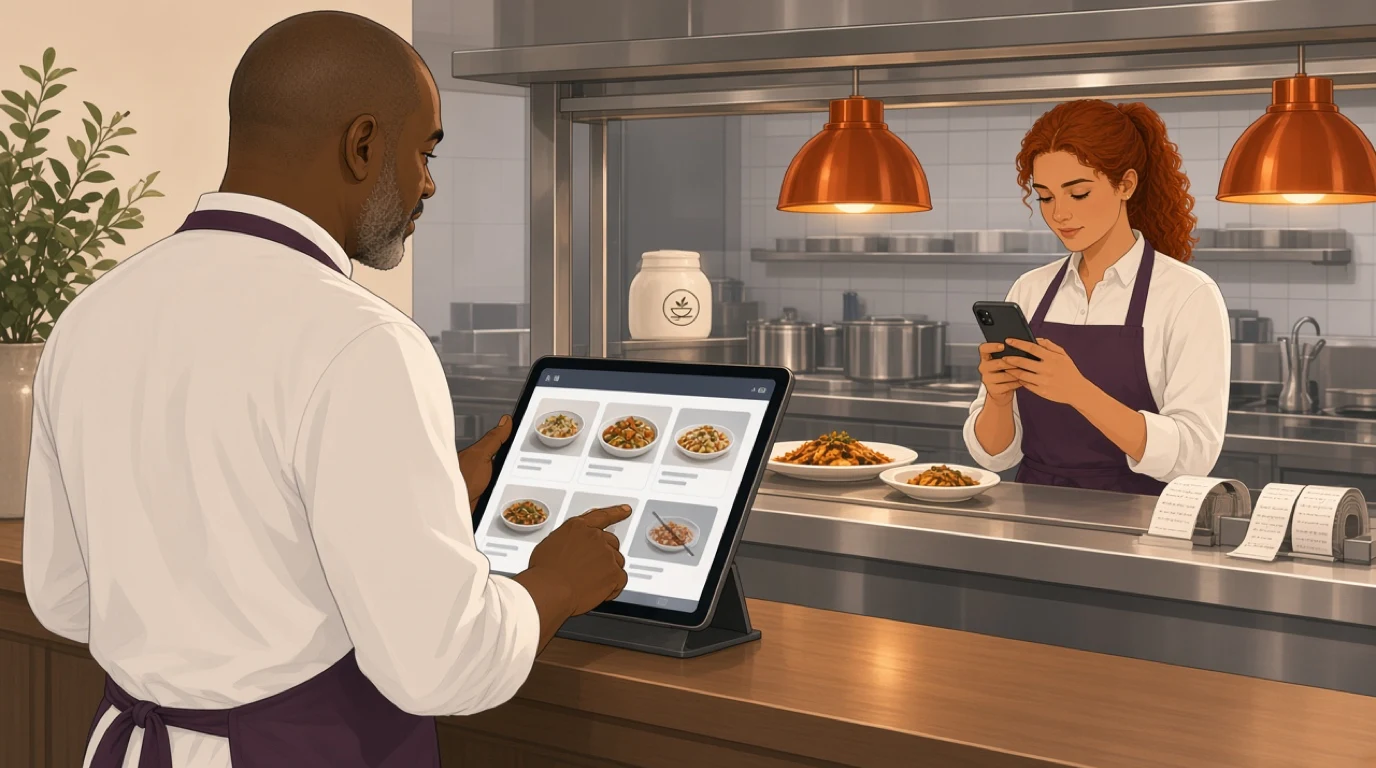
Here's what that looks like on a real night. A 90-cover brasserie near the Lisbon waterfront, a Friday in July. More than half the covers are tourists, the menu runs in Portuguese, English, French and German, and roughly a third of the tables reorder drinks from the QR code. At 8:10 pm the kitchen plates its 24th grilled sea bream, the last one. The head chef taps it sold out on the back-office screen. Within seconds it's greyed out on every guest's phone, gone from the website menu and unavailable on the delivery apps.
The month before, on paper menus, the same dish sold out at a similar time and the servers spent the rest of the evening apologising: eleven tables ordered a fish that no longer existed, each one taking another four or five minutes to choose again, and two delivery orders had to be refunded with a one-star review attached. None of that is dramatic on its own. Added up across a summer of Fridays, it's hours of server time and a lot of avoidable irritation.
What a digital menu changes, and what it doesn't
The first change is the one owners expect: no more reprints. Every price rise, seasonal dish or supplier change used to mean a print run, and in a year of food inflation that could be four or five runs. With a digital menu the print bill drops to the handful of paper copies you keep for guests who want them.
The second change is less obvious and worth more. Menu edits stop being a project. When changing a price takes thirty seconds instead of an afternoon, you actually do it, which means prices follow your food costs instead of lagging six months behind them. If you're unsure where a dish should sit, the menu price recommender gives you a starting number from your plate cost and target margin.
Third, the menu starts producing data. Which items guests open and don't order, which tables scan at which times, which language they read in. That's the raw material for menu engineering, and on paper you simply never had it.
Now the things it won't do. A digital menu doesn't make a weak menu sell. Forty items with vague descriptions are just as confusing on a phone as on card, often more so, because the guest sees four of them at a time. It doesn't replace hospitality either. A server who explains the specials and recommends a wine still sells more than a screen does, and in a fine-dining room a phone on the table can feel like the restaurant has stopped trying.
Some guests will always prefer paper: older regulars, people with flat batteries, anyone who came out to get away from their phone. Keep a small stack of printed menus, update them when prices change, and never make the phone the only way to read the menu. A digital menu should be the master copy, not the only copy.
Allergens and dietary information on a digital menu
Allergens are where a digital menu earns its place in the kitchen as well as on the floor. Under EU rules (Regulation 1169/2011), restaurants have to provide information on 14 named allergens for every dish, including food that isn't prepacked, and each country decides how that information is given. On paper, that usually means a binder at the bar or a footnote nobody reads.
A digital menu stores allergens as tags on each item rather than words in a description. That has three practical effects. Guests can filter the menu to show only what they can eat, which is faster and kinder than reading every line. The allergen flag travels with the order, so the cook sees it on the ticket rather than relying on the server to remember. And when the kitchen swaps a supplier and the new pesto contains cashews, you change one tag and it's correct everywhere, including the website.
The weak point is the data itself. A digital menu is only as accurate as the person who entered the allergens, and a wrong tag published to five channels is five times the exposure. Make one person responsible for allergen data, check it against recipes whenever a supplier or recipe changes, and keep a printed matrix in the kitchen for the day the tablet dies. The process side of this, from recipe cards to staff training, is in our article on restaurant allergen management.
Translations: one menu, several languages
For a restaurant in a tourist area, translations are the feature that pays for the whole system. A menu that opens in the guest's own language gets read properly, and a guest who understands the dishes orders with more confidence, asks the server fewer basic questions and is less likely to play it safe with the one thing they recognise.
Better systems detect the language set on the guest's phone and open the menu in it, with a switcher for anyone who wants another. Behind that sits a translation for each item, which you can edit, and you should. Machine translation handles "grilled chicken with seasonal vegetables" well enough, but it will turn a regional dish name into nonsense or translate a pun literally. Keep signature dish names in the original language, translate the description underneath, and have a native speaker check your top twenty sellers.
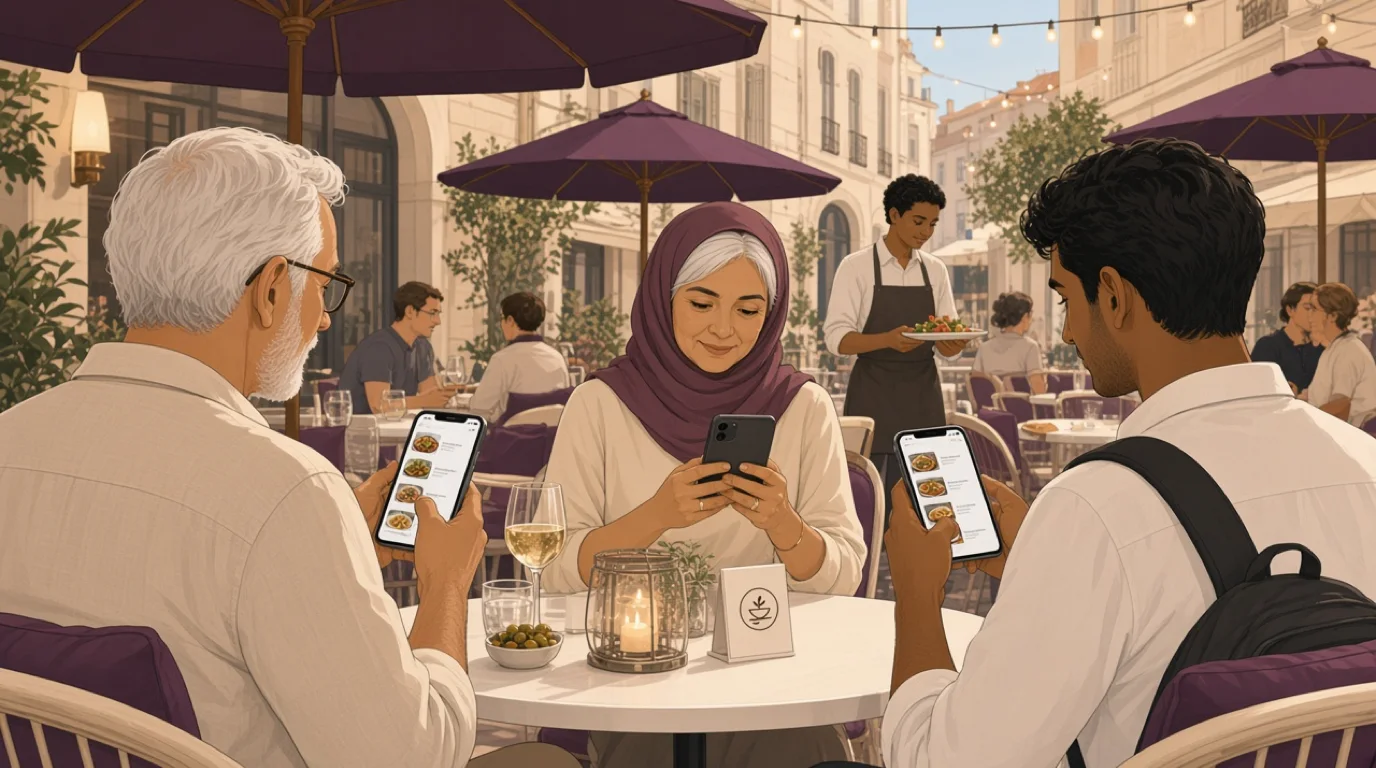
Translations also need maintaining. Every new dish needs its translations before it goes live, or German guests see an English line in the middle of a German menu. Build that into the routine for adding a dish rather than leaving it as a clean-up job for later.
What to look for in a digital menu
Every vendor demo shows a pretty menu on a phone. These are the questions that separate a system that helps on a busy Saturday from one that only looks good in a sales meeting.
1. One menu for every channel
The menu on the till, the QR menu, the website and the delivery apps should all come from the same records. If the website menu is a separate page someone edits by hand, you've bought a second menu to maintain. Ask in the demo: "I change this price now. Show me it on the website and on Uber Eats."
2. Sold out in one tap
When the kitchen runs out, one tap should pull the dish from every channel, and another should bring it back. Better still, the system warns you before it happens: if your restaurant stock management knows there are four portions of bream left, the kitchen can decide whether to hold them for bookings. Ask who can mark an item sold out and how fast it disappears from guests' phones.
3. Menus and prices on a schedule
Lunch and dinner menus, a brunch list on weekends, happy-hour prices from five to seven. All of it should switch on its own at the right time. Ask what happens to a table that opened its check at 6:55 pm with happy-hour prices when the clock passes seven: the right answer is that open checks keep the price they started with.
4. Modifiers that reach the kitchen intact
Medium-rare, no onions, sauce on the side, oat milk. Guests ordering from phones use modifiers far more than they would ever say them to a server, so the menu has to offer them in a structured way and the kitchen ticket has to show them clearly. Ask to see a heavily modified order arrive on the kitchen screen.
5. Allergens as data, not description
Check that allergens are tags the guest can filter by, that they cover the 14 EU allergens if you trade in Europe, and that they print or display on kitchen tickets. Ask how a change to one recipe's allergens reaches the website.
6. Translations you can edit
Automatic language detection, a manual switcher, and per-item translations you can correct. Ask how many languages it supports, whether right-to-left scripts like Arabic display properly, and how you're warned about items missing a translation.
7. Speed on a weak signal
Guests scan in basements, on terraces and at the back of the room where Wi-Fi fades. The menu should load fast on mobile data, compress photos sensibly and never ask anyone to download an app. Ask to load it on a phone with Wi-Fi turned off, standing in the worst corner of the room.
8. Version history and permissions
Who can change prices, who can only mark items sold out, and can you see who changed what and when? A trainee who knocks a zero off the price of your best wine will cost you before anyone notices. Ask to roll back a change in the demo.
9. Data you can act on
Scans by table and time, items viewed versus ordered, language mix. Ask whether the menu data sits alongside your sales reports or in a separate dashboard you'll never open.
How much does a digital menu cost?
The price tag runs from nothing to a monthly subscription, and the cheapest option is often the most expensive once you count the work around it.
Free QR and PDF tools. A QR generator and a PDF cost nothing. They also save nothing beyond printing, because every change still means editing the file, re-uploading it and updating the POS, the website and the delivery apps by hand.
Standalone menu apps. Menu-only services charge a monthly fee per location, sometimes with a cut of each order if guests order through them. They give you a proper digital menu on the guest's phone, but unless they sync both ways with your POS, you now keep two menus: one for guests and one for the till.
A menu built into the POS. Many restaurant platforms include the digital menu in the subscription, along with the QR codes and the website menu. You pay for the platform rather than the menu, and the menu has no second copy to keep up to date.
The hidden cost is the retyping, so it's worth putting a number on it. Say a manager spends 25 minutes on each menu change, updating the till, the website and three delivery platforms, and the menu changes twice a week with specials and sold-out items. That's over 40 hours a year of a manager's time spent copying the same information between screens, before anyone counts the cost of the mistakes. At most venues that time alone is worth more than a year of any menu subscription.
Tableview's plans and pricing are per location with no setup fees, and the E-Menu and the website builder are included in every plan from Starter, so the digital menu doesn't arrive as a separate bill.
How to choose a digital menu for your restaurant
The right setup depends on how your guests order, more than on the size of the room.
Full-service and fine dining
A view-only digital menu with allergen filters and languages, used alongside table service and a small stock of paper menus. Guests read the menu on their phone if they want to, and the server still takes the order. Most full-service restaurants get the biggest win from the back office here, not the QR code: one menu, prices that change in seconds, allergens that reach the kitchen.
Casual dining and bistros
Order-and-pay from the phone for drinks and second rounds, with servers taking the main order. It takes pressure off the busiest part of the night without making the room feel unstaffed, and it suits casual dining and bistros that switch from lunch to dinner menus.
Bars and clubs
Order from the phone at tables and in booths, so guests stop queuing at a three-deep bar for a second round. Happy-hour scheduling matters more here than anywhere else, and it's the territory of a POS for bars and clubs.
Hotels and resorts
Different menus per outlet, from the pool bar to room service, all managed in one place. The in-room menu should post orders to the guest's room bill, which is a hotel F&B requirement as much as a menu one.
Takeaway, delivery and cloud kitchens
Here the digital menu mostly lives on the delivery apps and your own ordering page, so two-way sync with the aggregators is the feature that matters. If you run several virtual brands from one kitchen, each needs its own menu and prices, which is the everyday reality of cloud kitchens. How those integrations work underneath is explained in our article on delivery app integration.
Where Tableview fits, and where it does not
In Tableview the digital menu is the POS menu. You build each item once in the back office, with photos, modifiers, the 14 EU allergen icons, calorie information and translations, and the same records appear on the till, on the kitchen display and on the E-Menu guests open from a QR code on their table, room or counter. The E-Menu runs in the phone's browser, so nobody downloads an app, it detects the guest's language and supports more than 20 languages, right-to-left scripts included, and guests can filter dishes by dietary needs.
Guests can browse, order with modifiers and pay from their phone, with orders going straight to the kitchen screen or printer. Mark a dish sold out and it disappears from the E-Menu, the website you build with Instant Site and the delivery platforms connected to Tableview. Happy-hour and seasonal prices run on a schedule, open checks keep the price they started with, and every change has a version history. Cloud kitchens get a separate menu per brand, hotels a separate menu per outlet, and in-room orders post to the guest's folio. Payments from the phone go through the same restaurant payments setup as the rest of the venue.
Where something else is the better choice:
- If you want digital menu boards on the wall above a counter, you need digital signage software and screens. Tableview doesn't sell either.
- If you want your own branded app in the App Store, with push notifications and an app-based loyalty scheme, a dedicated app builder will do more. Tableview's menu runs in the browser on purpose.
- A chain with hundreds of locations and its own ordering stack is better served by an enterprise system built around that stack.
Key takeaways
- A digital menu stores every dish as data, so one change to a price, an allergen or availability appears on every screen at once.
- A PDF behind a QR code is not a digital menu. It can't hide sold-out dishes, filter allergens or take orders.
- Where the menu lives matters more than the screen guests read it on. Keep one master menu for the till, the QR code, the website and the delivery apps.
- Allergen tags and translations are the features that pay back fastest, as long as someone owns the accuracy of the data.
- Count the cost of retyping menus across channels before comparing subscription prices.
- Keep a few paper menus. A digital menu should be the master copy, not the only copy.
Read next: restaurant menu design for what goes on the menu, menu pricing strategy for the numbers, and menu management systems for the back office.