It is 6:40 on a Friday and the order on the screen reads: large, thin crust, half pepperoni and jalapeño, half mushroom, extra cheese on the pepperoni side only, no oregano anywhere, plus a garlic bread and two cans. That is one pizza. Behind it are fourteen more, arriving from the phone, the website and two delivery apps at once. A pizzeria lives or dies on whether that ticket reaches the make line exactly as the customer meant it, and most of what separates a good takeaway POS system from a bad one for pizza is how it handles that single line.
Pizza looks simple from the outside. It is one of the most combinatorial menus in food service: a few sizes, a few crusts, twenty-odd toppings, and the option to split any of it down the middle. A general restaurant POS software can ring up a pizza. A pizza POS system has to ring up a Friday night of them, price them correctly and tell the oven what to do, and this guide goes through where that usually goes wrong.
Why pizza breaks a generic POS
Do the arithmetic on a modest menu. Four sizes, three crusts, twenty toppings, and each topping can go on the whole pizza, the left half or the right half. That is not a menu you can model as a list of buttons. It is a set of rules: which choices are required, which are optional, what each one costs at each size, and how the choices combine.
Systems built for retail or for plated dining tend to treat modifiers as a flat list of extras. That works for "no onions" on a burger. It falls apart when the price of a topping depends on the size of the pizza and on whether it covers half of it.
The failures are predictable. Staff build workarounds, the workarounds become habits, and a year later the menu has a button called "LG HALF SPECIAL" that three people know how to use.
Half-and-half: the test every system has to pass
If you only test one thing in a demo, test this.
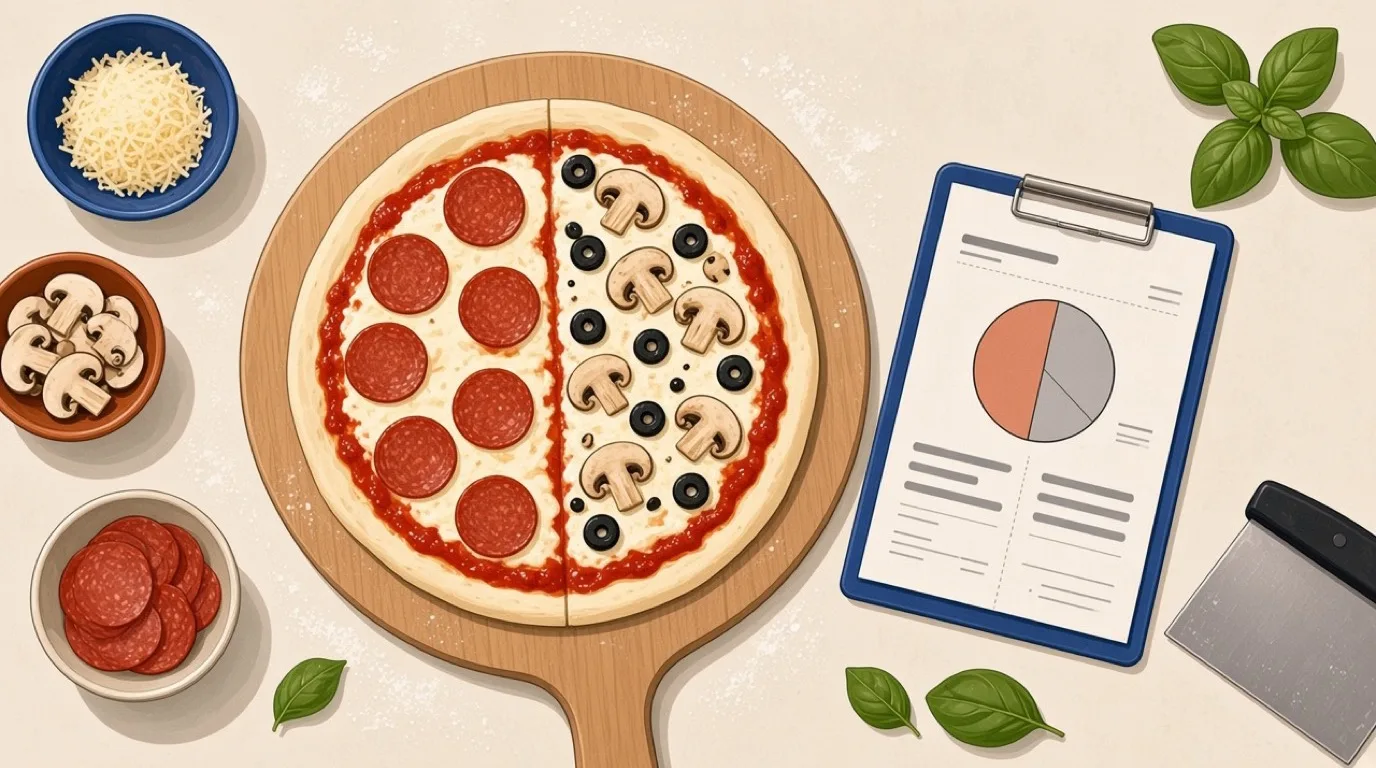
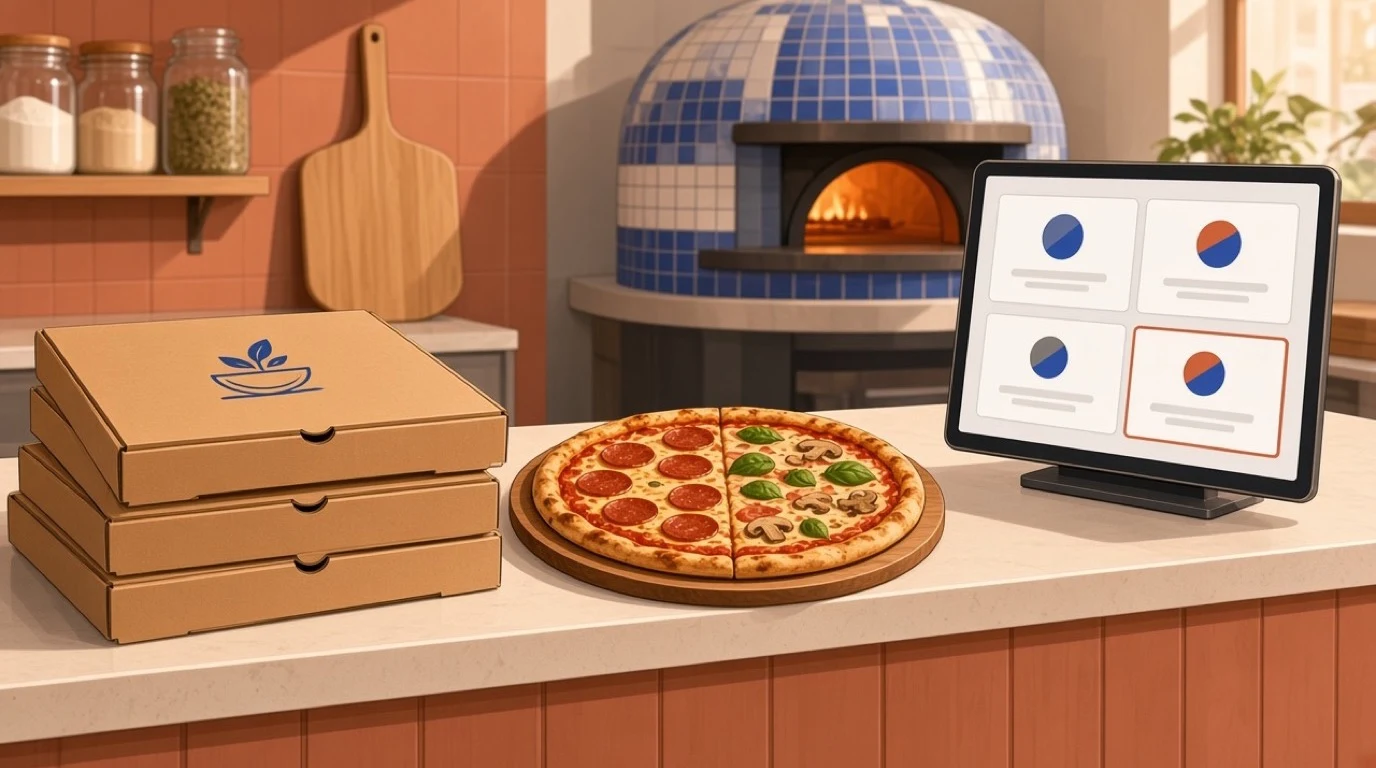
A half-and-half pizza needs three things to come out right. The ticket has to show each half separately, in an order the pizzaiolo can read at a glance while stretching dough. The price has to follow a rule you chose, not one the system imposed. And the whole-pizza modifiers, such as the crust and "well done", have to stay attached to the pizza rather than to one half.
The pricing rule is the one people forget to decide. There are three common approaches. Charge each topping at half its full price on the half it covers. Charge the pizza at the price of the more expensive half. Or charge the average of the two halves. None is wrong. The first is the fairest to the customer, the second is the simplest to explain, and the third tends to cause arguments. What matters is that your system applies the same rule on the counter, on your website and on every delivery app, because a customer who pays one price on the phone and another online will notice.
Tableview builds menus from unlimited nested modifier groups with forced and optional rules, and prices modifiers automatically, which is the machinery half-and-half depends on. But do not take any vendor's word for it, including ours. Bring your most complicated real pizza to the demo and ask them to build it on your menu while you watch. The ones who hesitate have told you what you needed to know.
Sizes, crusts and forced choices
Every pizza has decisions that cannot be skipped. Size is one, crust usually another. A forced modifier group makes the till refuse to add the pizza until those are chosen, which sounds obvious and is the single cheapest way to stop a medium going out as a large.
The flip side is speed. If eighty percent of your pizzas are large on the classic base, making someone tap "large" and "classic" every time is wasted seconds on every order. Tableview's modifier groups support smart defaults, so the common choice is pre-selected and the "What size?" step can be skipped when nobody changes it. Across a night of 200 pizzas, two saved taps each is a surprising amount of time back at the counter.
Toppings that are priced by size
Extra pepperoni on a small does not cost what extra pepperoni on a family size costs, in ingredients or in price. A pizza POS system needs topping prices that scale with the size of the base, and it needs to do that without you building four separate copies of every topping.
Test it by changing one price. Put the cost of mozzarella up, change "extra cheese" on the large, and see how many screens you had to touch. If the answer is more than one per size, that menu will drift, and within six months your small, medium and large toppings will be priced by accident rather than by plan. For how those numbers should be set in the first place, menu engineering covers the margin side properly.
Deals: the two-large-and-a-side problem
Pizza runs on deals. Two large for a fixed price. Any pizza plus a side and a drink. Tuesday two-for-one. Deals are how pizzerias fill slow nights, and they are also where tills most often need a manager to override something.
A good deal engine lets the customer choose the pizzas inside the deal, applies the right price whatever they pick, and handles the awkward cases: a half-and-half pizza inside a deal, an upgrade to stuffed crust, a topping that costs extra even within the offer. Tableview's combo builder handles meal deals with fixed or flexible pricing and rings them up in a single tap. The deal is picked, the included items are chosen, and the system prices the result.
One habit that saves money: set an end date on every promotion when you create it. The deal nobody remembered to switch off is a pizzeria classic, and it usually gets found on the monthly margin report rather than the week it started.
The phone is still a channel
Pizza is one of the last categories where a big share of orders still arrive by phone, especially from regulars and older customers. Your system has to make phone orders fast to key, with delivery addresses entered cleanly and the order timed against what the oven can actually do.
Worth saying plainly: Tableview does not advertise caller ID or telephone integration, so if a screen that pops up the caller's last order is essential to how you run your phones, ask about it directly rather than assuming. Many pizzerias handle this the other way round, by moving their regulars onto online ordering, where the address and the usual order are already saved and nobody has to spell a street name over a noisy line.
Online ordering you own
This is where the margin in pizza delivery actually is. A 20-dollar pizza through a marketplace charging 30 percent commission leaves you 14 dollars before ingredients, packaging, and the driver. The same pizza through your own ordering page costs you card processing and nothing else.
Tableview includes branded web ordering on your own domain, with your logo and colours, no app download for the customer, pickup or delivery, time slots that respect real kitchen capacity, pre-payment by card, Apple Pay or Google Pay, and loyalty points earned automatically on every direct order. The same menu powers mobile ordering and QR menus, so half-and-half, deals and size pricing behave identically online and at the counter.
The practical move is gradual. Keep the marketplaces for discovery, put a card in every box with your own ordering link and an offer on it, and watch the direct share climb. A loyalty program that only pays out on direct orders does most of the persuading for you.
Marketplaces without the tablet pile
Most pizzerias will stay on at least one delivery app, and the question is how much work that creates. Tableview connects to over 30 aggregators, including Uber Eats, Deliveroo, Just Eat, Glovo and Wolt, and pulls every order into one queue with the platform named on the ticket. Menus sync outward, so a price change or a sold-out topping publishes to every platform at once.
The feature that matters most for pizza is platform-specific menus. You can run different prices, availability and modifier sets per platform, which means you can price delivery-app pizzas to absorb the commission and keep your own site cheaper. That is exactly the difference you want customers to notice. Delivery app integration goes deeper on how the connections work, and third-party delivery covers whether the commission is worth paying at all.
Oven capacity and honest quoted times
Every pizzeria has one real bottleneck, and it is the oven. A deck oven that holds six pizzas at a time, or a Neapolitan oven turning pizzas in 90 seconds with one person on the peel, sets a hard ceiling on output, and no amount of order-taking speed changes it.
The trouble is that the delivery apps and your website have no idea what your oven looks like. They keep promising 30 minutes while the queue behind the oven is already 45. Tableview's throttle engine watches active orders, average prep time and station load, then extends quoted times or pauses new orders when you reach capacity. You can cap orders per 15-minute window, which maps neatly onto oven throughput, and pause one aggregator at a time without logging into each platform.
Setting the cap is simple arithmetic. If your oven realistically finishes 40 pizzas an hour at full tilt, that is ten per 15 minutes. Set the cap a little under that, because Friday is exactly when a peel gets dropped.
The make line and the kitchen screen
Paper tickets work in pizza for longer than in most kitchens, because the make line is short and the items are similar. They stop working when three channels feed one line and the tickets start arriving in a different order from how they need to be made.
A kitchen display system shows each order with its halves and modifiers laid out clearly, tracks how long each has been waiting, and lets the line bump orders as they go into the oven. In Tableview the KDS is on the Pro plan, not Starter, which is worth knowing before you choose. For a single-oven shop doing a few dozen pizzas a night, printed tickets may be all you need. For a shop running delivery apps, a website and a counter into one line, the screen usually pays for itself in remakes avoided. The restaurant KDS guide weighs that decision in more detail.
Delivery zones drawn around real roads
A delivery radius is a circle, and roads are not. A three-mile circle happily includes the estate across the river that takes twenty minutes to reach and excludes the street just over the line that takes four.
Tableview lets you draw delivery zones as a radius or as a polygon on a map, with a distance-based delivery fee calculated automatically at checkout. Orders outside your zones are declined before they are accepted, rather than after someone has made the pizza. Drawing the zone around the roads your drivers can actually cover in fifteen minutes is the single easiest way to stop cold pizzas at the edge of your map.
Charge for distance honestly, too. A flat fee subsidises the far drops with the near ones, and a pizzeria doing a lot of long-distance delivery on a flat fee is quietly losing money on its most tiring orders.
Drivers and the dispatch board
Running your own drivers alongside the apps is common in pizza and makes sense: your own fleet protects the margin on your best customers. It also brings a coordination problem that a whiteboard handles badly after about four drivers.
In Tableview, orders are assigned to in-house drivers with one tap, and a driver status board shows who is en route, who has delivered and who is back. That board is the thing to watch at 7:30 on a Friday, because a driver who has been "en route" for forty minutes is either stuck, lost or having dinner, and you want to know which before the next three pizzas come out of the oven with nobody to take them.
Getting the right box to the right door
A missing garlic bread is a refund. A pepperoni pizza delivered to the vegetarian household two doors down is a refund and a review.
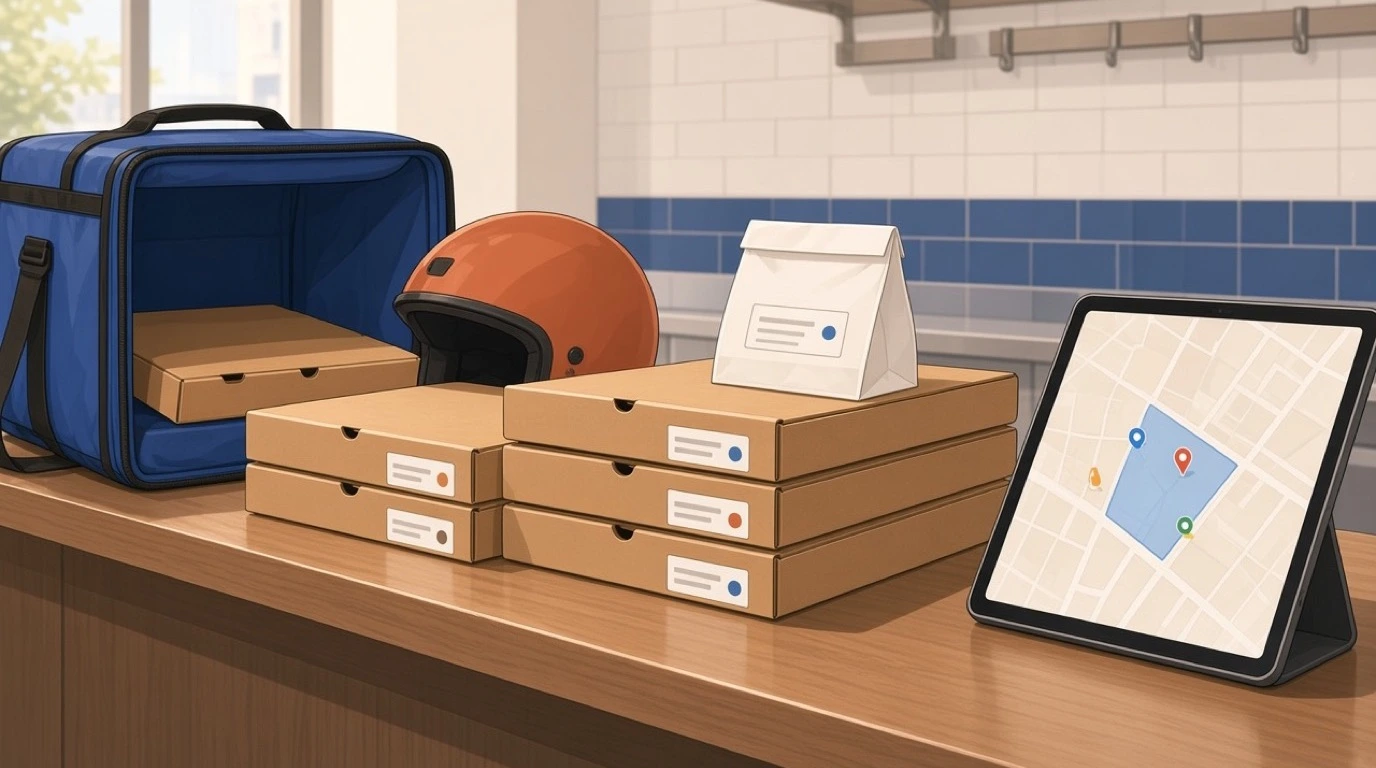
Tableview prints item-level packing labels showing the item name, its modifiers and its allergens, groups items into bags so a multi-pizza order stays together, and puts a final check-off screen in front of whoever dispatches the order. The allergen line matters more in pizza than people expect: gluten-free bases share a kitchen with flour dust, and the label is the last point at which someone can catch a mistake. Allergen management covers how to handle cross-contact properly, and it is worth reading before you advertise a gluten-free base at all.
Dough, cheese and the food cost you can see
Cheese is usually the largest single ingredient cost on a pizza, and it is also the easiest to over-portion. A few extra grams of mozzarella on every large, across a busy week, is real money, and it never shows up anywhere unless you are measuring it.
This is where inventory and recipe costing earns its place in a pizzeria. Tableview maps ingredients to recipes, supports sub-recipes, calculates food cost per dish automatically and deducts stock on every sale. A dough ball is a natural sub-recipe: flour, water, salt and yeast costed once, then used by every pizza size. Waste logging with reason codes shows whether the dough you binned on Monday was over-prep or a bad batch, and stock counts with variance reports show whether the cheese you bought matches the pizzas you sold.
A quick sanity check before you buy anything: work out what a large margherita actually costs you in ingredients, including the box. If you do not know within 20 cents, that is the first report to set up, and prime cost explains how it fits with labour into the number that decides whether the shop makes money.
The reports worth reading on Monday
Most pizzerias have more data than they read. Four numbers, checked once a week, cover most of what matters.
Sales by channel, net of commission. A dollar of revenue from a delivery app and a dollar from your own website are not the same dollar, and the report should show you the difference rather than adding them together. Best and worst sellers by margin, not by volume, because the pizza everyone orders may be the one making the least money. Food cost against selling price for your top ten items, which the recipe costing above makes possible. And average ticket by channel, which usually shows that direct customers spend more than marketplace ones, a useful fact when you decide where to put your marketing money.
Tableview's advanced reporting and analytics sit on the Pro plan, alongside cost against selling price margin analysis from the inventory side. Whatever system you use, the test is the same: can you answer "which pizza made us the most money last week" in under a minute? If not, the data exists and nobody is using it.
Training a new hire before Friday
Pizzerias hire young and turn staff over fast, so a pizza POS system has to be learnable in a single shift. The counter is where a confused new hire costs you most: a wrong size, a missed half, a deal rung up at full price and refunded later.
The fix is partly the software and partly the menu you build in it. Forced choices stop the worst mistakes before they happen. Smart defaults mean a new hire rarely has to think about the common case. And a menu laid out the way customers actually order, pizza first, then size, then the changes, is faster to learn than one laid out the way the supplier invoices arrive. Give every new starter a list of five real orders to ring up before their first Friday. It takes a quarter of an hour and saves the first weekend.
When the internet drops mid-rush
Your internet will fail on a Friday eventually. The question is what still works when it does.
Tableview is built offline-first. It caches the menu, modifiers, pricing and tax rules on the device, so the counter keeps taking orders and card payments while the connection is down, with offline capacity of up to 72 hours, and transactions settle when the line comes back. The honest limit, and it applies to every system: no POS can receive a website or delivery-app order while your connection is down, because those orders have nowhere to arrive. What offline mode protects is your counter, your phone orders and your card payments, so a broadband fault does not close the shop.
What it costs
Tableview is priced per location, not per till. Starter is 69 dollars a month with two registers included and 49 dollars for each extra register, and includes the combo and modifier engine and basic inventory. Pro is 189 dollars a month with unlimited registers and adds the kitchen display system, advanced inventory and advanced reporting. There are no setup fees.
For a small counter-and-phone pizzeria, Starter covers the ordering side. For a shop running delivery apps into a single make line, Pro is usually the plan, mostly because of the kitchen screen. It runs on the tablets and computers you may already have, and the full comparison is on the Tableview pricing plans page.
Here is the test worth running this week. Write down the three most complicated orders you took last Friday, exactly as the customers gave them, and make every POS you are considering ring them up in front of you, priced the way you actually charge. It takes twenty minutes, and it will tell you more than any feature list.
Read next: opening a pizza shop for the full startup path, ghost kitchens if you are thinking about delivery-only brands, and reducing food waste for the dough and topping prep that gets thrown out.