The single most painful conversation in restaurant operations is the one an owner has with themselves in their fourth or fifth year on the same point-of-sale system, when they finally admit out loud that the system they bought because it was supposed to make life easier is now the thing slowing the business down. The reporting is wrong. The update breaks the kitchen printer for three nights in a row. The support line is a queue, then a script, then a callback that never arrives. The payment-processing rate has crept 30 basis points above market and the rep stopped returning calls about it 14 months ago. The new staff cannot figure out the keypad. The chef wants menu changes the back office cannot push in less than two days. Everyone has stopped trying to fix it and started working around it, which is the most expensive operating mode a restaurant can be in.
This guide is the operator's playbook for getting out of that mode. It walks through the seven warning signs that genuinely justify switching restaurant POS systems, the hidden cost of staying with a system you have outgrown, the 90-day migration plan that takes you from "we should look at alternatives" to "we are live on the new platform without losing a service", the data and hardware decisions that decide half the project's success, the cutover-night runbook, the first 30 days post-launch, and an embedded POS Migration ROI Calculator that lets you size the switch in 90 seconds. If you are evaluating Tableview POS or any other modern restaurant platform, this is the operator-level guide your sales rep will not hand you because it tells you the hard parts as well as the easy ones. The reward for getting it right is two to four points of margin back on the P&L, a kitchen that runs cleaner, and a support relationship that actually returns calls.
Why this is the right year to look
Restaurant POS software, viewed across a 15-year arc, has gone through three distinct generations. The first was the legacy on-premise generation (Micros, Aloha, POSitouch) - server room in the back office, big upfront license cost, locally hosted, expensive support contracts, almost no API surface, almost no consumer-grade UX. The second generation was the cloud-tablet wave (Toast, TouchBistro, Lavu, Lightspeed, Revel) - cloud-hosted reporting, iPad or Android front-of-house, monthly SaaS pricing, processor lock-in, fast feature shipping but inconsistent reliability. The third generation, the one shaping every serious independent's evaluation in 2026, is the modular, payments-flexible, open-API generation - cloud-native but with an honest offline mode, processor-agnostic instead of processor-bundled, open data export by default, and a tech-stack approach that lets you swap any individual module without ripping the whole system.
What pushed the third generation into reach was three converging trends. First, the great wave of second-generation contract renewals in 2024-2026 left tens of thousands of independent operators looking at three-year contract extensions on terms that no longer reflect 2026 economics. Second, payment- processing transparency caught up with restaurants: between PSD2 in Europe, the Durbin Amendment evolution in the US, and a wave of effective-rate analyses surfacing processor margin, operators finally have the data to know what they should be paying. Third, the 2026 industry trends - kiosks, tableside ordering, integrated loyalty, first-party online ordering, AI-assisted forecasting - require an open API surface that the older platforms simply do not have. The result: if you signed a POS contract before 2023 and have not benchmarked since, you are very probably leaving margin and capability on the table.
The seven signs your current POS has overstayed its welcome
Not every frustrated operator should switch. Some of the friction is the system, some of it is the install, some of it is the staff training, some of it is the wider tech stack around the POS. The seven signs below genuinely justify the switching conversation; if you check three or more, the embedded calculator will almost certainly come back with a payback under 12 months.
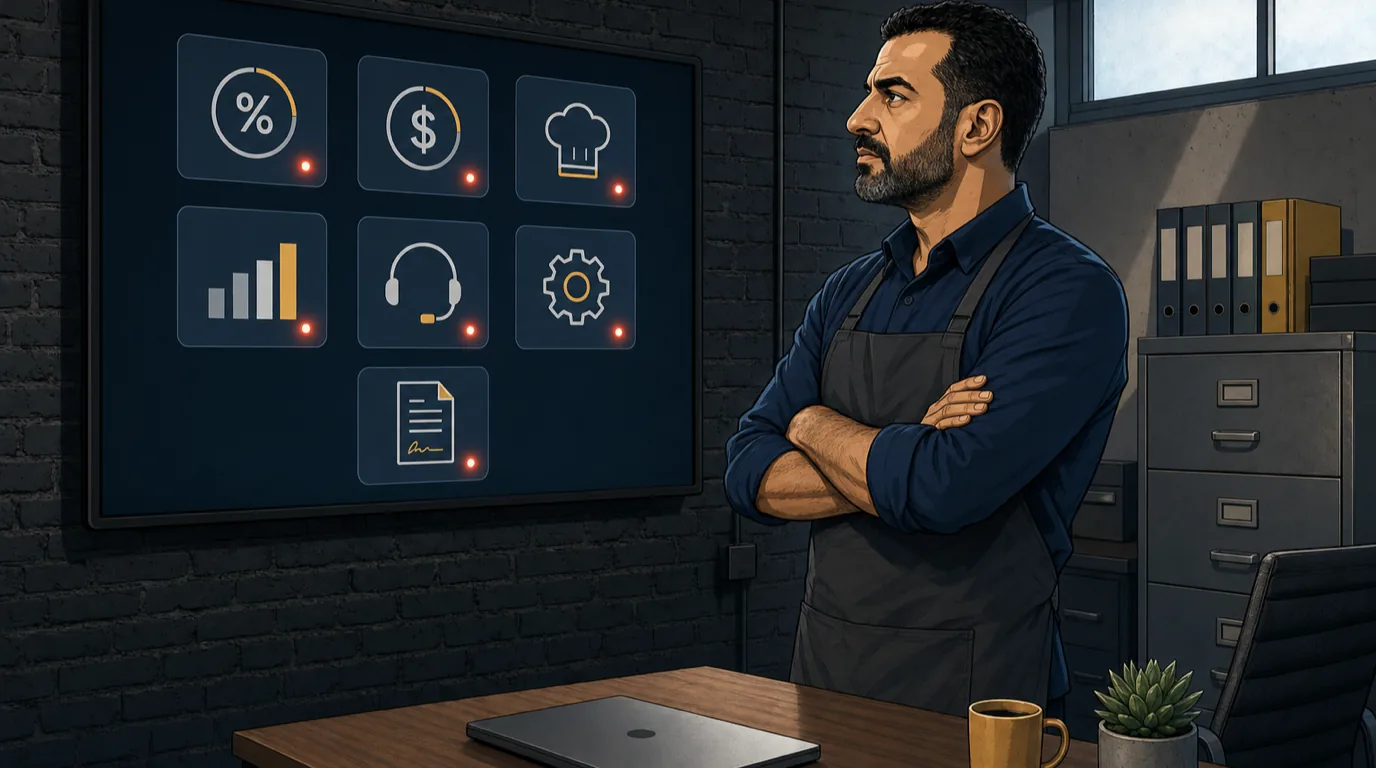
One: your effective payment-processing rate is above 2.6% and the processor will not requote. The single largest line on any bundled POS contract is the payment-processing rate, and the gap between a competitive 2026 rate (1.9-2.3% effective for most casual venues) and a legacy bundled rate (2.6-3.2%) is 30-90 basis points. On $100,000 of monthly card volume that is $3,000 to $11,000 a year of pure margin. Run your last statement through an effective rate calculator; if the answer is materially above your benchmark and the processor will not move on requote, the POS that bundles them is part of the problem.
Two: monthly software fees have outpaced your feature usage. Most bundled POS pricing has a base tier and a set of "premium module" up-charges (online ordering, gift cards, loyalty, reporting). Operators routinely end up on a $400-800/month bundle for features they barely use. Audit the actual modules you touch weekly; if the bill is more than $50/terminal/month higher than equivalent modular platforms with the modules you actually need, you are overpaying for shelfware.
Three: the kitchen is bypassing the POS workflow. The chef writes tickets on a separate notepad because the kitchen display system routing is wrong, expediters shout instead of trust the screen, and prep counts are tracked in a spreadsheet because the POS counts do not match what the line sees. Workflow workarounds are the loudest signal that the POS no longer fits the operation. The 0.5-1.0 point of food cost lost to those workarounds usually exceeds the switching cost inside a single quarter.
Four: reporting takes you to a spreadsheet. Every operator above $1M revenue should be able to pull yesterday's sales, labour, void and discount data in under 60 seconds from a single dashboard. If you are exporting CSVs to Excel to build the reports your business actually needs, the POS reporting layer has failed and the manual workaround is costing 4-8 hours of management time per week. That time is worth $300-$600/week to a well-run operation, and the switch usually buys it back in the reporting layer alone.
Five: support response times are measured in days, not hours. A modern restaurant POS is a 24/7 dependency. When the printer queue jams on a Saturday night, the support response should be measured in single-digit minutes via chat, an hour maximum via phone. If your incumbent's support has degraded to multi-day callback queues, the cost is not just the outage time - it is the operating drag of running the venue knowing that the next outage has no real resolution path. The strongest 2026 platforms publish their support SLA; the weakest hide behind "contact us for details".
Six: integrations to the rest of your stack are stuck on v1 or unsupported. The wider restaurant tech stack - reservations, payroll, accounting, online ordering, loyalty, marketplace delivery, kiosks - needs to talk to the POS through clean APIs that get maintained. Legacy platforms either expose no API or expose one that has not been updated in three years, with the result that every new operational need spawns a manual data-pasting workflow. If your finance team is re-entering POS sales into the accounting system every week, the integration cost is real and switching usually closes that loop.
Seven: the contract renewal terms are getting worse, not better. A healthy supplier-customer relationship has the incumbent improving terms at renewal as the volume grows. The opposite - price increases at renewal, longer required commitments, more restrictive termination clauses, harder data-export terms - is a deliberate signal that the relationship is asymmetric and the incumbent is extracting from a captive customer. When you read your renewal paperwork and the headline numbers and the contract language have both moved against you, the switching conversation has already arrived; the only question is when.
The hidden cost of staying with the wrong POS
The cost of switching POS is obvious and visible: hardware refresh, training time, the cutover risk, the migration project cost. The cost of staying is bigger and almost entirely invisible. For a casual full-service venue doing $1.6M a year, the typical invisible cost of staying on a legacy second-generation POS three years past its fit-for-purpose date breaks down roughly like this:
Payment processing markup above market: $4,800-$8,400/year on a $100K/month card volume base. Software bundle for features you barely use: $2,400-$4,800/year ($200-400/month overpayment). Reporting workarounds costing management time: $15,000-$30,000/year (4-8 hours/week at the GM's loaded cost). Foregone uplift from features the legacy system cannot deliver (first-party online ordering, integrated loyalty, kiosks, tableside ordering): $15,000-$40,000/year on the same revenue base at a 1-3% revenue uplift × 32% contribution margin. Outage and downtime cost: $3,000-$8,000/year (lost ticket capture during outages, expedited support fees, hardware swaps). Staff turnover friction from a frustrating front-of-house tool: $5,000-$10,000/year in recruiting and re-training of FOH staff who quote the POS as a top-three frustration.
Summed, that is $45,000-$100,000 a year of margin the wrong POS costs an operator who has stayed too long. Even at the conservative end, that is 3 points of operating margin annually - more than most operators win back through any other operational lever combined. The switch is rarely "should we switch?". It is "how soon can we be off the wrong system?". The POS Migration ROI Calculator below sizes the piece you can model directly; the staff-frustration and time-cost pieces are real but conservative to model so we hold them as upside.
The 90-day migration plan that actually works
The biggest single risk in any POS migration is compressing the calendar. The discipline of 90 days is what separates a clean switch that holds the projected savings from a fire-drill switch that loses two services in cutover week and produces a folk story the operator tells about how migration "is not worth it." The plan below is the one Tableview customers use most often; it breaks into four phases that overlap deliberately so each phase de-risks the next.

Phase one (weeks 1-2): scope and shortlist. Audit the current install in detail. Inventory the modules you actually use weekly. Inventory the integrations to the rest of the stack. Pull the last 12 months of P&L impact: software fees, payment processing rate, support costs, outage hours, time spent in reporting workarounds. Shortlist three competing platforms - not twelve, three. Include Tableview POS if it matches your venue's profile; include the obvious competitor your incumbent will most fear losing to; include one specialty platform if your concept has a niche fit. Send each a structured RFP that asks the questions a sales pitch will not surface: support SLA in writing, payment-processor flexibility, data export format, contract exit clauses, integration roadmap for the modules you depend on. The Tech Stack Scorecard produces a clean gap analysis for this audit phase in 20 minutes.
Phase two (weeks 3-5): demo, scorecard, decision. Demo each shortlisted platform with the entire stakeholder group: owner, GM, head chef, FOH lead, finance. The demo agenda is operator-led, not sales-led: walk every shift's hot moments through the platform live (peak Friday-night service simulation, sloppy Sunday-brunch comping, end-of-night reconciliation). Score each platform on landed cost, fit-to-operation, integration depth, support quality and contract terms. The selection should be unanimous across the stakeholder group; if it is split, run another demo cycle rather than push through. The cost of picking wrong here is two years; the cost of one extra demo week is two more meetings.
Phase three (weeks 6-10): build and parallel-run. The new platform team builds your menu, modifiers, recipes, employee records, pricing, taxes, integrations and reporting templates in the new environment. The build takes 2-4 weeks for a single-location casual venue; longer for multi-unit. Concurrently, run the new platform on one or two registers in parallel with the incumbent for 2-3 weeks. The parallel-run shows the operational team how the new flow feels under real traffic and surfaces the menu-build errors that always exist (a recipe references a deprecated modifier, a tax treatment differs by 0.25%, a printer routing is reversed). Every issue surfaced in parallel-run is an issue not surfaced on cutover night.
Phase four (weeks 11-13): cutover and stabilise. Cutover happens on a single chosen night, typically a Sunday or Monday with the lowest service load of the week. The incumbent is retired completely; the new platform takes 100% of register traffic from open the next morning. The first 14 days post-cutover are stabilisation: rapid response to FOH-reported issues, daily reconciliation review, kitchen workflow tuning. By day 30 the new platform should feel as natural as the old one did; by day 60 the team should be noticeably faster on common tasks than they ever were on the legacy install.
Data and hardware: the two decisions that decide half the project
Migration project failures cluster around two specific decisions that get under-discussed during the sales process: how data moves and how hardware gets handled. Get both right and the project is largely de-risked; get either wrong and the cutover becomes painful in ways no contract clause will save you from.
Data migration: what moves, what gets cleaned, what stays behind. The temptation is to migrate everything from the old system into the new. The discipline is the opposite: migrate the minimum required and use the move as the cleansing event the data has needed for years. The five buckets:
Menu, modifiers, recipes. Migrate fully. This is the operational heart of the platform. Recipe-level migration also forces a recipe audit that most operators have been postponing for two years; the 5-10% of menu items that have drifted since the last menu pricing review get fixed in flight. The inventory module and recipe layer should be re-stitched in the new platform with the menu management discipline this is the moment to re-establish.
Customer database / loyalty. Migrate the active set (active in the last 12 months), drop the dormant set. This usually cuts the customer record count by 60-80%, which makes the new CRM faster and the marketing addressable population more honest. Loyalty point balances need a one-time conversion script that the incoming platform's onboarding team should write, not the operator.
Historical sales data. Migrate at most the last 13 months for year-over-year comparison; pull everything else as a one-time CSV export for archival. Trying to migrate five years of transactional data into the new POS is expensive, slow, error-prone and provides almost no operational value once you have the 13-month YoY window. Most platforms charge extra for deep historical migrations and the cost is rarely justified.
Gift cards and outstanding house accounts. These must migrate fully and exactly. The legal and reputational risk of a misplaced gift card balance is real. Reconcile to the cent during parallel-run; the incumbent should issue a final settlement statement that the new platform's onboarding team validates against.
Reporting templates. Rebuild rather than migrate. The new platform's reporting model is different and trying to recreate the legacy reports exactly defeats half the upgrade. Take the cutover as an opportunity to redesign the reporting suite to match how you actually want to run the business: daily flash, weekly P&L, monthly variance against budget. The P&L Statement Calculator produces the target shape any new reporting template should mirror.
Hardware: keep, refresh or hybrid. Hardware decisions look small in the demo and become large in the cutover. The three options:
Keep existing hardware. Works if your hardware is under three years old, the new POS supports it natively (check the certified hardware list explicitly), and the operating system is supportable for at least 18 more months. Modern restaurant POS platforms are increasingly hardware- agnostic; most tablet, iPad and Android deployments survive a software migration intact. Cost: low. Risk: residual flakiness of older hardware now running newer software.
Partial refresh. The most common pattern. Refresh the registers (typically 50% of terminals), keep the printers and cash drawers, evaluate the kitchen displays case by case against the new platform's KDS module. A partial refresh contains cost while removing the most fragile pieces of the existing install. Cost: medium. Risk: mixed-vintage hardware mix slightly harder to support, but rarely a real operational issue.
Full refresh. Replace every terminal, printer, cash drawer and KDS. Justified when the existing hardware is more than five years old, when the new platform requires hardware standardisation across the venue, or when the operator wants to start completely clean. Cost: high (typically $1,500-$3,000 per fully-equipped terminal station). Risk: most expensive option but operationally the cleanest.
The cutover-night runbook
The single highest-stakes 18 hours of any POS migration is the cutover night. The runbook below has been refined across hundreds of Tableview migrations; it works because every step removes ambiguity at the moment when ambiguity is most expensive.
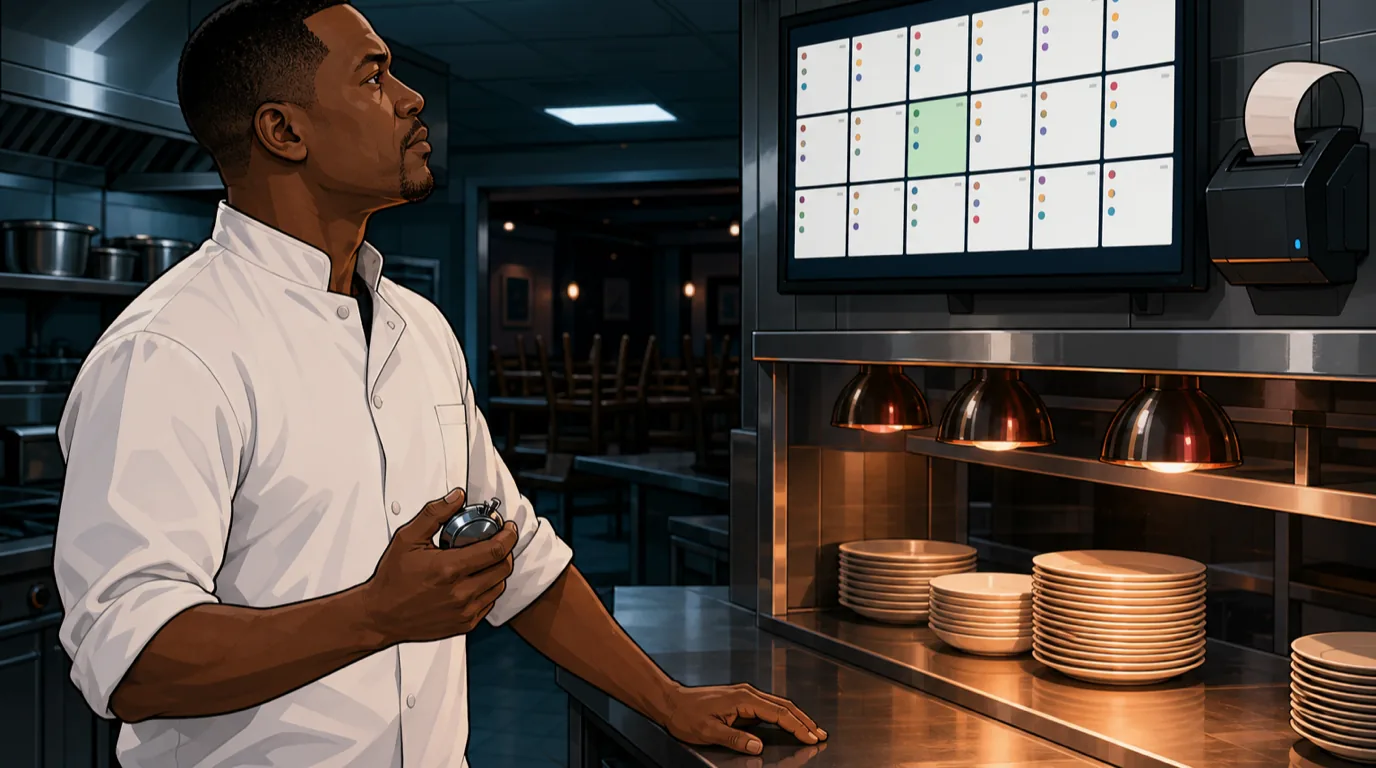
T-7 days. Final menu freeze in the new platform. No more menu changes between now and go-live. The last 7 days of parallel-run are about staff fluency, not build adjustments. Print the cutover-night runbook and walk it through with the closing manager who will execute it.
T-1 day. Final test of every printer route, every modifier flow, every payment terminal, every credit card machine, every report on the new platform. The onboarding team's implementation lead is on-site or on a video bridge for the full evening service.
Cutover night, T-0. Close service on the incumbent as normal. Run end-of-day on the incumbent, produce the final settlement statement, reconcile cash. Power-down the incumbent terminals; the platform is retired effective immediately. Power up the new platform; the team performs a "first-shift simulation" - a half-dozen test orders through every flow, every modifier path, every payment type, every report. Confirm every printer routes correctly, every kitchen display shows correctly, every payment terminal prints correctly.
Morning of go-live. Operations starts with the new platform live for 100% of register traffic. Onboarding team is on-site (or, for remote-only deployments, on a video bridge that anyone on the floor can ping in one click) for the entire first service. Any issue raised by FOH or BOH is resolved live or rolled back immediately. Every incident gets logged with timestamp, register and resolution for the post-mortem.
End of first day. Daily reconciliation on the new platform. Compare sales, voids, comps and payment-type breakdown against the trailing 4-week average from the incumbent to flag any anomalies that suggest a miscoded SKU or tax. Any anomaly over 3% gets investigated before service the next day.
The first 30 days post-launch
The window between day 1 and day 30 of the new platform is where 80% of the migration's eventual ROI either gets locked in or leaks out. The discipline of the first 30 days has three threads.

Thread one: daily flash and weekly review. Every day for the first 30 days, the GM pulls yesterday's flash report from the new platform and reviews it against the trailing 4-week average from the incumbent. The four numbers that matter: sales, transaction count, average ticket, void/comp percentage. Any number drifting more than 5% from the pre-cutover baseline gets root-caused inside 48 hours. Once a week, the full operating team holds a 60-minute retro: what works better, what works worse, what is still broken.
Thread two: integration and reporting tuning. The integrations to the rest of the tech stack - payroll, accounting, online ordering, reservations, loyalty, kiosks, the marketplace delivery aggregators - typically need a tuning pass in the first 30 days. Mappings between the new POS's chart of accounts and the accounting system routinely need a manual review for the first 30 days of transactions. Reporting templates get refined as the team identifies what they actually look at daily versus what was inherited from the legacy reports.
Thread three: staff fluency and confidence. A new POS feels foreign for two weeks and natural by week four. The training discipline is in the first 14 days: short daily 10-minute huddles before service where the GM walks through one new feature or one common error. By day 30 the team should be noticeably faster on common flows than they ever were on the legacy install. If they are not, the training is the next investment, not more software.
Format-specific migration playbooks
The general 90-day plan above applies to any format, but the emphasis shifts by venue type. The compressed playbook for each of the major formats:
Quick-service and fast-casual. The migration is fast (4-8 weeks total) because the menu is short, the integrations are tight (POS + payments + KDS + online ordering, often kiosks), and the reporting depth required is shallow. The single biggest decision is payment-processor flexibility: QSR margins are tight enough that a 30 bps reduction in processing rate often funds the entire migration. Test online-ordering integration thoroughly in parallel-run; QSR is where online-ordering revenue is highest as a share of total.
Casual full-service (independent). The modal profile this guide is built around. 90-day plan, partial hardware refresh, multi-week parallel-run, Sunday-night cutover. The order-management workflow and the front-of-house split-check experience deserve the most parallel-run time because they are where service breaks if the new flow does not match staff muscle memory.
Polished casual and upscale. Slower migration (12-16 weeks) because the menu is deeper, the wine list is specialised, the reservation integration is mission-critical, and the guest expectation tolerates zero front-of- house friction. Run a 4-week parallel before cutover and treat the first 60 days as the stabilisation window, not the first 30.
Fine dining. The most conservative migration profile: 16+ weeks total, full parallel-run for 6 weeks, multiple practice cutover nights with the team before the real one. Hardware refresh is usually full because the brand's hardware aesthetic matters. The new platform must support the coursing flow exactly as the chef expects or the migration is not done. The ROI on switching at fine-dining price points is real but rarely dominated by software-fee savings; the win is operational fluency and reporting depth.
Bars and beverage-led venues. Speed is everything. The new platform must handle high-volume tab opens and quick split-checks at the bar without measurable lag. Test peak Friday night in parallel before the real cutover. Payment processing leverage at high bar volumes is large; an effective-rate reduction of 30-40 bps on $200K/month of card volume funds the migration alone.
Multi-unit and chains. Roll out one location at a time on a 90-day per-site cadence, starting with the highest-volume site (where the learnings are most valuable and the support presence is justified). Avoid the temptation to do everything at once; parallel multi-site cutover compounds risk non-linearly. Centralised reporting and menu management across locations should be live by site three, not site one.
Hotels and resort F&B. Hardest profile. Hospitality POS migrations need to preserve room-charge integration, multi-outlet reporting, and the PMS interface. The PMS integration is usually the long pole; budget 16-20 weeks total with the PMS vendor engaged from day one of the planning phase.
How to negotiate the new contract
The new POS contract you sign now becomes the supplier relationship you will live with for 3-5 years. Most independents sign the first contract they are offered; the disciplined operators negotiate five specific clauses that materially affect the relationship economics.
Contract length and exit terms. A 12-month initial term with a 60-day exit clause after that gives both parties a real test of the relationship. The 36- or 48-month prepaid contracts that some vendors push hardest are the ones to push back hardest against; the discount they offer is rarely worth the lost optionality.
Payment-processor flexibility. Insist on the right to use a different payment processor if the bundled one becomes uncompetitive. The strongest 2026 platforms are payments-flexible by default; the weakest bundle processing and refuse to unbundle. Bundled processing without an exit ramp is the single most expensive contract clause in restaurant software.
Price-change notice and cap. Software pricing should be locked for the initial term and capped at CPI+2% for any renewal increase. The default contract language allows the vendor to raise prices "with 30 days notice", which is the foundation of the bundle-drift problem the entire migration is trying to escape.
Data export rights. The contract must guarantee a clean, machine-readable export of all your data on request and on termination, within 30 days, at no charge. Some vendors charge migration fees of $5,000-$15,000 on exit to discourage the operator from ever leaving. Strike that clause or do not sign.
Support SLA in writing. Response time for critical-severity issues should be under 30 minutes, 24/7. Response time for non-critical should be under 4 business hours. The SLA should include service credits when missed - small but symbolic. A vendor that will not put their support promise in writing is not a vendor worth a 3-year commitment.
The seven common migration mistakes
One: compressing the calendar. Trying to do a proper migration in 45 days produces 50% of the pain and 30% of the quality. The 90-day plan is the floor, not a target.
Two: skipping the parallel-run. "Trust the demo" is a sentence that ends careers in POS migration. Two to three weeks of parallel-run catches issues that no amount of demo ever will.
Three: rebuilding the menu in the new platform from the incumbent's export rather than from the kitchen's actual spec. The incumbent's menu data has 18 months of drift in it. The migration is the cleansing moment; rebuild from the chef's source-of-truth.
Four: bundling payments without an exit ramp. The most common single mistake. Insist on payment-processor flexibility in writing before signing the POS contract; you will need the optionality.
Five: under-investing in staff training. The new platform is only as good as the team's fluency on it. Budget 10-15 hours per FOH staff member in the first 30 days for training, not 2-3.
Six: cutting over on a Friday or Saturday. The night with the highest stakes is the worst night to cut over. Sunday or Monday with a manager on the floor for full service is the right answer, every time.
Seven: assuming the integrations work out of the box. Every integration to the wider stack - procurement, inventory, payroll, online ordering, loyalty - needs a tuning pass in the first 30 days. Budget for it, schedule for it, do not be surprised by it.
The four KPIs that prove the migration worked
The migration is a project; the new POS is a discipline. The four numbers worth tracking from day 30 onwards confirm that the discipline is delivering.
Software cost per terminal per month. The all-in software fee (base + modules + integrations) divided by the number of active terminals. A well-priced 2026 platform lands $50-90/terminal/month for a single-location independent. Track the trajectory: if it is creeping upward at renewal time, the bundle drift you switched to escape is starting to return.
Effective payment-processing rate. The effective rate calculator produces this number from your monthly statement. A healthy 2026 number sits below 2.5%; a strong one sits below 2.3%. Track monthly; any upward drift is the signal to requote the processor relationship inside the platform.
Reporting time-to-answer. Pick the three reports the operator pulls most often (daily sales, weekly labour percentage, monthly P&L by category) and time how long it takes from "I have a question" to "I have the number". Modern platforms return all three in under 60 seconds. If the time extends back into spreadsheets, the reporting layer is failing and the workaround cost is returning.
Outage hours per quarter. Outage is the most visible quality signal. A healthy modern POS runs under 2 hours of service-impacting outage per quarter; legacy platforms routinely run 8-15 hours per quarter. Track the trend; if it is upward, the new platform has a stability problem worth raising with the vendor before the next renewal conversation.
Two operator stories: what disciplined migrations look like in practice
Case one: a 95-seat casual full-service venue in Austin. Annual revenue $1.5M, on Toast for four years, running an effective payment-processing rate of 2.84% on $115K/month of card volume and a $549/month bundled software fee for features the operator estimated they used about 40% of. The 90-day migration to a modular cloud-native platform delivered a $389/month software fee, an effective rate of 2.27%, a partial hardware refresh ($2,800 one-time), and roughly $1,200 of training cost. Switching cost total: $4,000. Monthly net benefit: $815 of payment-processing savings, $160 of software savings, plus $640 of contribution from a 1.5% revenue uplift on new first-party online ordering. Total $1,615/month, payback inside 3 months, 36-month NPV around $48,000. Owner described the most unexpected win as the reporting layer: yesterday's flash report now appears in two clicks on a mobile phone, where previously it required an Excel export and 25 minutes of GM time every morning.
Case two: a 4-location QSR brand in Lisbon. Combined revenue €4.2M, on a legacy on-premise platform for nine years. Migration was rolled out one location per quarter, starting with the highest-volume site (the airport location). Total switching cost per site averaged €5,800 (full hardware refresh, training, data migration); per-site monthly savings averaged €1,250 (software, processing, time-saved at the back office). Per-site payback inside 5 months; the full chain reached cumulative-positive ROI in month 14. The owner's framing of the win: the new platform's API surface unlocked a kiosk deployment in three sites by month 18 and an integrated loyalty program rolled out across all four sites by month 24, both of which would have been infeasible on the legacy platform. The operational margin lift from the platform itself was 3.1 points; the strategic optionality the new platform created was worth materially more.
What to do Monday morning
The Monday-morning version of this guide is short. One: pull your last POS statement, your last payment-processing statement, and total what you actually paid in the last 12 months across software fees and processing markup. Two: run the embedded POS Migration ROI Calculator with your real numbers and one reasonable competing platform's quote (your existing break-even and prime cost numbers will help inform the inputs). Three: if the calculator returns a payback inside 12 months, send the RFP to three competing platforms today. Four: if the payback is longer, use the analysis as the data behind a renegotiation conversation with the incumbent. Either path captures real margin; the path that does nothing is the only one that does not.
The structural shift that turns POS from a back-office expense into an operating discipline is the same shift the best operators make in every cost line: treat the supplier relationship as a managed portfolio with measurable inputs, written contracts, and a renewal cadence. The Tableview POS platform exists to be the modern, modular, payments-flexible foundation for that discipline, connected end-to-end with Tableview Payments, Tableview Inventory, Tableview KDS and Tableview Accounting so the operator runs one connected stack instead of a folder of disconnected tools. The savings show up first in software and processing fees, then in the reporting layer, then in the operational fluency that the team feels in their hands every shift. None of that requires a new concept, a new menu, or a new chef. It requires reading the contract and running the numbers.
Related reading
For the wider POS-platform context: cloud-based POS, restaurant POS for Android, restaurant POS for iPad, restaurant POS on tablets, POS for coffee shops, POS with online ordering, what are EPOS systems, hospitality POS systems. For the operational and margin context the new platform should improve: P&L statement, prime cost, menu pricing, payment processing fees, restaurant tech stack and the free calculators hub for sizing every other operating lever once the POS is in place.