At 11:40 on a Saturday, a cocktail bar with 90 seats can easily be carrying 60 open tabs. Some are attached to a card sitting in a rack behind the till, some to a first name and a vague description ("Tom, green jacket, end of the bar"), and a handful to nothing at all because the bartender who opened them has already gone home. Every one of those is money you have served and not yet collected. A good POS system for bars makes that pile manageable, but the software is only half of it. The other half is a set of habits about how tabs are opened, held, moved and closed.
Bar tab management is those habits, plus the mechanics underneath them, because most bar tab problems come from a misunderstanding of what a card hold actually does. Operators assume a pre-authorisation is a guarantee. It is not quite one. It is a reservation with an expiry date and a ceiling, and the ceiling is a number you chose, probably without thinking about it. The payment side of this lives in your restaurant payments software, so that is where most of the settings below end up.
What bar tab management actually covers
A tab is credit. You are letting a stranger drink now and pay later, and the whole discipline is about limiting how much credit you extend, to whom, and for how long.
In practice it breaks into five jobs. Opening the tab against something you can charge. Finding the right tab fast when the bar is three deep. Moving items and tabs around as groups merge, split and wander to tables. Closing tabs on purpose before the night ends instead of discovering them at 3am. And recovering what you can from the ones that walk.
Most bars are decent at two of those and bad at the other three. Which two depends on who trained the head bartender.
Three ways to open a tab, and what each costs you
The card behind the bar. The oldest method and still common. The guest hands over a card, it goes in a rack or a glass, and it comes back at close. It works until it does not. Cards get handed to the wrong person, dropped behind the fridge, or left overnight, and a bar holding a drawer of strangers' cards is a liability problem and an awkward conversation waiting to happen. It also caps nothing. You have a card, but no idea whether it will authorise for 140 dollars at the end of the night.
The name-only tab. Fast, friendly, and the source of most walkouts. It is fine for regulars you would recognise in the street. For anyone else it is an unsecured loan to someone you will never see again.
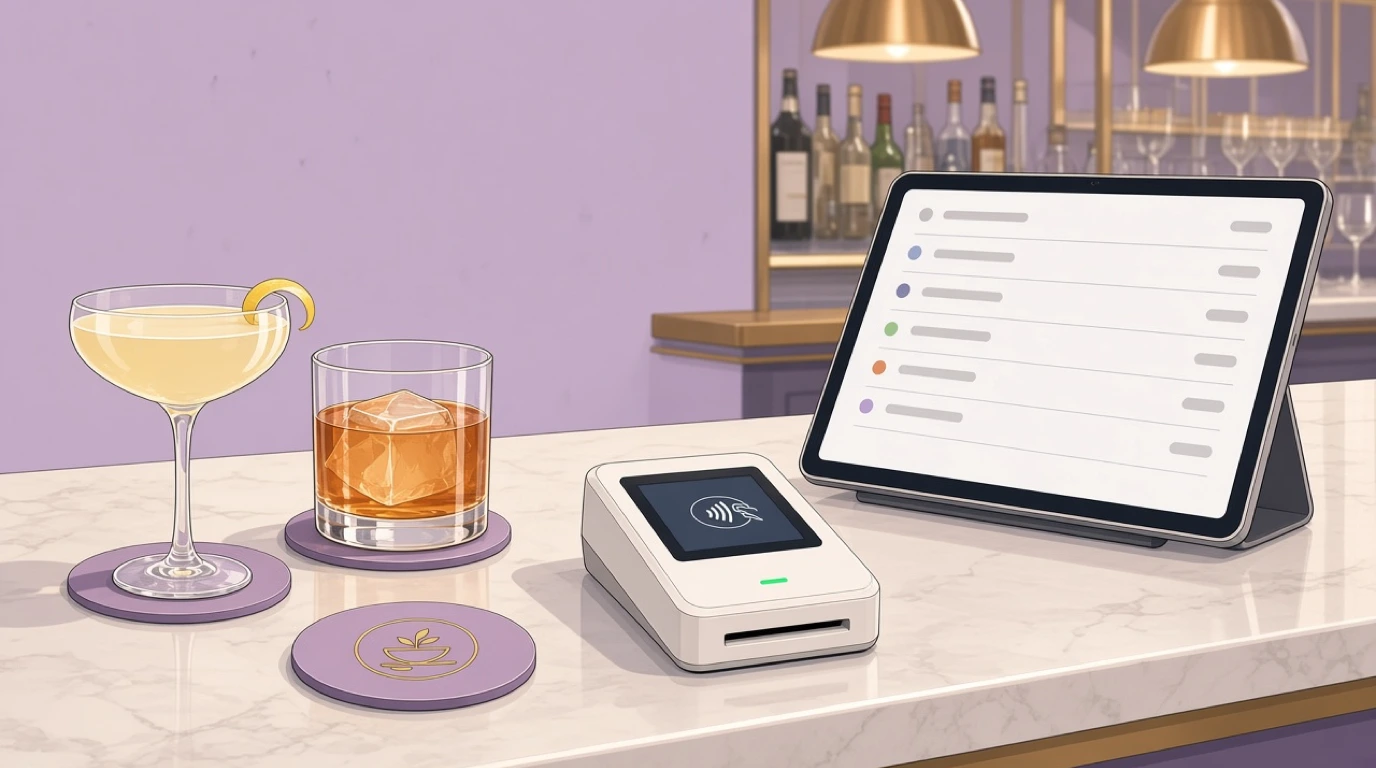
The pre-authorised tab. The guest taps or inserts a card, the terminal places a hold for an amount you have configured, and the card goes straight back into their pocket. You have not charged them anything yet. What you have is confirmation that the card is real and that the amount is reserved on it. Tableview holds a card on file this way, with a configurable hold amount set when the tab opens, and the final charge is captured when the guest closes out.
That third option is the only one that turns a walkout from a write-off into something recoverable. It is also the one with the most settings to get wrong.
How a pre-authorisation actually works
When the hold goes through, the guest's bank reduces their available credit or balance by that amount and tells your processor it is reserved. No money moves. At close, you capture the real total and the hold is replaced by a charge.
Three details matter more than people expect.
First, holds expire. The window is set by the card network and the issuing bank, usually a matter of days rather than weeks, and it varies. A tab you forget to close for a week may find its hold has quietly fallen off, and a capture after that point can decline or be much easier to dispute. That is a strong argument for closing everything the same night, which is where the rest of this guide keeps pointing.
Second, a hold is a ceiling you set, not a limit on what the guest can spend. If you pre-authorise 50 dollars and the tab reaches 180, you are only covered for the 50 unless you do something about it. More on that below.
Third, on a debit card the hold is real money. The guest's balance drops the moment you place it, and on some banks it can take a few days to come back after the final charge settles. Most people never notice. The ones who do will notice loudly, usually by phoning you on Monday. A one-line explanation at tab open ("I'll hold 60 on this, you'll only pay for what you drink") prevents almost all of those calls.
Picking a hold amount
Here is the mistake almost everyone makes: they set the hold to one dollar, or leave it at whatever the terminal defaulted to, because a small hold feels less intrusive.
A one-dollar hold proves the card exists. That is all it proves. When a guest walks out on a 95-dollar tab, you are covered for one dollar of it.
The better starting point is your own data. Pull a month of closed tabs and look at the median and the 90th percentile. In a neighbourhood pub the median tab might be 28 dollars and the 90th percentile 70. In a cocktail bar with 16-dollar drinks, those numbers might be 45 and 120. Set the hold somewhere around the median to three-quarters of the way up, and you cover the full amount of most tabs outright while keeping the hold low enough that it does not bother people on debit cards.
Then set it differently where the risk is different. A bottle-service table with a 500-dollar minimum spend should not carry the same hold as a guy having two pints before a train. Tableview lets you configure the hold amount, so a VIP table and a standing-room tab do not have to share a number.
When the tab outgrows the hold
Every busy bar has a group that orders a round of eight espresso martinis at 10pm and keeps going. At some point that tab passes the hold, and from then on every drink you pour is unsecured.
You need a rule for this, and the rule should not depend on a bartender noticing. Some bars ask for a second card once a tab passes a threshold. Some close the tab, capture it, and open a fresh one with a new hold, which has the side benefit of turning a 400-dollar surprise at 1am into two smaller, less disputable charges. Some simply ask the table to settle before the next round. Any of those works. What does not work is hoping.
Whichever you pick, write it down and put the threshold in the training notes. A new hire will not invent this policy on their own at 11pm, and it is not fair to expect them to.
Finding the right tab at 11pm
The single most common tab error is not a walkout. It is a round of drinks landing on the wrong tab, which the guest discovers at close, which means a void, an apology, and a bartender trying to remember who actually ordered four tequilas.
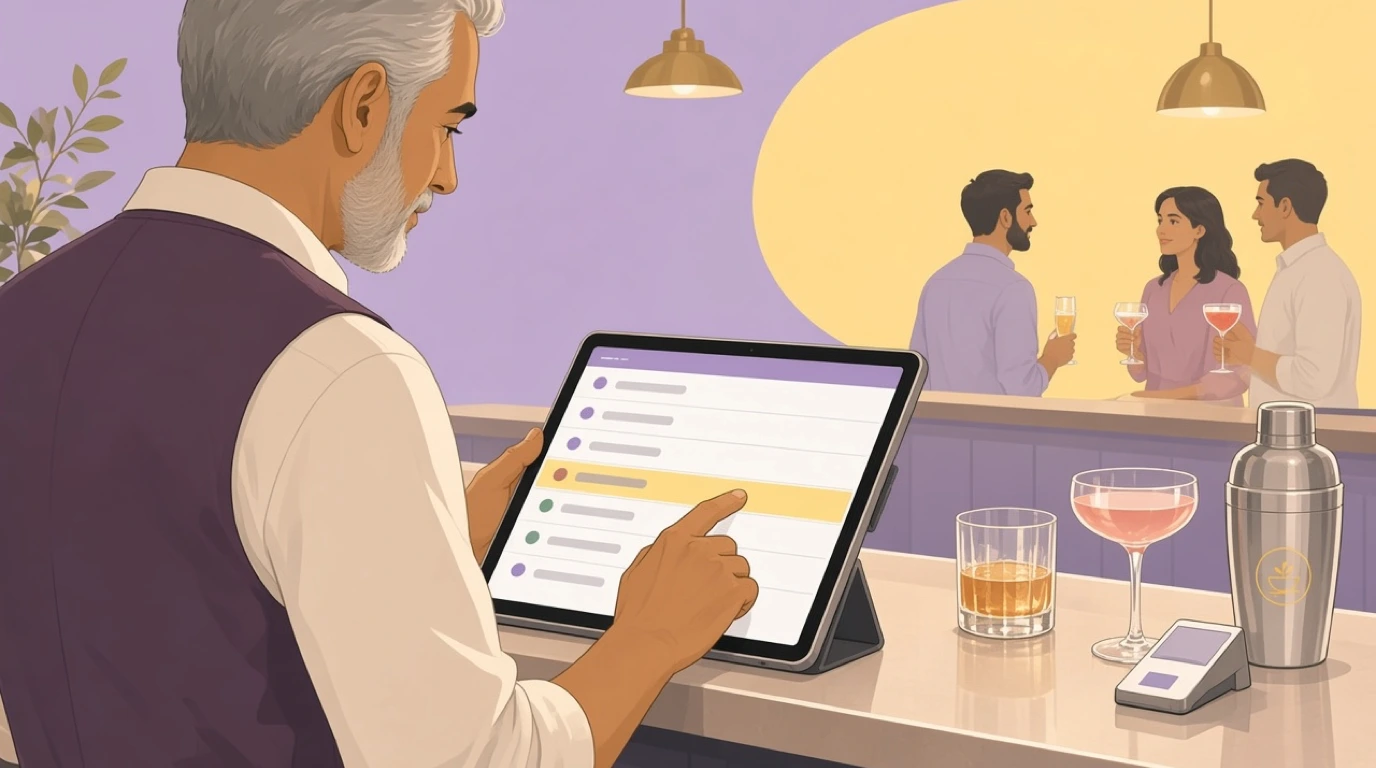
Speed of lookup is the fix. Tableview lets bartenders add items to any tab by guest name, seat, or the last four digits of the card, which covers the three ways people actually identify a tab under pressure. The last-four search is underrated. Guests do not always remember what name they gave, but they can read their own card.
The naming convention still matters. "Sarah" is useless on a Friday. "Sarah, red scarf, window" takes three extra seconds to type and saves a dispute. Some bars add the time the tab opened, which helps when there are two Sarahs and neither has a scarf.
Rounds, transfers and merges
Tabs move. Two friends open separate tabs, then decide to share. A group of six at the bar gets a table and wants everything on the table's bill. Someone buys a round for strangers and wants it off their friend's tab and onto theirs.
Each of those is either a two-second job or a five-minute argument, depending on the software. In Tableview you can transfer individual items between tabs or merge whole tabs in two taps, and the repeat-last-round button handles the group that orders the same thing every twenty minutes. That last one sounds minor. On a sports night it is the difference between ringing eight items and ringing one.
One habit worth enforcing: move the items, do not void and re-ring them. A void leaves a trail that looks like a mistake or worse in your reports, and a bar where voids are routine is a bar where the real problems become invisible. Our guide to voids and comps covers why that line is worth protecting.
Shift change with 60 tabs open
The handover is where tabs go missing. The early bartender has 25 tabs open, clocks off at 10, and the late bartender inherits them with no idea who half the guests are.
Open tabs in Tableview persist across shifts, so nothing has to be closed and reopened at handover, but persistence is not the same as ownership. Agree how tips on inherited tabs are handled before anyone argues about it at 3am. Some bars split by who served what, others pool the whole bar. Tip reporting by server and shift gives you the numbers either way, and the decision itself belongs in your staff handbook rather than a late-night conversation.
The outgoing bartender should also walk the list before leaving. Not close every tab, just flag the ones that worry them: the guest who has already gone outside twice, the card that took two attempts, the table that has been quiet for an hour. Thirty seconds of that saves more money than any feature.
Last call: closing tabs on purpose
The worst time to find an open tab is after the guest has left. The second worst is at 2:55am with the lights coming up and a queue of people all asking for their bill at once.
Start closing tabs before last call, not after. Someone should be working the open list 30 to 45 minutes before close, asking quiet tables whether they want to settle, and prompting the groups that are clearly on their last drink. A guest in the room can pay. A guest in a taxi is a recovery problem.
For the ones that slip through, Tableview can auto-close idle tabs after a time window you configure, capturing against the card on file. Set that window with some thought. Too short and you close the tab of someone who stepped out for a cigarette. Too long and you are into the next morning with holds sitting on cards and your reconciliation still open.
Walkouts: what you can actually recover
Walkouts are mostly not theft. They are a guest who lost their friends, got ushered out by security, or genuinely forgot. That matters, because how you handle it decides whether you get paid quietly or end up in a dispute.
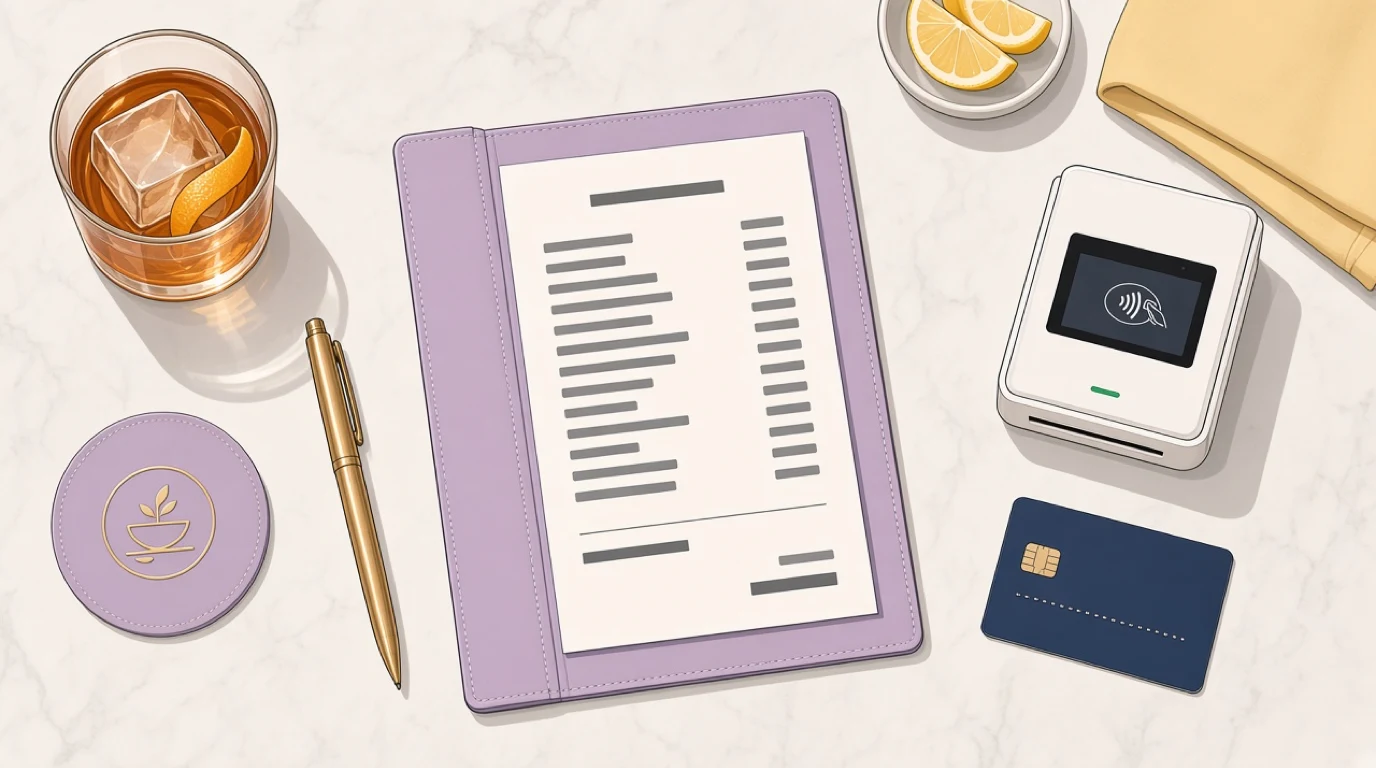
With a pre-authorised tab, you capture up to the held amount, plus whatever your processor and card network allow beyond it. Anything above that is at risk. Without a hold, you have a name and a memory, and the honest expectation should be that the money is gone.
Keep the receipt itemised and keep it. When a walked tab gets disputed, and some will, the itemised record of what was ordered and when is what wins it. If you have not read our guide to restaurant chargebacks, bar tabs are the first dine-in pattern it covers, for exactly this reason. And if a particular bartender's tabs walk far more often than everyone else's, that is a pattern worth looking at calmly; our piece on employee theft in restaurants covers how to look without accusing anyone prematurely.
Tips on tabs
Tips are the part of tab management that causes the most small disputes. A guest writes 10 on the slip, their total ends up 15 higher than they remember, and the whole charge gets questioned.
Two things help. Take the tip on screen at close rather than on paper, so there is no handwriting to misread. Tableview supports configurable tip prompts on screen and digital signatures captured on the tablet, stored against the transaction with a timestamp. And when a tip genuinely has to be added after the fact, do it as an adjustment, not a new charge; Tableview supports post-transaction tip adjustment without re-running the card.
Know the rules on capturing above the hold. Card networks allow bars and restaurants to capture somewhat more than the authorised amount to cover a tip, but the tolerance varies by network and region, and a capture well above the hold is the kind that attracts disputes. Ask your processor for the number that applies to you, and do not guess.
Splitting a group tab
The eight-person tab that everyone wants to split at once is its own small nightmare, usually at the exact moment the bar is busiest.
Split by item, by seat, or by a custom amount, and let people combine payment methods on one bill, some on card, some on cash. All of that is standard in Tableview. The operational trick is to offer the split before they ask. "Are we splitting this?" at the second round saves ten minutes of arithmetic at close. If your bar handles a lot of large groups, splitting the bill goes into the methods and the arguments in more depth.
Bottle service and minimum spends
VIP tables change the stakes. A single tab can run into four figures, the guests are often moving between the table and the dance floor, and one unclosed tab is a meaningful share of the night's revenue.
Treat these as a separate category with their own rules: a larger hold, a named host responsible for the table, the minimum spend tracked against the tab as the night goes, and the bill presented well before close. Tableview handles bottle service, VIP tabs and minimum-spend tracking in one place, with bottles assigned to tables and comps logged against the staff member who gave them. That last part matters. On a VIP table, comps are where revenue quietly disappears, and a log with a name next to each one tends to keep them honest. For the wider picture of running a late-night venue, nightclub management covers the door, the bar and the close together.
When the Wi-Fi drops
Basement bars and old buildings have terrible connectivity, and a card hold needs a connection. That is not a Tableview limitation, it is how card authorisation works on every system: no connection, no conversation with the bank, no hold.
Tableview keeps taking orders when the connection drops and queues transactions to settle when it returns. That keeps the bar running, which is the priority. The honest caveat is that a tab opened during an outage has no hold on it, and a queued transaction can still decline later. If your venue drops connection regularly, have a fallback rule for outages (cash or settle each round) and fix the network rather than living with it.
The numbers to check every night
Tab problems are easy to miss because they are small individually. A handful of numbers, checked nightly, make them visible.
Tabs opened against tabs closed. If these do not match at the end of the night, something is still open, and you want to know which before the hold expires. Tabs auto-closed. A rising count means your last-call process is slipping. Average tab value by bartender, which tells you about upselling and, occasionally, about something else. And disputes per month on tab transactions, which is the lagging indicator that your hold amount or your receipts need attention.
Tableview's end-of-night Z-report reconciles cash, card and tabs together, and the live dashboard shows revenue, transactions and average ticket while the night is still going. Our guide to the Z report explains how to read that close properly. The point is not the report itself. It is that someone reads it before going home.
Drinks, stock and the tab
A tab is also a stock record. Every drink rung onto a tab should come off inventory, and when the two do not match, you have either an over-pour or a drink that never got rung at all.
Tableview tracks pours against bottle and keg stock with variance flagged per shift, and waste and comp logging is tied to individual staff members. That connects tab management to restaurant stock management in a way most bars never set up. If the tabs say you sold 40 margaritas and the tequila says you poured 55, the gap is either generosity or leakage, and the pour cost maths is how you tell which.
What this costs in Tableview
Straight numbers. Tableview is priced per location, not per till. Starter is 69 dollars a month with two registers included and 49 dollars for each extra register, and Pro is 189 dollars a month with unlimited registers. There are no setup fees.
The part to get right before you buy: integrated payments, which is where the pre-authorisation hold is placed, is on Pro, not Starter. For a bar that runs tabs, that makes Pro the plan to look at, and it is better to know that now than after you have set up the rest. Card payments run through Stripe Terminal readers, and the software runs on the tablets, laptops and desktops you may already have. The full comparison is on the Tableview pricing plans page, and PCI compliance is worth reading if you currently keep cards behind the bar.
If you want one thing to do this week, pull your last month of tabs and find the median. Then look at what your hold is set to. For most bars, the gap between those two numbers is the whole problem.
Read next: how to open a bar for the setup costs, happy hour strategy for the hours that fill tabs fastest, and barback responsibilities for the role that keeps the bar moving.